How do I use the Chuunibyou Anime Girl in Neon Lab template?
Edit the prompt in the box under the preview — the template's model and format are already selected — and press Generate. Your version appears right on this page.
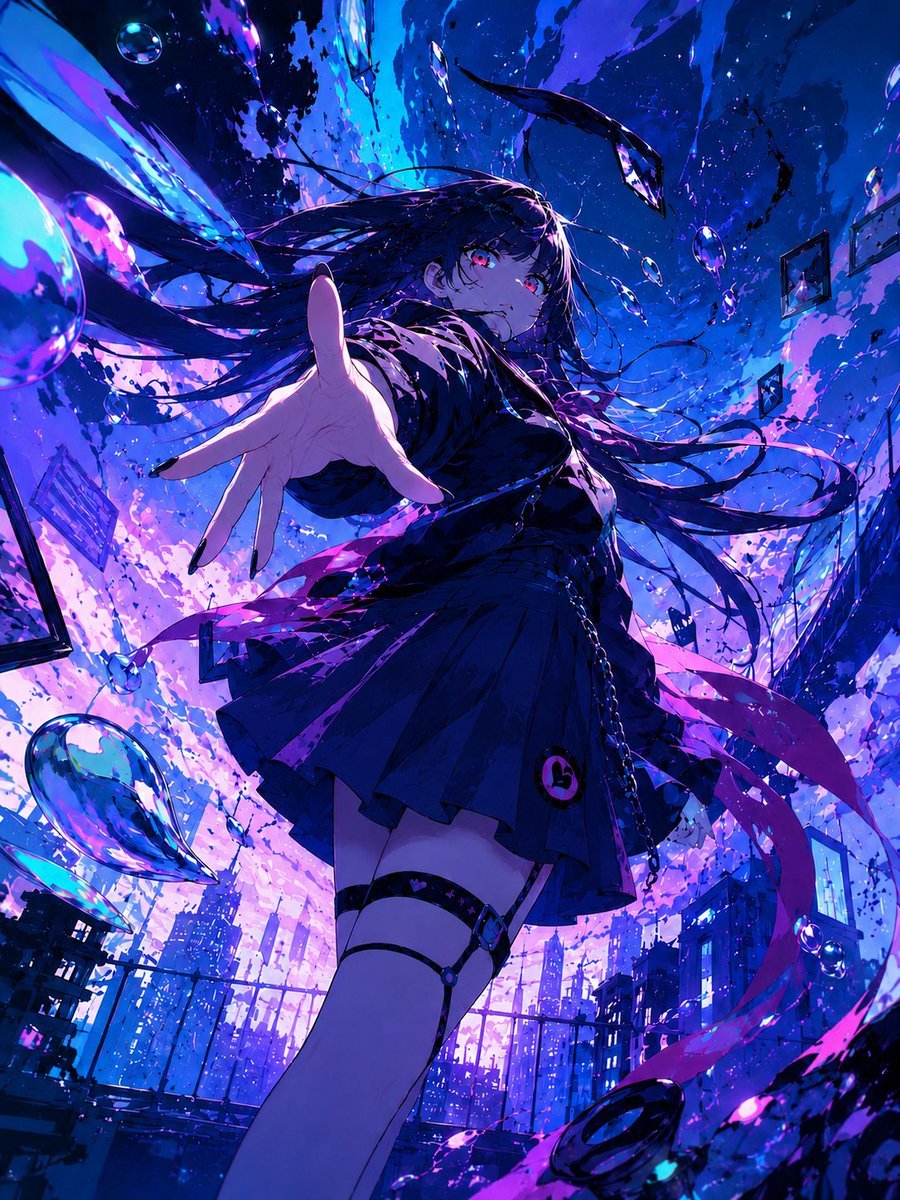
This prompt generates a dramatic single-panel anime character illustration, ideal for showcasing a stylish magical-tech heroine in a futuristic cyberpunk setting.

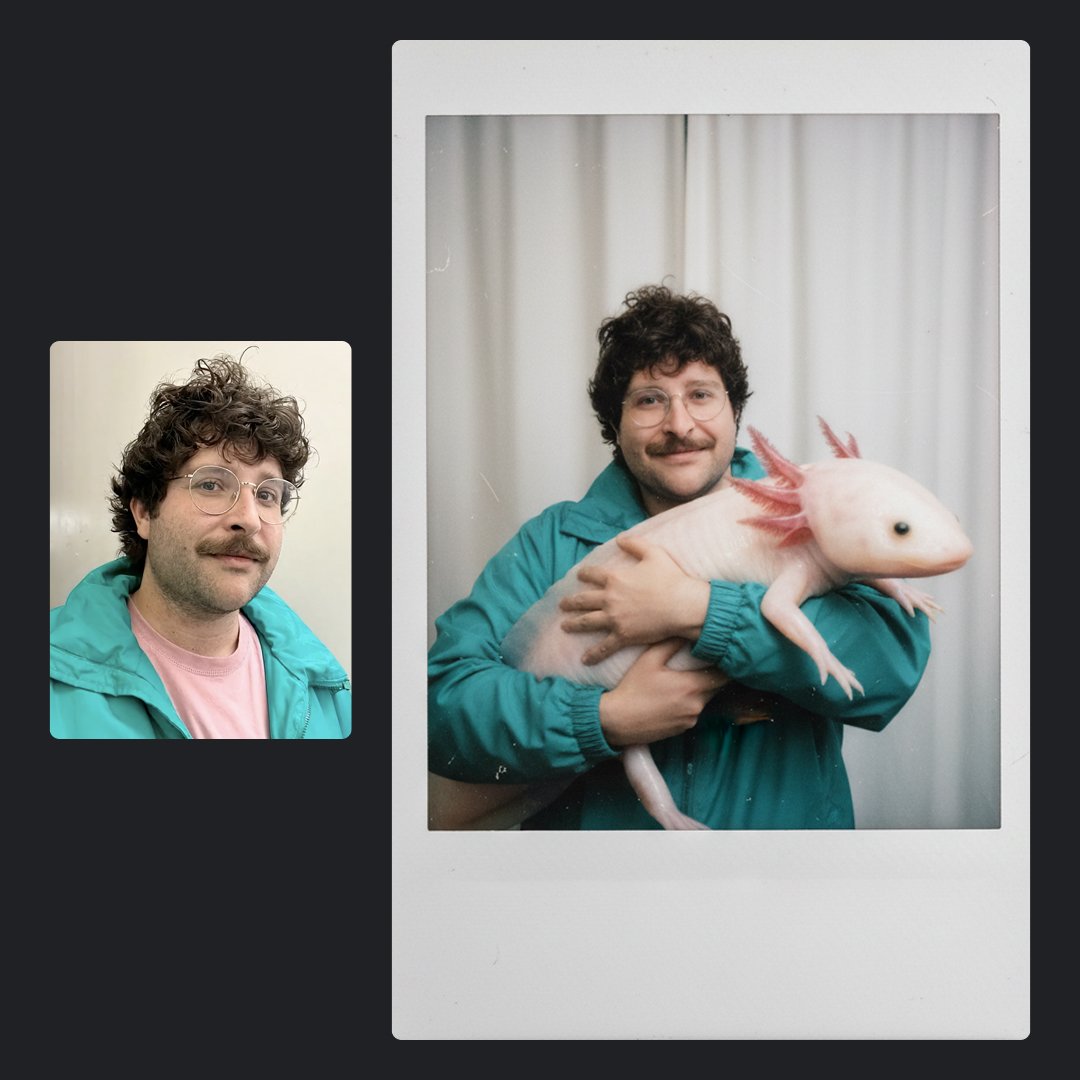
This template uses your photo — add one with the + button.
A dynamic anime illustration of a {argument name="character age vibe" default="teen girl"} with long {argument name="hair color" default="dark brown"} twin tails tied with 2 oversized pink ribbon bows shaped like cat ears, vivid blue eyes, and a serious confident expression. She is posed in an exaggerated chuunibyou-style stance, one hand spread dramatically in front of the camera with strong foreshortening and all five fingers clearly visible, the other hand framing one eye, as if casting a spell or controlling a digital field. She wears a white lab coat over a dark navy school uniform with a collared shirt, vest, tie, and pleated skirt. The scene is a futuristic neon laboratory or cyber-magic room filled with glowing purple and blue light, floating holographic interface fragments, a bright horizontal audio waveform crossing the background, and a curved row of 11 translucent rectangular cards or panels floating on the left side. On the right side, a ring of 10 floating cat-face emoji icons glows in pink, purple, and blue, with different cute and mischievous expressions. Add one large glass bottle in the lower left foreground. Her long hair streams outward with motion, and purple energy ribbons swirl around her body. Use dramatic cinematic lighting, high contrast, glossy highlights, detailed fingers, intense perspective, sparkling particles, and polished high-end anime key visual rendering in a mystical cyberpunk palette of violet, indigo, and magenta.
A dynamic anime illustration of a {argument name="character age vibe" default="teen girl"} with long {argument name="hair color" default="dark brown"} twin tails tied with 2 oversized pink ribbon bows shaped like cat ears, vivid blue eyes, and a serious confident expression. She is posed in an exaggerated chuunibyou-style stance, one hand spread dramatically in front of the camera with strong foreshortening and all five fingers clearly visible, the other hand framing one eye, as if casting a spell or controlling a digital field. She wears a white lab coat over a dark navy school uniform with a collared shirt, vest, tie, and pleated skirt. The scene is a futuristic neon laboratory or cyber-magic room filled with glowing purple and blue light, floating holographic interface fragments, a bright horizontal audio waveform crossing the background, and a curved row of 11 translucent rectangular cards or panels floating on the left side. On the right side, a ring of 10 floating cat-face emoji icons glows in pink, purple, and blue, with different cute and mischievous expressions. Add one large glass bottle in the lower left foreground. Her long hair streams outward with motion, and purple energy ribbons swirl around her body. Use dramatic cinematic lighting, high contrast, glossy highlights, detailed fingers, intense perspective, sparkling particles, and polished high-end anime key visual rendering in a mystical cyberpunk palette of violet, indigo, and magenta.
Edit the prompt in the box under the preview — the template's model and format are already selected — and press Generate. Your version appears right on this page.
Yes. You can change the subject, setting, lighting, mood, format, and available model controls before creating your image.
Opening and editing this template is free. Generating uses credits, shown on the Generate button when you are signed in.
Start with GPT Image 2, which is the model associated with this template. You can compare another compatible model for a different finish.
Follow a topic to a crawlable collection of related PicX Studio templates.