
VIDEOMiniMax · from 15 credits / sec
Hailuo 3.0, in Max and Turbo
MiniMax H3 — Video Generation Model
Up to 1080p. 5 to 15 seconds. Sound on every clip. 12 references.
MiniMax H3 Max is Hailuo 3.0 post-trained to follow prompts more closely, with image and video references. H3 Max Turbo trades references for first and last frames at half the credits.
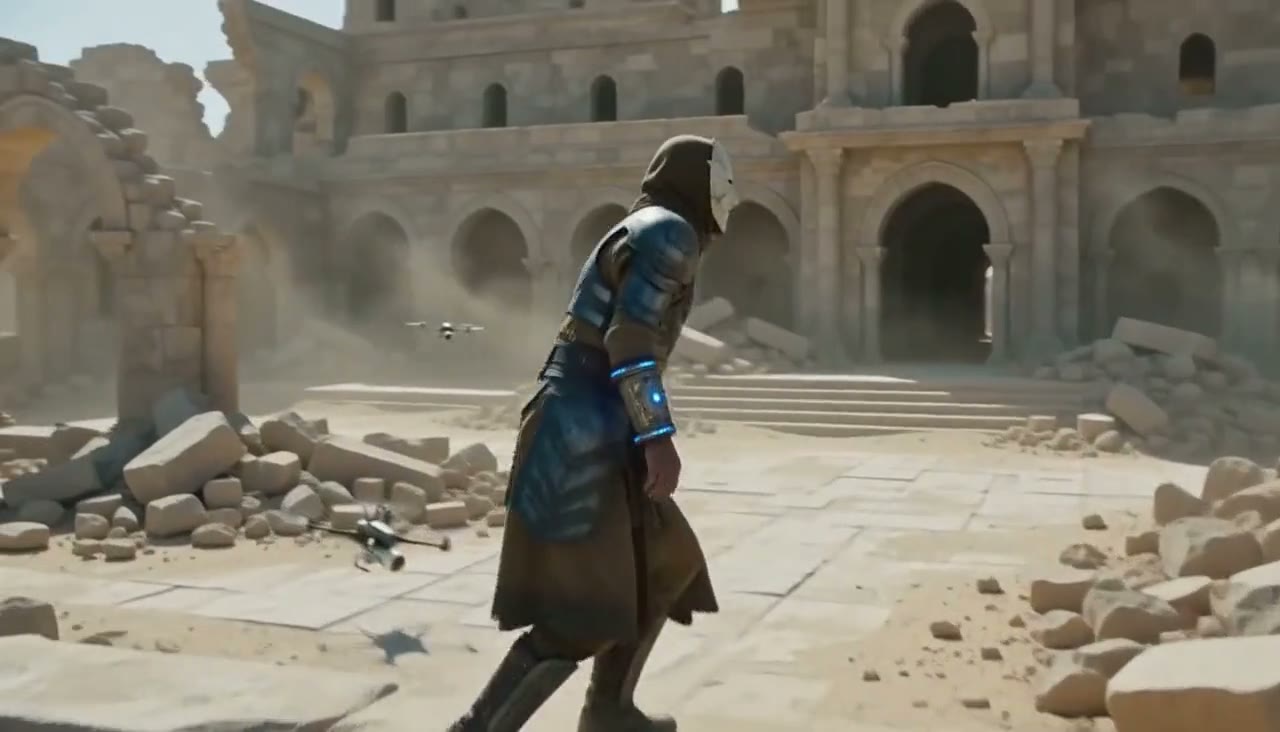
- 5–15s
- 480p–1080p
- Native audio
- Text · Image · References · Start & end frames
One character, every shot
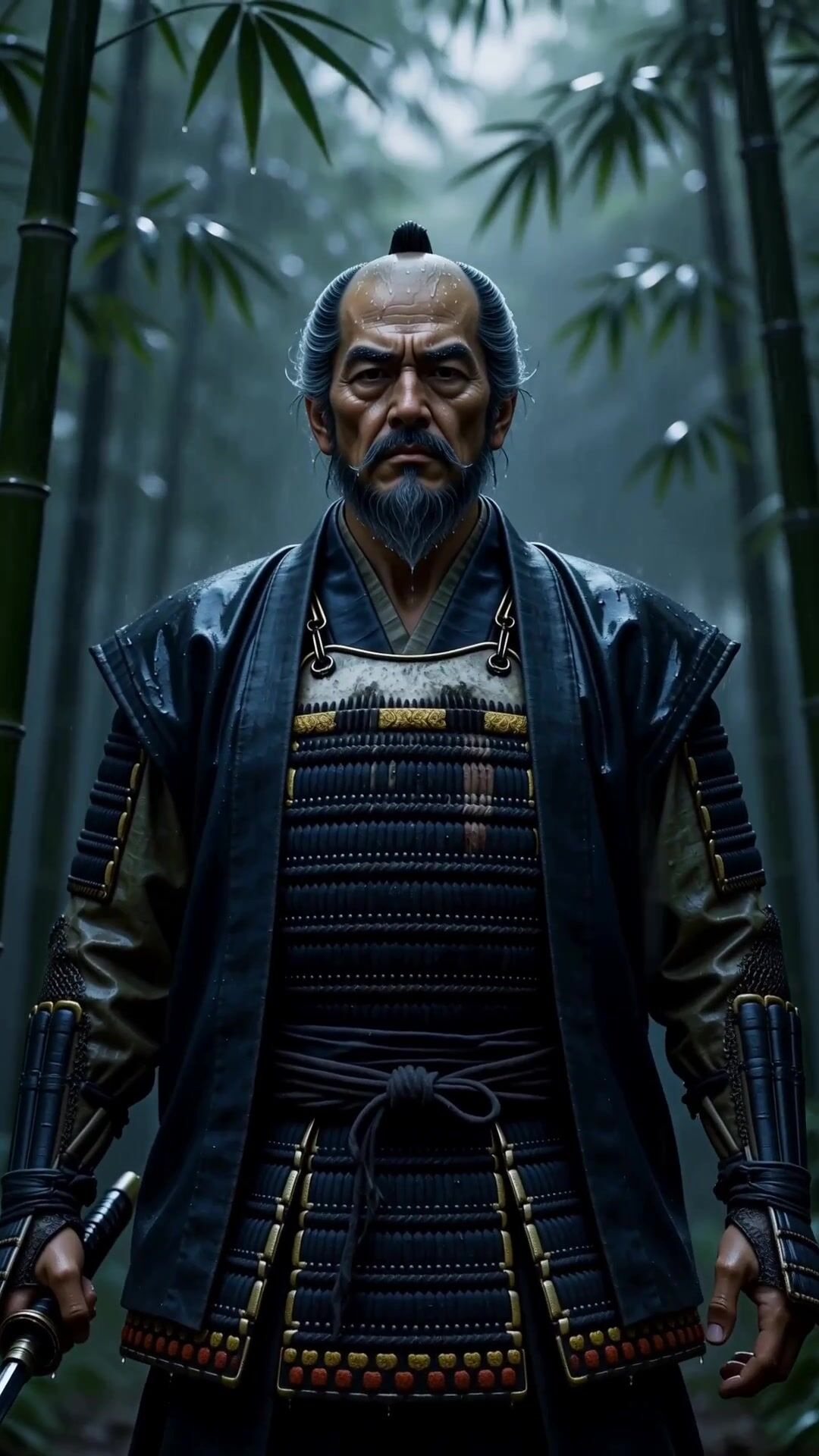
Twelve references in one request
H3 Max takes up to 9 reference images and 3 reference videos. Use them for a character, an outfit and a way of moving. The model treats them as guidance rather than fixed keyframes, so the character can turn, walk and talk in a new scene and still look like itself.
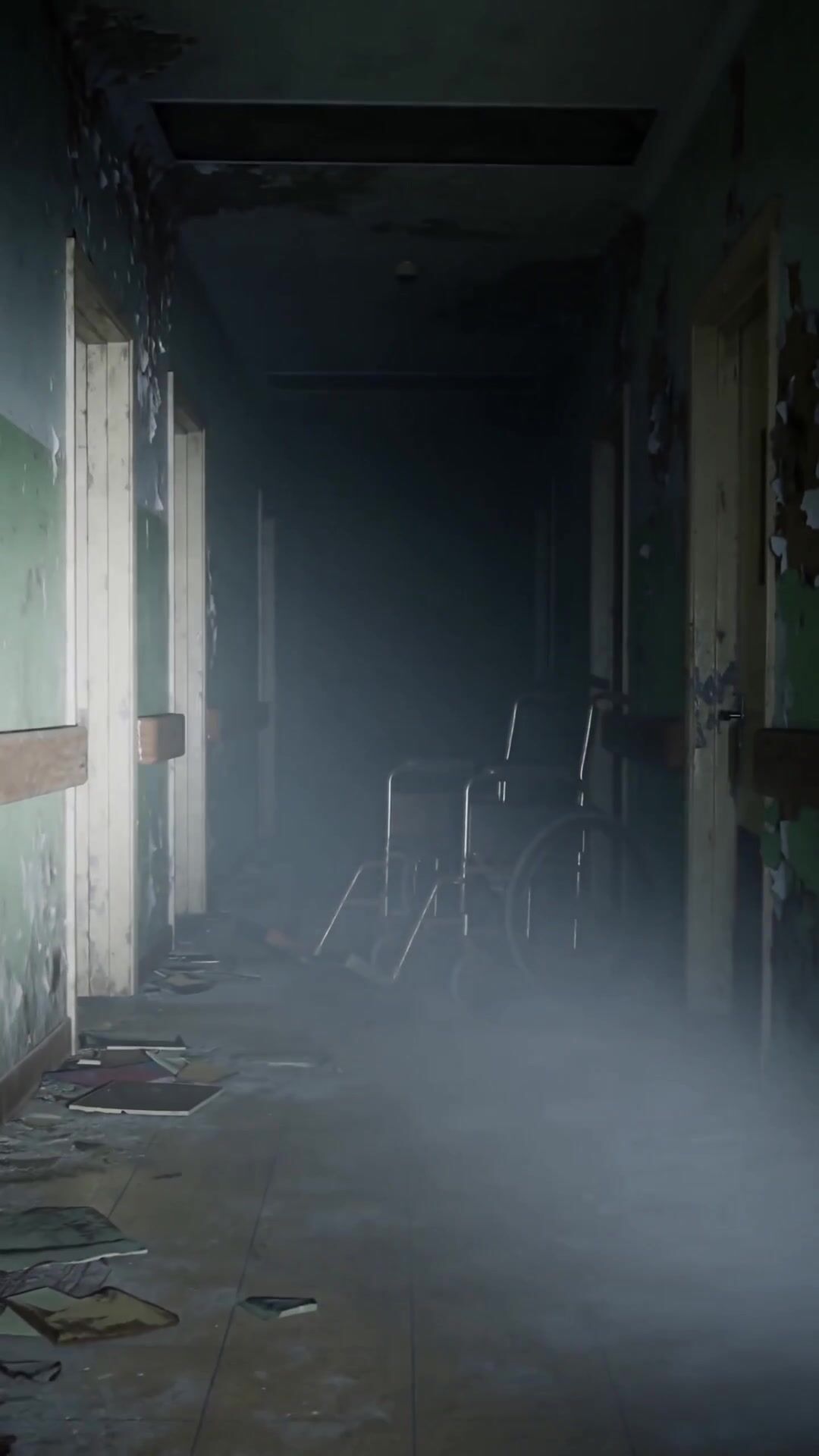
Sound comes back with the picture
Every H3 clip has audio. Dialogue, footsteps, rain and room tone are generated in the same pass and timed to what happens on screen, so you can review a scene with sound from the first try. Write the lines and the sounds you want straight into the prompt.
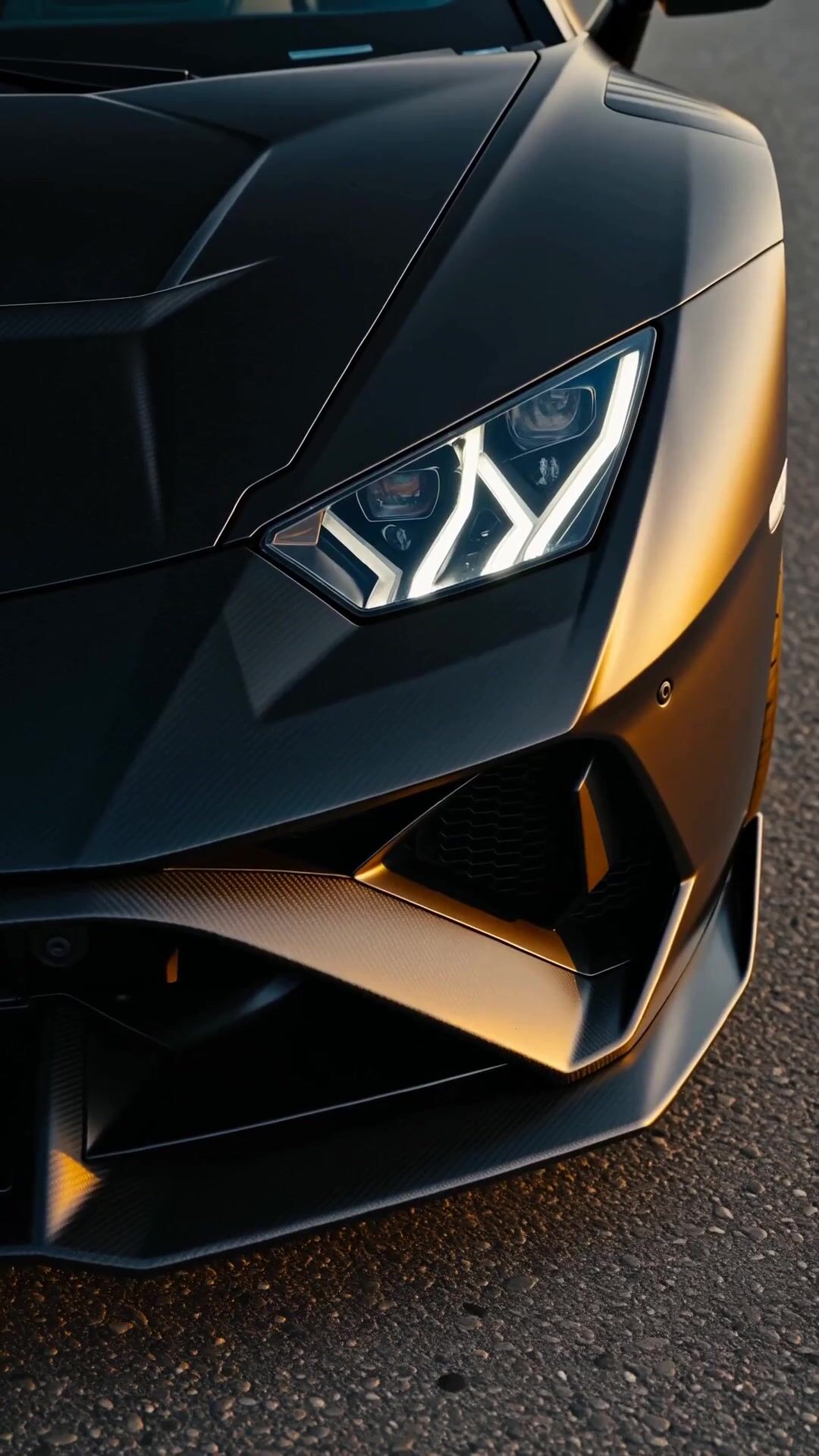
Turbo: first frame to last frame, for half
H3 Max Turbo is co-optimized for throughput. It skips references but accepts a first and a last frame, so you can decide exactly where a shot starts and ends. At 1080p it costs 52 credits a second against 104 for Max, and 480p drafts start at 15.
MiniMax H3
Up to 1080p. 5 to 15 seconds. Sound on every clip. 12 references.
Built for longer scenes
Longer ad creatives. A complete spot needs an opening, a product moment, and a closing frame. At 15 seconds in one generation, lighting and product appearance stay consistent from first frame to last, so you review one clip instead of matching three.
Action scenes and filmmaking. Lighting, atmosphere, camera choreography, and performance all have to agree before a shot reads as film rather than as a clip. H3 resolves those in a single pass, which suits previs, mood films, and action beats.
Character-driven storytelling. A short film needs the same person in a wide, a close-up, and a profile without the character changing. H3 Max holds a character steady from your reference images and clips; the dialogue comes from your prompt.
Vertical social video. Fifteen seconds of 9:16 with sound already in it is a finished post. Pick 768p to save credits on clips that will be compressed by the platform anyway.
Commercial content production. Product listings, brand social, game trailers, and food content all expect a clean master. Render the final at 1080p, after drafting the idea at 480p.

What H3 does well
- 12 refsImages and videoUp to 9 images and 3 video clips in one H3 Max generation.
- AudioOn every clipDialogue, effects and ambience are always generated. There is no silent mode to switch off.
- 15sPer generationPick any length from 5 to 15 seconds on both Max and Turbo.
- 1080pTop resolutionChoose 480p, 768p or 1080p. Lower tiers cost less per second.
- ½Turbo priceH3 Max Turbo costs half of H3 Max at every resolution: 52 credits a second at 1080p against 104.
- 2 framesTurbo keyframesGive Turbo a first and a last frame and it fills in the motion between them.
What MiniMax H3 costs
Billed per second of video, at the resolution you pick. The same prices the generator shows before you run it.
MiniMax H3 Max
- 480p30credits / sec5s clip 150 creditsOn Starter≈ 24 clips / mo
- 768p52credits / sec5s clip 260 creditsOn Starter≈ 13 clips / mo
- 1080p104credits / sec5s clip 520 creditsOn Starter≈ 6 clips / mo
MiniMax H3 Max Turbo
- 480p15credits / sec5s clip 75 creditsOn Starter≈ 48 clips / mo
- 768p26credits / sec5s clip 130 creditsOn Starter≈ 27 clips / mo
- 1080p52credits / sec5s clip 260 creditsOn Starter≈ 13 clips / mo
Every model on every planCredits never expireSee plans
Max or Turbo
Both are post-trained versions of MiniMax H3 with audio on every clip. Per-second credit costs are in the pricing table on this page.
How to use MiniMax H3 in 3 steps
- 1
Choose Max or Turbo
Open the studio and pick MiniMax H3 Max for reference work, or H3 Max Turbo for fast drafts and first-to-last-frame shots.
- 2
Prompt and add references
Describe the subject, action, camera move and lighting, write out the dialogue and sounds, then attach reference images or clips.
- 3
Generate and export
Set the length and resolution, generate, then review the clip with sound on and download it.
MiniMax H3 prompts to copy
Real prompts and what they made. Copy one, or open it in the generator with the model already picked.
Baby chef
A baby chef in a tall white hat wrestles a huge tangle of ramen noodles over a steaming bowl in a luxury restaurant kitchen. Warm pendant lights, noodles slipping between tiny hands, slurping and kitchen clatter. Vertical 9:16, slow push in.
Supercar at golden hour
A matte black Lamborghini drifts along a coastal highway at golden hour, low angle on the headlights, tire smoke curling into the light, engine roar and screeching tires. Vertical 9:16, tracking shot.
Jungle chase
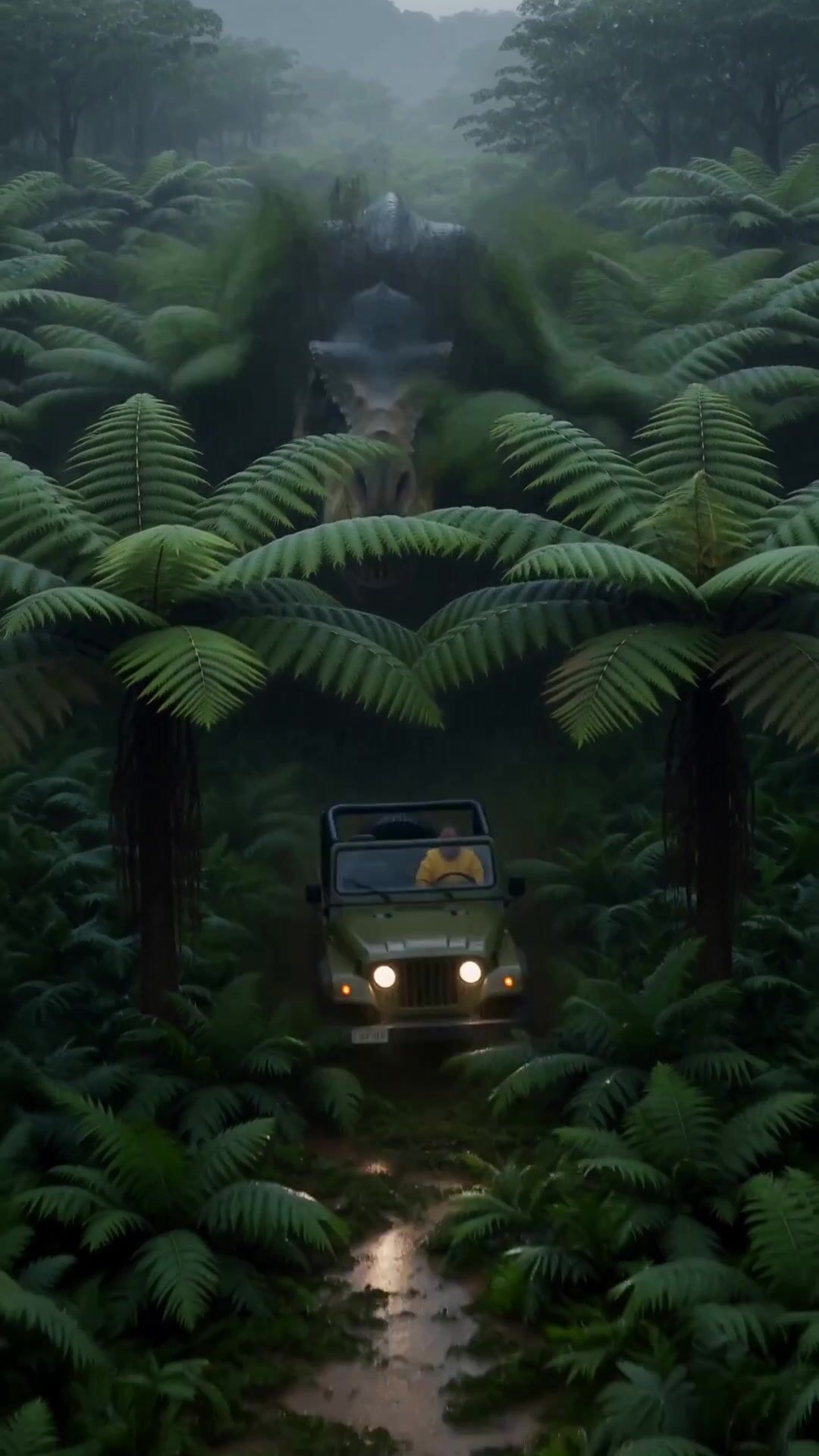
A Tyrannosaurus rex bursts out of dense jungle and chases an off-road jeep through heavy rain at night, headlights cutting through the downpour, thunderous footsteps and a roaring engine. Vertical 9:16, camera low behind the jeep.
Horror corridor
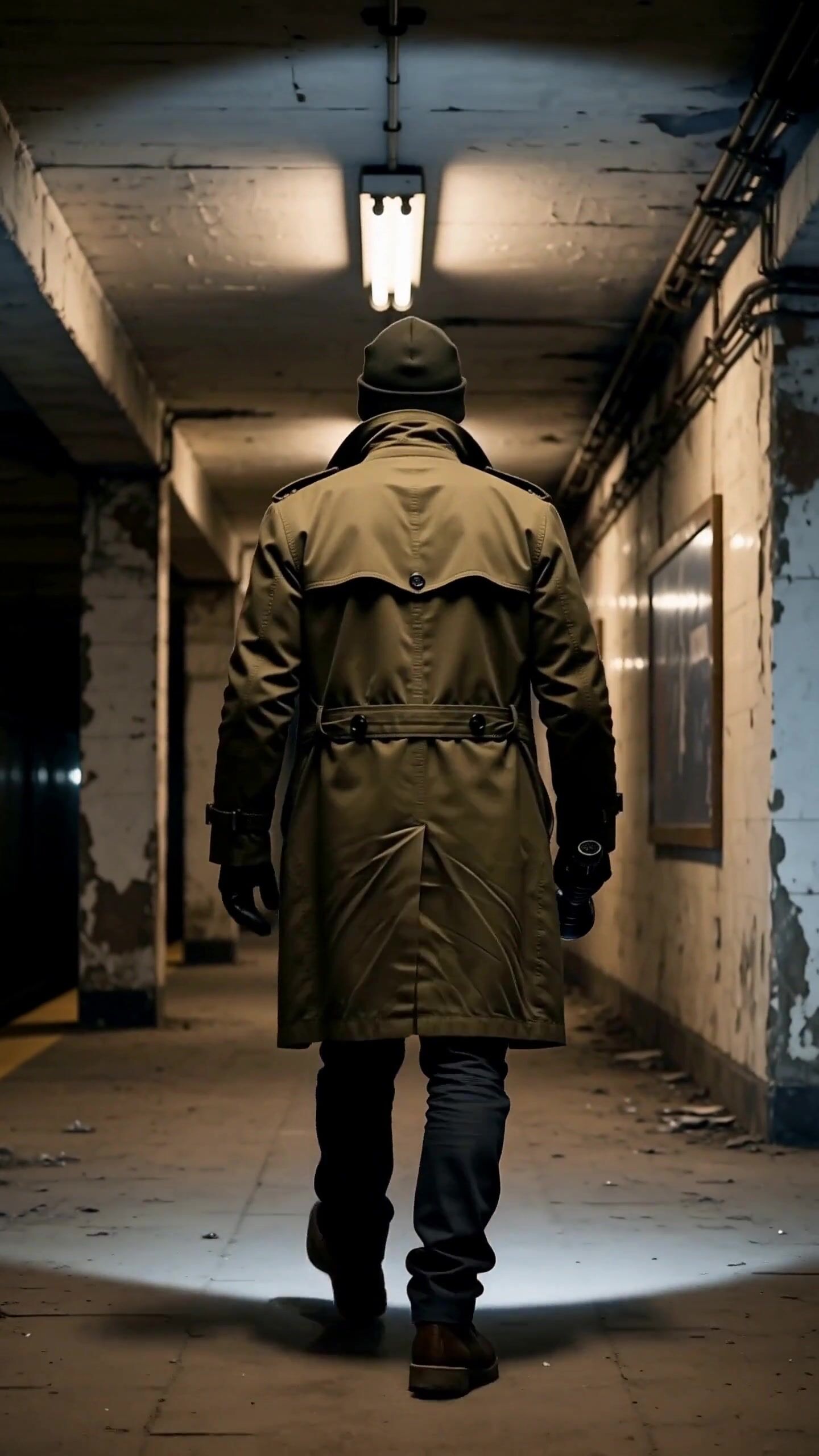
An abandoned hospital corridor lit only by a flickering flashlight, an empty wheelchair at the far end, dust in the beam. Slow handheld walk forward, buzzing lights, a distant door creaking. Vertical 9:16.
Templates to start from
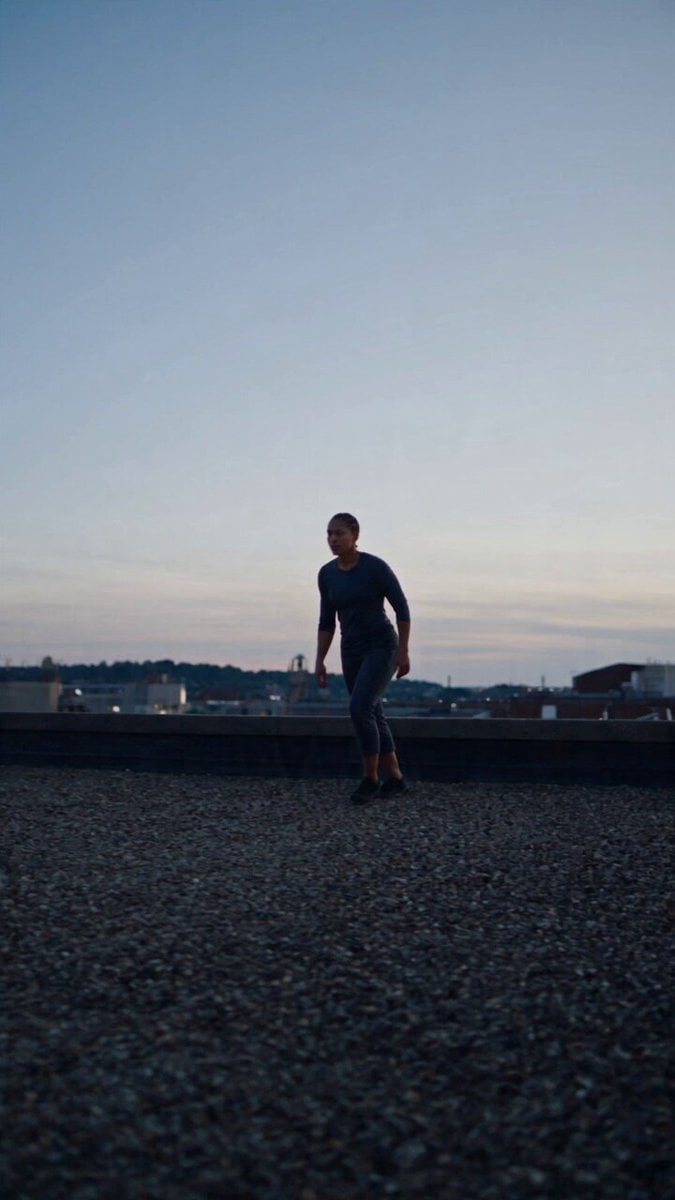
Browse all templates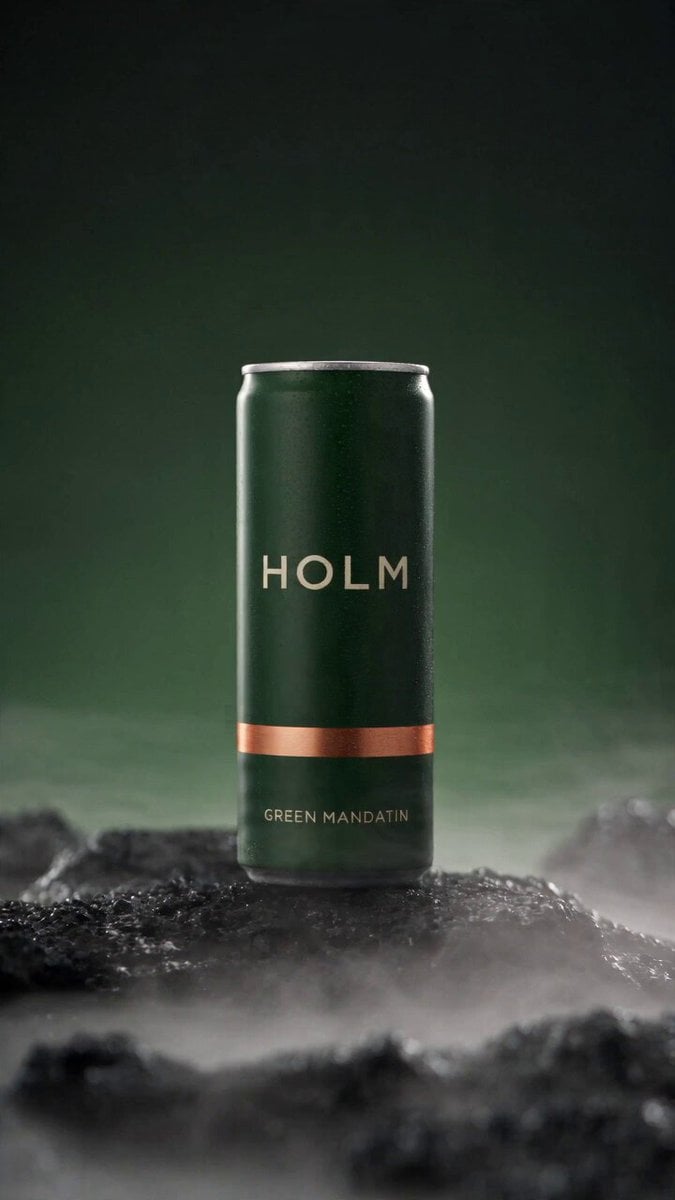 Rooftop Parkour Motion Control
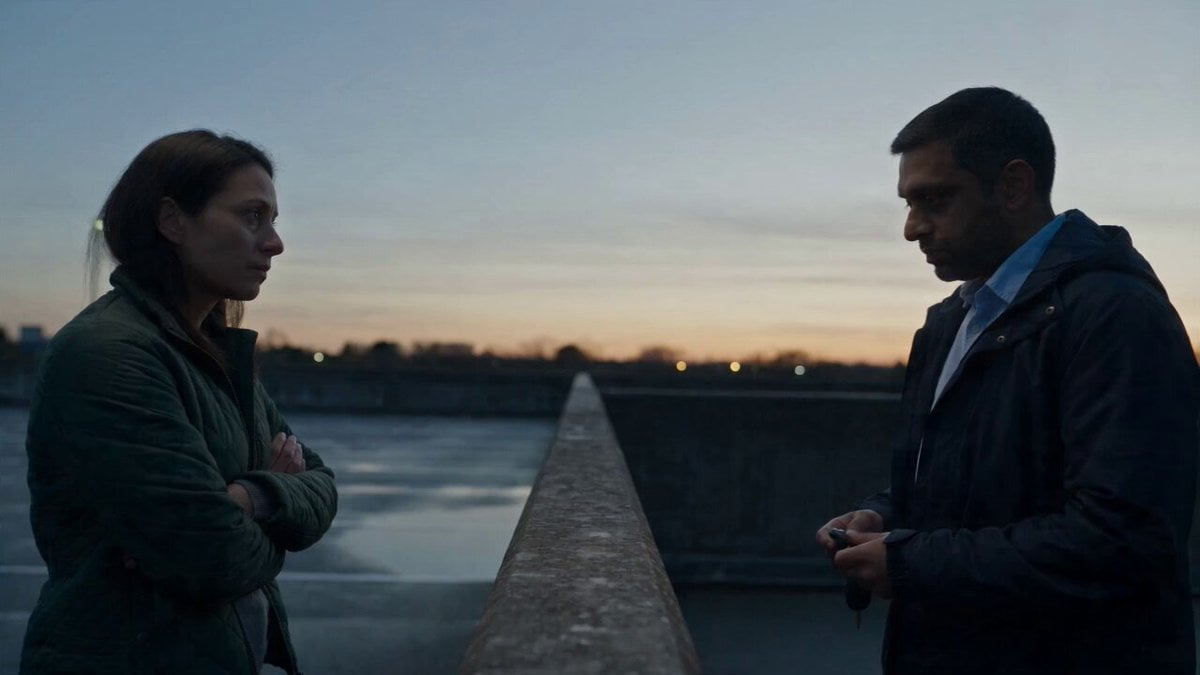 Hospital Car Park Dialogue Lip Sync
 Product Ad Drink Can 110° Orbit
 Selfie Travel Vlog Mykonos
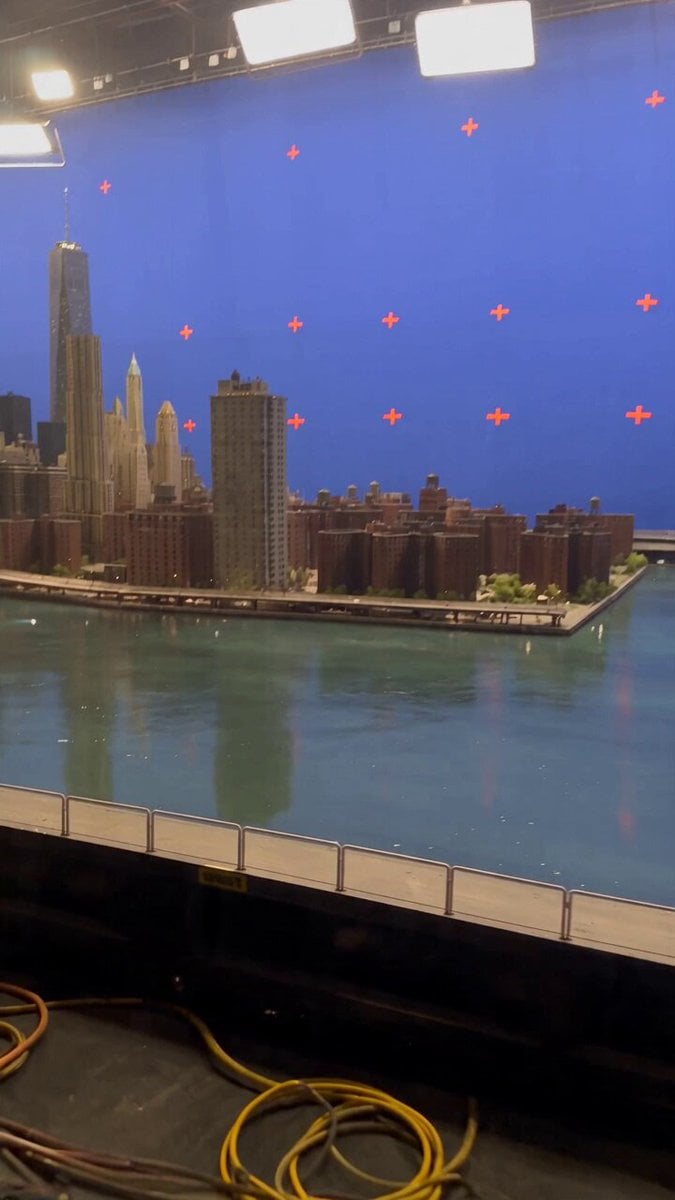 Miniature City Flood Soundstage
- Miniature City Flood Soundstage
 Forgotten 1980s High School Documentary Seedance
 RX-7 to Mech Transformation Cyberpunk
 MiniMax H3 Character Introduction
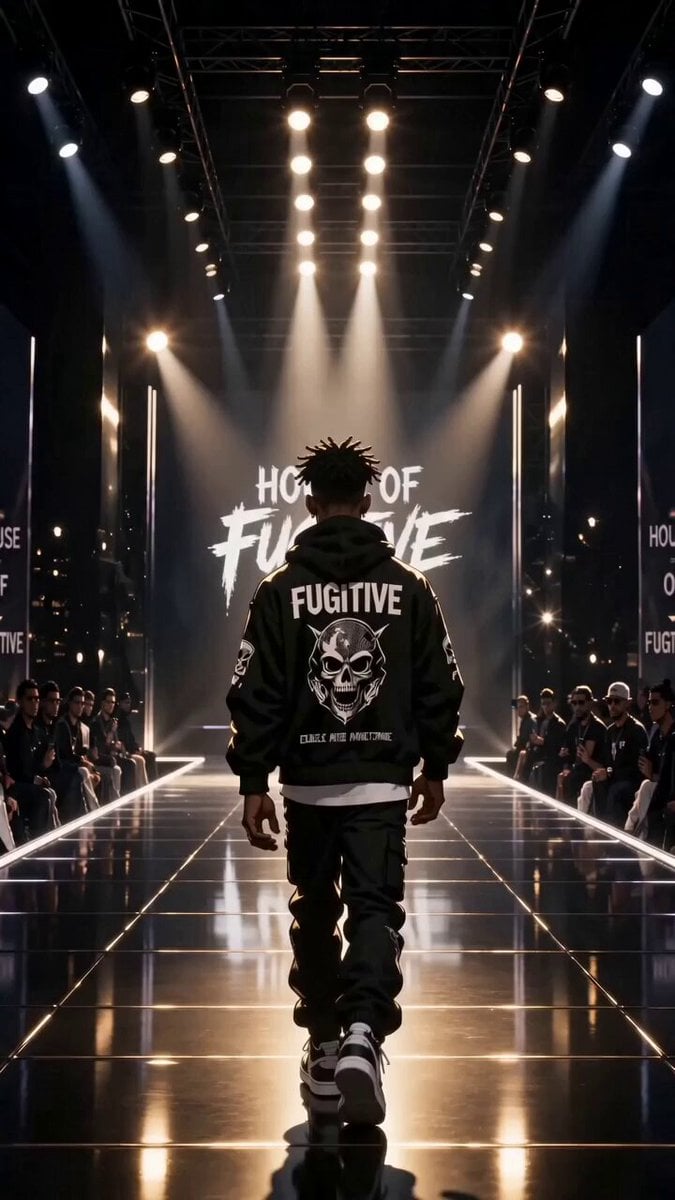 Luxury Streetwear Fashion Runway Film
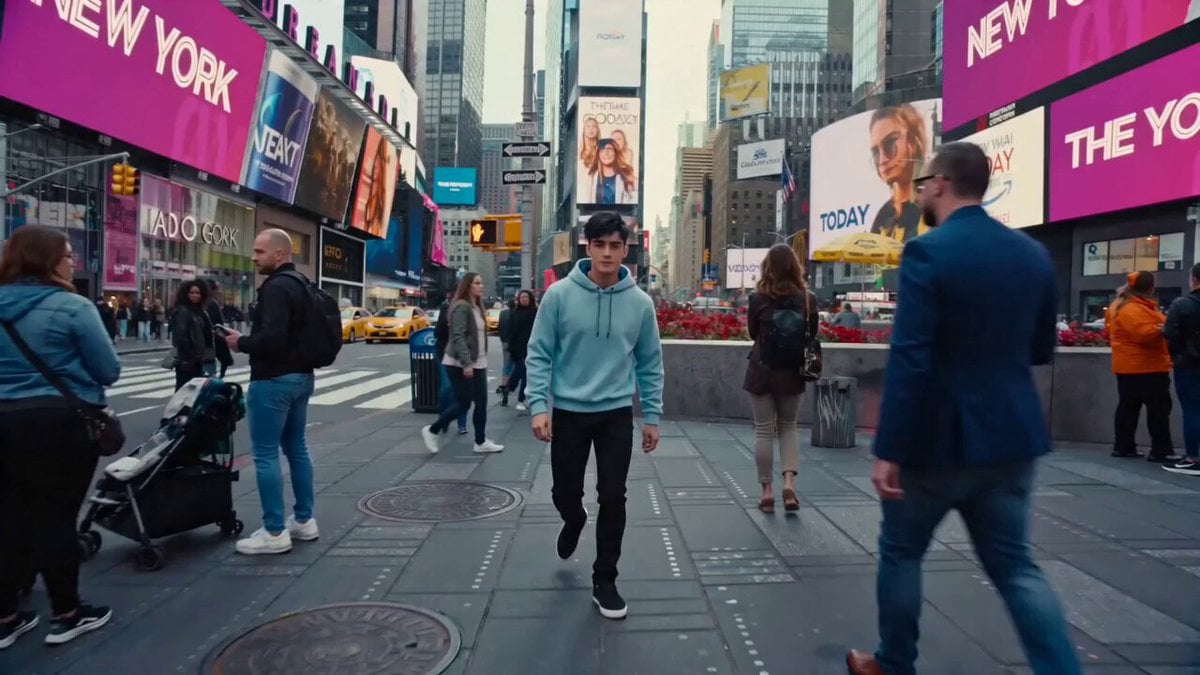 Cinematic Times Square Confidence Walk
 Cinematic Cave Exploration Multi-Shot Sequence
MiniMax H3 questions
What is MiniMax H3 or Hailuo 3.0?
MiniMax H3, also called Hailuo 3.0, is the flagship video model from MiniMax, the lab behind Hailuo 02 and Hailuo 2.3. On PicX Studio it runs as H3 Max and H3 Max Turbo: 5 to 15 second clips up to 1080p, text-to-video and image-to-video, image and video references on Max, and synchronized audio on every clip.
What inputs does MiniMax H3 accept?
H3 Max works from a text prompt alone, from an image, or from reference assets: up to 9 images and 3 video clips in one generation. H3 Max Turbo takes a text prompt, an image, or a first and last frame. References guide style, character or motion without being forced in as keyframes.
Does MiniMax H3 generate audio?
Yes. Dialogue, sound effects, and environmental ambience are generated alongside the video in the same pass and timed to the on-screen action, which removes the separate audio step for most short-form projects. Audio is always on.
What is the difference between MiniMax H3 and Hailuo 2.3?
Hailuo 2.3 generates clips up to roughly 10 seconds from a text prompt or a single image. MiniMax H3 moves to clips up to 15 seconds and adds image and video references and synchronized audio on top of the human motion quality Hailuo 2.3 already had.
Can I edit a video after generating it?
Not with an edit instruction: H3 Max and H3 Max Turbo generate new clips rather than editing finished ones. To change a result, adjust the prompt and generate again, or use the clip you like as a video reference on H3 Max to guide a new take.
What resolutions and aspect ratios does Hailuo 3.0 support?
H3 Max and H3 Max Turbo output 480p, 768p or 1080p. Text and reference generations let you choose the aspect ratio, 16:9 by default; image-to-video follows the shape of your image.
How much does MiniMax H3 cost on PicX Studio?
Video is charged per second of output from your credit balance. H3 Max costs 30, 52 or 104 credits a second at 480p, 768p or 1080p. H3 Max Turbo costs half: 15, 26 or 52. Video models need a plan or a one-time credit pack; credits never expire.
What is MiniMax H3 Max Turbo?
A version of H3 Max co-optimized for higher throughput. It supports text, image and first-and-last-frame video, without references, at half the credits of H3 Max.
Is Hailuo AI made by MiniMax?
Yes. Hailuo is the name of MiniMax's video models and app, so Hailuo 3.0 and MiniMax H3 refer to the same model generation.
How does MiniMax H3 keep characters consistent with references?
A single MiniMax H3 Max generation accepts up to nine reference images and three reference video clips. The model reads them as guidance for styling and motion rather than treating them as fixed keyframes, which is what lets one character appear in a wide shot and a close-up without changing. Clean references do the heavy lifting: even lighting and an unobscured, direct angle. Dialogue is generated from the lines in your prompt. Use only your own likeness, or a person who has agreed to it, as our Content Policy requires.
Should I pick 480p, 768p or 1080p for MiniMax H3?
Resolution sets most of the price. On H3 Max, 480p costs 30 credits a second, 768p costs 52 and 1080p costs 104. Turbo is half of that at each tier. Use 480p to test the idea, the timing and the dialogue. 768p is a good middle for social posts, which platforms compress anyway. Save 1080p for the final cut, product detail and anything shown on a large screen.
How can I use MiniMax H3 for advertising and social video?
Fifteen seconds covers the standard short-form ad shape, a hook, a product moment and an end frame, inside one generation. That keeps lighting and product appearance consistent instead of asking an editor to match three separate renders. Text and reference generations let you pick the aspect ratio, so vertical 9:16 for feeds and 16:9 for pre-roll both work, and generated dialogue means a spot can be reviewed with sound from the first pass.
How can I use MiniMax H3 for filmmaking and previsualization?
MiniMax H3 is practical for previs, mood films and action beats where lighting, atmosphere, camera choreography and performance all have to agree in one shot. Naming the camera move in professional shot language, such as a slow orbit, a handheld track or a push in, gives a more predictable camera path than describing the scene alone. With Turbo, a first and last frame let you lock where a shot begins and ends.
What does a 10 second MiniMax H3 clip cost on Max and Max Turbo?
Video is billed per second of output from one credit balance. MiniMax H3 Max costs 30, 52 or 104 credits a second at 480p, 768p or 1080p, so a 10 second 1080p clip is 1,040 credits. H3 Max Turbo costs 15, 26 or 52, so the same clip is 520. Audio is always included and does not change the price. Credits come with a monthly plan and never expire.

Start creating with MiniMax H3
Up to 1080p, synced dialogue and sound, and up to 15 seconds per clip. Pay for the seconds you render.