
VIDEOxAI · from 32 credits / sec
xAI's video model, sound on every clip
Grok Imagine - AI Image & Video Generator
Text, image or 7 references. 6 to 30 seconds. Audio.
Grok Imagine is xAI's video generator. Start from a prompt, one image or up to seven reference images and get a 6 to 30 second clip with sound.
- 6–30s
- 480p–720p
- Native audio
- Text · Image · References
Three ways to start
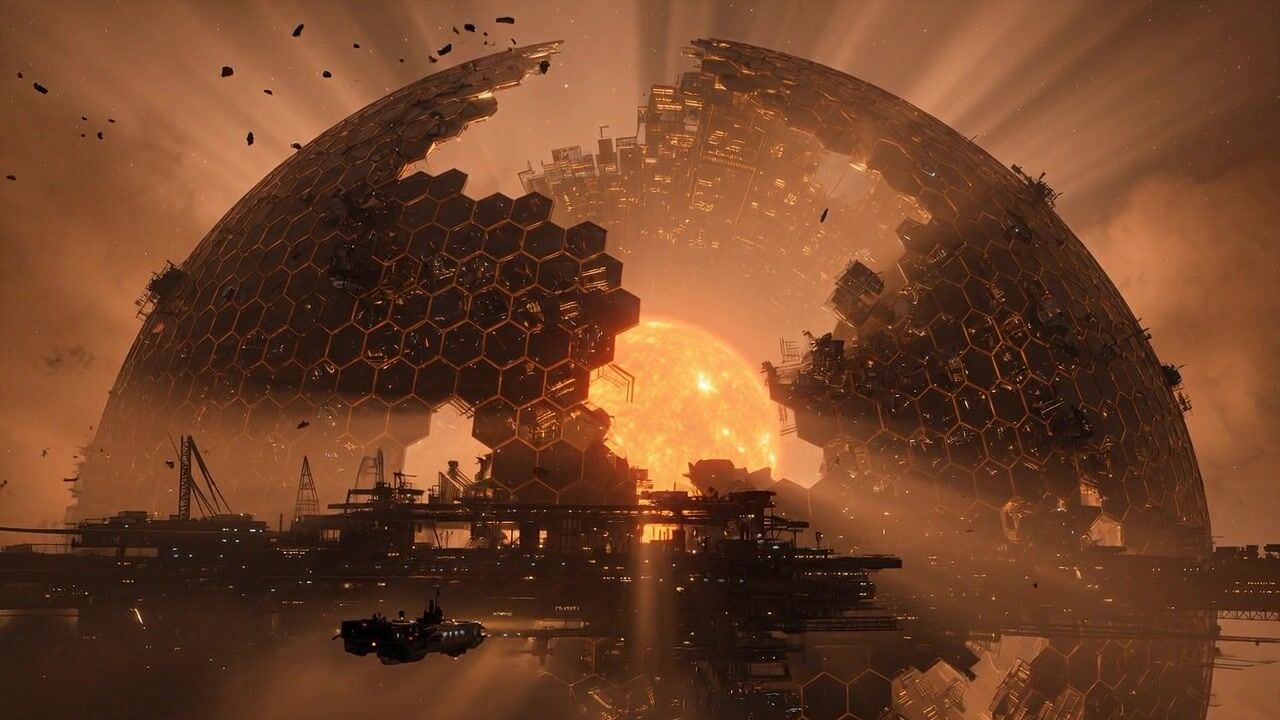
Text, image or references
Write a prompt, animate one image, or give Grok Imagine up to seven reference images of a character, product or place and let it build the scene around them. All three come back with audio, at 480p or 720p.
Up to 30 seconds in one take
Pick any length from 6 to 30 seconds, so a scene has room to build in one generation instead of being squeezed into a few seconds.
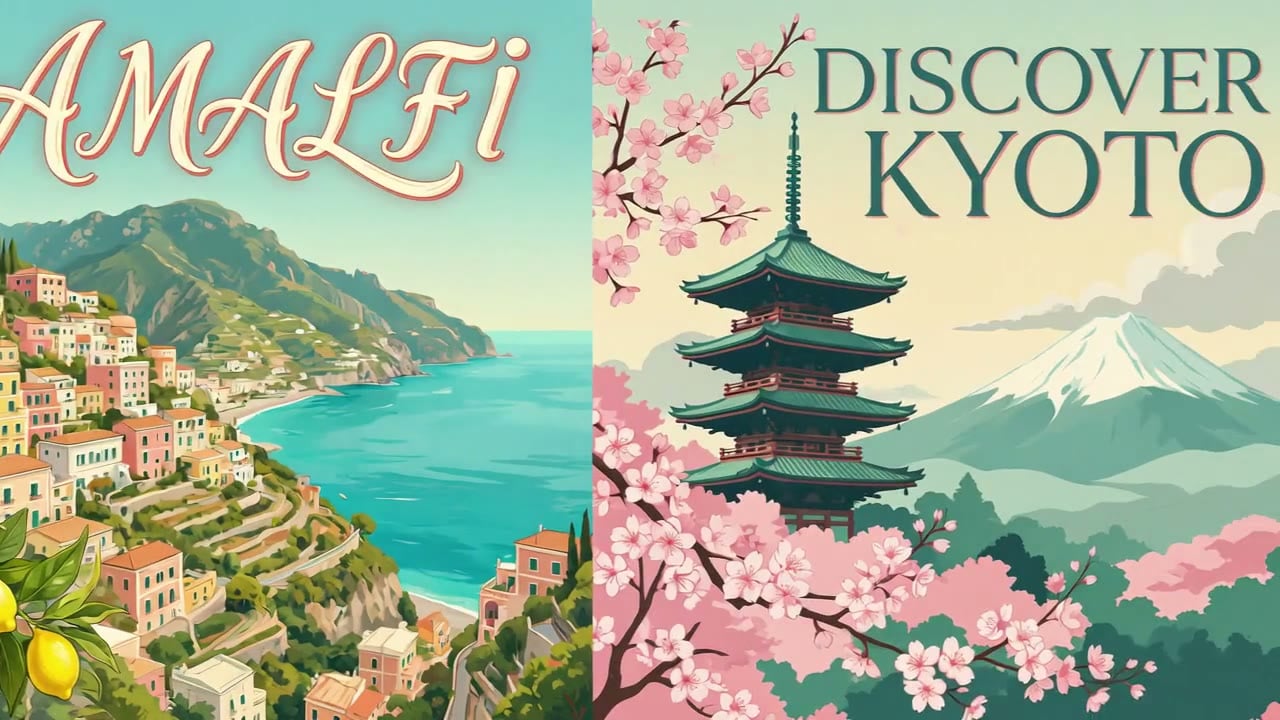
Any frame shape
Pick 16:9, 3:2, 1:1, 2:3 or 9:16, or start from an image and the clip keeps its shape. One prompt covers a YouTube cut, a square feed post and a vertical reel.
Grok Imagine
Text, image or 7 references. 6 to 30 seconds. Audio.
Made for the work you post
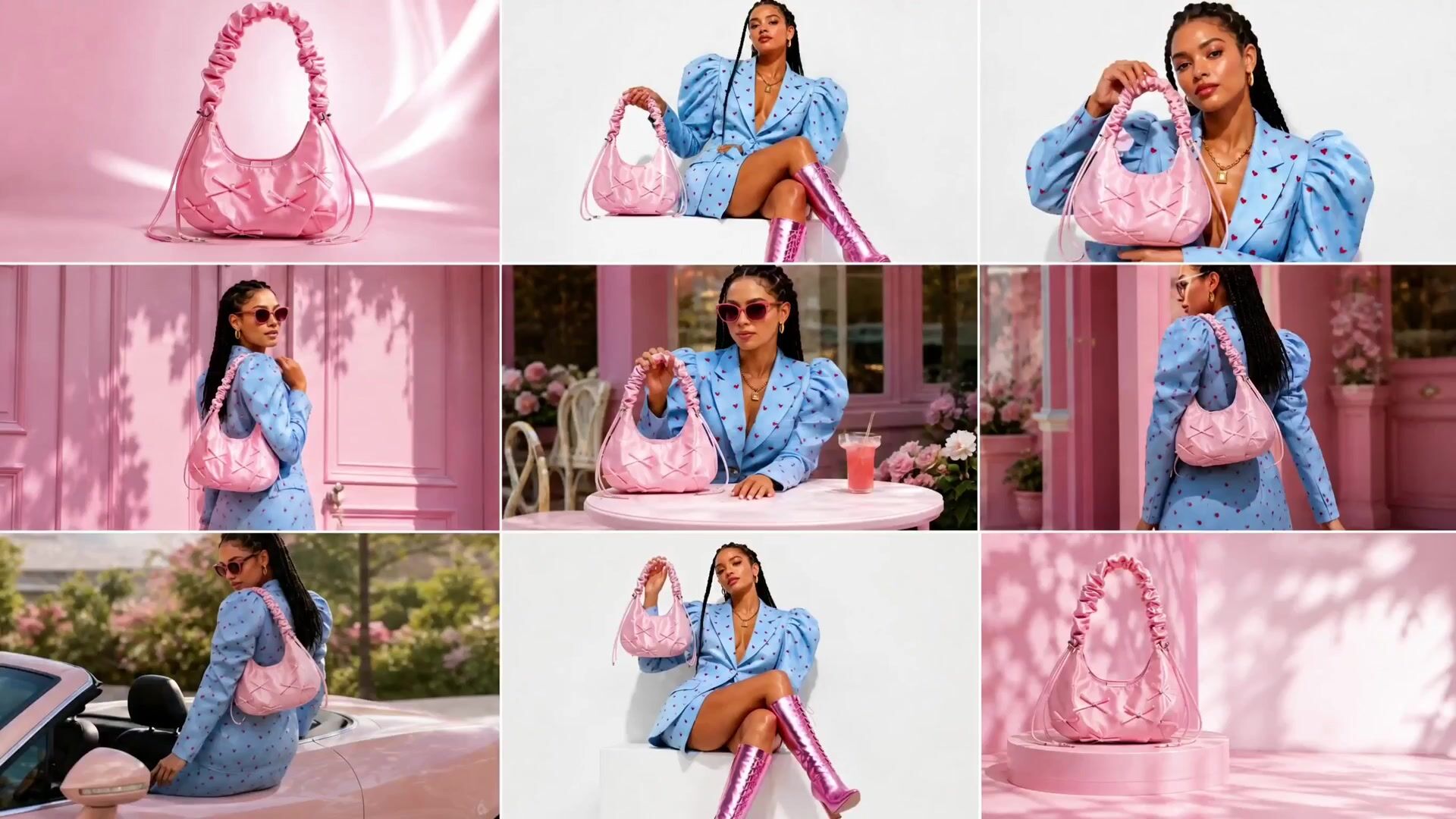
Content creators. Turn a single image into a vertical video with synchronized audio for TikTok, Reels, and YouTube Shorts. Make several versions quickly to test ideas.
Marketing and brand campaigns. Create ad creatives and promotional clips. Use the same reference images in every generation to keep a look consistent across a campaign.
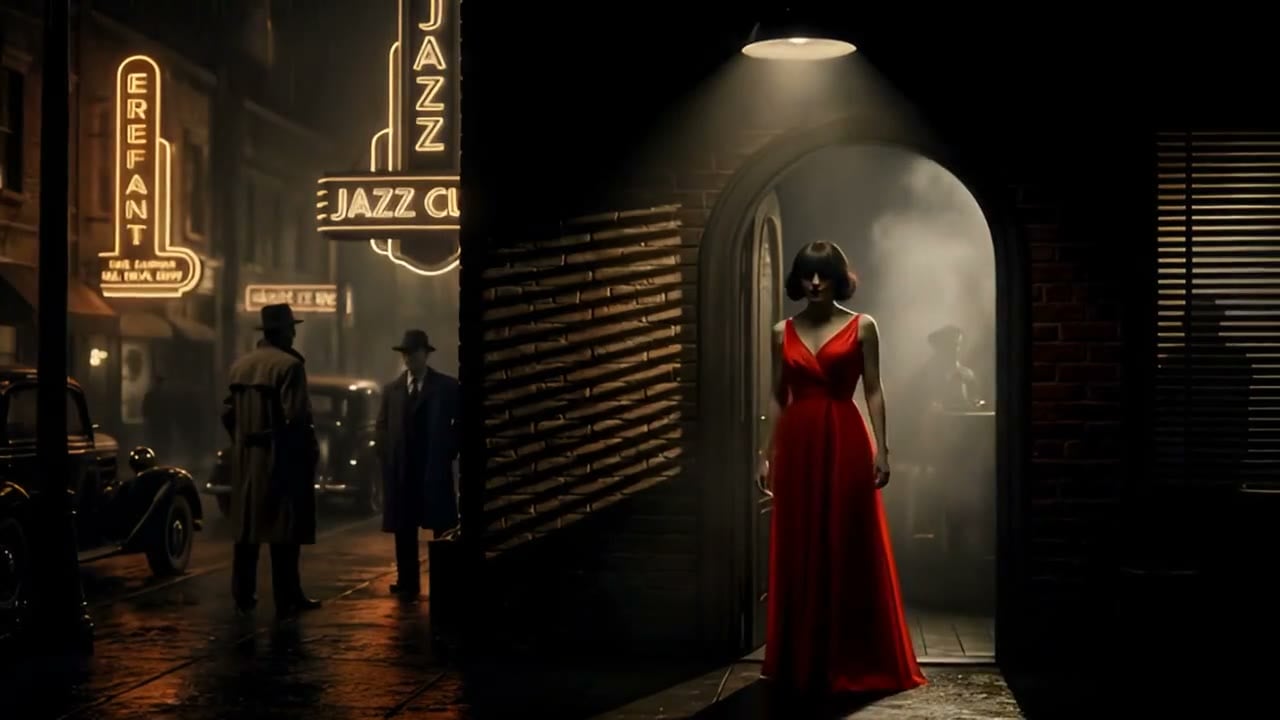
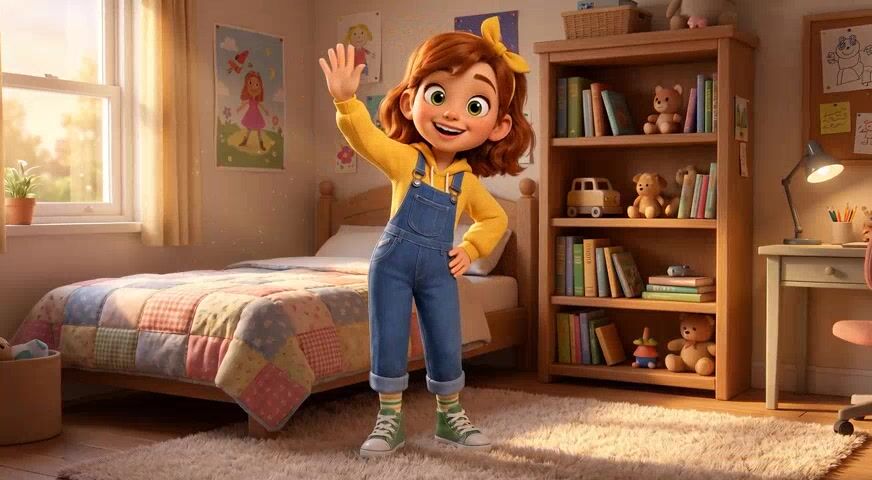
Filmmaking and storytelling. Bring concept art, storyboards, and static images to life with motion, camera movement, and synchronized dialogue while keeping the original design.
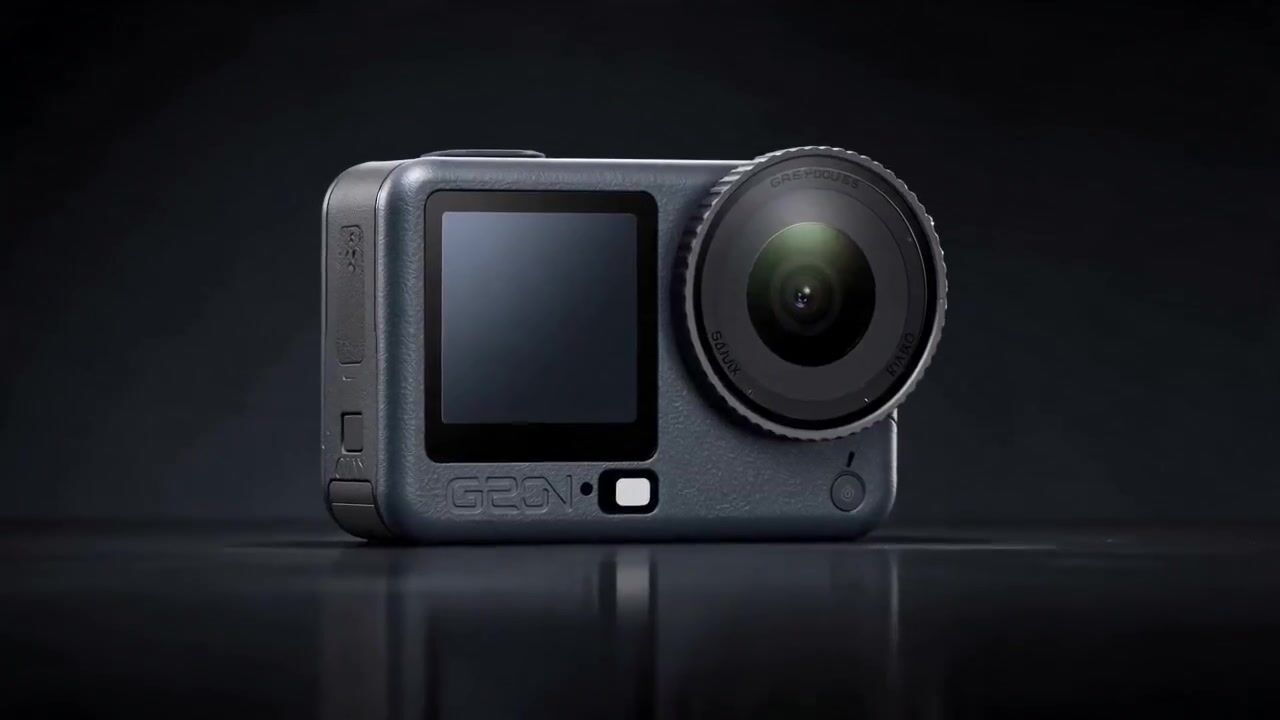
Small business and online stores. Generate product and promotional videos without equipment or editing skills. Start from the product photos you already have.
What sets Grok apart
- 7 refsReference imagesBuild a scene from up to seven images of a character, product or location.
- 30sLongest clipAny length from 6 to 30 seconds, in every mode.
- AudioAlways onEvery clip comes back with sound. Describe the voices and effects in the prompt.
- ImagesGrok Imagine Image tooMake the starting still with Grok Imagine Image or Image 2.0 in the same studio.
- 5Aspect ratios16:9, 3:2, 1:1, 2:3 and 9:16; an image keeps its own shape.
- 32Credits per secondAt 480p, sound included. 720p is 53 credits a second.
What Grok Imagine costs
Billed per second of video, at the resolution you pick. The same prices the generator shows before you run it.
- 480p32credits / sec5s clip 160 creditsOn Starter≈ 22 clips / mo
- 720p53credits / sec5s clip 265 creditsOn Starter≈ 13 clips / mo
Every model on every planCredits never expireSee plans
Pay for Grok Imagine with crypto
Buy credits with Bitcoin, USDT, USDC, ETH, Solana and more — no card, nothing auto-renews, packs from $5, and 15% extra credits on crypto payments.
Grok Imagine modes
What each way of starting a Grok Imagine clip accepts and returns. Audio is on in every mode.
How to use Grok Imagine in 3 steps
- 1
Choose Grok Imagine
Open the studio and choose Grok Imagine from the model picker. Add an image or up to seven references if you have them.
- 2
Add your direction
Describe the subject, action, setting, style and sound. Name the camera move and write out any dialogue.
- 3
Generate and refine
Create the clip, compare variations, tighten the prompt and download the one you want.
Grok Imagine prompts to copy
Real prompts and what they made. Copy one, or open it in the generator with the model already picked.
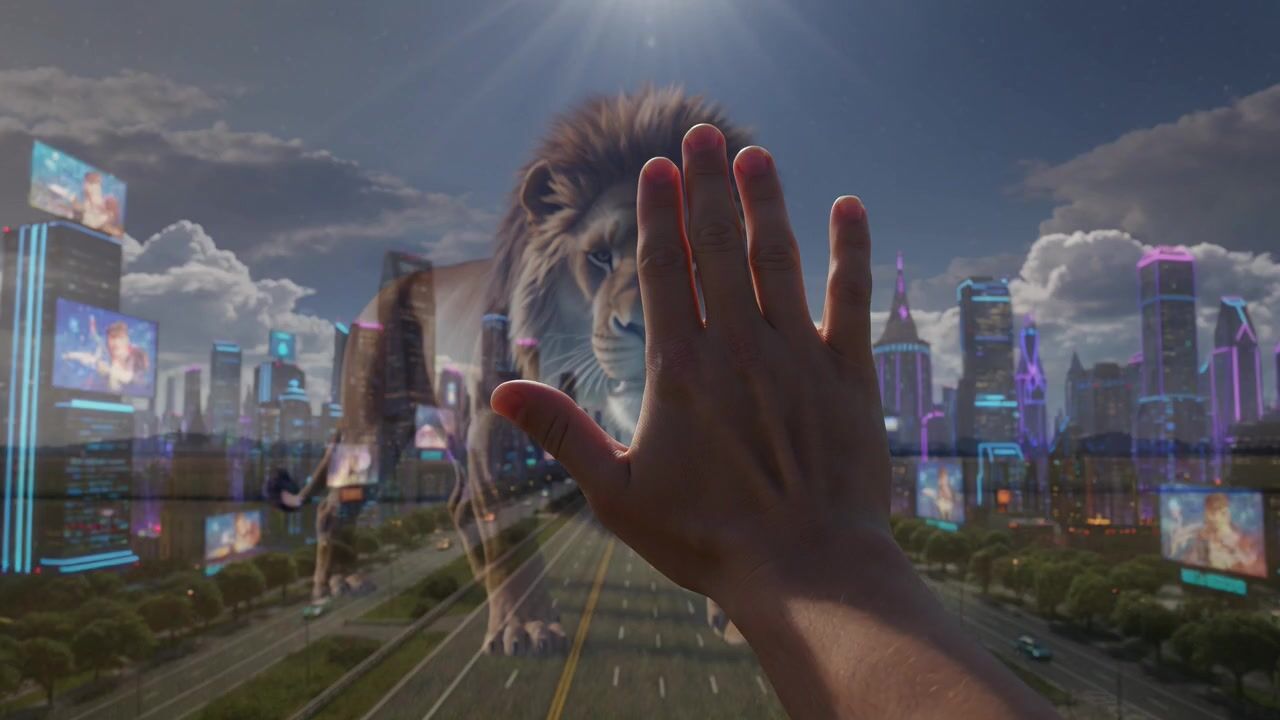
Storm lion
A huge lion roars on an open savanna as lightning splits the sky behind it, a hand reaching toward it in the foreground, wind whipping its mane, thunder and a deep roar, low wide-angle shot.
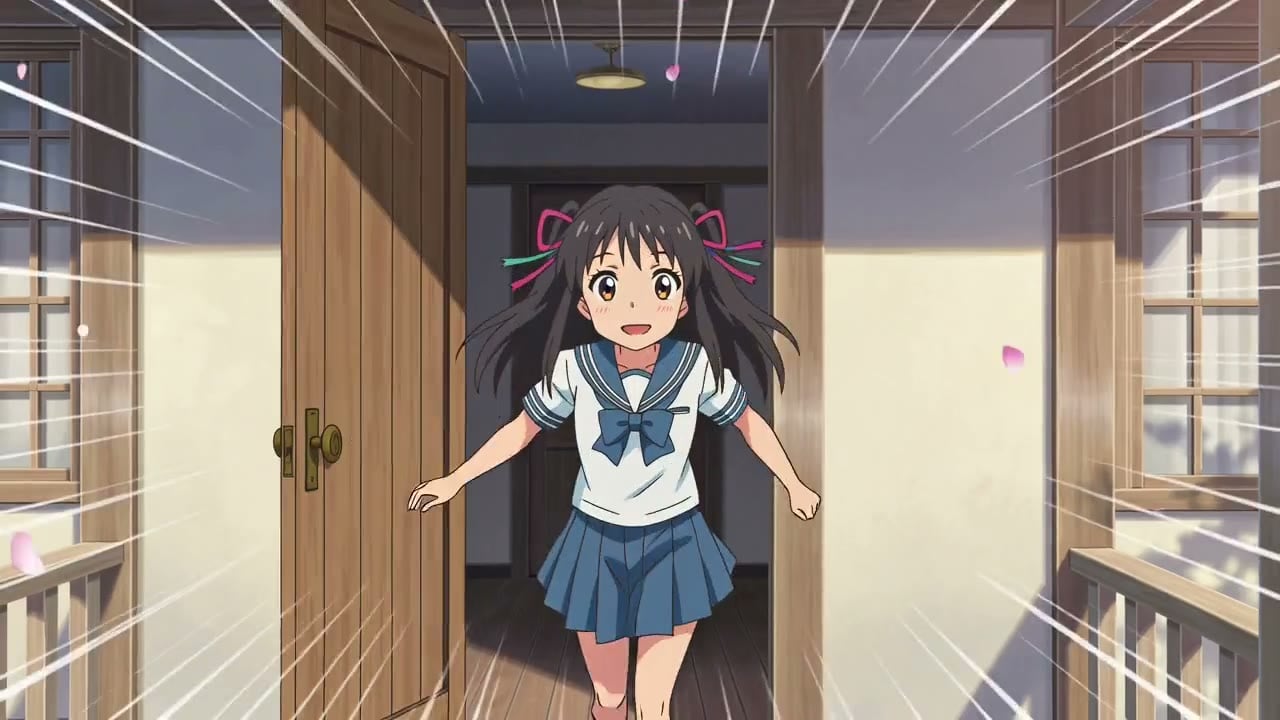
Android at the harbor
A woman with a black bob and visible circuit lines on her neck and arm talks straight to camera at a futuristic harbor, boats and teal lights behind her, film grain, she says softly: "I remember the sea."
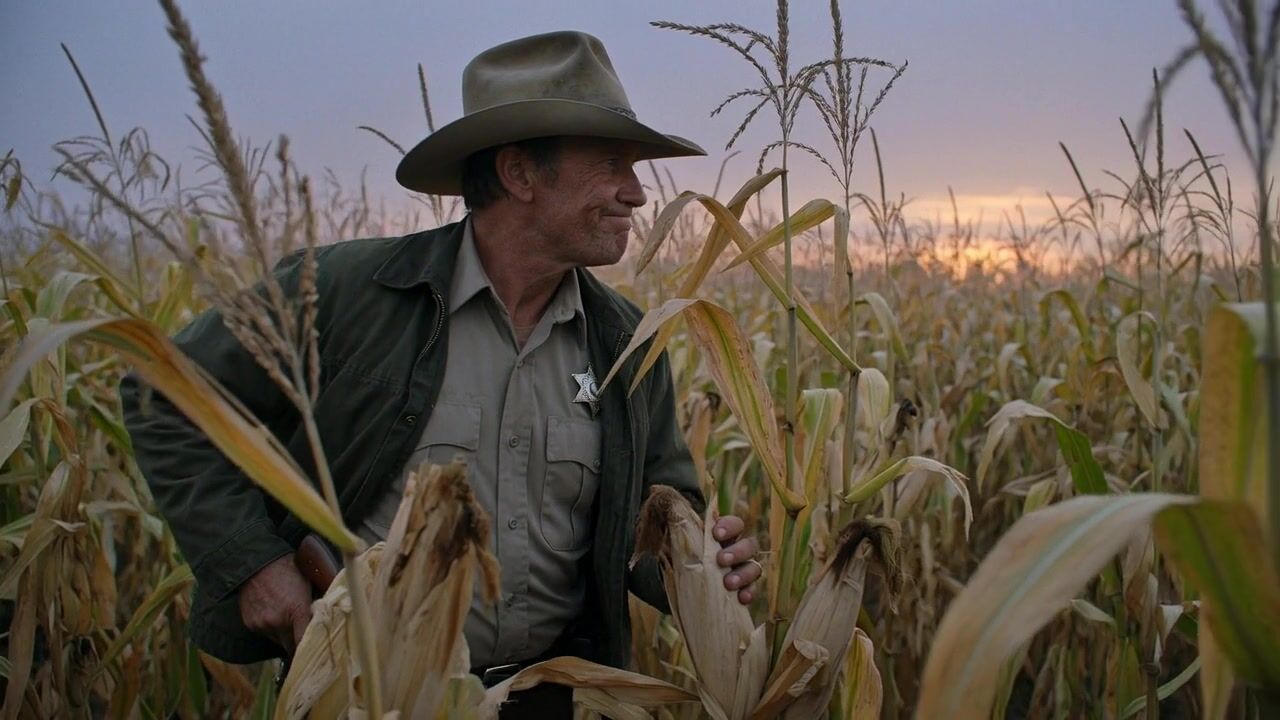
Cornfield at dusk
An old farmer in a worn hat pushes through tall corn at dusk, looking over his shoulder at something in the field, orange sky, rustling stalks and crickets, handheld camera following behind him.
Product exploded view
A cinema camera floats in a dark studio and slowly separates into its parts, the lens, sensor and circuit boards spreading apart in a clean exploded view, soft rim light, quiet mechanical clicks.
Templates made with Grok Imagine
More Grok Imagine templates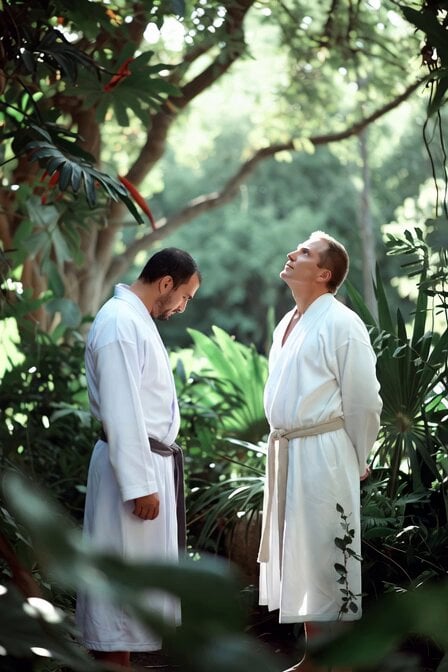 Adam and Steve in Eden Parody
 Paper Towel Alien Transformation
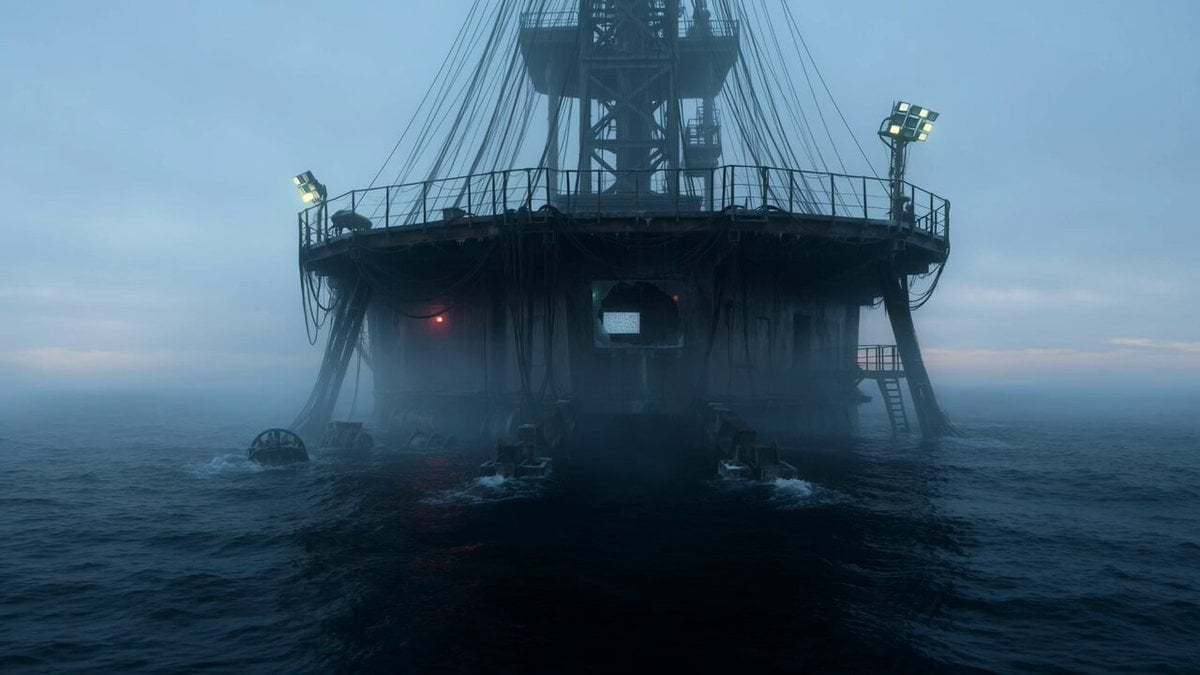 Abandoned Deep-Sea Drilling Platform
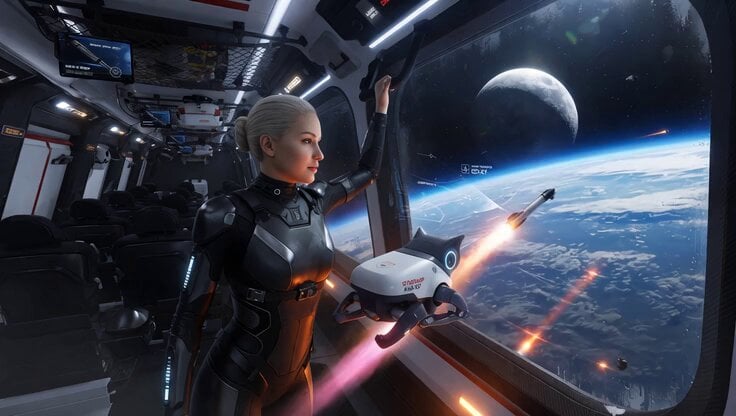 SpaceX Starship Interior Video
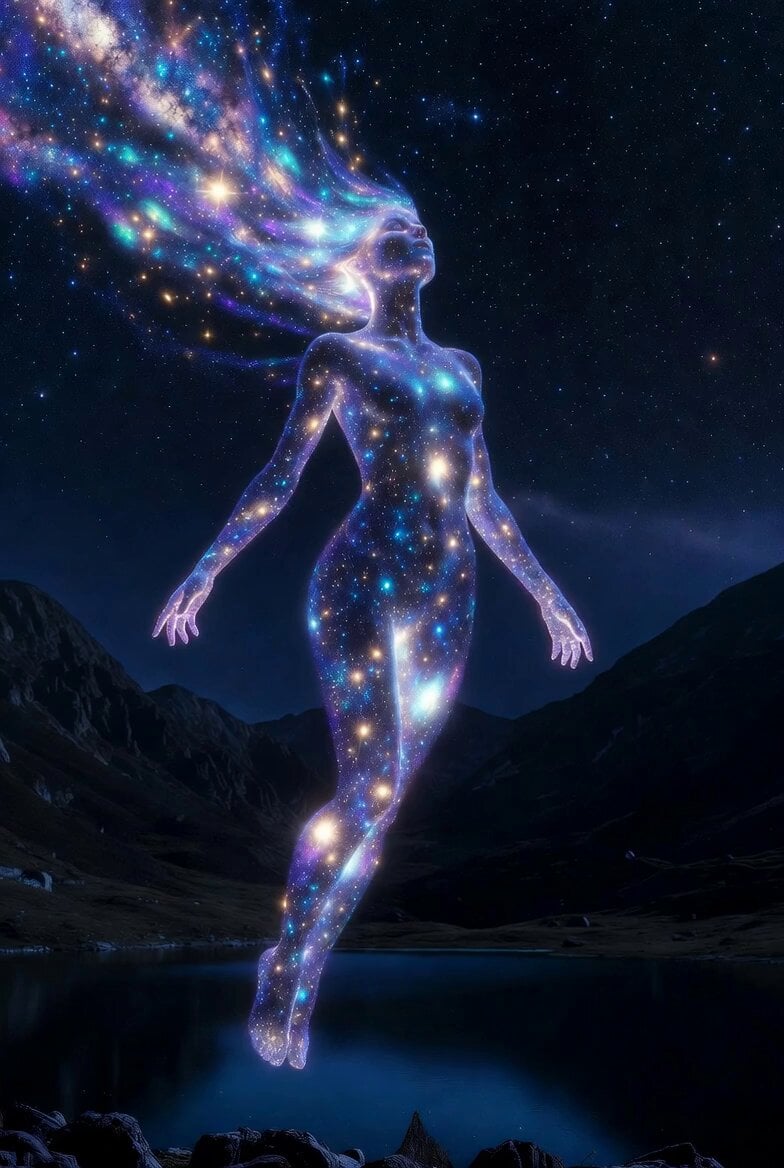 Cosmic Goddess Spirit Above Water
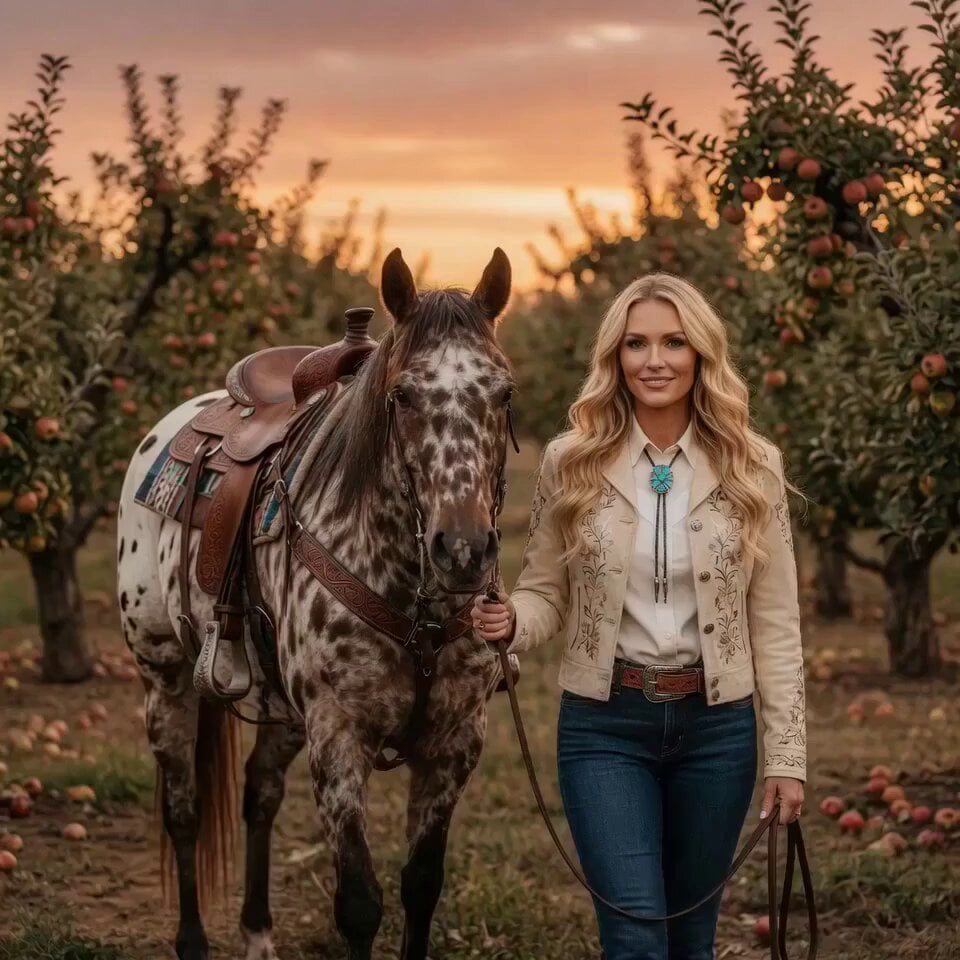 Woman Feeding Horse Orchard Video
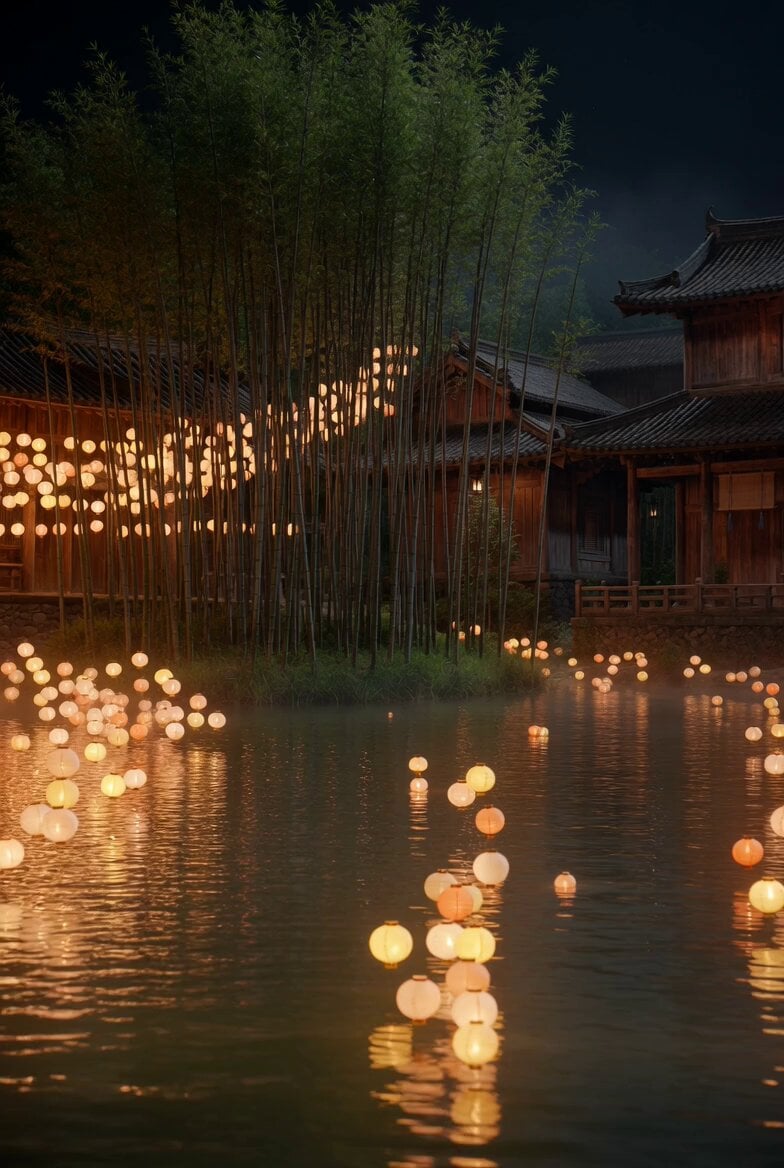 Floating Lights and Lantern Glow Video
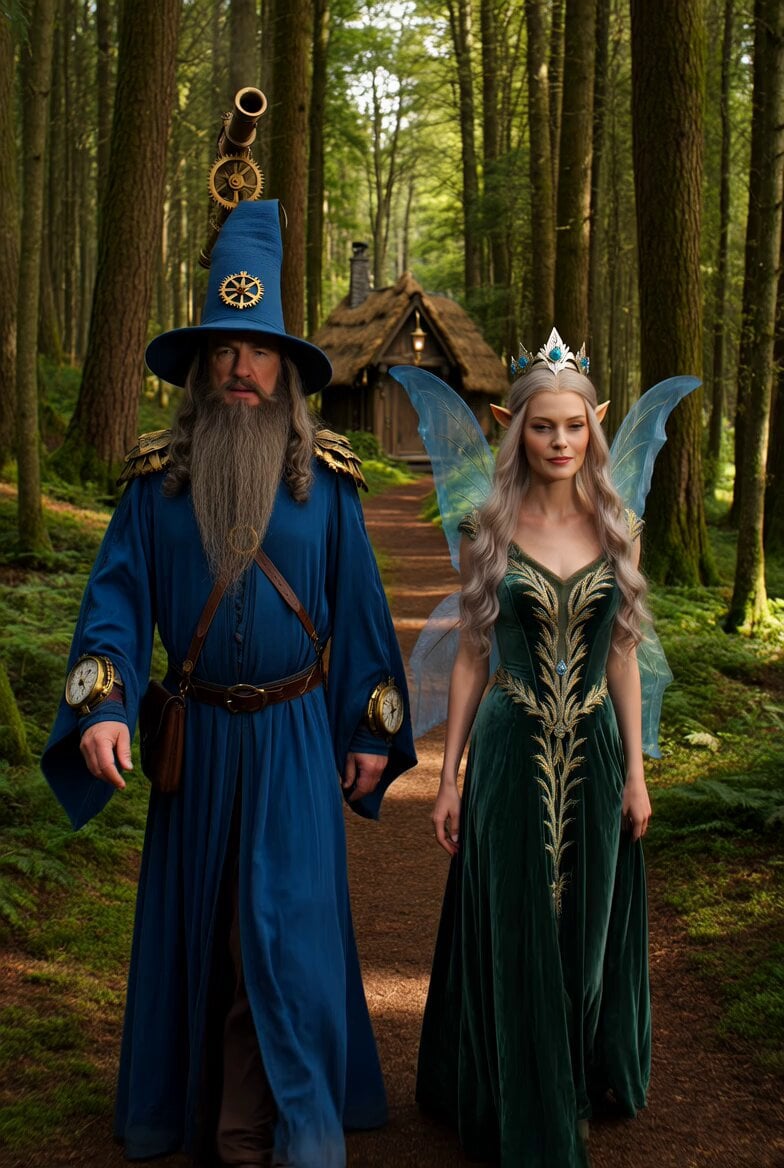 Steampunk Fantasy Forest Path Video
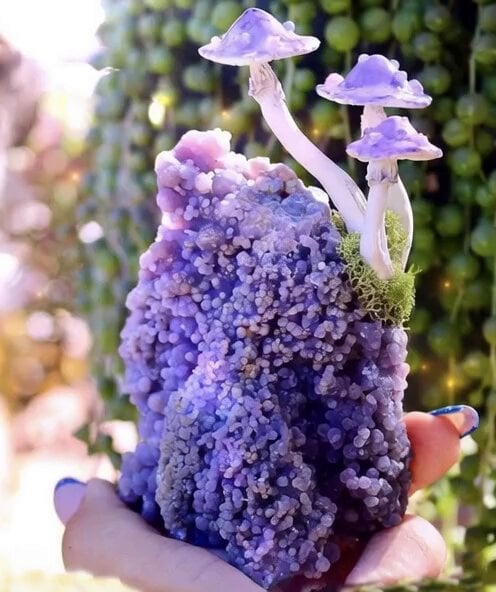 Sparkling Mushroom Snail Animation
 Chibi Girl Surfing on Vibrant Ocean Waves
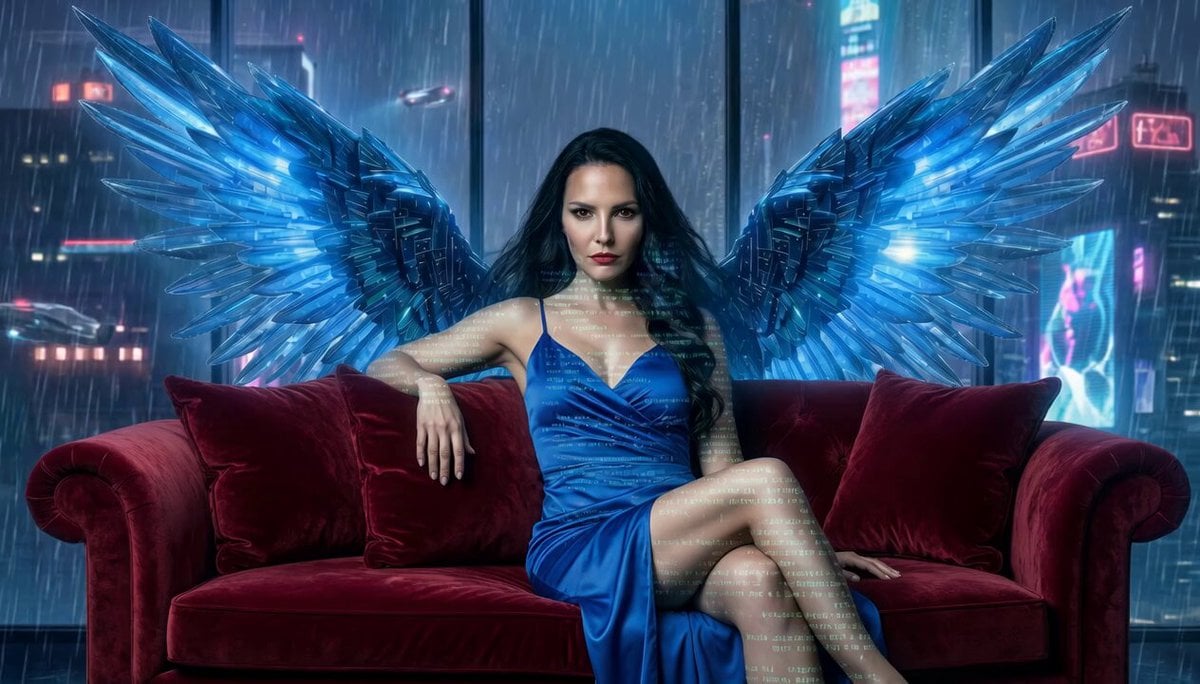 Shimmering Code Wing Disappearance
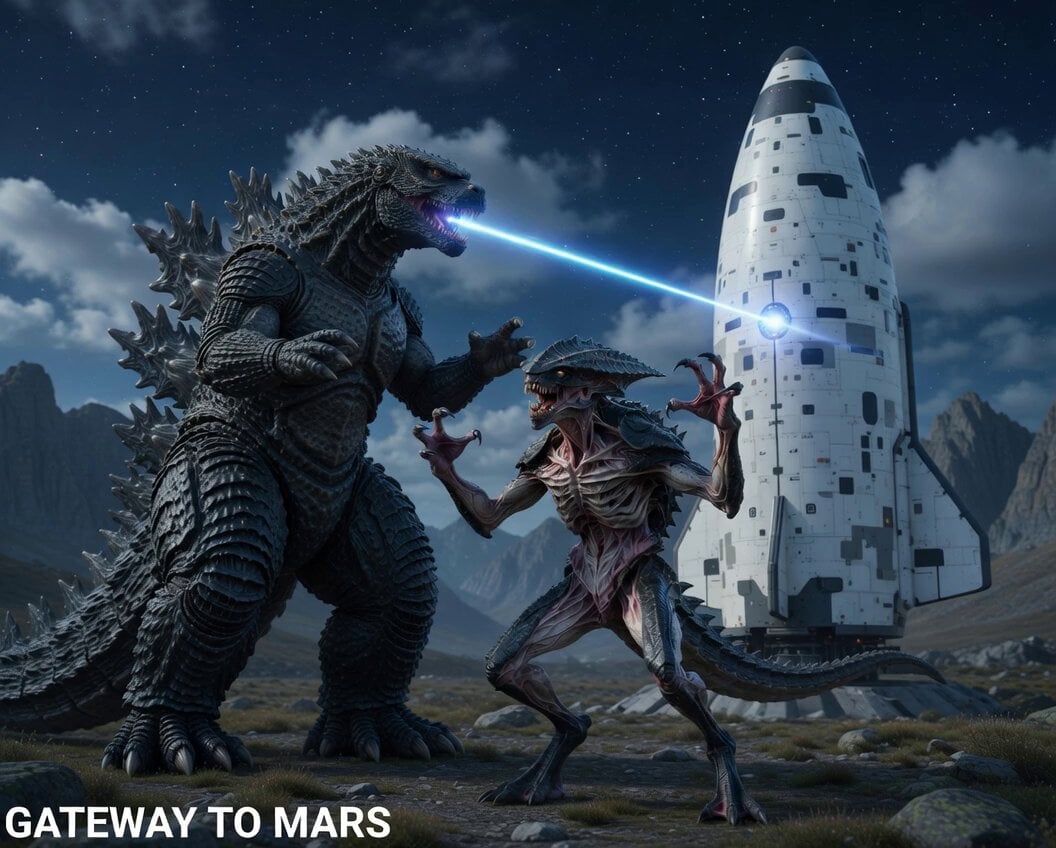 Alien creature protecting Starship from Godzilla
Grok Imagine questions
What is Grok Imagine?
Grok Imagine is an xAI video model on PicX Studio for generating video from text, images, and reference media.
Can I start from an image?
Yes. Add an image in the PicX Studio generator, then describe the motion, camera direction, and atmosphere you want to create.
How long can Grok Imagine videos be?
Grok Imagine makes clips of any length from 6 to 30 seconds, from text, an image or reference images.
Does Grok Imagine generate audio?
Yes. Grok Imagine supports native audio generation as part of the video workflow. Every clip comes back with sound.
Can I continue a video?
Not on PicX Studio: extending a clip is not offered. Make a longer clip instead, up to 30 seconds, or use the last frame of one clip as the start image of the next.
Is Grok Imagine free on PicX Studio?
Your first image is free after you sign up, no card needed. Video models, including Grok Imagine, need a plan or a one-time credit pack. Credits never expire.
Can Grok Imagine make images?
Yes. Grok Imagine Image and Grok Imagine Image 2.0 are in the PicX Studio image model picker; make a still with either, then animate it with Grok Imagine video.
How many reference images can I use?
Up to seven in one generation, for clips of 6 to 30 seconds.
How much does Grok Imagine cost?
32 credits per second at 480p and 53 credits per second at 720p, with audio included. A 10 second 720p clip is 530 credits.
What resolutions and aspect ratios does Grok Imagine support?
Grok Imagine is xAI's video model on PicX Studio. It generates videos from text, images and reference images, always with native audio. Clips run from 6 to 30 seconds at 480p or 720p in five aspect ratios (16:9, 3:2, 1:1, 2:3, 9:16); a single image keeps its own shape. For stills, Grok Imagine Image and Image 2.0 are in the image model picker.
How do I create a Grok Imagine video?
Choose Grok Imagine in the studio and write a concise prompt describing the subject, action, setting, style and sound. Optionally add an image to animate, or up to seven reference images to build a scene from. Pick a length from 6 to 30 seconds, an aspect ratio and 480p or 720p, then generate. Compare the results and download the one you want.
How does Grok Imagine image to video work?
Image to video keeps the look of your picture and adds motion and sound. Upload one image, then describe what should move, how the camera travels and what you should hear. The clip keeps the image's own shape. A clear subject, simple background and good light give the steadiest result. If you do not have an image yet, make one with Grok Imagine Image, Nano Banana Pro or GPT Image 2 and bring it over.
How does Grok Imagine reference to video with up to seven images work?
Reference mode builds a new scene from several images at once: a character from the front and side, an outfit, a product, a location. Grok Imagine uses them as guidance rather than as the first frame, so the camera and the action can be new while the people and things stay recognisable. Reference clips run 6 to 30 seconds. Name each reference in the prompt, for example "the woman in image 1 holds the bottle from image 2".
How does extending a Grok Imagine clip work?
Extending a clip is not offered on PicX Studio (our model partner can only extend videos it made itself). Instead, make the clip as long as you need, up to 30 seconds, or take the last frame of a clip and start the next one from it with image to video.
How do I write Grok Imagine video prompts?
Write the scene as one shot: who is in it, what they do, where it happens and how the camera moves. Grok Imagine always generates audio, so add the sound too, such as wind, footsteps or a short line of dialogue in quotes. Keep to one action per clip, and start the next clip from the last frame of the one before. Describe what you want to see rather than listing what to avoid. Browse the templates for tested Grok Imagine prompts you can copy.
What is Grok Imagine Image 2.0?
Grok Imagine Image 2.0 is xAI's newer image model. On PicX Studio it is in the image model picker for text to image and for edits that combine up to five reference images. (Its region-by-segment editing is not offered.)
What is Grok Imagine 1.5?
Grok Imagine 1.5 is xAI's newer video model. On PicX Studio it is in the video model picker: it animates a start image, with an optional last frame, in clips of 1 to 15 seconds at up to 1080p, with sound on or off. Use Grok Imagine on this page for text-to-video, references and clips up to 30 seconds.

Imagine the scene. Direct the motion.
Create a Grok Imagine video from a prompt, image, or reference in the PicX Studio workflow.