
VIDEOKuaishou · from 35 credits / sec
Kling 3.0 at 720p, for less
Kling 3.0 Standard — AI Video Generation
720p. 3 to 15 seconds. 35 credits a second. Motion control to 30s.
The same Kling AI video generator as Pro, rendered at 720p for about a quarter less. Test ideas, make social clips and move characters with motion control without spending Pro credits on every try.
- 3–15s
- 720p
- Sound on or off
- Text · Image · Motion control
Spend less per try
720p that holds up on a phone
Most short video is watched on a phone, where 720p looks sharp. Standard renders Kling 3.0 at that size for 35 credits a second without sound, against 46 for Pro. On a 10 second clip that is 110 credits back for every attempt.

Draft here, finish on Pro
Standard and Pro take the same prompt, the same start image and the same lengths. Work out framing, pacing and camera moves on Standard, then run the take you like on Pro when you need 1080p. Nothing in the prompt has to change.
Motion control at the lower rate
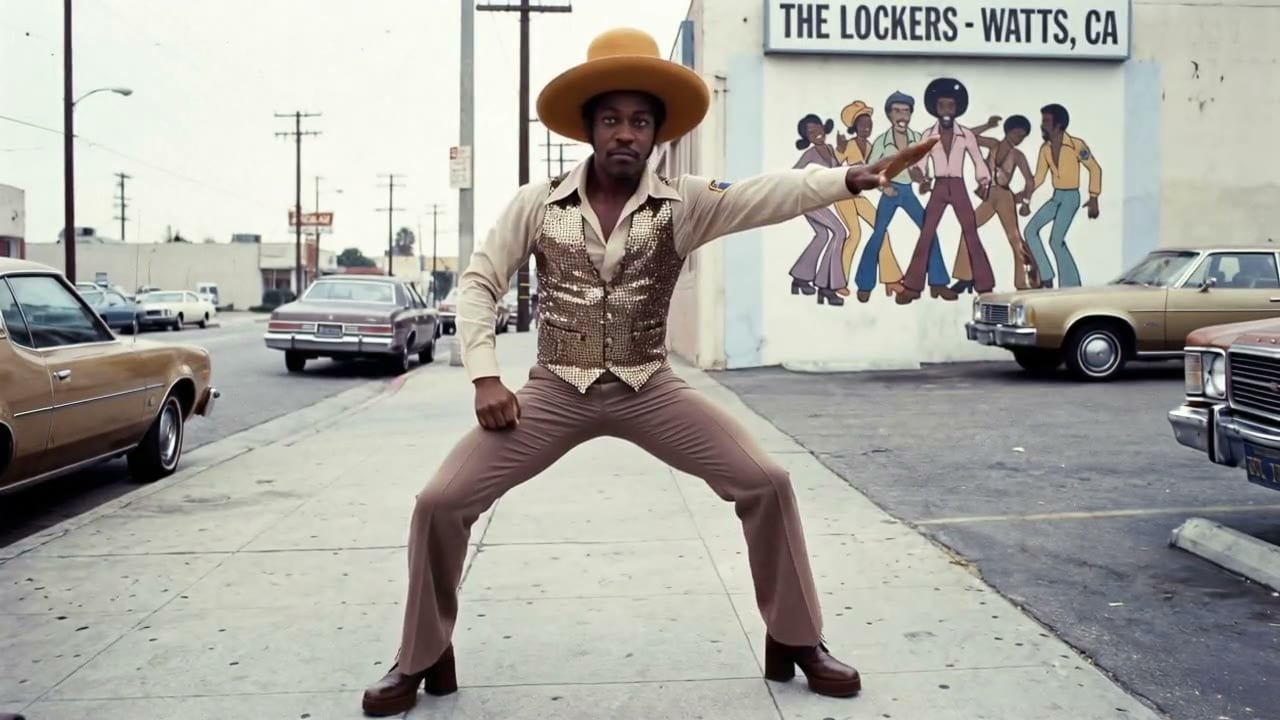
Kling 3.0 Standard Motion copies the movement in a reference video onto the character in your image, at 720p and 50 credits a second. Clips run 3 to 30 seconds, long enough for a full dance or a walk across a set.
Kling 3.0 Standard
720p. 3 to 15 seconds. 35 credits a second. Motion control to 30s.
Made for the work you post
Cinematic social content. Create scroll-stopping short clips with a clear subject, intentional motion, and a camera direction that fits your social concept.
Product stories in motion. Animate a product image or a concise product brief into a short visual moment for a campaign, launch, or storefront.
Storyboards and pitch concepts. Visualize a scene, transition, or camera move before production so collaborators can react to the direction quickly.
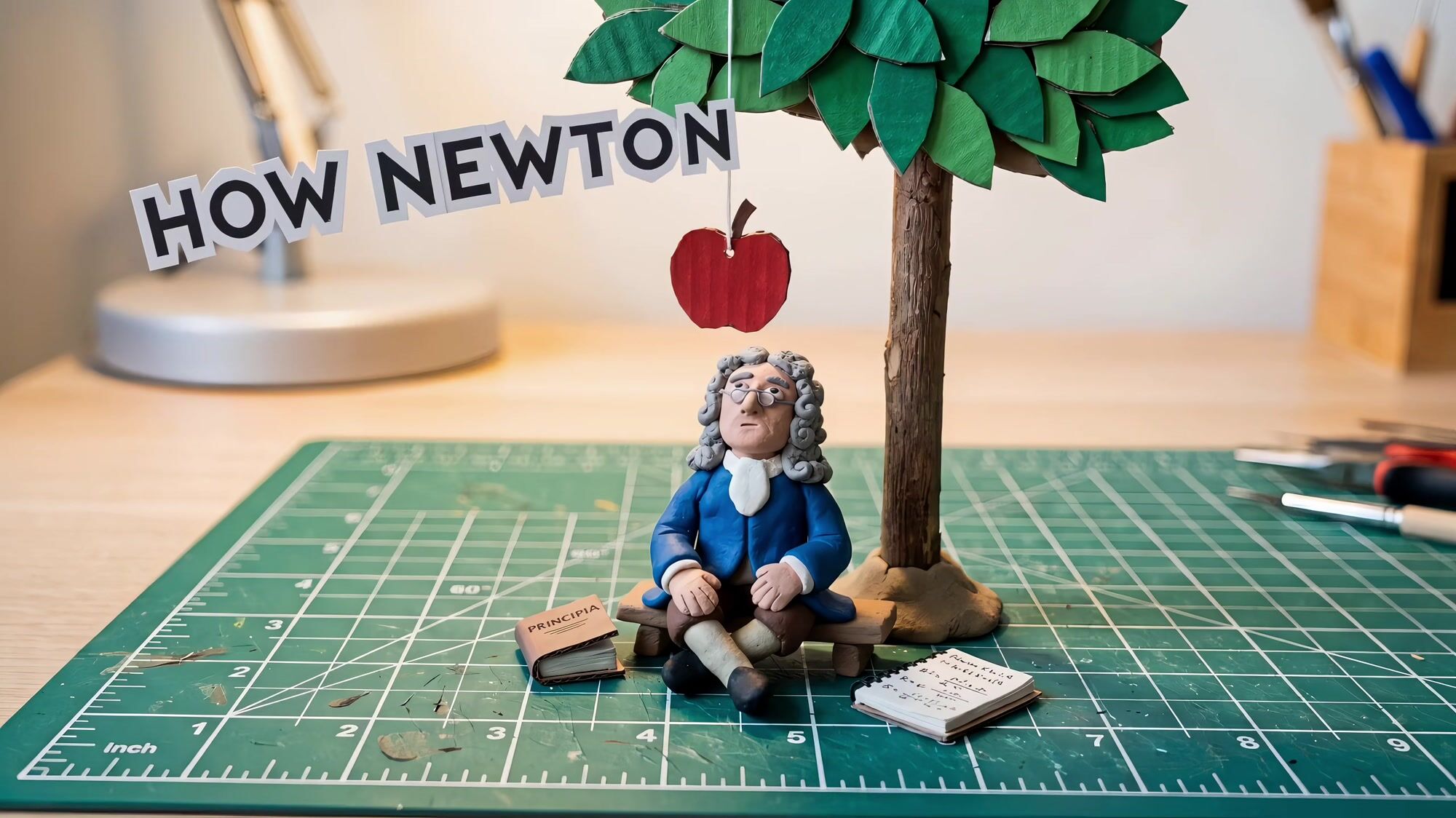
Explainers and lessons. Turn a topic into a short animated scene with a title card, like a clay-style history lesson, at a price that suits a weekly series.
Why pick Standard
- 35Credits per secondWithout sound. With sound it is 54. Kling 3.0 Pro is 46 and 69.
- 720pEvery clipSharp on phones and in feeds. Move to Kling 3.0 Pro when you need 1080p.
- 15sOne takeAny length from 3 to 15 seconds, one second at a time.
- 30sWith motion controlMotion control clips run 3, 5, 10, 15, 20, 25 or 30 seconds at 50 credits a second.
- 175Credits for 5 secondsA silent 5 second clip. A 10 second clip with sound is 540 credits.
- AudioOn or offTurn sound off for clips you will put music under, and keep the lower rate.
What Kling 3.0 Standard costs
Billed per second of video, at the resolution you pick. The same prices the generator shows before you run it.
Kling 3.0 Standard
- 720p35credits / sec
54 / sec with sound
5s clip 175 creditsOn Starter≈ 20 clips / mo
Kling 3.0 Standard Motion
- 720p50credits / sec5s clip 250 creditsOn Starter≈ 14 clips / mo
Every model on every planCredits never expireSee plans
Pay for Kling 3.0 Standard with crypto
Buy credits with Bitcoin, USDT, USDC, ETH, Solana and more — no card, nothing auto-renews, packs from $5, and 15% extra credits on crypto payments.
Standard or Pro
Same model, same inputs. Per-second credit costs are in the pricing table on this page.
How to use Kling 3.0 Standard in 3 steps
- 1
Choose Kling 3.0 Standard
Open the studio and pick Kling 3.0 Standard. Add an image if you want the first frame to match a product, face or scene.
- 2
Write the direction
Describe the subject, action, setting, visual style and camera movement. One scene per prompt keeps the motion clean.
- 3
Generate and refine
Create a 3 to 15 second 720p clip, compare a few variations, then download the one you want or rerun it on Pro.
Kling 3.0 Standard prompts to copy
Real prompts and what they made. Copy one, or open it in the generator with the model already picked.
Desert chase
A battered off-road car races across a desert at golden hour, a huge dust storm rolling in behind it, low tracking shot alongside the wheels, sand spraying, warm cinematic grade.
Tandem skydive
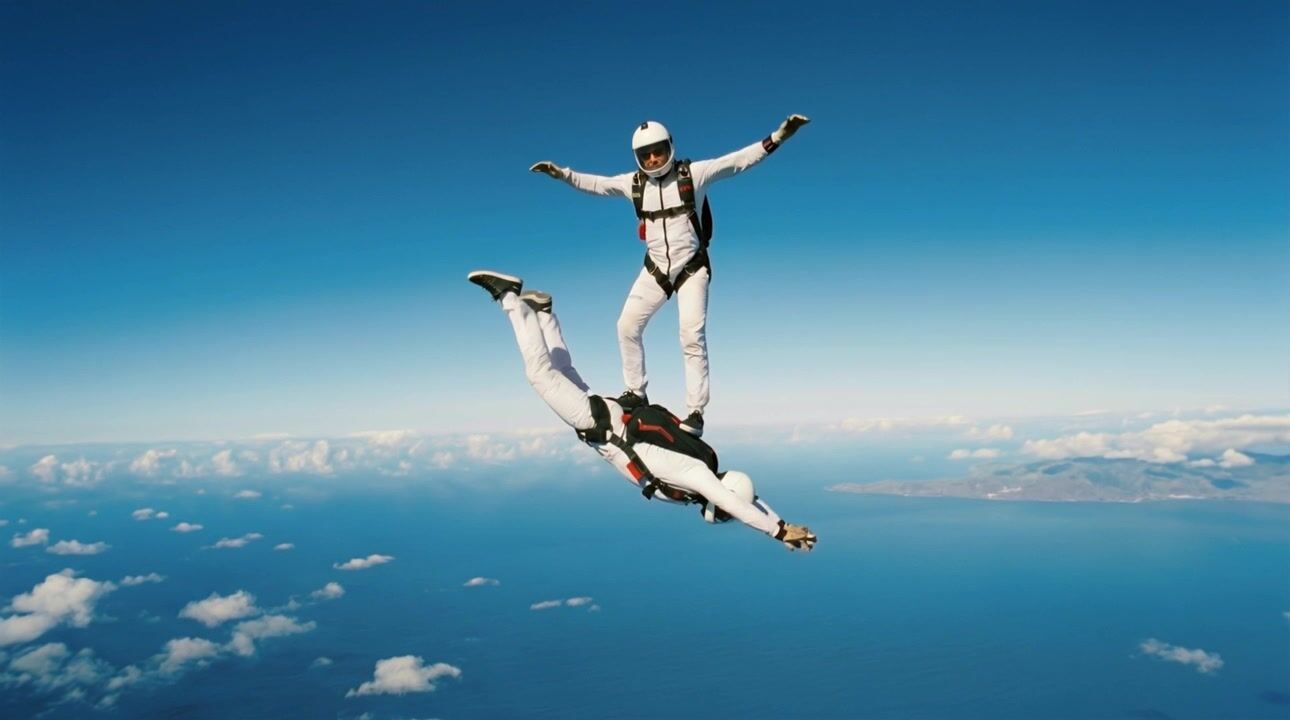
Two skydivers in white suits free-fall high above a blue coastline, arms spread, clouds far below, camera falling with them and slowly circling, bright midday light.
Ship at dusk
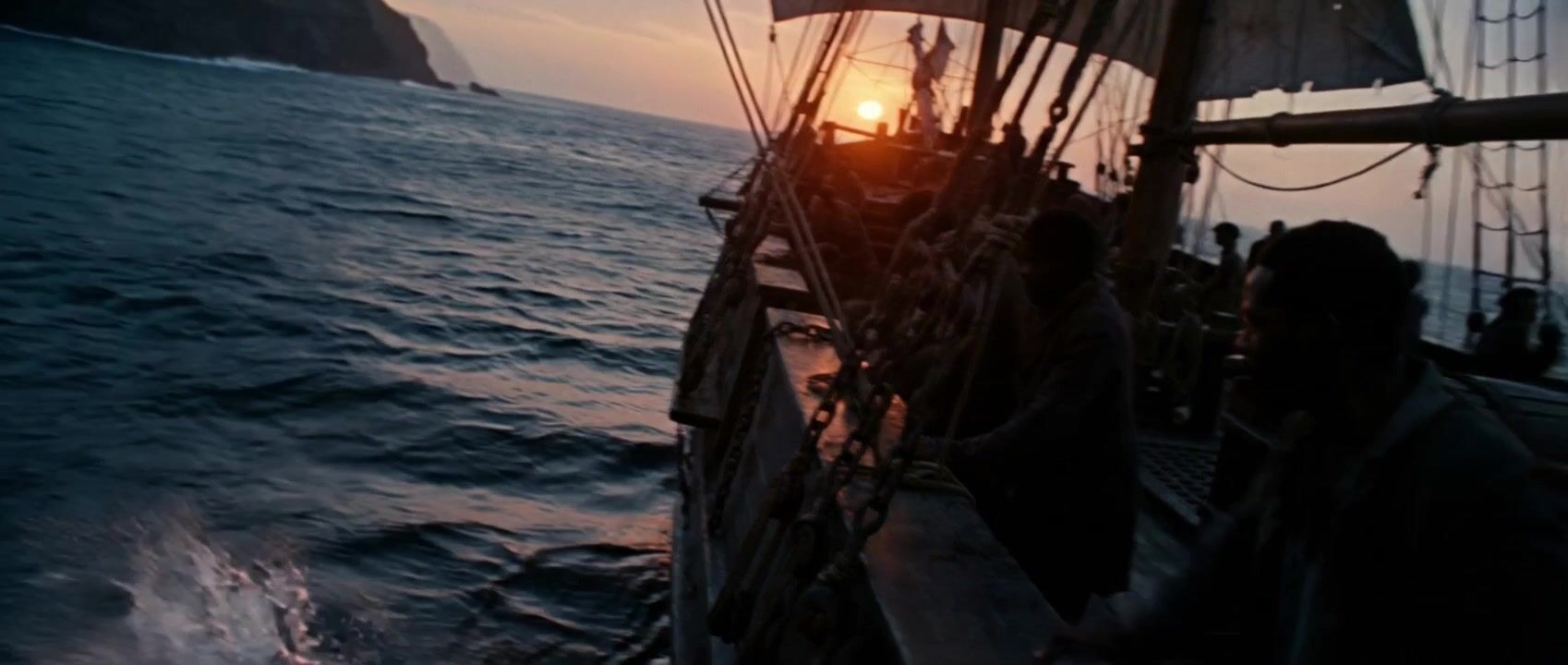
Silhouette of sailors on the deck of an old sailing ship at dusk, sails flapping in the wind, cliffs on the horizon, slow handheld push along the railing, cool blue and orange light.
Stop-motion desk scene
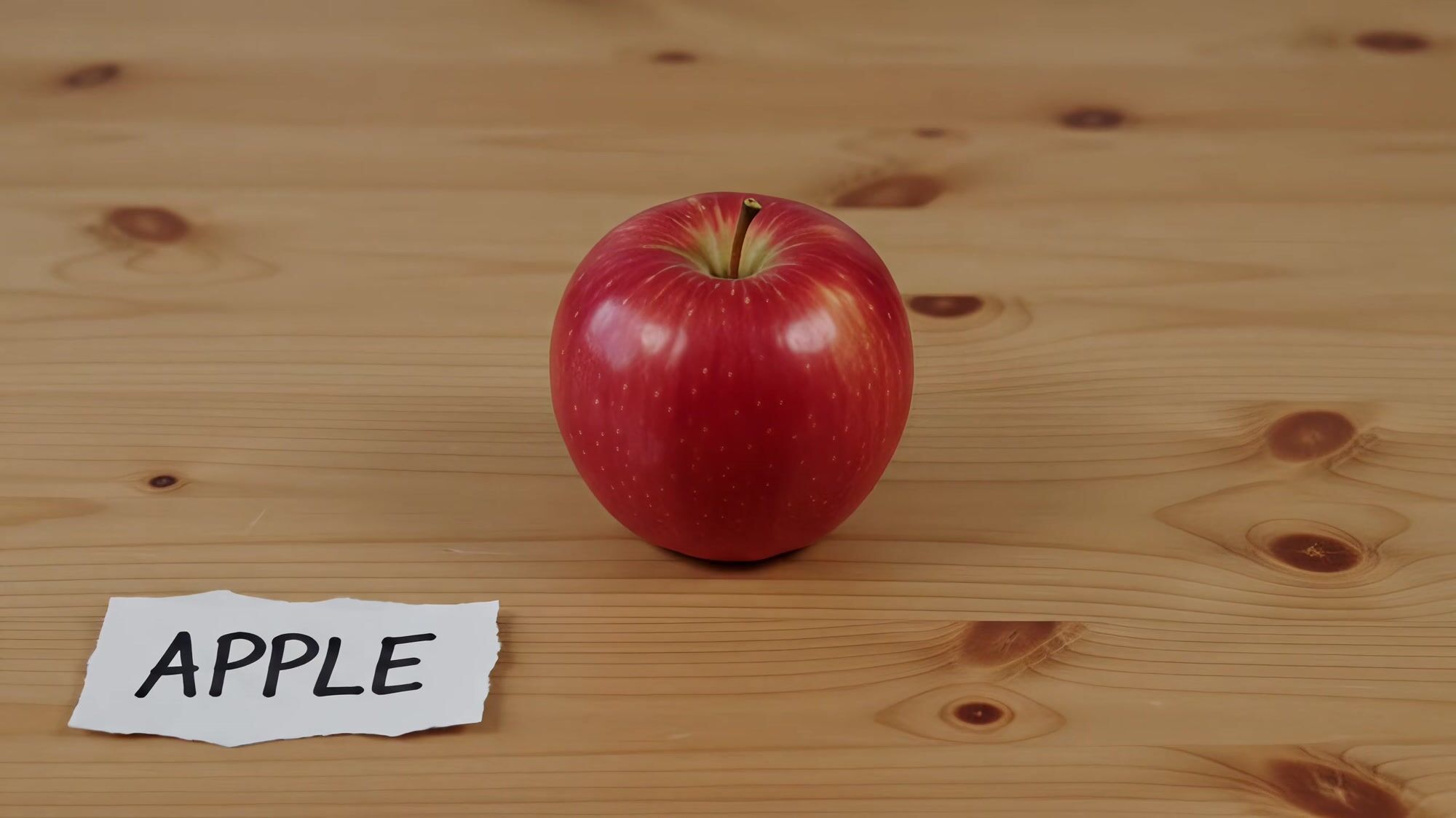
Stop-motion style shot of a small potted cactus on a wooden desk next to a handwritten paper label that says CACTUS, slight camera drift, soft daylight, playful handmade look.
Templates to start from
Browse all templates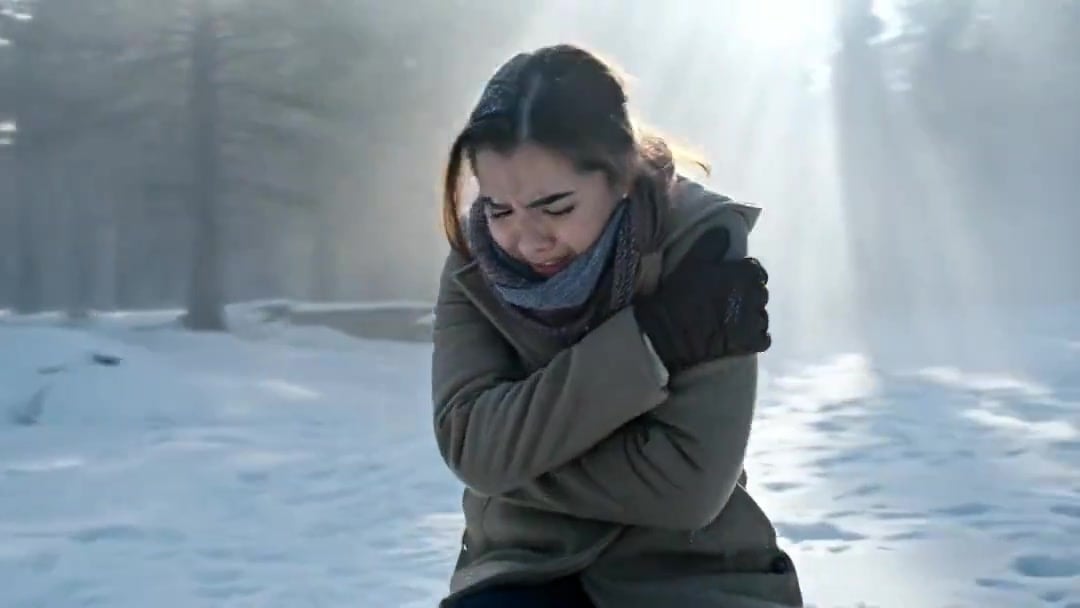 Arc Shot Frozen Woman Snow — Kling 3.0 v3 Pro
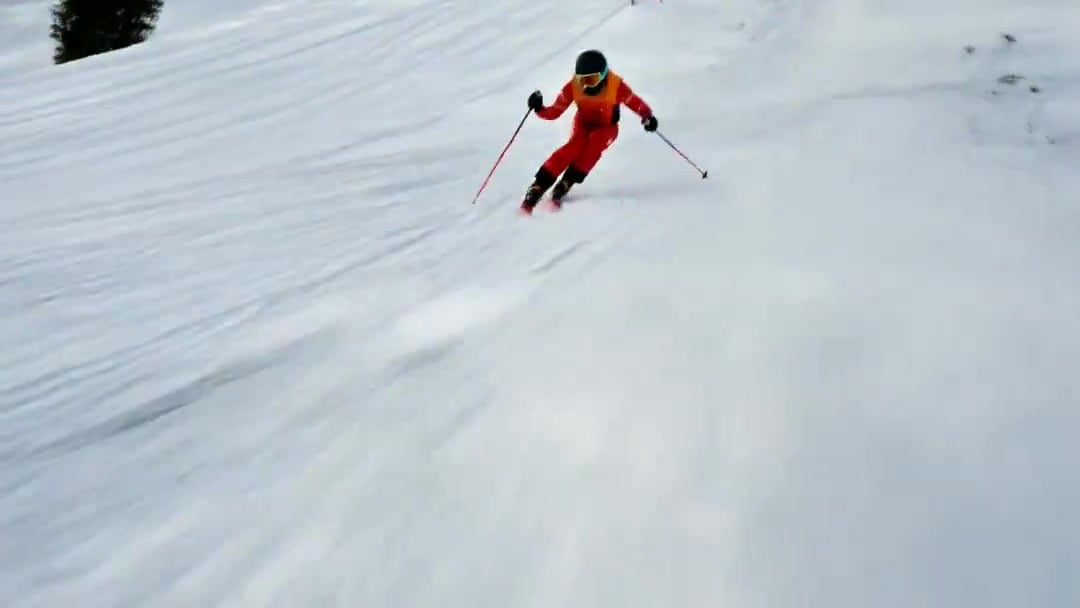 FPV Drone Skier Tracking — Kling 3.0 O3 Pro
 Vid2Vid Watercolor Style Transfer — Kling 3.0 O3 Pro
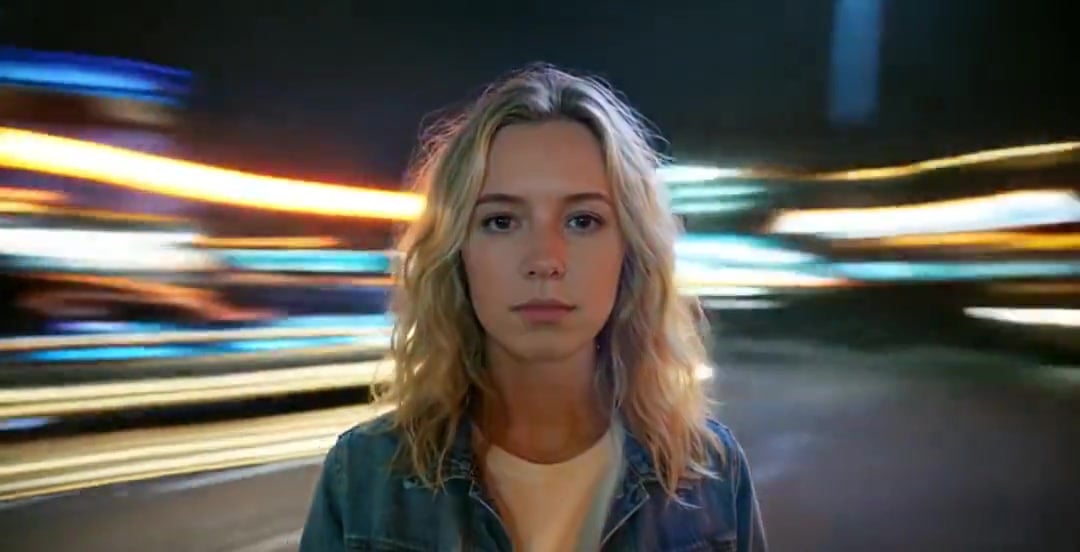 Handheld Neon Chaos Motion Blur — Kling 3.0 v3 Pro
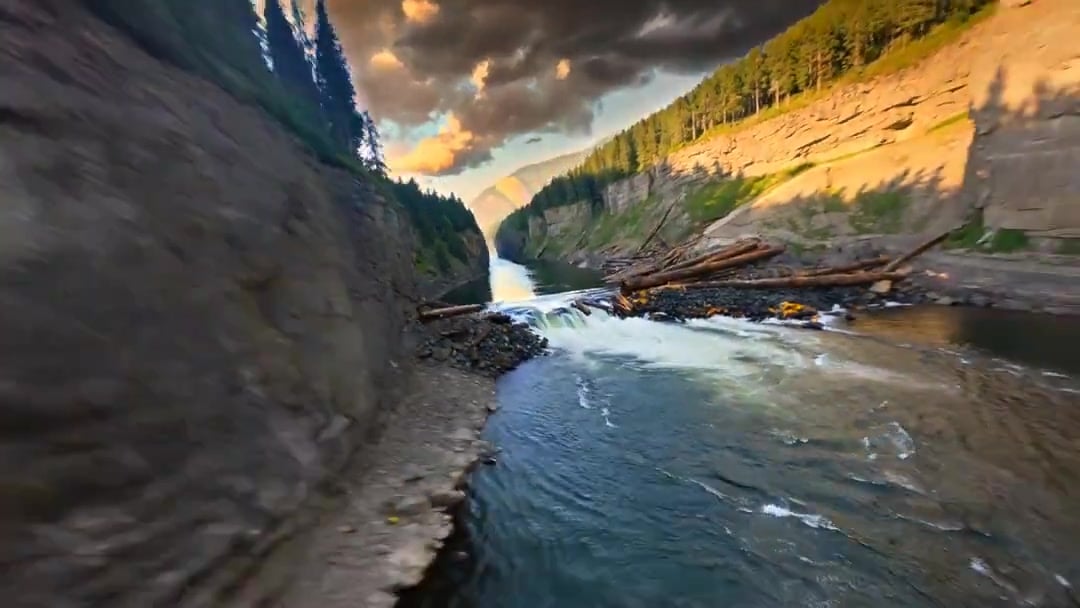 Cinematic Drone Specs Canyon — Kling 3.0 v3 Pro
- Arc Shot Frozen Woman Snow — Kling 3.0 v3 Pro
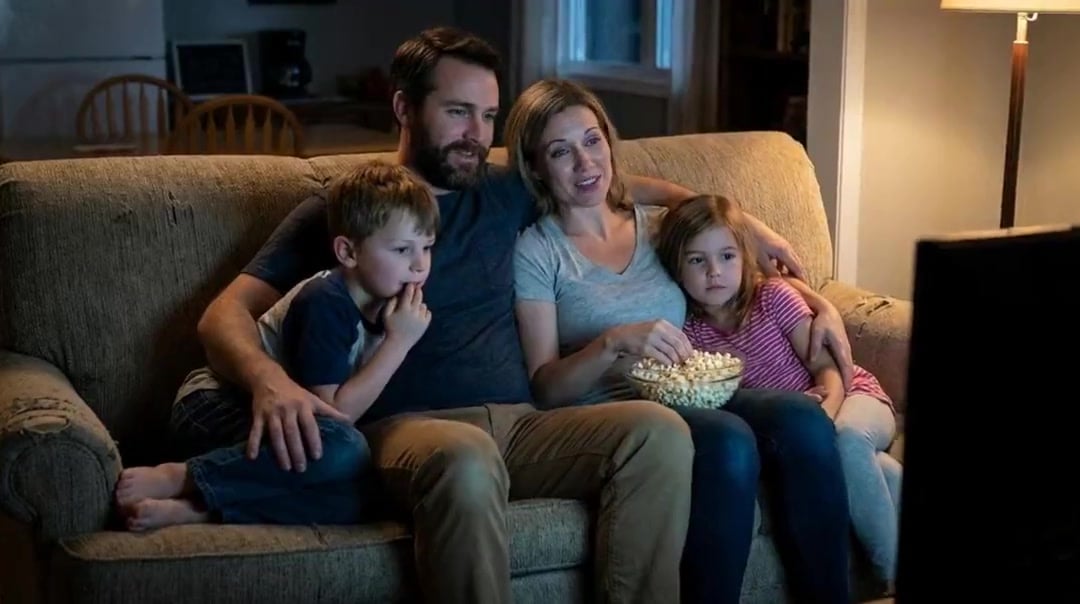 Family Dialogue 4 Characters — Kling 3.0 O3 Pro
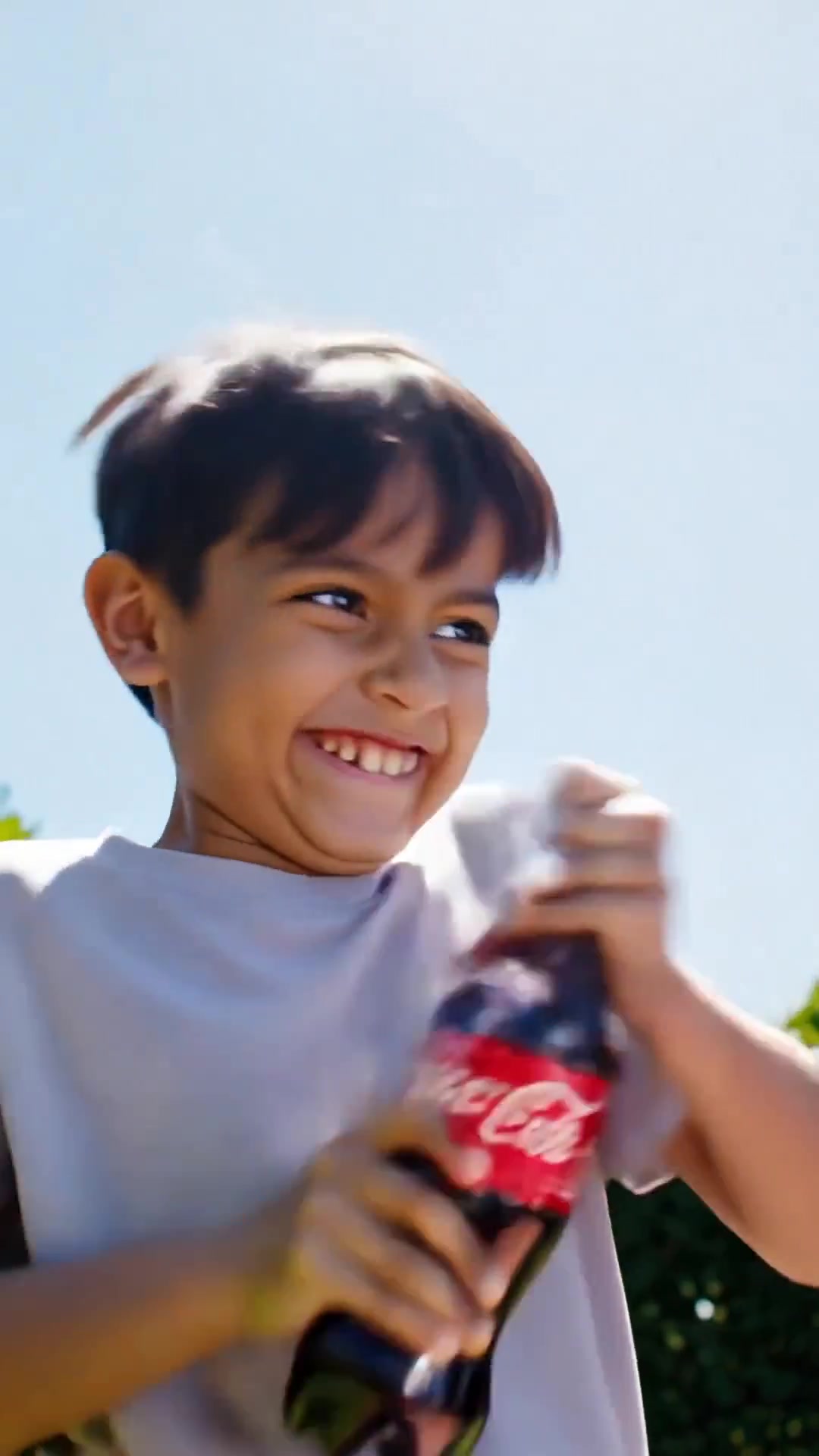 Comedy Coke Bottle Prank Reel — Kling 3.0 O3 Pro
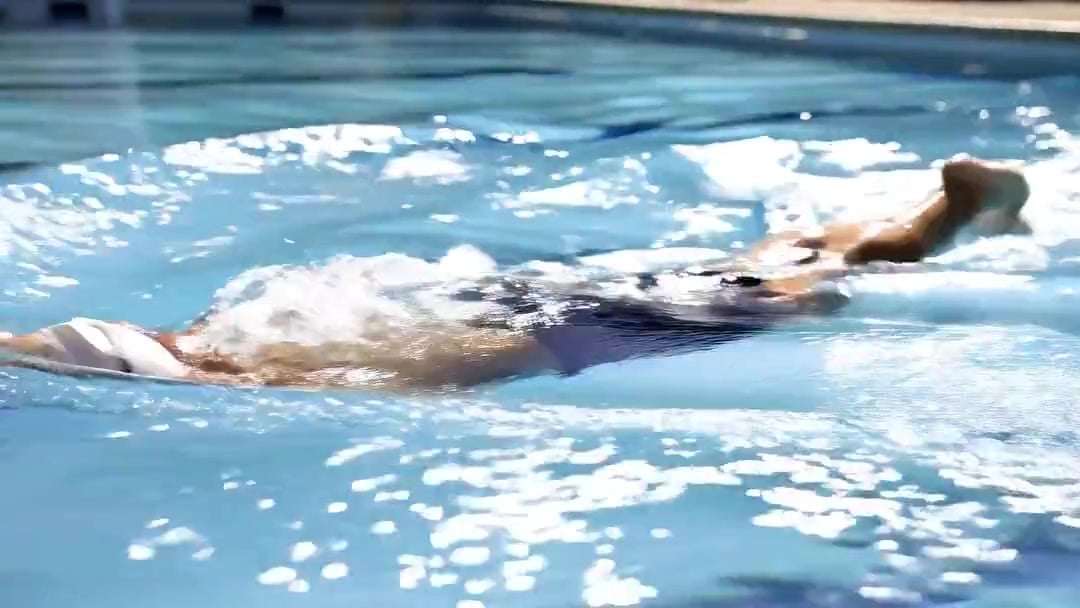 Swimming Physics Butterfly Stroke — Kling 3.0 v3 Standard
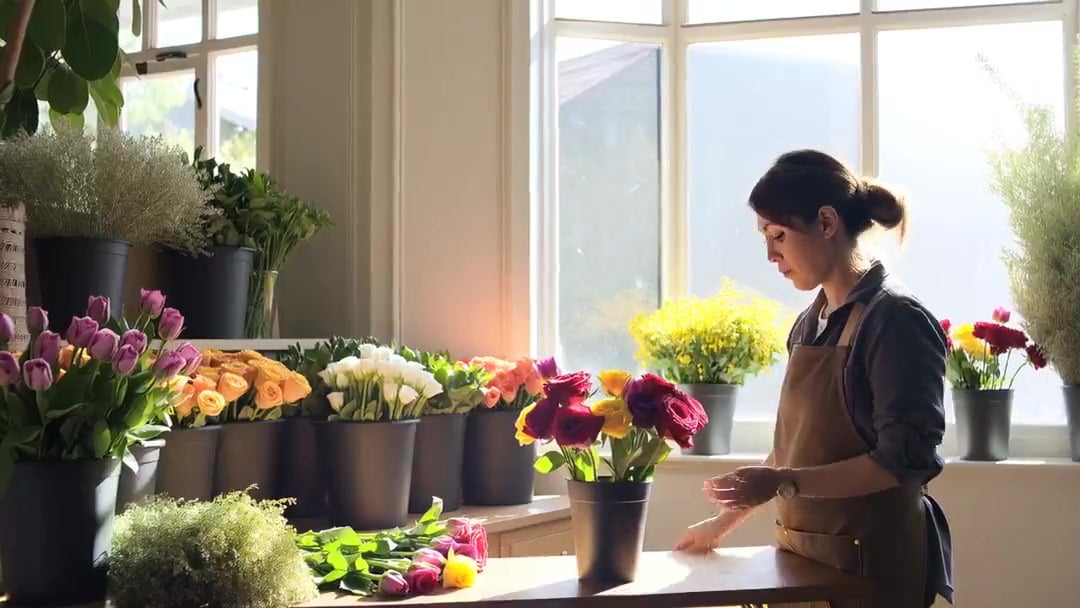 Florist Shop Bouquet — Kling 3.0 v3 Standard
 3x3 Grid Storyboard Racing — Kling 3.0 O3 Pro
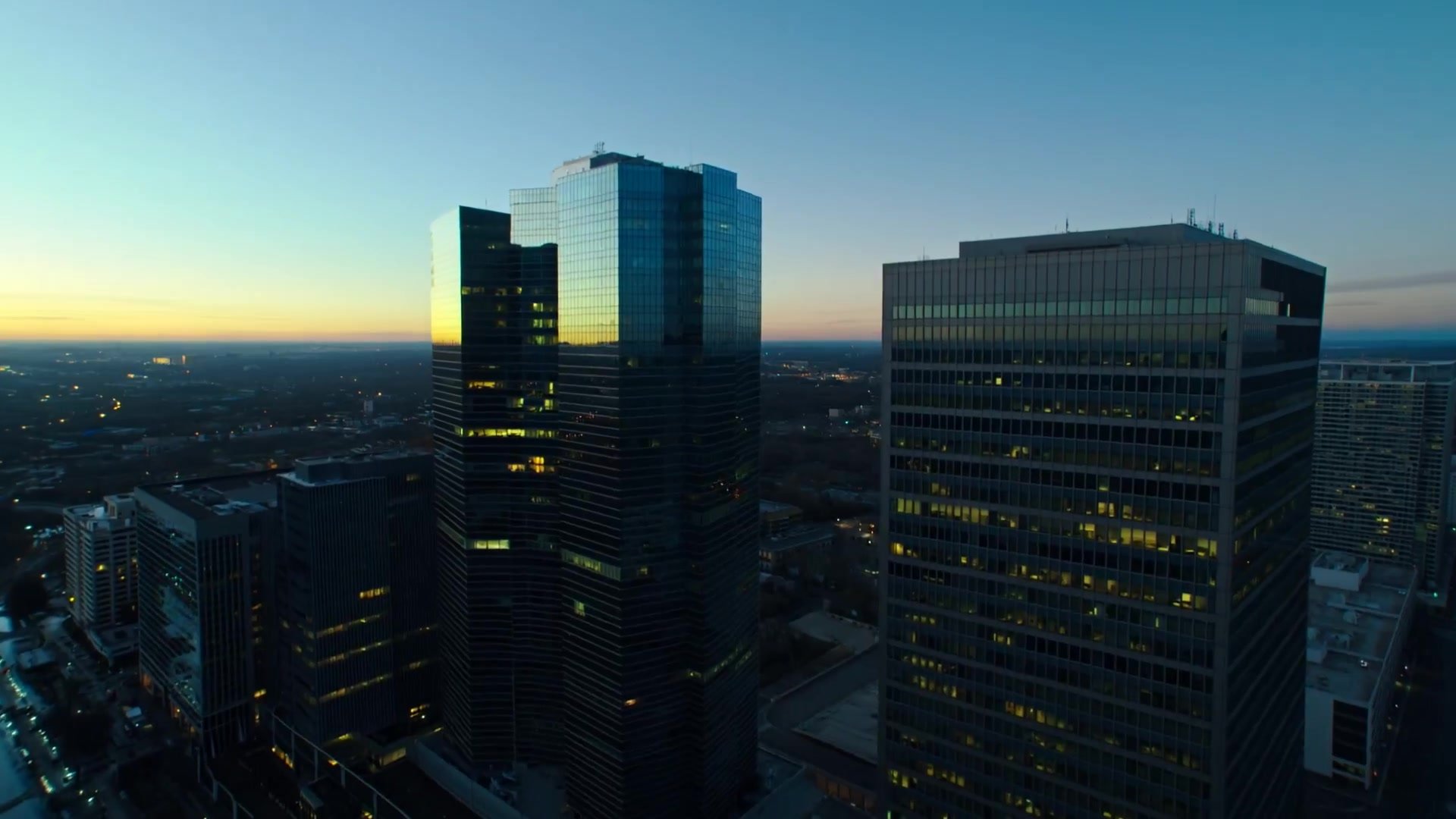 Multi-Shot Heist Sequence — Kling 3.0 O3 Pro
Kling 3.0 Standard questions
What is Kling 3.0 Standard?
Kling 3.0 Standard is an AI video model on PicX Studio for creating 720p video clips from text prompts or image references.
Can I generate a video from an image?
Yes. Add an image reference in the PicX Studio generator, then describe the motion, scene, and camera direction you want to create.
How long can Kling 3.0 Standard videos be?
Kling 3.0 Standard supports clips from 3 to 15 seconds. With motion control, clips can run up to 30 seconds.
Which resolution does Kling 3.0 Standard use?
Kling 3.0 Standard creates video at 720p. For 1080p, use Kling 3.0 Pro.
How do I get better results?
Keep each prompt focused on one scene. Name the subject, action, setting, visual style, and camera movement, then compare focused variations.
How much does Kling 3.0 Standard cost?
35 credits per second without sound and 54 with sound. A silent 5 second clip is 175 credits. Motion control is 50 credits per second.
Is Kling 3.0 Standard worse than Pro?
It is the same model at a lower resolution. Motion, prompt following and inputs are the same; Pro renders 1080p and Standard renders 720p for less.
Does Kling 3.0 Standard have motion control?
Yes. Kling 3.0 Standard Motion moves your character the way a person moves in a reference video, at 720p, in clips of 3 to 30 seconds.
Can I use the videos commercially?
Yes, on every plan: ads, product listings, client work and paid content are all fine.
Who makes Kling 3.0 Standard?
Kling 3.0 Standard is the 720p tier of Kling 3.0, the video model from Kuaishou. On PicX Studio it turns a written creative brief or a source image into a 3 to 15 second AI video clip, with or without sound. It uses the same prompts and inputs as Kling 3.0 Pro and costs less per second, which makes it the Kling model to reach for when you are still finding the shot or when the clip will be watched on a phone.
How do I create a Kling 3.0 Standard video?
Select Kling 3.0 Standard in the studio. Write a concise prompt describing the subject, action, setting, visual style and camera motion. Optionally add an image reference to fix the first frame. Choose a length from 3 to 15 seconds and decide on sound, then generate. Compare a few results, download the one you want, or send the same prompt to Kling 3.0 Pro for a 1080p version.
When is 720p enough for a Kling 3.0 Standard video?
Feeds, stories and reels are viewed on phone screens and compressed by the platform, so 720p looks clean there. It is also enough for storyboards, client previews and internal pitches, where the point is the idea and the motion rather than pixel detail. Pick 1080p on Pro for product close-ups, small text, large screens or delivery specs that name a resolution.
How do I get the best results from Kling 3.0 Standard motion control?
Kling 3.0 Standard Motion takes an image of your character and a reference video of a movement, and returns your character doing that movement. It renders at 720p and costs 50 credits a second, against 68 for the Pro version. Clips can be 3, 5, 10, 15, 20, 25 or 30 seconds. Use a reference with one person, a steady camera and the whole body in frame, and an image where the character faces the same way as the person in the video.
How do I draft on Kling 3.0 Standard and finish on Pro?
A good workflow is to explore on Standard and only pay Pro rates once. Change one thing per try: the camera move, the action, the light. When a draft has the framing and pacing you want, run the same prompt and image on Kling 3.0 Pro. Results are not identical between runs, so generate two or three Pro takes of the final prompt and keep the best.

Turn direction into motion.
Start with a prompt or image, guide the shot, and create your next Kling 3.0 Standard video in PicX Studio.