
VIDEOMiniMax (Hailuo AI) · from 23 credits / sec
MiniMax's motion-and-emotion update to Hailuo 02
Hailuo 2.3 AI Video Generator: Image to Video
One image in. 6 or 10 seconds. 768P or 1080P. Standard or Pro.
Hailuo 2.3 turns a single frame into a clip where bodies move with weight, faces shift in small, readable ways, and stylised art keeps its look.

- 6–10s
- 768p–1080p
- Image
What changed since Hailuo 02
Bigger, cleaner body movement
MiniMax pointed 2.3 at physical action. Complex full-body moves such as a turn or a jump come out more fluid and controlled, and the model follows the motion you describe more closely than Hailuo 02 did.
Faces that act, not just blink
Micro-expressions were a stated focus: a half-smile, a held breath, a glance away. Close-ups of people read as a performance, which matters for portraits, dialogue beats and character shots.
Stylised art stays stylised
Anime, illustration, ink wash and game-CG frames keep their line work and palette while they move, so a drawn character does not drift toward photo-real halfway through the clip.
Hailuo 2.3, from its maker
Official release video by MiniMax (Hailuo AI)
Where Hailuo 2.3 earns its keep
Why pick Hailuo 2.3
- MotionPhysical actionMiniMax's main upgrade over Hailuo 02.
- FacesMicro-expressionsSmall, natural changes in a face.
- StylesAnime to ink washIllustrated looks hold while moving.
- 1080PUp to 1080P6 s at 1080P; 768P for 6 or 10 s.
- 2 tiersStandard or ProSame inputs, two price points.
- AutoFraming from the imageThe clip follows your photo's shape.
What Hailuo 2.3 costs
Billed per second of video, at the resolution you pick. The same prices the generator shows before you run it.
- 768p23credits / sec5s clip 115 creditsOn Starter≈ 31 clips / mo
- 1080p34credits / sec5s clip 170 creditsOn Starter≈ 21 clips / mo
Every model on every planCredits never expireSee plans
Pay for Hailuo 2.3 with crypto
Buy credits with Bitcoin, USDT, USDC, ETH, Solana and more — no card, nothing auto-renews, packs from $5, and 15% extra credits on crypto payments.
Hailuo 2.3 vs Hailuo 02
Both MiniMax models are in the PicX generator. 2.3 is the newer one for motion, faces and styles; 02 covers text prompts and end frames.
Live credit prices are in the pricing table. Hailuo 2.3 Fast is not available on PicX yet.
How to use Hailuo 2.3 in 3 steps
- 1
Upload the first frame
Start from a JPG, PNG or WebP. The clip opens on this image and keeps its framing, so crop it the way you want the shot to look.
- 2
Describe the action and the camera
Say who moves, how, and what the face does. MiniMax also documents bracketed camera cues like [Push in] or [Pan left]; plain words work too.
- 3
Pick tier, length and resolution
Choose Standard or Pro, then 6 s at 768P or 1080P, or 10 s at 768P. Generate, then tighten the prompt on the take you like.
Hailuo 2.3 prompts to copy
Prompts to start from. Copy one, or open it in the generator with the model already picked.
A smile that lands late
[Push in] She hears the joke, holds a straight face for a beat, then the corners of her mouth give way into a slow, embarrassed smile and she looks down
Ink-wash swordsman
The ink-wash swordsman draws his blade in one sweep, his robe snapping in the wind, brush-stroke mist trailing behind the steel
Product on cue
[Static shot] The perfume bottle rotates a quarter turn on the marble, light sweeps across the glass, and the cap lifts off to reveal the nozzle
Street dance spin
[Tracking shot] The dancer drops into a low spin, kicks up out of it and freezes on the beat, jacket swinging around her
Templates to start from
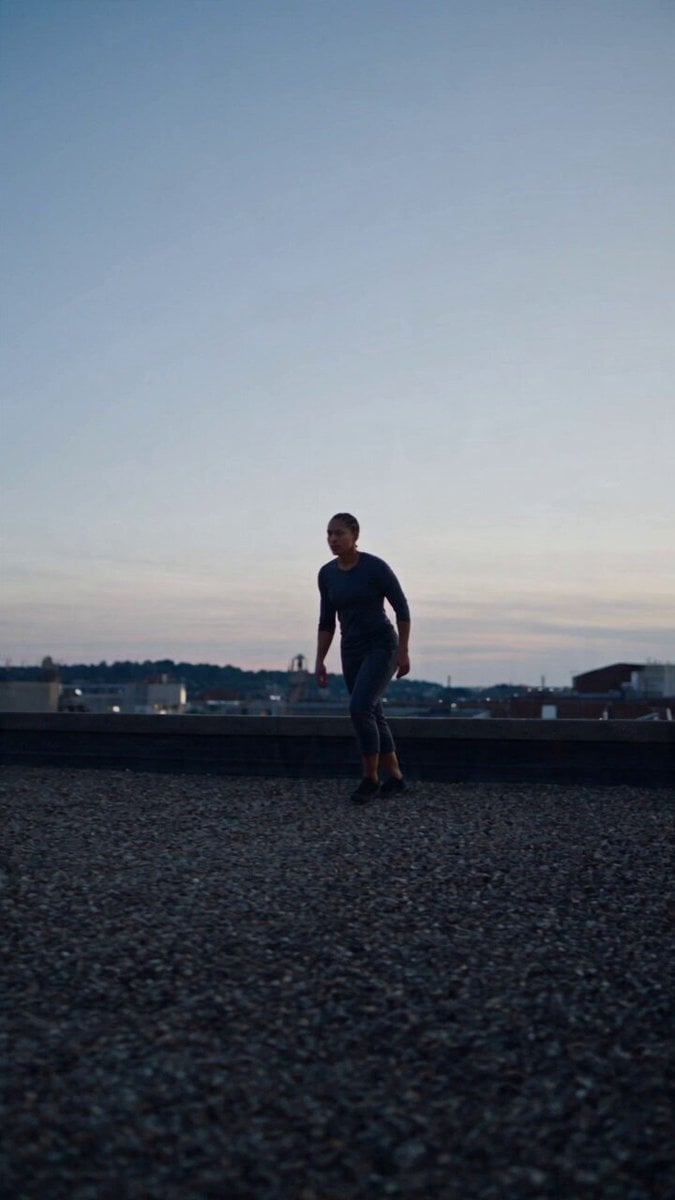
Browse all templates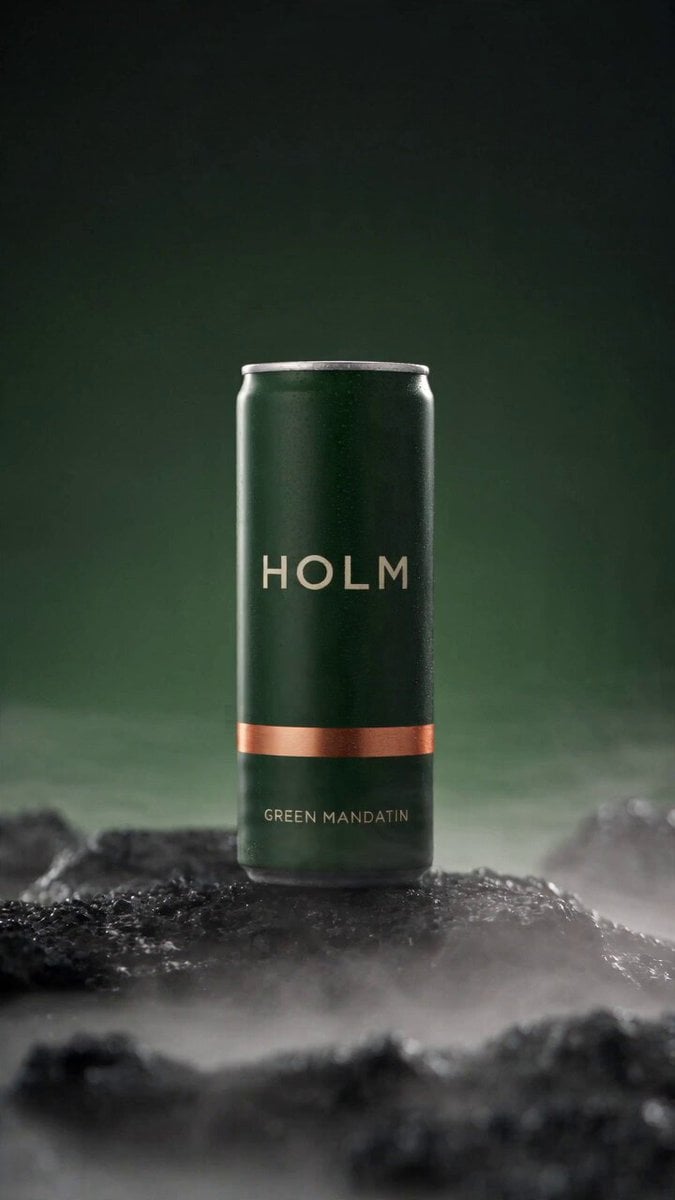 Rooftop Parkour Motion Control
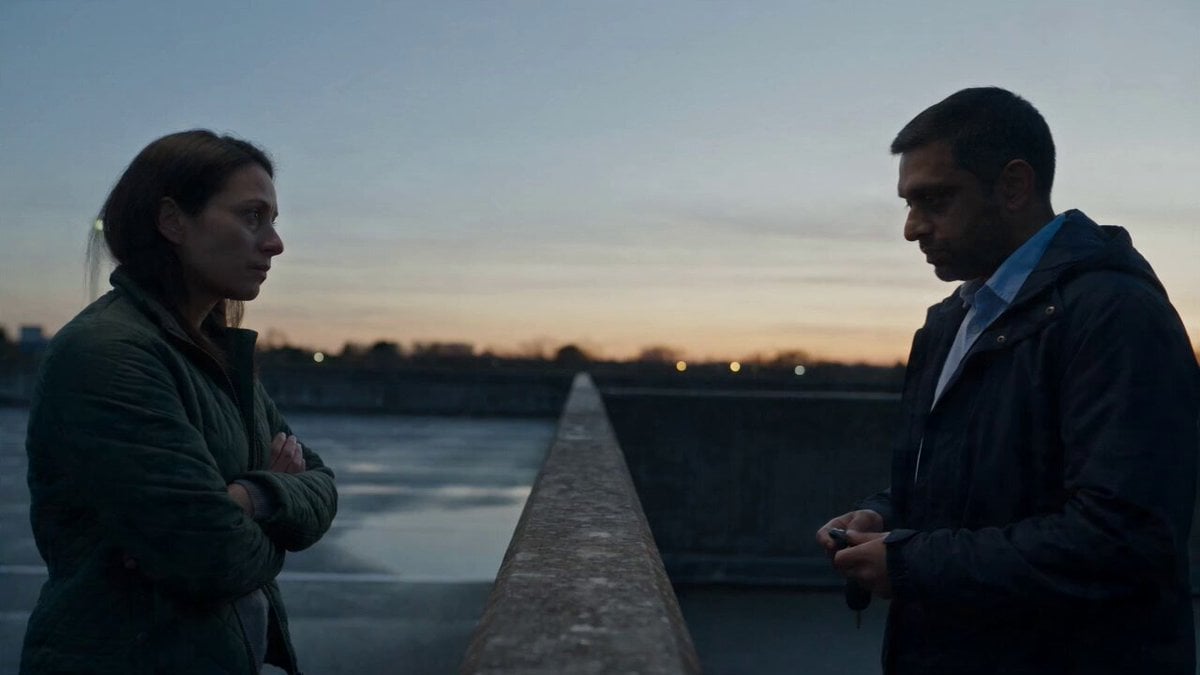 Hospital Car Park Dialogue Lip Sync
 Product Ad Drink Can 110° Orbit
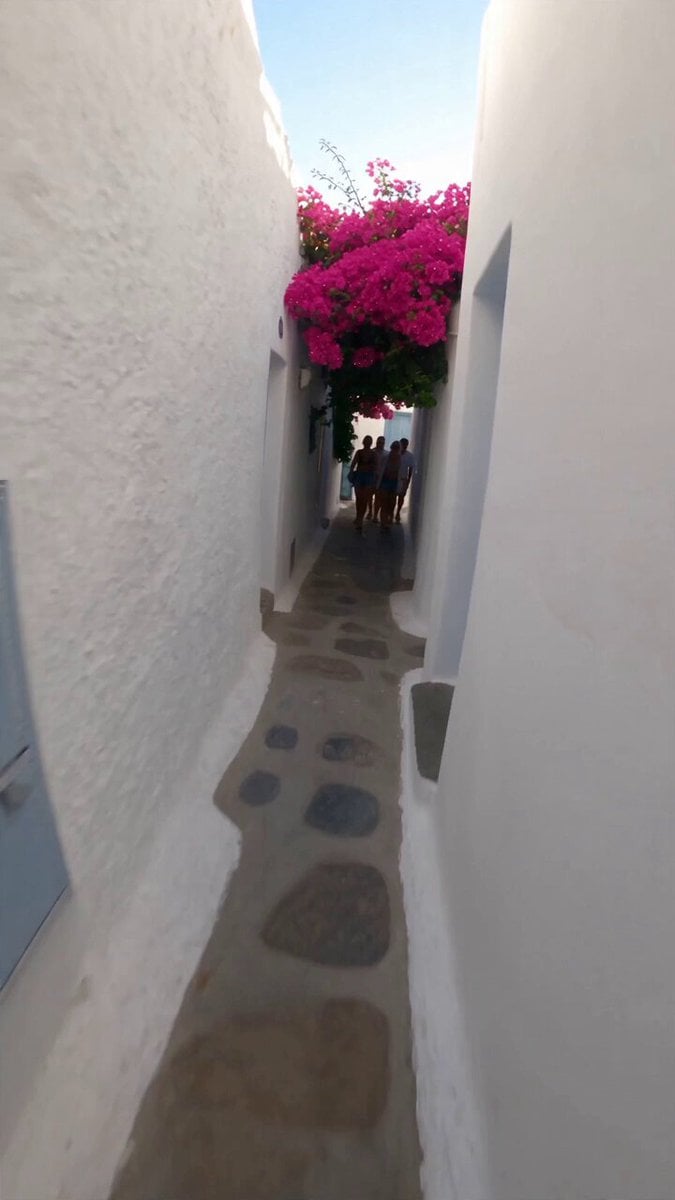 Selfie Travel Vlog Mykonos
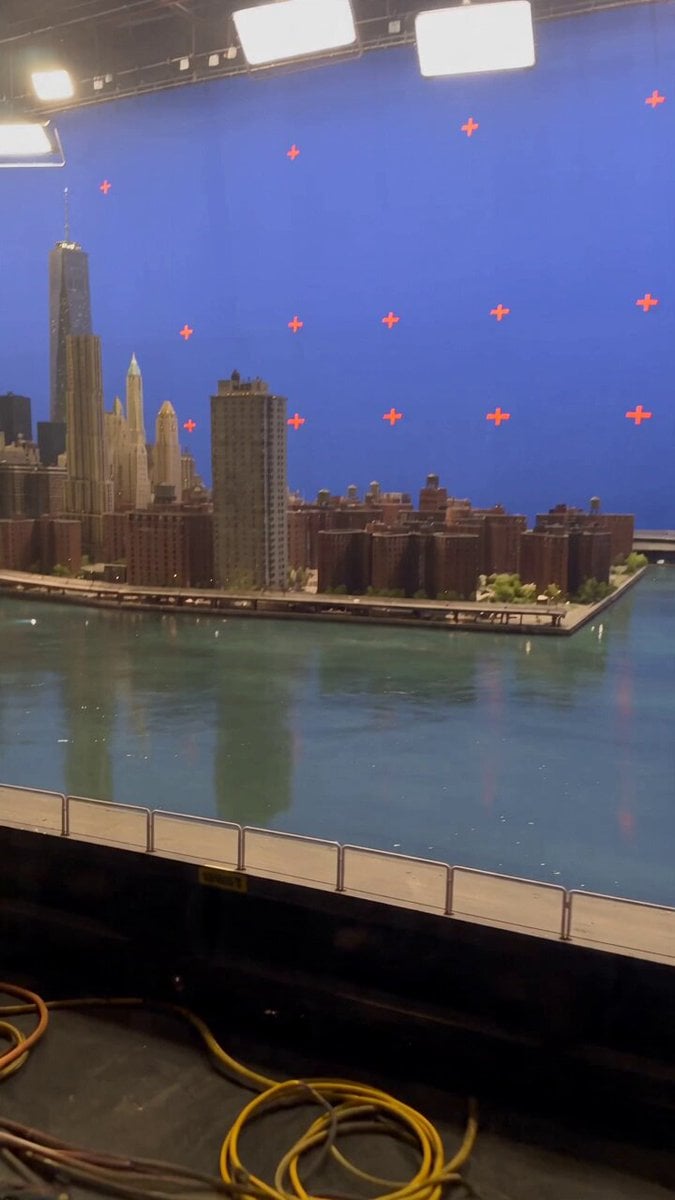 Miniature City Flood Soundstage
- Miniature City Flood Soundstage
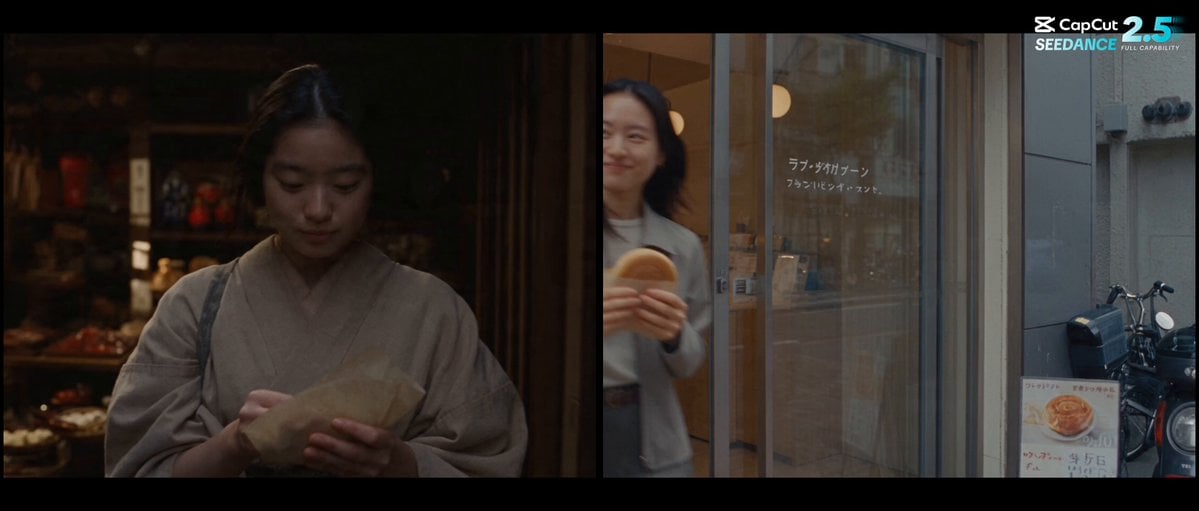 Forgotten 1980s High School Documentary Seedance
 RX-7 to Mech Transformation Cyberpunk
 MiniMax H3 Character Introduction
 Luxury Streetwear Fashion Runway Film
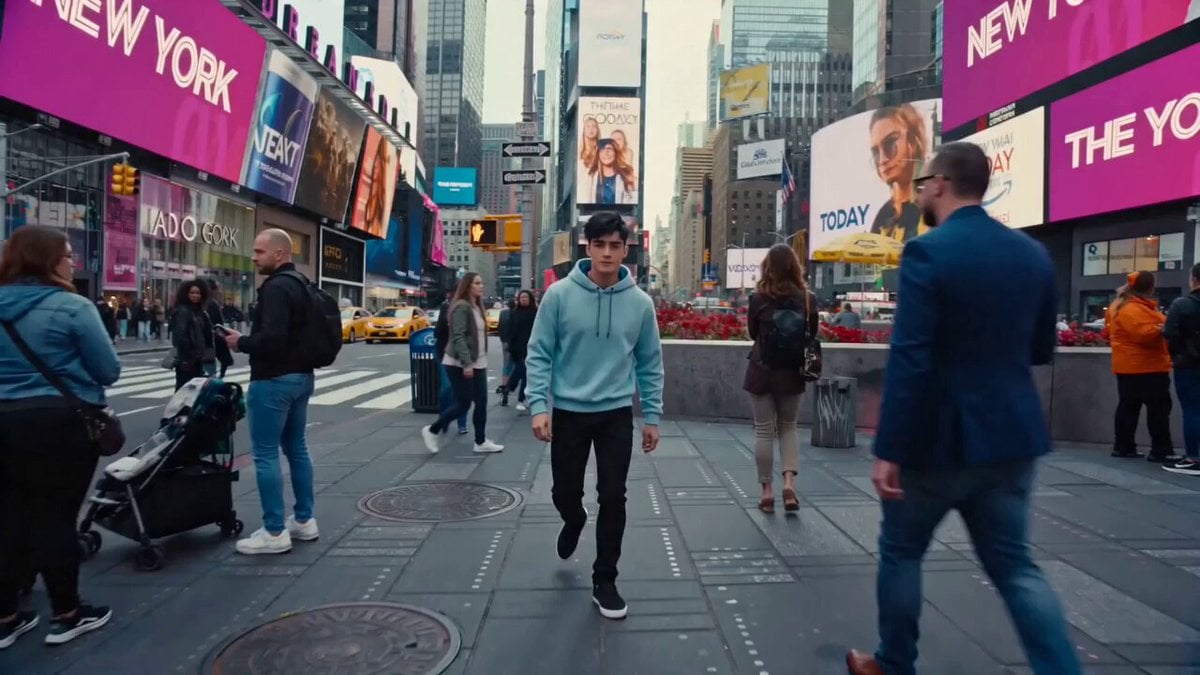 Cinematic Times Square Confidence Walk
 Cinematic Cave Exploration Multi-Shot Sequence
Hailuo 2.3 questions
What is Hailuo 2.3?
Hailuo 2.3 is the MiniMax video model that followed Hailuo 02. MiniMax aimed it at fuller physical motion, more natural facial expressions and better handling of styles like anime, illustration and ink wash. On PicX Studio it animates an image into a 6 or 10 second clip.
Is Hailuo 2.3 free to use?
Not on PicX. MiniMax handed out daily trial credits on its own Hailuo site at launch, but here every Hailuo 2.3 clip uses credits from a plan or a one-time pack (new accounts get one free image, not a free video). The cheapest test is Standard at 768P for 6 seconds; save Pro and 1080P for the shot you keep.
What is the difference between Hailuo 2.3 Pro and Standard?
Both take one image and a prompt, and both offer 768P or 1080P at the same lengths. Pro is the higher-priced tier; Standard is the cheaper one for drafts and volume. Compare credits in the pricing table.
How long and how sharp are Hailuo 2.3 videos?
At 768P you can pick 6 or 10 seconds. At 1080P, clips are 6 seconds. The output keeps the framing of the image you upload.
Does Hailuo 2.3 support text to video?
MiniMax offers Hailuo 2.3 for text prompts on its own platform, but that mode is not available on PicX yet. Here it is image-to-video only. For MiniMax text-to-video on PicX Studio, use Hailuo 02 in the generator or MiniMax H3.
Does Hailuo 2.3 generate sound?
No. Hailuo 2.3 clips come out silent. Add music or voice afterwards, or use MiniMax H3, which generates audio with the picture.
Is Hailuo 2.3 better than Hailuo 02?
For motion-heavy shots, close-up acting and stylised art, that is what MiniMax built 2.3 for, at the same price as 02 on its platform. Hailuo 02 is still useful when you need text-to-video or a set last frame, which 2.3 does not take here.
Can I use Hailuo 2.3 Fast on PicX?
Not yet. MiniMax released 2.3 Fast alongside 2.3 as a quicker, cheaper image-to-video option. PicX Studio currently offers Hailuo 2.3 Standard and Pro.

Give your still a performance with Hailuo 2.3
One image in, a 6 or 10 second clip out, in Standard or Pro.