
VIDEOKuaishou (Kling AI) · from 35 credits / sec
Kling's first model that hears what it shows
Kling 2.6: AI video with dialogue, music and sound in one pass
Sound on or off. 5 or 10 seconds. 1080p. Text or one image.
Kling 2.6 renders the picture and its soundtrack together: lines spoken by your characters, a narrator, a song or a rap verse, plus effects and room tone. Put each spoken line in quotation marks and it lines the voice up with the action on screen.
- 5–10s
- 1080p
- Sound on or off
- Text · Image
Picture and sound, generated together
Characters that talk to each other
Give two characters distinct names and voices, put each line in quotes, and Kling 2.6 can tell the voices apart and match each one to the character doing the talking.
Singing, rap and pure music
Write lyrics or rhymed bars, name a style such as trap or a soft ballad, and the performer sings or raps on screen. Instrument-only scores work too.
Effects and ambience that fit the room
Ask for wind through a canyon, a crowd in an echoing hall or glass breaking, and the sound lands on the matching moment. Switch sound off when you only need silent footage.
Kling 2.6, from its maker
Official release video by Kuaishou (Kling AI)
Where native sound saves a step
Why pick Kling 2.6
- 1 passVideo and audio togetherNo separate voice or sound design step.
- 6Kinds of soundNarration, dialogue, singing or rap, ambience, action effects, and mixes.
- EN / ZHSpoken languagesEnglish and Chinese voices.
- 1080pOutput on PicXOne quality setting, no tiers to pick.
- 5 / 10sClip lengths10 s gives songs and dialogue room.
- OffSilent when you wantSound off costs fewer credits.
What Kling 2.6 costs
Billed per second of video, at the resolution you pick. The same prices the generator shows before you run it.
- 1080p35credits / sec
65 / sec with sound
5s clip 175 creditsOn Starter≈ 20 clips / mo
Every model on every planCredits never expireSee plans
Pay for Kling 2.6 with crypto
Buy credits with Bitcoin, USDT, USDC, ETH, Solana and more — no card, nothing auto-renews, packs from $5, and 15% extra credits on crypto payments.
Kling 2.6 next to the Klings around it
Kling 2.6 added sound to Kling's short clips. Kling 2.5 Turbo before it is silent; Kling 3.0 Pro keeps the sound toggle and adds any length from 3 to 15 seconds.
Live credit prices are in each page's pricing table.
How to use Kling 2.6 in 3 steps
- 1
Write scene, action and sound
Describe the setting, who is in it, how they move and how the camera moves, then say what we should hear. Put every spoken or sung line in quotes and give each speaker a unique label.
- 2
Add a start image if you have one
Upload one high-resolution still to animate it with sound, or skip it for text-to-video. Make sure the image matches the prompt: an indoor photo for an indoor scene.
- 3
Pick sound, length and frame, then generate
Turn sound on or off, choose 5 or 10 seconds (10 for songs and conversations), and for text clips pick 16:9, 9:16 or 1:1.
Kling 2.6 prompts to copy
Prompts to start from. Copy one, or open it in the generator with the model already picked.
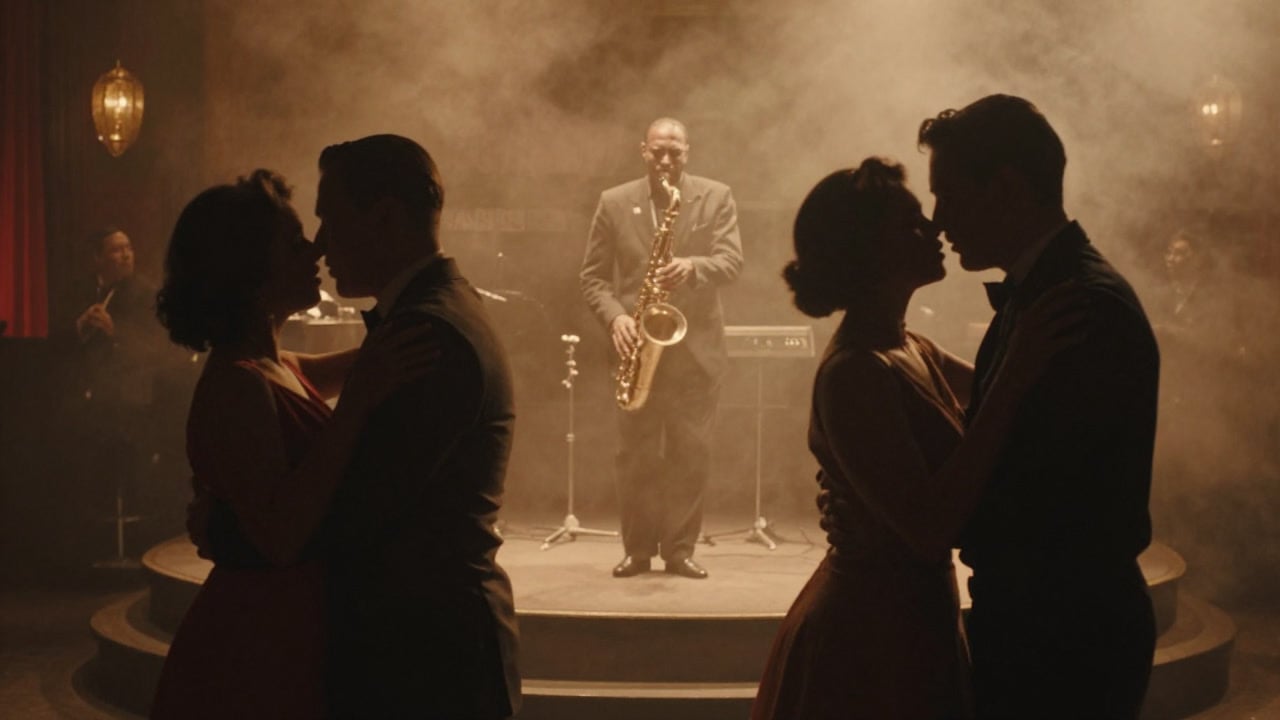
Smoky jazz club
Dolly shot through a smoky 1950s jazz club toward a saxophonist on a small stage, warm tungsten light, shallow depth of field, couples dancing in silhouette. Audio: a slow, breathy saxophone solo over upright bass and brushed drums, glasses clinking, low crowd murmur in a small room
Floating headphones (sound off)
Wireless headphones float and slowly rotate in a minimal pastel studio, sound waves visualised as soft rings around them, clean tech commercial
Two-voice food truck scene
Night, inside a cramped food truck, rain on the metal roof. The Old Cook wipes the counter and says in a gravelly, tired voice: "Last order, kid." Then the Young Customer leans in, grinning, and answers quickly and cheerfully: "Then make it a double." Grill sizzling, distant traffic, handheld medium shot
Rooftop rap verse
A young rapper in a yellow hoodie performs on a rooftop at dusk, nodding to the beat, low handheld camera circling her. She raps in a confident, fast trap flow: "city lights low, I keep moving on my own, every step I take turns the concrete into gold." Heavy 808 bass, crisp hi-hats, wind across the roof
Templates to start from
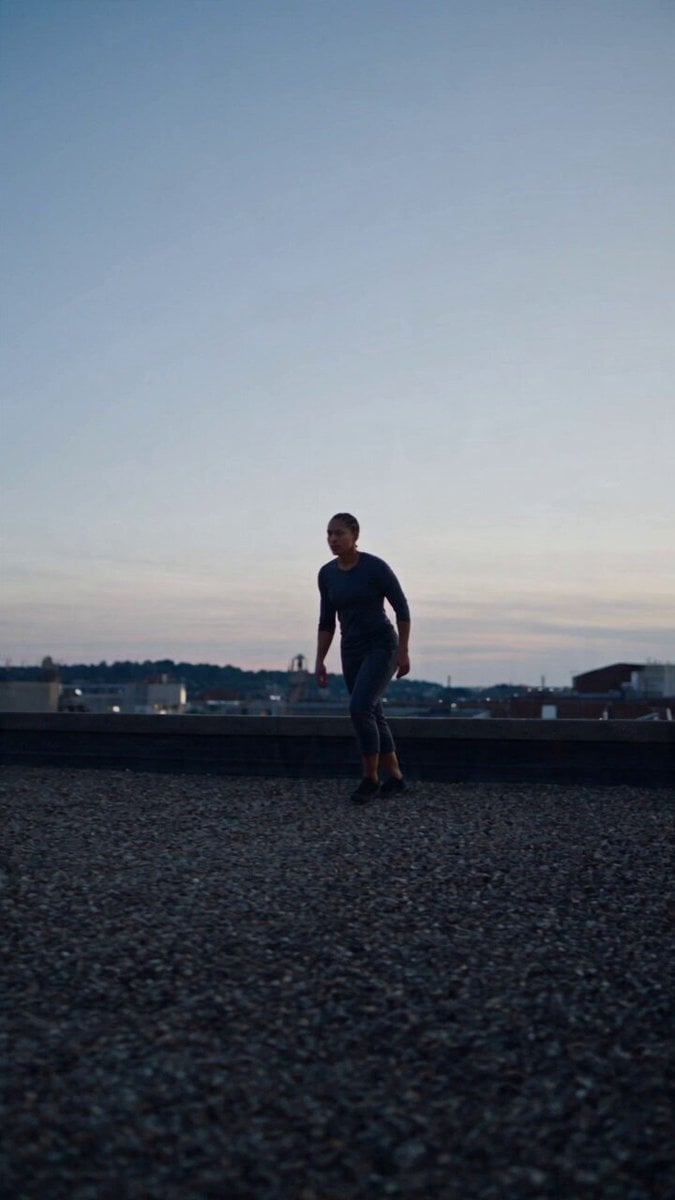
Browse all templates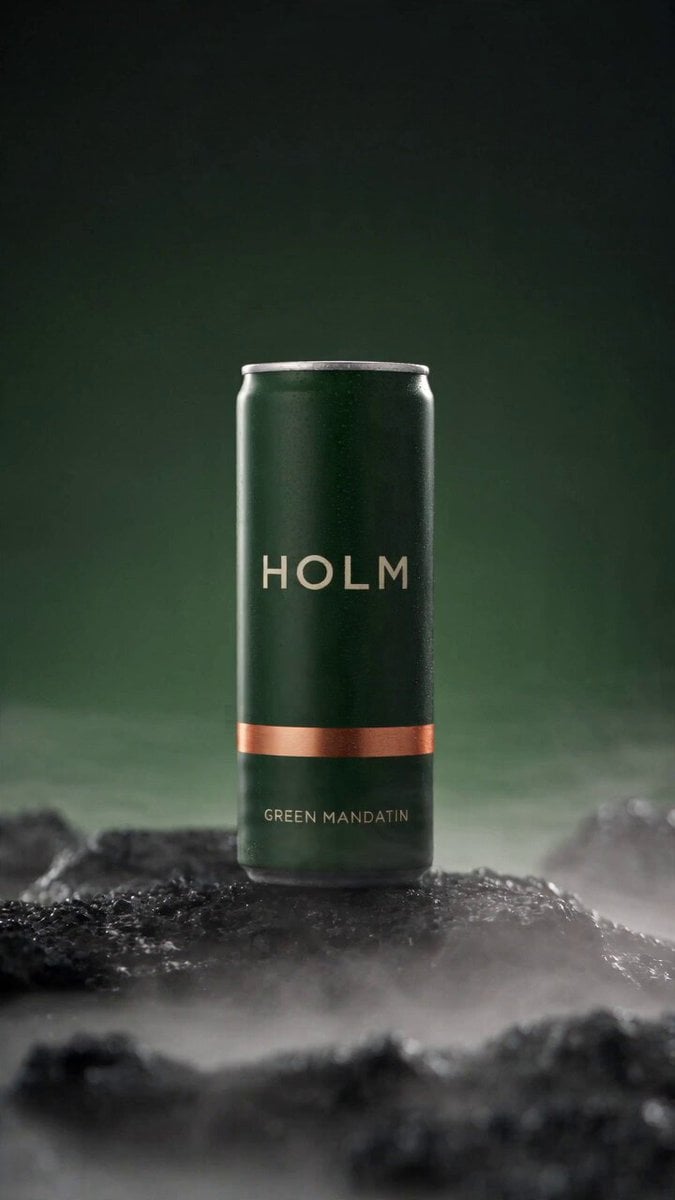 Rooftop Parkour Motion Control
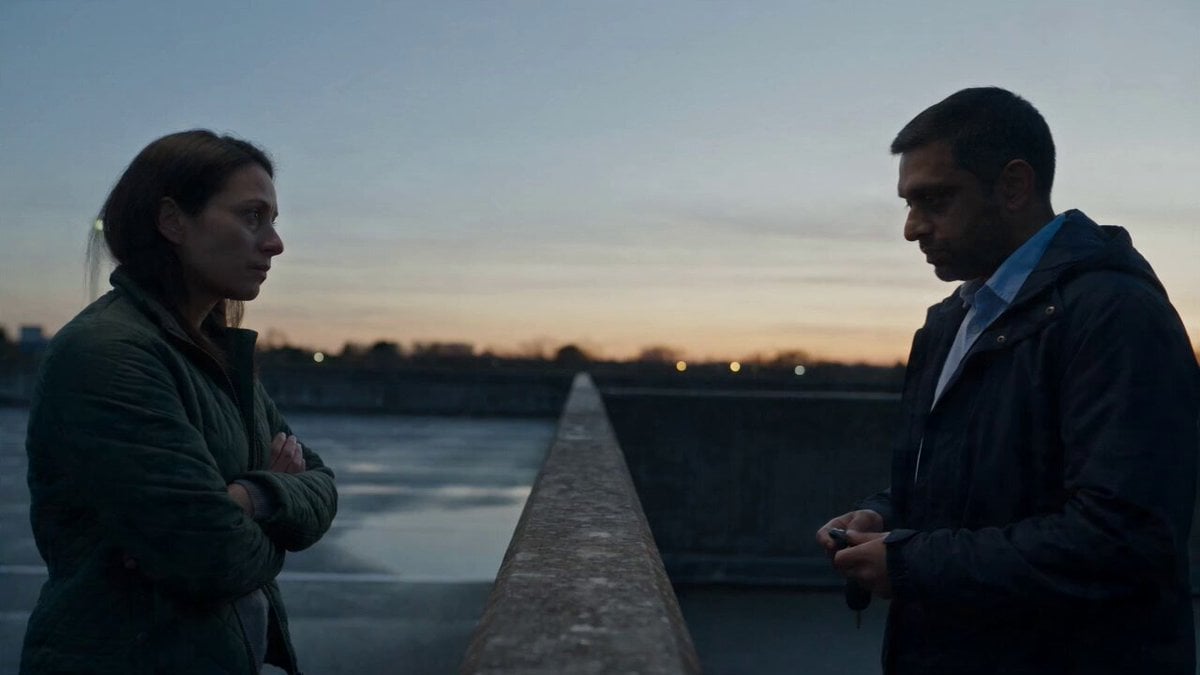 Hospital Car Park Dialogue Lip Sync
 Product Ad Drink Can 110° Orbit
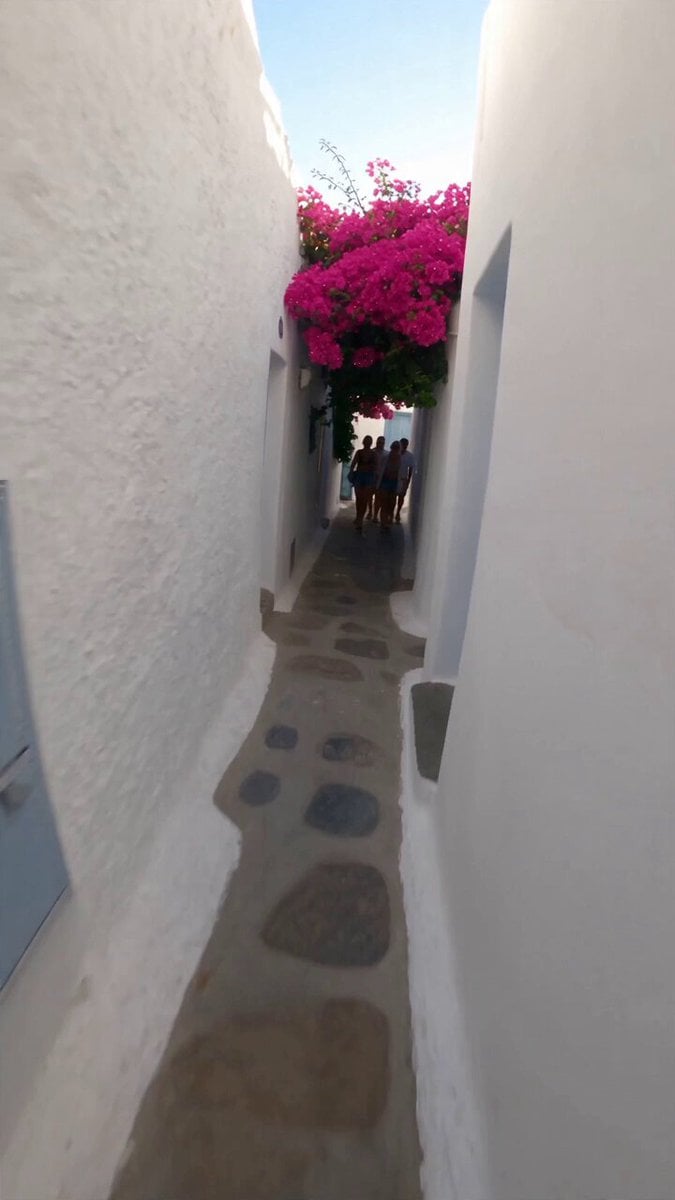 Selfie Travel Vlog Mykonos
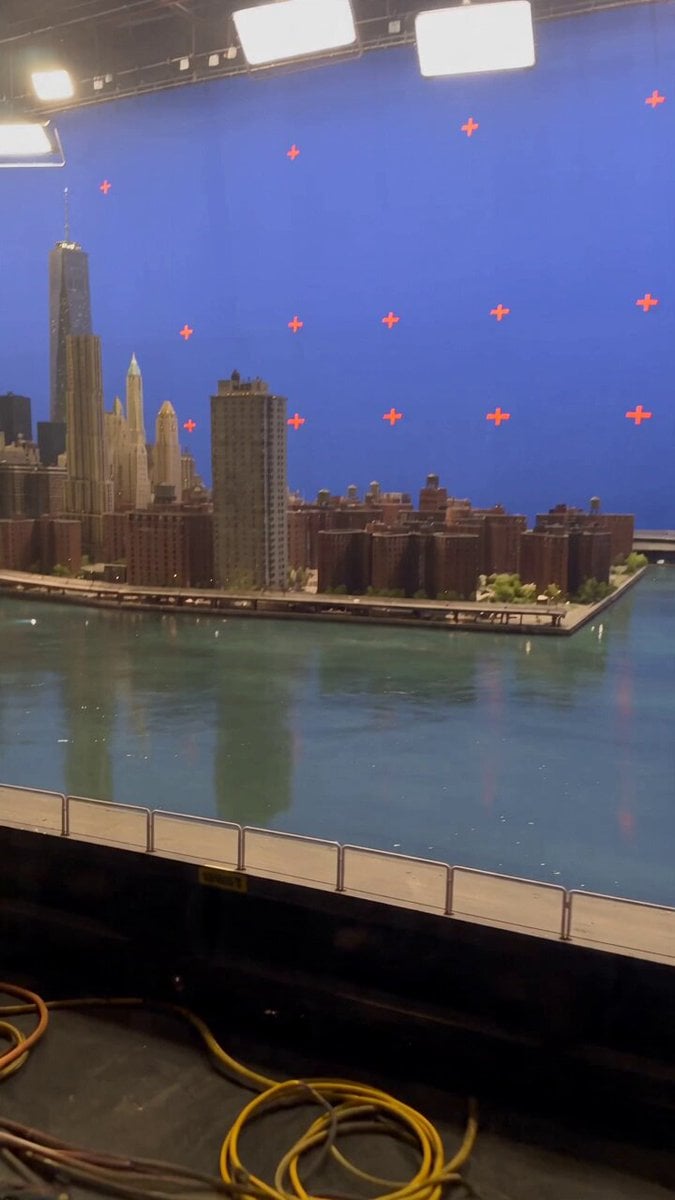 Miniature City Flood Soundstage
- Miniature City Flood Soundstage
 Forgotten 1980s High School Documentary Seedance
 RX-7 to Mech Transformation Cyberpunk
 MiniMax H3 Character Introduction
 Luxury Streetwear Fashion Runway Film
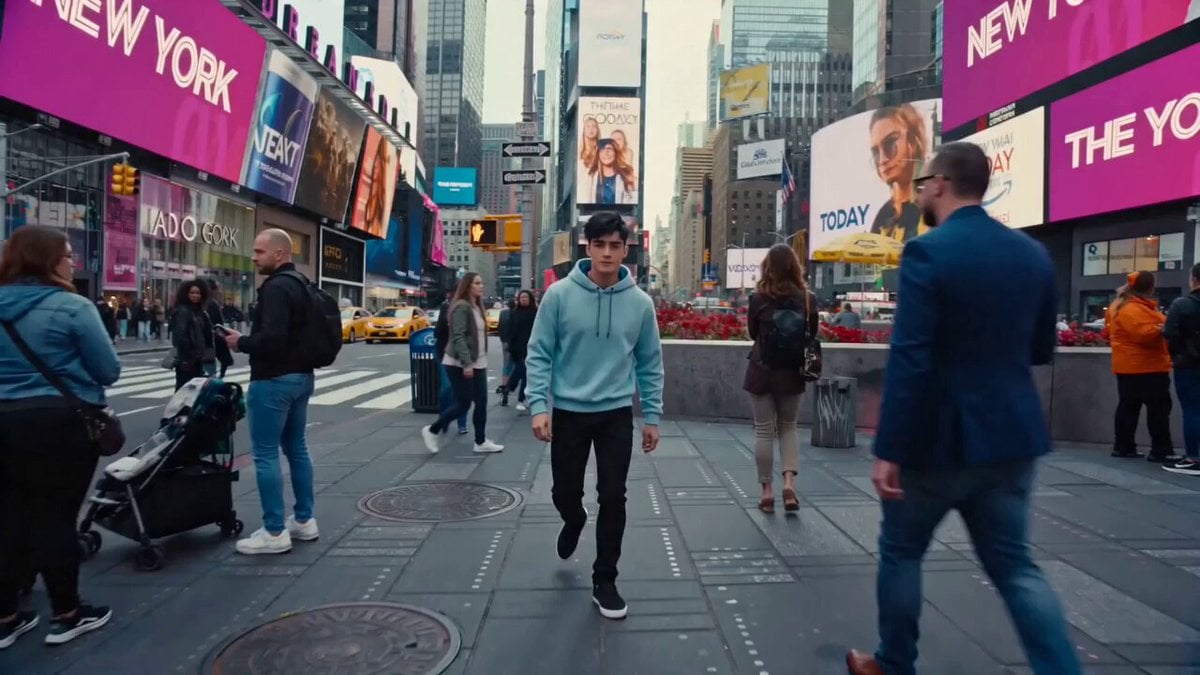 Cinematic Times Square Confidence Walk
 Cinematic Cave Exploration Multi-Shot Sequence
Kling 2.6 questions
Does Kling 2.6 have audio?
Yes. It was the first Kling model with native audio: with sound on, it generates voices, music, effects and ambience at the same time as the video, already in sync. With sound off you get a silent clip for fewer credits.
What languages does Kling 2.6 audio support?
Spoken voices come in English and Chinese. Kling says lines written in other languages are translated into English for the voice, while the rest of the video is unaffected. For English, Kling recommends lowercase for ordinary words and capitals only for names and acronyms.
How do I write Kling 2.6 prompts with dialogue?
Follow Kling's own order: scene, subject, movement, audio, then style and camera. Put each line in quotes, give every speaker one unique label ("the Old Cook", not "he"), describe what they do before they speak, and add a tone such as "whispering" or "excited". Kling advises the 10-second length for conversations and songs so they have room to finish.
Kling 2.6 vs Kling 3.0: which should I use?
On PicX both have a sound toggle and output 1080p. Kling 3.0 Pro lets you pick any length from 3 to 15 seconds; Kling 2.6 offers 5 or 10 seconds and is the model Kling wrote its native-audio prompting guide for. If you need a clip longer than 10 seconds, use Kling 3.0.
Kling 2.6 vs Veo 3.1: how do they compare?
Both make video with sound. On PicX, Veo 3.1 runs in its Fast tier, always includes audio, makes 4, 6 or 8 second clips at 720p, 1080p or 4K, and accepts first/last frames and reference images. Kling 2.6 lets you turn sound off, runs 5 or 10 seconds at 1080p, and takes text or one image. Pick Veo for 4K or frame control, Kling 2.6 for 10-second clips or silent drafts.
Kling 2.6 vs Kling 2.5 Turbo: what changed?
Sound. Kling 2.5 Turbo makes silent video only, while Kling 2.6 can generate speech, singing and effects with the picture. Both run 5 or 10 seconds at 1080p on PicX; 2.5 Turbo also accepts a first and last frame, which 2.6 does not.
Is Kling 2.6 Pro, and can I use Voice Control or motion control?
Kling's own app has Professional and Standard modes; PicX offers one Kling 2.6 setting at 1080p, with sound on or off. Voice Control (cloning a voice and tagging it to a character) and Kling 2.6 motion control are not available on PicX yet. For copying motion from a video onto an image, use Kling 3.0 Pro Motion Control.
Is Kling 2.6 free to use?
Not for free. Kling 2.6 runs on credits from a plan or a one-time pack (new accounts get one free image, not a free video). To keep test runs cheap, try a prompt with sound off at 5 seconds, then render the final take with sound on. Credits never expire.

Give your next clip a voice
Dialogue, songs and sound effects made with the picture, or a silent take when you need one. Kling 2.6 on one PicX credit balance.