
VIDEOGoogle DeepMind · from 40 credits / sec
Google's Veo, with sound planned into every shot
Veo 3.1 AI Video Generator
Veo 3.1 Fast. 4, 6 or 8 s. 16:9 or 9:16. Up to 4K. Audio on.
Give Veo 3.1 a prompt, a first frame, a first and last frame, or up to three ingredient images, and it returns a short clip whose voices, ambience and effects are generated together with the picture. PicX runs the Fast tier.

- 4–8s
- 720p–4k
- Native audio
- Text · Image · Start & end frames · References
Three ways to steer a Veo 3.1 shot
Ingredients: keep a character across shots
Upload one to three images of a person, a product or a setting and Veo 3.1 builds an 8-second clip around them. Google's January update focused this mode on keeping a face, an object or a background the same when the scene changes, so a recurring character can carry a short series.
First and last frame: you set where it lands
Give Veo a starting still and an ending still and it writes the motion between them, with sound. Useful for a reveal, a before-and-after or a transition that has to end on an exact composition, such as a packshot.
Sound you can prompt for
Veo 3.1 was released with richer native audio than Veo 3. Name the sounds in your prompt, from rain on a window to a short spoken line, and they arrive in the same file, timed to the action, instead of being added in an edit.
Veo 3.1, from its maker
Official release video by Google DeepMind
Where Veo 3.1 earns its place
What you get on PicX
- AudioAlways onDialogue, effects and ambience in every clip.
- 3 refsIngredients to videoOne to three images guide an 8-second clip.
- 2 framesFirst and last frameSet the opening and closing image.
- 9:16Native verticalPortrait or landscape, or Auto from a start image.
- 4K720p, 1080p or 4KGoogle produces 1080p and 4K with its upscaler.
- FastVeo 3.1 FastThe speed tier Google launched with Veo 3.1.
What Veo 3.1 costs
Billed per second of video, at the resolution you pick. The same prices the generator shows before you run it.
- 720p40credits / sec5s clip 200 creditsOn Starter≈ 18 clips / mo
- 1080p45credits / sec5s clip 225 creditsOn Starter≈ 16 clips / mo
- 4k115credits / sec5s clip 575 creditsOn Starter≈ 6 clips / mo
Every model on every planCredits never expireSee plans
Pay for Veo 3.1 with crypto
Buy credits with Bitcoin, USDT, USDC, ETH, Solana and more — no card, nothing auto-renews, packs from $5, and 15% extra credits on crypto payments.
Veo 3.1 vs Gemini Omni Flash 1.1
Two Google video models on the same PicX credit balance. Veo 3.1 gives you more ways to control the shot; Omni Flash runs a little longer.
Specs as each model runs on PicX Studio, not the maker's full feature list. Compare credit costs in the pricing table.
How to use Veo 3.1 in 3 steps
- 1
Choose how to start
Text only, a first frame, a first and last frame, or one to three ingredient images. Ingredient clips are always 8 seconds.
- 2
Write the picture and the sound
Describe the subject, the action, the camera move and the light, then add what we should hear: the line someone says, the room tone, the effect.
- 3
Set length, shape and resolution
Pick 4, 6 or 8 seconds, 16:9 or 9:16, and 720p, 1080p or 4K, then generate and refine the prompt on the take you like.
Veo 3.1 prompts to copy
Prompts to start from. Copy one, or open it in the generator with the model already picked.
Desert convoy at dusk
Low tracking shot alongside a convoy of vintage off-road trucks crossing red sand dunes at dusk, dust trailing in warm backlight, anamorphic lens flare, cinematic color grade. Sound: diesel engines rumbling, gravel crunching under tyres, wind buffeting the microphone
Perfume splash ad
Macro product shot of a glass perfume bottle on black stone as a splash of water freezes around it in slow motion, rim light, luxury advertising look. Sound: a deep water splash, a soft glass chime, then near silence
Two-line dialogue scene
Medium close-up in a rain-streaked diner at night, a tired detective slides a photo across the counter and says: "You've seen her before." The waitress glances at it and replies: "Never." Neon hum, rain on the window, a coffee cup set down
Sketch to finished room (first and last frame)
Slow dolly forward as a pencil sketch of a living room fills in with color, texture and furniture until it becomes the finished photoreal room in the last frame, soft morning light, pages rustling and a faint brush sound
Templates to start from
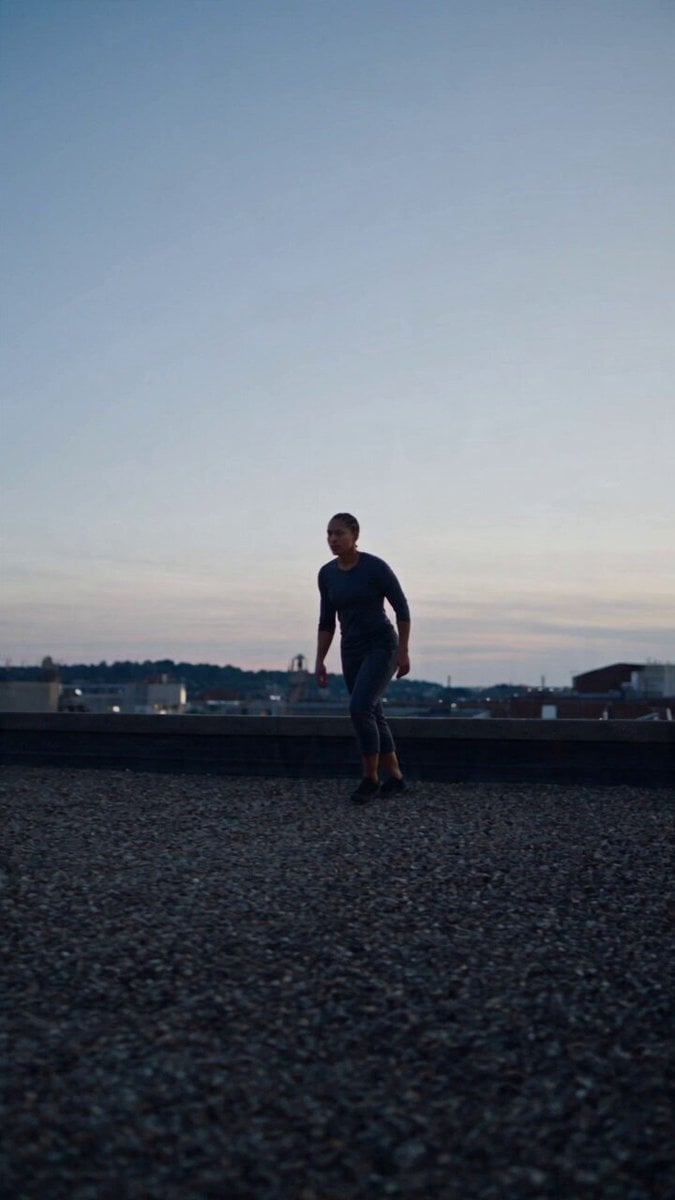
Browse all templates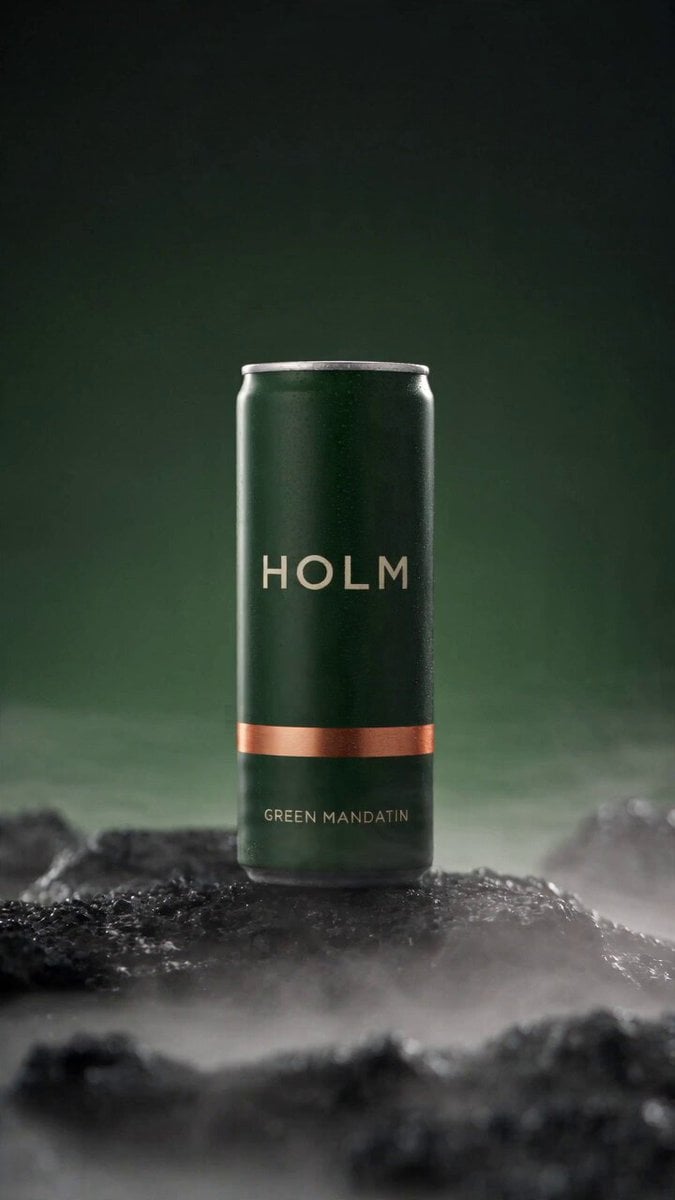 Rooftop Parkour Motion Control
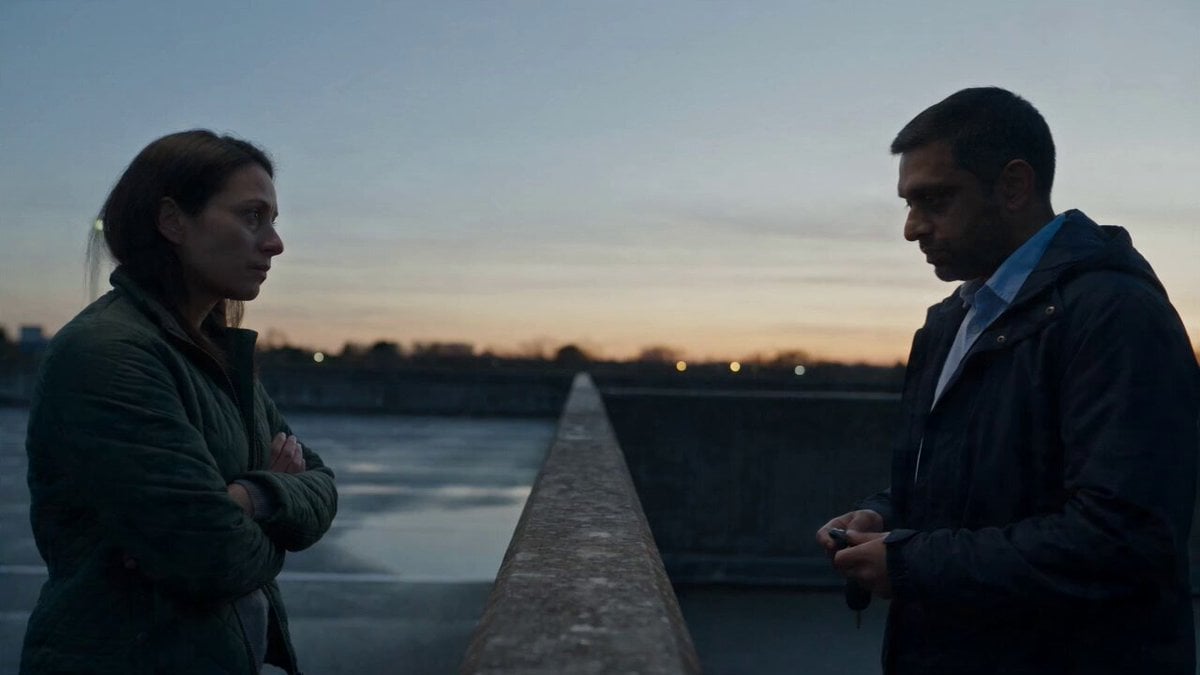 Hospital Car Park Dialogue Lip Sync
 Product Ad Drink Can 110° Orbit
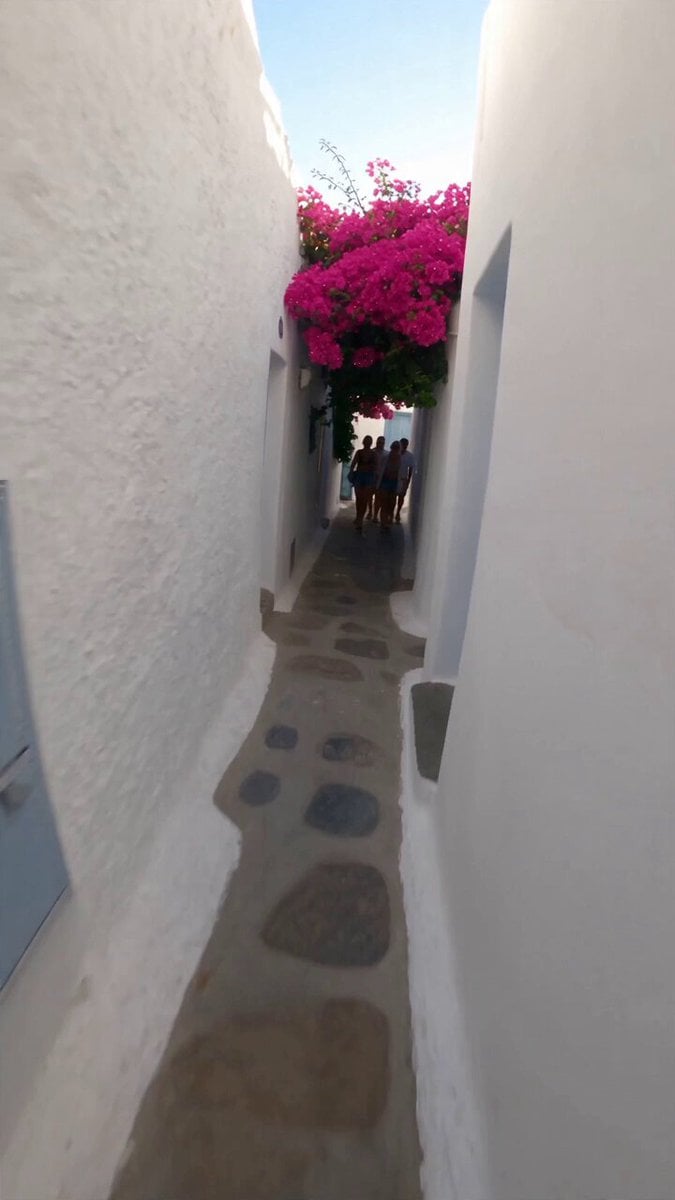 Selfie Travel Vlog Mykonos
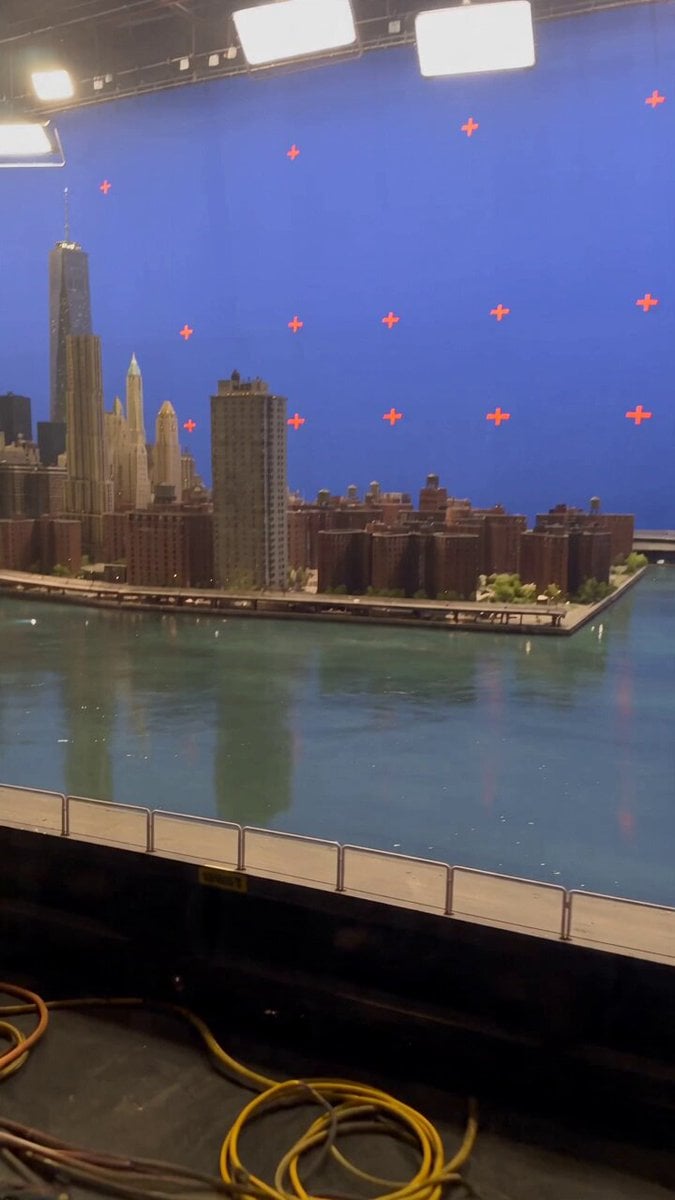 Miniature City Flood Soundstage
- Miniature City Flood Soundstage
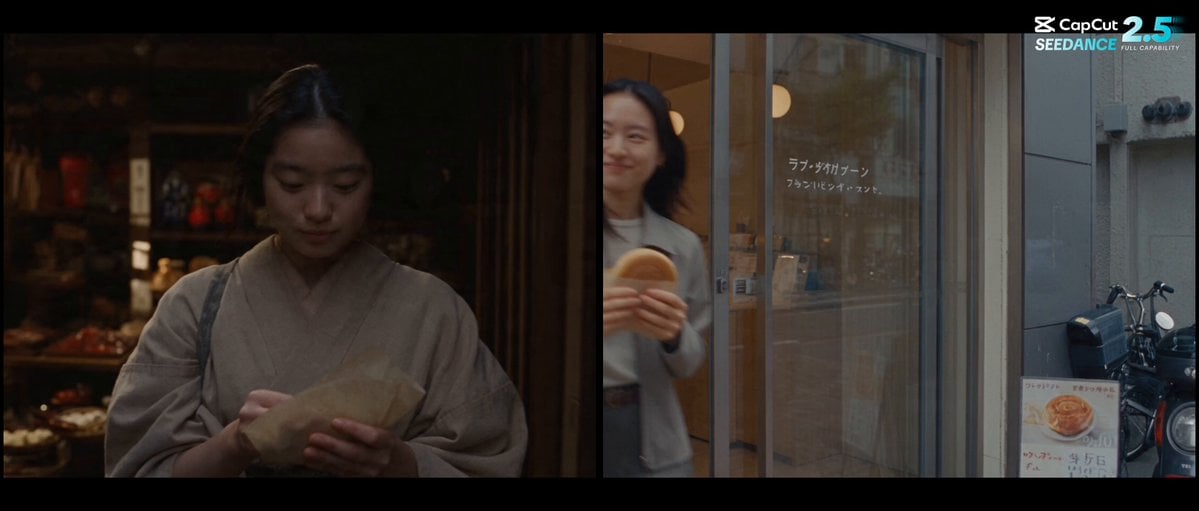 Forgotten 1980s High School Documentary Seedance
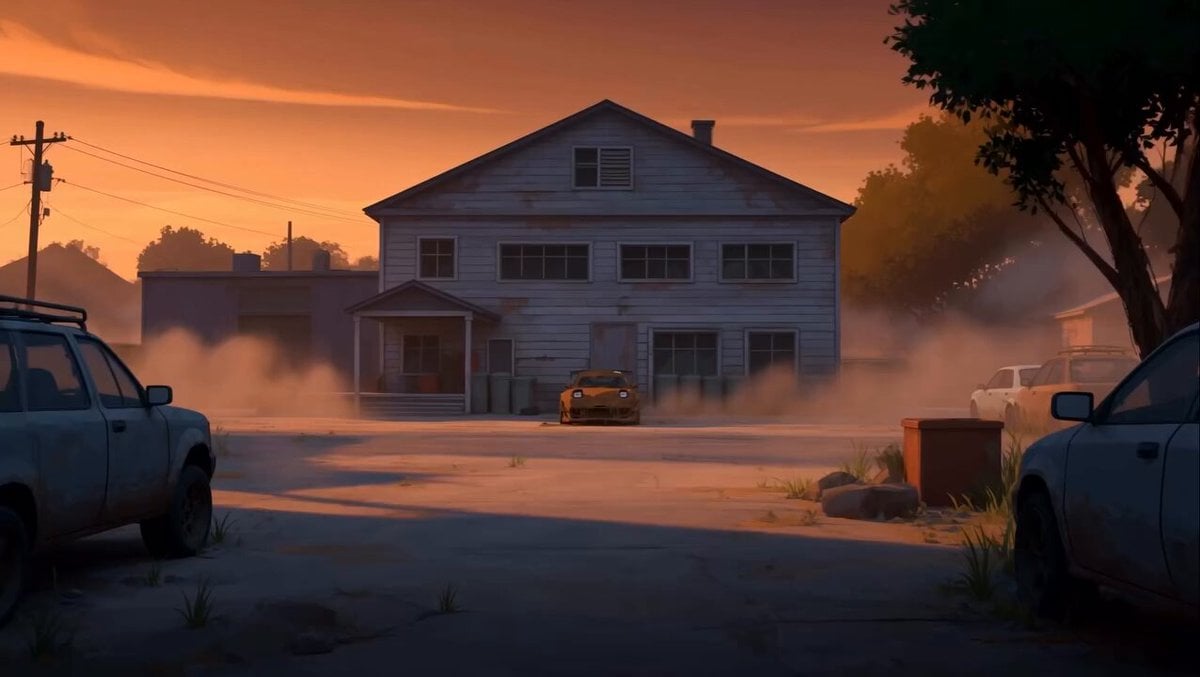 RX-7 to Mech Transformation Cyberpunk
 MiniMax H3 Character Introduction
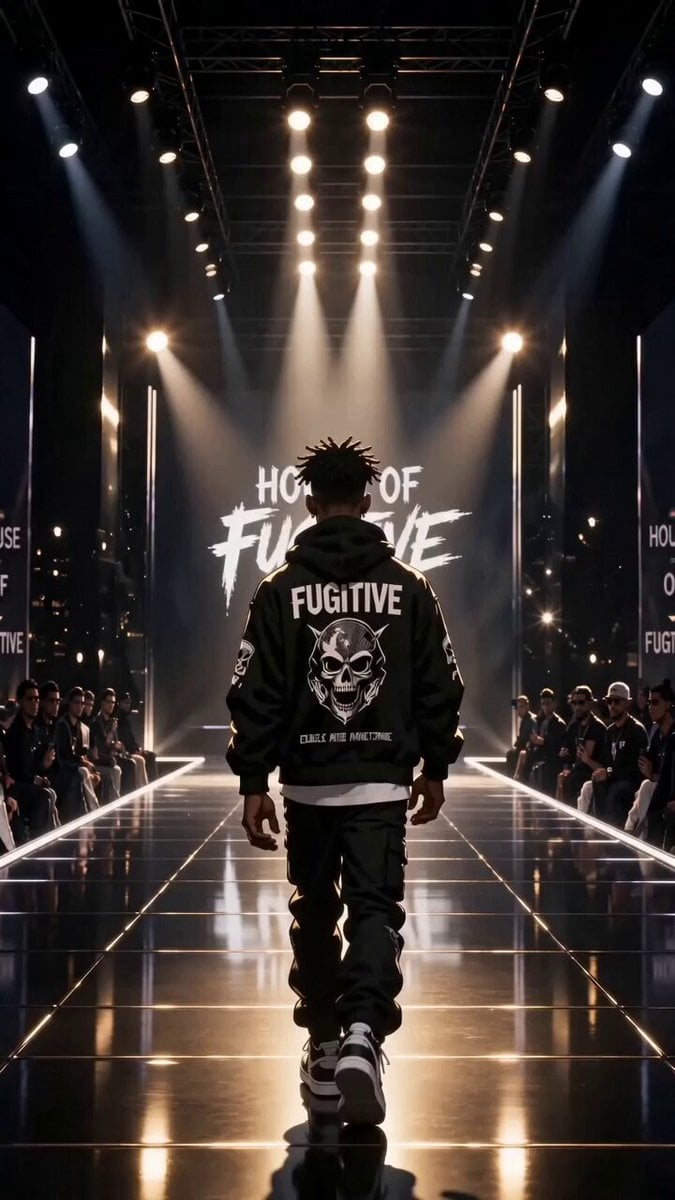 Luxury Streetwear Fashion Runway Film
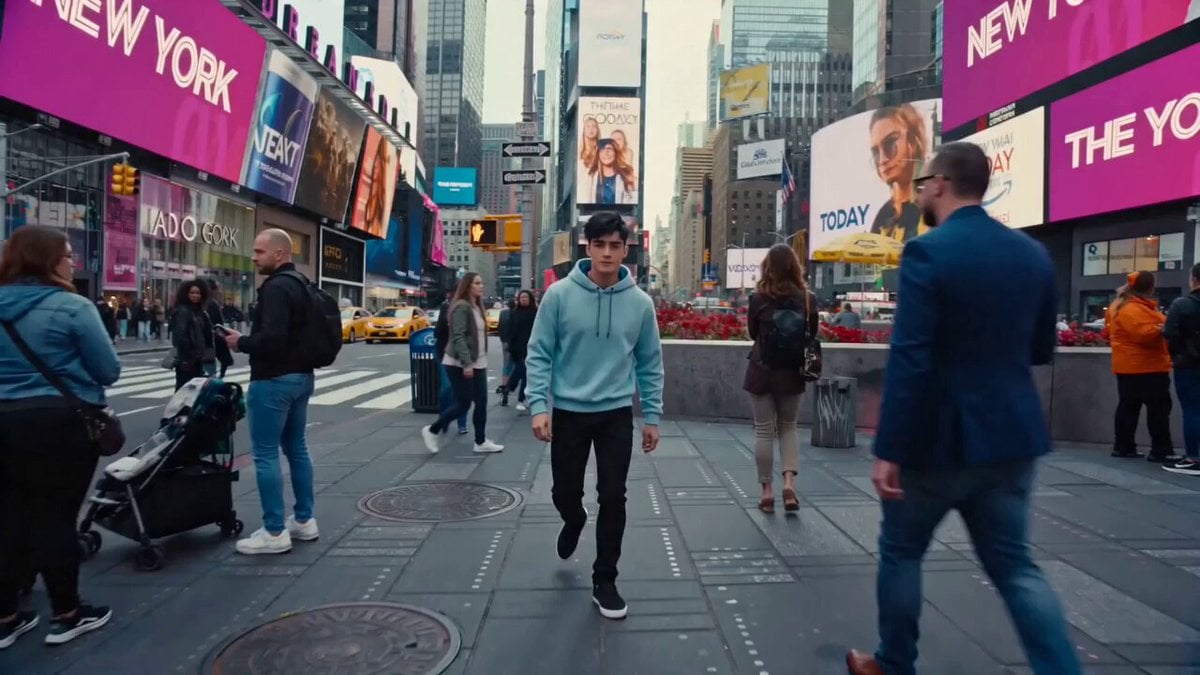 Cinematic Times Square Confidence Walk
 Cinematic Cave Exploration Multi-Shot Sequence
Veo 3.1 questions
Is Veo 3.1 free?
Not on PicX. Google sells Veo 3.1 as a paid model, and here each clip spends credits from a plan or a one-time pack. Short 4-second 720p takes are the lightest way to test a prompt before you commit to 8 seconds or 4K.
How much does Veo 3.1 cost per video?
Two settings decide it: clip length (4, 6 or 8 seconds) and resolution (720p, 1080p or 4K). Sound is always included, so there is no audio surcharge to switch on or off. The table on this page lists the current credit cost for each combination.
Veo 3.1 Lite vs Fast vs Quality: which one runs here?
PicX Studio runs Veo 3.1 Fast, which Google released together with the standard Veo 3.1 model in October 2025. In March 2026 Google added Veo 3.1 Lite, a cheaper tier it describes as matching Fast on speed, limited to 720p and 1080p. Lite and the standard Veo 3.1 tier are not available on PicX yet.
What is new in Veo 3.1 compared with Veo 3?
Google's launch named richer native audio, closer prompt adherence and better results when animating an image. Ingredients to Video, first and last frame and extension also gained sound for the first time. A January 2026 update made ingredient clips more expressive and consistent, brought native 9:16 to Ingredients to Video, and added upscaling to 1080p and 4K.
How long can a Veo 3.1 video be? Can I extend it?
Each generation is 4, 6 or 8 seconds, and ingredient clips are always 8. Google offers scene extension, which continues a clip from its last second, but extend is not available on PicX yet. For a longer piece, plan several shots and reuse the same ingredient images to keep the look consistent.
Is Veo 3.1 better than Gemini Omni Flash?
It depends on the shot. On PicX, Veo 3.1 adds first and last frame and up to three ingredient images, which help with consistent characters and planned endings. Gemini Omni Flash 1.1 takes text or an image and runs up to 10 seconds. Both generate audio and share one credit balance, so try the same prompt on each.
How do I write good Veo 3.1 prompts?
Treat it like a shot list: subject, action, camera move, lens and light, then a separate line for sound. Write any dialogue out in full and keep it short enough to fit the clip. Google notes spoken audio, especially very short lines, is still being improved, so give a line room and retry a take if the delivery is off.
Do Veo 3.1 videos carry a watermark?
Google marks Veo output with SynthID, an invisible digital watermark that its tools can detect.

Plan your next shot with Veo 3.1
Ingredients, first and last frame and sound in one generation. One credit balance for every model on PicX Studio.