
VIDEOShengshu (Vidu) · from 18 credits / sec
Shengshu's performance-first video model, in 4K
Vidu Q4 AI Video Generator: Image and Reference to Video
Image or 15 references. 3 to 16 seconds. 540p to 4K. Sound on or off.
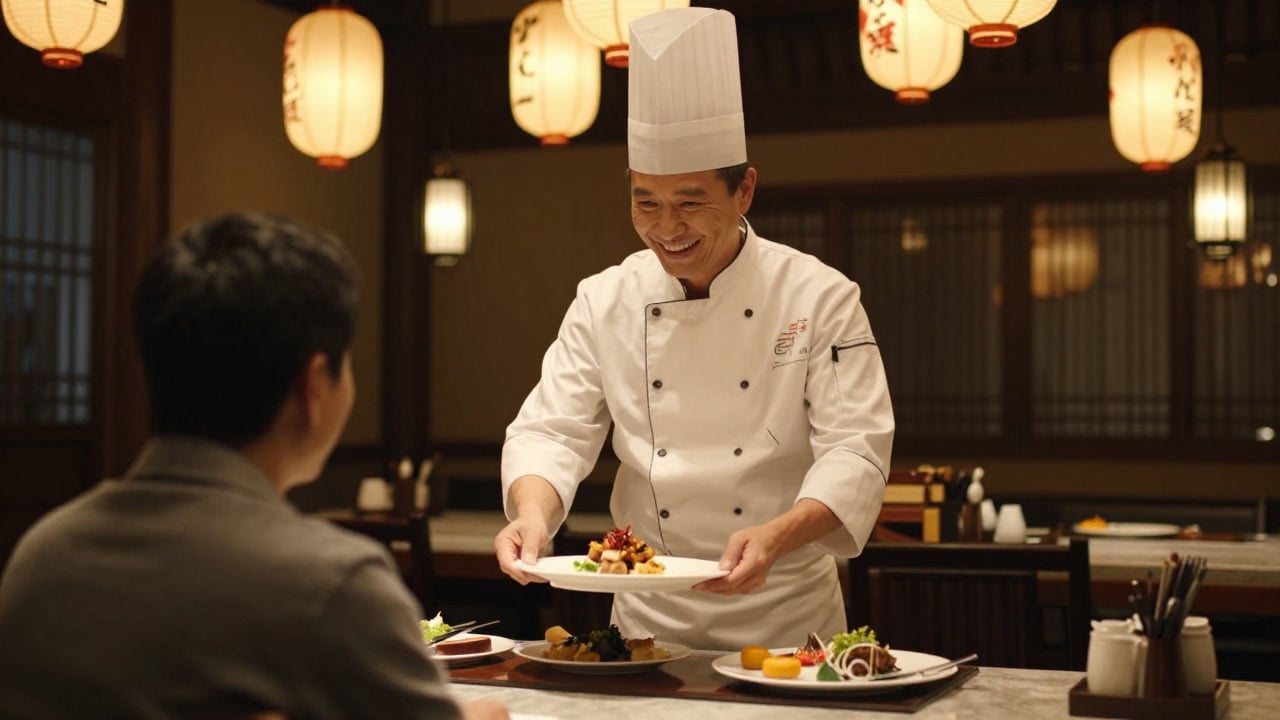
Vidu Q4 is built for acting: faces, bodies and voices that move together, fast action that holds its shape, and explosions, smoke and particles that read as real. Start from one still or a set of references.
- 3–16s
- 540p–4k
- Sound on or off
- Image · References
Performances, not just motion
Acting that carries the shot
Shengshu pitched Q4 on expressive performance: a face, a gesture and the sound of the scene working as one. Write the emotional beat, not only the movement, and Q4 plays it out over up to 16 seconds.
One scene from up to 15 references
Reference-to-video takes 1 to 15 images: characters, a location, a prop, a style frame. Name them in the prompt by order, such as "the woman in reference image 1", and Q4 places them together and keeps them on-model. Pick 16:9, 9:16, 1:1, 4:3 or 3:4.
Fast action and real-looking VFX
The maker singles out running, martial arts and combat, with fewer warped limbs and stutters, plus explosions, smoke, particles and energy effects. Image mode keeps your still's framing and aspect ratio, so the effect lands where you composed it.
Vidu Q4, from its maker
Official release video by Shengshu (Vidu)
Made for the work you ship
Why pick Vidu Q4
- 15Reference imagesCast, set and style in one shot.
- 4KTop resolution540p drafts, then 1080p, 2K or 4K.
- 16sAny length from 3 sPick the exact second count.
- AudioNative sound toggleEffects and ambience, or silent.
- 5Reference-mode ratios16:9, 9:16, 1:1, 4:3, 3:4.
- FrameImage modeKeeps your still's aspect ratio.
What Vidu Q4 costs
Billed per second of video, at the resolution you pick. The same prices the generator shows before you run it.
- 540p18credits / sec5s clip 90 creditsOn Starter≈ 40 clips / mo
- 720p38credits / sec5s clip 190 creditsOn Starter≈ 18 clips / mo
- 1080p48credits / sec5s clip 240 creditsOn Starter≈ 15 clips / mo
- 2k76credits / sec5s clip 380 creditsOn Starter≈ 9 clips / mo
- 4k156credits / sec5s clip 780 creditsOn Starter≈ 4 clips / mo
Every model on every planCredits never expireSee plans
Pay for Vidu Q4 with crypto
Buy credits with Bitcoin, USDT, USDC, ETH, Solana and more — no card, nothing auto-renews, packs from $5, and 15% extra credits on crypto payments.
Vidu Q4 vs other video models on PicX
How the options compare in the PicX generator. Vidu Q4 is the one for 4K and for big reference sets, but it always needs an image to start from.
Specs as offered in the PicX generator. Vidu Q4's voice references are not available on PicX yet.
How to use Vidu Q4 in 3 steps
- 1
Choose image or references
Upload one still to animate it, or switch to reference mode and add up to 15 images of the characters, place and look. Vidu Q4 has no text-only mode.
- 2
Direct the performance
Say who does what and how they feel, how the camera moves, and what the scene sounds like. In reference mode, point at each input by number.
- 3
Choose seconds, size and sound
Any whole number of seconds from 3 to 16, any resolution from 540p to 4K, sound on or off. Test a prompt cheaply at 540p, then render the version you keep at 2K or 4K.
Vidu Q4 prompts to copy
Prompts to start from. Copy one, or open it in the generator with the model already picked.
Fox turns away
The fox tilts its head, then turns and trots off between the pines, snow falling
Rooftop fight (image to video)
The two fighters circle in the rain, then trade a fast flurry of kicks and blocks; one is thrown back into a puddle that bursts into spray, handheld camera tracking the action, thunder rolling
Two-character scene (reference to video)
In the café from reference image 3, the man in reference image 1 slides a ring box across the table to the woman in reference image 2; she freezes, then covers her mouth and laughs, slow push-in on her face, quiet café chatter
Energy blast VFX
The mage raises both hands and a crackling blue energy sphere grows between them, then fires down the canyon and explodes against the rock wall in fire, smoke and falling debris, camera shakes
Templates to start from
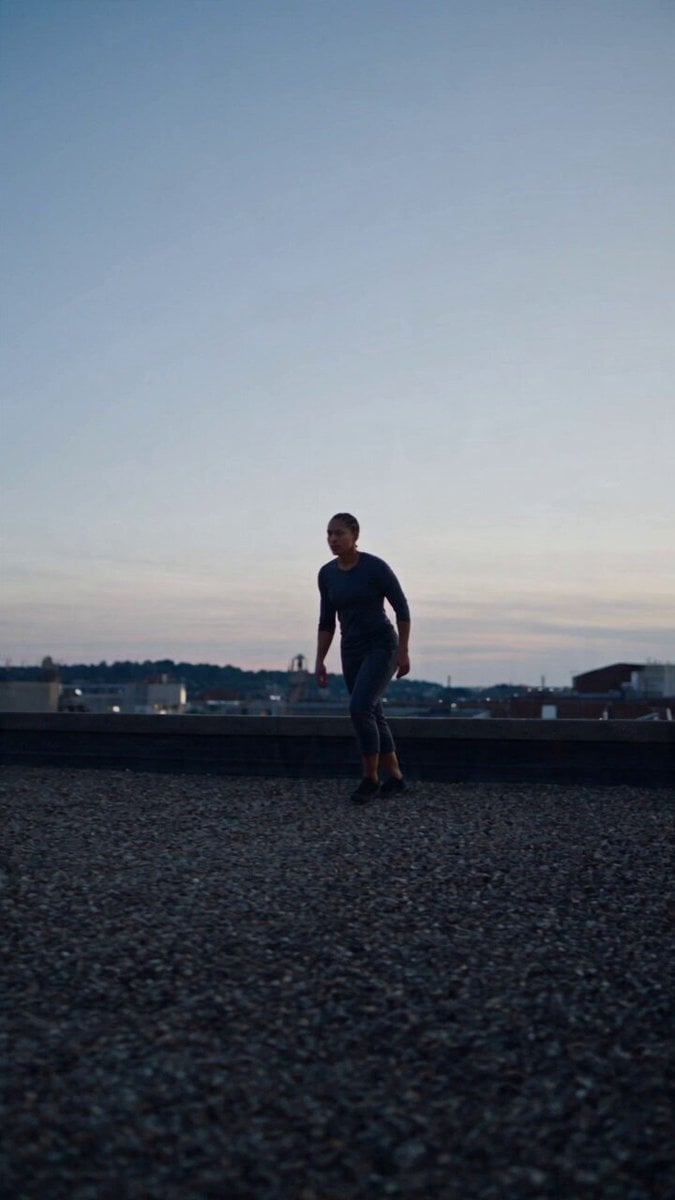
Browse all templates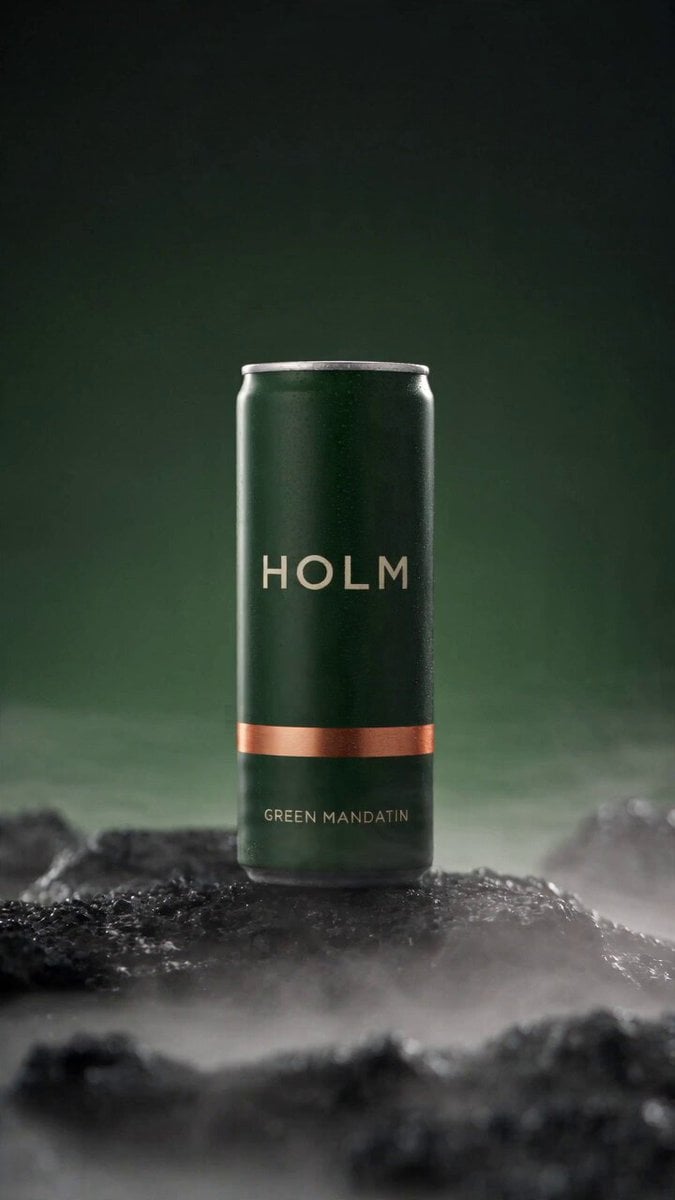 Rooftop Parkour Motion Control
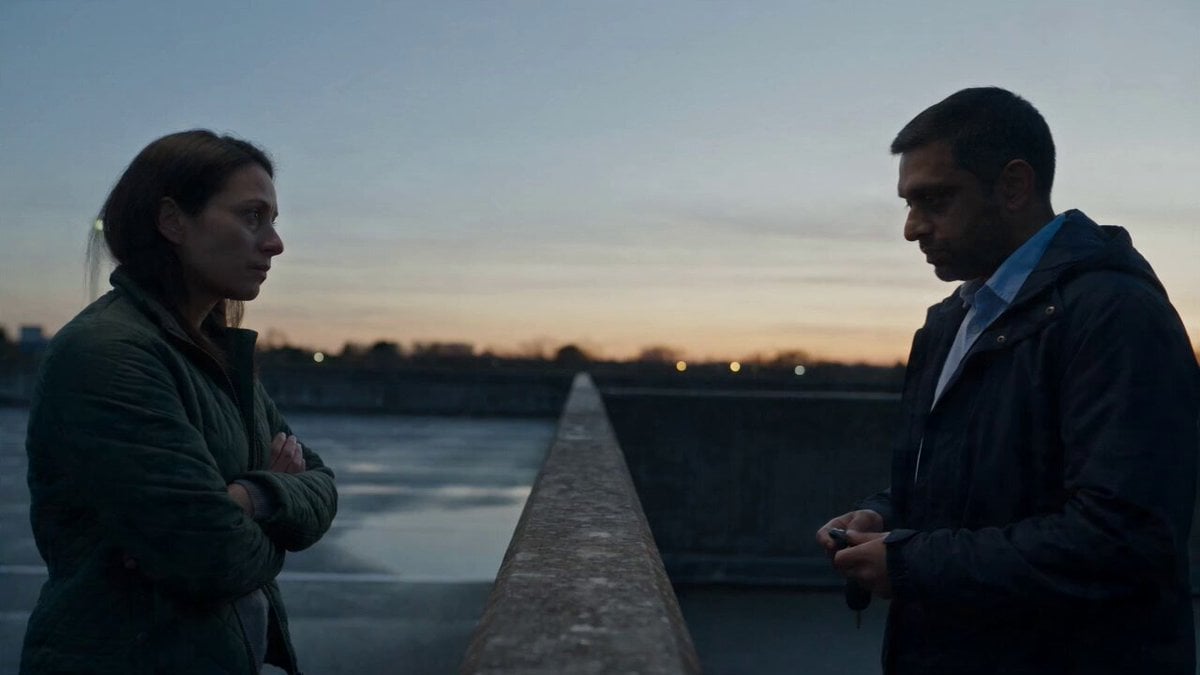 Hospital Car Park Dialogue Lip Sync
 Product Ad Drink Can 110° Orbit
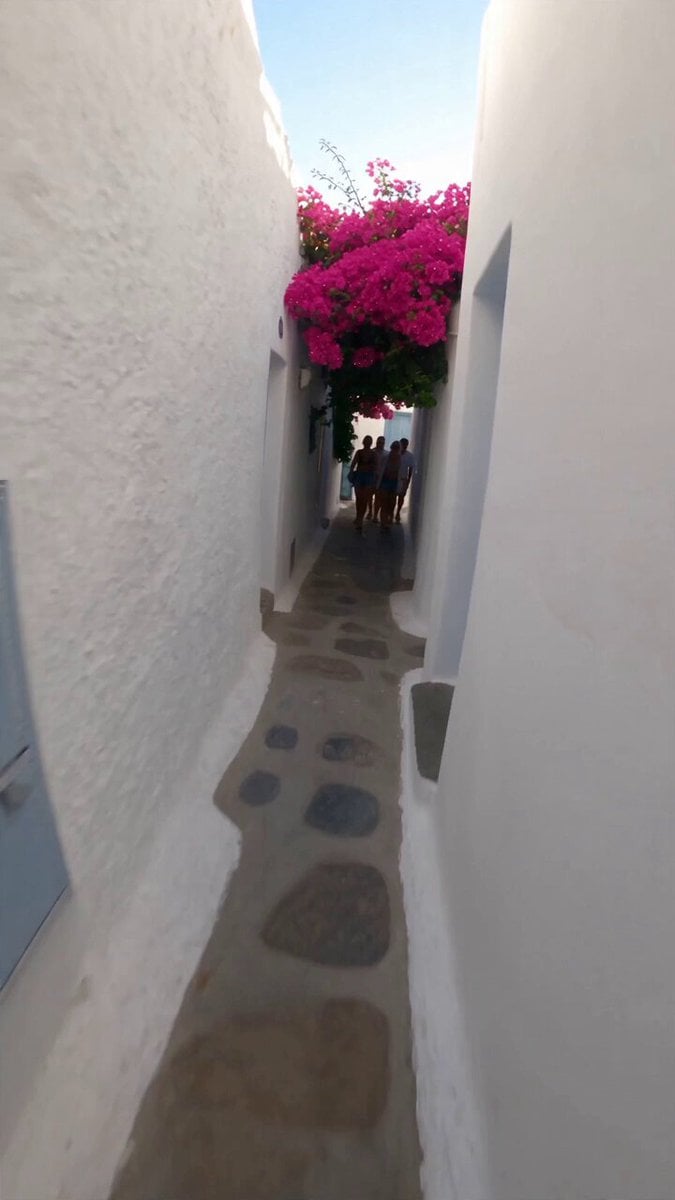 Selfie Travel Vlog Mykonos
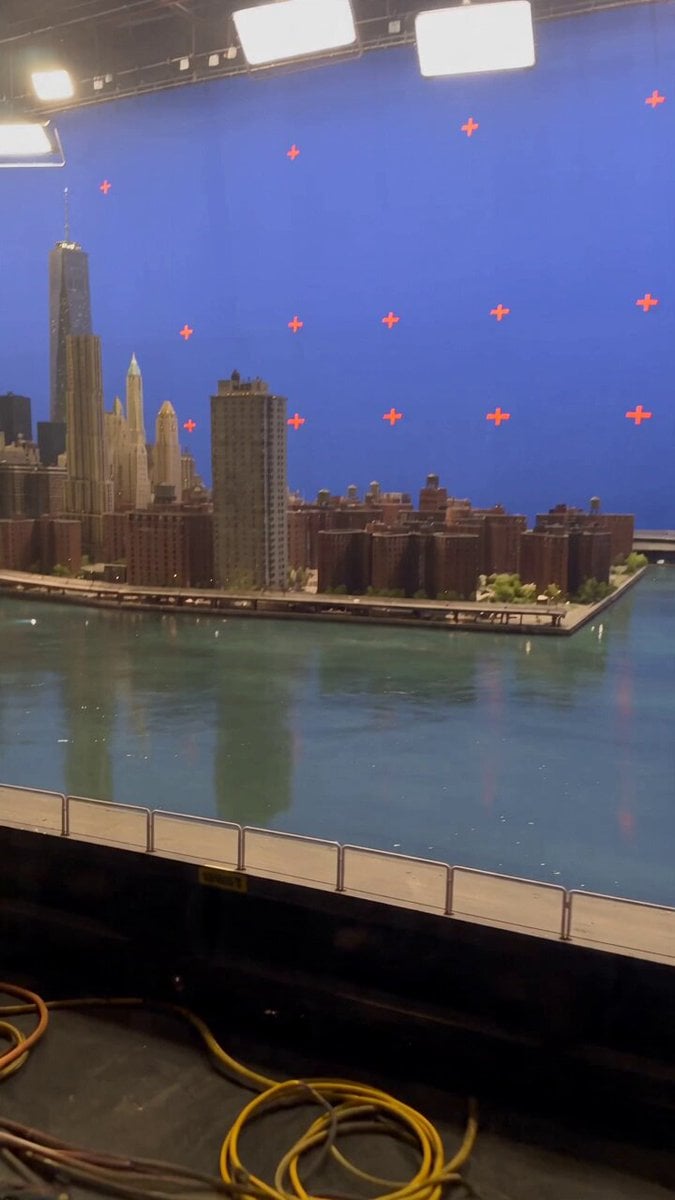 Miniature City Flood Soundstage
- Miniature City Flood Soundstage
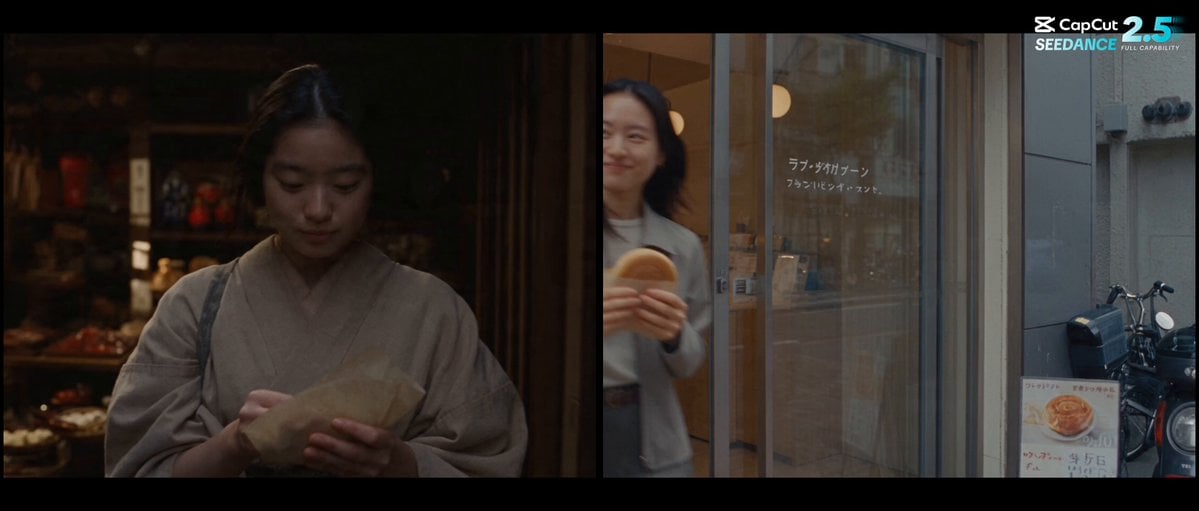 Forgotten 1980s High School Documentary Seedance
 RX-7 to Mech Transformation Cyberpunk
 MiniMax H3 Character Introduction
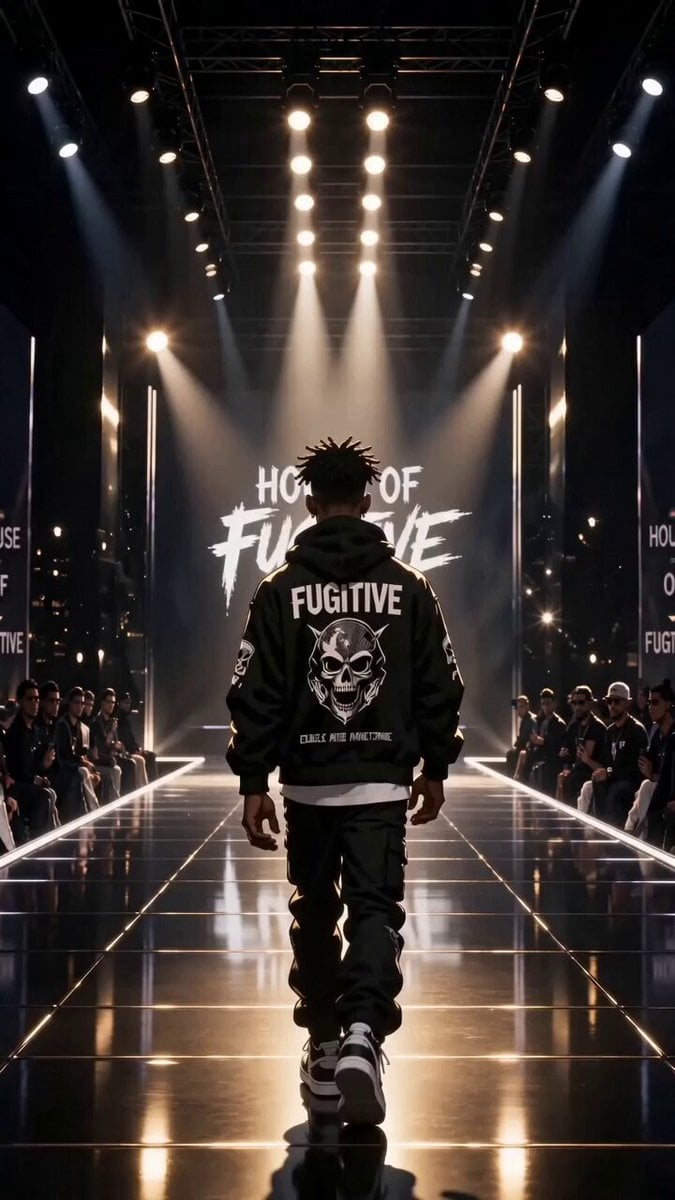 Luxury Streetwear Fashion Runway Film
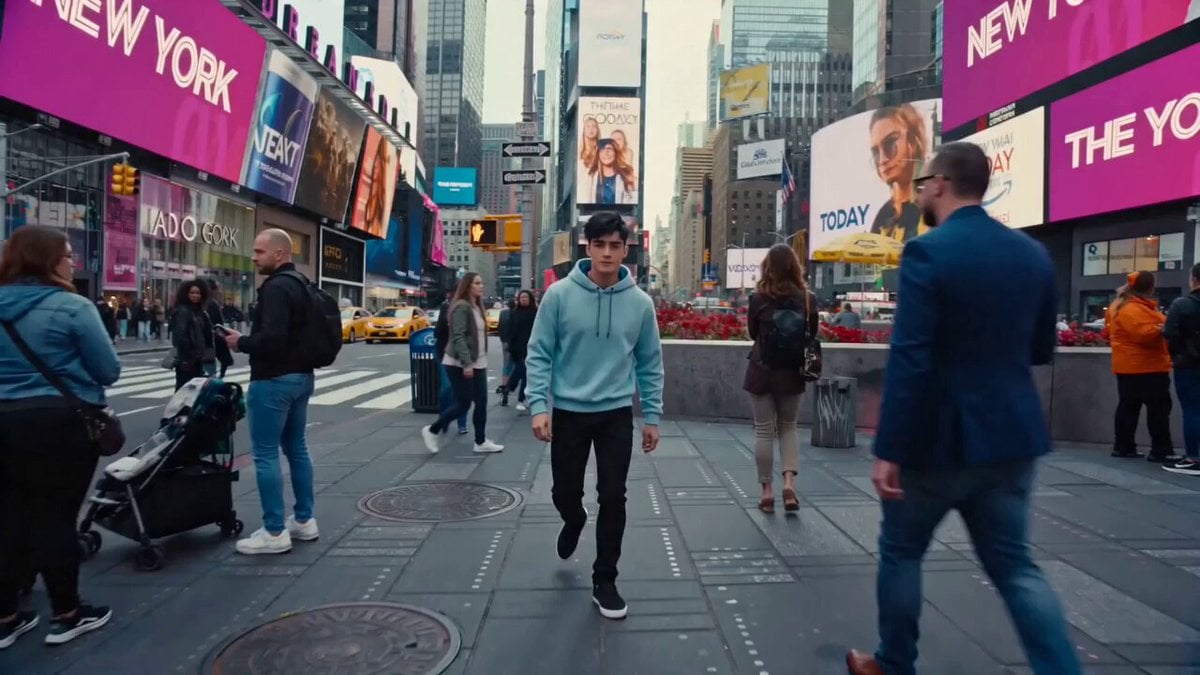 Cinematic Times Square Confidence Walk
 Cinematic Cave Exploration Multi-Shot Sequence
Vidu Q4 questions
What is Vidu Q4?
Vidu Q4 is the newest video model in the Vidu family from Shengshu Technology, a generative AI company that came out of Tsinghua University's AI research. Shengshu launched it as "Vidu Q4 Preview" in October 2026, aimed at short-drama studios, ad agencies, social creators and film teams. It makes video from one image or from a set of reference images.
What is Vidu Q4 good at?
Shengshu's launch focused on three things: expressive performances where face, body and voice match, steadier camera moves and cuts, and convincing action and effects such as fights, explosions, smoke and particles. On PicX it renders from 540p up to 4K.
How does Vidu reference to video work?
Add 1 to 15 reference images (people, a location, props, a style) and write a prompt that names them by order, for example "the woman in reference image 2 walks into the room from reference image 4". Vidu Q4 builds one shot that keeps those subjects consistent. Vidu also accepts up to three voice references to match a character's voice, but that is not available on PicX yet.
Can Vidu Q4 make a video from text only?
No. Vidu Q4 works from images: either one start image or a set of references. If you only have an idea, generate a key frame with an image model first, or use Kling 4.0 or Seedance 2.5, which both accept text prompts on PicX.
Does Vidu Q4 generate sound?
Yes. Sound is generated with the picture by default, and you can switch it off for a silent clip if you plan to add your own music. The price is the same either way.
What lengths, resolutions and aspect ratios does Vidu Q4 support?
On PicX you can pick any whole number of seconds from 3 to 16, and 540p, 720p, 1080p, 2K or 4K. In image mode the clip keeps your image's aspect ratio. In reference mode you choose 16:9, 9:16, 1:1, 4:3 or 3:4.
Vidu AI vs Kling: which should I use?
Pick Vidu Q4 when you need 4K output or want to combine many reference images in one scene. Pick Kling 4.0 when you want to start from text alone or need clips longer than 16 seconds. Both run on the same PicX credits, so you can try a shot on each and keep the better take.
Is Vidu AI free?
Not on PicX. Vidu Q4 runs on paid credits, charged per second of video, and the rate rises with resolution, so the 540p setting is the cheapest way to test an idea. The pricing table on this page shows the live rates. New accounts get one free image to try PicX, but video generation needs a plan or a credit pack.

Direct a scene with Vidu Q4
One still or 15 references, sound on, up to 4K.