
VIDEOAlibaba · from 21 credits / sec
Alibaba's video model, up to 30 seconds
Wan 3.0 — AI Video Generation
Text, image or references. 2 to 30 seconds. Up to 1080p. Audio.
Wan 3.0 turns a prompt, a start image or a set of references into a clip of 2 to 30 seconds, at 480p, 720p or 1080p, with sound if you want it.
- 2–30s
- 480p–1080p
- Sound on or off
- Text · Image · References
Three ways to start a shot
From a prompt alone
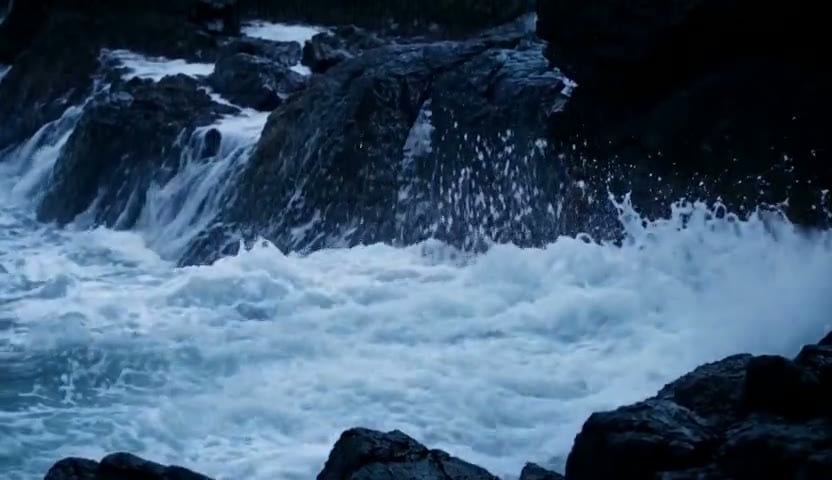
Describe the subject, the action, the setting and one camera move, and Wan 3.0 builds the scene from scratch. Weather, water and light are good tests: they move all the time, and the clip has to keep them believable.
From a start image
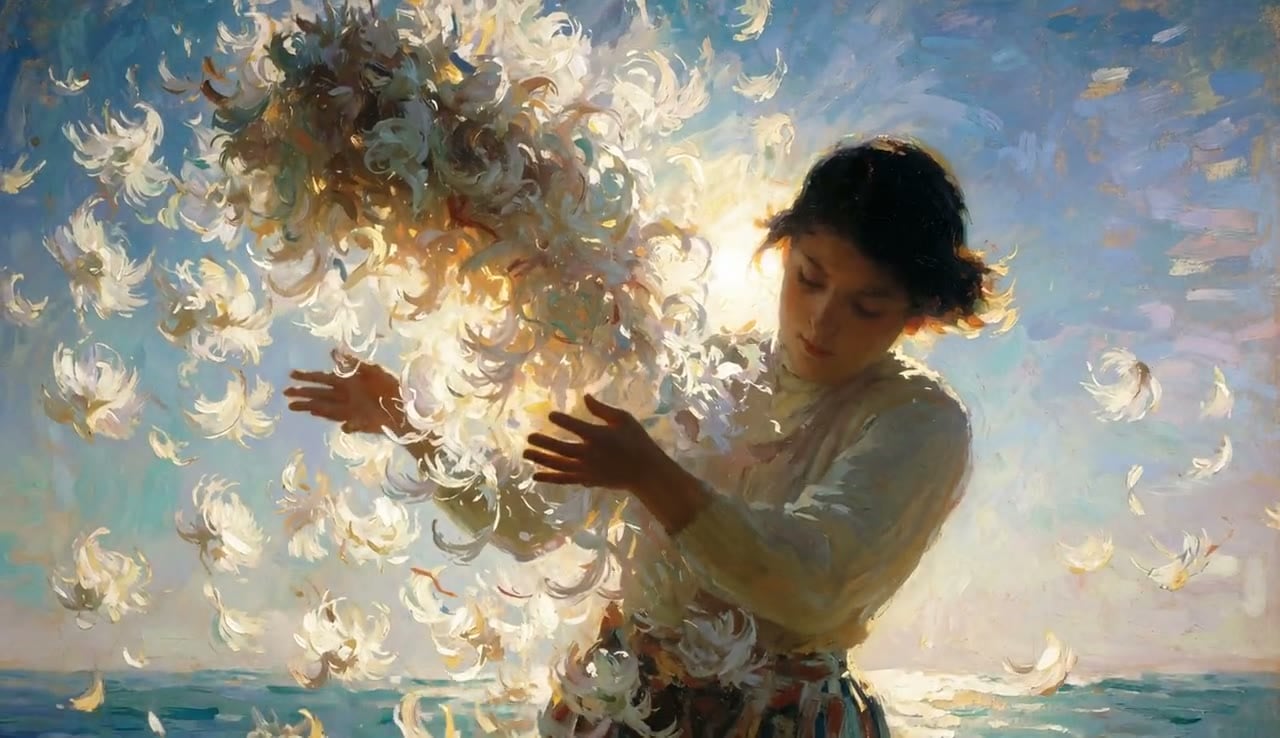
Upload the frame the clip should open on and describe what happens next. The look, the palette and the subject come from your image, so a painted style or a product shot stays the way you made it.
From references
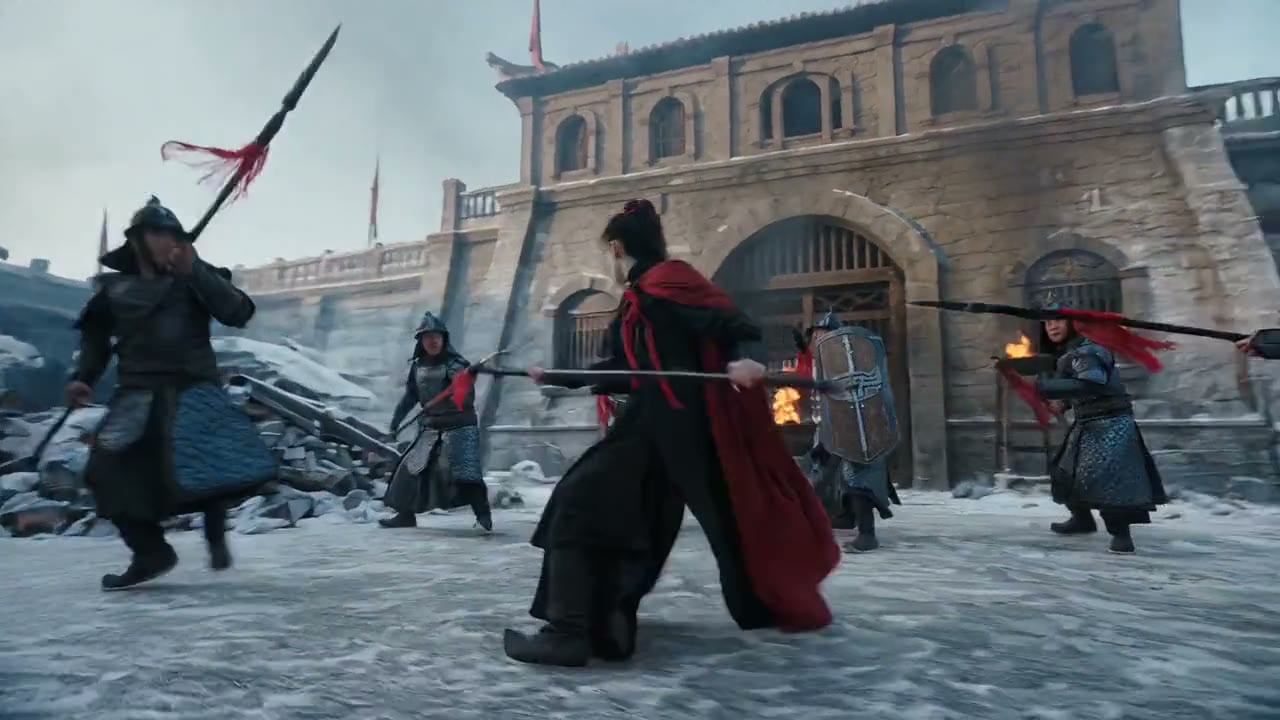
Reference mode takes several inputs at once: images of a character, a costume or a place, plus video references. Wan 3.0 combines them into one shot, which is how you keep a character recognizable across scenes.
Wan 3.0
Text, image or references. 2 to 30 seconds. Up to 1080p. Audio.
Made for the work you ship
Atmosphere and b-roll. Storms, coastlines, cities at night. Long, moody shots you can cut under a voice-over or loop on a screen.
Illustrated and stylised shorts. Start from an illustration and let it move without losing the brushwork, for music visuals, intros and social posts.
Action with a recurring hero. Pin the character with reference images, then stage a fight, a chase or a reveal around them in clips of up to 30 seconds.
Why pick Wan 3.0
- 30sIn one takePick any length from 2 to 30 seconds, one second at a time.
- 3 tiers480p, 720p, 1080pDraft at 480p for 21 credits a second, finish at 1080p for 84.
- AudioSame price on or offNative sound costs nothing extra. Turn it off when you will add your own music.
- 15 refsReference modeUp to 10 images and 5 videos in one generation.
- 105Credits for 5 secondsA 5 second clip at 480p. The same clip at 720p is 210 credits.
- 3 ways inText, image, referencesStart from a prompt, a start image, or a set of references.
What Wan 3.0 costs
Billed per second of video, at the resolution you pick. The same prices the generator shows before you run it.
- 480p21credits / sec5s clip 105 creditsOn Starter≈ 34 clips / mo
- 720p42credits / sec5s clip 210 creditsOn Starter≈ 17 clips / mo
- 1080p84credits / sec5s clip 420 creditsOn Starter≈ 8 clips / mo
Every model on every planCredits never expireSee plans
Wan 3.0 next to its peers
Wan 3.0, its accelerated Prime version, and Seedance 2.5, the other 30 second model on PicX Studio.
How to use Wan 3.0 in 3 steps
- 1
Pick Wan 3.0 and a starting point
Choose Wan 3.0 in the studio. Write from scratch, add a start image, or add references for a character or a place.
- 2
Write one shot
Name the subject, the action, the setting and one camera move. For long clips, describe a beginning, a middle and an end.
- 3
Set length, resolution and sound
Choose 2 to 30 seconds, 480p, 720p or 1080p, and sound on or off. The credit cost shows on the Generate button.
Wan 3.0 prompts to copy
Real prompts and what they made. Copy one, or open it in the generator with the model already picked.
Lighthouse in a storm
A lighthouse on a rocky coast at night, storm waves crashing against the rocks, the beam sweeping through heavy rain, slow push in, roaring wind and surf.
Painted petals
A painterly illustration of a girl in a swirl of white petals, the petals drifting around her in the wind, soft camera drift, gentle wind.
Duel in the snow
A swordswoman fights a ring of soldiers in falling snow, fast and clear choreography, the camera circling her, steel ringing and boots crunching in the snow.
Templates to start from
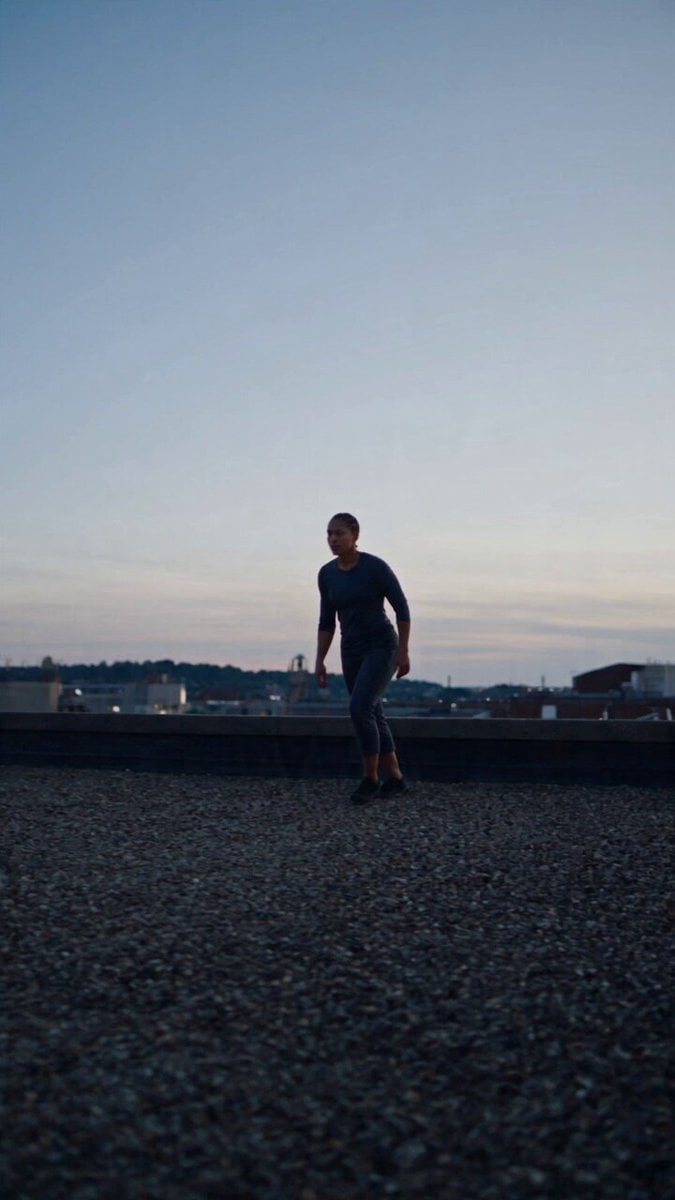
Browse all templates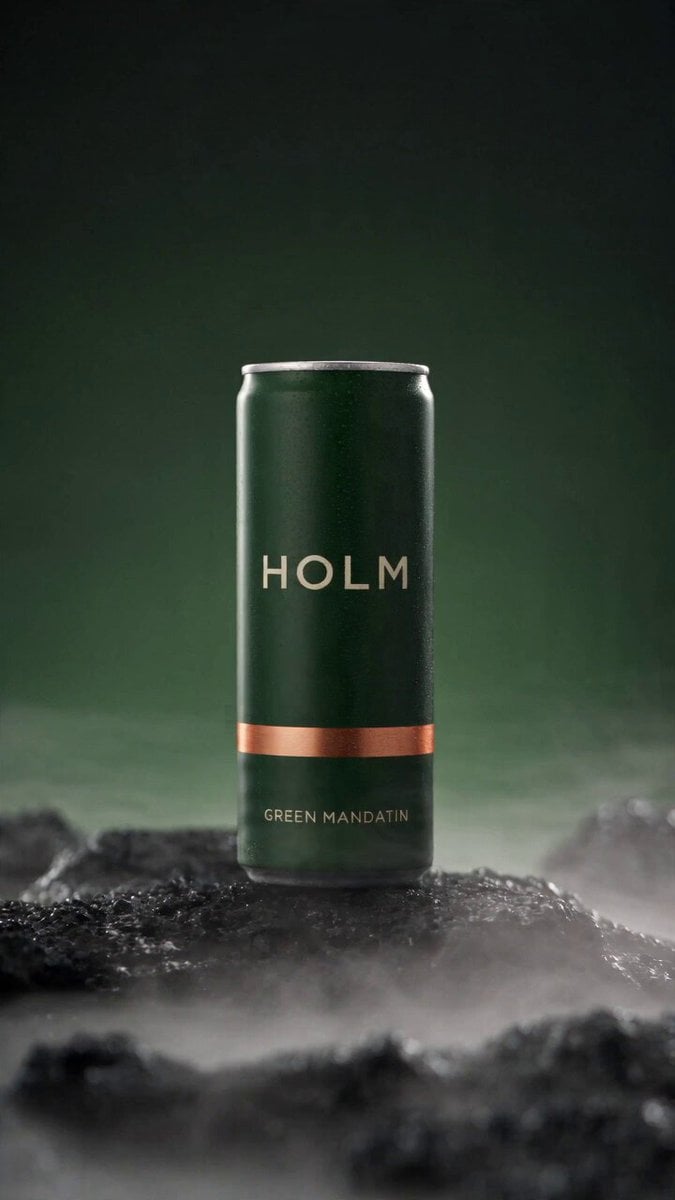 Rooftop Parkour Motion Control
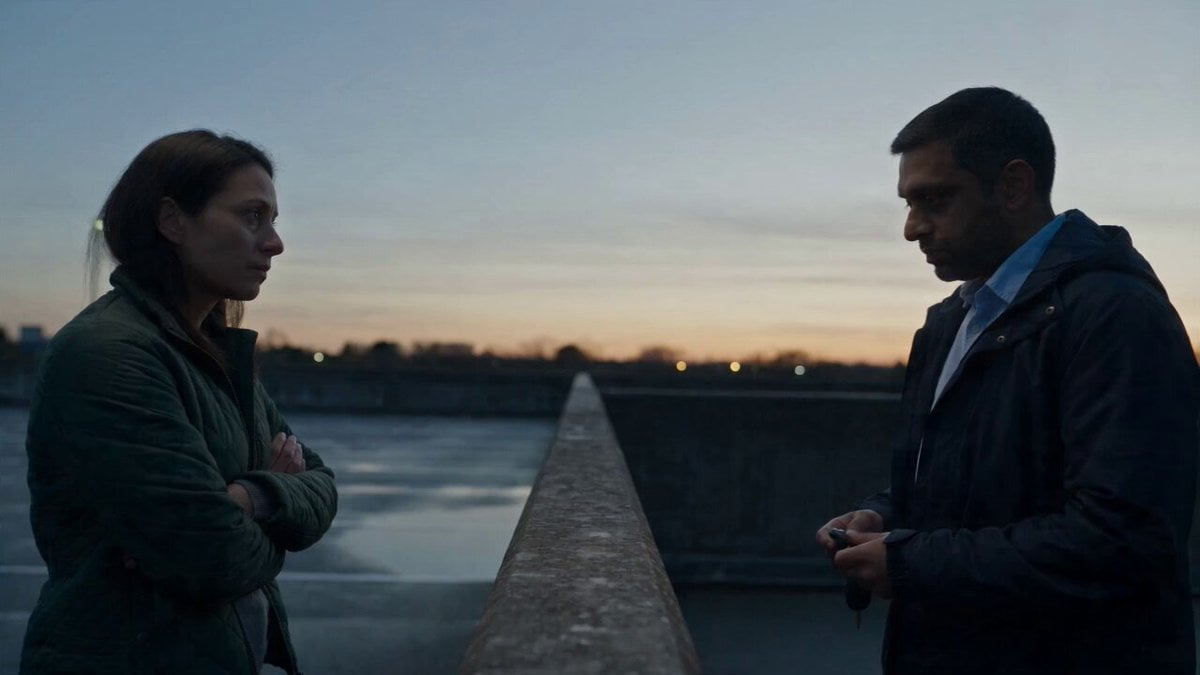 Hospital Car Park Dialogue Lip Sync
 Product Ad Drink Can 110° Orbit
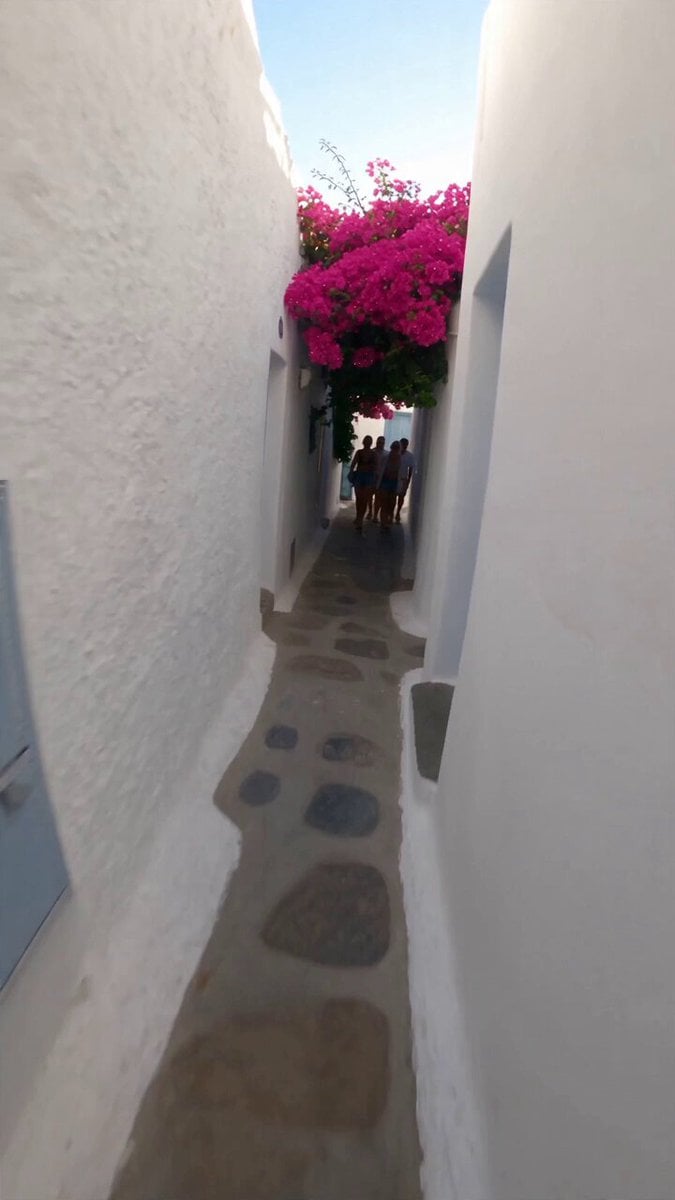 Selfie Travel Vlog Mykonos
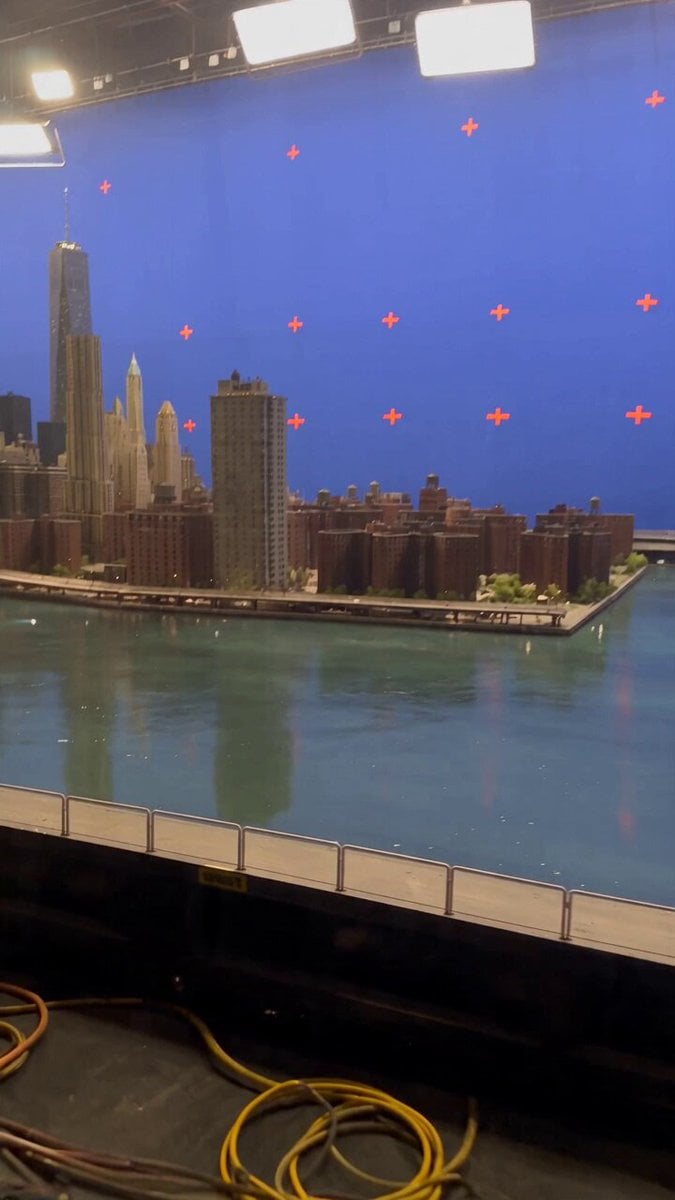 Miniature City Flood Soundstage
- Miniature City Flood Soundstage
 Forgotten 1980s High School Documentary Seedance
 RX-7 to Mech Transformation Cyberpunk
 MiniMax H3 Character Introduction
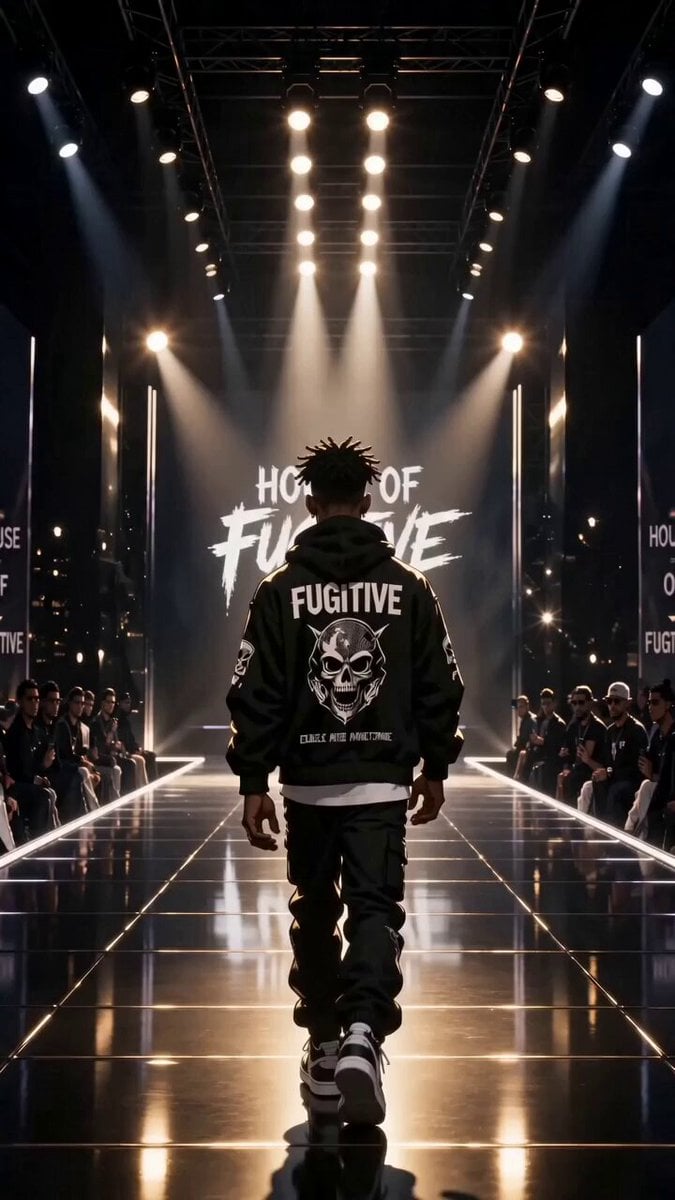 Luxury Streetwear Fashion Runway Film
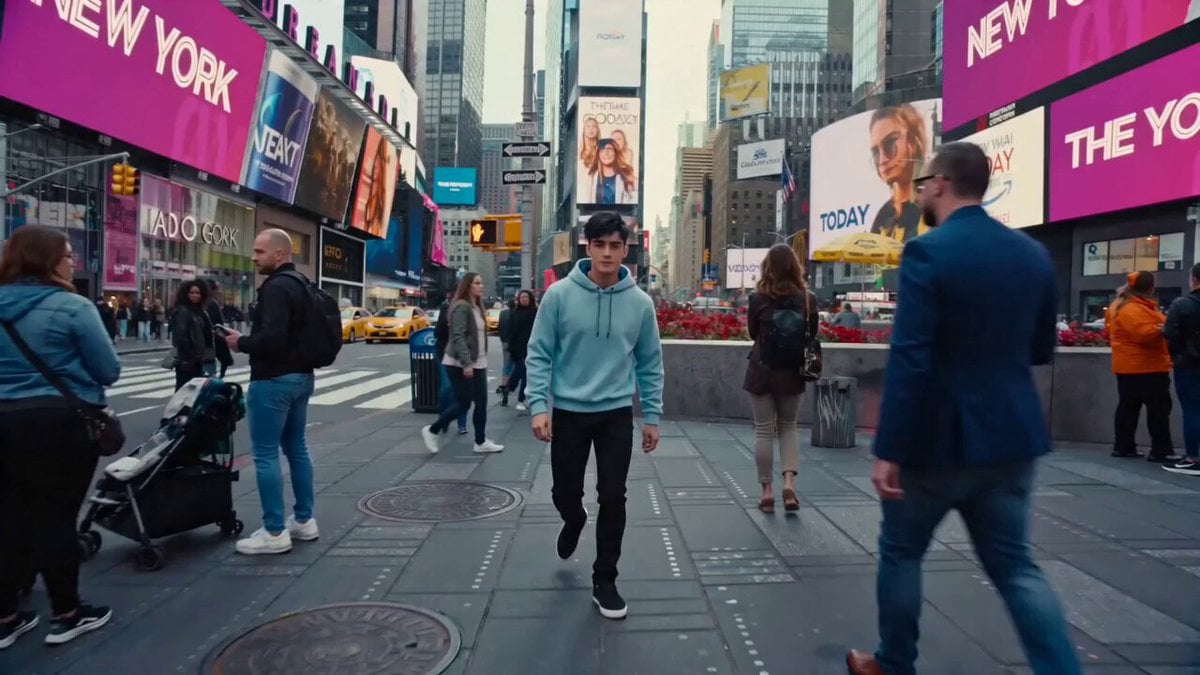 Cinematic Times Square Confidence Walk
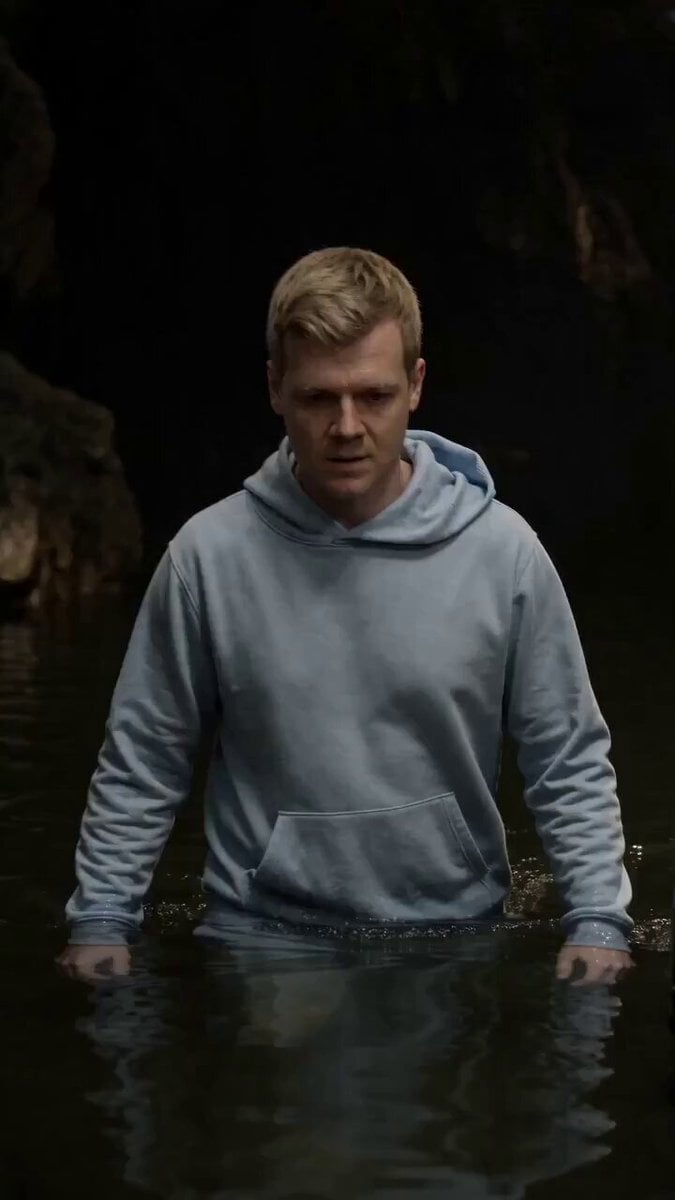 Cinematic Cave Exploration Multi-Shot Sequence
Wan 3.0 questions
What is Wan 3.0?
Wan 3.0 is Alibaba's AI video model. On PicX Studio it creates clips of 2 to 30 seconds from a text prompt, a start image or a set of references, at 480p, 720p or 1080p, with optional native audio.
How long can a Wan 3.0 video be?
Any whole number of seconds from 2 to 30.
How much does Wan 3.0 cost?
21 credits per second at 480p, 42 at 720p and 84 at 1080p. Sound on or off costs the same. A 5 second 480p clip is 105 credits; a 30 second 1080p clip is 2,520 credits.
Does Wan 3.0 generate audio?
Yes. Wan 3.0 can generate sound with the picture. You can turn it off, and the price stays the same either way.
What can I use as references?
Reference mode accepts up to 10 images and 5 videos. Use images to pin a character, an outfit or a location, and describe in the prompt what each reference is for.
What is the difference between Wan 3.0 and Wan 3.0 Prime?
Wan 3.0 Prime is an accelerated version of Wan 3.0 with the same inputs, lengths and resolutions. It costs a little more per second: 25, 47 and 95 credits at 480p, 720p and 1080p, against 21, 42 and 84 for Wan 3.0.
Which resolution should I pick?
Use 480p to test ideas cheaply, 720p for social clips, and 1080p for finals and large screens. Each step up doubles the price per second.
How do I write a good prompt for a 30 second clip?
Give the clip a shape: an opening, a development and an ending, for example a wide view, a move toward the subject and a final reveal. Keep one camera path for the whole clip and one main subject. If the second half drifts, generate a shorter clip and plan the next shot separately.
Can I try Wan 3.0 for free?
Your first image is free after you sign up, no card needed. Video models, including Wan 3.0, need a plan or a one-time credit pack. Credits never expire.
How do I create a Wan 3.0 video?
Select Wan 3.0 in the studio. Write a prompt that names the subject, the action, the setting and one camera move. Add a start image when the first frame has to match a look, or references when a character has to stay the same. Pick a length from 2 to 30 seconds, a resolution and sound on or off, then generate and download the result.

Thirty seconds, one prompt.
Create Wan 3.0 videos from text, images or references, from 480p to 1080p, with sound on PicX Studio.