
VIDEOKuaishou (Kling AI) · from 75 credits / sec
Plan the beats, Kling 4.0 shoots the take
Kling 4.0 AI video generator: direct a 30-second take
3 to 30 seconds. Start and end frames. 10 reference images. Sound always on.
Kling 4.0 is Kuaishou's October 2026 video model. Write your shot as a timeline, pin where it opens and lands, and get up to 30 seconds of picture and stereo sound in a single pass.

- 3–30s
- 720p–1080p
- Native audio
- Text · Image · Start & end frames · References
Write the timeline, keep the take
Thirty seconds, one pass
Kling 3.0 stopped at 15 seconds. Kling 4.0 renders anything from 3 to 30 in one go, so a setup, a turn and a payoff fit in the same continuous shot. Kling suggests writing the prompt in time segments (0-5s, 5-12s) so each beat lands where you want it.
Open and land on your own frames
Upload a first frame, or a first and a last frame, and Kling 4.0 works out the motion in between. It suits changes inside one idea: a room going from day to night, packaging becoming the product in use, an outfit swap.
Ten references, one look
Attach up to ten reference images of a person, product or place and name them in the prompt. Kling's own advice: frames decide when things change, references decide what must stay the same, so keep the two in agreement.
Kling 4.0, from its maker
Official release video by Kuaishou (Kling AI)
Where a long, planned take pays off
What Kling 4.0 does on PicX
- 3-30 sAny whole secondPay only for the length the shot needs.
- 2 framesStart and endFix the first and last image of the take.
- 10Reference imagesKeep a face or a product consistent.
- StereoSound in every clipAmbience, effects and voices come with the picture.
- 21:9Five aspect options16:9, 9:16, 1:1, 21:9 or auto from text or references.
- 1080pDraft, then finishTest at 720p, render the keeper at 1080p.
What Kling 4.0 costs
Billed per second of video, at the resolution you pick. The same prices the generator shows before you run it.
- 720p75credits / sec5s clip 375 creditsOn Starter≈ 9 clips / mo
- 1080p110credits / sec5s clip 550 creditsOn Starter≈ 6 clips / mo
Every model on every planCredits never expireSee plans
Pay for Kling 4.0 with crypto
Buy credits with Bitcoin, USDT, USDC, ETH, Solana and more — no card, nothing auto-renews, packs from $5, and 15% extra credits on crypto payments.
Kling 4.0 vs the Kling 3.0 line
All on PicX Studio, one credit balance. Kling 4.0 is for long, planned takes; the 3.0 models top out at 15 seconds.
Live credit prices are in each model's pricing table.
How to use Kling 4.0 in 3 steps
- 1
Choose your input
Text only, a start image, a start and an end frame, or up to ten reference images. Frames and references can't be mixed in one clip, so pick the one that matters most for the shot.
- 2
Write the prompt as a timeline
Split the clip into time ranges and give each one an action, a camera move and the sound you want. Keep the order of events the same as the order of your frames.
- 3
Pick duration, framing and quality
Pick 3 to 30 seconds and 720p or 1080p. Aspect ratio applies to text and reference clips; with a start frame, the video takes that image's shape.
Kling 4.0 prompts to copy
Prompts to start from. Copy one, or open it in the generator with the model already picked.
Lighthouse in a storm
0-4s: wide aerial of a lone lighthouse on a sea cliff at night, storm clouds rolling in. 4-8s: slow push-in as a huge wave bursts over the rocks and the beam sweeps through sheets of rain, lightning flashing behind. Sound: howling wind, rolling thunder, crashing surf.
Coffee ad in three beats
0-3s: sunlit cafe counter, a hand sets down a ceramic cup. 3-6s: macro close-up as coffee pours in and latte art blooms, steam curling. 6-8s: camera pulls back to a hero shot of the cup by the window. Sound: espresso machine hiss, soft cafe chatter.
Ninth-inning steal
0-5s: low tracking shot beside a runner exploding off first base under stadium lights, dirt spraying. 5-10s: the catcher's throw, a head-first slide and a cloud of dust at second. 10-15s: slow orbit around the umpire's call as the crowd erupts. Sound: cleats, the smack of the glove, a roaring crowd.
Unboxing to first use
Start frame: a sealed matte-black headphone box on a walnut desk. End frame: a woman by the window wearing the headphones, eyes closed, smiling. 0-6s: hands slide the lid off and lift the headphones from the foam. 6-12s: close-up as the ear cups fold open and catch the light. 12-18s: the camera follows them up to her ears as she leans back. Sound: cardboard scrape, a soft click, then muffled music swelling.
Templates to start from
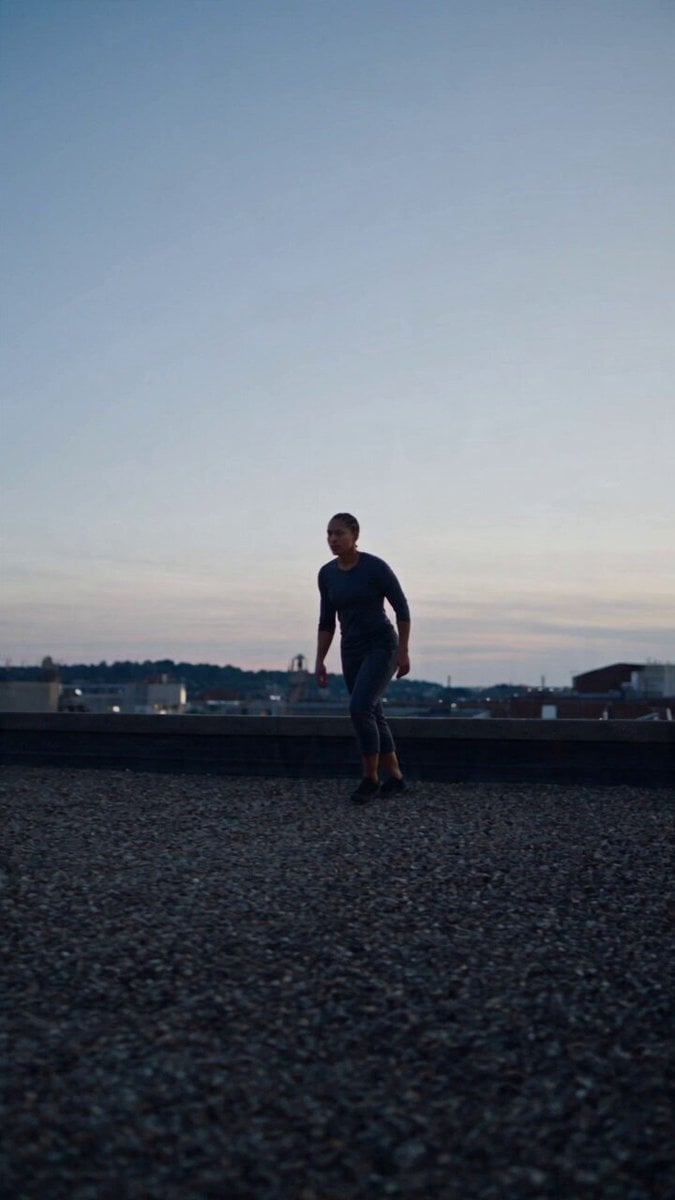
Browse all templates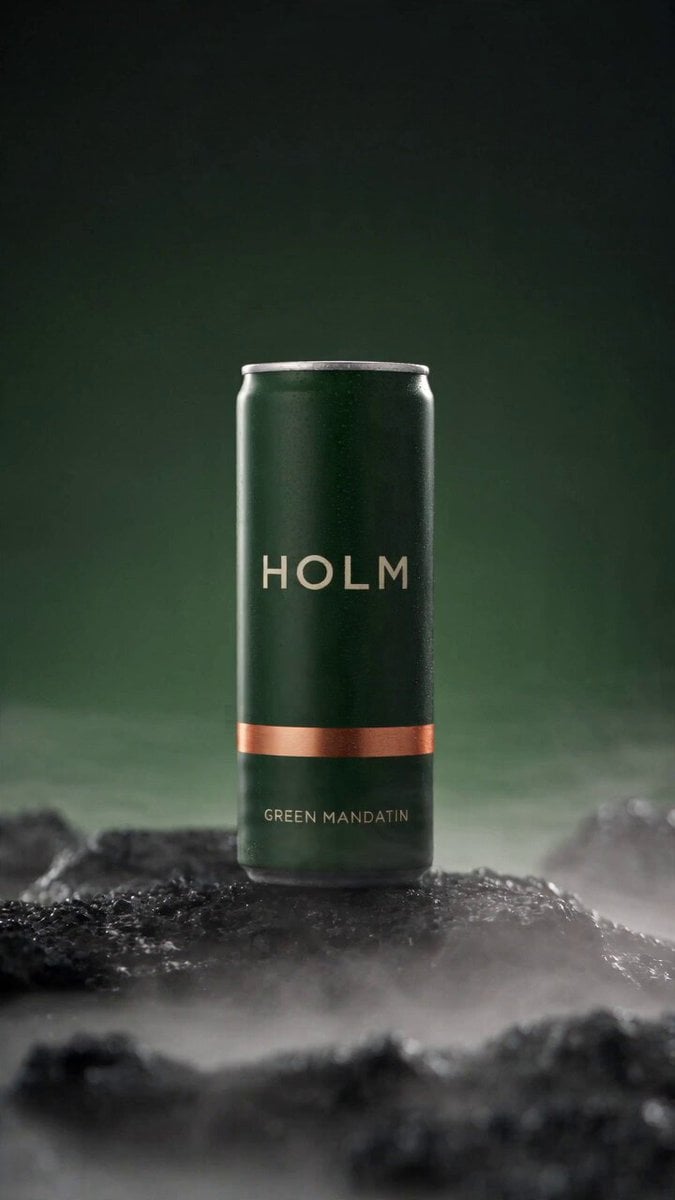 Rooftop Parkour Motion Control
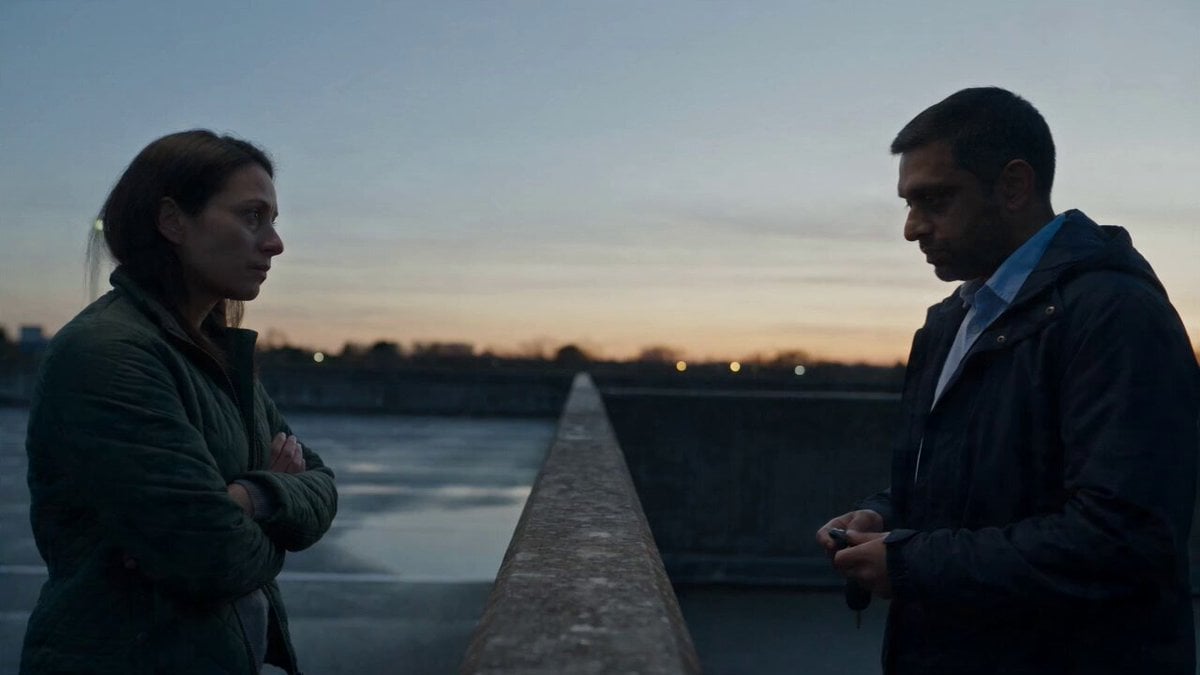 Hospital Car Park Dialogue Lip Sync
 Product Ad Drink Can 110° Orbit
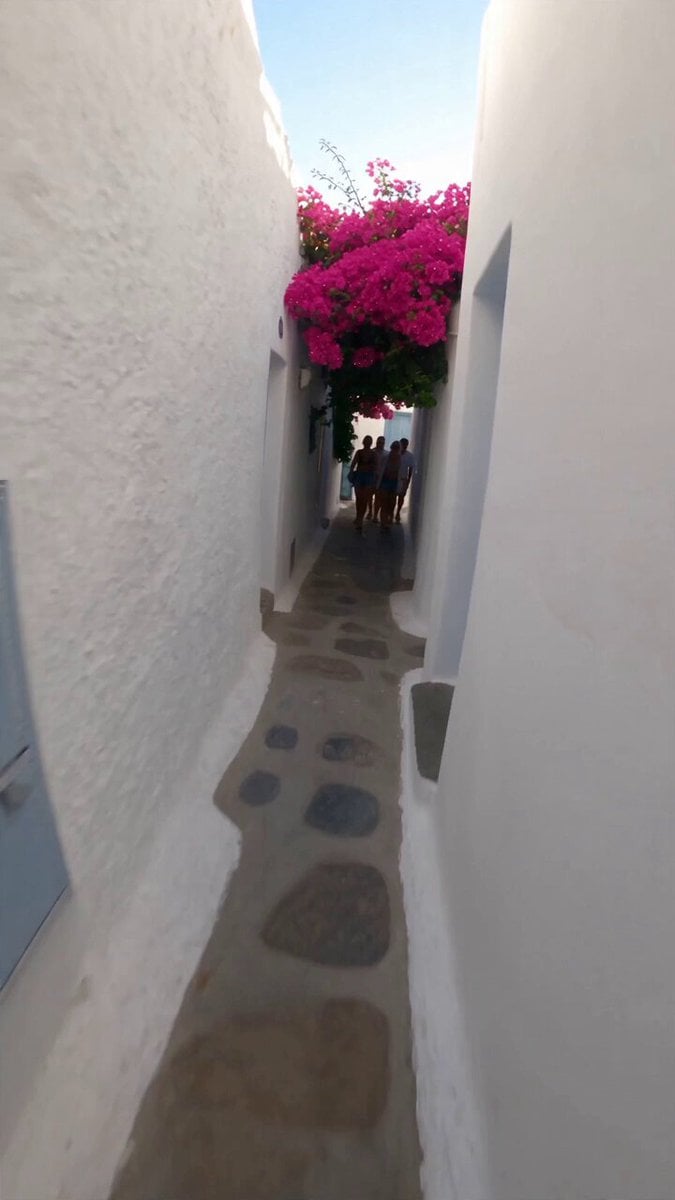 Selfie Travel Vlog Mykonos
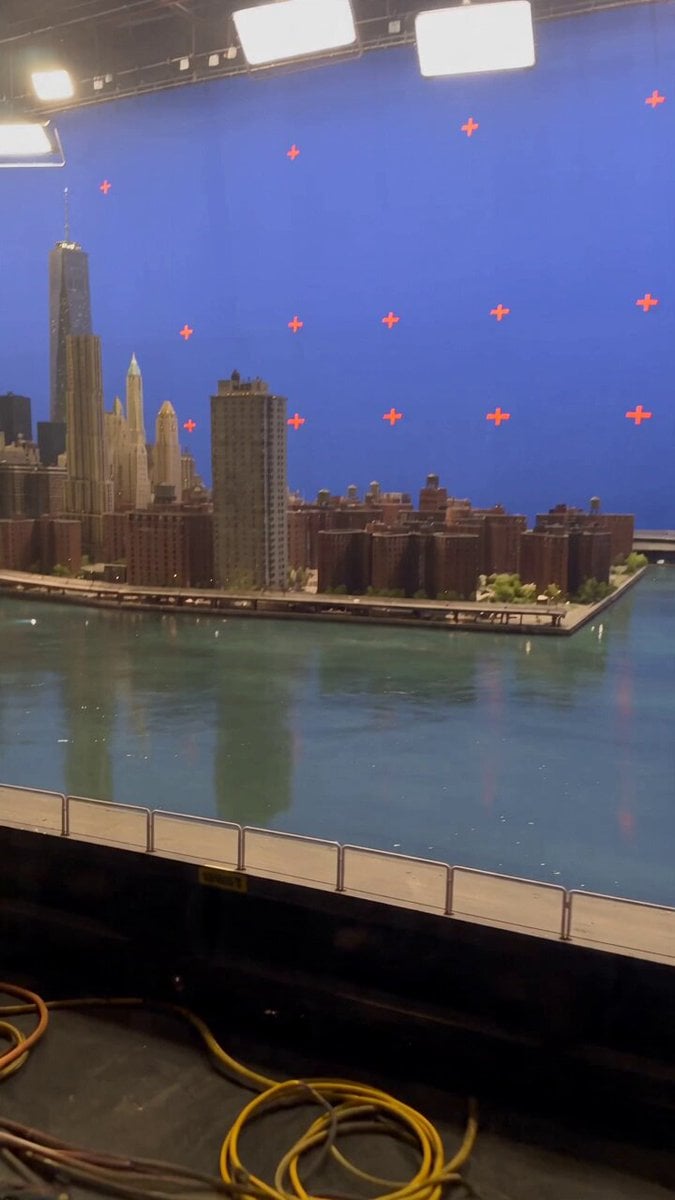 Miniature City Flood Soundstage
- Miniature City Flood Soundstage
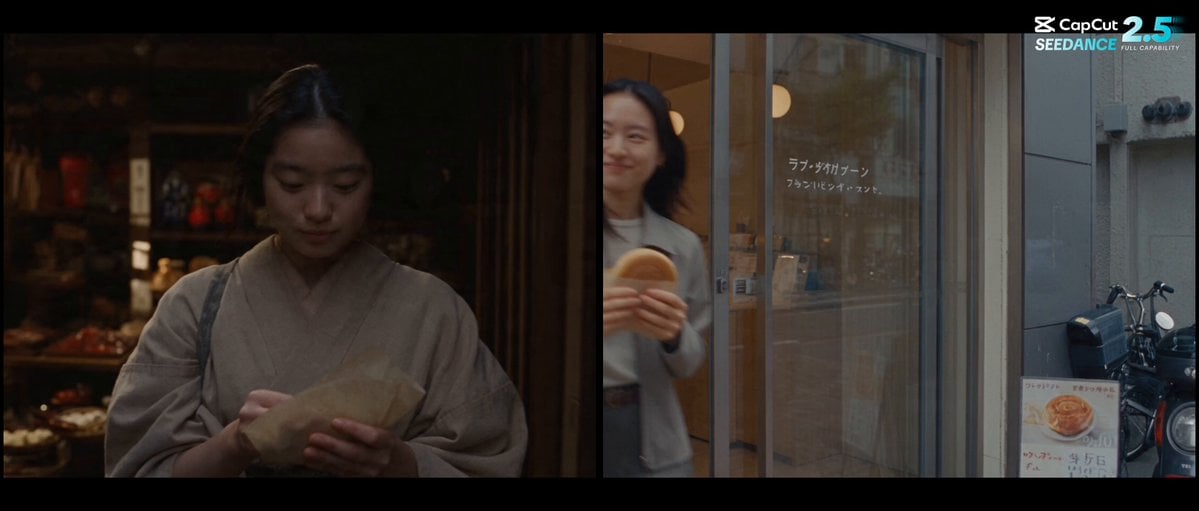 Forgotten 1980s High School Documentary Seedance
 RX-7 to Mech Transformation Cyberpunk
 MiniMax H3 Character Introduction
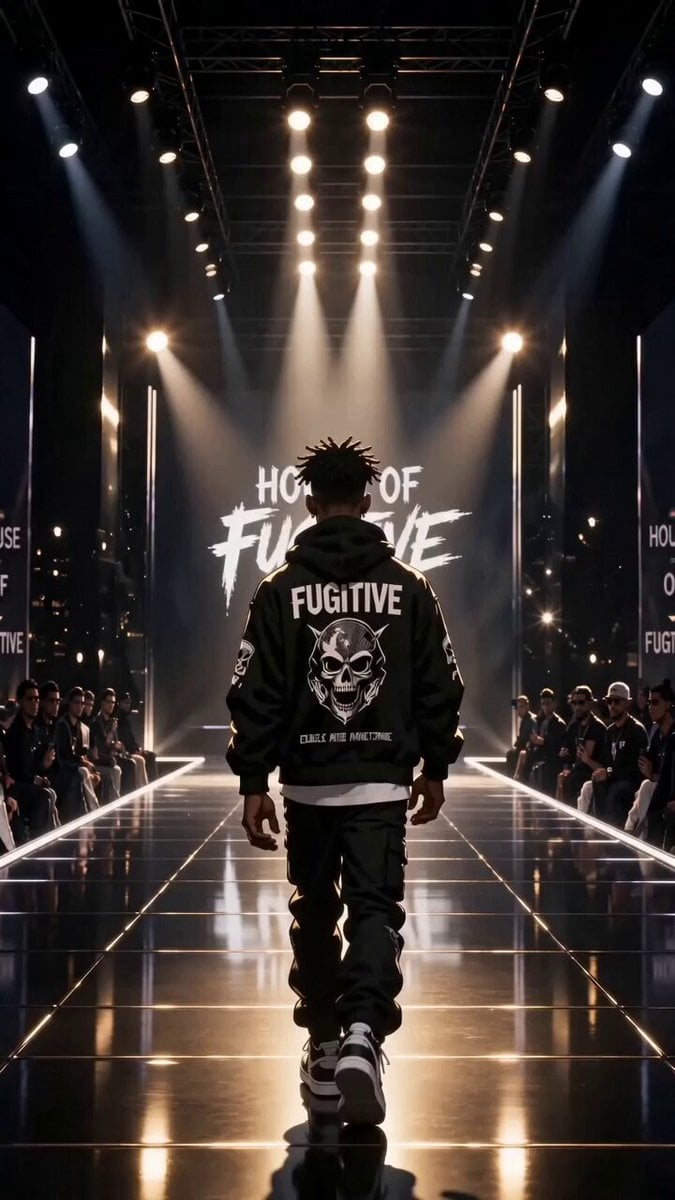 Luxury Streetwear Fashion Runway Film
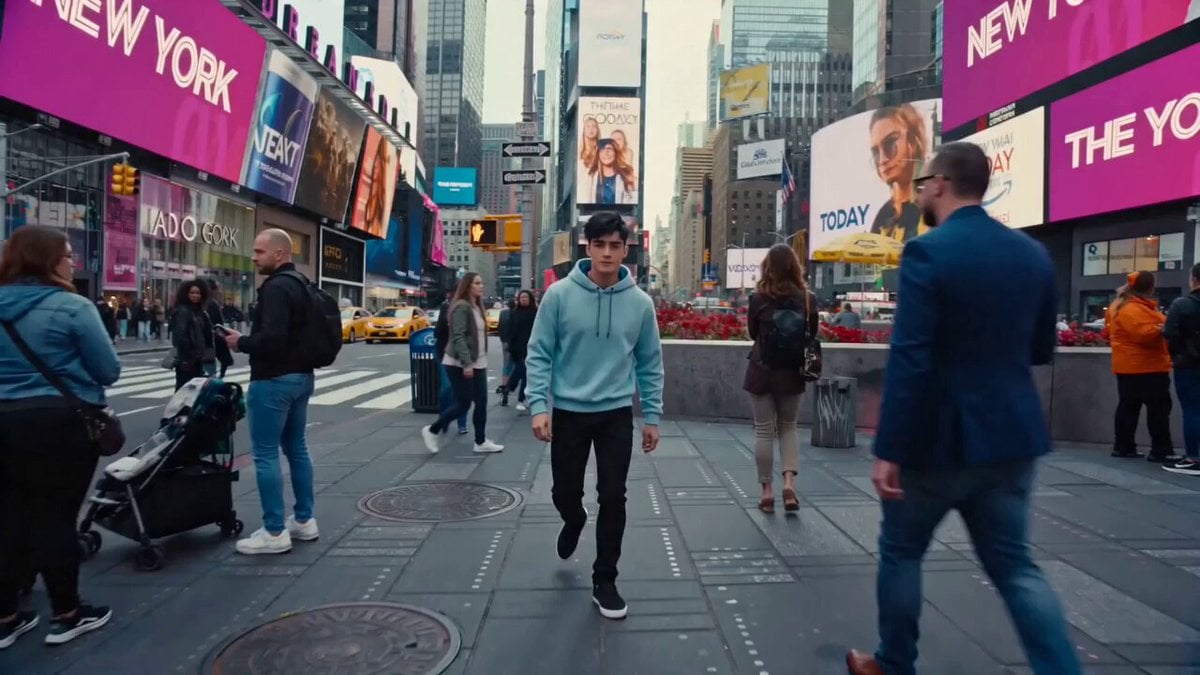 Cinematic Times Square Confidence Walk
 Cinematic Cave Exploration Multi-Shot Sequence
Kling 4.0 questions
Is Kling 4.0 out?
Yes. Kling opened early access to Kling 4.0 Flash on September 28, 2026 and launched the full Kling 4.0 on October 15, 2026. The full model is live on PicX Studio: pick Kling 4.0 in the video model menu or use the button on this page.
What is Kling 4.0?
It is Kuaishou's fourth-generation Kling video model. Compared with Kling 3.0 it doubles single-pass length to 30 seconds, adds keyframe control and wider reference input, and Kling says it handles fast action, camera moves and lip sync more reliably. Every clip comes with stereo sound.
Kling 4.0 vs Kling 3.0: what changed?
Length goes from 15 to 30 seconds in one pass, and you can steer a take with a start and end frame or up to ten reference images on PicX. Kling 3.0 Pro and 3.0 Omni are still the better pick for shorter clips, and 3.0 Omni is the one to use if you need 4K today.
Is Kling 4.0 better than Seedance 2.5?
They overlap: on PicX both make clips of up to 30 seconds with sound and take start and end frames or reference images. Kling 4.0 adds 21:9 ultrawide and a timeline style of prompting that Kling built it around; Seedance 2.5 also accepts reference video clips and can render with sound off. Run one prompt on both and compare, since they share a credit balance.
Is Kling 4.0 free?
No. Kling 4.0 is a paid model on PicX Studio, billed per second of video. Your first image is free when you sign up; video needs a plan or a one-time credit pack. Credits never expire and work on every model, so you can rough out a scene on a cheaper model first.
What is Kling 4.0 Flash, and is it on PicX?
Flash is the lighter Kling 4.0 tier Kling released first, in early access. Per its API docs it renders 720p clips of up to 20 seconds and takes no last frame or middle keyframes. It is not available on PicX yet; PicX runs the full Kling 4.0 model.
Does Kling 4.0 on PicX support 4K, 10 keyframes or video extension?
Not yet. Kling announced 4K with 10-bit HDR, up to 10 keyframes, reference videos, voice references and extension up to 2 minutes. On PicX you get start and end frames, up to 10 reference images and 720p or 1080p output; the rest is not available on PicX yet.
How do I write a good Kling 4.0 prompt?
Write it as a timeline. Give each time range (for example 0-5s, 5-12s) its own action, camera move and sound, and change only one or two things between beats. If you upload frames, describe events in the same order as the frames.

Plan your 30-second take with Kling 4.0
Timeline prompts, start and end frames, ten reference images and sound in every clip, on one PicX Studio credit balance.