
VIDEOPixVerse · from 10 credits / sec
Direct the camera in plain words
PixVerse V6 AI Video Generator
1 to 15 seconds. 360p to 1080p. Sound on or off. Five ways in.
PixVerse V6 was built around camera direction, faces that keep their emotion and objects that collide believably. On PicX you can start it from text, a still, a first and last frame, up to seven references, or a clip to extend.
- 1–15s
- 540p–1080p
- Sound on or off
- Text · Image · Start & end frames · References · Extend
Name the move, quote the words
Camera language it actually follows
PixVerse put camera work first in the V6 release: tracking shots, perspective shifts and reveals that hold together better than earlier versions. Name the move in the prompt (push-in, orbit, low angle, handheld follow, POV) and keep it to one main move per clip.
Faces and physics that stay consistent
Expressions and body language carry through the clip instead of resetting, and contact between objects (a cork popping, a ball striking a racket, ice settling in a glass) reads as weight and impact. PixVerse says precise direction in crowded scenes is still being improved, so keep busy shots simple.
Readable text on screen
PixVerse says V6 places and styles lettering accurately in English, Chinese and other languages, which helps with title cards, signage and product labels. Put the exact words in quotes and say where they sit in frame.
PixVerse V6, from its maker
Official release video by PixVerse
Where V6 earns its keep
Why pick PixVerse V6
- 1-15 sLength in 1-second stepsNo padding to fit a fixed length.
- 360pCheap draft tierTest the motion, then re-run at 1080p.
- 2 framesFirst and last frameControl where the shot starts and ends.
- 7Reference imagesBlend subjects and a setting in one clip.
- ExtendContinue a clipAdd seconds to a video you already have.
- SoundOn or off per clipAudio generated with the picture.
What PixVerse V6 costs
Billed per second of video, at the resolution you pick. The same prices the generator shows before you run it.
- 540p14credits / sec
18 / sec with sound
5s clip 70 creditsOn Starter≈ 51 clips / mo - 360p10credits / sec
14 / sec with sound
5s clip 50 creditsOn Starter≈ 72 clips / mo - 720p18credits / sec
24 / sec with sound
5s clip 90 creditsOn Starter≈ 40 clips / mo - 1080p36credits / sec
46 / sec with sound
5s clip 180 creditsOn Starter≈ 20 clips / mo
Every model on every planCredits never expireSee plans
Pay for PixVerse V6 with crypto
Buy credits with Bitcoin, USDT, USDC, ETH, Solana and more — no card, nothing auto-renews, packs from $5, and 15% extra credits on crypto payments.
PixVerse V6 vs V6 Max
Both sit in the PixVerse V6 picker on PicX. Max is PixVerse's tier aimed at film, short drama and ads; standard V6 has every input mode.
Max costs more per second. Live credit prices are in the pricing table.
How to use PixVerse V6 in 3 steps
- 1
Choose how to start
Text only, a start image, a first and last frame, up to seven references, or a video to extend. With a start image the clip takes that image's shape, so no aspect ratio is needed.
- 2
Describe subject, action, camera, sound
Be literal. Repeat identity details (hair, clothing, props) if a person must stay the same, name one camera move, and put any on-screen words in quotes. Prompts can run to 5,000 characters.
- 3
Draft low, finish high
Generate a short 360p or 540p take to check the motion, then run the keeper at 720p or 1080p with sound on if you need it.
PixVerse V6 prompts to copy
Prompts to start from. Copy one, or open it in the generator with the model already picked.
City push-in, day to night
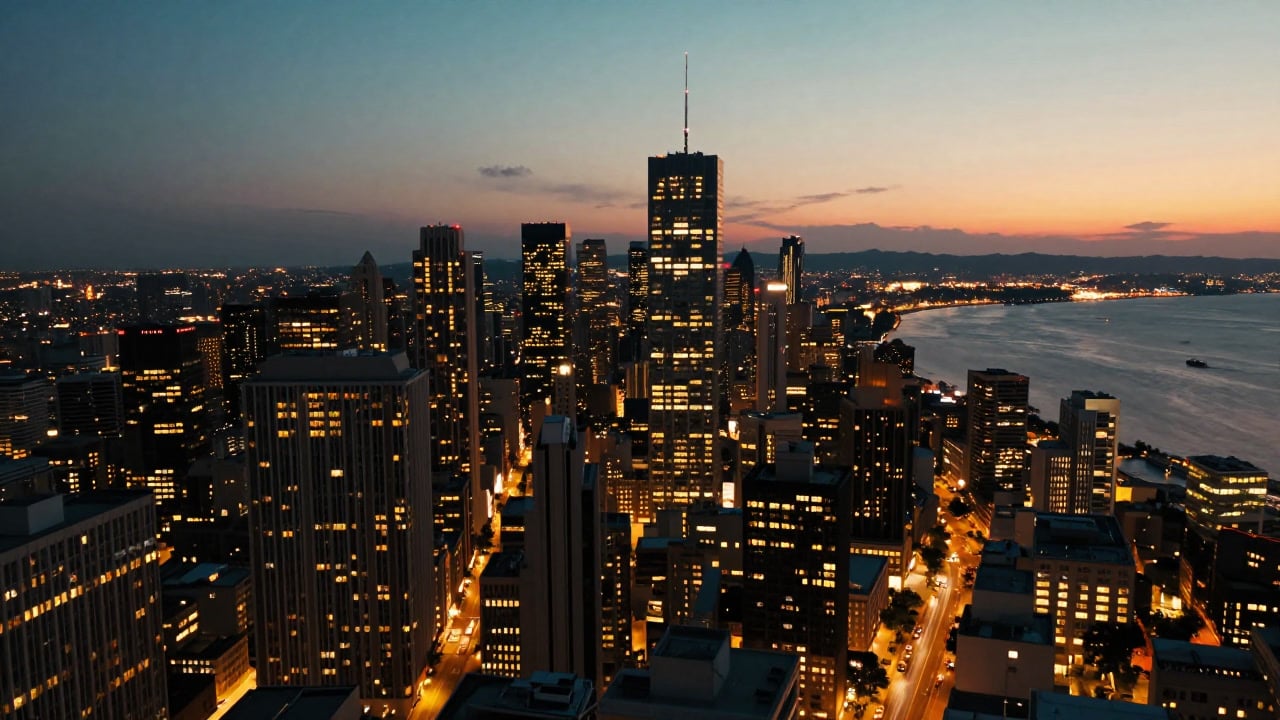
Slow aerial push-in over a coastal city skyline as day turns to night, windows lighting up building by building, traffic trails below, the camera ending on one glowing tower
Bottle with a readable label
Low-angle close-up of an ice-cold glass bottle on crushed ice, condensation running down, bubbles rising, the label reads "FRESH" in bold white letters, backlit drink commercial
Emotion that holds
Handheld follow shot of an exhausted marathon runner crossing the finish line, her grimace slowly giving way to tears of relief as volunteers wrap a foil blanket around her
Impact and weight
Side tracking shot of a tennis player hitting a hard forehand, the ball compressing on the strings, chalk dust puffing up where it lands, late afternoon sun
Bilingual shop sign
Rainy night street, slow pan across a noodle shop as its neon sign flickers on, reading "NOODLE BAR" above and "面馆" below, reflections in the puddles
Templates to start from
Browse all templates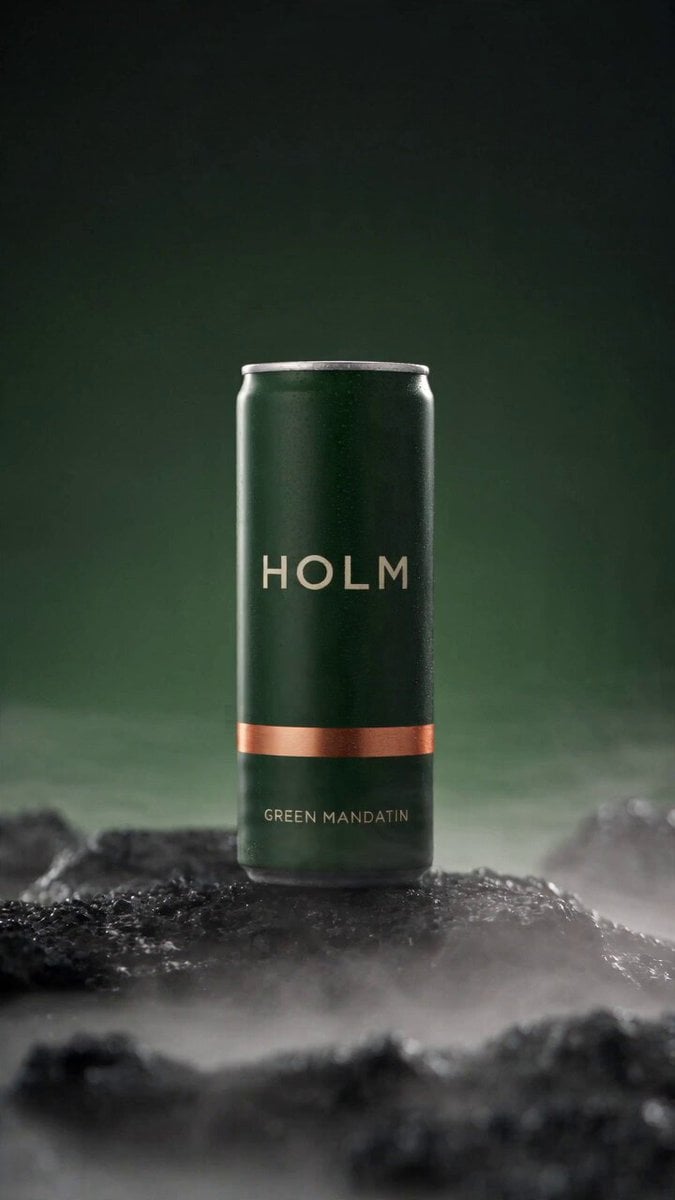 Rooftop Parkour Motion Control
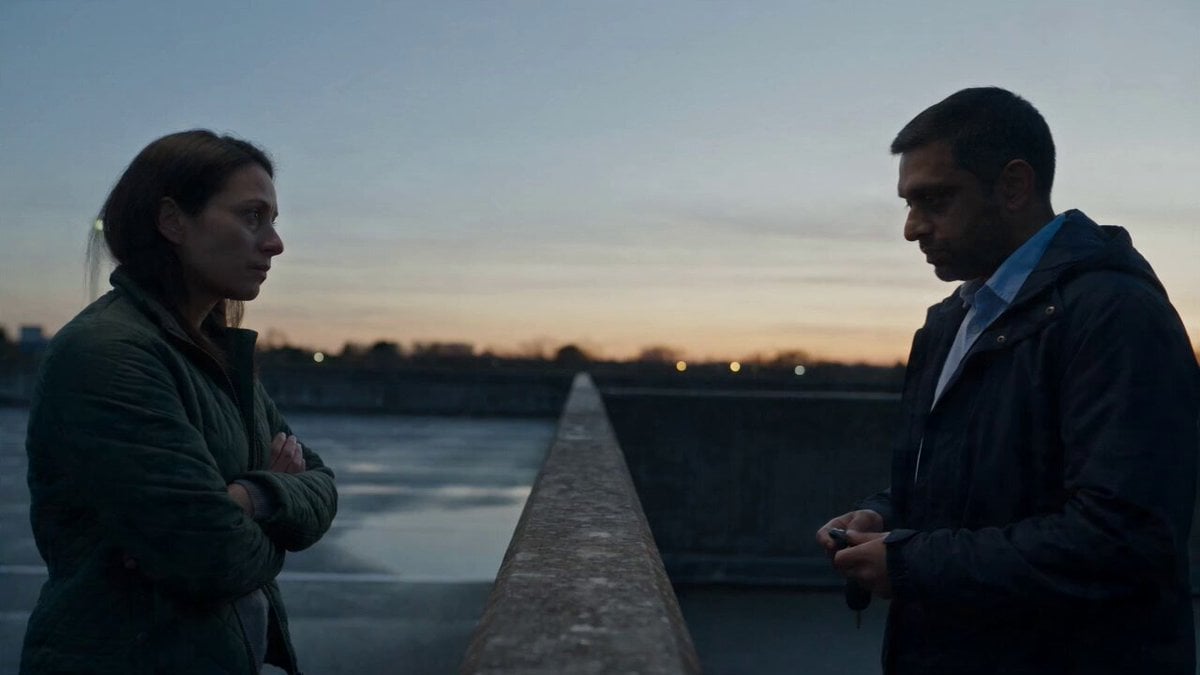 Hospital Car Park Dialogue Lip Sync
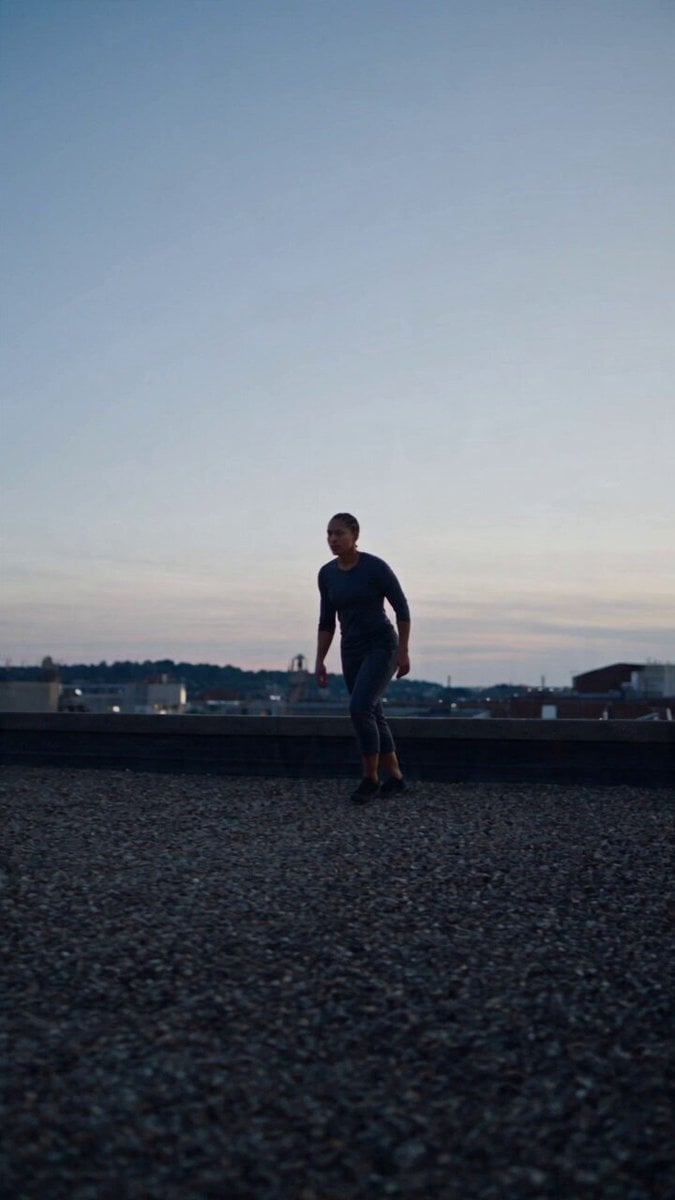 Product Ad Drink Can 110° Orbit
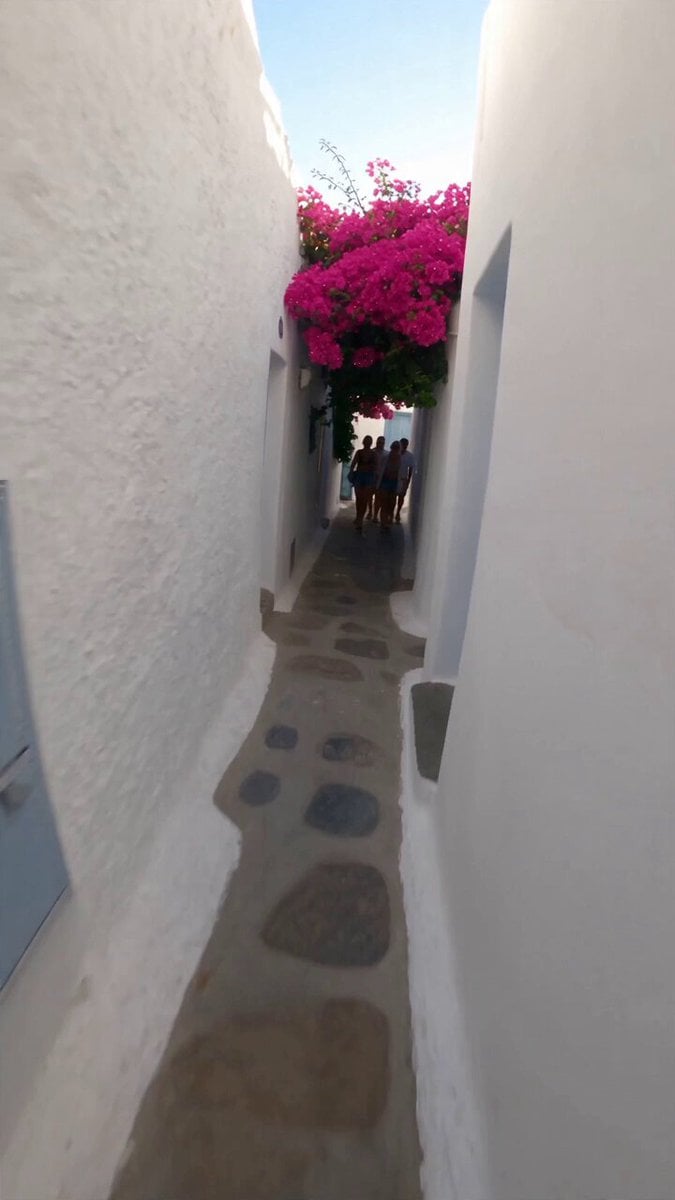 Selfie Travel Vlog Mykonos
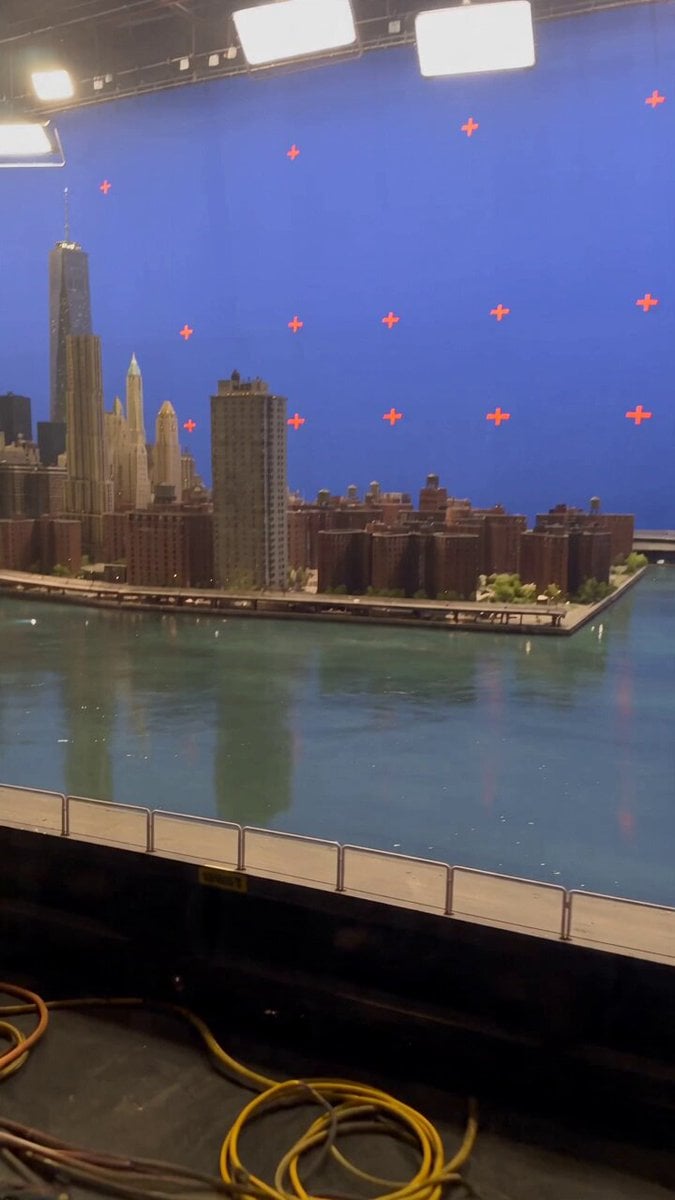 Miniature City Flood Soundstage
- Miniature City Flood Soundstage
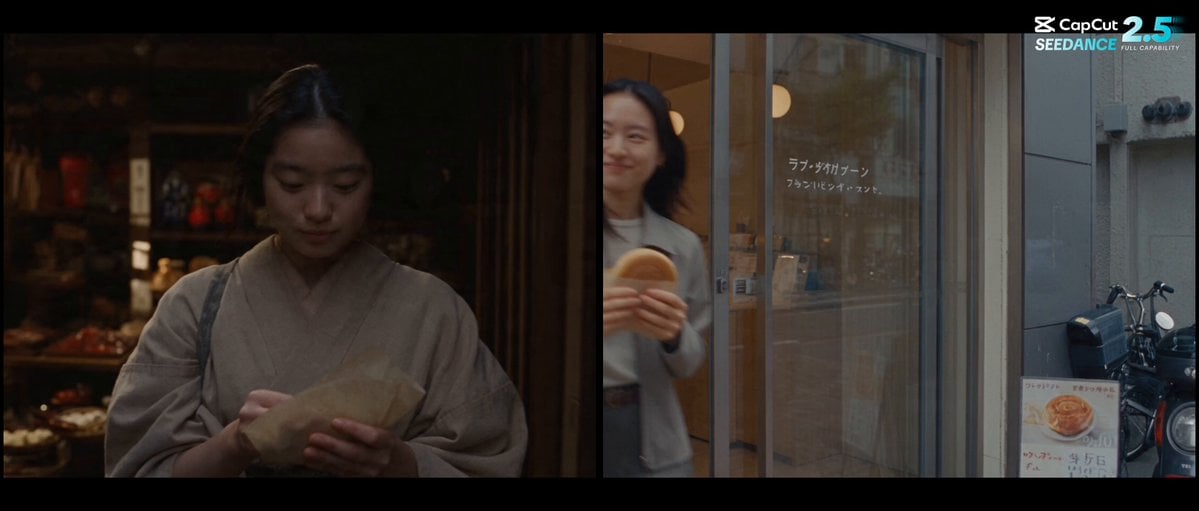 Forgotten 1980s High School Documentary Seedance
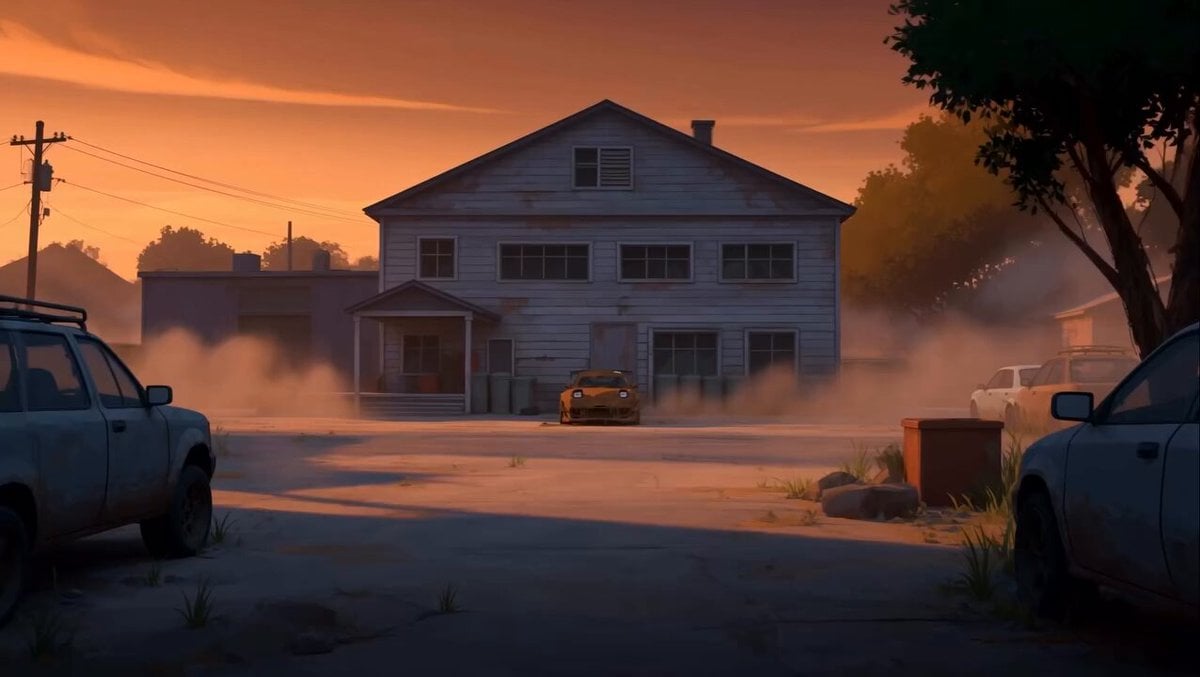 RX-7 to Mech Transformation Cyberpunk
 MiniMax H3 Character Introduction
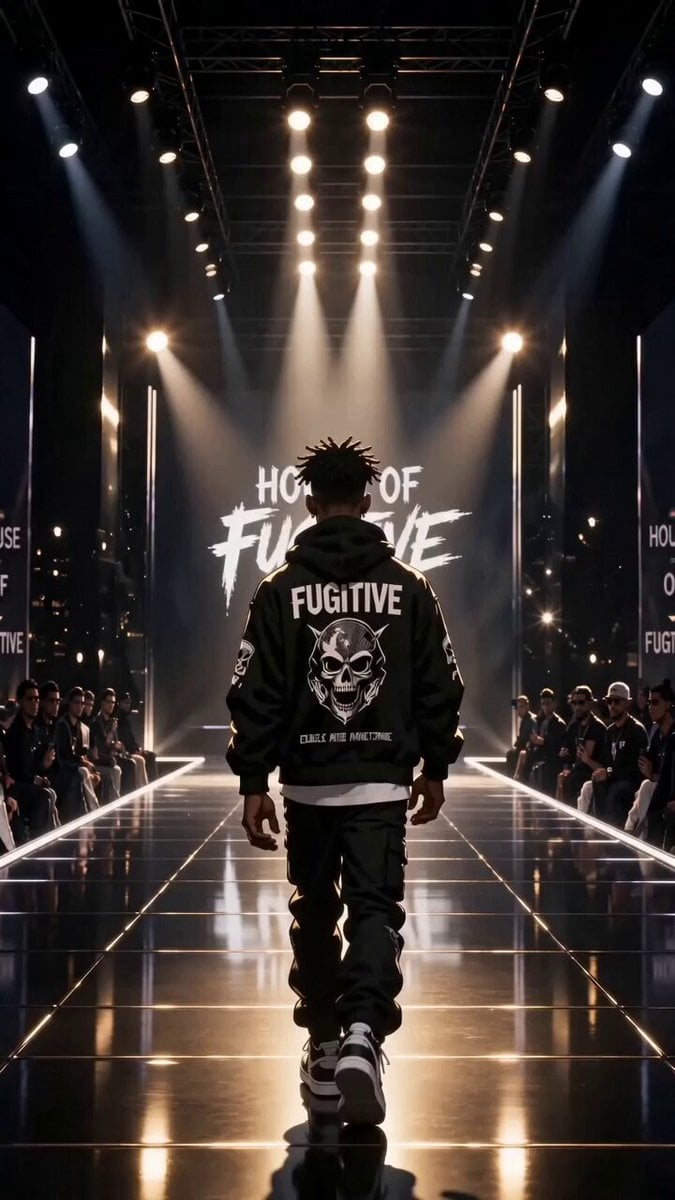 Luxury Streetwear Fashion Runway Film
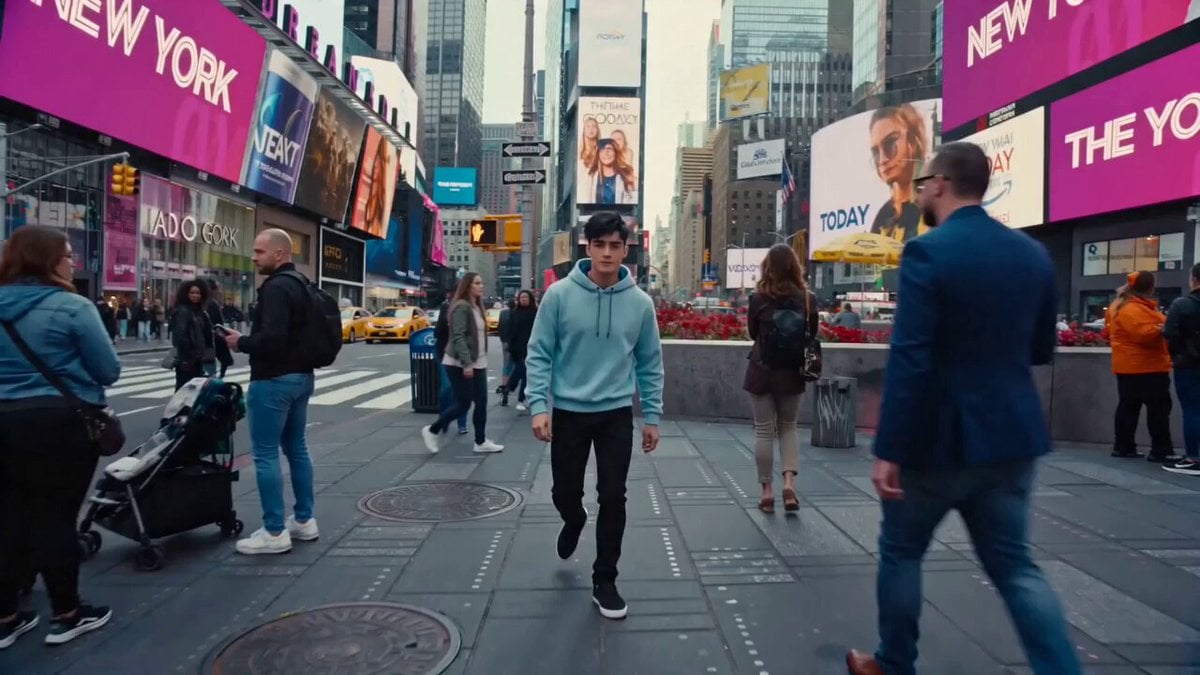 Cinematic Times Square Confidence Walk
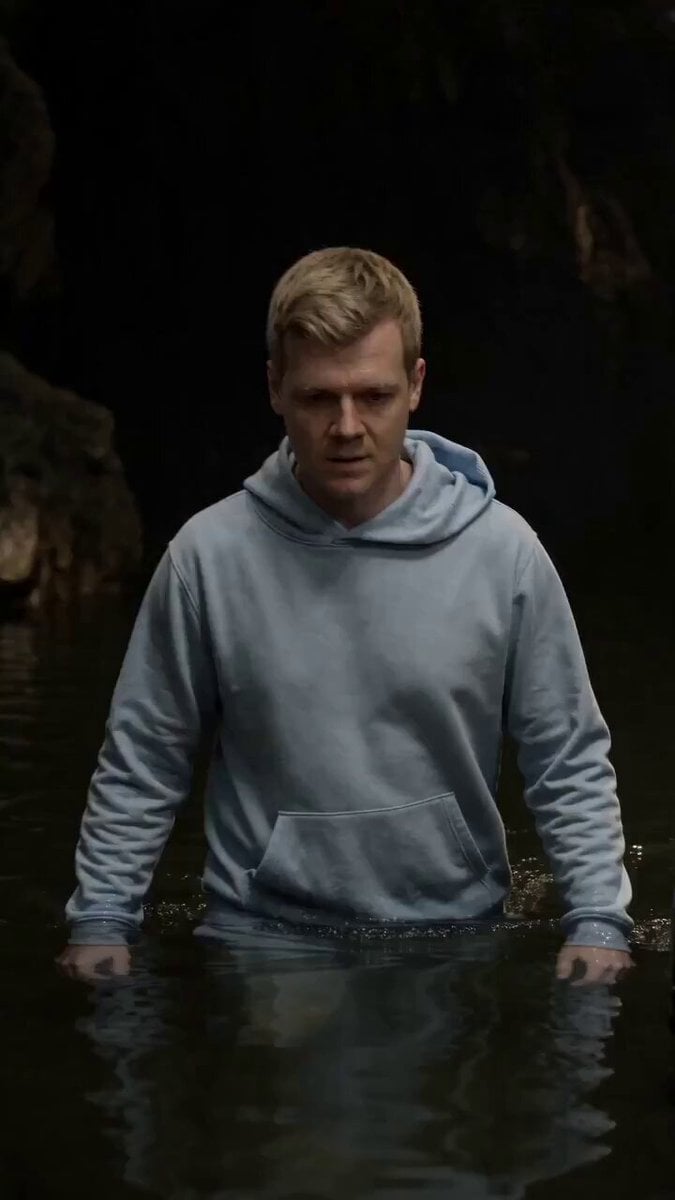 Cinematic Cave Exploration Multi-Shot Sequence
PixVerse V6 questions
What is PixVerse V6?
PixVerse V6 is the video model PixVerse released on 30 March 2026. The release focused on camera control, characters who keep their emotion, more believable physical contact and accurate on-screen text in several languages. On PicX it makes 1 to 15 second clips at 360p to 1080p, with sound on or off.
Is PixVerse V6 good?
It is strongest when you direct it: one clear camera move, a literal action and exact on-screen words. PixVerse itself says fine directional control in complex scenes and consistency through large changes of place are still improving, so split busy ideas into shorter clips or use first and last frames to pin the start and end.
Can PixVerse V6 do image to video?
Yes. Upload one still and V6 animates it as the first frame, keeping the image's aspect ratio. You can also give a first and a last frame for a transition, or up to seven reference images that it combines into one scene.
Can PixVerse V6 extend a video?
Yes. Choose extend, add the clip and a prompt for what happens next, and choose the resolution and how much to add. Billing counts only the new seconds, not the clip you started from. Extend is on standard V6, not V6 Max.
Does PixVerse V6 make multi-shot videos?
PixVerse announced one-prompt multi-shot films with native audio, but that mode is not available on PicX yet. Here each generation is a single shot; to build a sequence, generate shots one by one or extend a clip. Effect templates and lip sync are not available on PicX yet either.
Is PixVerse AI free?
PixVerse runs its own plans on its site; on PicX, V6 clips are paid from your credit balance. A new account gets one free image, not a free video. To spend as little as possible while learning the model, draft at 360p with sound off and only re-run the take you like at a higher resolution.
PixVerse V6 vs Seedance or Kling: which should I use?
Pick PixVerse V6 when you want exact short lengths, a cheap 360p draft tier, first-and-last-frame transitions or extend. Seedance 2.5 runs a single take up to 30 seconds. All of them use one PicX credit balance, so the fairest test is the same prompt on each.

Direct a PixVerse V6 shot
Name the camera move, set the length to the second, and add sound if the scene needs it.