
VIDEORunway · from 8 credits / sec
Runway's fast Gen-4 model, paid per clip
Runway Gen-4 Turbo: Text and Image to Video
5 or 10 seconds. 720p or 1080p. Text or a start image.
PicX runs Gen-4 Turbo, the speed-focused member of Runway's Gen-4 family. Write a shot or bring a still, and get a short, filmic clip with believable motion, from the same credits you use on every other model.

- 5–10s
- 720p–1080p
- Text · Image
Built for shots that hold together
A still that becomes a shot
Runway's Gen-4 launch centred on working from visual references. On PicX that means one start image per clip: a product photo, a character portrait or a location plate, plus a prompt about what should move. The clip keeps the picture's aspect ratio.
Motion that obeys the world
Runway presented Gen-4 as a step forward in simulating real-world physics and in keeping places coherent from shot to shot. Lean on that with prompts about weight and contact, such as falling objects, pours and wind, for product macros and practical-looking effects.
Turbo speed for iteration
Gen-4 Turbo is the version Runway tuned for speed, so you can try several takes of a 5-second shot, keep the best, and only then render the 1080p version.
Runway Gen-4, from its maker
Official release video by Runway
Where Gen-4 earns its place
Runway Gen-4 Turbo on PicX at a glance
- TurboGen-4 TurboRunway's fastest Gen-4 video model.
- 2 modesText or start imagePrompt only, or animate one still.
- 1080pTop resolution1080p on 5 s clips, 720p up to 10 s.
- 5 / 10sClip lengthsShort beats built for editing.
- 5 ratios16:9 to 9:16Plus 4:3, 1:1 and 3:4 for text clips.
- SilentPicture onlyAdd your own music or sound later.
What Runway Gen-4 costs
Billed per second of video, at the resolution you pick. The same prices the generator shows before you run it.
- 720p8credits / sec5s clip 40 creditsOn Starter≈ 90 clips / mo
- 1080p15credits / sec5s clip 75 creditsOn Starter≈ 48 clips / mo
Every model on every planCredits never expireSee plans
Pay for Runway Gen-4 with crypto
Buy credits with Bitcoin, USDT, USDC, ETH, Solana and more — no card, nothing auto-renews, packs from $5, and 15% extra credits on crypto payments.
Runway Gen-4 Turbo or another video model?
Gen-4 Turbo is the quick, silent option for short filmic shots and animated stills. For sound, longer clips or more control over frames, another model on PicX may suit the job better.
Specs are what PicX offers for each model today, not every feature the makers have announced.
How to use Runway Gen-4 in 3 steps
- 1
Start from a frame or a sentence
Upload a still to animate it, or write the whole shot as text. With an image, the clip takes its framing and aspect ratio from the picture.
- 2
Describe the motion, not the picture
Say what moves, how the camera travels and how the light behaves, in plain positive language. Prompts can run to 1,800 characters, but one clear action per clip works best.
- 3
Draft at 720p, finish at 1080p
Try a few 5-second takes at 720p, then render your favourite at 1080p. Pick 10 seconds when the action needs more time to play out.
Runway Gen-4 prompts to copy
Prompts to start from. Copy one, or open it in the generator with the model already picked.
Samurai in a wheat field
A lone samurai walks slowly through a golden wheat field at sunset, wind rippling the grain, camera dollies backwards, epic wide shot, film grain
Skincare serum drop
A drop of golden serum falls from a pipette into a clear glass bottle in slow motion, soft pastel background, ripples catching the light, beauty ad
Animate a packshot (use with a start image)
The white sneaker stays still on its concrete plinth while the camera orbits a half turn around it, laces lifting slightly in a breeze, hard noon shadow rotating across the floor
Practical-looking effect
A wooden market stall collapses in a sudden gust of wind, canvas awning tearing loose, oranges bouncing and rolling across wet cobblestones, handheld camera at street level, overcast daylight
Templates to start from
Browse all templates Rooftop Parkour Motion Control
 Hospital Car Park Dialogue Lip Sync
 Product Ad Drink Can 110° Orbit
 Selfie Travel Vlog Mykonos
 Miniature City Flood Soundstage
- Miniature City Flood Soundstage
 Forgotten 1980s High School Documentary Seedance
 RX-7 to Mech Transformation Cyberpunk
 MiniMax H3 Character Introduction
 Luxury Streetwear Fashion Runway Film
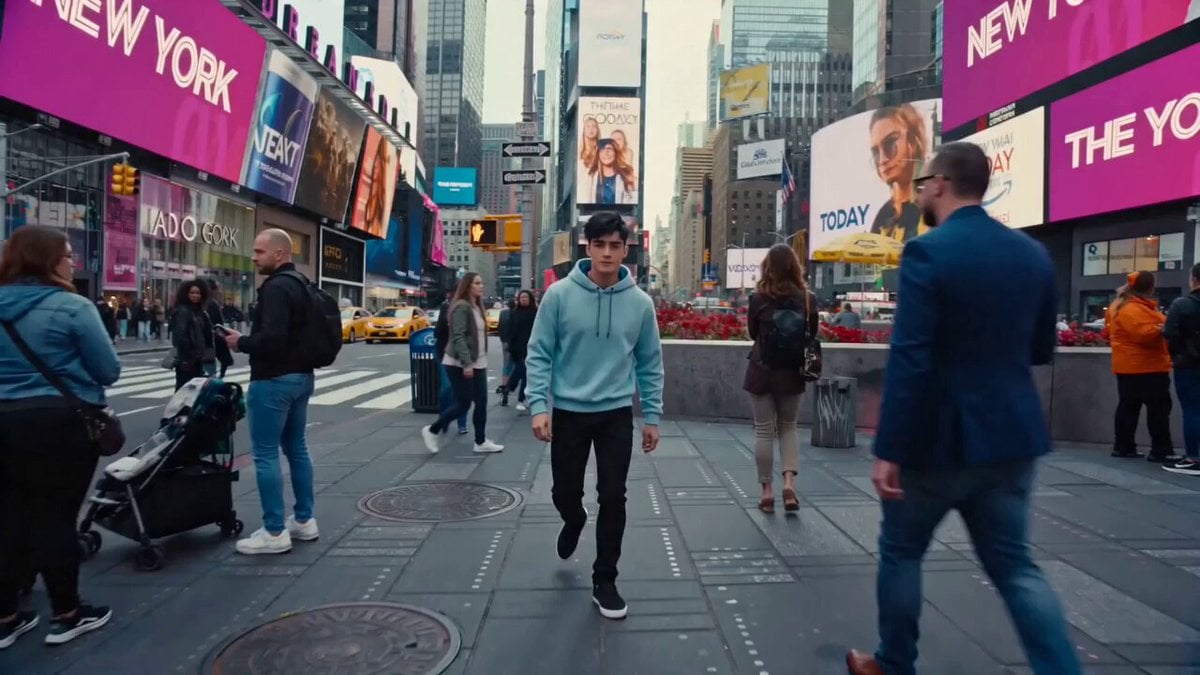 Cinematic Times Square Confidence Walk
 Cinematic Cave Exploration Multi-Shot Sequence
Runway Gen-4 questions
What is Runway Gen-4?
Gen-4 is Runway's video generation family, launched with a focus on keeping characters, objects and places consistent, and on realistic motion. PicX runs Gen-4 Turbo, the fastest model in that family, for 5 or 10 second clips from text or a start image.
Runway Gen-4 vs Gen-4 Turbo: what is the difference?
Both belong to Runway's Gen-4 generation. Runway positions Turbo as its fastest image-to-video model, built for quick iteration. Turbo is the version available on PicX; standard Gen-4 is not offered here.
How do I prompt Runway Gen-4?
Keep it to one shot: the subject, the single action that happens, the camera move and the light. With a start image, skip describing what is already in the picture and focus on what should move. Write in positive terms, saying what you want rather than what to avoid.
Does Runway Gen-4 keep a character consistent across clips?
Runway's References feature, which carries one character or object across many shots from a reference image, is not available on PicX yet. Here you can animate one start image per clip, so reusing the same character still across clips is the closest approach.
Is Runway Gen-4 free?
Not on PicX: it is a paid video model, billed per clip from your credit balance, and you don't need a Runway account or subscription. If you are looking for cheaper or free options, see our Runway alternative page.
Does Runway Gen-4 generate sound, and can I extend a clip?
No sound: Gen-4 Turbo clips on PicX are picture only, so add music or effects in your editor, or use Veo 3.1 or Kling 2.6 when you need audio. Extending a Runway clip is not available on PicX yet.
Runway Gen-4 vs Veo 3 and Kling: which is better for my clip?
Pick Gen-4 Turbo for fast, silent, filmic shots and animated stills in five aspect ratios. Veo 3.1 Fast adds sound, first and last frames and 4K. Kling 2.6 makes 1080p clips with optional sound at the same 5 or 10 second lengths.
Is Runway Gen-4.5 on PicX?
Not yet. PicX currently offers Runway Gen-4 Turbo only.

Try Runway Gen-4 Turbo on PicX Studio
Animate a still or write a shot. 5 or 10 seconds, 720p or 1080p, paid per clip.