
VIDEOAlibaba (Tongyi Wan) · from 42 credits / sec
Alibaba's Wan model that edits, not just generates
Wan 2.7 AI Video Generator
Text, frames, references. Edit and extend clips. 2 to 15 seconds. 1080p.
Wan 2.7 is four tools in one: make a clip from a prompt or a start and end image, cast up to five reference images or clips, rewrite an existing video with a plain instruction, or carry a clip forward. New clips come with sound built in.
- 2–15s
- 720p–1080p
- Native audio
- Text · Image · Start & end frames · References · Extend · Motion control
Fix the take instead of rerolling it
Edit a video by describing the change
Alibaba's pitch for Wan 2.7 is that you stop regenerating and start editing. Upload a 2 to 10 second clip, then ask for different weather, a new outfit or a whole new look, such as turning live footage into clay animation. Add one reference image when the new outfit or prop has to match a real one.
Pin the first and the last frame
Image to video takes a start frame and, if you want, an end frame. Wan 2.7 works out the motion between them, which suits before-and-after reveals, packaging that opens, or a transition that has to land on a specific shot.
Five references, several shots
Reference mode takes up to five images or short clips in total. Alibaba's guide numbers images and clips separately (Image 1, Image 2, Video 1) in the order you add them, so you can say who does what. Use one character per reference for the cleanest identity. Need a sequence? Write the shots out with timings (Shot 1 [0-3 seconds] wide, Shot 2 close-up) and Wan 2.7 cuts between them in one clip.
Wan 2.7, from its maker
Official release video by Alibaba (Tongyi Wan)
Where Wan 2.7 earns its place
Why pick Wan 2.7
- EditInstruction editingChange a 2 to 10 second clip with words.
- 2 framesStart and end imageSet where the shot begins and lands.
- 5 refsImages or clipsUp to five references in total.
- ExtendContinue a clipCarry a take forward to up to 15 seconds.
- 2-15sAny length in rangeReference and edit modes stop at 10 s.
- 1080p720p or 1080p16:9, 9:16, 1:1, 4:3 or 3:4.
What Wan 2.7 costs
Billed per second of video, at the resolution you pick. The same prices the generator shows before you run it.
- 720p42credits / sec5s clip 210 creditsOn Starter≈ 17 clips / mo
- 1080p63credits / sec5s clip 315 creditsOn Starter≈ 11 clips / mo
Every model on every planCredits never expireSee plans
Pay for Wan 2.7 with crypto
Buy credits with Bitcoin, USDT, USDC, ETH, Solana and more — no card, nothing auto-renews, packs from $5, and 15% extra credits on crypto payments.
Wan 2.7 or Wan 3.0?
Both are Alibaba models on PicX. Wan 3.0 runs longer; Wan 2.7 is the one that edits, extends and takes an end frame.
Live limits and credit prices are on each model's page.
How to use Wan 2.7 in 3 steps
- 1
Choose what you are starting from
Nothing but a prompt, a start image (and optional end image), up to five references, or a clip you want to edit or extend.
- 2
Write the shot, or the change
For new clips, describe action, camera and light; write "Shot 1, Shot 2" with timings for a sequence. For an edit, say only what should change and what must stay.
- 3
Set length and resolution, then generate
Pick 2 to 15 seconds (up to 10 for references and edits) and 720p or 1080p. The credit cost shows before you generate.
Wan 2.7 prompts to copy
Prompts to start from. Copy one, or open it in the generator with the model already picked.
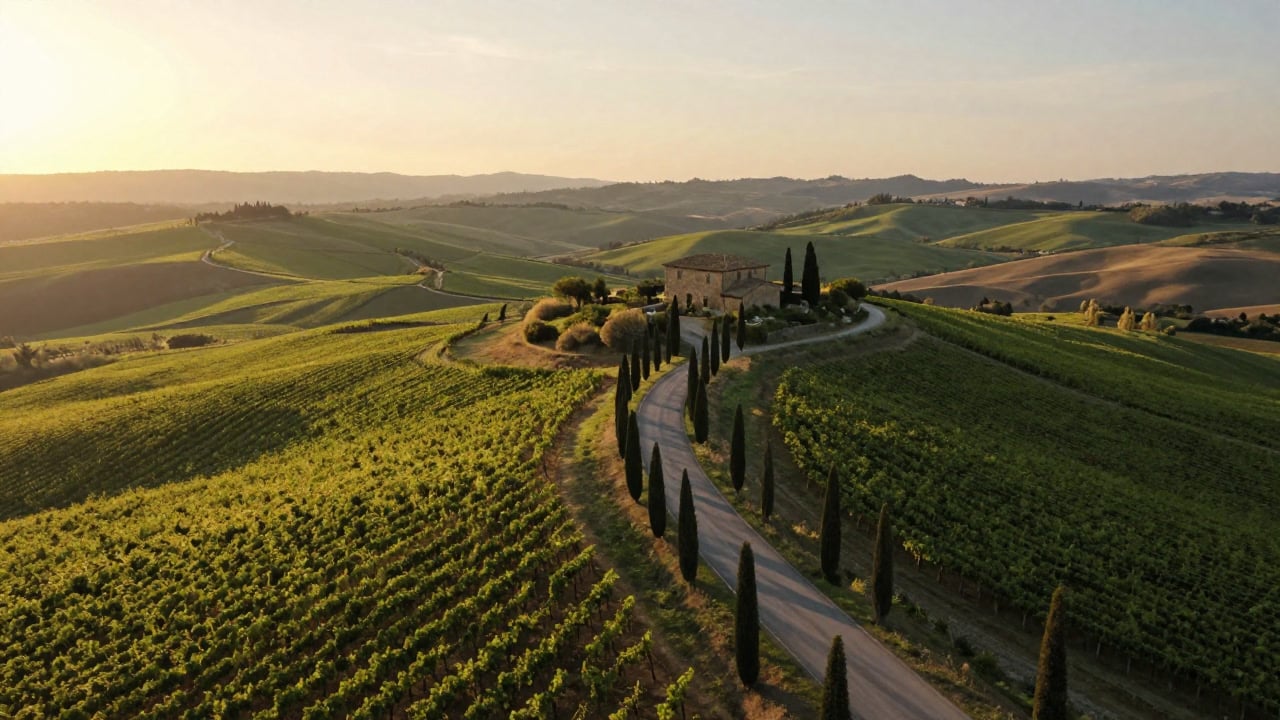
Tuscan vineyard flyover
Golden-hour drone flyover of rolling Tuscan vineyards and cypress-lined roads, a stone farmhouse in the distance, gentle haze, smooth forward motion
Candle, told in two shots
Generate a multi-shot video. Shot 1 [0-2 seconds] close-up: a match lights a scented candle in an amber jar, the flame catching and flickering. Shot 2 [2-4 seconds] wide shot: the candle glows on a coffee table in a cozy, softly blurred living room as rain streaks the window, warm hygge mood
Edit: from summer to snowfall
Keep the people, the camera move and the street exactly as they are. Change the season to winter: steady snowfall, snow settling on the cars and rooftops, breath visible in the cold air, soft grey daylight
First and last frame: gift box reveal
The lid lifts off the wrapped gift box on its own, the ribbon sliding away, and the camera eases in as the watch inside comes into view, ending exactly on the final frame
Templates to start from
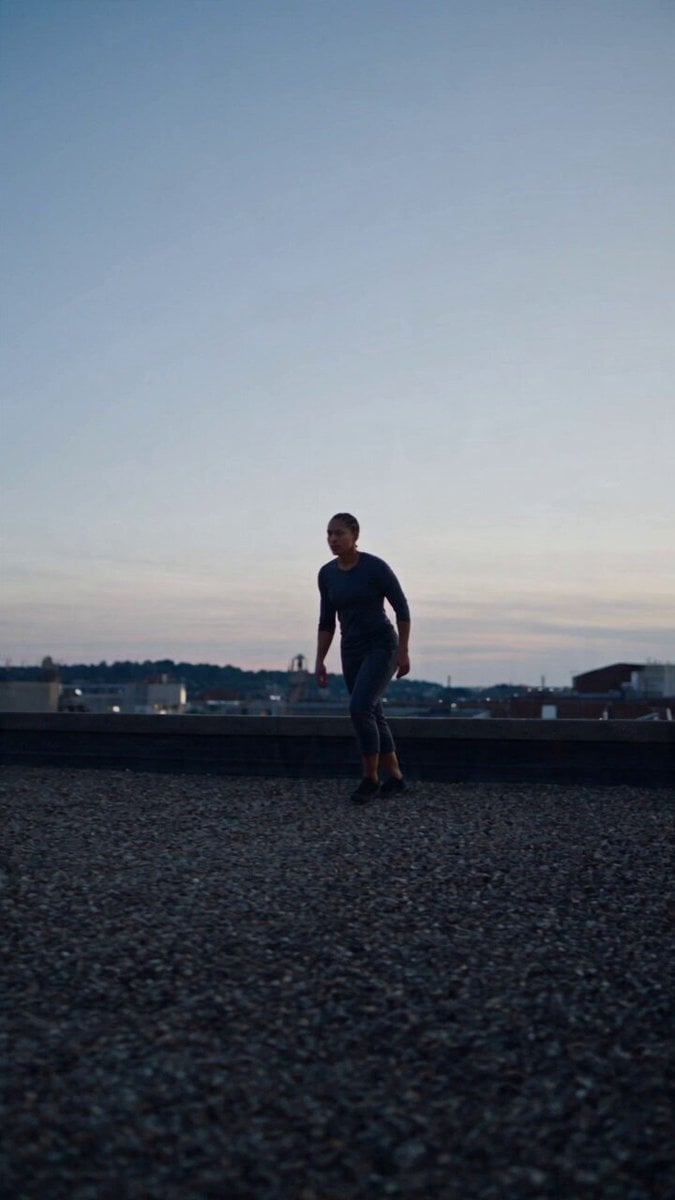
Browse all templates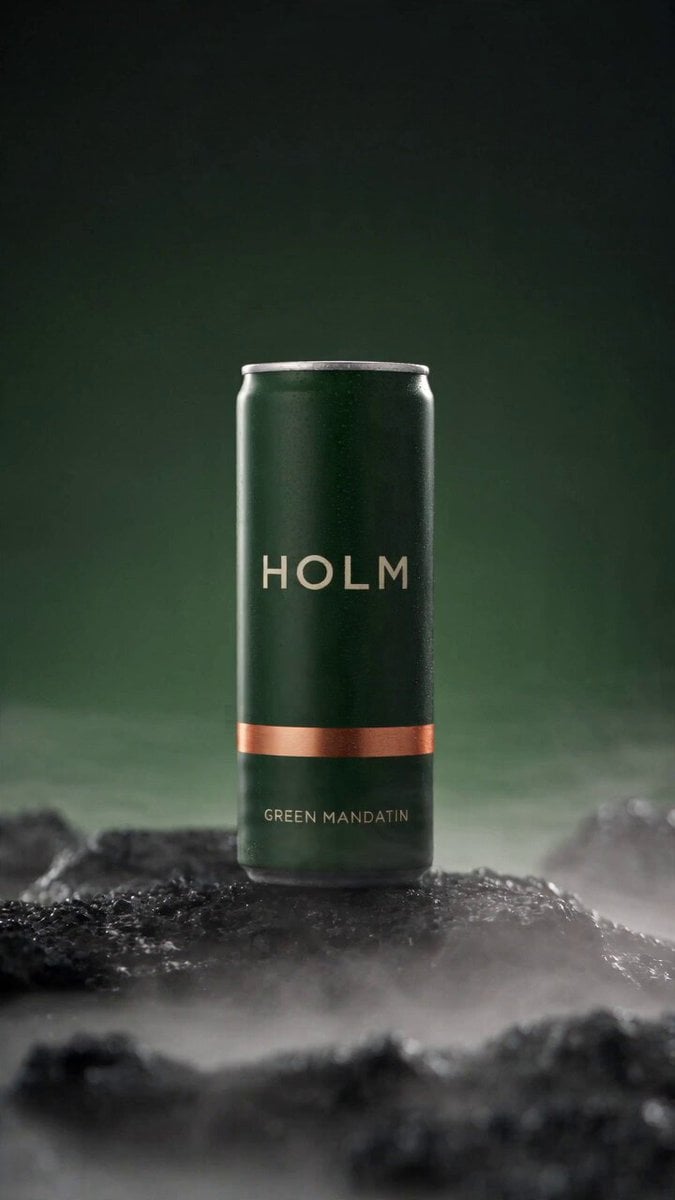 Rooftop Parkour Motion Control
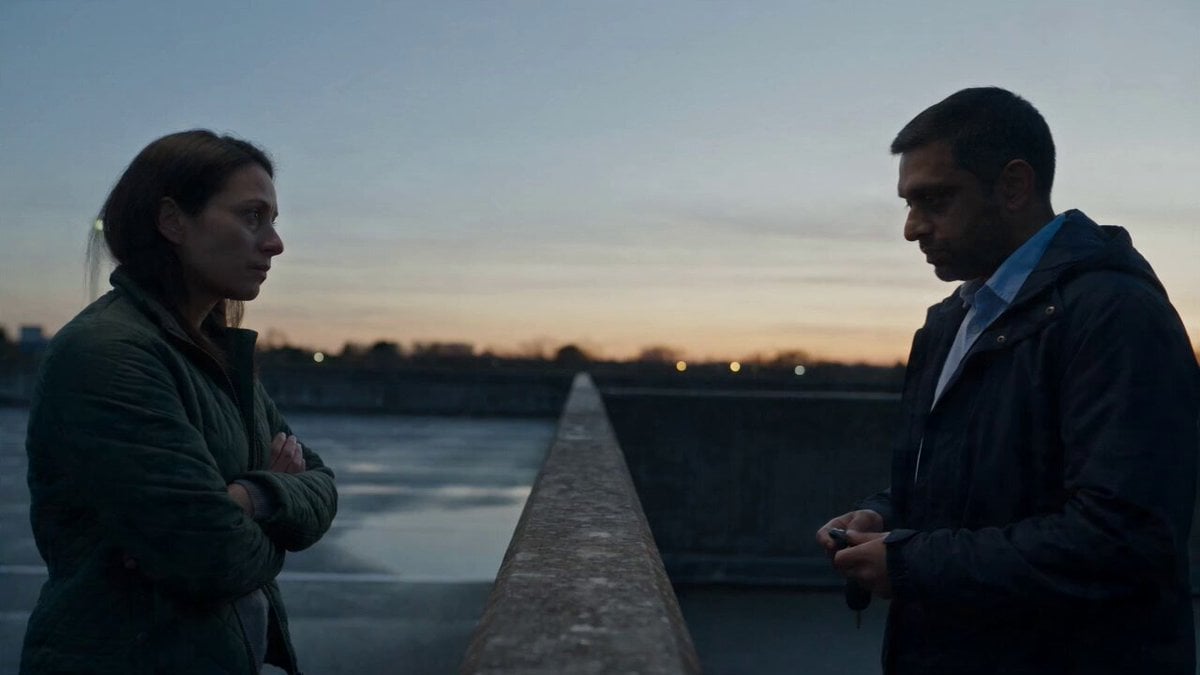 Hospital Car Park Dialogue Lip Sync
 Product Ad Drink Can 110° Orbit
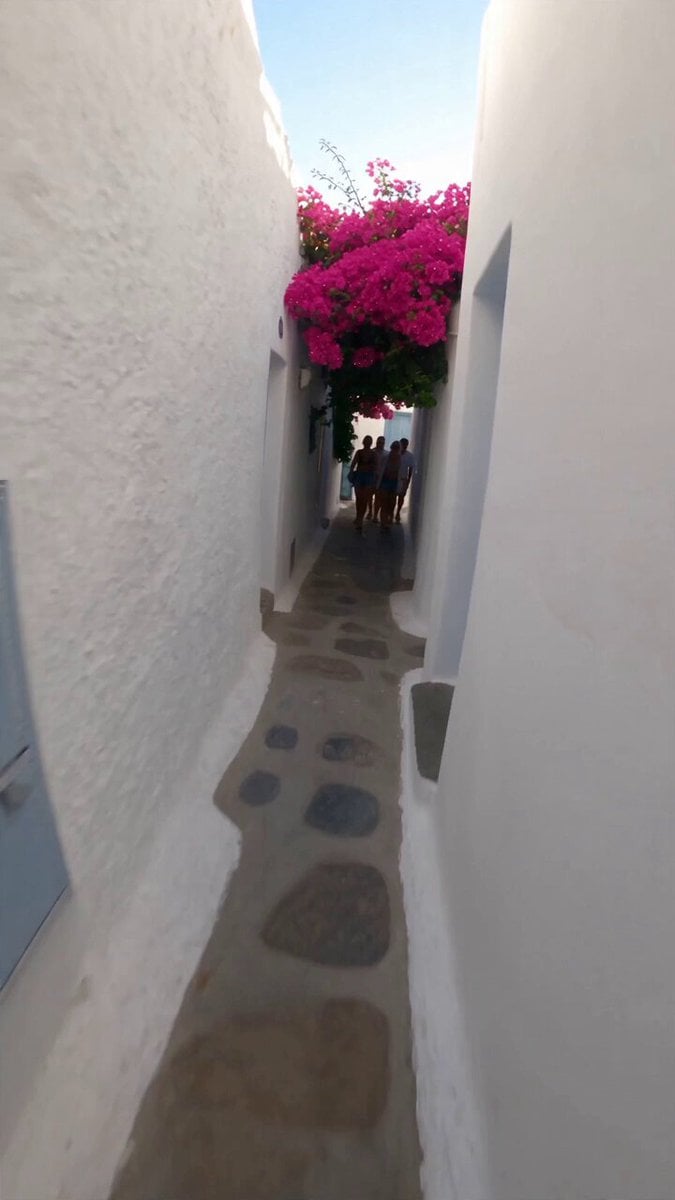 Selfie Travel Vlog Mykonos
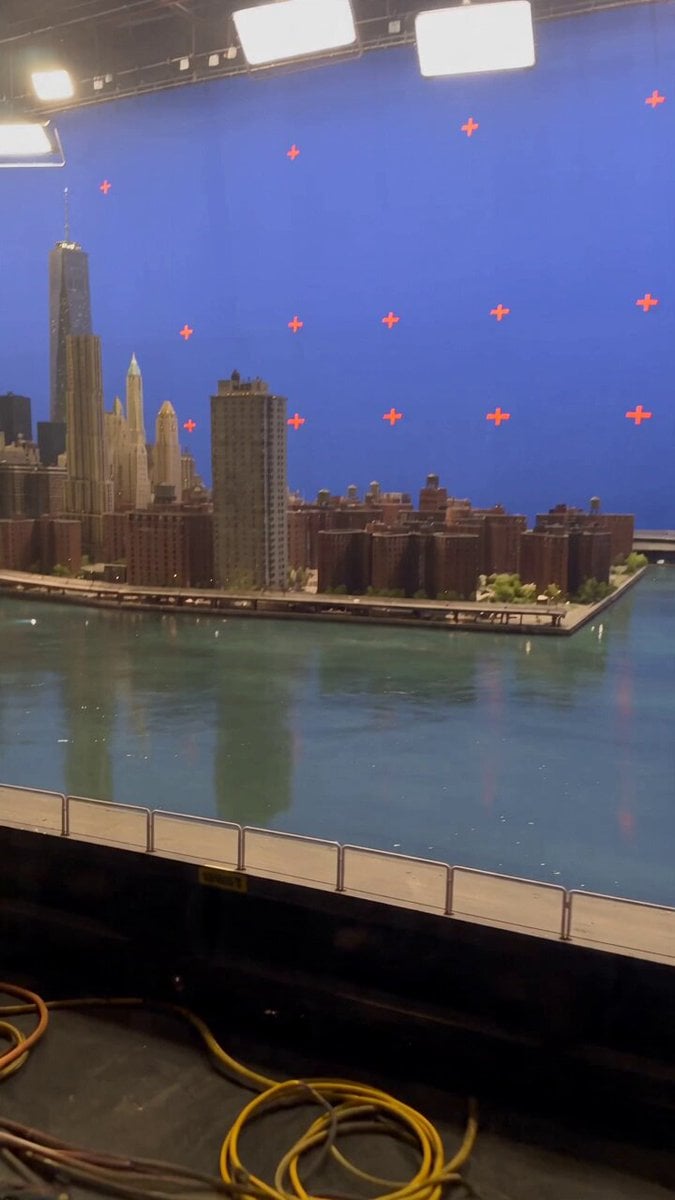 Miniature City Flood Soundstage
- Miniature City Flood Soundstage
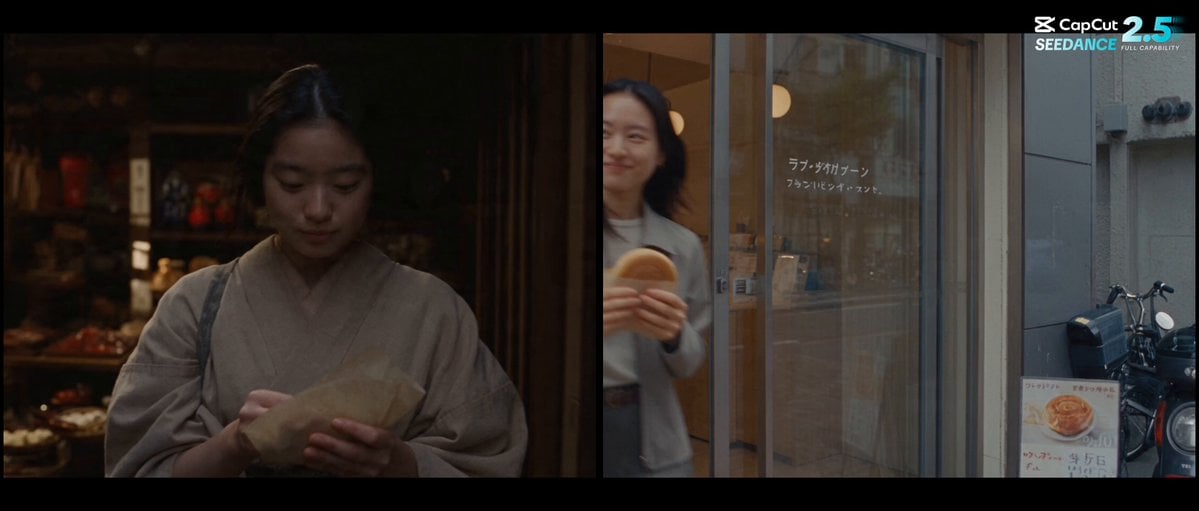 Forgotten 1980s High School Documentary Seedance
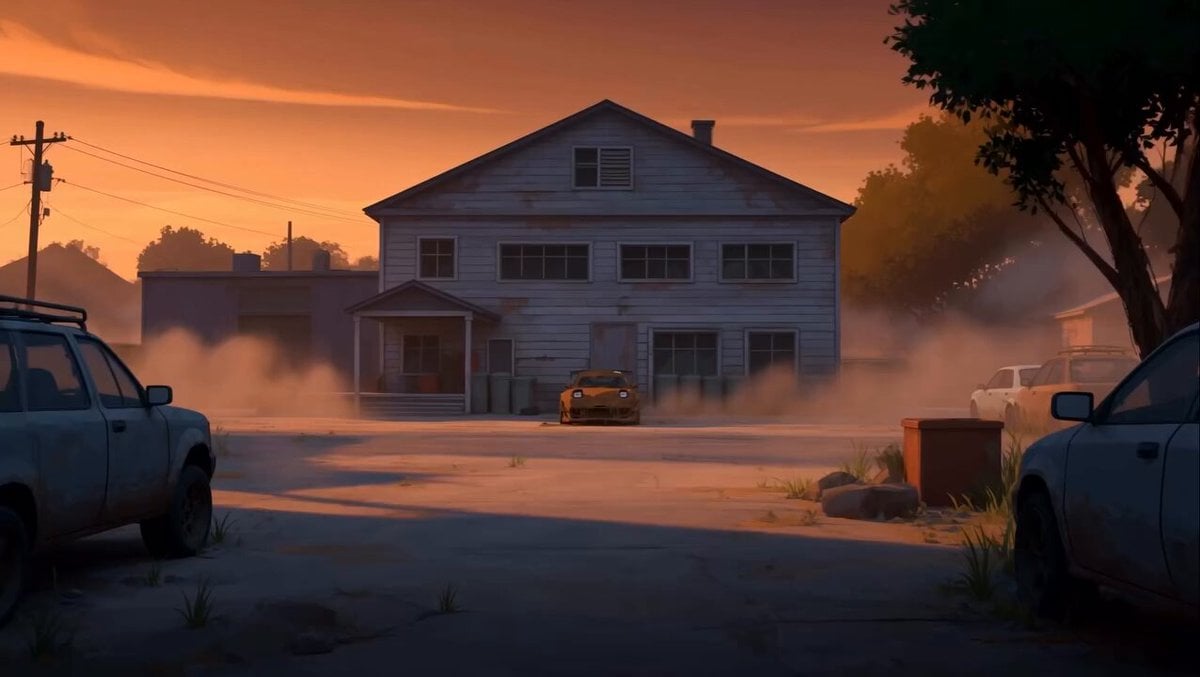 RX-7 to Mech Transformation Cyberpunk
 MiniMax H3 Character Introduction
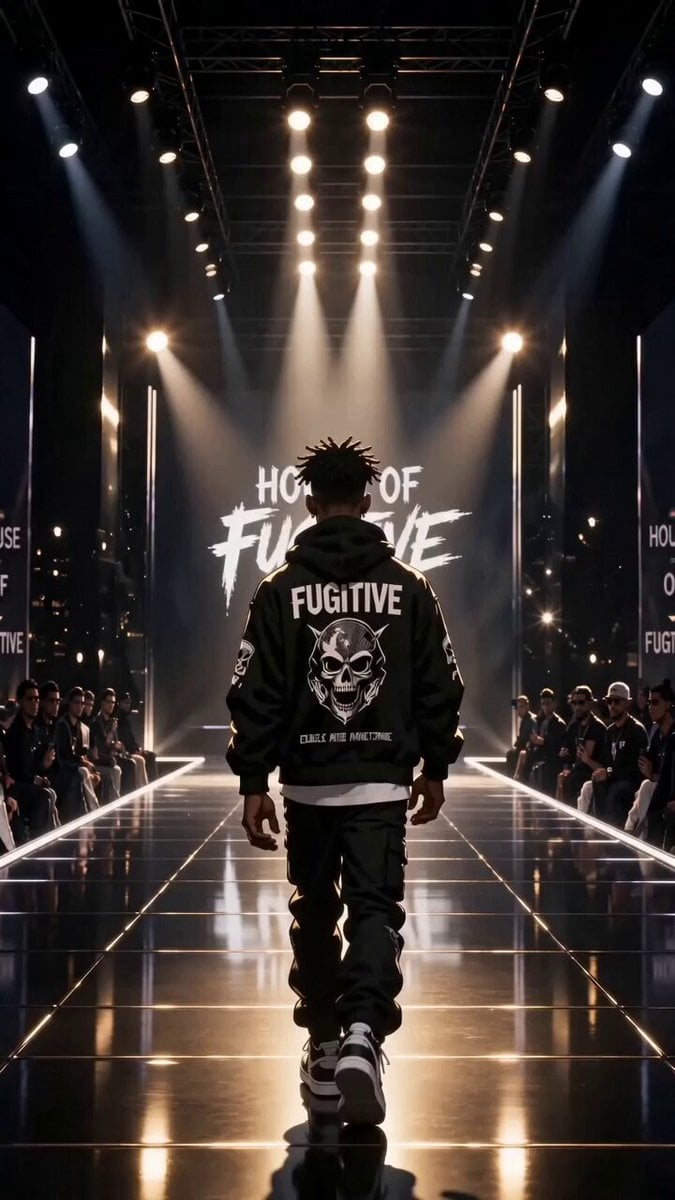 Luxury Streetwear Fashion Runway Film
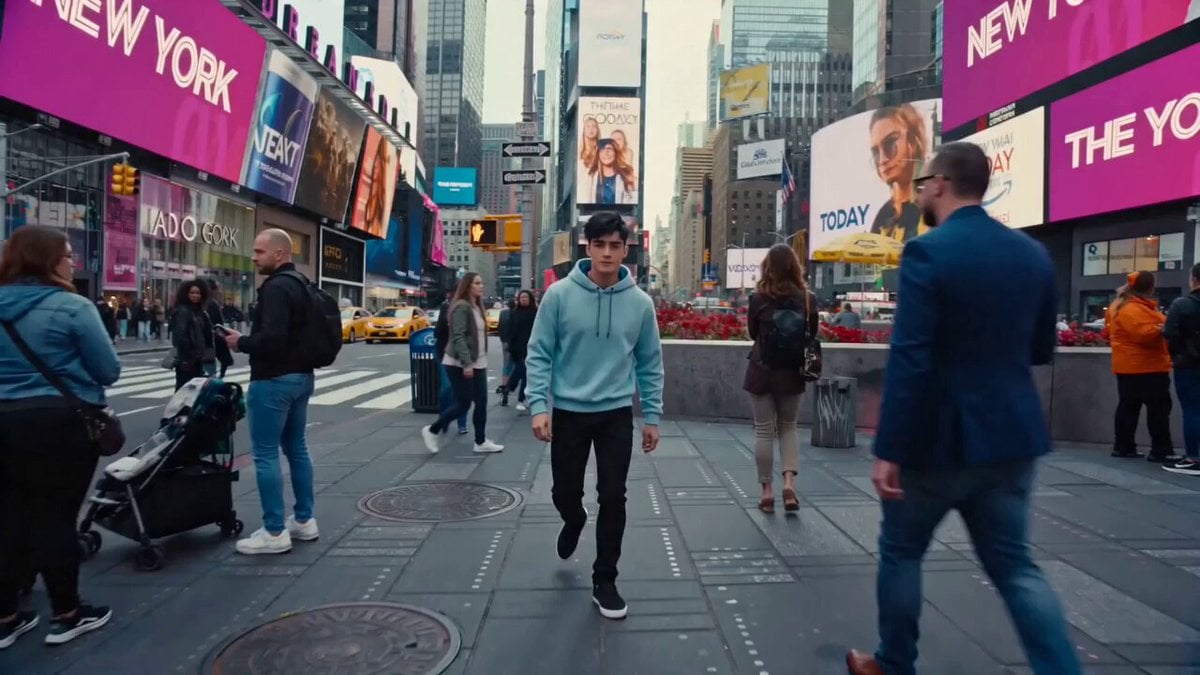 Cinematic Times Square Confidence Walk
 Cinematic Cave Exploration Multi-Shot Sequence
Wan 2.7 questions
What is Wan 2.7?
Wan 2.7 is a video model family from Alibaba's Tongyi Wan team, launched in April 2026. It bundles text to video, image to video (with first and last frames or a clip to continue), reference to video and instruction-based video editing, with output at 720p or 1080p.
What is new in Wan 2.7 compared with Wan 2.6?
Alibaba's model tables add three things over Wan 2.6: first-and-last-frame image to video, continuing an existing clip, and a dedicated video editing model. Reference to video also moves to a numbered Image 1 / Video 1 format for multi-character scenes.
How do I edit a video with Wan 2.7?
Choose edit, upload a clip of 2 to 10 seconds and describe the change: the weather, an outfit, the style of the whole shot. Say what must stay the same too. You can attach one reference image, for example the jacket the person should wear.
How do I use Wan 2.7 reference to video?
Add up to five reference images or clips in total, then name them in the prompt as Image 1, Image 2, Video 1; images and clips are counted separately, in the order you added them. Each character reference should show one person only. Results in reference mode run 2 to 10 seconds. Alibaba's voice reference is not available on PicX yet.
Does Wan 2.7 generate sound?
Yes. New Wan 2.7 clips on PicX come with audio: without a sound file, the model adds music or effects that suit the picture. On an edit, the model judges from your instruction whether to remake the soundtrack. Uploading your own audio to drive the clip, which Alibaba offers, is not available on PicX yet.
Wan 2.7 vs Wan 3.0: what is the difference?
On PicX, Wan 3.0 reaches 30 seconds and adds a 480p draft option, while Wan 2.7 tops out at 15 seconds. Wan 2.7 is the one with an end frame, clip extension and video editing, so pick it when you need to control or fix a shot rather than just make a long one.
Wan 2.7 vs Seedance 2.0: which should I use?
On PicX, Seedance 2.0 runs 4 to 15 seconds, goes up to 4K and lets you switch sound off. Wan 2.7 starts at 2 seconds, stops at 1080p and always adds sound, but it can also edit and extend a clip, which Seedance 2.0 does not do here. Both take first and last frames and references.
Is Wan 2.7 open source? Can I run it locally?
Alibaba released open weights for Wan 2.1 and 2.2 on its Wan-Video GitHub, but there is no Wan 2.7 repository there; Alibaba offers Wan 2.7 through its Model Studio API and the Wan website. On PicX it runs in the browser, so there is nothing to install.

Edit the shot with Wan 2.7
Start from a prompt, two frames, five references or a clip you already shot, and change it with words.