
VIDEOAlibaba (Tongyi Wan) · from 32 credits / sec
Body motion and facial expressions, from one video
Wan 2.2 Animate Online: Your Character, a Performer's Moves
Character image + driving video. 720p. Clips of 2 to 30 s.
Wan 2.2 Animate reads the pose and the face of the person in your video and plays both back on your character image. No prompt, no ComfyUI graph, no GPU.
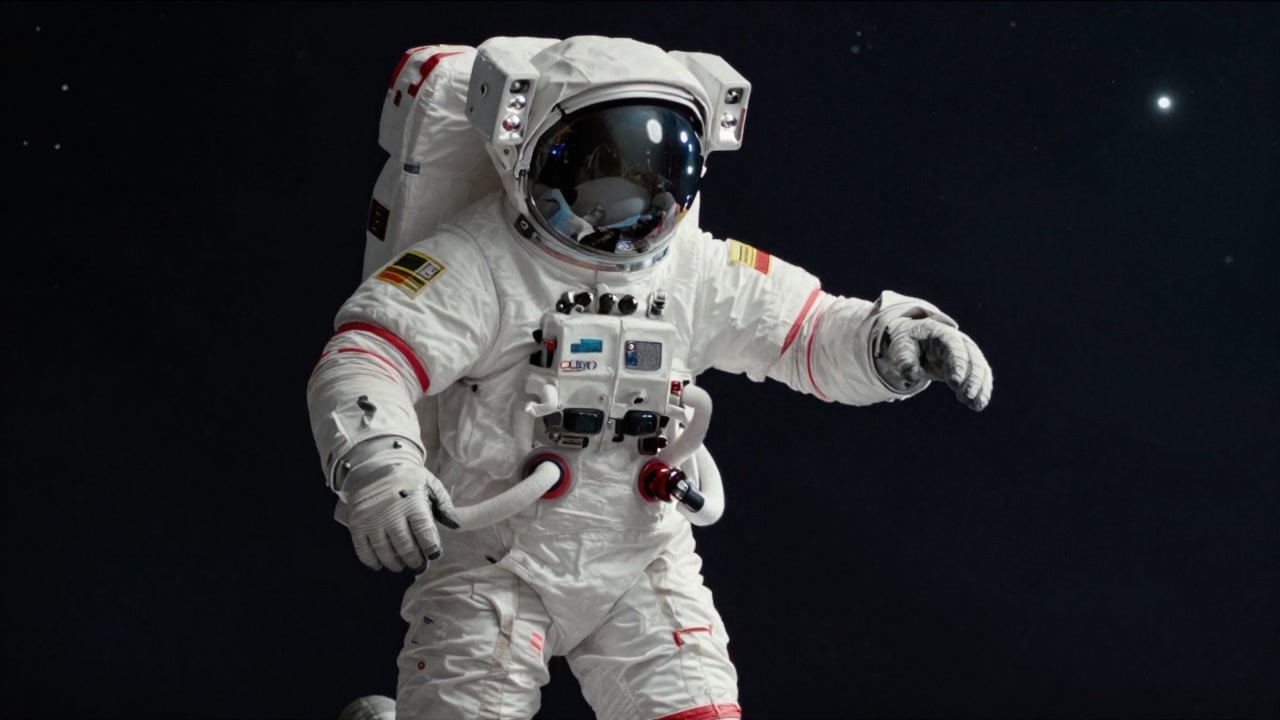
- 720p
- Motion control
The performance comes from a real person
Body from a skeleton, face from the performer
Alibaba's team built Wan Animate on two signals: a pose skeleton for the body and features taken from the performer's face for the expressions. So a head tilt, a raised eyebrow or a half smile carries over along with the steps.
Works on characters that are not people
Alibaba's project page shows non-human and stylised characters as well as people. Give it a full-body image with clear limbs and the model maps the performer's pose onto it, keeping your character's look.
The clip sets the length
There is no duration picker. The result runs as long as your driving video, from 2 up to 30 seconds, so cut the clip to the exact move before you upload it.
Who Alibaba built it for
Why pick Wan 2.2 Animate
- Face + bodyFull performanceExpressions copy over, not just pose.
- Any styleNon-human charactersRobots, toons and mascots too.
- 30sLongest clipOutput matches your video, 2 to 30 s.
- 720pOutput resolutionOne resolution on every clip.
- 0 wordsNo promptThe image and the video are the brief.
- No setupSkips the ComfyUI workflowNo pose preprocessing or 14B weights to run.
What Wan 2.2 Animate costs
Billed per second of video, at the resolution you pick. The same prices the generator shows before you run it.
- 720p32credits / sec5s clip 160 creditsOn Starter≈ 22 clips / mo
Every model on every planCredits never expireSee plans
Pay for Wan 2.2 Animate with crypto
Buy credits with Bitcoin, USDT, USDC, ETH, Solana and more — no card, nothing auto-renews, packs from $5, and 15% extra credits on crypto payments.
Wan Animate next to Kling motion control
All three move a character image the way someone moves in a video. Wan Animate takes no text, and Alibaba built it to copy facial expressions as well as pose; Kling's motion control modes accept an optional prompt for the setting and style.
Character replacement (putting your character into the original video) is part of Wan 2.2 Animate but is not available on PicX yet.
How to use Wan 2.2 Animate in 3 steps
- 1
Upload your character image
Use one character, shown full body or at least to the waist, with arms and hands visible.
- 2
Add the driving video
One performer, steady camera, the whole move in frame. Face the camera if you want the expressions to carry over. Trim it to 30 seconds or less.
- 3
Generate
There is no prompt or length to set: Wan Animate renders 720p for as long as your clip runs. The credit cost shows on the Generate button first.
Wan 2.2 Animate prompts to copy
Prompts to start from. Copy one, or open it in the generator with the model already picked.
Astronaut learns a dance
Character: full-body astronaut in a white suit. Driving video: a dancer doing a short routine. Result: the astronaut performs the same steps and arm moves.
Robot copies a walk
Character: full-body humanoid robot. Driving video: a person walking toward the camera. Result: the robot walks with the same stride, arm swing and timing.
Cartoon mascot reads a line
Character: a front-facing cartoon fox mascot, waist up. Driving video: you speaking to camera with big reactions. Result: the fox matches your head turns, eyebrows and smiles.
Painted portrait comes alive
Character: an oil-painted portrait of a woman, waist up. Driving video: a performer looking around, laughing and waving. Result: the painting moves and emotes in its own brushwork style.
Templates to start from
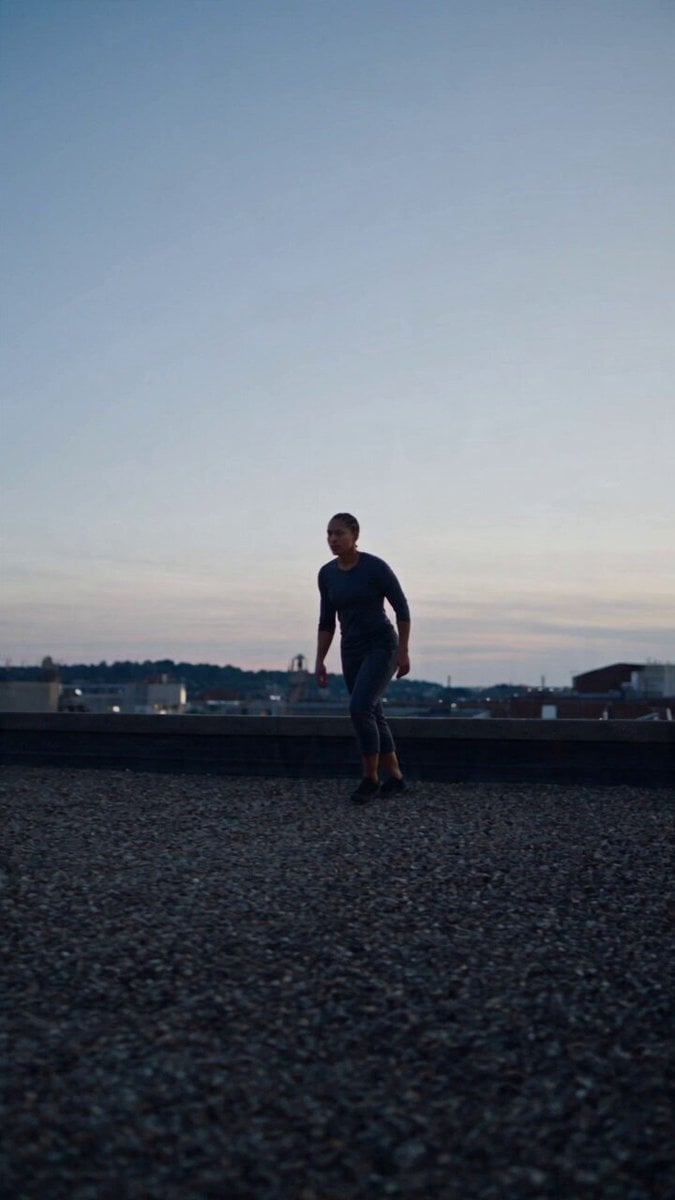
Browse all templates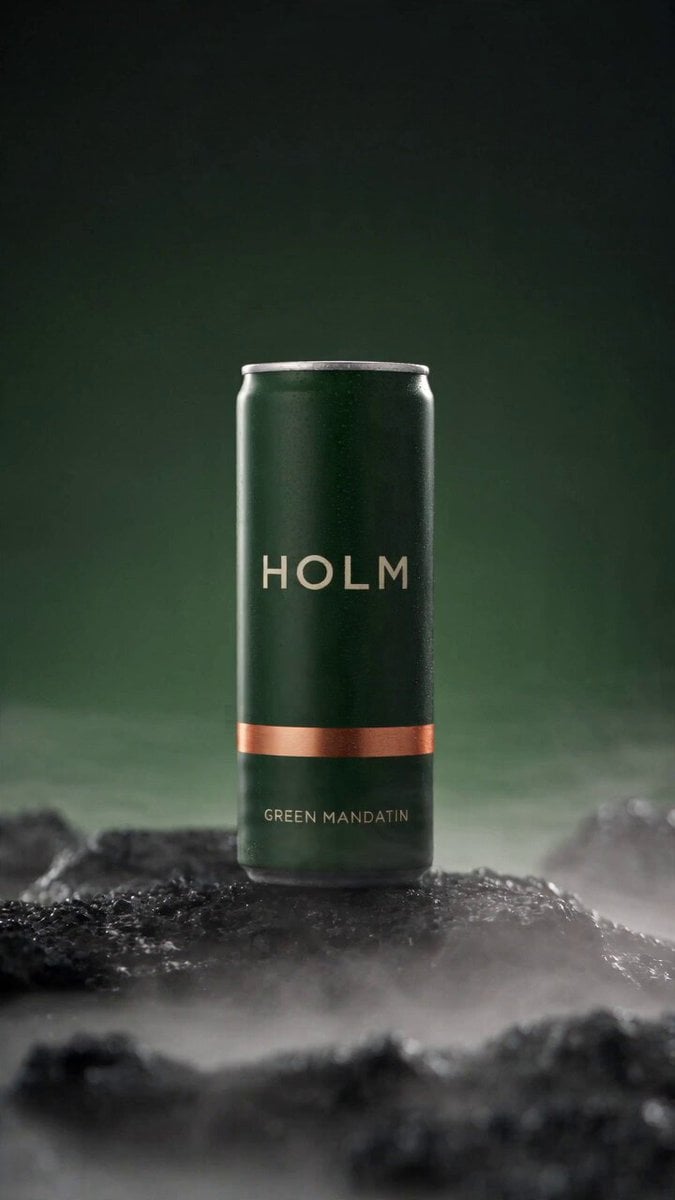 Rooftop Parkour Motion Control
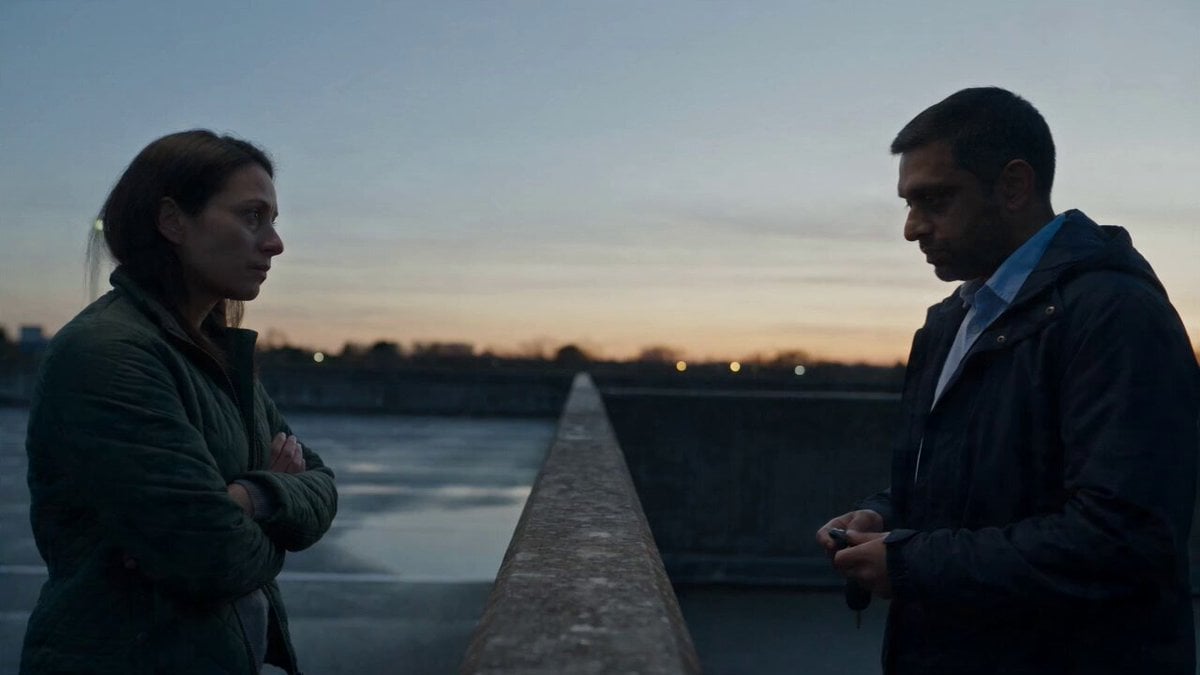 Hospital Car Park Dialogue Lip Sync
 Product Ad Drink Can 110° Orbit
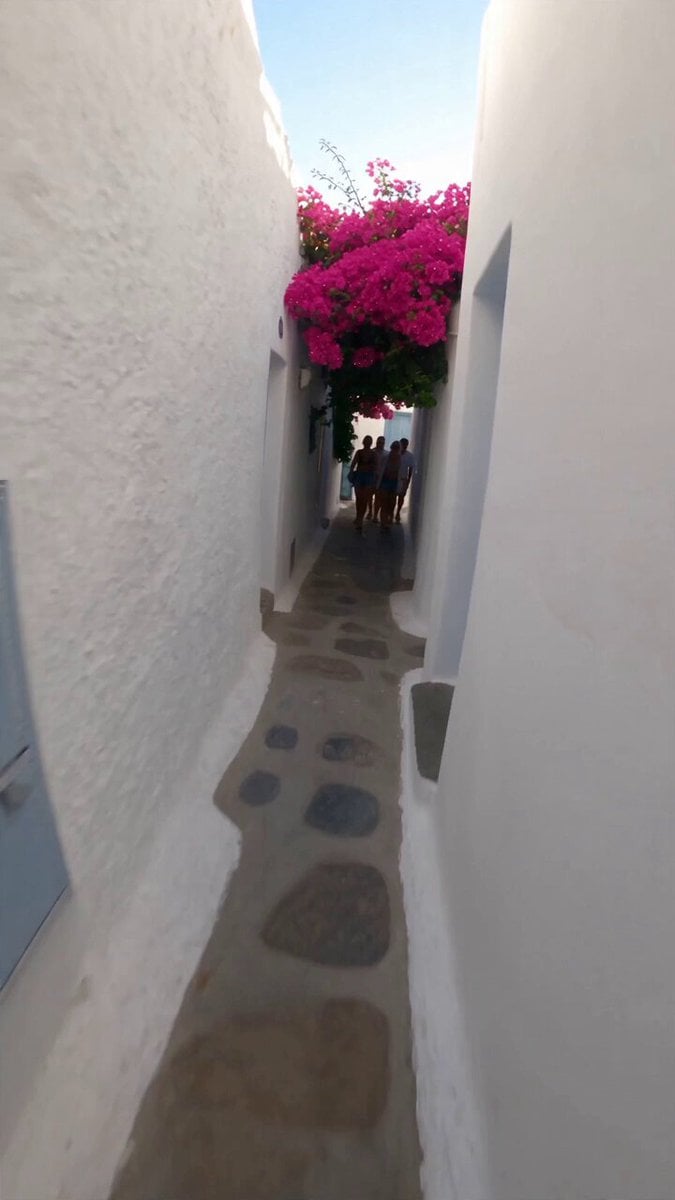 Selfie Travel Vlog Mykonos
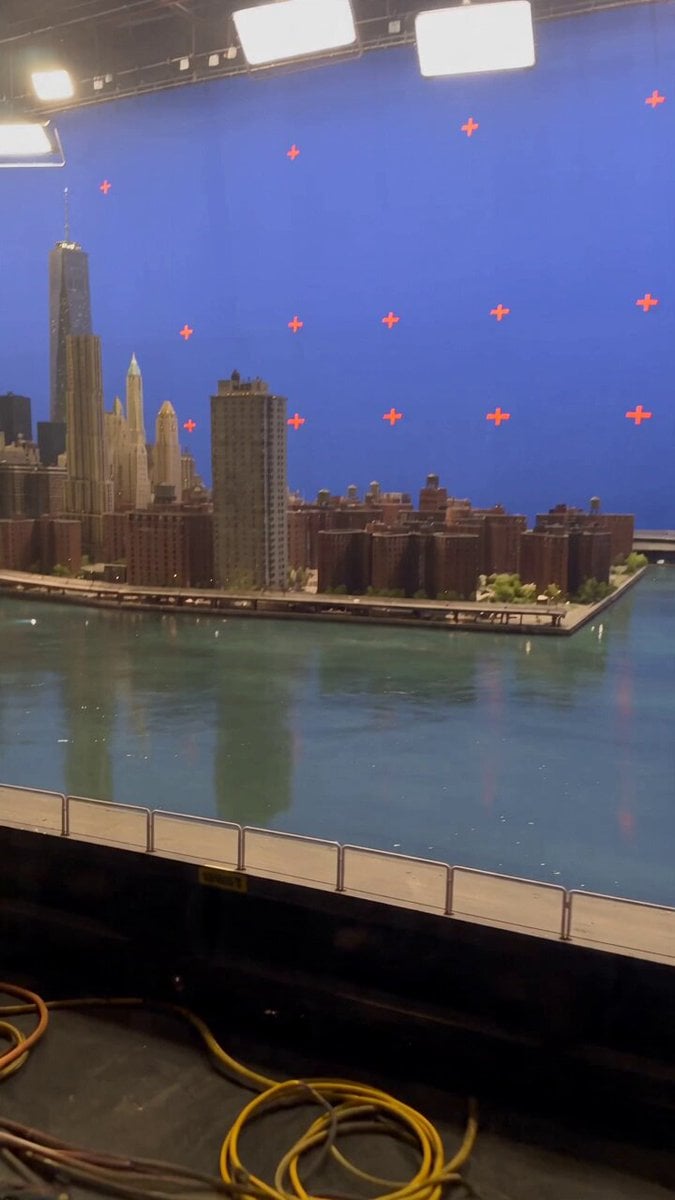 Miniature City Flood Soundstage
- Miniature City Flood Soundstage
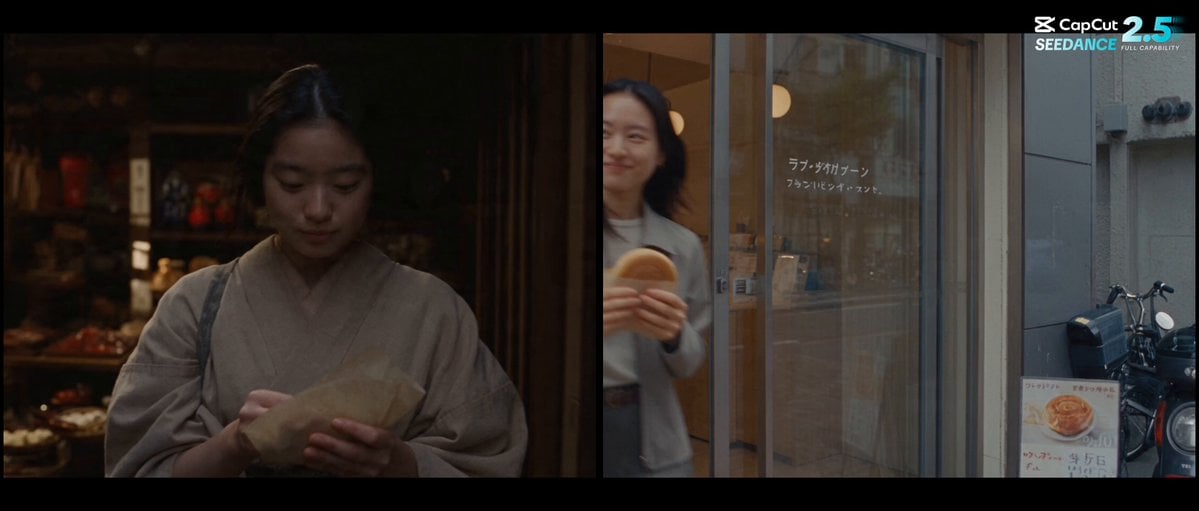 Forgotten 1980s High School Documentary Seedance
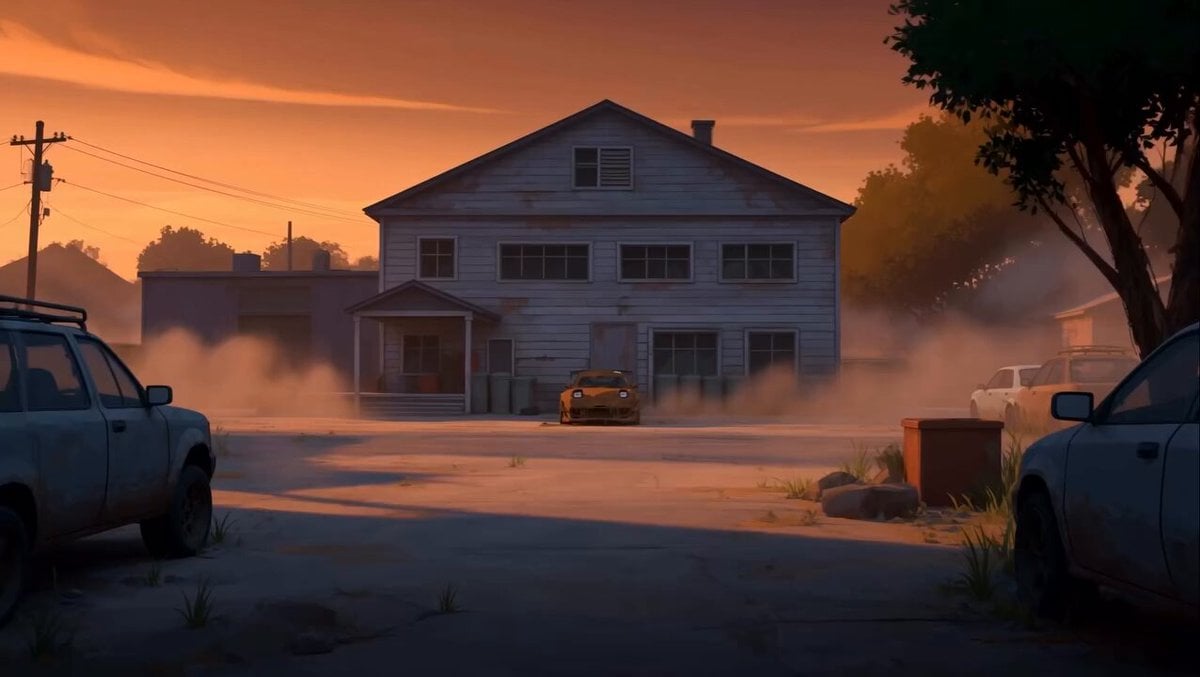 RX-7 to Mech Transformation Cyberpunk
 MiniMax H3 Character Introduction
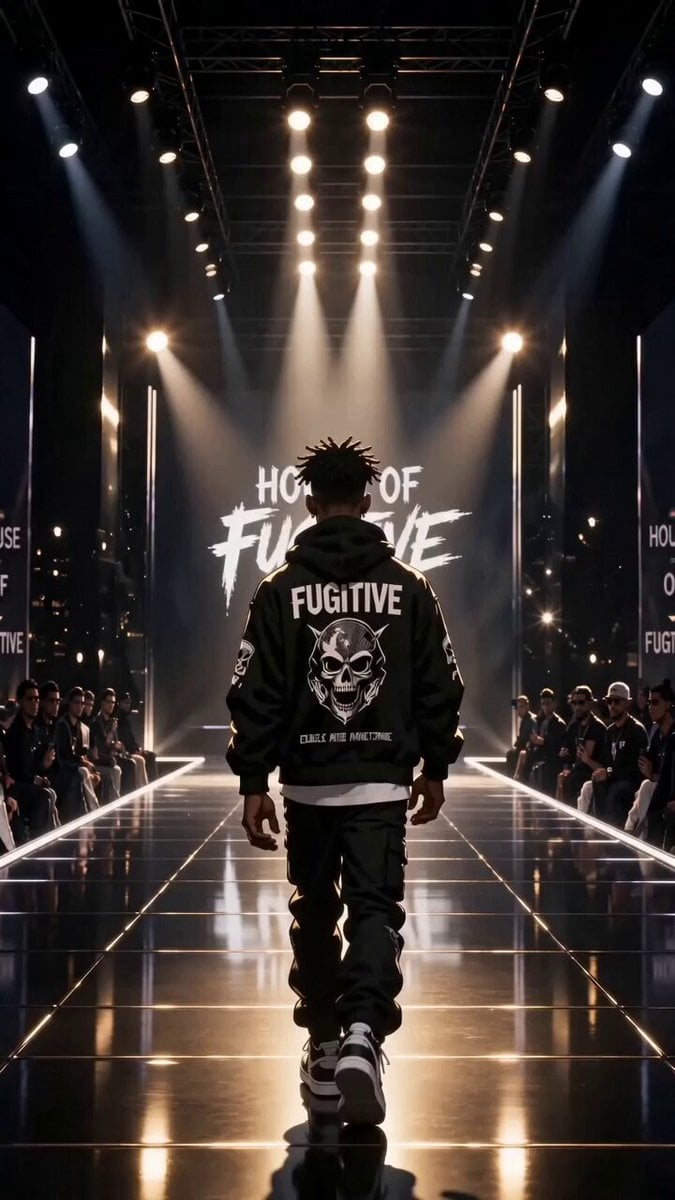 Luxury Streetwear Fashion Runway Film
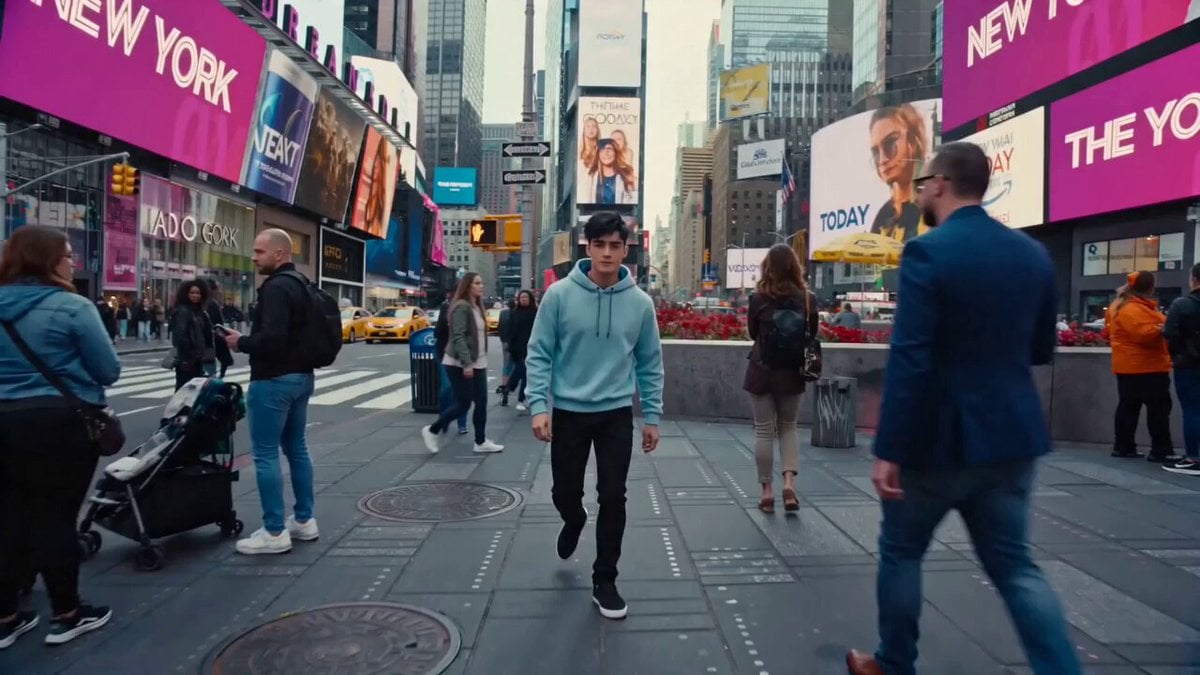 Cinematic Times Square Confidence Walk
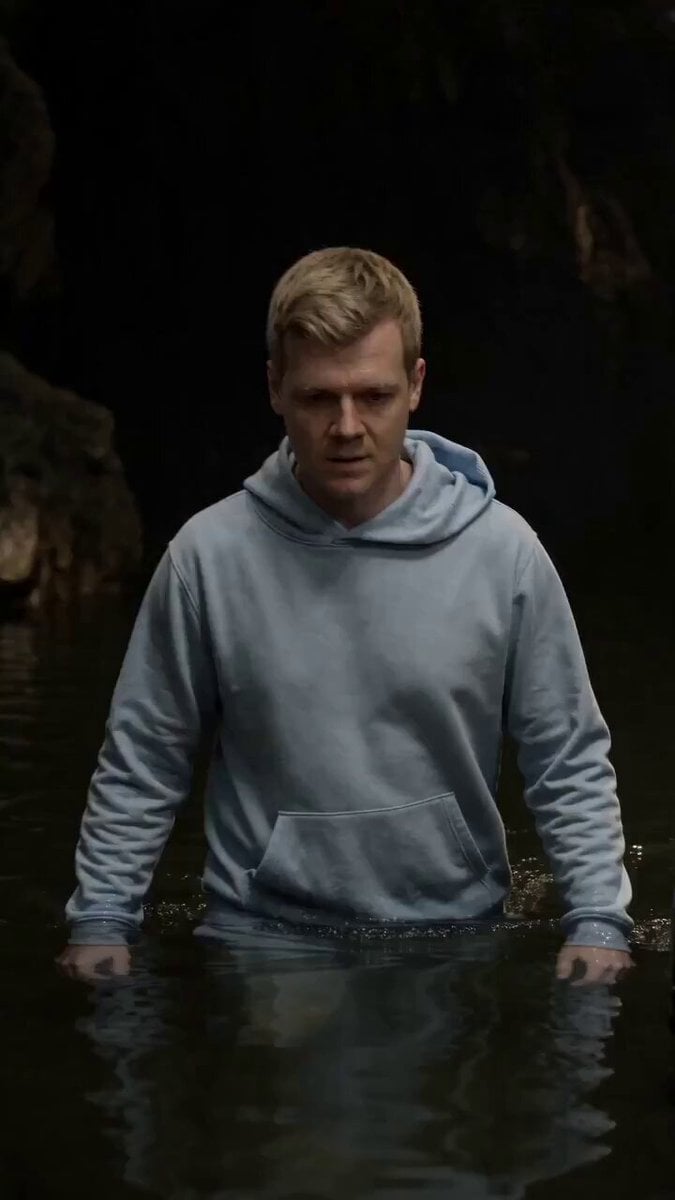 Cinematic Cave Exploration Multi-Shot Sequence
Wan 2.2 Animate questions
What is Wan Animate?
Wan 2.2 Animate (Wan-Animate) is a character animation model from Alibaba's Tongyi Wan team, released as open weights in September 2025. You give it a character image and a video of a performer, and it animates the character with the performer's body movement and facial expressions.
How do I use Wan 2.2 Animate online?
On PicX Studio, pick Wan Animate in the video generator, upload a character image and a driving video of 30 seconds or less, and generate. There are no settings to tune and nothing to install.
Do I need ComfyUI or a GPU for Wan Animate?
Not on PicX. Running it yourself means downloading the 14B model, preprocessing the video into pose and face data, and having a strong GPU. PicX runs that pipeline in the cloud, so you only upload two files.
Is Wan 2.2 Animate free?
The weights are free under Apache 2.0 if you run them on your own hardware. On PicX Studio, each clip costs credits (see the pricing table on this page), and credits never expire.
Can Wan Animate replace the person in my video?
The model has a replacement mode that puts your character into the original video and relights it to match the scene. That mode is not available on PicX yet; PicX offers the animation mode, which moves your character image with the video's motion.
Does Wan Animate use prompts?
No. The look comes from your image and the motion from your video, so there is no text to write. The example setups on this page describe which image and video to pair.
Wan Animate vs Kling motion control: which should I use?
Pick Wan Animate when the performer's expressions matter as much as the movement, for a mascot reacting or a character delivering a line, and when you want no prompt at all. Pick Kling 3.0 Pro Motion when you need 1080p, or Kling's prompt to restyle the setting.
How long can a Wan Animate video be?
As long as your driving video, from 2 to 30 seconds, at 720p. Longer clips need to be split and animated in parts.

Animate your character with Wan Animate
One character image, one performer video, 720p motion and expressions.