
VIDEOByteDance · from 20 credits / sec
Same speaker, new words
AI Lip Sync Video Generator
One-speaker video + audio in. Output runs as long as the audio, up to 210 s.
ByteDance's Volcengine lip sync model redraws only the mouth of the person in your clip so it matches a new audio track, keeping their face and the rest of the shot. Swap a script, dub a talking-head video or fix one line without a reshoot.
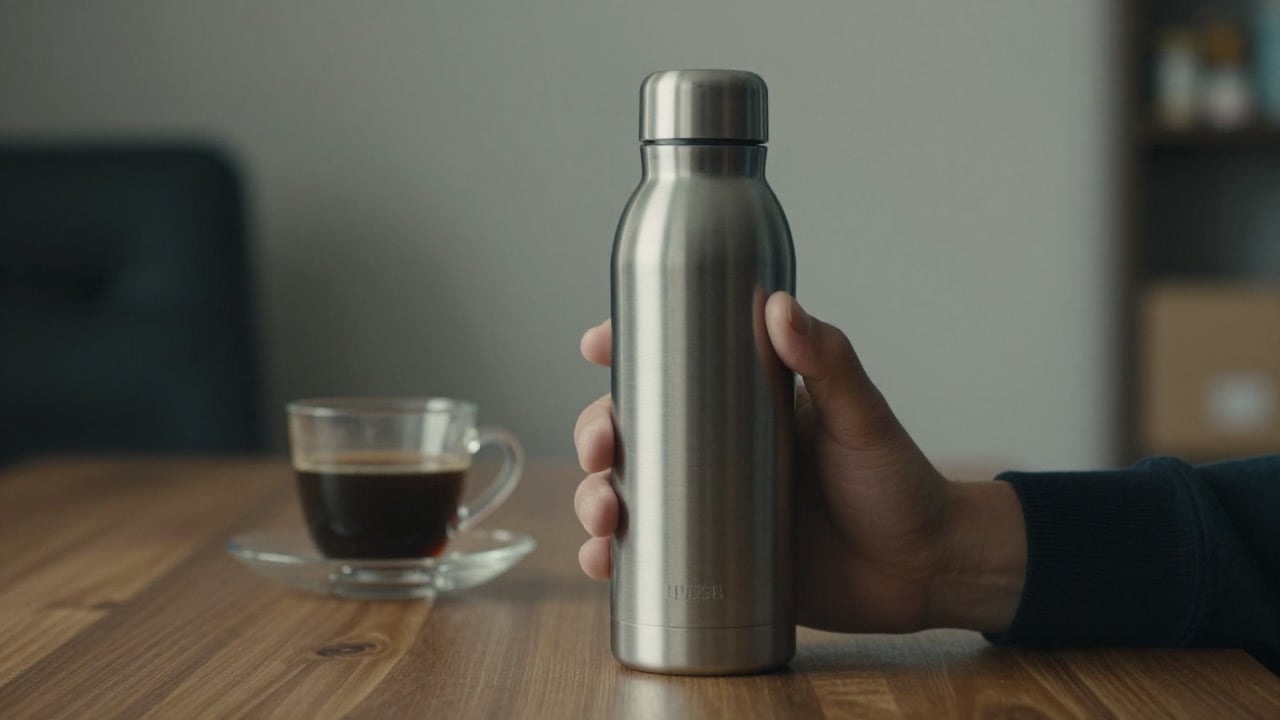
- 720p
- Video + audio
Real footage, re-voiced
Only the mouth is redrawn
Volcengine built this model for talking-head clips: it keeps the speaker's appearance and changes the mouth shapes to follow the new audio. Everything outside the mouth comes from your original take.
Basic mode, for real-world shots
PicX runs the model's Basic mode, which ByteDance aimed at one speaker in more complex scenes, not only straight-to-camera framing. The faster Lite mode is not available on PicX yet.
The audio sets the length
Audio from just over 1 second up to 210 seconds. If your clip is longer than the audio it is cut; if it is shorter it loops. You get an MP4 at 25 fps.
When the words change but the shot is fine
Why pick AI Lip Sync
- V2VVideo to videoEdits your footage, not a photo.
- 210 sLong readsUp to three and a half minutes of speech.
- BasicComplex scenesThe mode made for harder shots.
- 1080pInput up to 1080p360p to 1080p source clips.
- 25 fpsMP4 outputReady for any editor.
- No promptAudio drives itNo text or settings to tune.
What AI Lip Sync costs
Billed per second of video, at the resolution you pick. The same prices the generator shows before you run it.
- 720p20credits / sec5s clip 100 creditsOn Starter≈ 36 clips / mo
Every model on every planCredits never expireSee plans
Pay for AI Lip Sync with crypto
Buy credits with Bitcoin, USDT, USDC, ETH, Solana and more — no card, nothing auto-renews, packs from $5, and 15% extra credits on crypto payments.
Basic mode vs Lite mode
Volcengine ships the model in two modes. PicX runs Basic; Lite is listed for reference and is not available on PicX yet.
Vocal separation (background-noise removal) is also not available on PicX yet. Live credit prices are in the pricing table.
How to use AI Lip Sync in 3 steps
- 1
Upload a clip of one speaker
Use a 3 to 350 second video, 360p to 1080p, with one person whose face stays fairly frontal: within about 30 degrees left or right is best.
- 2
Add the new audio
Upload the voice track, from just over 1 second up to 210 seconds. Clean speech with little music or noise behind it syncs best.
- 3
Generate and download
The result is an MP4 as long as your audio, with the mouth matched to the new words. You are billed per second of audio.
AI Lip Sync prompts to copy
Prompts to start from. Copy one, or open it in the generator with the model already picked.
Product read on a spokesperson take
This bottle keeps your coffee hot for twelve hours and cold for a full day. Honestly, I take it everywhere.
Same take, re-voiced as narration
Once upon a time, in a village at the edge of the sea, there lived a lighthouse keeper who never slept.
Fixing one wrong line
Quick correction: the sale ends this Sunday at midnight, not Saturday. Everything else stays the same.
Templates to start from
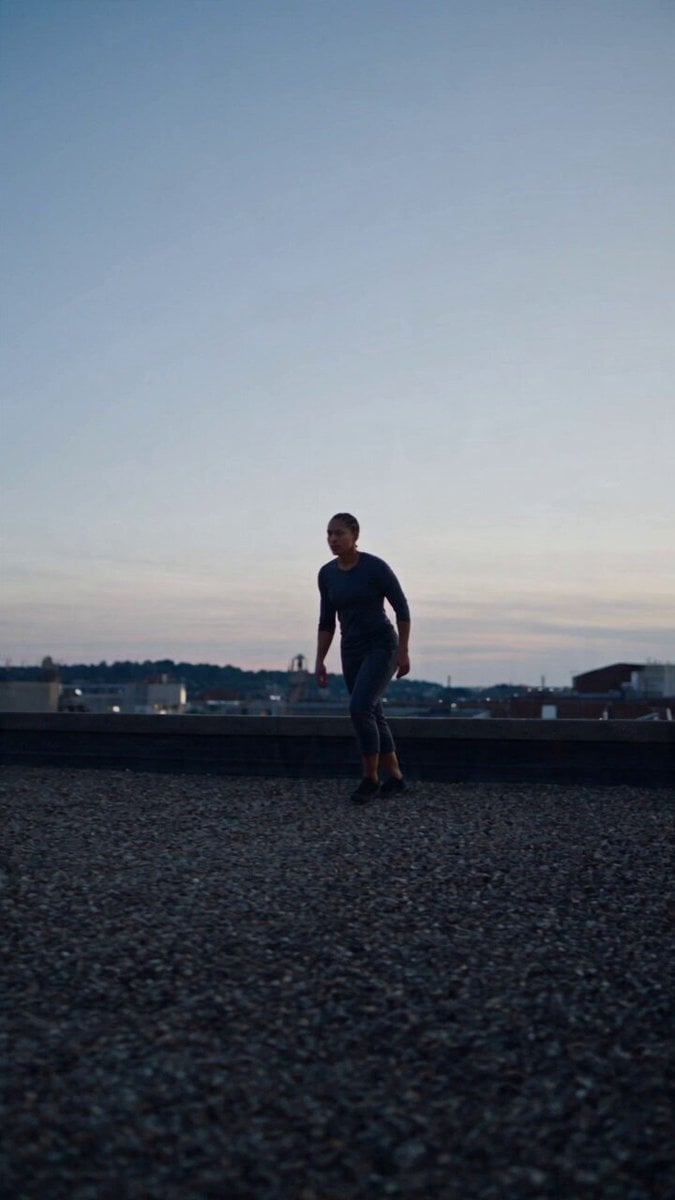
Browse all templates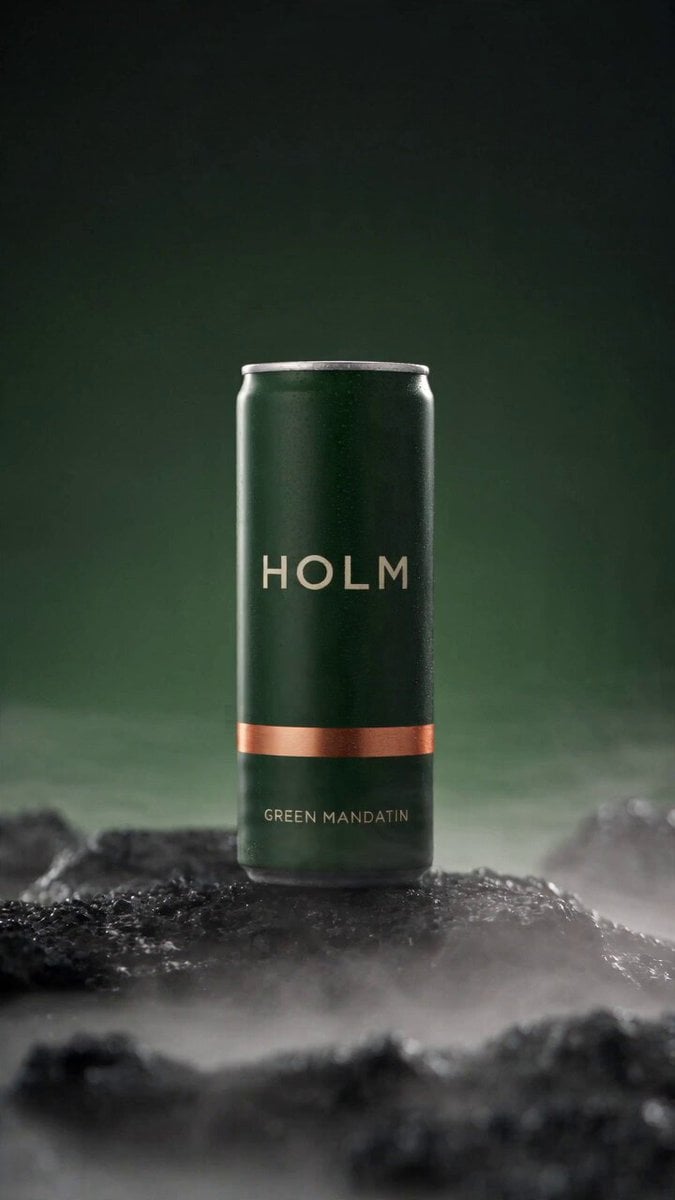 Rooftop Parkour Motion Control
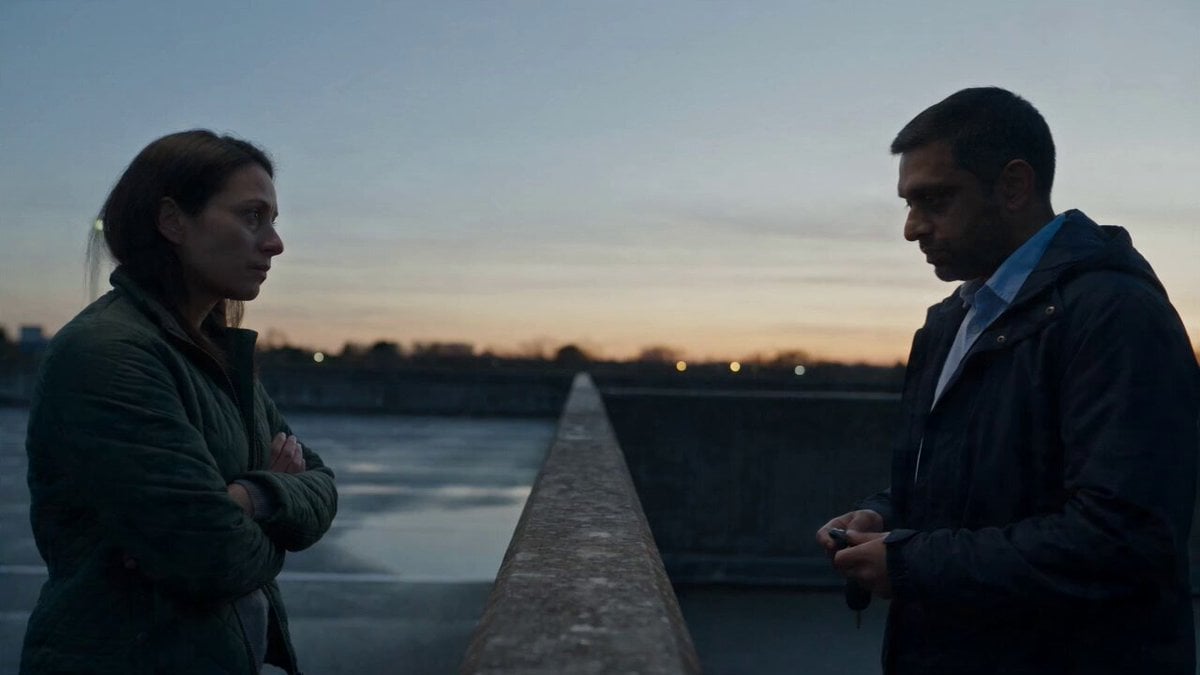 Hospital Car Park Dialogue Lip Sync
 Product Ad Drink Can 110° Orbit
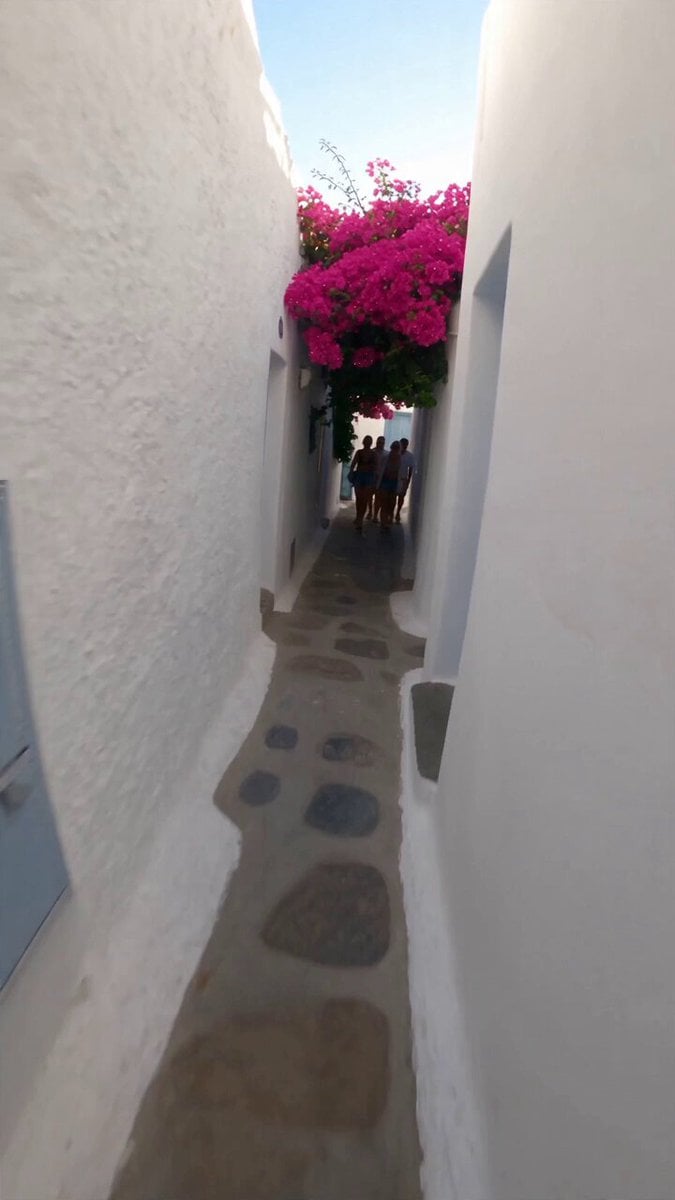 Selfie Travel Vlog Mykonos
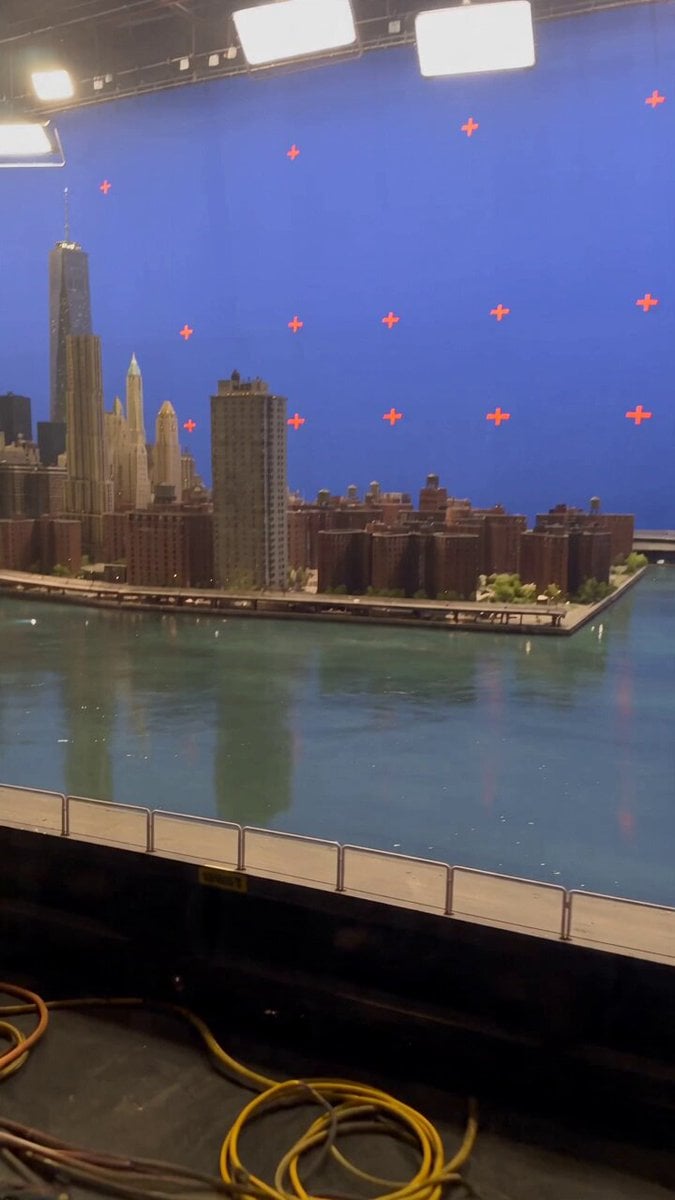 Miniature City Flood Soundstage
- Miniature City Flood Soundstage
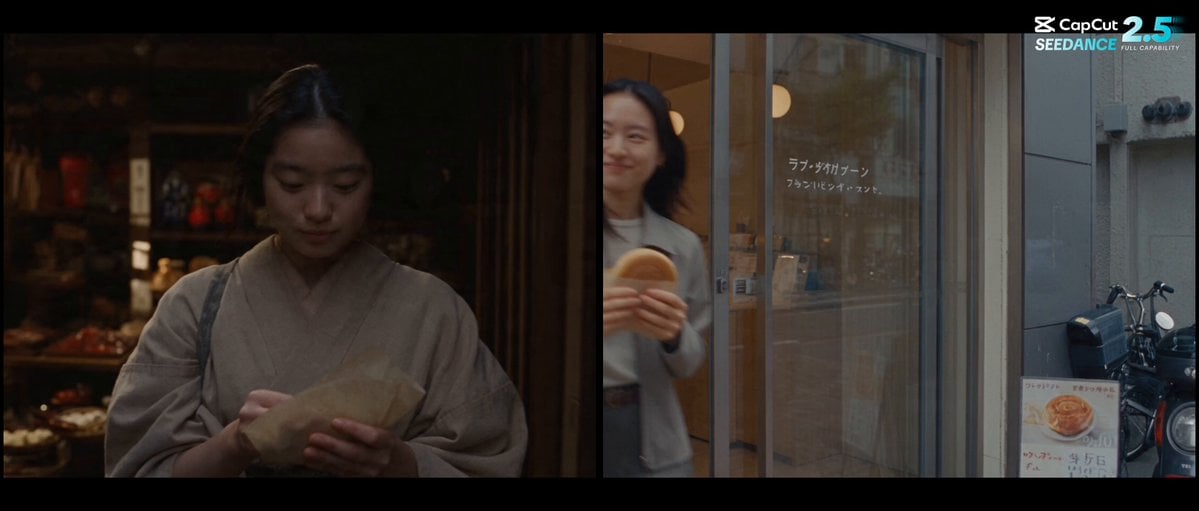 Forgotten 1980s High School Documentary Seedance
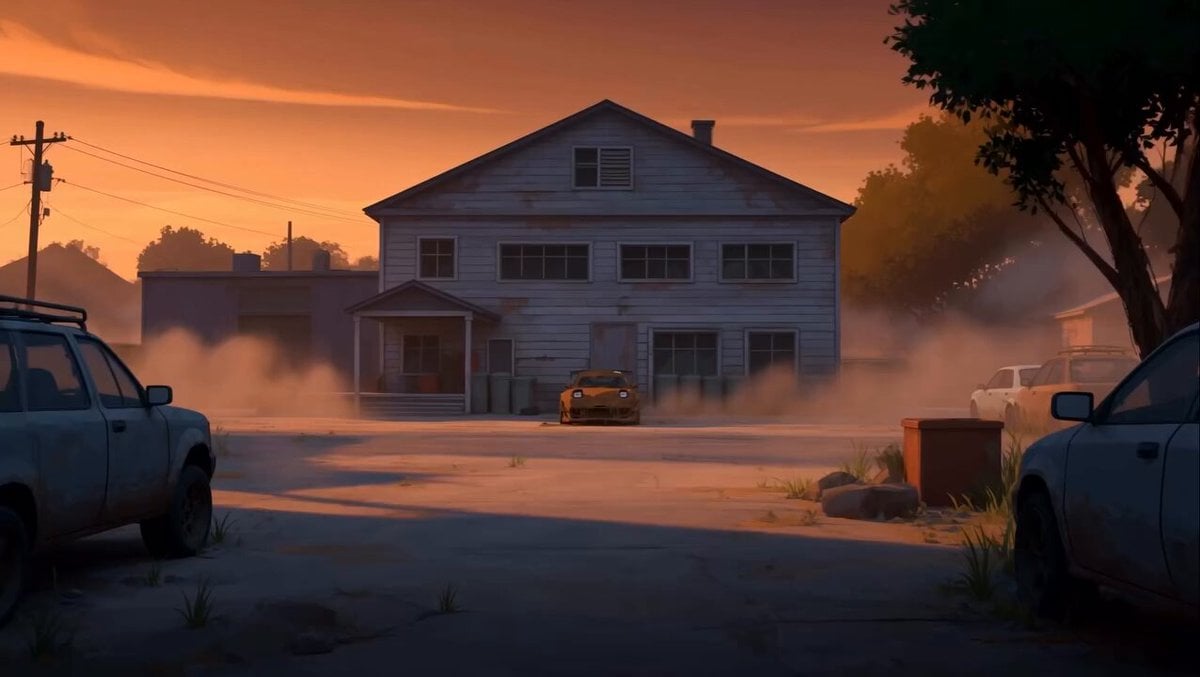 RX-7 to Mech Transformation Cyberpunk
 MiniMax H3 Character Introduction
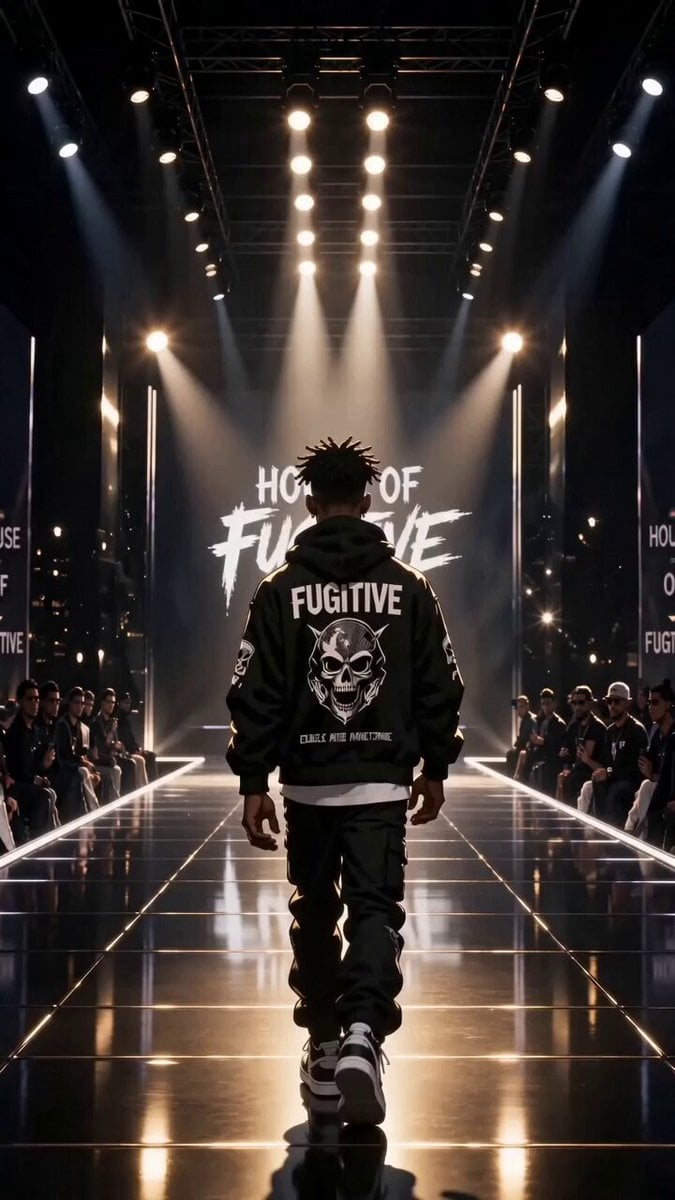 Luxury Streetwear Fashion Runway Film
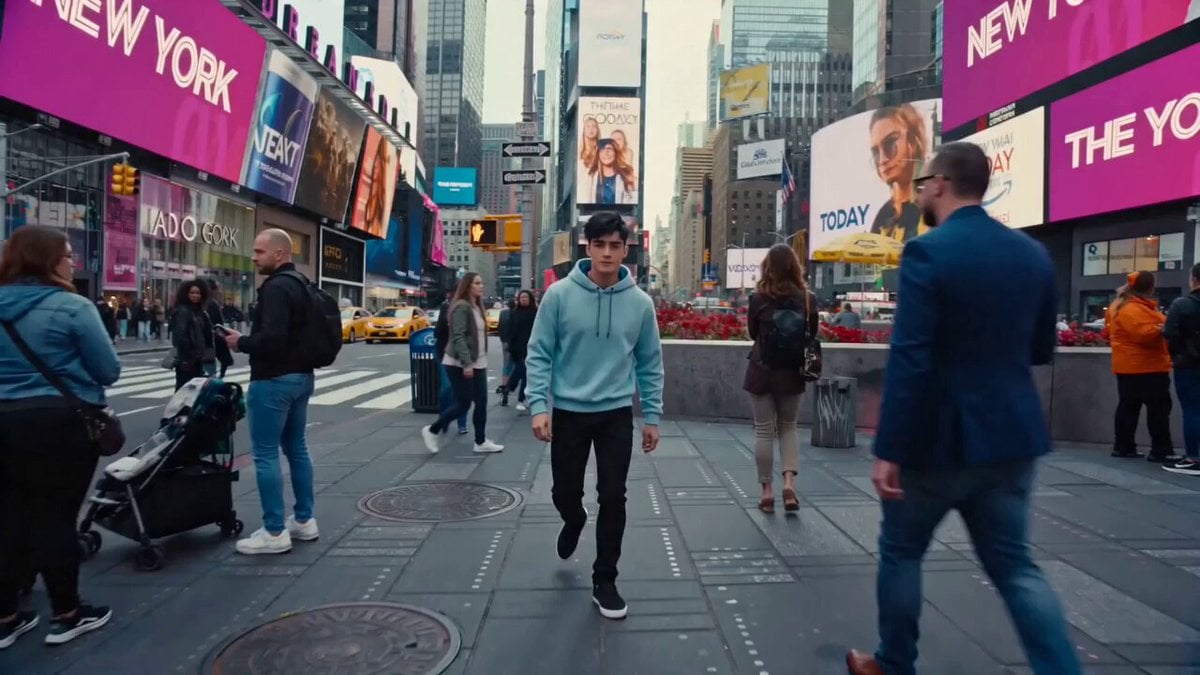 Cinematic Times Square Confidence Walk
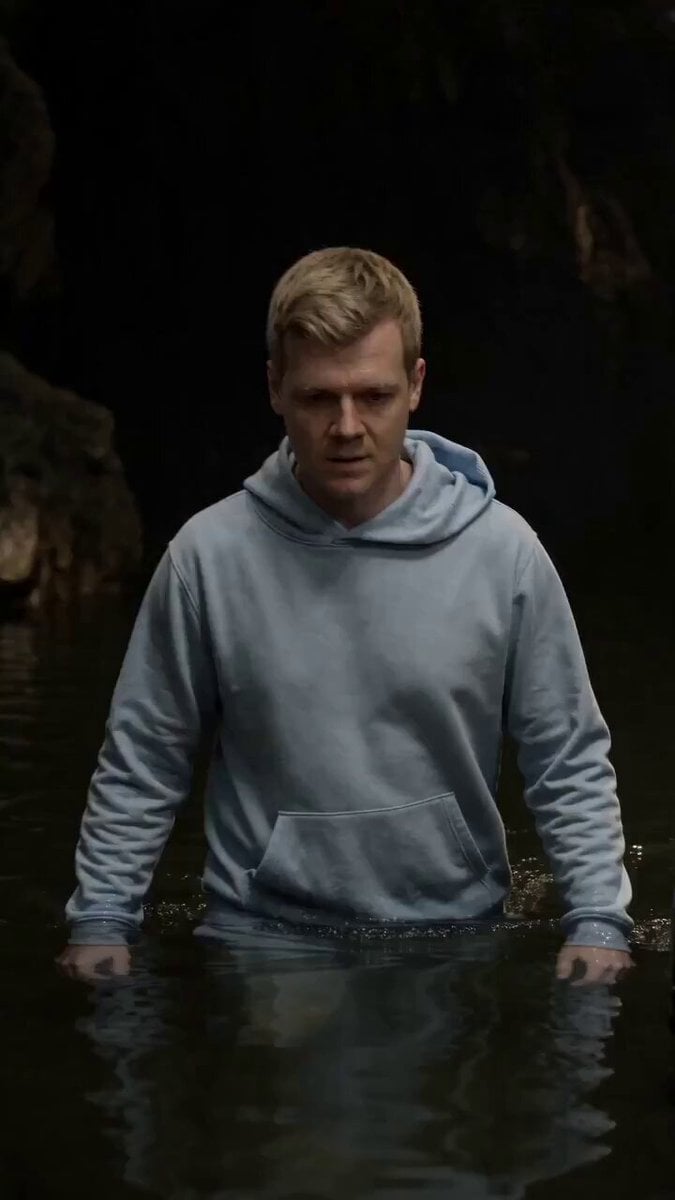 Cinematic Cave Exploration Multi-Shot Sequence
AI Lip Sync questions
What is AI lip sync?
AI lip sync takes a video of someone talking plus a new audio track and redraws the mouth so it matches the new words. This model, from ByteDance's Volcengine, keeps the speaker's appearance and the rest of the frame from your original clip.
Can I lip sync any video to any audio?
Most talking-head clips work if they show one speaker at 360p to 1080p, between 3 and 350 seconds long. Keep the face fairly frontal: past about 45 degrees of head turn the mouth is not processed. The audio must be just over 1 second up to 210 seconds.
Can it make a photo talk?
No. This is video-to-video: it needs real footage of the person and re-times the mouth in it. If you only have a still image, you need a talking-avatar model instead.
Can I use it for dubbing or translated audio?
Yes. Upload the translated or re-recorded voice as the audio and the mouth follows its timing. There is no language setting, because the audio drives the result. Use clean vocals: background-noise removal is not available on PicX yet.
How long can a lip sync video be?
As long as your audio: from just over 1 second up to 210 seconds. A source clip longer than the audio is cut to fit; a shorter one is looped.
Which mode does PicX use, Lite or Basic?
Basic, the mode Volcengine made for one speaker in more complex scenes. Lite (frontal clips, audio up to 240 seconds) and Basic's optional scene segmentation and speaker detection are not available on PicX yet.
Does it work with two people in the shot?
It is built for a single speaker. Use a clip where one person is clearly the one talking, ideally facing the camera.
Is there a free AI lip sync video generator?
Not here: AI Lip Sync uses credits, billed per second of your audio. New PicX Studio accounts get one free image after sign-up, and credits never expire.

Re-voice a clip with AI Lip Sync
Upload one speaker's video and the new audio; the mouth follows the words.