
VIDEOKuaishou · from 68 credits / sec
Kling 3.0 motion control, Pro tier
Kling 3.0 Pro Motion — Motion Control at 1080p
Character image + reference video. 1080p. 3 to 30 seconds.
Upload a picture of your character and a video of the movement you want. Kling 3.0 Pro Motion moves your character the same way, at 1080p, in clips of up to 30 seconds.
- 3–30s
- 1080p
- Sound on or off
- Motion control
Borrow the movement
Your character, someone else's moves
Motion control takes two inputs: an image of the character and a reference video of a person moving. Kling keeps the look from the image and copies the motion, timing and body position from the video.

1080p on every clip
The Pro tier renders motion control at 1080p only, so faces, hands and clothing hold their detail through the move. Kling 3.0 Standard Motion is the 720p version for drafts.
Up to 30 seconds
Clips run 3, 5, 10, 15, 20, 25 or 30 seconds, long enough for a full dance, a walk across a set or a short stunt sequence.
Kling 3.0 Pro Motion
Character image + reference video. 1080p. 3 to 30 seconds.
Where motion control earns its cost
Dances and trends. Put a viral routine on your own character, mascot or avatar without filming them.
Stylised characters. Give an anime or illustrated character a real person's movement while the drawn style stays intact.
Action and stunts. Film a rough take of the move yourself, then transfer it onto a sci-fi or fantasy hero at 1080p.
Why pick Pro Motion
- 1080pEvery clipPro Motion only renders at 1080p.
- 30sLongest clipPick 3, 5, 10, 15, 20, 25 or 30 seconds.
- 68Credits per secondSound on or off costs the same.
- 340Credits for 5 secondsA 30 second clip is 2,040 credits.
- 2 inputsImage + videoThe image sets the look, the video sets the movement.
- 720pNeed it cheaper?Kling 3.0 Standard Motion does the same at 720p for 50 credits a second.
What Kling 3.0 Pro Motion costs
Billed per second of video, at the resolution you pick. The same prices the generator shows before you run it.
- 1080p68credits / sec5s clip 340 creditsOn Starter≈ 10 clips / mo
Every model on every planCredits never expireSee plans
Pro Motion or Standard Motion?
Two tiers of Kling 3.0 motion control on PicX Studio.
How to use Kling 3.0 Pro Motion in 3 steps
- 1
Add your character image
Use a clear, evenly lit picture with the full body in frame, facing the way you want the character to face.
- 2
Add the reference video
Pick a clip with one person, a steady camera and the whole body visible. Add a short prompt for the setting if you like.
- 3
Pick a length and generate
Choose 3 to 30 seconds. The credit cost shows on the Generate button before you run it.
Kling 3.0 Pro Motion prompts to copy
Real prompts and what they made. Copy one, or open it in the generator with the model already picked.
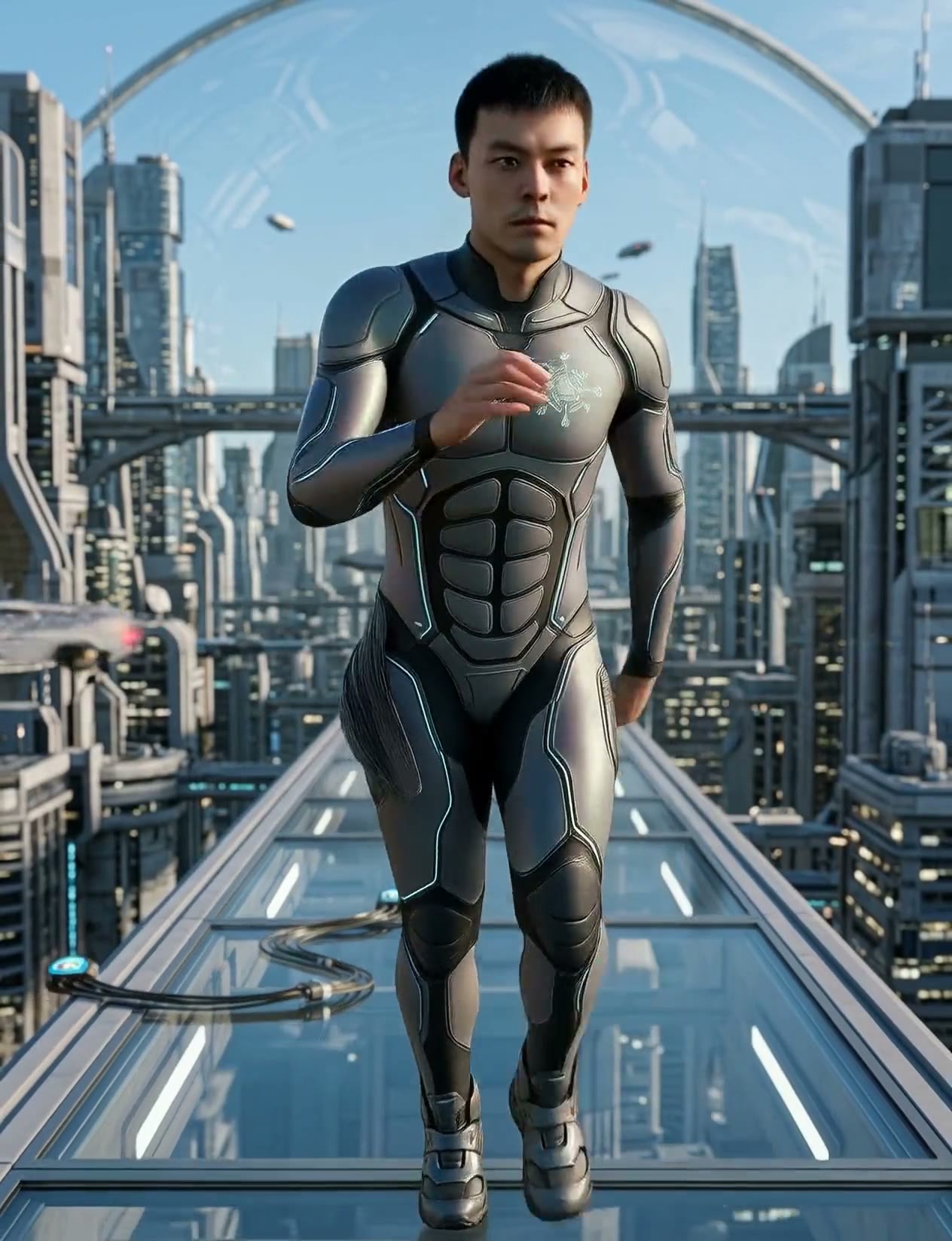
Skybridge run
The character runs across a glass skybridge in a sci-fi city, matching the reference movement, cool blue light, reflections on the glass.
Anime drink break
Keep the anime style of the character image. The character lifts a drink and takes a sip, following the timing of the reference video.
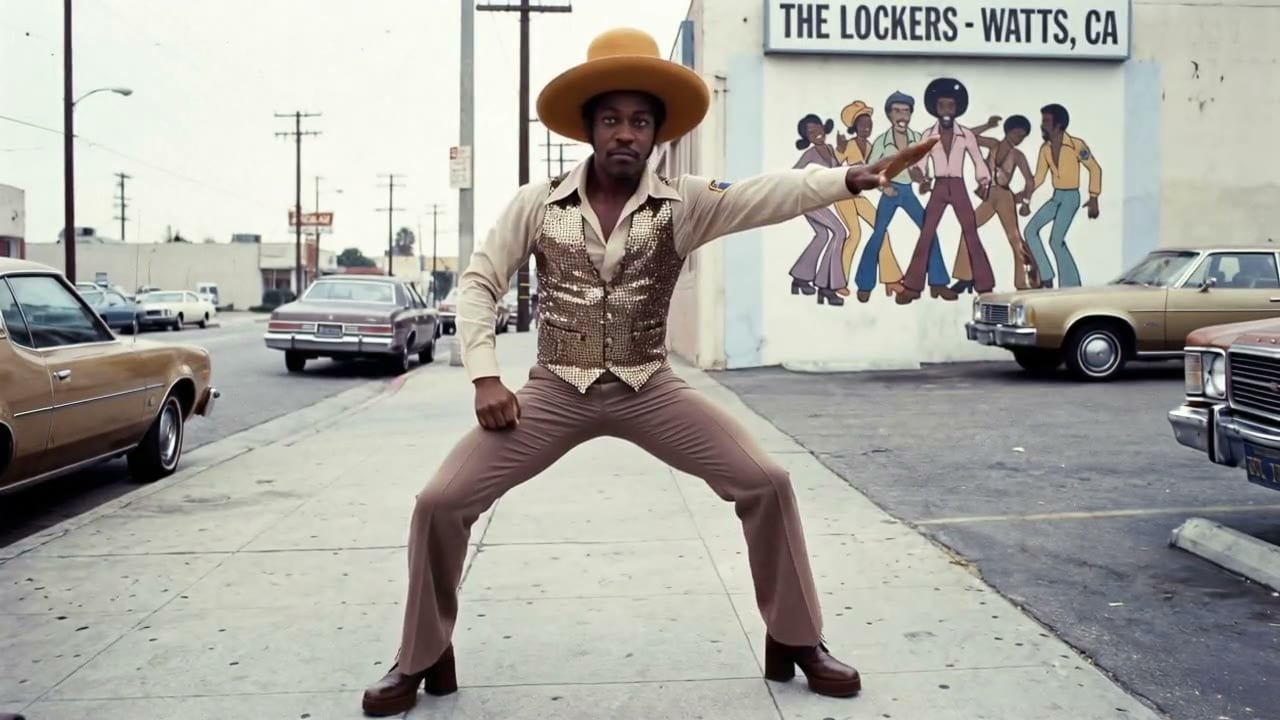
Sidewalk groove
The character dances like the reference on a sunny city sidewalk, 70s outfit, warm afternoon light, steady camera.
Templates to start from
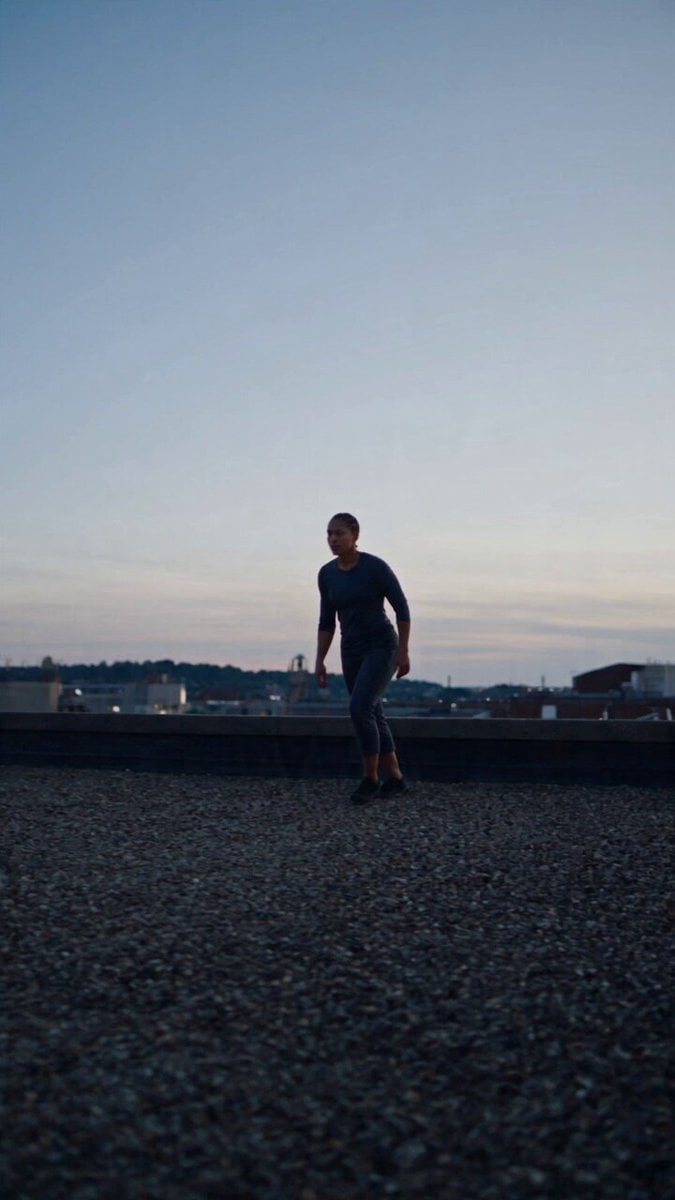
Browse all templates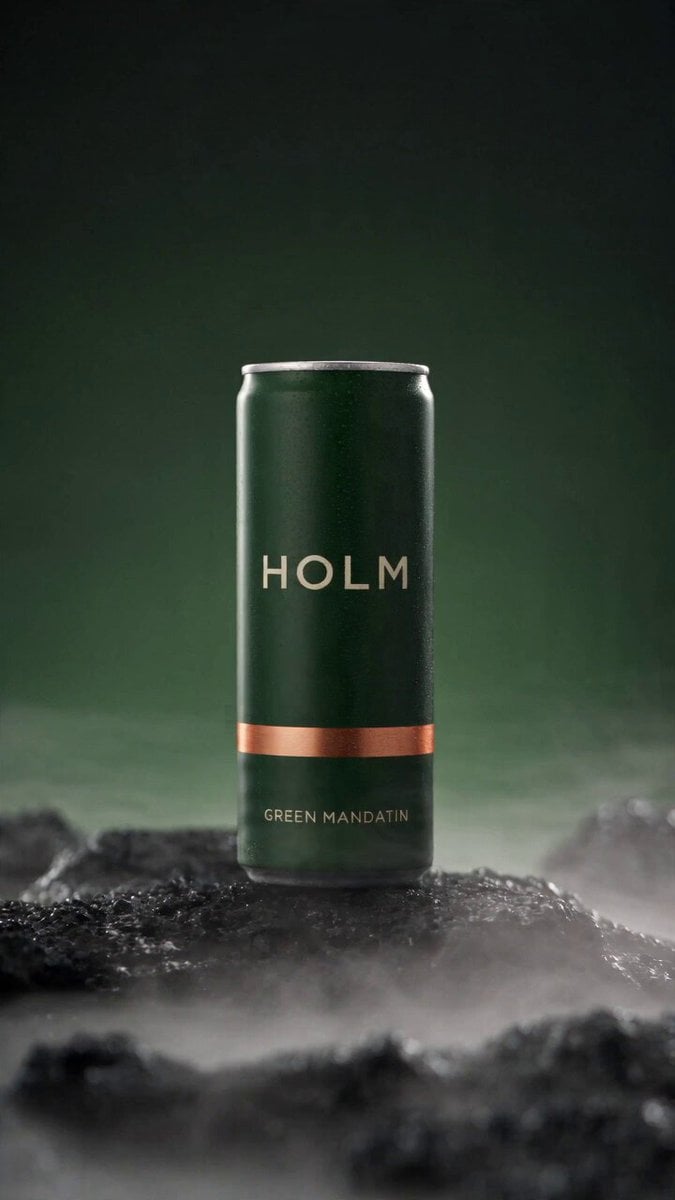 Rooftop Parkour Motion Control
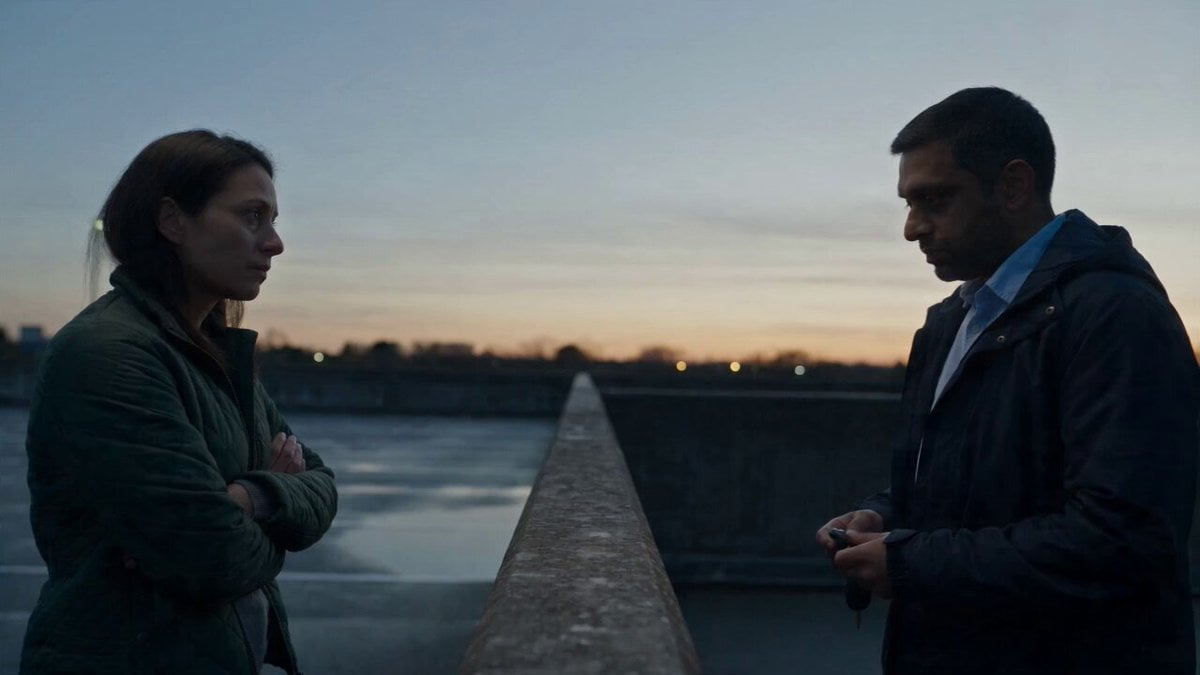 Hospital Car Park Dialogue Lip Sync
 Product Ad Drink Can 110° Orbit
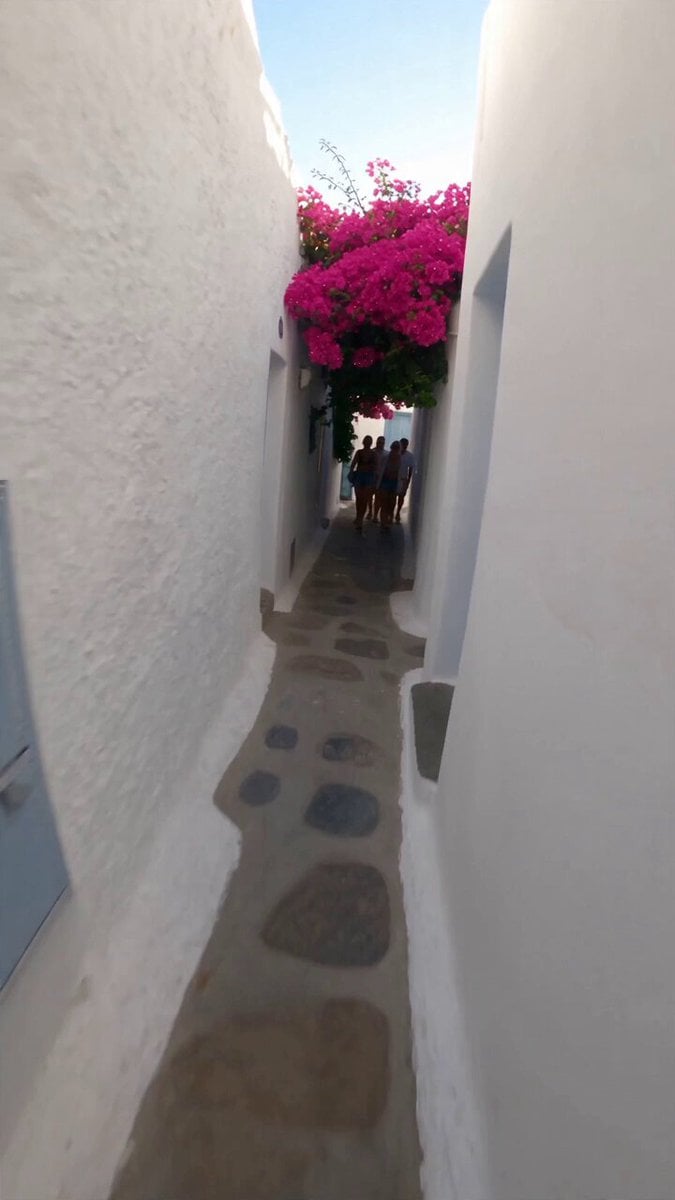 Selfie Travel Vlog Mykonos
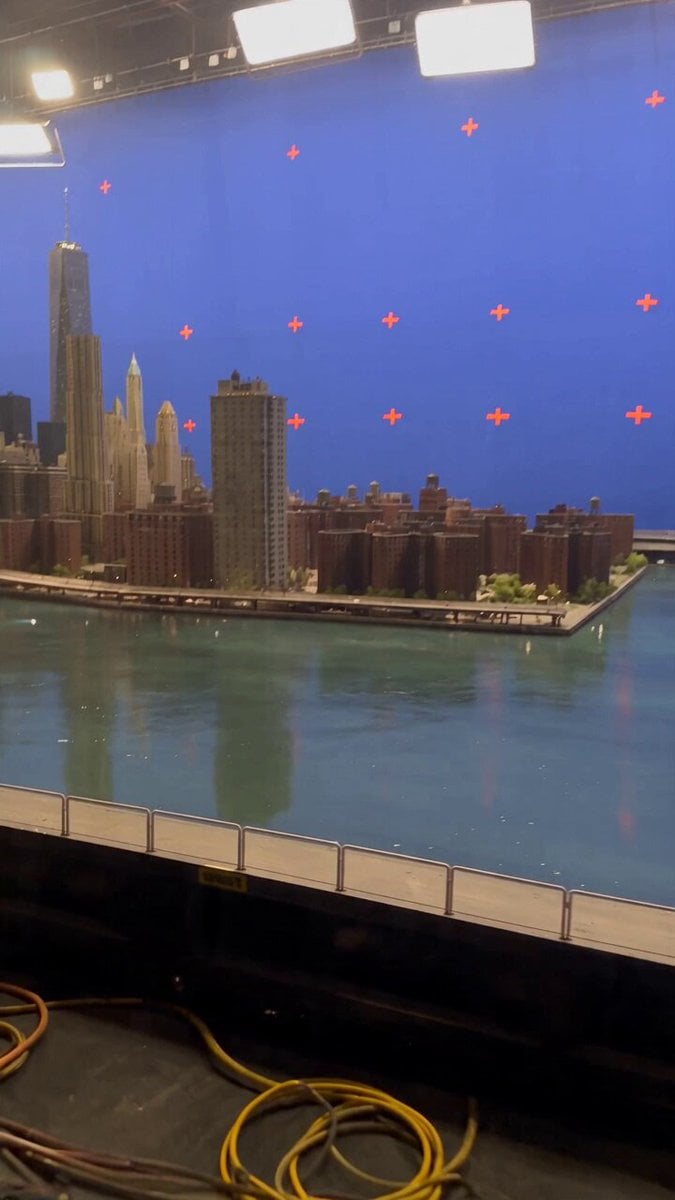 Miniature City Flood Soundstage
- Miniature City Flood Soundstage
 Forgotten 1980s High School Documentary Seedance
 RX-7 to Mech Transformation Cyberpunk
 MiniMax H3 Character Introduction
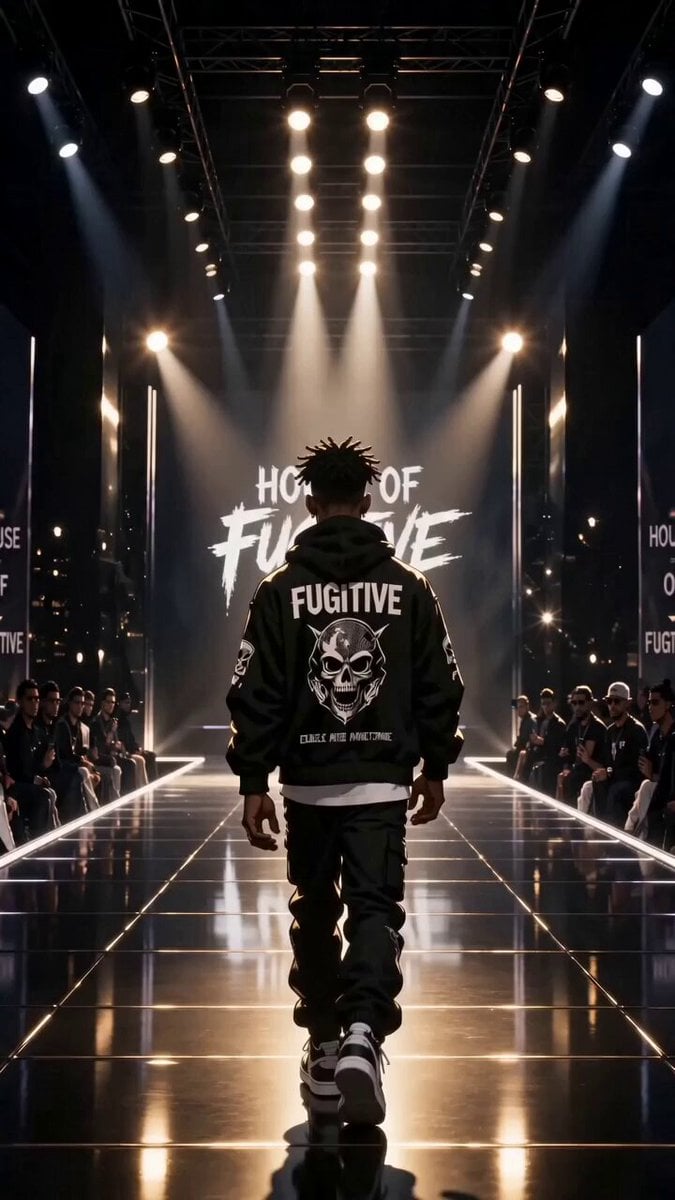 Luxury Streetwear Fashion Runway Film
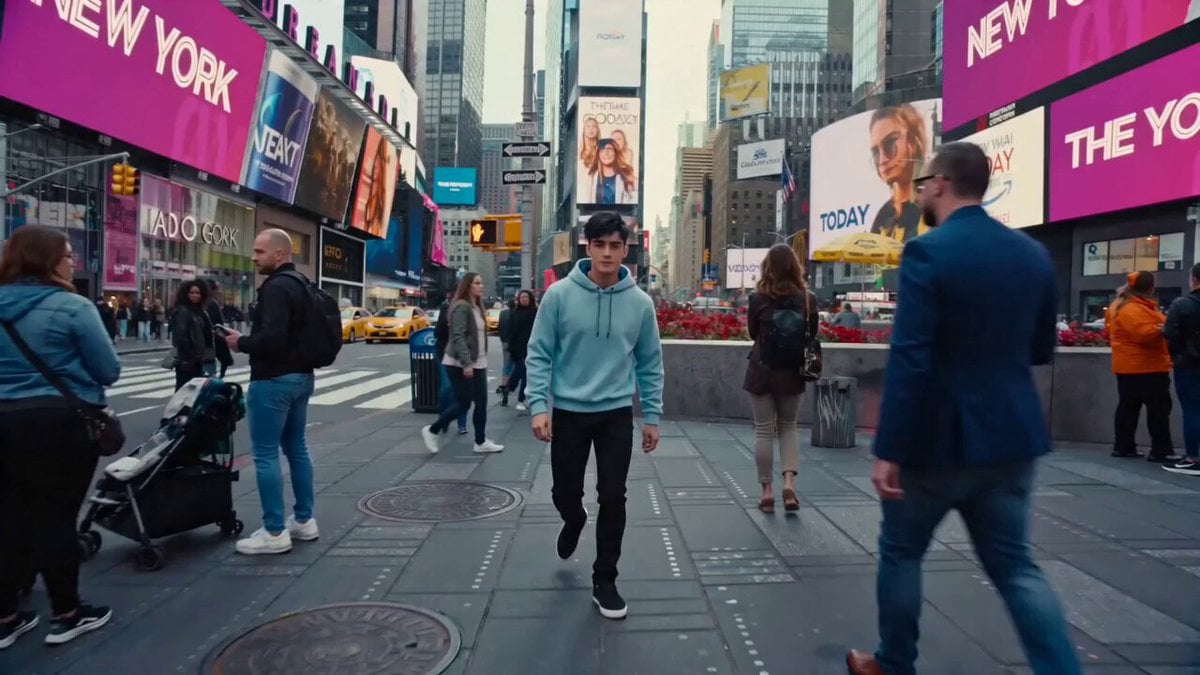 Cinematic Times Square Confidence Walk
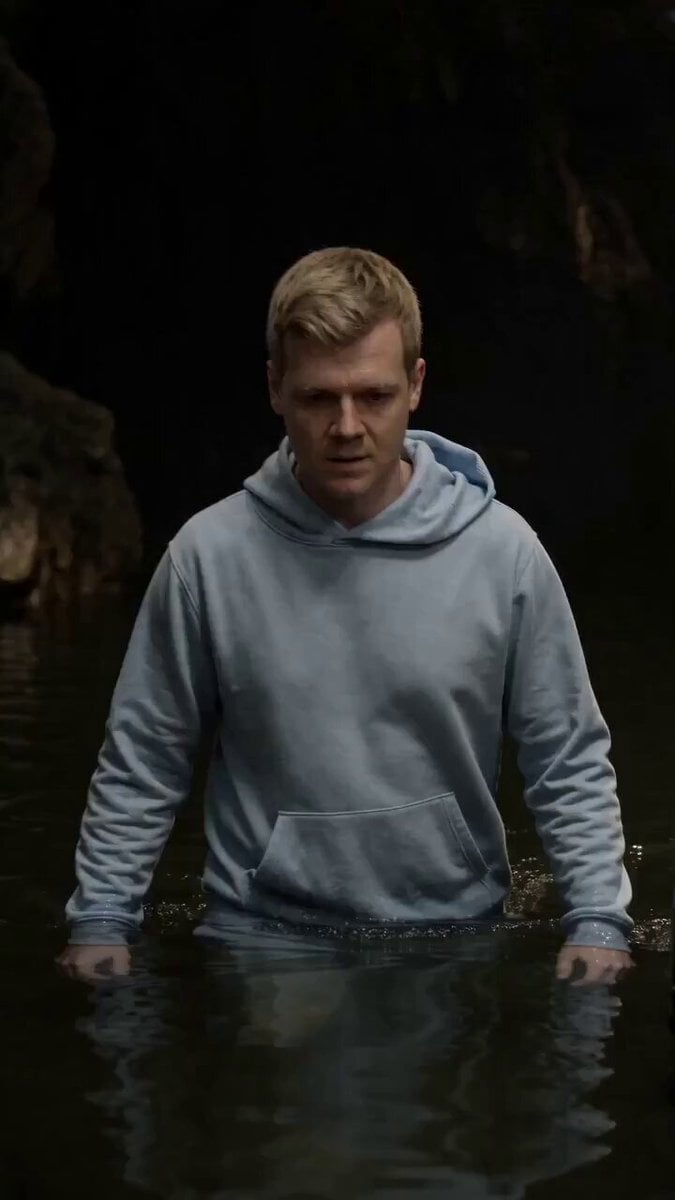 Cinematic Cave Exploration Multi-Shot Sequence
Kling 3.0 Pro Motion questions
What is Kling 3.0 Pro Motion?
Kling 3.0 Pro Motion is the motion control mode of Kuaishou's Kling 3.0 at the Pro tier. It moves the character in your image the way a person moves in a reference video, at 1080p, in clips of 3 to 30 seconds.
What do I need to upload?
An image of your character and a reference video of the movement. A short prompt can describe the setting or the style.
How much does Kling 3.0 Pro Motion cost?
68 credits per second, with or without sound. A 5 second clip is 340 credits and a 30 second clip is 2,040 credits.
How long can a motion control clip be?
3, 5, 10, 15, 20, 25 or 30 seconds.
What makes a good reference video?
One person, a steady camera, the full body in frame and clear movement. Busy backgrounds, several people or fast cuts make the transfer less reliable.
Should I use Pro Motion or Standard Motion?
Use Standard Motion (720p, 50 credits a second) to test a move or for phone-first clips. Use Pro Motion (1080p, 68 credits a second) for finals and larger screens.
Does it keep my character consistent?
The look comes from your image and only the movement comes from the video, which makes motion control the most reliable way to keep one character across several clips. Use the same character image every time.
Can I try Kling 3.0 Pro Motion for free?
Your first image is free after you sign up, no card needed. Video models, including Kling 3.0 Pro Motion, need a plan or a one-time credit pack. Credits never expire.

Any move, your character.
Transfer movement from a reference video onto your character at 1080p with Kling 3.0 Pro Motion on PicX Studio.