
VIDEOVEED · from 8 credits / sec
Video and audio in, synced video out
VEED Lip Sync — Sync Lips to Any Audio
Video + audio in. Mouth movement matched. 8 credits a second.
Upload a video of a person or character and an audio track. VEED Lip Sync reworks the mouth so it moves with the words, and keeps the rest of the shot as it was.
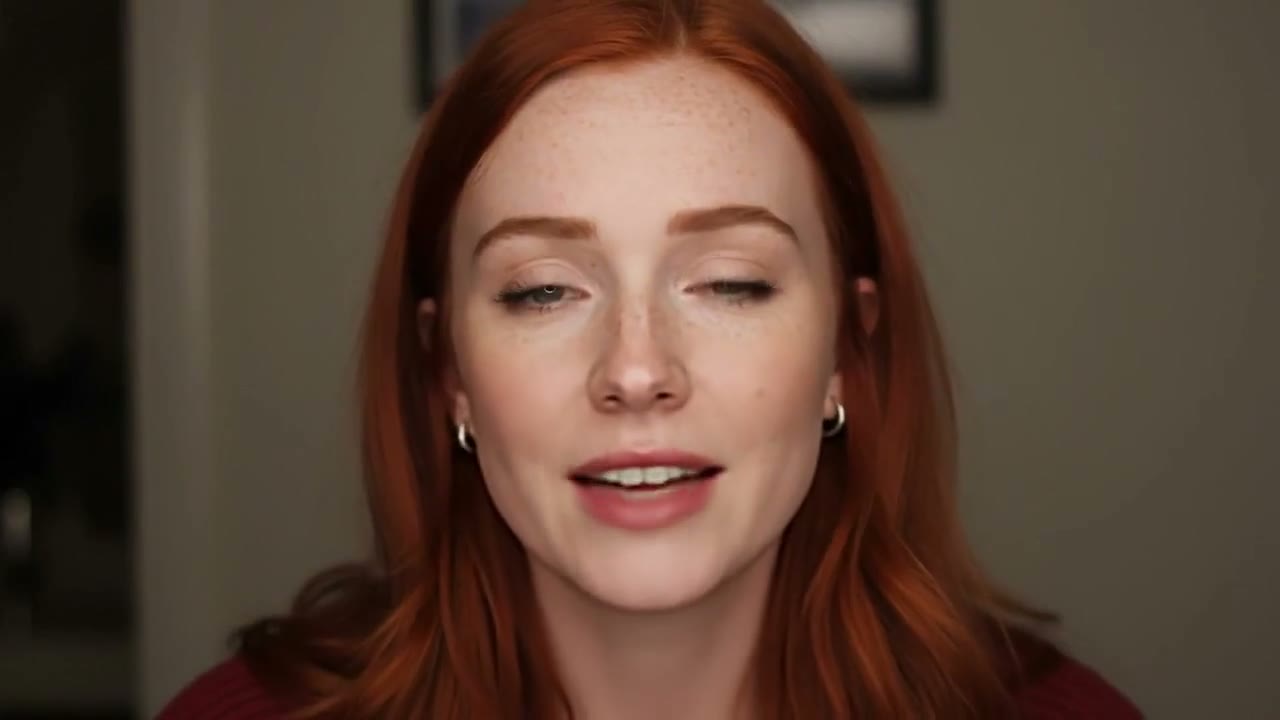
- 720p
- Video + audio
New words, same take
Lips that follow the audio
Give VEED Lip Sync a video and a voice track. It changes the mouth movement to match the audio, so a new line of dialogue, a translation or a corrected take fits the face on screen.
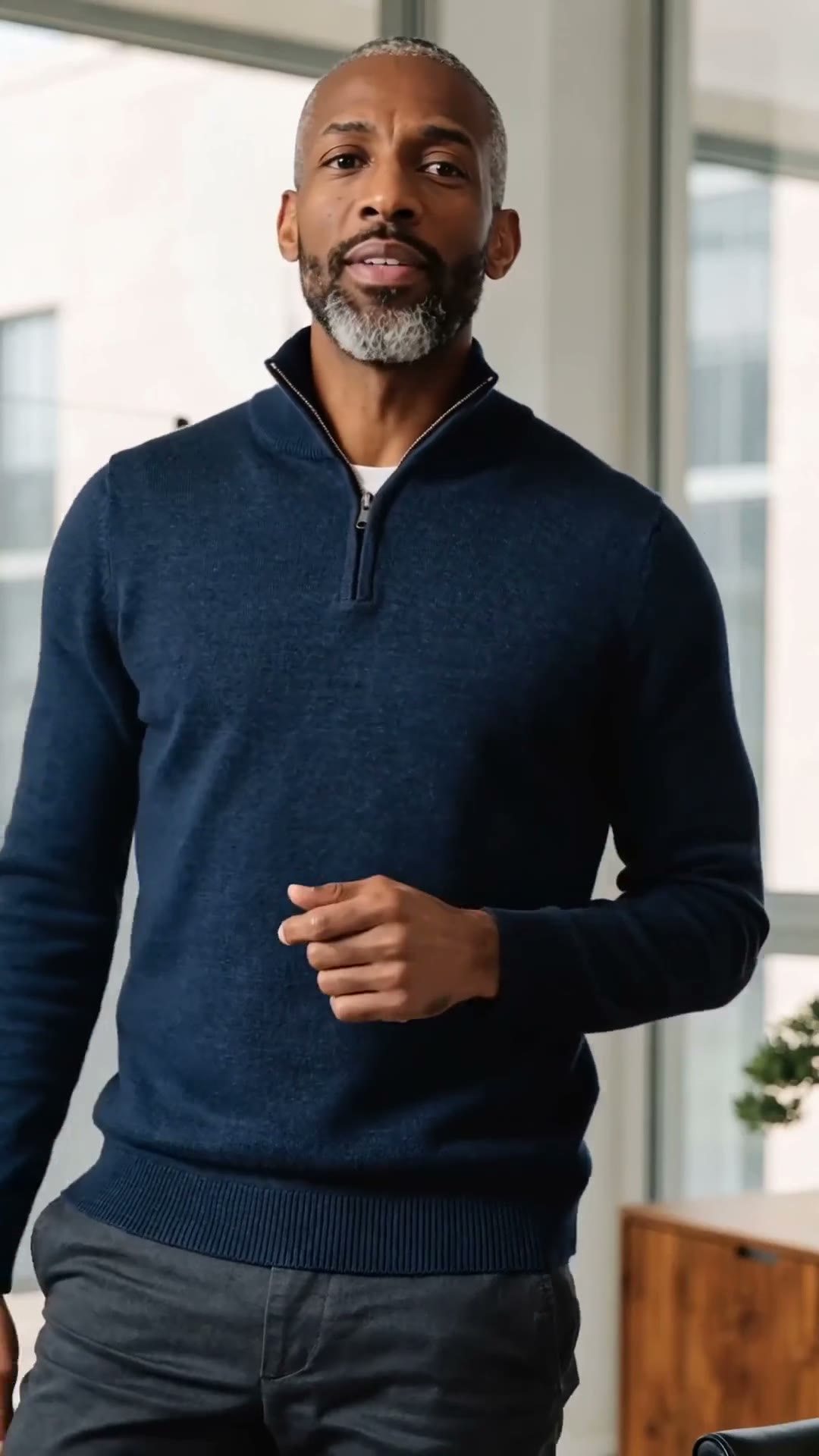
Works on footage you already have
Start from a filmed clip or a clip you generated with another model. Make a presenter with a video model, write the script, record or generate the voice, then sync them here.
Priced by the second
Lip sync costs 8 credits for each second of video, so a 30 second talking-head clip is 240 credits. No resolution or duration settings to choose.
VEED Lip Sync
Video + audio in. Mouth movement matched. 8 credits a second.
Made for talking video
Dubbing and translation. Pair a clip with a voice track in another language so the mouth matches the new words.
UGC and talking-head ads. Swap the script on a spokesperson clip and test several versions of the same ad.
AI characters that speak. Give a generated character a voice: make the video, add a voice-over, then sync.
Why use VEED Lip Sync
- 8Credits per secondOne flat per-second price.
- 2 inputsVideo + audioYour clip and the audio it should speak.
- 40Credits for 5 secondsA 30 second clip is 240 credits.
- Any voiceYour audioRecorded, generated or translated, the lips follow what you upload.
- Same shotRest of the frame keptOnly the mouth movement is reworked to match the audio.
- VEEDMakerThe lip sync model from VEED, the online video editor.
What VEED Lip Sync costs
Billed per second of video, at the resolution you pick. The same prices the generator shows before you run it.
- 720p8credits / sec5s clip 40 creditsOn Starter≈ 90 clips / mo
Every model on every planCredits never expireSee plans
How to use VEED Lip Sync in 3 steps
- 1
Add your video
Upload a clip where the speaker's face is visible and well lit, ideally facing the camera.
- 2
Add the audio
Upload the voice track the speaker should say. Clean speech without music gives the best sync.
- 3
Generate
Run it and download the synced clip. The credit cost shows before you start.
VEED Lip Sync prompts to copy
Real prompts and what they made. Copy one, or open it in the generator with the model already picked.
Talking to camera
Sync the speaker's lips to the uploaded voice-over. Keep the framing, lighting and expression unchanged.
Office presenter
Match the presenter's mouth movement to the new script audio, keeping head movement and gestures as filmed.
Templates to start from
Browse all templates Rooftop Parkour Motion Control
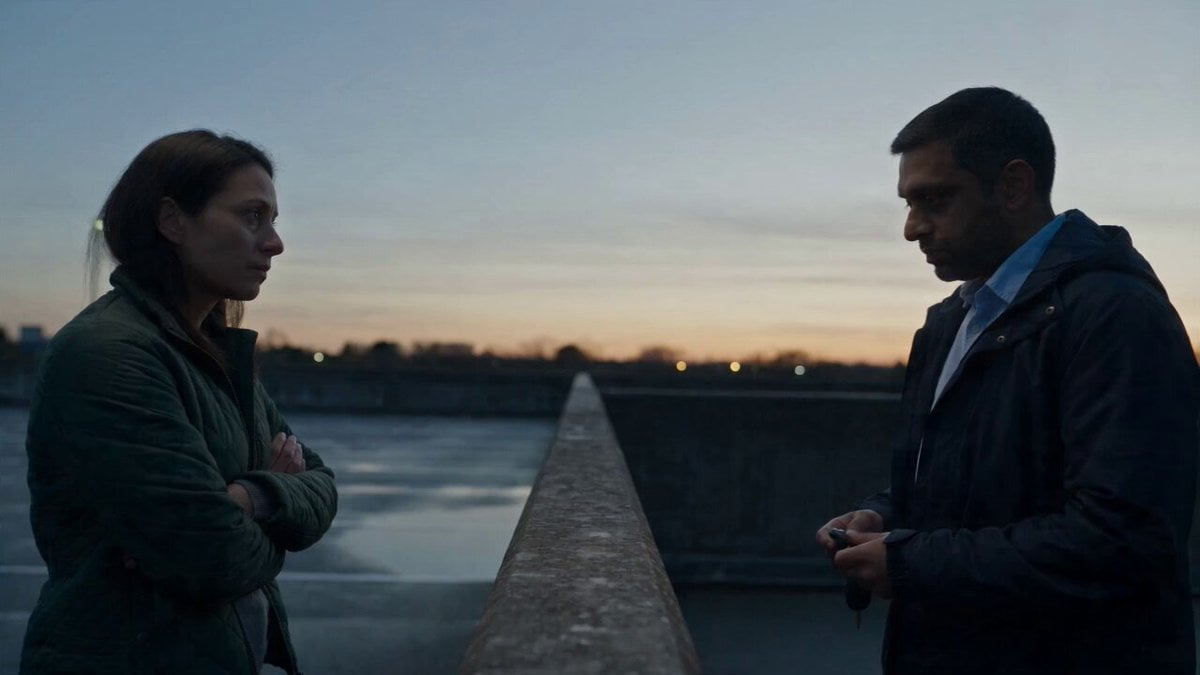 Hospital Car Park Dialogue Lip Sync
 Product Ad Drink Can 110° Orbit
 Selfie Travel Vlog Mykonos
 Miniature City Flood Soundstage
- Miniature City Flood Soundstage
 Forgotten 1980s High School Documentary Seedance
 RX-7 to Mech Transformation Cyberpunk
 MiniMax H3 Character Introduction
 Luxury Streetwear Fashion Runway Film
 Cinematic Times Square Confidence Walk
 Cinematic Cave Exploration Multi-Shot Sequence
VEED Lip Sync questions
What is VEED Lip Sync?
VEED Lip Sync is VEED's AI lip sync model. On PicX Studio you upload a video and an audio track, and it returns the video with the speaker's lip movements synced to the audio.
What do I need to upload?
A video with a visible face and the audio the person or character should say.
How much does VEED Lip Sync cost?
8 credits per second of video. A 10 second clip is 80 credits and a 60 second clip is 480 credits.
Can I use it to dub a video into another language?
Yes. Upload the video and a voice track in the new language, and the mouth movement is matched to the new audio.
Does it work on AI-generated characters?
Yes, as long as the face and mouth are clearly visible. A common workflow is to generate a presenter clip with a video model, add a voice-over, then sync it with VEED Lip Sync.
How do I get the best result?
Use a clip where the face is front-on, well lit and not covered, and clean speech without background music. Keep the video and audio roughly the same length.
Can I try VEED Lip Sync for free?
Your first image is free after you sign up, no card needed. Video models, including VEED Lip Sync, need a plan or a one-time credit pack. Credits never expire.

Give any clip a new line.
Sync lips to any audio with VEED Lip Sync on PicX Studio, 8 credits a second.