
VIDEOKuaishou (Kling AI) · from 40 credits / sec
The successor to Kling O1, now with sound and 15-second takes
Kling 3.0 Omni (O3): text to video with sound, up to 4K
Text to video. 3 to 15 seconds. 720p, 1080p or 4K. Native sound on or off.
Write the scene, the camera move and the lines your characters say. Kling 3.0 Omni renders it as one continuous take of up to 15 seconds, with dialogue and ambience generated alongside the picture.

- 3–15s
- 720p–4k
- Sound on or off
- Text
What Omni does from a single prompt
Sound made with the shot
Turn native audio on and Omni generates speech, effects and room tone in the same pass. Put spoken lines in quotes and name who says them.
Takes of up to 15 seconds
Kling O1 topped out at 10 seconds. With Omni, every whole second from 3 up to 15 is on the table: room for a full camera move or a short exchange.
4K when it matters
Test a prompt at 720p, then run it again at 1080p or 4K for delivery. Each run is a fresh take, so lock the wording first.
Kling 3.0 Omni, from its maker
Official release video by Kuaishou (Kling AI)
Where Kling 3.0 Omni fits best
Why pick Kling 3.0 Omni
- 15sLonger than O1Up from O1's 10 seconds.
- 4KThree resolutions720p, 1080p or 4K.
- AudioSpeech and effectsToggle native sound per clip.
- “Lines”Quoted dialogueWrite what each person says.
- O3Same model, two namesKling O3 is Kling 3.0 Omni.
- TextPrompt onlyNo source image needed.
What Kling 3.0 Omni costs
Billed per second of video, at the resolution you pick. The same prices the generator shows before you run it.
- 720p40credits / sec
55 / sec with sound
5s clip 200 creditsOn Starter≈ 18 clips / mo - 1080p55credits / sec
65 / sec with sound
5s clip 275 creditsOn Starter≈ 13 clips / mo - 4k190credits / sec5s clip 950 creditsOn Starter≈ 3 clips / mo
Every model on every planCredits never expireSee plans
Pay for Kling 3.0 Omni with crypto
Buy credits with Bitcoin, USDT, USDC, ETH, Solana and more — no card, nothing auto-renews, packs from $5, and 15% extra credits on crypto payments.
Kling 3.0 Omni vs other Kling models on PicX
What each Kling model does in the PicX generator today. Omni is the only one with a 4K option.
Live credit prices are in the pricing table.
How to use Kling 3.0 Omni in 3 steps
- 1
Write the scene as a director would
Say who is in frame, what they do, how the camera moves and how it should feel. End with a short style line such as "cinematic, handheld".
- 2
Add lines and sound if you want them
Turn sound on, put each spoken line in quotes with the speaker named, and add audio notes like rain on glass or a crowd murmur.
- 3
Pick length and resolution, then generate
Choose 3 to 15 seconds and 720p, 1080p or 4K. Test short at 720p, then run the prompt that works at a higher resolution (each run is a new take).
Kling 3.0 Omni prompts to copy
Prompts to start from. Copy one, or open it in the generator with the model already picked.
Orbital station sunrise
Slow orbit around a ring-shaped space station as the sun rises over Earth's curve, solar panels glinting, astronauts visible in a lit window, photoreal
Burger assembly
Ingredients drop one by one onto a sizzling burger patty in slow motion, cheese melting over the edge, sesame bun landing on top, dark studio background, food commercial. Sound: grill sizzle, a soft thud as each layer lands
Rooftop farewell, one take
Long take at dusk on a city rooftop: the camera slowly circles two friends leaning on the railing. The woman says, "You're really leaving tomorrow?" The man smiles and answers, "Only for a year." Distant traffic and wind. Cinematic, handheld feel
Late-night diner
Medium shot in a neon-lit diner after midnight. A tired waitress refills a trucker's coffee and says, "Rain's not stopping tonight, hon." Rain drums on the window, a jukebox plays faintly. Warm, grainy 35mm look
Templates to start from
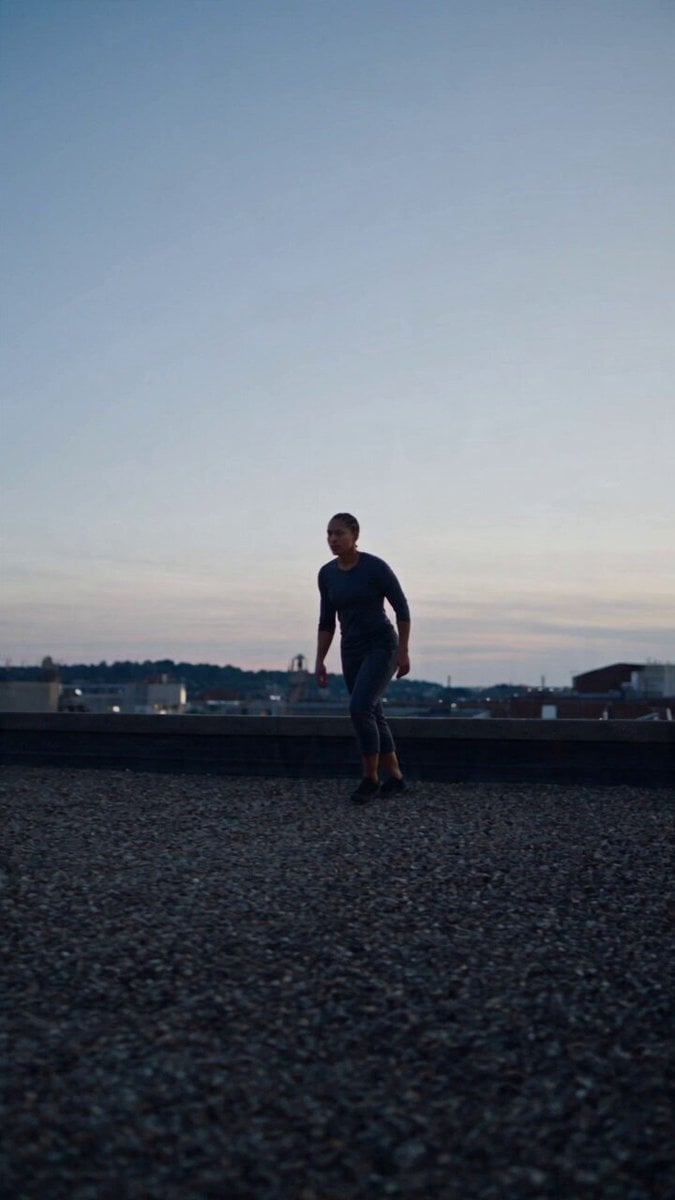
Browse all templates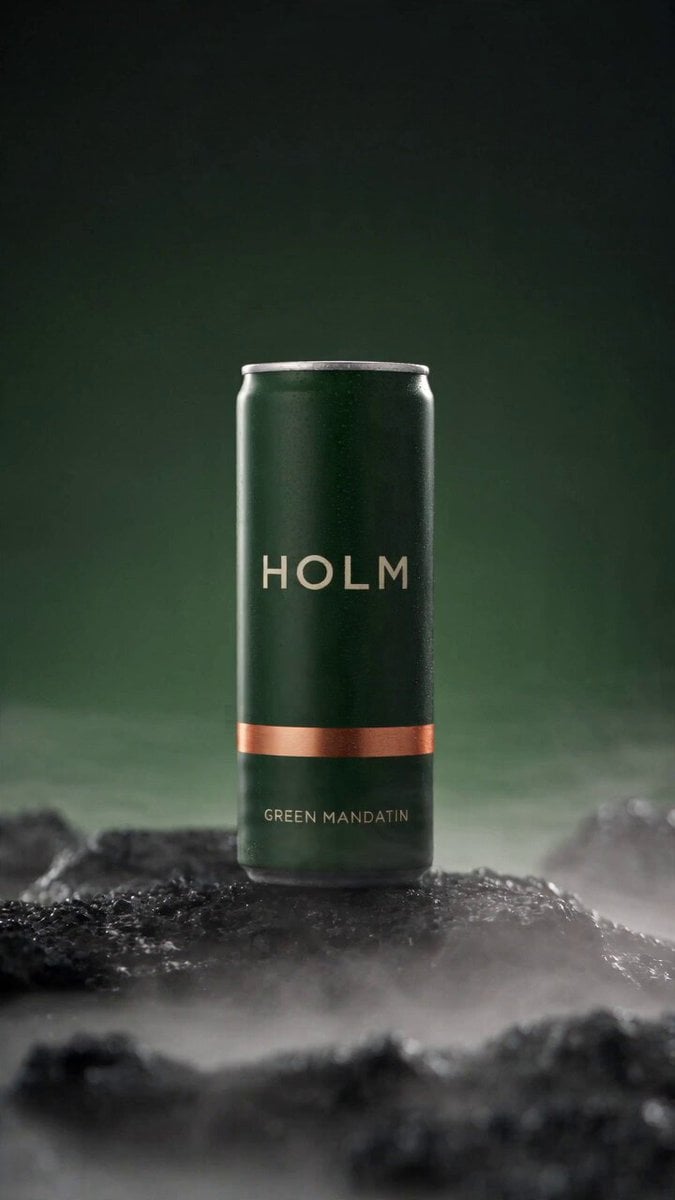 Rooftop Parkour Motion Control
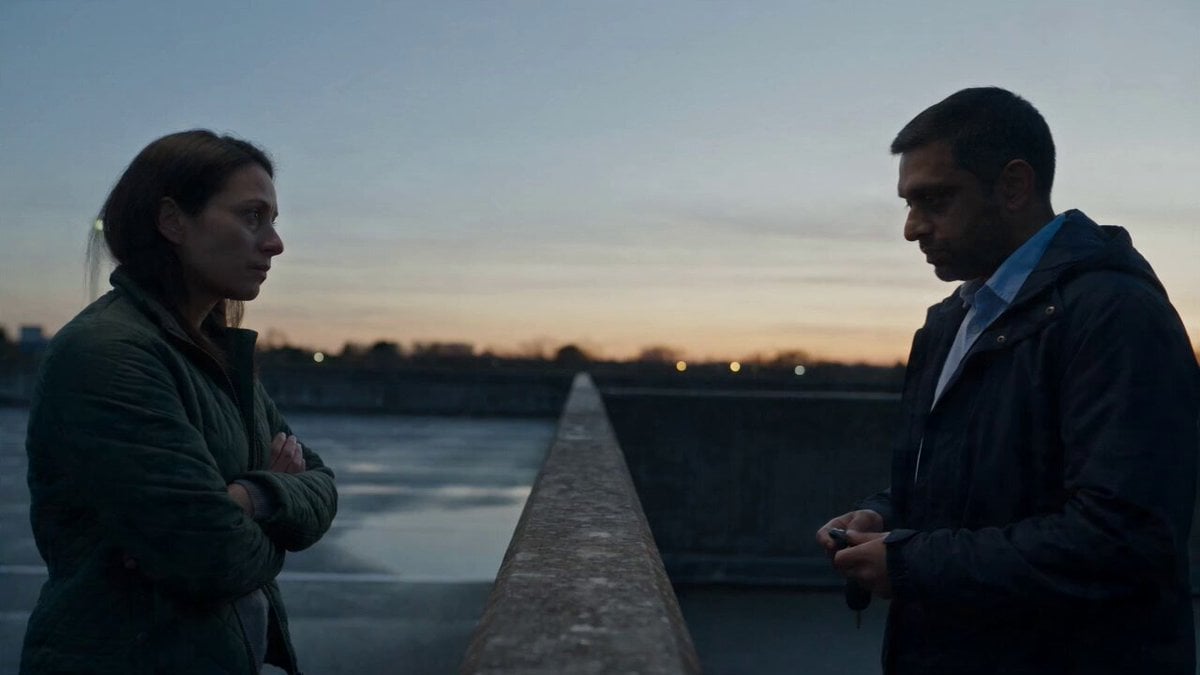 Hospital Car Park Dialogue Lip Sync
 Product Ad Drink Can 110° Orbit
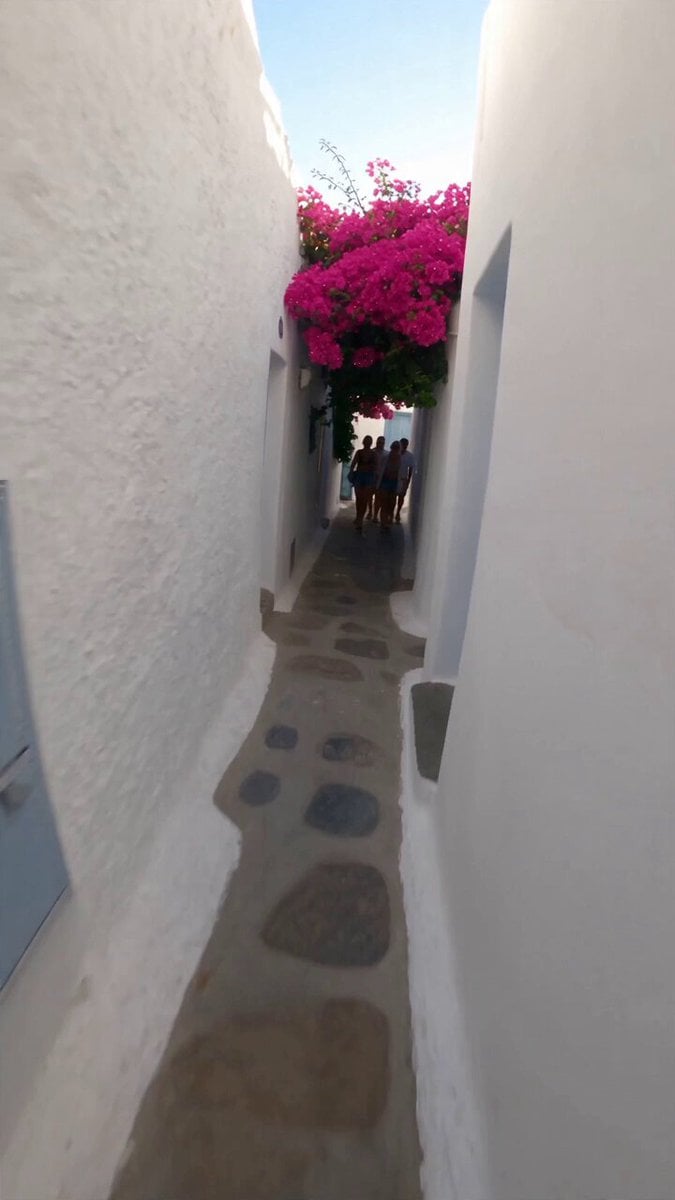 Selfie Travel Vlog Mykonos
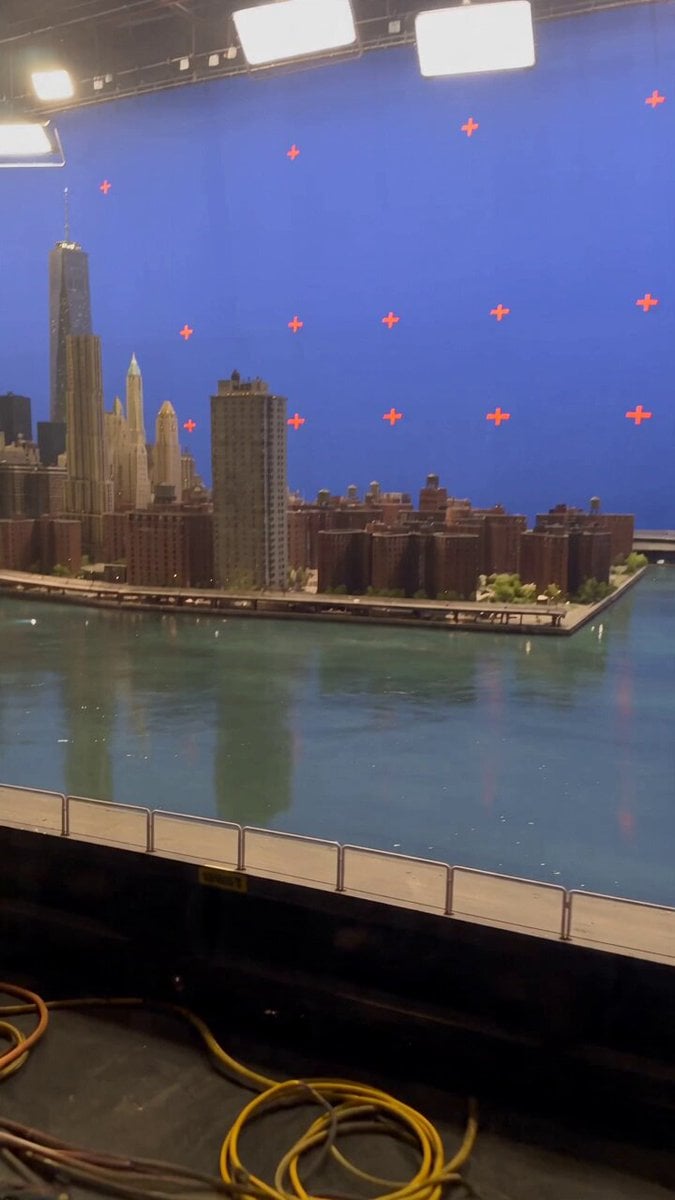 Miniature City Flood Soundstage
- Miniature City Flood Soundstage
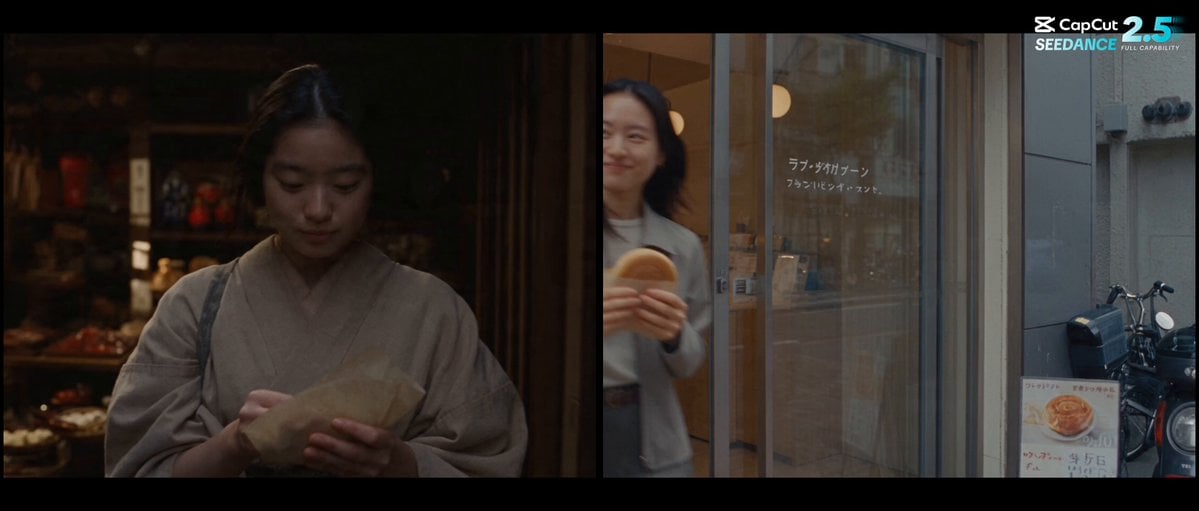 Forgotten 1980s High School Documentary Seedance
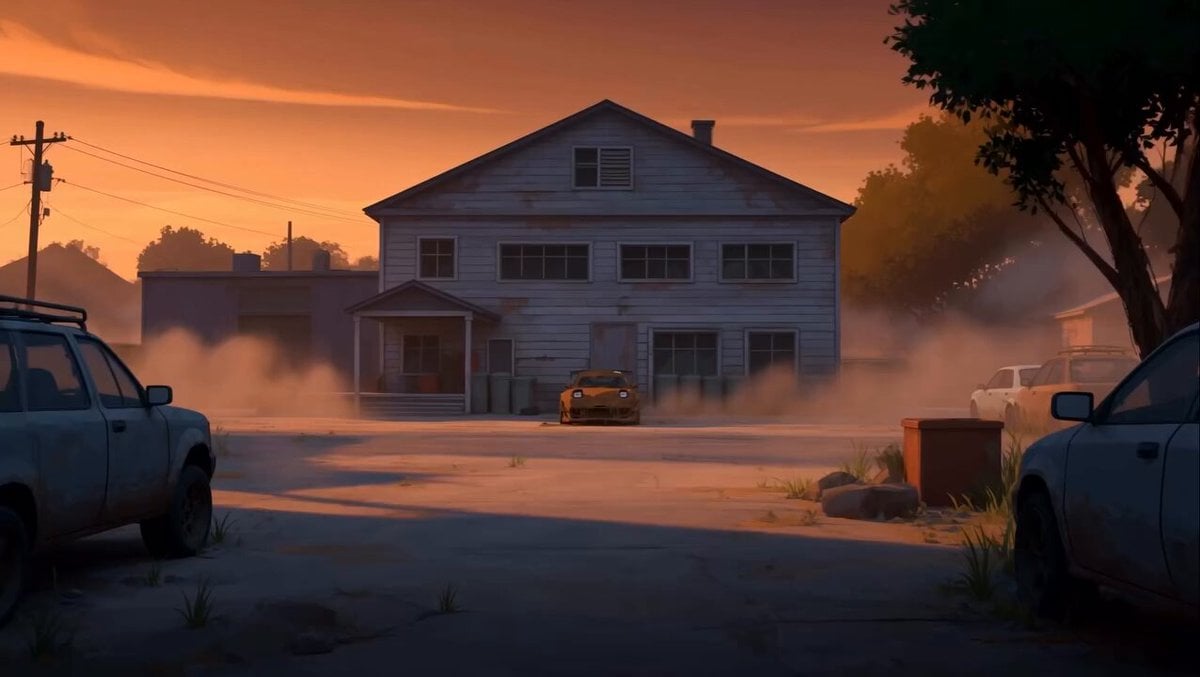 RX-7 to Mech Transformation Cyberpunk
 MiniMax H3 Character Introduction
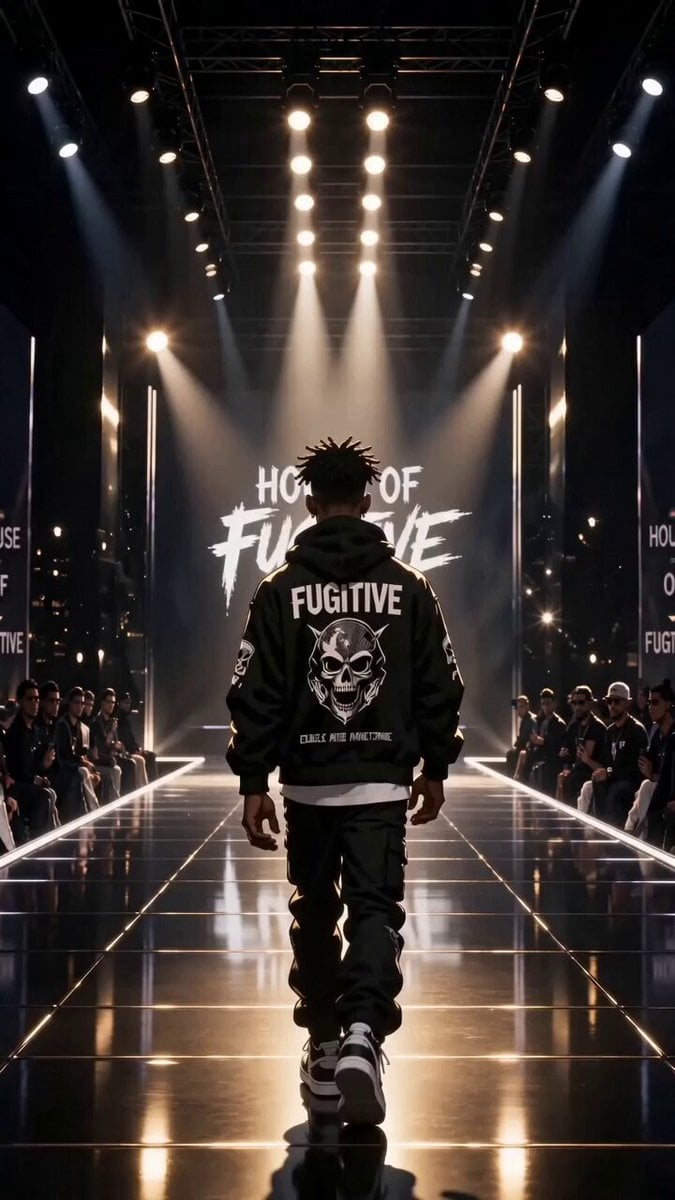 Luxury Streetwear Fashion Runway Film
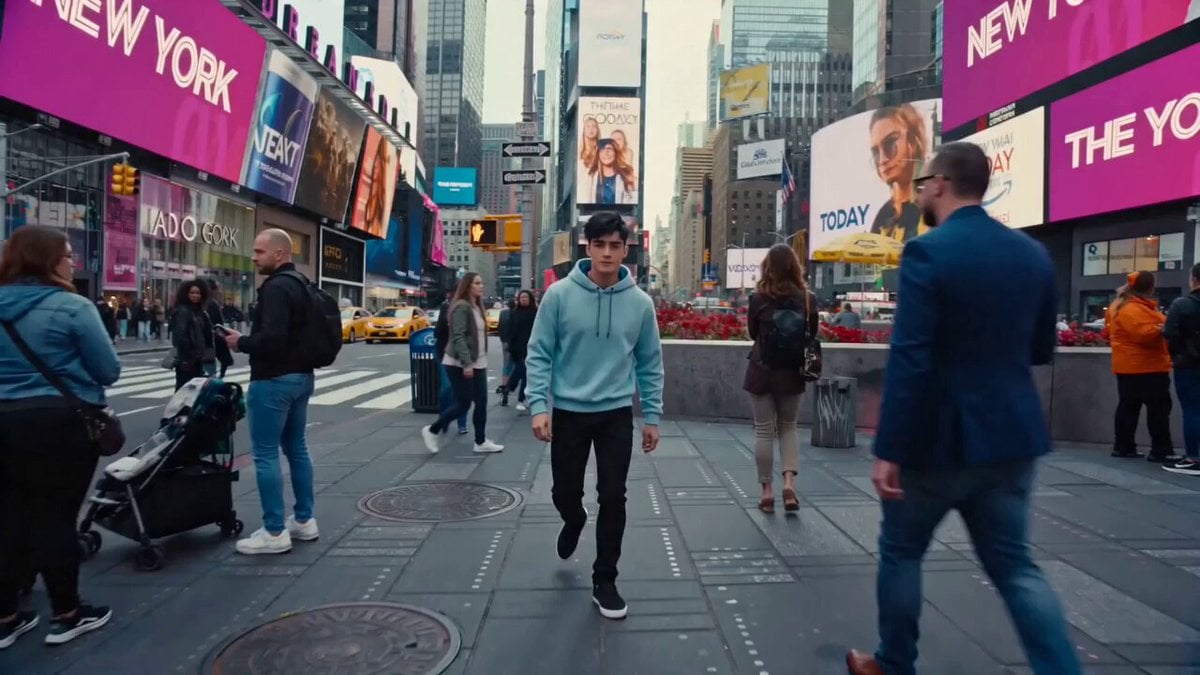 Cinematic Times Square Confidence Walk
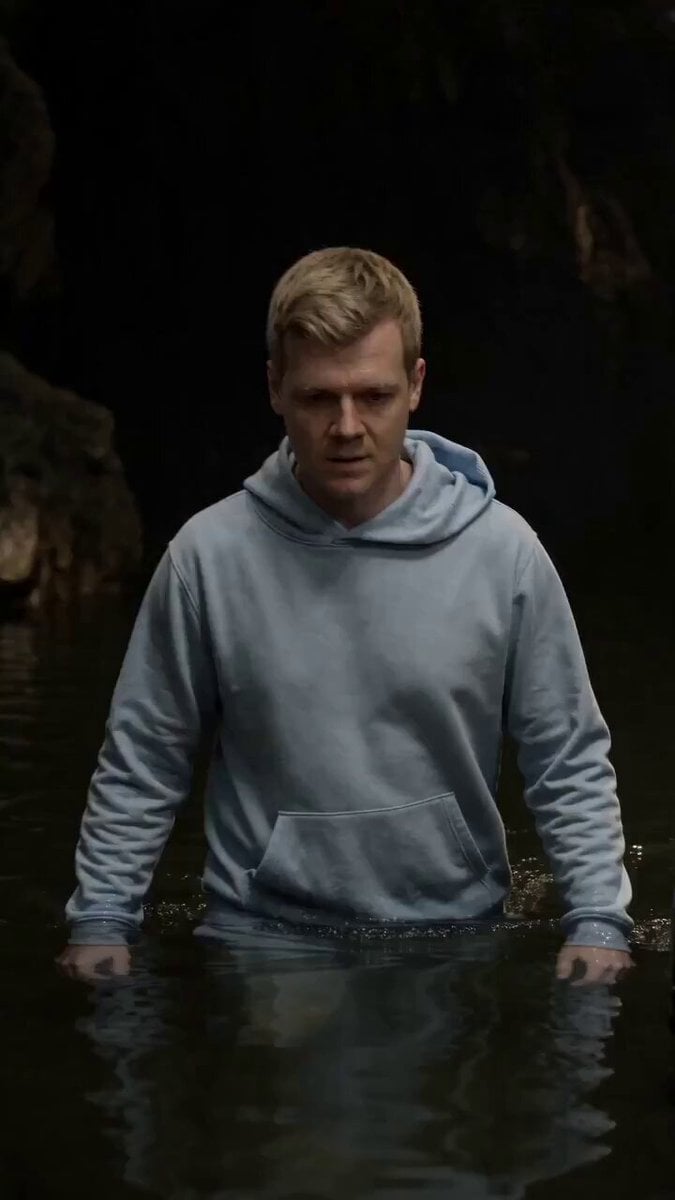 Cinematic Cave Exploration Multi-Shot Sequence
Kling 3.0 Omni questions
What is Kling 3.0 Omni?
It is the Omni model of Kling AI's 3.0 series, announced in February 2026 alongside Video 3.0. Kling describes it as the upgrade to Video O1: it adds native audio and multi-shot to text-to-video, raises the maximum length from 10 to 15 seconds and responds more closely to prompts. On PicX Studio you use it for text to video at 720p, 1080p or 4K.
Is Kling O3 the same as Kling 3.0 Omni?
Yes. "Kling O3" is the shorthand people use for Kling VIDEO 3.0 Omni, following on from O1, and Kling's own 3.0-vs-Omni comparison guide carries "o3" in its web address. Both names point to the same model.
Kling 3.0 Omni vs Kling 3.0: what is the difference?
Kling positions Video 3.0 for prompt-led work and 3.0 Omni for reference-driven work, where a character, product or voice must stay the same across shots. On PicX Studio, Kling 3.0 Pro takes text or a start image at 1080p, while Omni takes text only and adds a 4K option.
Kling 3.0 Omni vs Kling O1: what improved?
Per Kling's user guide, Omni goes up to 15 seconds instead of 10, adds native audio and multi-shot to text-to-video, and follows text prompts more closely, which Kling says means fewer visual distortions. Kling also reports better element consistency for reference-based generation, a mode that is not available on PicX Studio yet.
How do I use Kling 3.0 Omni edit?
Video editing (Kling calls it transformation), reference images, elements and voice binding are part of Omni on Kling's own platform, but they are not available on PicX Studio yet. Here Omni makes new clips from a written prompt.
How should I prompt Kling 3.0 Omni?
Write it like a shot description: subject, action, framing and camera move, then a style line. For dialogue, turn sound on, name the speaker and put the line in quotes, and add the ambience you want to hear. Kling's custom multi-shot storyboard, with a length per shot, is not available on PicX Studio yet, so plan each clip as one continuous take.
Kling 3.0 Omni vs Seedance 2.0: which should I use?
Both run up to 15 seconds with optional sound and both offer 4K on PicX Studio. Seedance 2.0 also accepts images, first and last frames and references here, while Omni is text only. Run the same prompt on both and keep the take you prefer.
Is Kling 3.0 Omni free?
Not on PicX Studio. Omni is billed by the second, and the rate depends on resolution and whether sound is on. New accounts get one free image after sign-up; video clips draw on credits from a plan or a one-time pack. Short 720p tests keep spend low before you commit to a 4K run.

Direct a take with Kling 3.0 Omni
Write the scene and the lines, pick up to 15 seconds and 4K.