PicX Studio

AI Photo Upscaler

Enlarge and sharpen your images with AI. Upload a small or blurry photo and get a higher-resolution version without the pixelation.

Upload imagePNG, JPG or WebP · up to 20 MBYou can also paste an image from the clipboard.
  • Free to use
  • No card needed
  • Free account to download

Upscale a photo in 3 easy steps

  1. 1

    Upload a small or soft photo

    Drop in the image you want to enlarge. The photo upscaler accepts PNG, JPG and WebP up to 20 MB.

  2. 2

    Let the AI upscale it

    PicX's AI raises the resolution, sharpens fine detail and reduces noise while keeping the subject, colors and composition.

  3. 3

    Download the sharper version

    Compare it with the original and save the upscaled image as a PNG.

Bigger photos that stay sharp

Classic resizing just stretches pixels. AI upscaling redraws detail as it enlarges.

  • Rebuilds detail

    Edges, textures and text are reconstructed rather than blown up, so the result doesn't look blocky.

  • Cleans as it enlarges

    Noise and compression artifacts are reduced in the same pass.

  • Keeps your photo yours

    The AI is instructed to keep the subject, colors and composition unchanged.

What people upscale

  • 01

    Old and small photos

    Bring back family photos scanned small or saved from an old phone.

  • 02

    Product images

    Enlarge supplier photos that are too small for a marketplace's zoom feature.

  • 03

    Print

    Get more pixels before printing a photo larger than it was taken for.

  • 04

    Images saved from the web

    Give a thumbnail-sized logo or graphic you own enough resolution for a slide or poster.

PicX Studio

Turn a sharp product photo into a full shoot

Upload one product image and get studio-style product photos and videos with AI.

Try Product Images

How an AI photo upscaler works

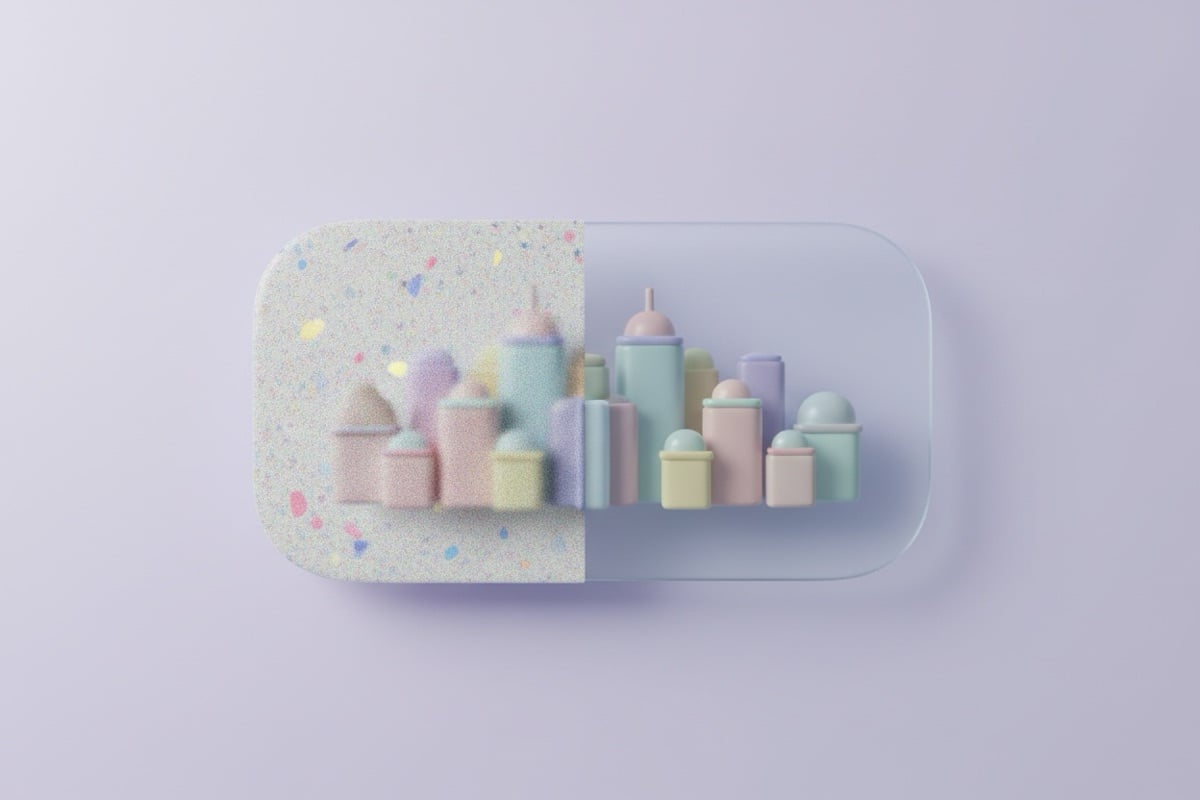
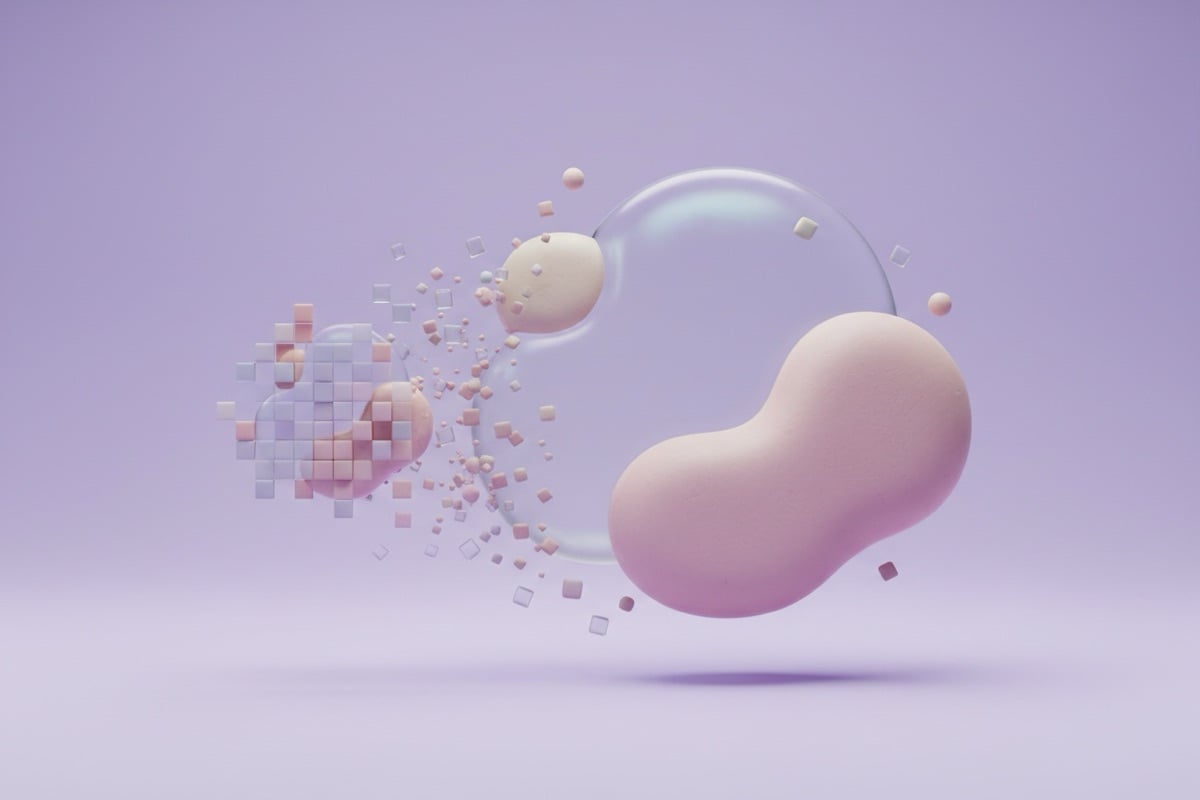
When you enlarge an image the traditional way, the software has to invent new pixels by averaging the ones next to them. That's why a small photo stretched to twice its size looks soft and blocky. An AI image upscaler is trained on huge numbers of images, so it predicts what fine detail, such as hair, fabric or lettering, most likely looked like, and draws it in.

Your image is sent to PicX's servers, where an AI image model upscales and enhances it, sharpening detail and reducing noise while keeping the subject, colors and composition the same. The result comes back as a PNG.

Upscaling works best on photos that are small but otherwise clean: a product shot exported for the web, a scan saved at low resolution, a crop from a larger picture. It has the hardest time with images that are already heavily compressed, where blocky JPG artifacts can be mistaken for real detail and sharpened along with everything else.

Upscale image vs resize: which do you need?

If you want a smaller image, resize it: shrinking never needs AI. If you want a bigger image, or one that looks crisper at the size it already is, upscale it.

You want to…Use
Make a large photo smallerImage Resizer
Enlarge a small photoAI Photo Upscaler
Fix a slightly soft photo at the same sizeSharpen Image or AI Upscaler
Clean up grain from a low-light shotImage Denoise

Getting the best result from an image upscaler

Upscaling can't recover information that was never captured, but you can give it the best chance:

  • Start from the original file, not a screenshot or a copy re-saved from a messaging app.
  • Crop to the part you need first, so the detail goes where it matters.
  • Check faces and small text closely: AI-rebuilt detail is plausible, but may not match the real thing exactly.
  • For documents and evidence where accuracy matters, keep the original alongside the upscaled version.
  • After upscaling, resize down to the exact size you need; a slightly larger, clean image scales down beautifully.
Image Upscaler questions

What does an image upscaler do?

It increases the resolution of your image while using AI to reconstruct detail, so the enlarged result stays sharp instead of looking blocky.

Can it fix a blurry photo?

It can noticeably improve soft or low-resolution images, though results depend on the amount of detail in the original.

Is there a watermark on the result?

No. Your upscaled image is returned clean, with no visible watermark.

What formats are supported?

PNG, JPG, and WebP images up to 20 MB.

Is my image uploaded?

Yes. Upscaling runs on PicX's servers, so the image is sent there for processing.

Is this AI upscaler free?

Yes, it's free to use. Upscaling and downloading the result need a free PicX account, no card needed.

Something else? Browse all free tools or email support.

Go beyond quick edits

Create studio-quality product photos and videos with every top AI model, from one credit balance.

FREEClaim Free Image Generation