PicX Studio

AI Image Denoiser

Remove grain and noise from your photos with AI. Cleaner, smoother results with real detail kept.

Upload imagePNG, JPG or WebP · up to 20 MBYou can also paste an image from the clipboard.
  • Free to use
  • No card needed
  • Free account to download

Denoise an image with AI in 3 easy steps

  1. 1

    Upload a grainy photo

    Drop a low-light, high-ISO or heavily compressed image into the AI denoise tool.

  2. 2

    Click Remove noise

    The photo is sent to PicX's AI, which removes grain, speckle and compression artifacts while keeping edges and colors.

  3. 3

    Compare and download

    Check the before and after, then download the clean image with your free PicX account.

Noise reduction that keeps detail

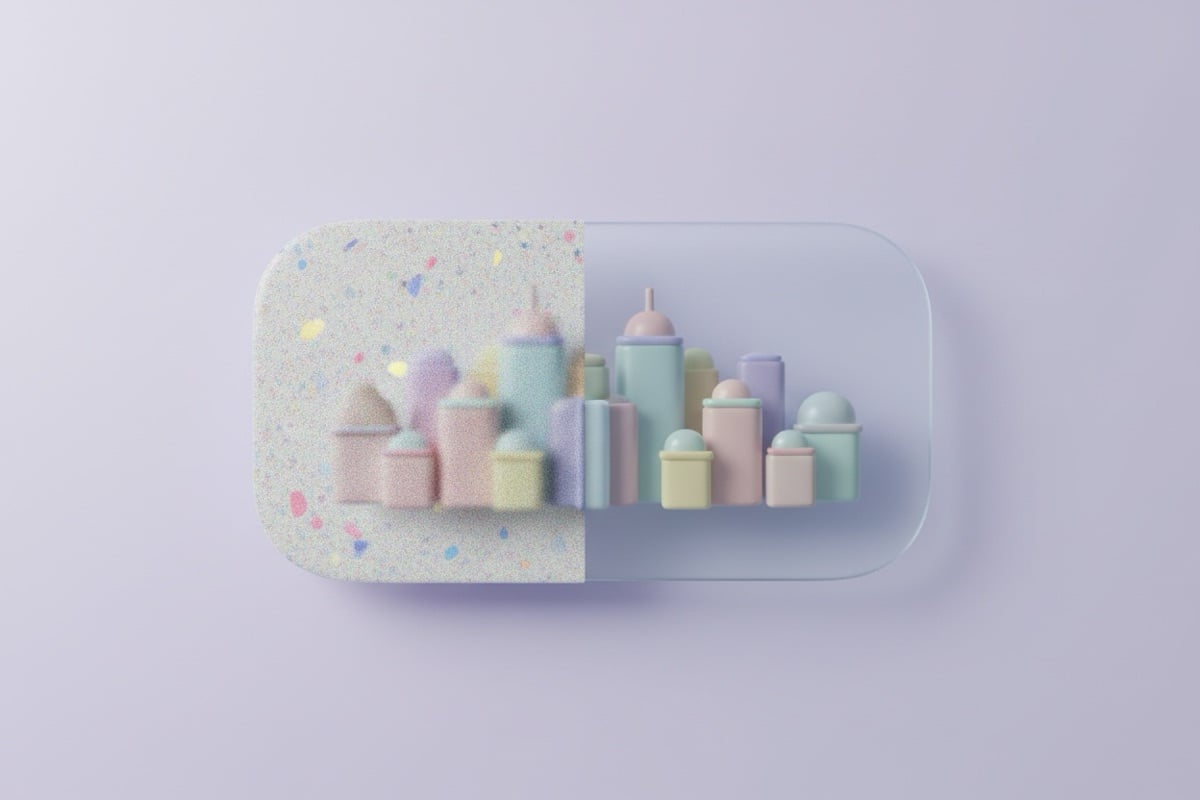
Classic noise filters blur everything a little. The AI is told to clean flat areas and leave real edges alone.

  • Removes grain and speckle

    Targets the color blotches and luminance grain you get from night shots and high ISO.

  • Cleans compression artifacts

    Also smooths the blocky patches left by heavy JPEG compression and chat apps.

  • Keeps edges and color

    Subject, edges, colors and composition are preserved, so the photo stays yours.

Photos that benefit from denoising

  • 01

    Night and indoor phone photos

    Concerts, restaurants and evening streets where the phone pushed ISO to get a bright shot.

  • 02

    Astro and low-light DSLR shots

    Clean up a high-ISO frame before posting it, without spending an hour in a raw editor.

  • 03

    Old scans and film

    Reduce visible grain and scanner noise on digitized prints and negatives.

  • 04

    Images saved from chats

    Smooth the blocky artifacts in photos that were compressed by WhatsApp, Messenger or Discord.

Why photos get noisy

Noise is random variation in brightness and color that the camera sensor records along with the real image. In good light the real signal is strong and the noise is invisible. In low light the camera raises its sensitivity (ISO) to get a bright enough exposure, and the noise gets amplified with it. You see it as grain in shadows and colored speckles in flat areas like sky and walls.

Phones fight noise by merging several frames and smoothing the result, which is why a night photo can look clean but plasticky. Small sensors, cropping in and heavy JPEG compression all make noise more visible.

AI denoise vs a classic noise reduction filter

A traditional filter averages neighboring pixels. That reduces grain, but it also softens edges and fine texture, so you trade noise for blur. AI denoise works differently: an image model rebuilds the photo, removing what looks like noise and keeping what looks like real structure, such as eyelashes, text and branches.

Classic filterAI denoise
Grain in flat areasReducedRemoved
Edges and fine detailSoftenedMostly kept
Compression blocksBarely helpsSmoothed
Where it runsUsually on your deviceOn PicX's servers

How to remove grain from a photo and keep it natural

Upload the highest-quality version you have; every round of compression adds artifacts the AI then has to guess around. Denoise before you sharpen or enhance, because sharpening first makes the grain harder to separate from detail. If you still want more clarity afterwards, run the clean result through the AI image enhancer.

Some grain is a choice. Film photos and moody black-and-white shots often look better with a little texture left in, so compare the before and after and keep whichever serves the picture.
Image Denoise questions

What is image denoising?

Denoising removes the random grain and speckle that often appears in low-light or high-ISO photos, leaving a cleaner image.

Will it blur my photo?

The AI aims to reduce noise while keeping edges and detail intact, so the result stays sharp.

Is the result watermarked?

No. Your denoised image is returned clean, without a watermark.

Is my photo uploaded?

Yes. AI denoising runs on an image model, so your photo is sent to PicX's servers for processing.

Is the AI image denoiser free?

Yes. It's free to use; you need a free PicX account to run it and download the result, no card needed.

What files can I upload?

PNG, JPG and WebP images up to 20 MB.

Something else? Browse all free tools or email support.

Go beyond quick edits

Create studio-quality product photos and videos with every top AI model, from one credit balance.

FREEClaim Free Image Generation