How sharpening works (and how to sharpen an image well)
Sharpening doesn't add detail that isn't there. It finds edges, the places where light meets dark, and makes the light side a bit lighter and the dark side a bit darker. Your eye reads that extra contrast as crispness. This tool uses a classic 3×3 sharpening filter applied once across the whole image.
Sharpen as the last step, after cropping and resizing, because resizing softens edges again. And look at the result at 100% zoom: sharpening that looks great on a phone screen can look crunchy in print.
Can you unblur an image by sharpening it?
Only a little. Sharpening helps photos that are slightly soft: a touch of focus miss, a gentle lens blur, a resized image. It can't rebuild detail lost to strong motion blur or a badly out-of-focus shot. Push it too far and you get halos around edges and exaggerated noise.
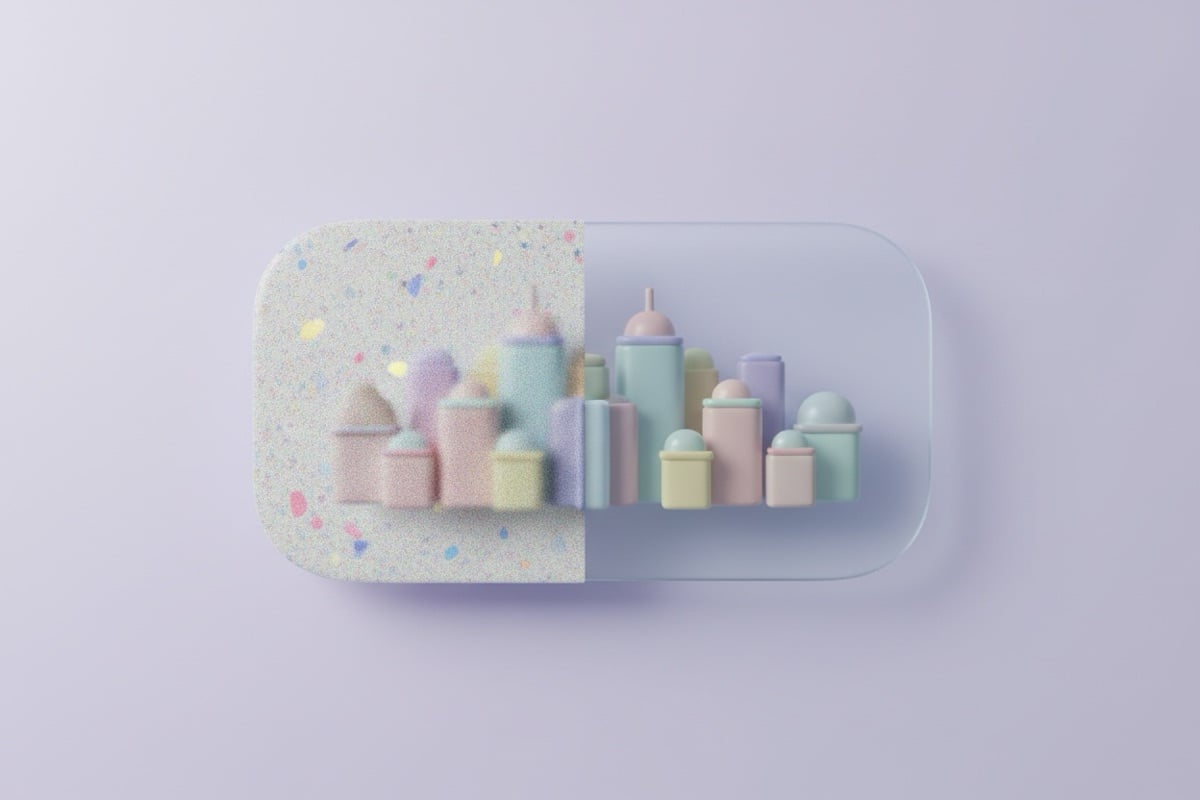
For a photo that's blurry because it's small or low resolution, an AI upscaler is the better tool: it rebuilds detail as it enlarges. For grainy low-light shots, denoise first, then sharpen.
Why the difference? Blur spreads each point of light over its neighbours, and a lot of that information is simply gone. Sharpening can only exaggerate the edges that survived. AI tools instead predict missing detail from what millions of other photos look like, which is why they can do more with a really soft or tiny image, at the cost of detail that is plausible rather than recorded.
| Problem | Best tool |
|---|---|
| Slightly soft photo | Sharpen Image |
| Small or low-resolution image | AI Image Upscaler |
| Grainy, noisy photo | Image Denoise, then sharpen |
| Dull, flat lighting | Image Enhancer or contrast |
Signs you've over-sharpened
If you see any of these, the original or a lighter edit was the better choice:
- Bright outlines (halos) along dark edges such as hair against sky.
- Skin that looks gritty or shows every pore.
- Noise in plain areas, like walls or sky, that suddenly looks speckled.
- Jagged diagonal lines in text or architecture.
- If in doubt, view both versions on the screen where the photo will actually be seen.