
Starbucks Mountain Watercolor Comparison
Generates a two-panel image pairing a realistic night Starbucks café beneath a misty mountain with a minimalist watercolor art-print version below.
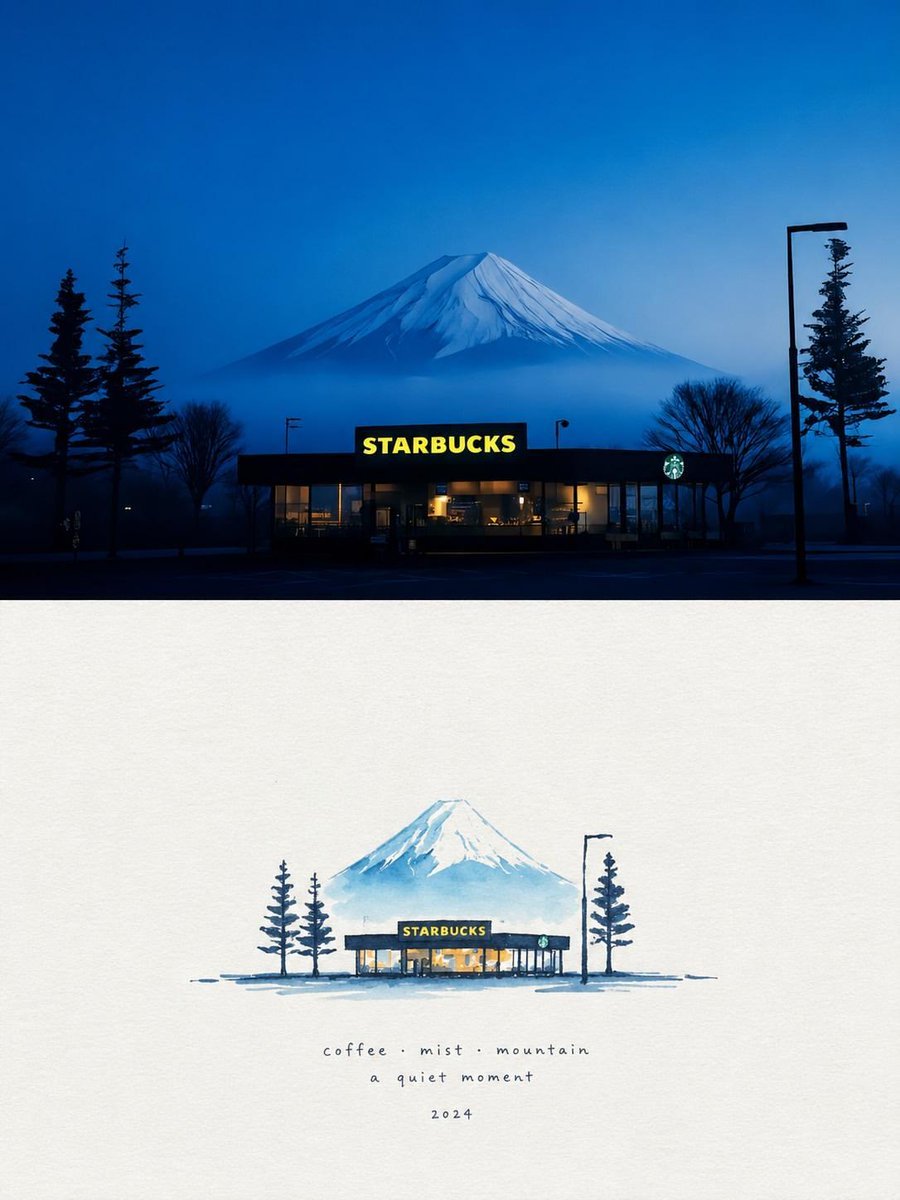
- Prompt included
- Model and format preset
- Free template
The prompt behind this image
Copy the exact prompt behind Starbucks Mountain Watercolor Comparison, or open it in the studio and make it yours.
Goal: Create a vertical comparison-style image showing a nighttime café-and-mountain scene transformed into a delicate watercolor art print. Canvas: Portrait 3:4 composition, divided into exactly 2 horizontal panels. The top panel occupies about the upper half and is a realistic night photograph; the bottom panel occupies the lower half and is a minimalist watercolor artwork on warm off-white paper. Top panel: A centered, single-story Starbucks café at night, seen from across a dark parking lot. Behind it is a large snow-capped Mount Fuji-like mountain rising in blue mist under a deep twilight blue sky. The café has a black roofline and glowing warm interior windows. Include exactly 2 visible Starbucks brand marks: 1 large bright yellow word sign reading {argument name="store sign text" default="STARBUCKS"} centered on the building, and 1 small circular green siren logo on the right side of the storefront. Surrounding silhouettes include exactly 5 prominent natural/urban elements: 2 tall conifer trees on the left, 1 leafless tree to the right of the building, 1 tall conifer tree near the far right, and 1 tall streetlamp on the far right with a simple rectangular lamp head. Keep the mood quiet, blue, misty, cinematic, and calm. Bottom panel: Recreate the same scene as a small hand-painted watercolor vignette centered on textured cream paper with lots of empty negative space. Paint the café, mountain, trees, and streetlamp in loose blue ink and pale watercolor washes. The miniature café should again include exactly 2 visible Starbucks brand marks: 1 tiny dark rectangular sign with yellow {argument name="store sign text" default="STARBUCKS"}, and 1 small green circular logo on the right. The watercolor version should include exactly 4 tree silhouettes: 2 thin conifers on the left of the café, 1 thin conifer on the right, and 1 simplified streetlamp beside it. Use soft bleeding edges, sparse brush marks, muted indigo shadows, and warm yellow window glow. Text content beneath the watercolor vignette: Add exactly 3 centered handwritten lines in small lowercase lettering: line 1 reads {argument name="caption line one" default="coffee · mist · mountain"}; line 2 reads {argument name="caption line two" default="a quiet moment"}; line 3 reads {argument name="year" default="2024"}. Use widely spaced, delicate gray-blue handwriting. Visual style: The top half should feel like a crisp realistic nighttime travel photograph; the bottom half should feel like a refined Japanese-inspired watercolor postcard or art print. Preserve the same subject alignment between panels: mountain centered behind the café, café centered below the mountain, tall lamp and conifer on the right, darker trees on the left. Constraints: No people, no cars, no extra signage beyond the counted Starbucks marks, no borders between panels except the natural transition from photo to paper, no watermark, keep the overall palette deep blue, pale cyan, cream paper, black silhouettes, and warm yellow café light.
How to use Starbucks Mountain Watercolor Comparison in 3 steps
- 1Upload ImagePNG, JPG or paste
Add your photo
Upload the photo the template builds on. The prompt, model and format are already set.
- 2…a portrait of your subject in softgolden-hour light, 85mm…
Personalize
Edit the subject and creative details for your destination.
- 3Generate
Generate
Press Generate — your image is created in PicX Studio, so you can compare it with the original and refine one variable at a time.
More like this
Templates with the same subject, style or setup. Open one to see its prompt.

Watercolor Anim Mountain Summit

Teen Girl Alpine Lake Mountain View

Mountain Lake Sunset Landscape
Mountain Overlook Watercolor Painting

Watercolor Anim Finale Fireworks

Watercolor Anim Garden Maze

Watercolor Anim Rooftop Concert

Watercolor Anim Bicycle Coast

Watercolor Anim Castle Gate

Watercolor Anim Kitchen Chaos

Watercolor Anim Carnival Ride

Watercolor Anim Rainy Bus Stop
Make it yours
Starbucks Mountain Watercolor Comparison works as-is. These are the safest ways to change it without losing the look.
Change one field
Copy a single group, rewrite it, and generate again so you can see what that field is doing.
Keep the frame, change the subject
Hold the composition and light of Starbucks Mountain Watercolor Comparison, then swap wardrobe, props or the person for a new take.
| If the result… | Why | Fix |
|---|---|---|
| The result drifts from the preview | Too many fields changed at once. | Reuse Starbucks Mountain Watercolor Comparison as-is first, then change one group — subject, light, or setting. |
| The model over-stylizes the scene | The prose prompt leaves finish and camera underspecified. | Add one camera or lighting sentence and stay on GPT Image 2. |
More GPT Image 2 templates
Other prompts made for GPT Image 2.

Six VTuber Japanese Logo Sheet

Realistic Portrait of Woman and Deer

The Vista Modular Condo Poster

AI Model Routing Comparison Infographic

2.5D Anime Art Board

Isometric Productivity Desk Scene

New York Double Exposure Poster

Four-Panel AI Landscape Comparison

Japanese Tatami Lifestyle Magazine Cover

NESCAFÉ Coffee Map Poster
More image prompts
Fresh picks from across the catalog.
Mirror reflection portrait prompt
Cinematic Dark Thriller Movie Poster
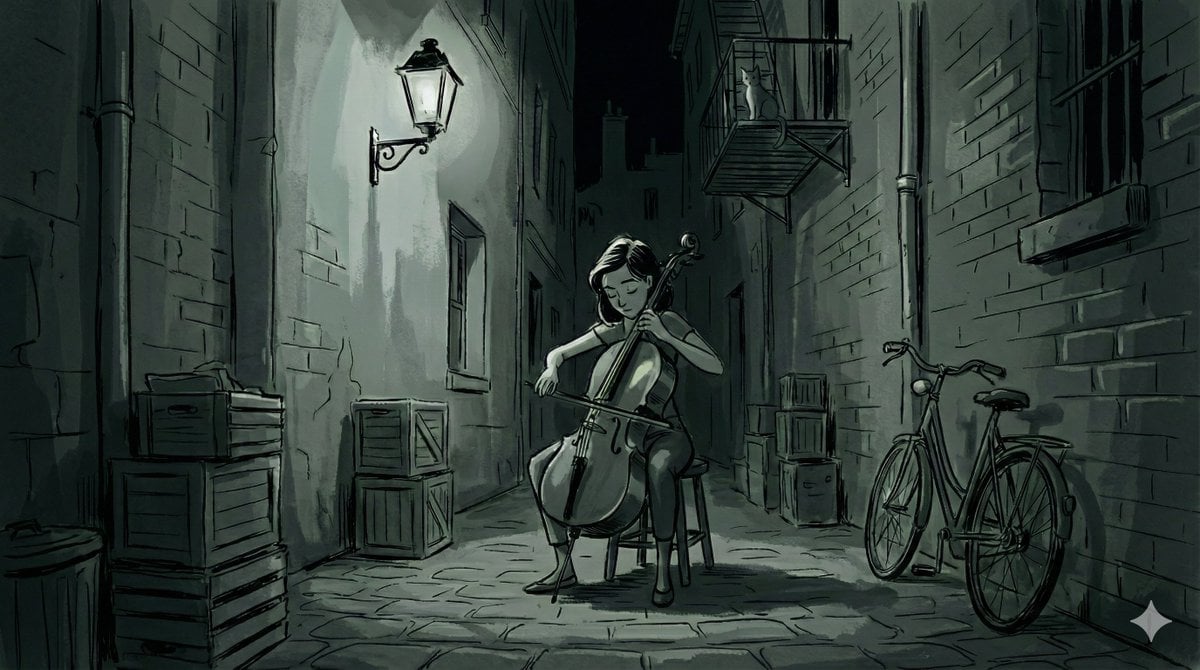
Nano Banana Pro Style Variations
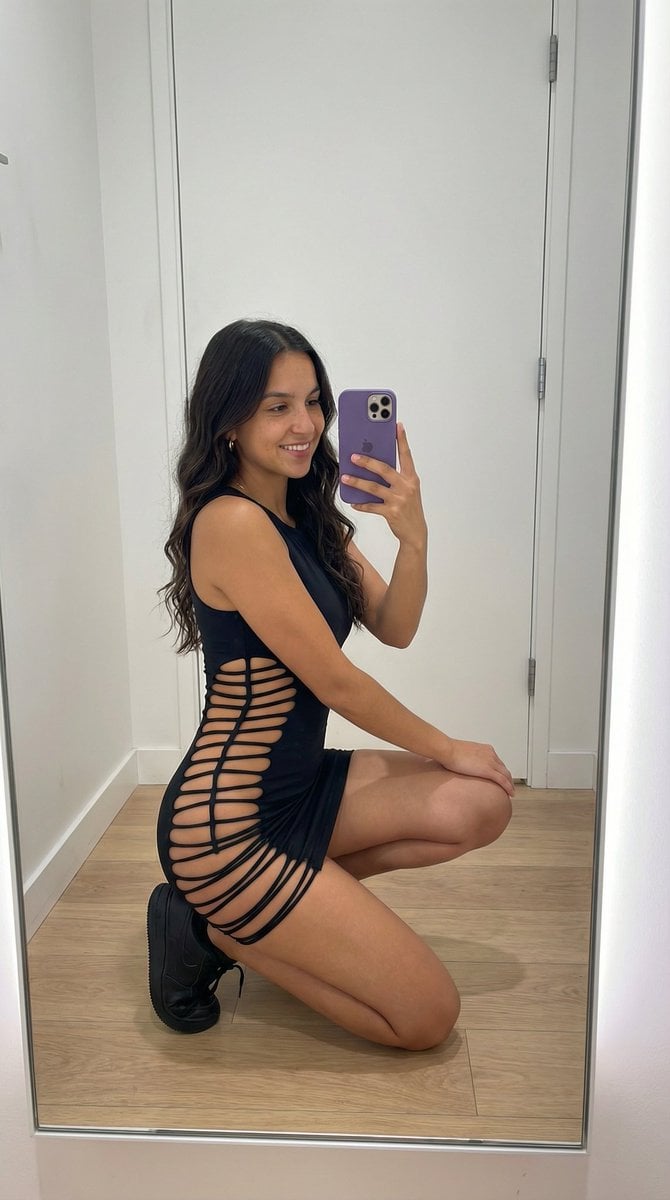
Avant-Garde Athleisure Mirror Selfie Prompt
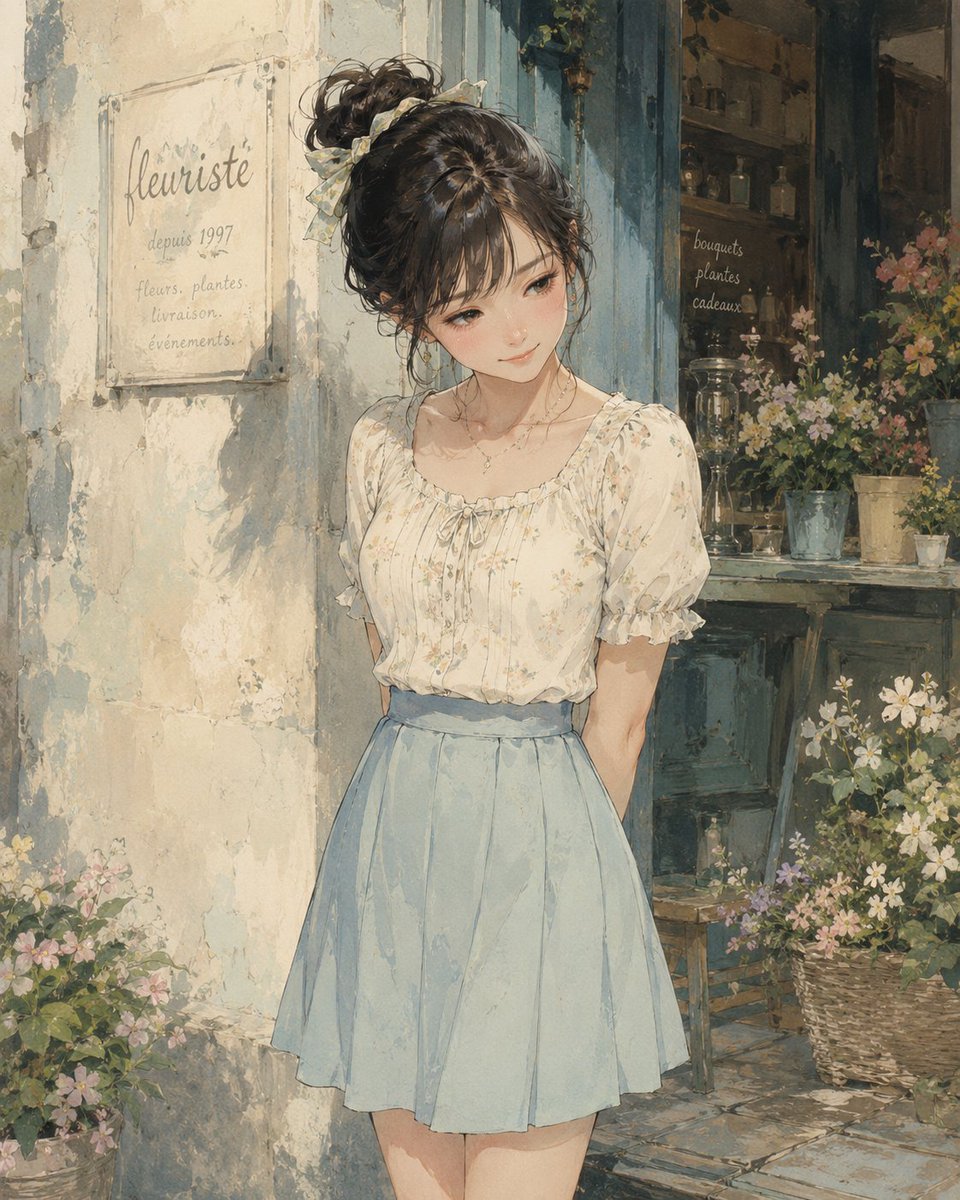
Watercolor Flower Shop Portrait
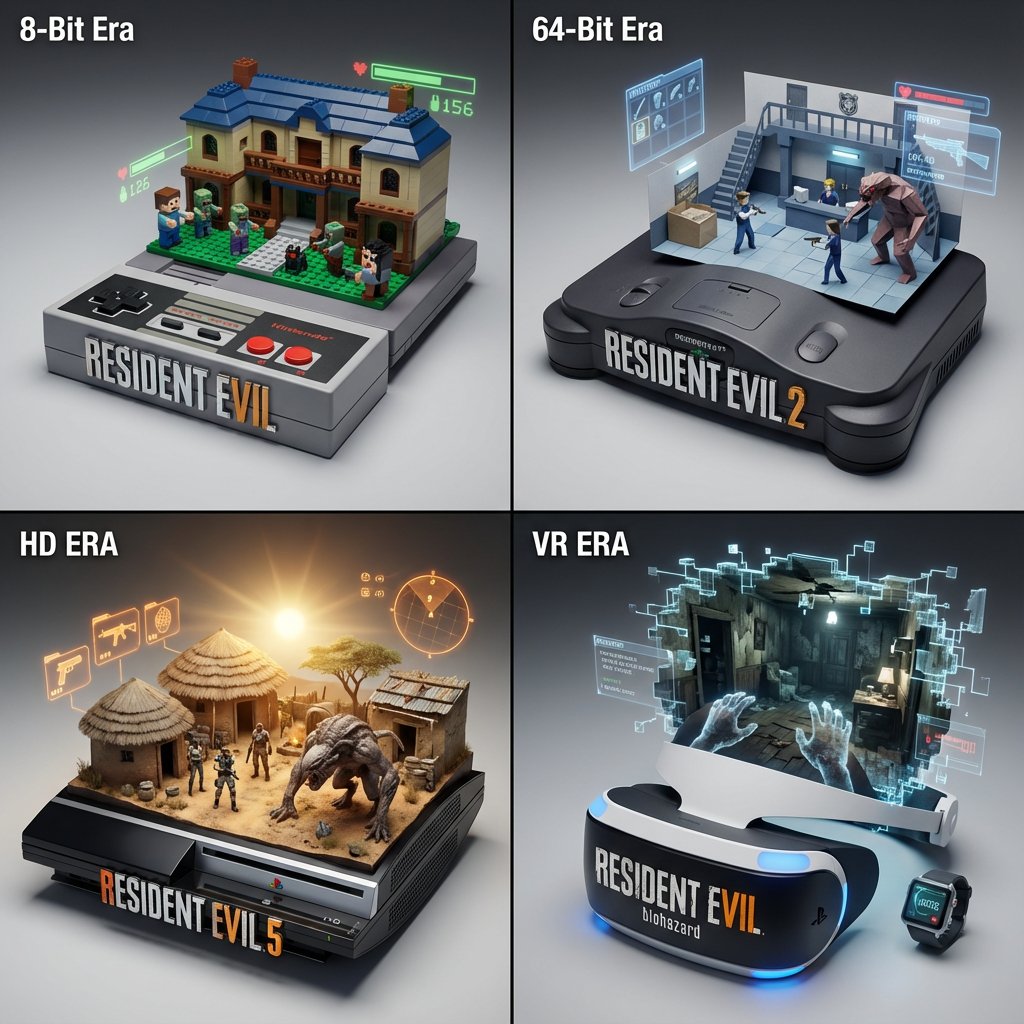
Gaming History Console Architecture Grid Template
Dark Fantasy Double Exposure Poster
Y2K Grunge Flash Photography Portrait JSON
Dua Lipa Style Photo Set Generation Prompt
Introspective Man in Motion-Blurred City Crowd
Browse template categories
Starbucks Mountain Watercolor Comparison questions
How do I use the Starbucks Mountain Watercolor Comparison template?
Add your photo if the template asks for one, edit the prompt if you like — the template's model and format are already selected — and press Generate. Your version opens in PicX Studio.
Can I customize the Starbucks Mountain Watercolor Comparison template?
Yes. You can change the subject, setting, lighting, mood, format, and available model controls before creating your image.
Is the Starbucks Mountain Watercolor Comparison template free?
Opening and editing this template is free. Generating uses credits, shown on the Generate button when you are signed in.
Which AI model should I use?
Start with GPT Image 2, which is the model associated with this template. You can compare another compatible model for a different finish.
Looking for something else? Browse all templates.

Your photo, any look
Thousands of ready templates for every top image and video model, from one credit balance.