
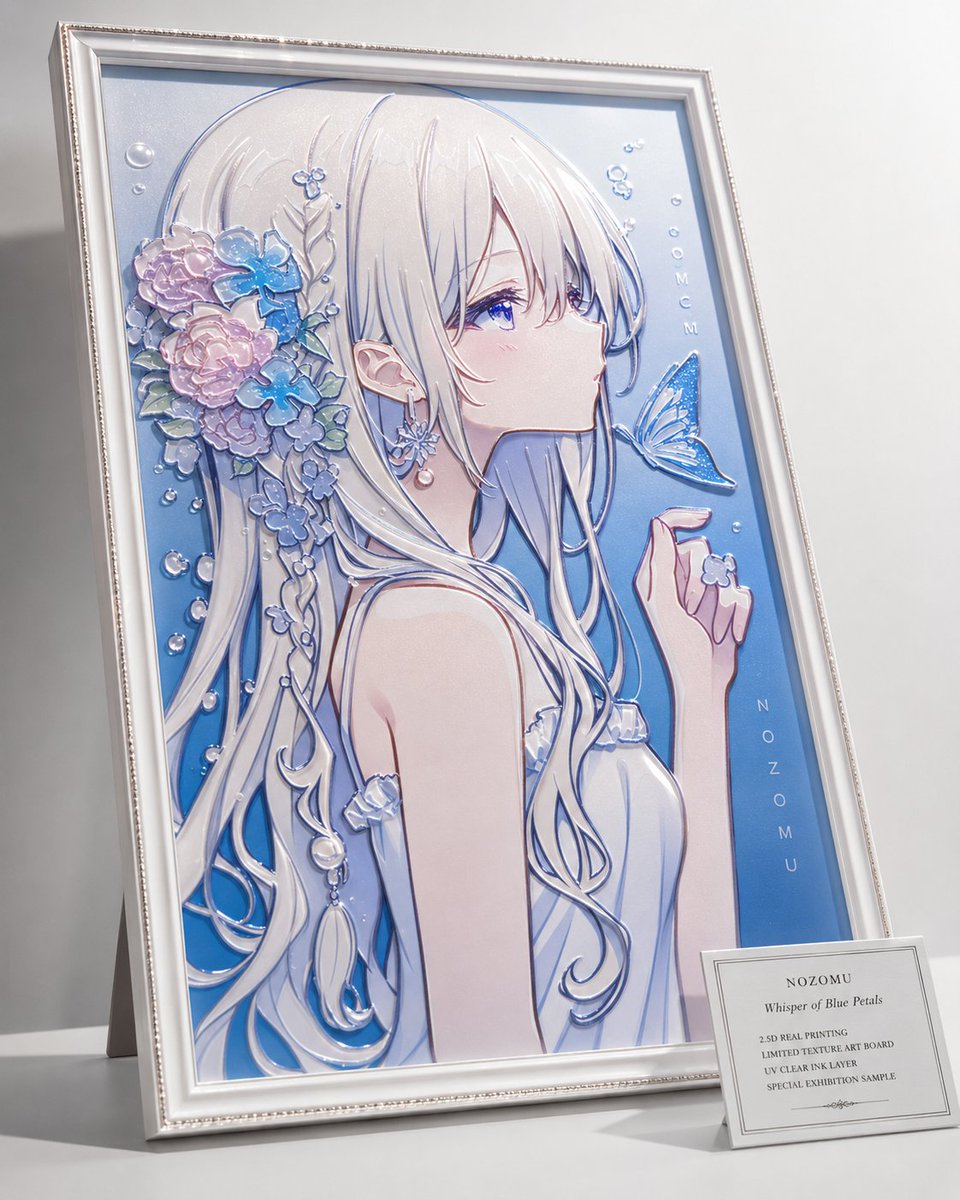
2.5D Anime Art Board
Generates a premium framed anime portrait styled as a tactile 2.5D UV clear-ink printed exhibition art board.
- Prompt included
- Model and format preset
- Premium template
The prompt behind this image
Copy the exact prompt behind 2.5D Anime Art Board, or open it in the studio and make it yours.
Create a premium 2.5D realistic printed art board displayed as a physical gallery object: a framed vertical anime portrait of {argument name="character name" default="NOZOMU"}, shown leaning slightly backward on a white tabletop against a soft gray studio background. The artwork is not a figurine; it is a high-end textured UV clear-ink print where only selected parts rise glossy and tactile from the flat board. The character is a delicate young anime girl in side profile facing right, with very long flowing {argument name="hair color" default="pearl white silver"} hair, violet-blue eyes, pale skin, a calm wistful expression, and a light blue-white sleeveless dress with ruffled trim. Emphasize raised translucent gloss on exactly these feature groups: 1 eye highlights and irises, 2 individual hair strands and outlines, 3 floral hair ornaments, 4 ribbon-like hair accessories and dangling jewelry, 5 butterfly wings, 6 water droplets and bubbles, 7 dress ruffles and blue line art accents. Include exactly one large blue butterfly hovering near her lips and exactly one tiny flower held near her raised right hand. Her hair decoration contains a clustered arrangement of pastel flowers, including pink roses, blue hydrangea-like blossoms, small lavender flowers, green leaves, pearl beads, and dangling teardrop ornaments, all rendered with embossed clear resin shine. The portrait background is a smooth blue gradient with small bubble motifs; add vertical text inside the artwork reading {argument name="vertical artwork text" default="NOZOMU"} along the right side, plus small decorative letters near the upper right that resemble bubbles. Use a white ornate frame with beveled molding, silver inner trim, and a subtle beaded edge; the framed board casts realistic shadows and reflections. Place a small white museum-style label card leaning at the lower right in front of the frame. The label should read: {argument name="label title" default="NOZOMU"}, then “Whisper of Blue Petals”, then “2.5D REAL PRINTING”, “LIMITED TEXTURE ART BOARD”, “UV CLEAR INK LAYER”, and “SPECIAL EXHIBITION SAMPLE”. Style: ultra-clean product photography, soft diffused lighting, shallow depth of field, crisp macro detail, pearlescent pastel palette, glossy raised resin texture, realistic print-material edges, luxurious collectible art-board presentation. Avoid making it look like a 3D figurine, sculpture, or plain flat poster; the character image must remain printed on the board while the glossy details appear physically raised.
How to use 2.5D Anime Art Board in 3 steps
- 1Upload ImagePNG, JPG or paste
Add your photo
Upload the photo the template builds on. The prompt, model and format are already set.
- 2…a portrait of your subject in softgolden-hour light, 85mm…
Personalize
Edit the subject and creative details for your destination.
- 3Generate
Generate
Press Generate — your image is created in PicX Studio, so you can compare it with the original and refine one variable at a time.
More like this
Templates with the same subject, style or setup. Open one to see its prompt.
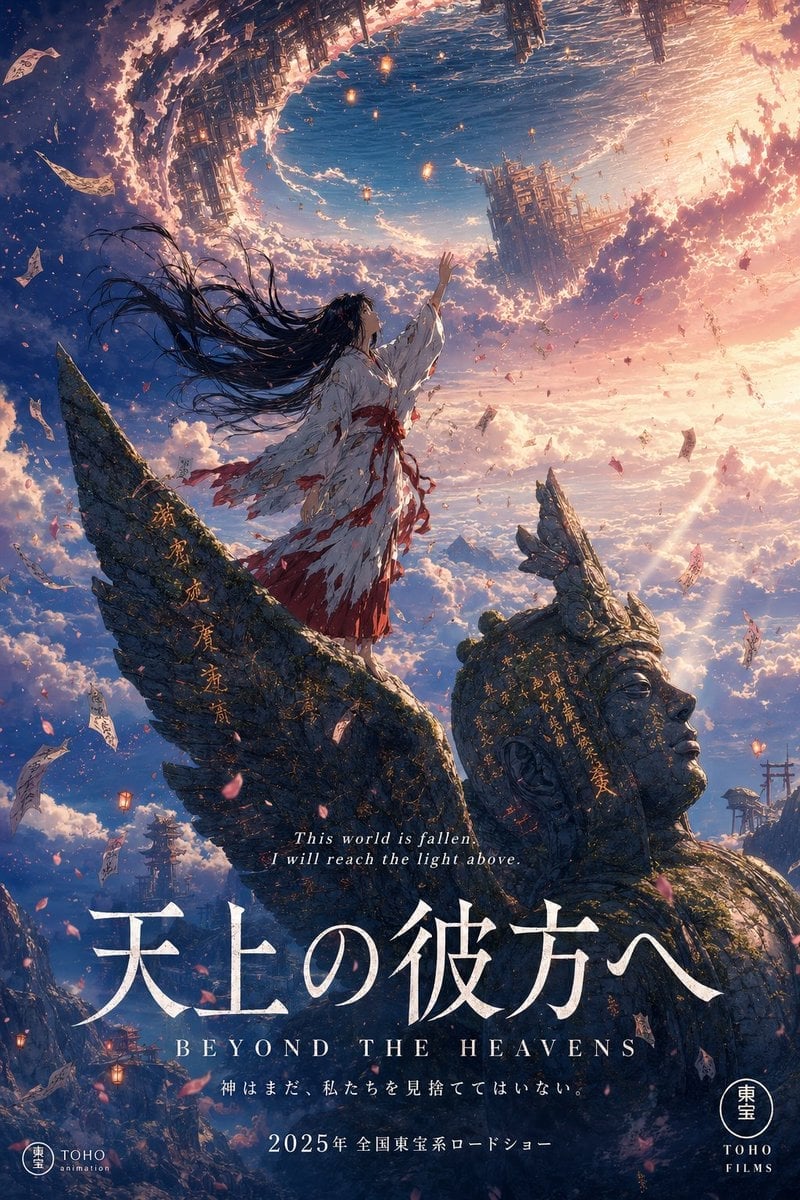
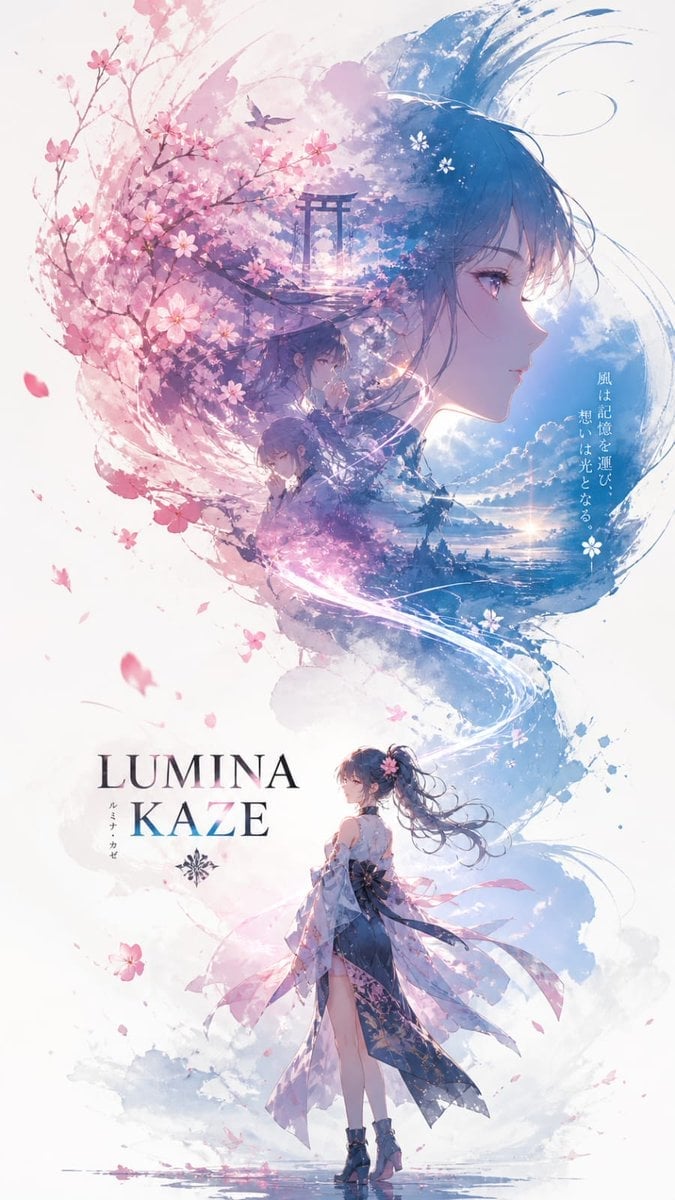
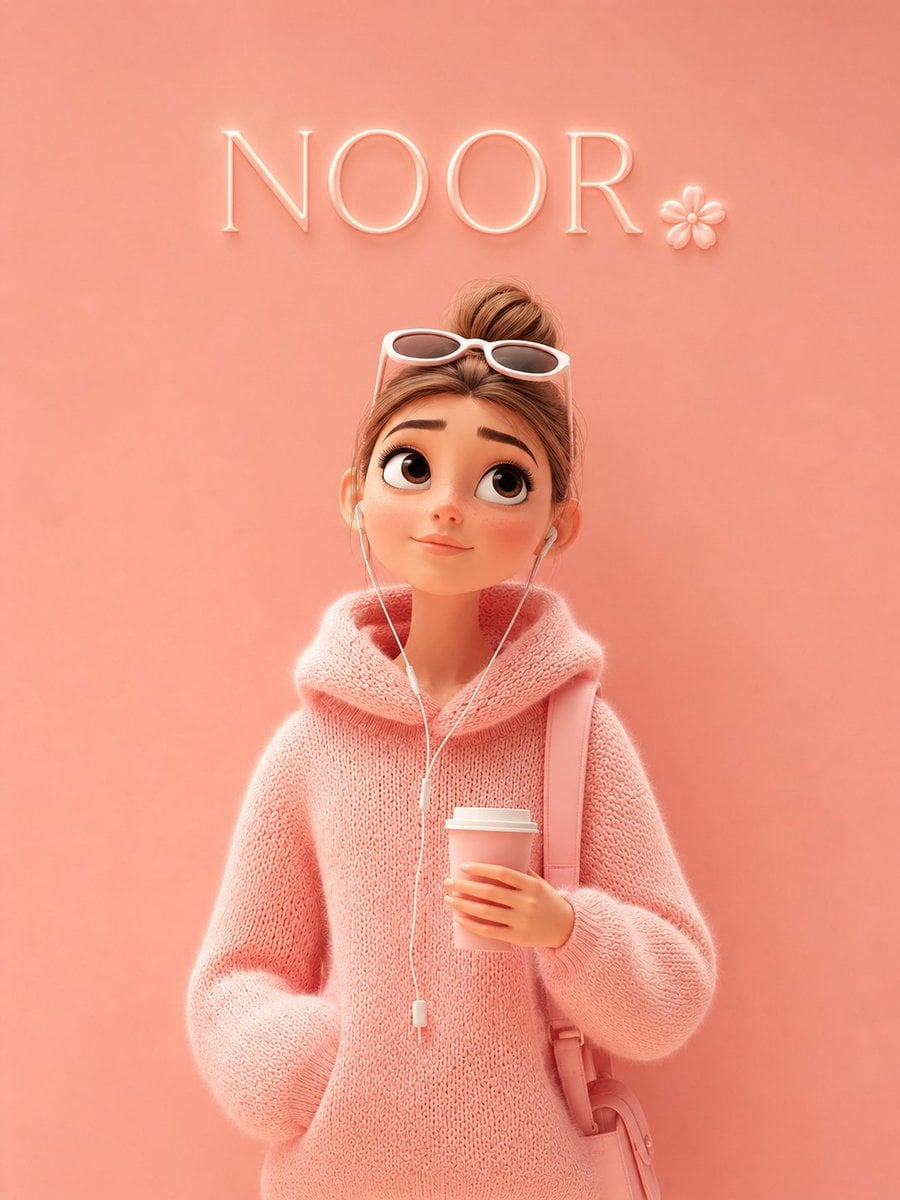
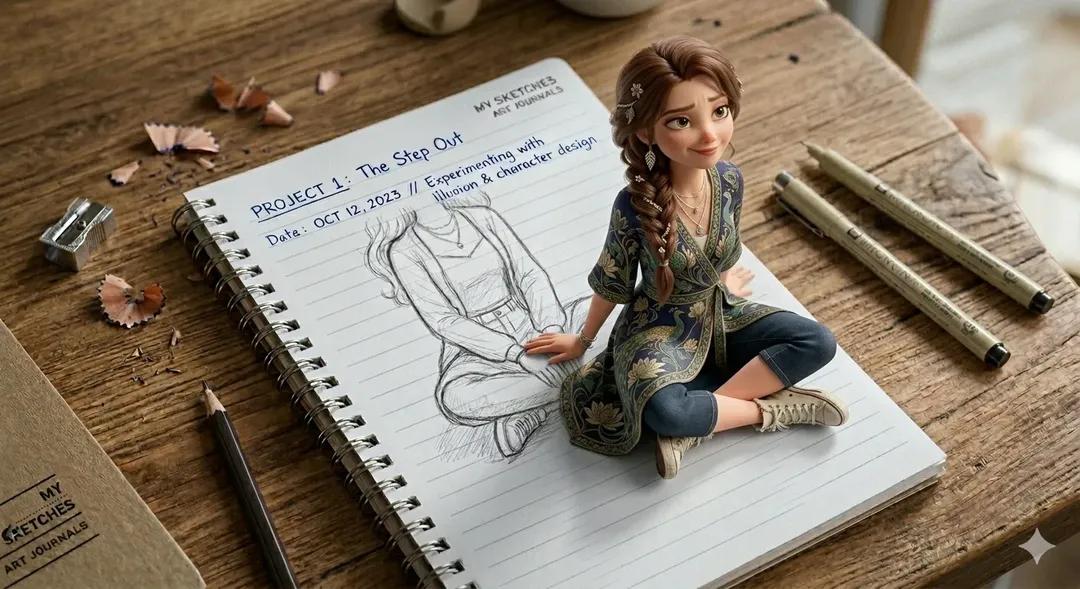
Make it yours
2.5D Anime Art Board works as-is. These are the safest ways to change it without losing the look.
Change one field
Copy a single group, rewrite it, and generate again so you can see what that field is doing.
Keep the frame, change the subject
Hold the composition and light of 2.5D Anime Art Board, then swap wardrobe, props or the person for a new take.
| If the result… | Why | Fix |
|---|---|---|
| The result drifts from the preview | Too many fields changed at once. | Reuse 2.5D Anime Art Board as-is first, then change one group — subject, light, or setting. |
| The model over-stylizes the scene | The prose prompt leaves finish and camera underspecified. | Add one camera or lighting sentence and stay on GPT Image 2. |
More GPT Image 2 templates
Other prompts made for GPT Image 2.
Six VTuber Japanese Logo Sheet
Realistic Portrait of Woman and Deer
The Vista Modular Condo Poster
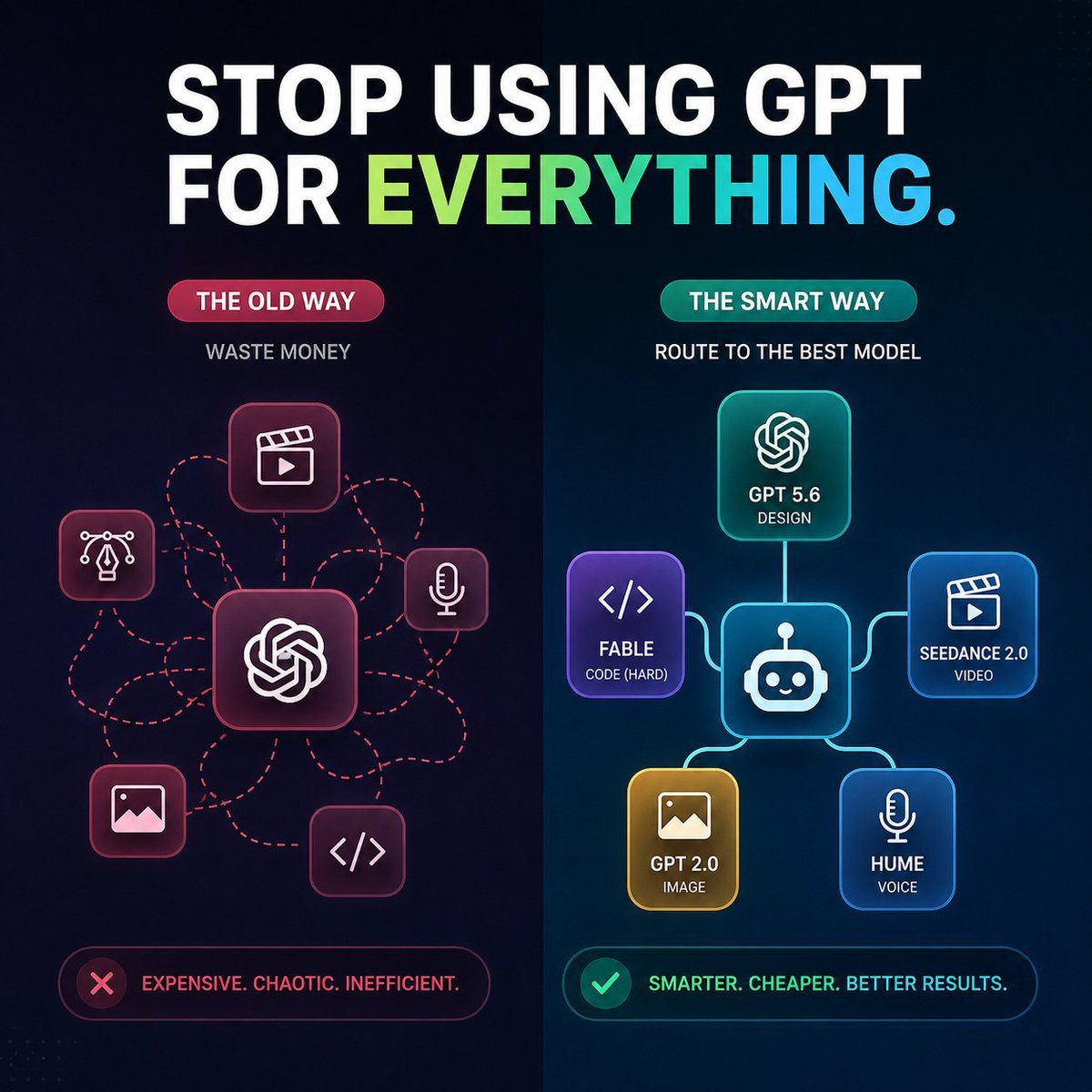
AI Model Routing Comparison Infographic
Isometric Productivity Desk Scene
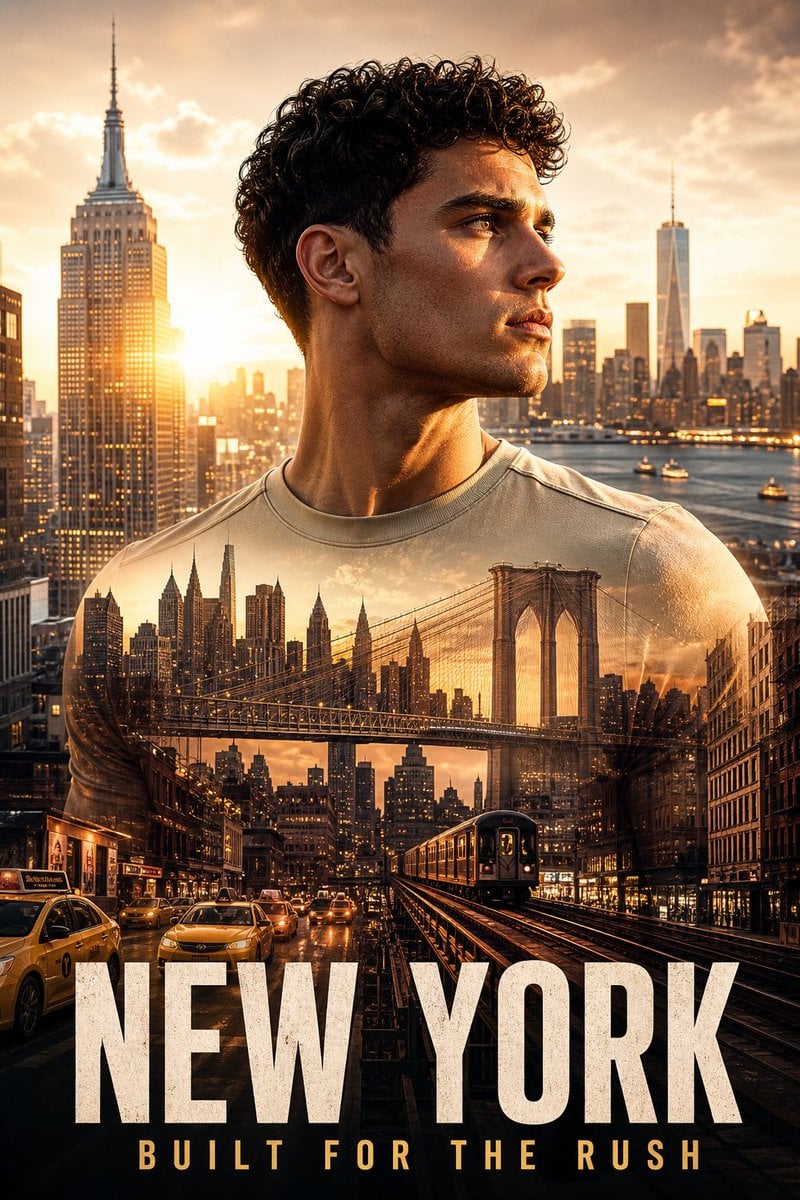
New York Double Exposure Poster
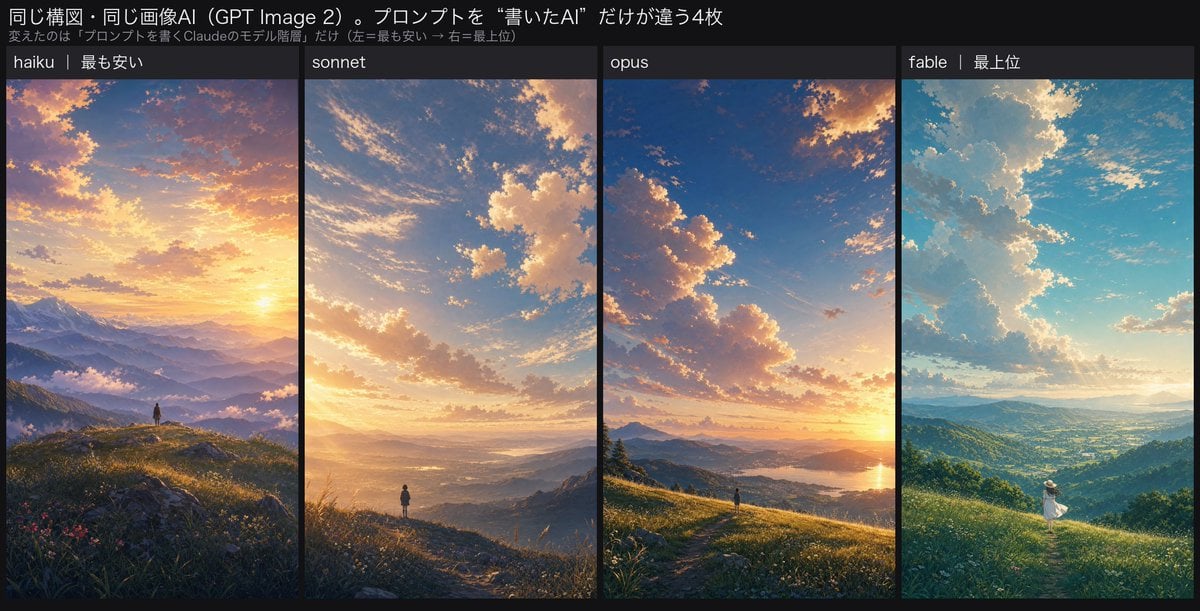
Four-Panel AI Landscape Comparison
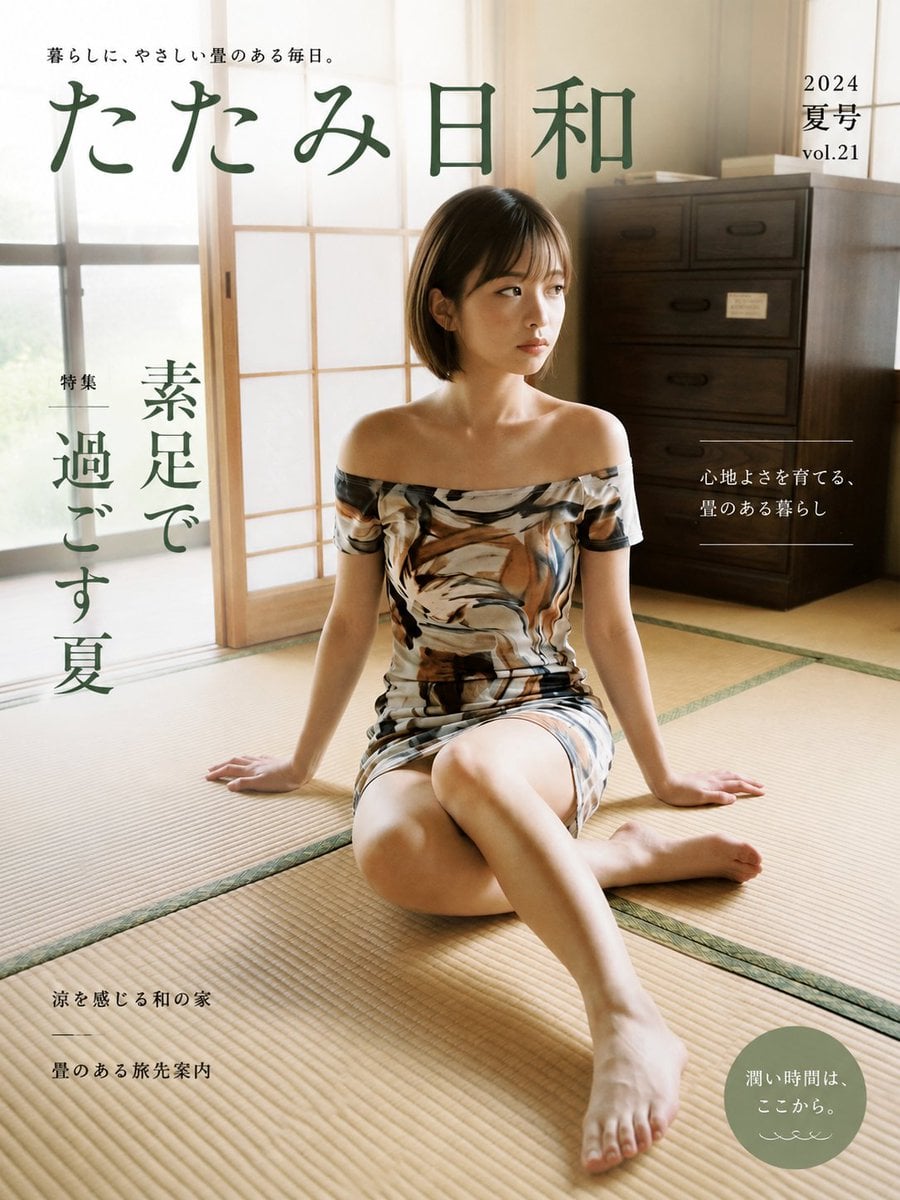
Japanese Tatami Lifestyle Magazine Cover
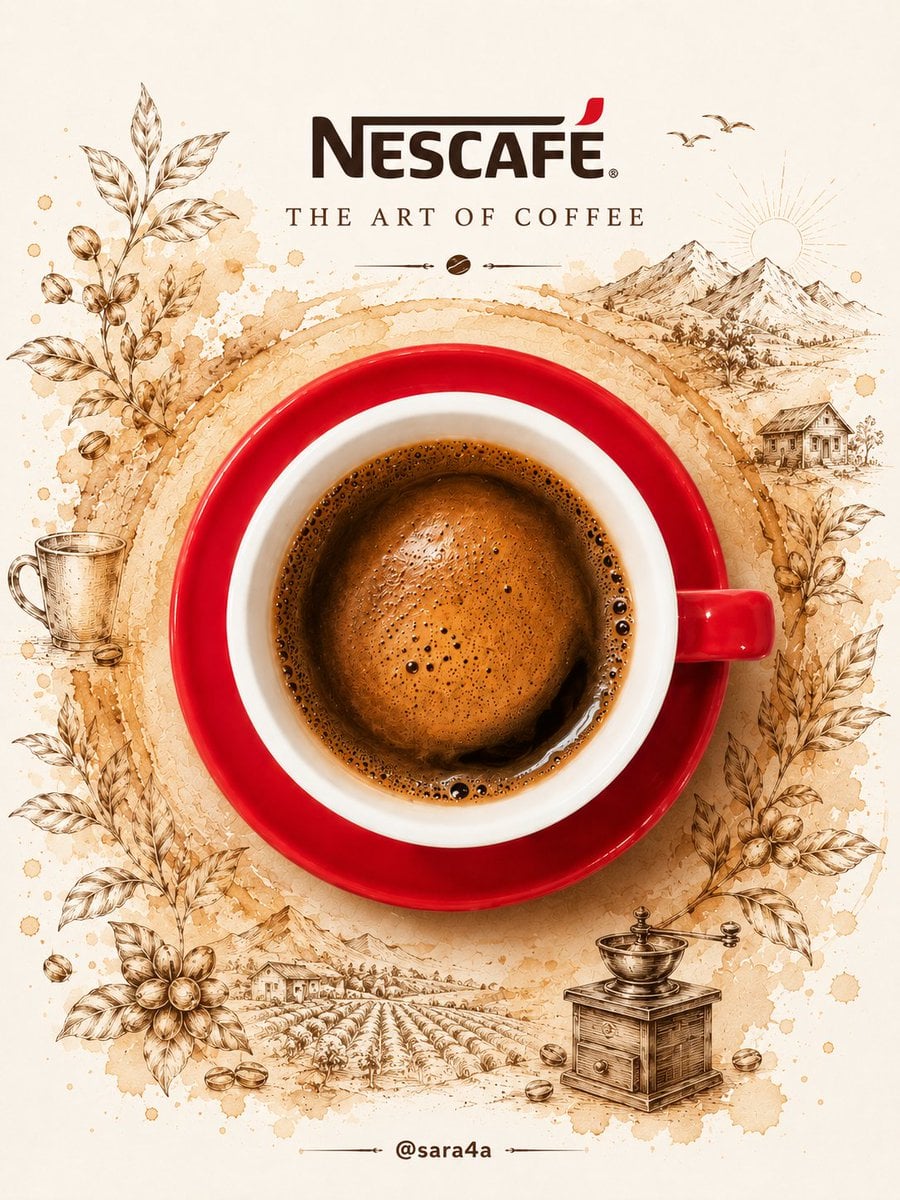
NESCAFÉ Coffee Map Poster
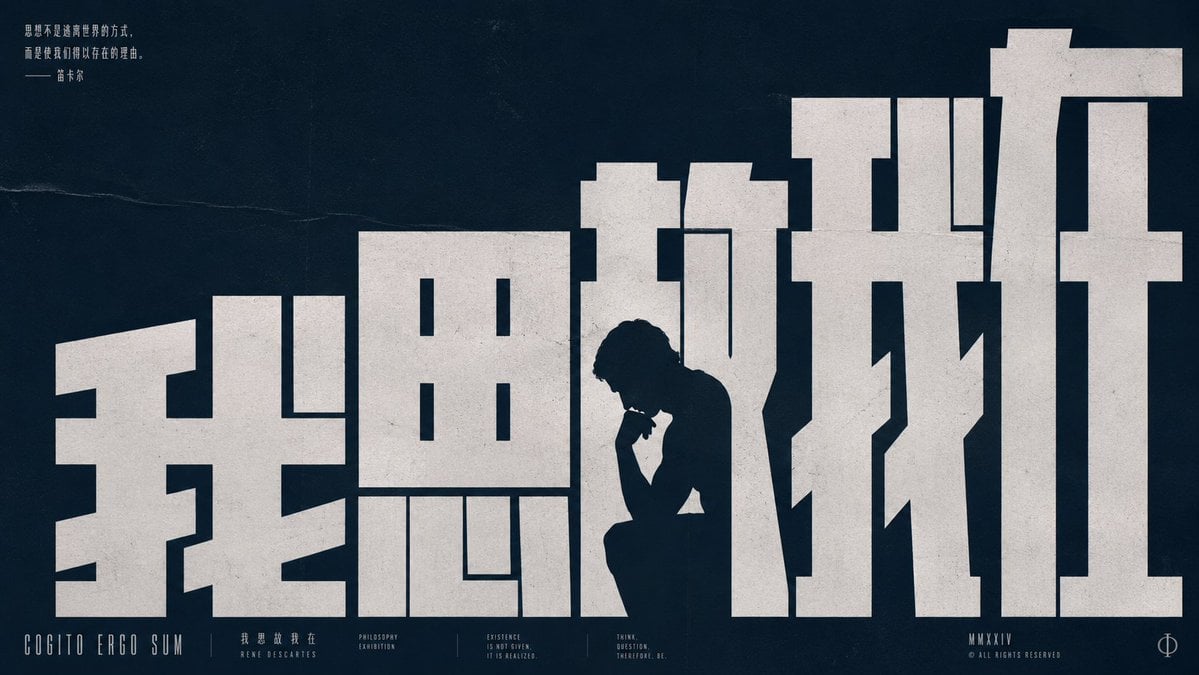
Brutalist Cogito Chinese Typography Poster
More image prompts
Fresh picks from across the catalog.
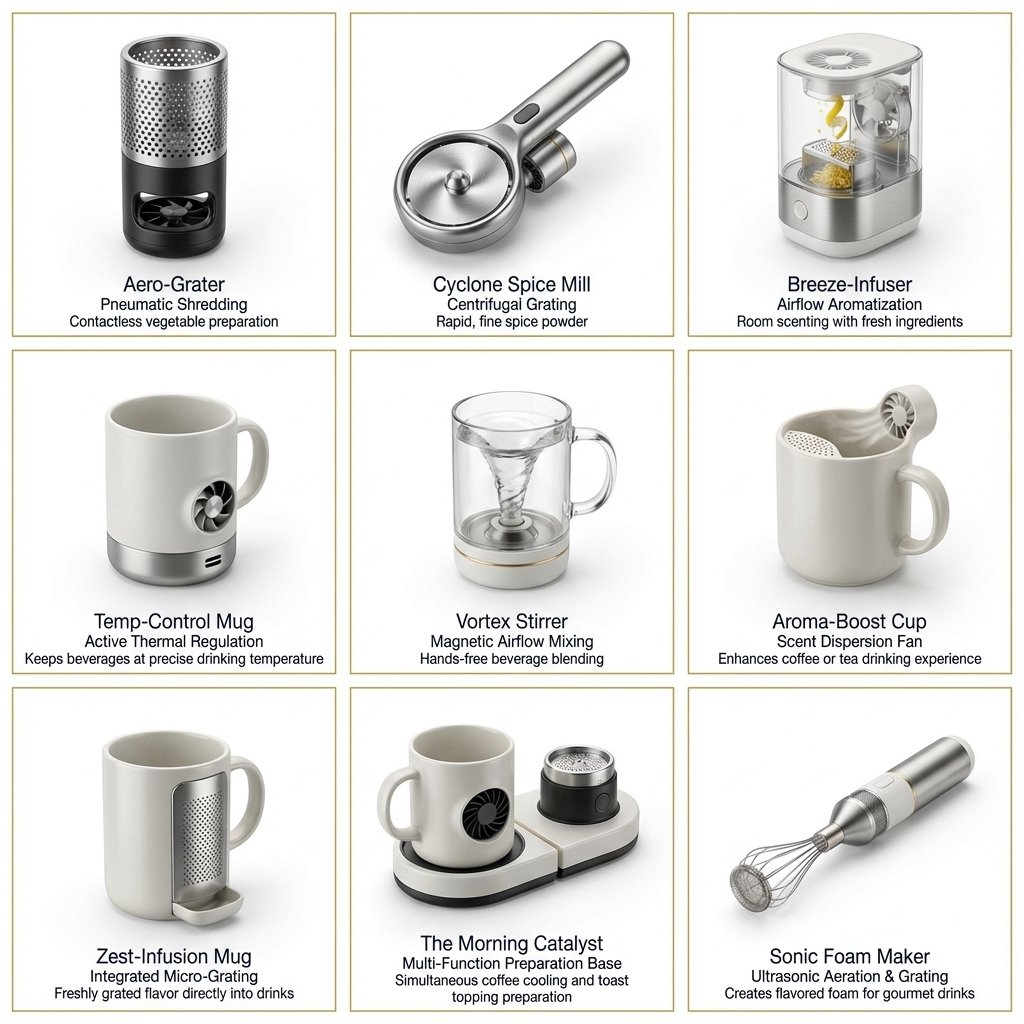
Two-Phase Prompt for Absurd Product Fusion Concepts
Arabic Font Types Infographic
Knight Mecha Girl Model Kit Poster
Japanese Negative Film Aesthetic
Literary Deep-Dive Recommendation Engine Prompt
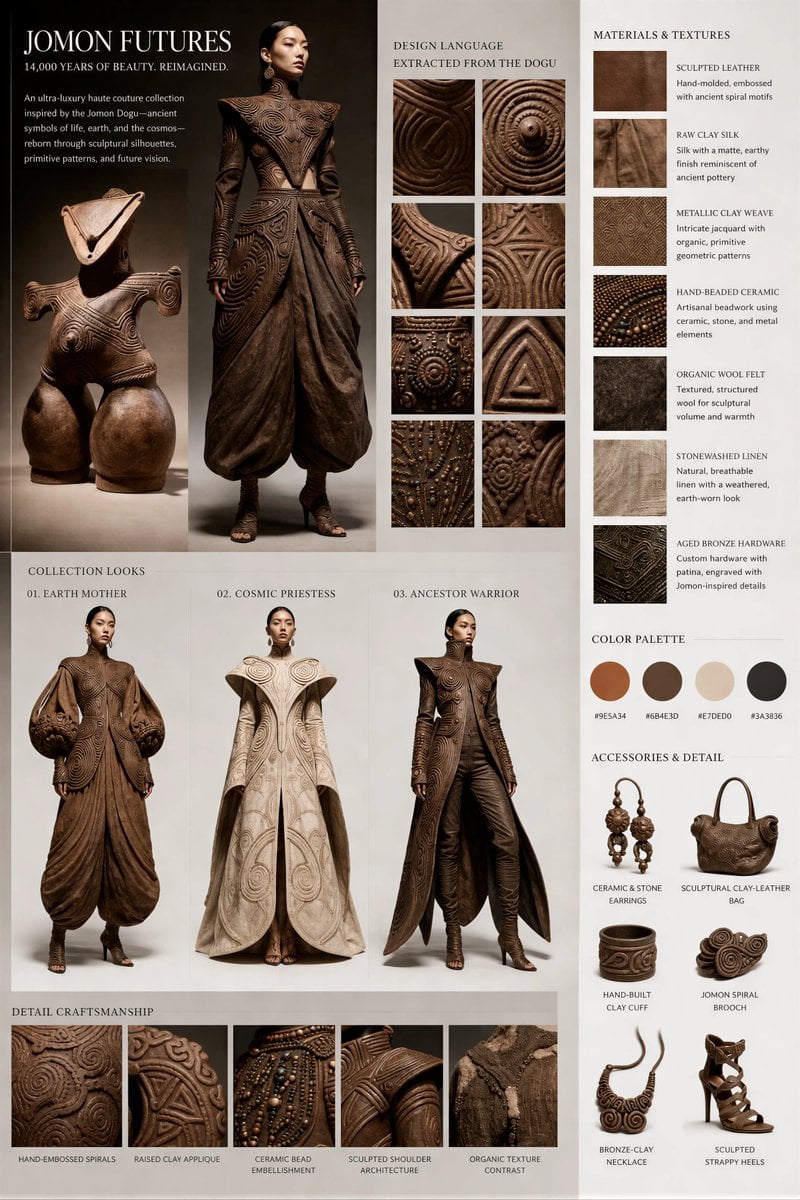
Jomon Dogu Couture Moodboard
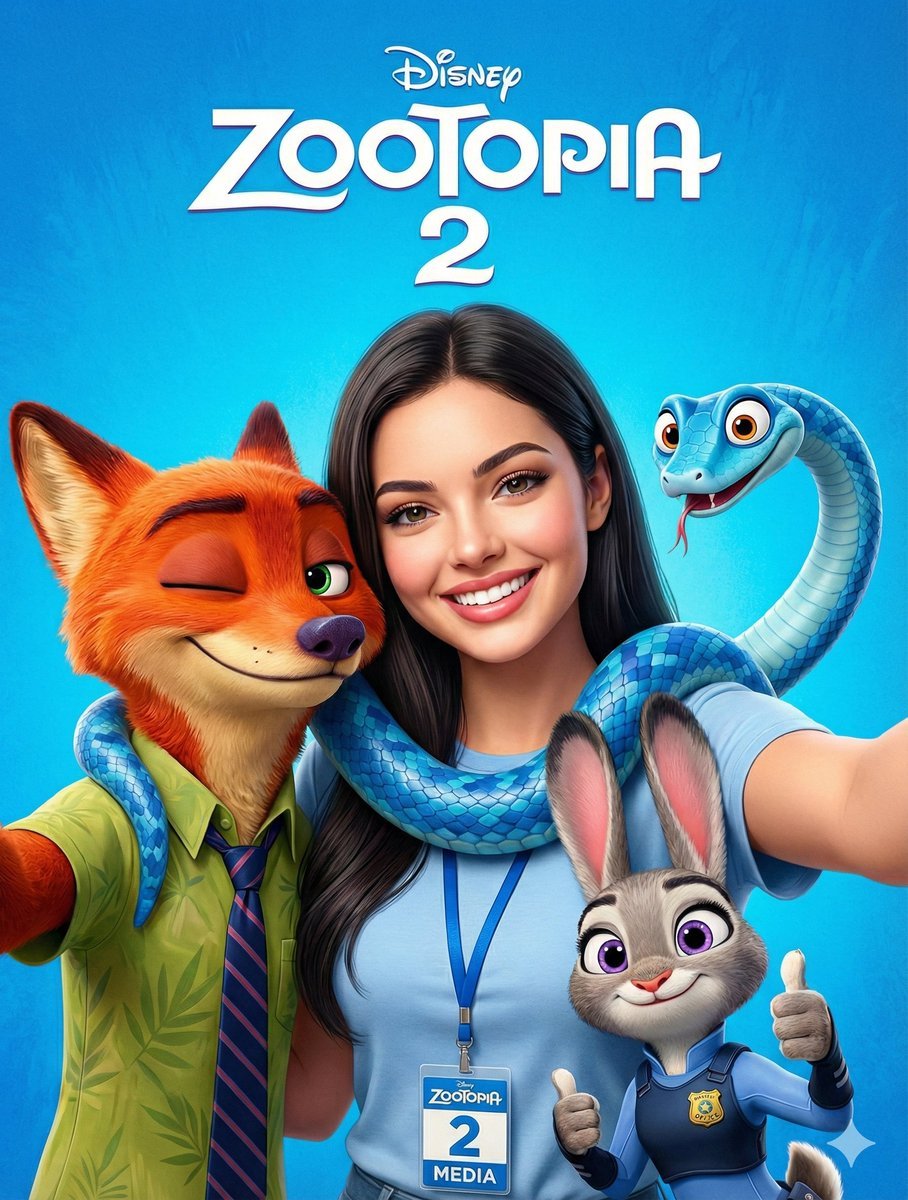
Zootopia 2 Promotional Selfie
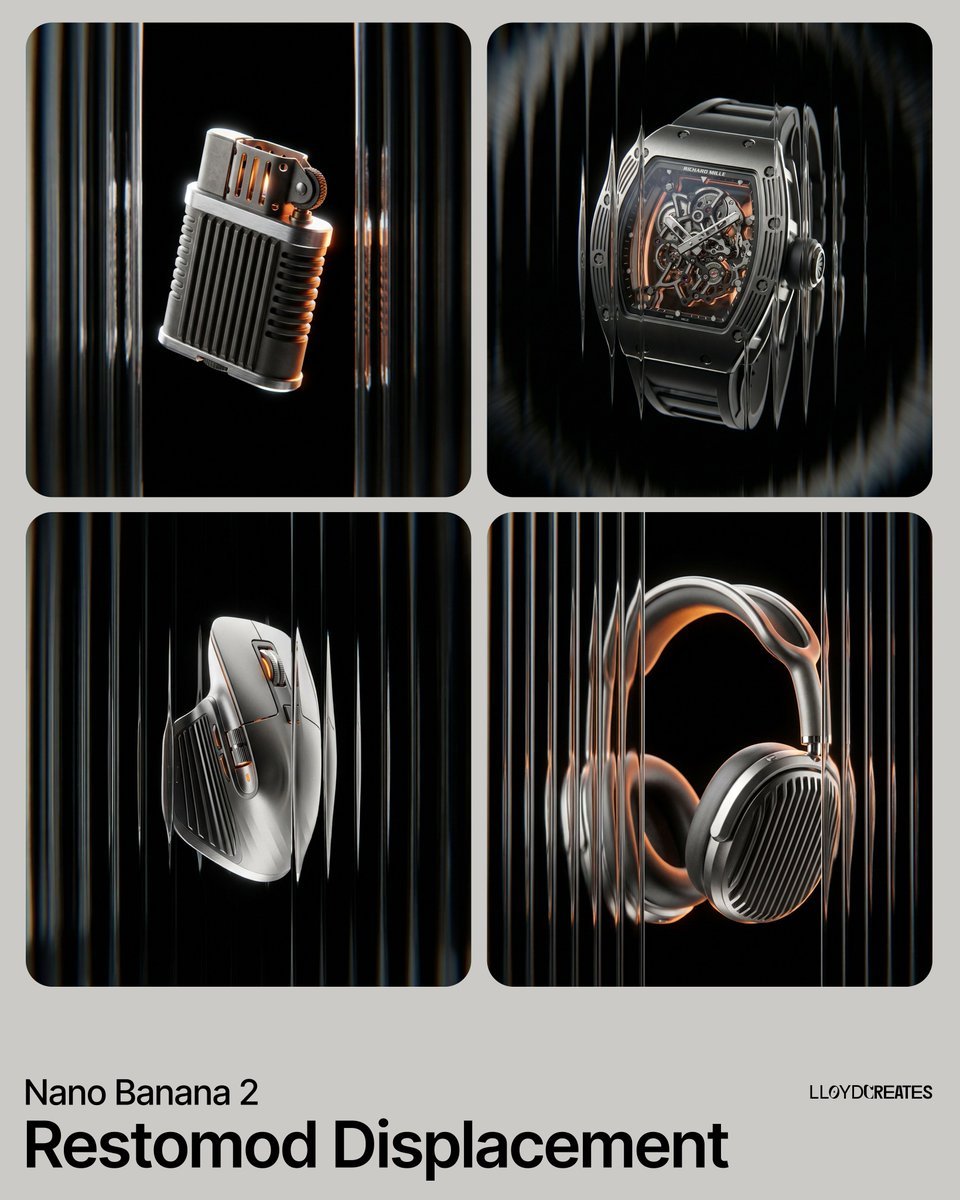
Restomod Product Shot with Chiaroscuro Lighting
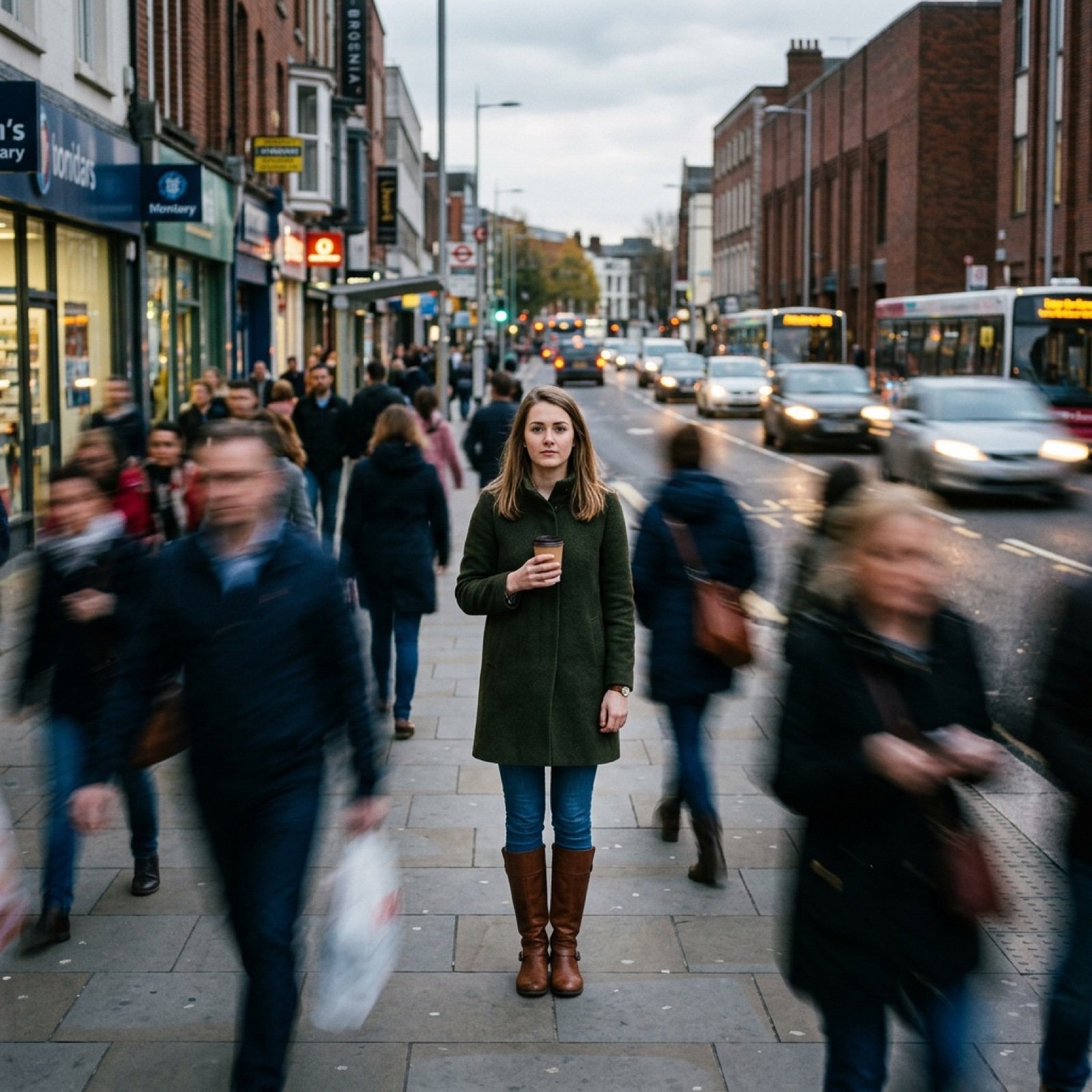
Motion Prompt: Static Subject with Dynamic Background
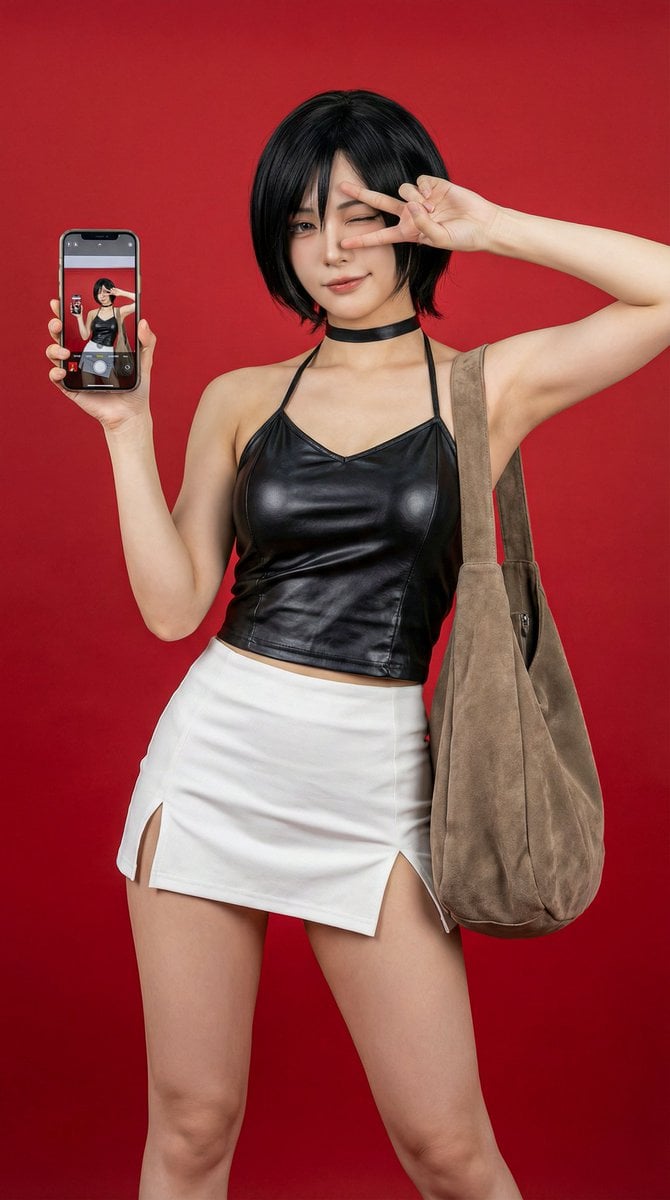
Photorealistic Ada Wong Cosplay Selfie
Browse template categories
2.5D Anime Art Board questions
How do I use the 2.5D Anime Art Board template?
Add your photo if the template asks for one, edit the prompt if you like — the template's model and format are already selected — and press Generate. Your version opens in PicX Studio.
Can I customize the 2.5D Anime Art Board template?
Yes. You can change the subject, setting, lighting, mood, format, and available model controls before creating your image.
Is the 2.5D Anime Art Board template free?
Opening and editing this template is free. Generating uses credits, shown on the Generate button when you are signed in.
Which AI model should I use?
Start with GPT Image 2, which is the model associated with this template. You can compare another compatible model for a different finish.
Looking for something else? Browse all templates.

Your photo, any look
Thousands of ready templates for every top image and video model, from one credit balance.