
New York Double Exposure Poster
A cinematic urban athlete poster blending a male portrait with Manhattan landmarks, traffic, subway tracks, and bold city typography for commercial travel or sports branding.

- Prompt included
- Model and format preset
- Premium template
The prompt behind this image
Copy the exact prompt behind New York Double Exposure Poster, or open it in the studio and make it yours.
Goal: Create a cinematic commercial double-exposure city poster for {argument name="city name" default="NEW YORK"}, featuring a {argument name="subject" default="handsome adult male urban athlete"} as the dominant foreground figure. Canvas: Vertical poster, 2:3 aspect ratio, high-resolution photorealistic advertising style, warm golden-hour color grade, dramatic contrast, sharp detail, no border or watermark. Composition: Center the upper body of the male subject from chest to top of hair, facing slightly to the viewer’s right. His face is mostly hidden by a plain opaque rectangular block in warm dark brown, covering the central face area while leaving curly dark hair, ear, neck, shoulders, and shirt visible. Place him against a glowing Manhattan skyline at sunset, with the Empire State Building clearly visible on the left and One World Trade Center visible in the right background. Use sun flare and hazy orange clouds behind the buildings. Double exposure effect: Blend a detailed New York city scene into the subject’s beige crewneck shirt and torso. The torso overlay must include exactly 5 major visible urban elements: 1) the Brooklyn Bridge spanning across the chest, 2) dense Manhattan skyscrapers behind the bridge, 3) an elevated subway train running toward the viewer near the lower center-right, 4) yellow taxis and traffic on a wet city street at the lower left, and 5) glowing shopfronts and building facades along both sides of the lower street. Make the city overlay feel naturally integrated into the fabric, with transparent edges and warm reflections. Typography: At the bottom, add a huge bold condensed distressed uppercase title reading {argument name="headline text" default="NEW YORK"} in off-white, spanning nearly the full width. Beneath it, add a smaller widely spaced uppercase subtitle reading {argument name="subtitle text" default="BUILT FOR THE RUSH"} in warm golden yellow. Keep the typography centered and poster-like, with the title partially overlapping the lower city scene. Visual style: Commercial sports-lifestyle poster, gritty urban energy, cinematic realism, golden sunset lighting, wet asphalt reflections, high dynamic range, layered double exposure, premium travel campaign mood, strong depth, crisp architectural details, dramatic but believable lighting. Constraints: Use only one foreground person, exactly one large city title and one subtitle, no extra logos, no additional text, no visible brand marks, no cartoon styling, no futuristic elements, no duplicated faces.
How to use New York Double Exposure Poster in 3 steps
- 1Upload ImagePNG, JPG or paste
Add your photo
Upload the photo the template builds on. The prompt, model and format are already set.
- 2…a portrait of your subject in softgolden-hour light, 85mm…
Personalize
Edit the subject and creative details for your destination.
- 3Generate
Generate
Press Generate — your image is created in PicX Studio, so you can compare it with the original and refine one variable at a time.
More like this
Templates with the same subject, style or setup. Open one to see its prompt.

Spider-Man Night Swing New York Cinematic
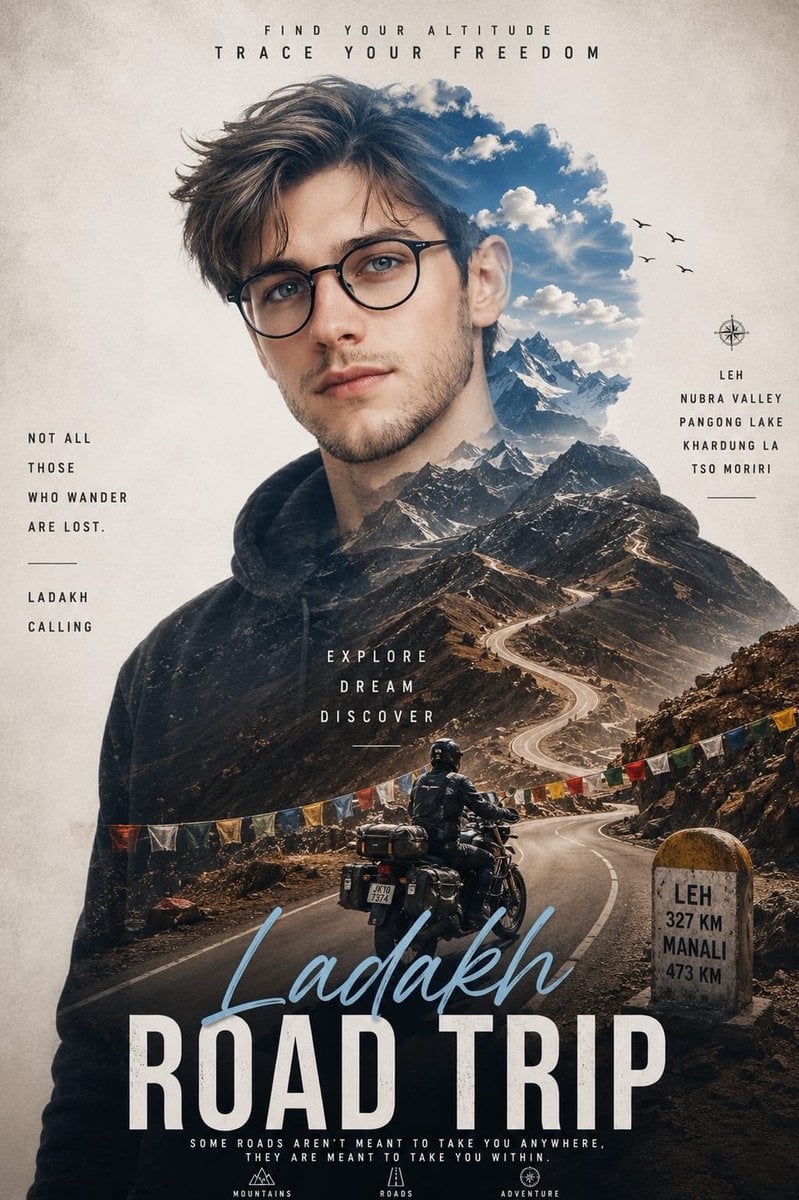
Double Exposure Ladakh Road Trip Poster
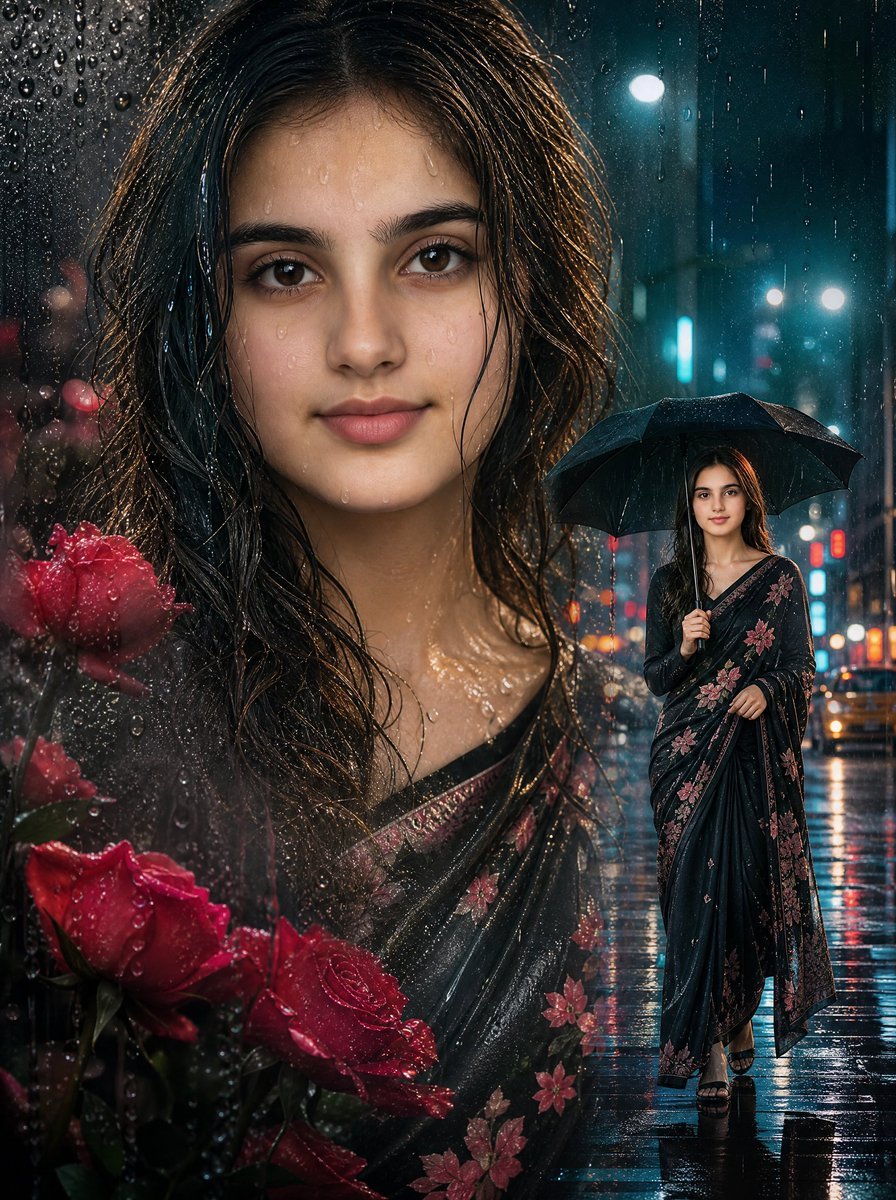
Rainy Double Exposure Movie Poster
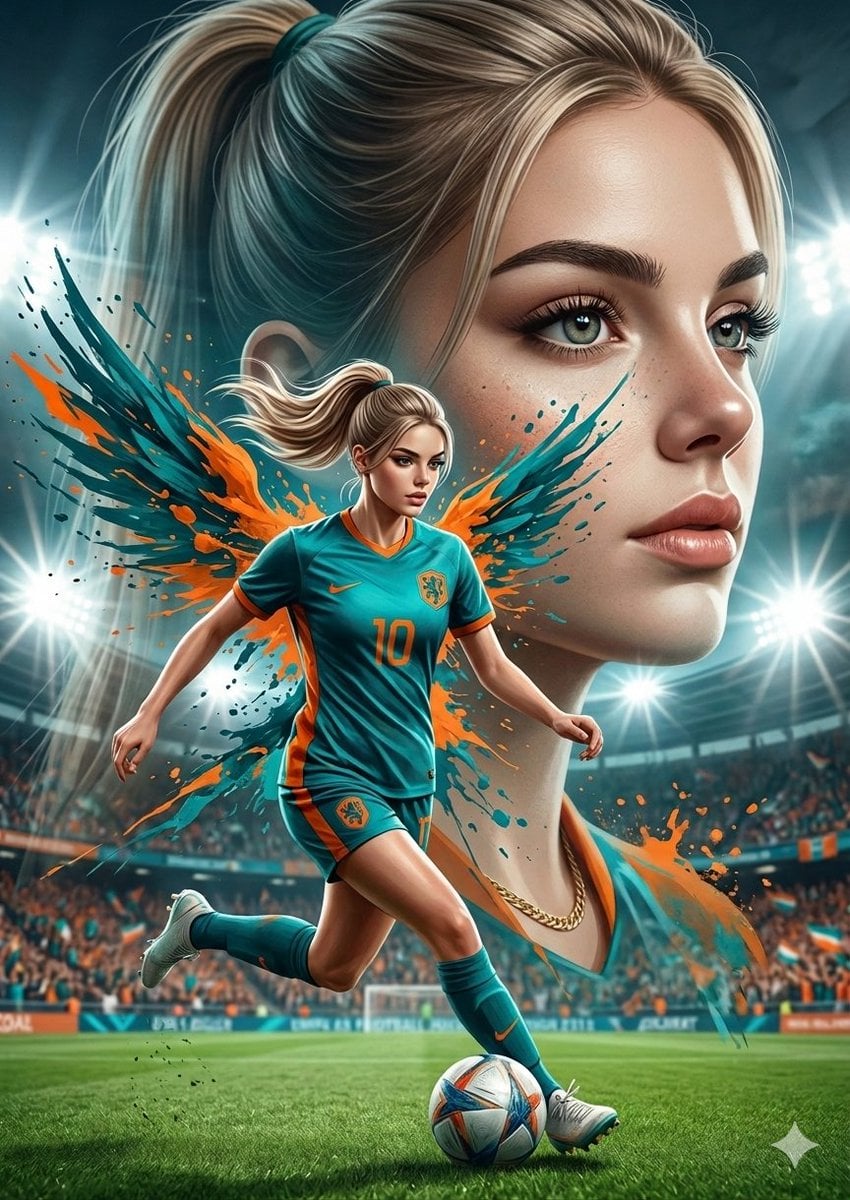
Double Exposure Football Poster
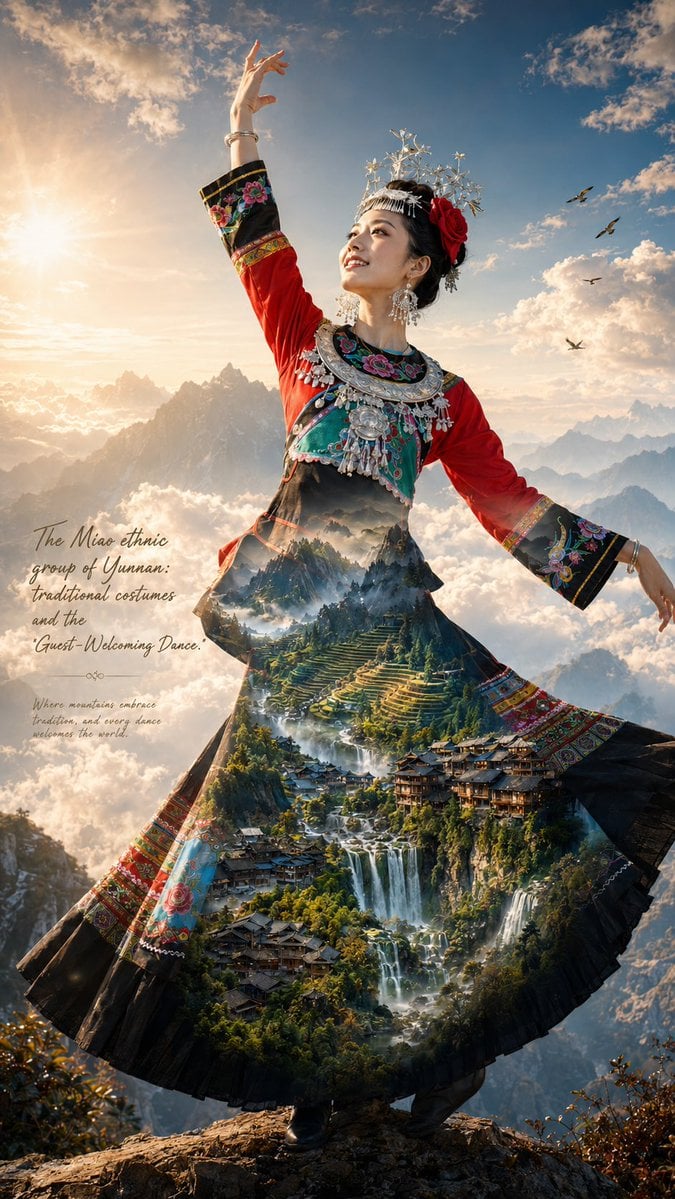
Miao Ethnic Double Exposure Poster
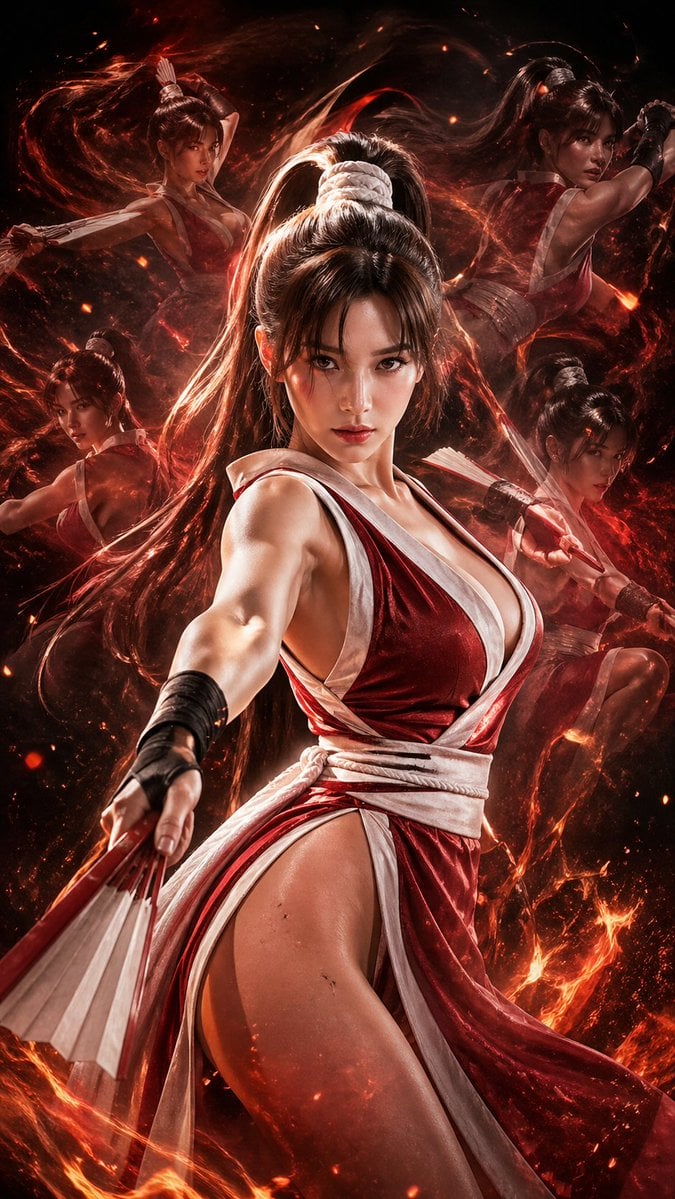
Double Exposure Cinematic Character Poster

Ink Wash Double Exposure Poster
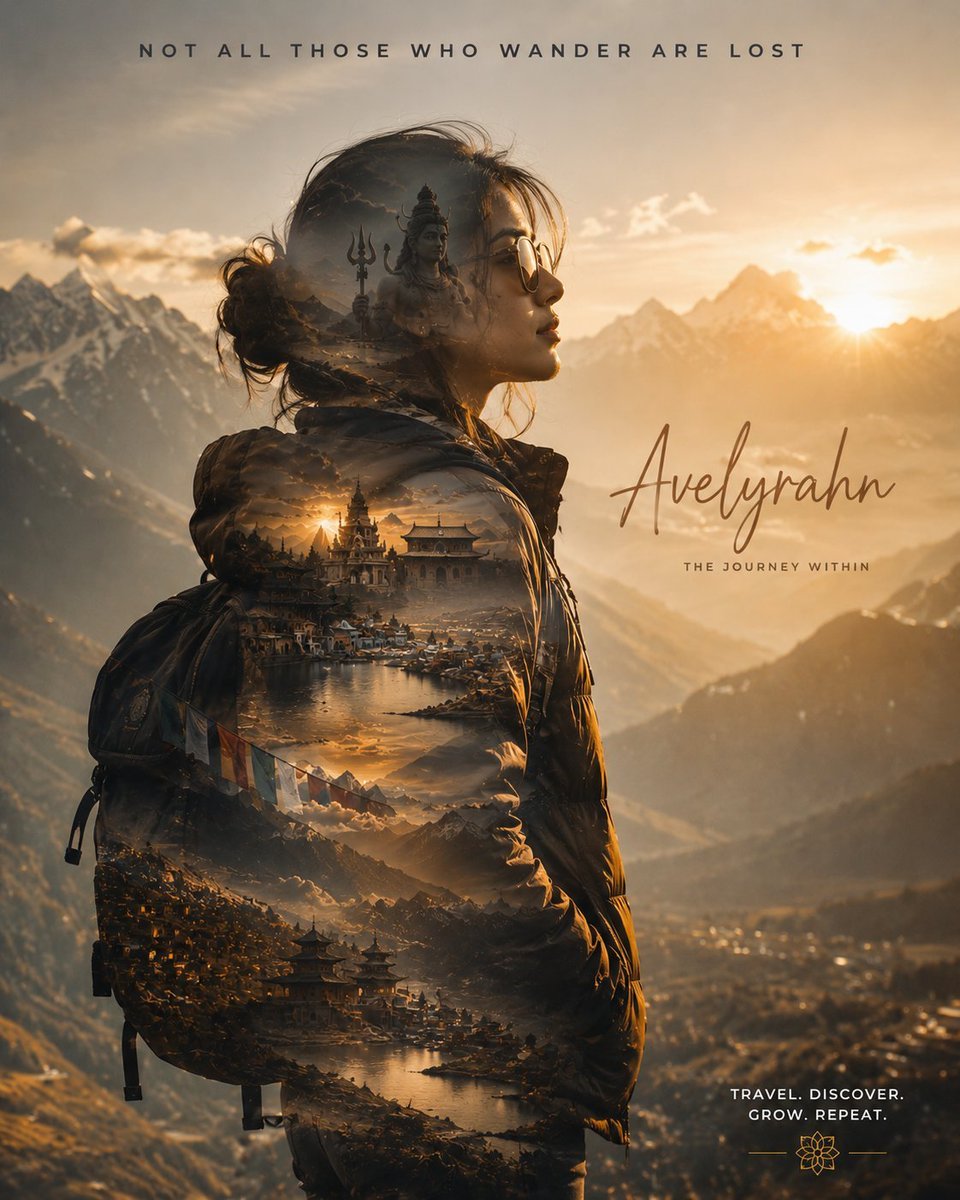
Double Exposure Spiritual Travel Poster
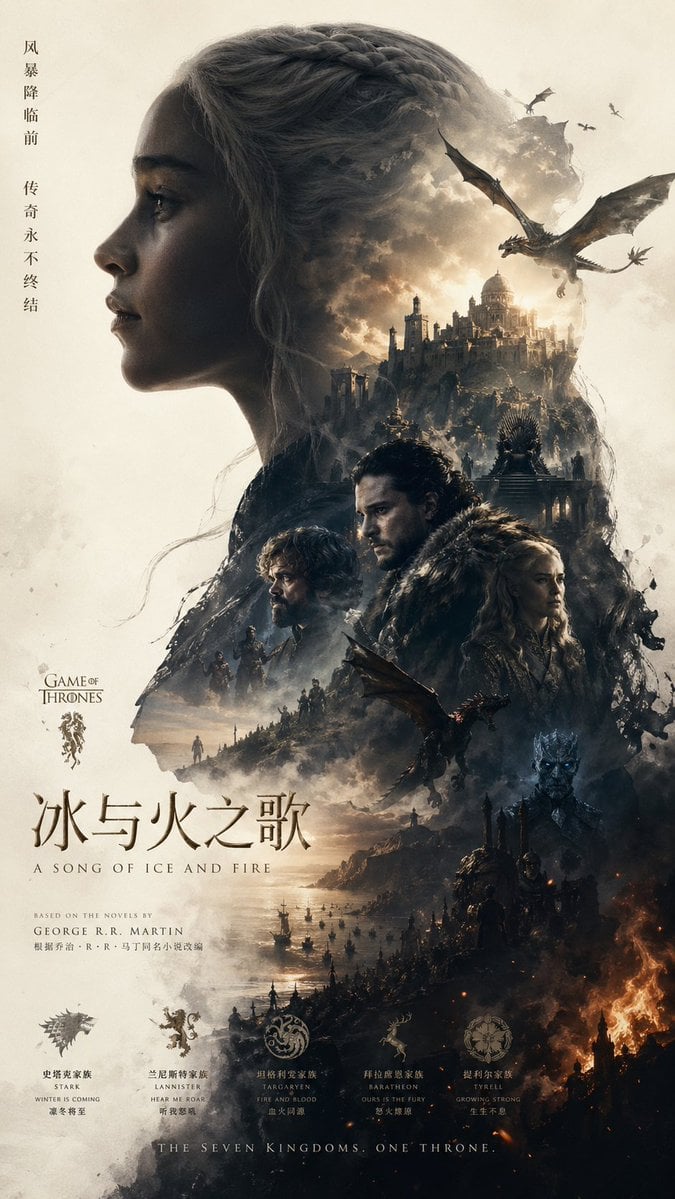
Epic Fantasy Double-Exposure Poster
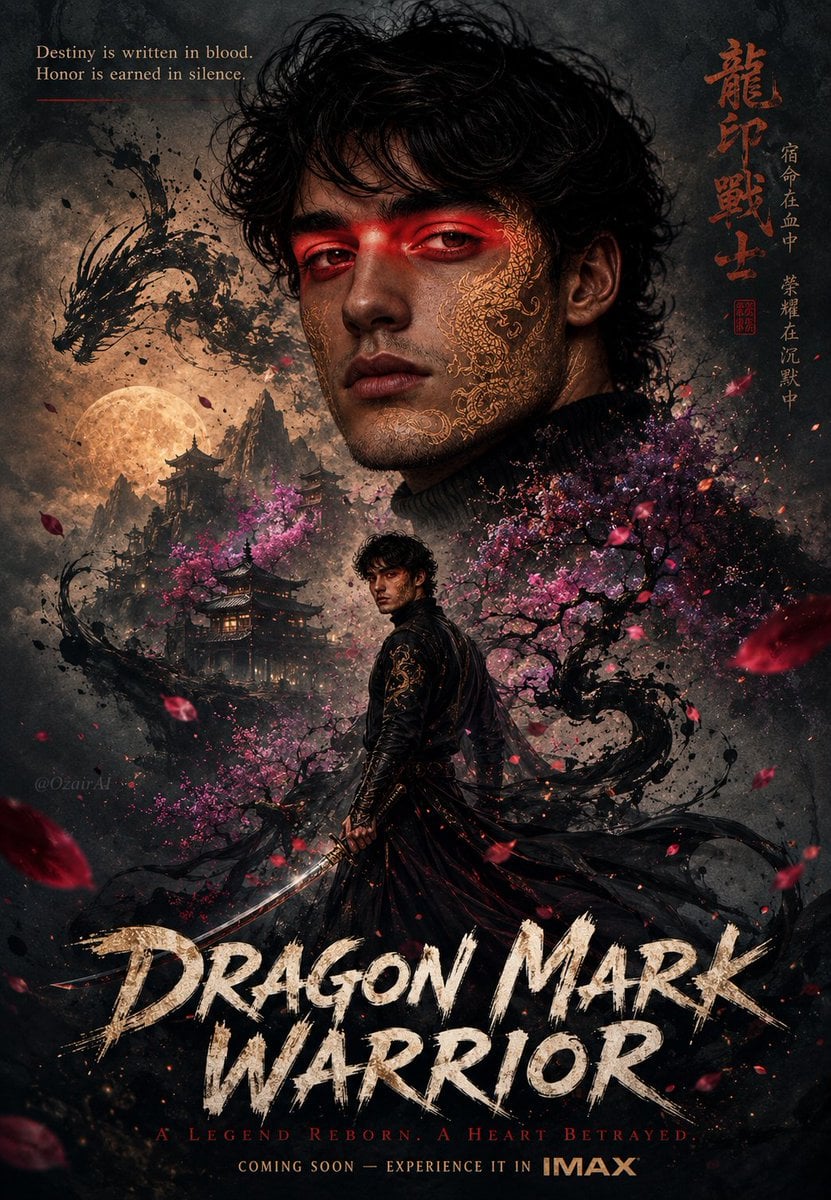
Double Exposure Dragon Warrior Poster

Japan Travel Brochure Poster
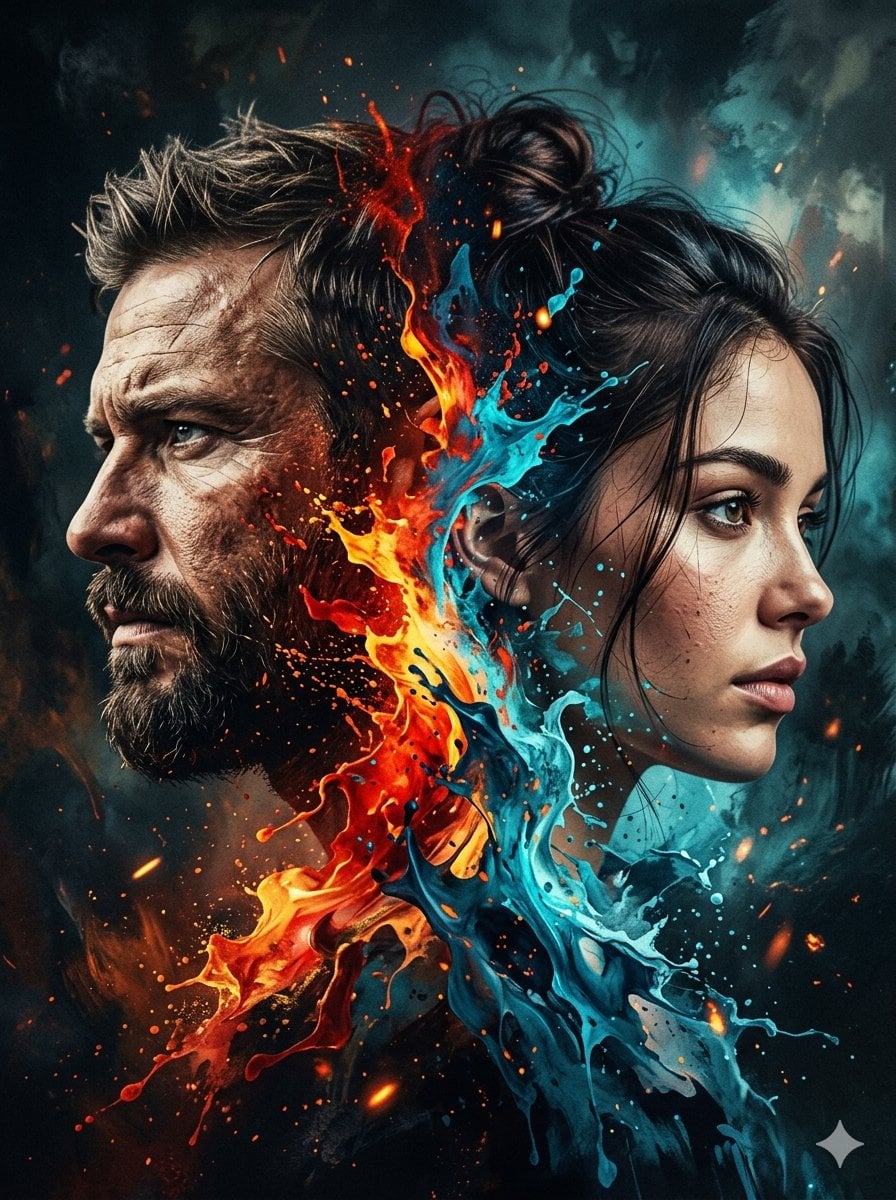
Dynamic Double-Exposure Artistic Portrait
Make it yours
New York Double Exposure Poster works as-is. These are the safest ways to change it without losing the look.
Change one field
Copy a single group, rewrite it, and generate again so you can see what that field is doing.
Keep the frame, change the subject
Hold the composition and light of New York Double Exposure Poster, then swap wardrobe, props or the person for a new take.
| If the result… | Why | Fix |
|---|---|---|
| The result drifts from the preview | Too many fields changed at once. | Reuse New York Double Exposure Poster as-is first, then change one group — subject, light, or setting. |
| The model over-stylizes the scene | The prose prompt leaves finish and camera underspecified. | Add one camera or lighting sentence and stay on GPT Image 2. |
More GPT Image 2 templates
Other prompts made for GPT Image 2.

Six VTuber Japanese Logo Sheet

Realistic Portrait of Woman and Deer

The Vista Modular Condo Poster

AI Model Routing Comparison Infographic

2.5D Anime Art Board

Isometric Productivity Desk Scene

Four-Panel AI Landscape Comparison

Japanese Tatami Lifestyle Magazine Cover

NESCAFÉ Coffee Map Poster

Brutalist Cogito Chinese Typography Poster
More image prompts
Fresh picks from across the catalog.
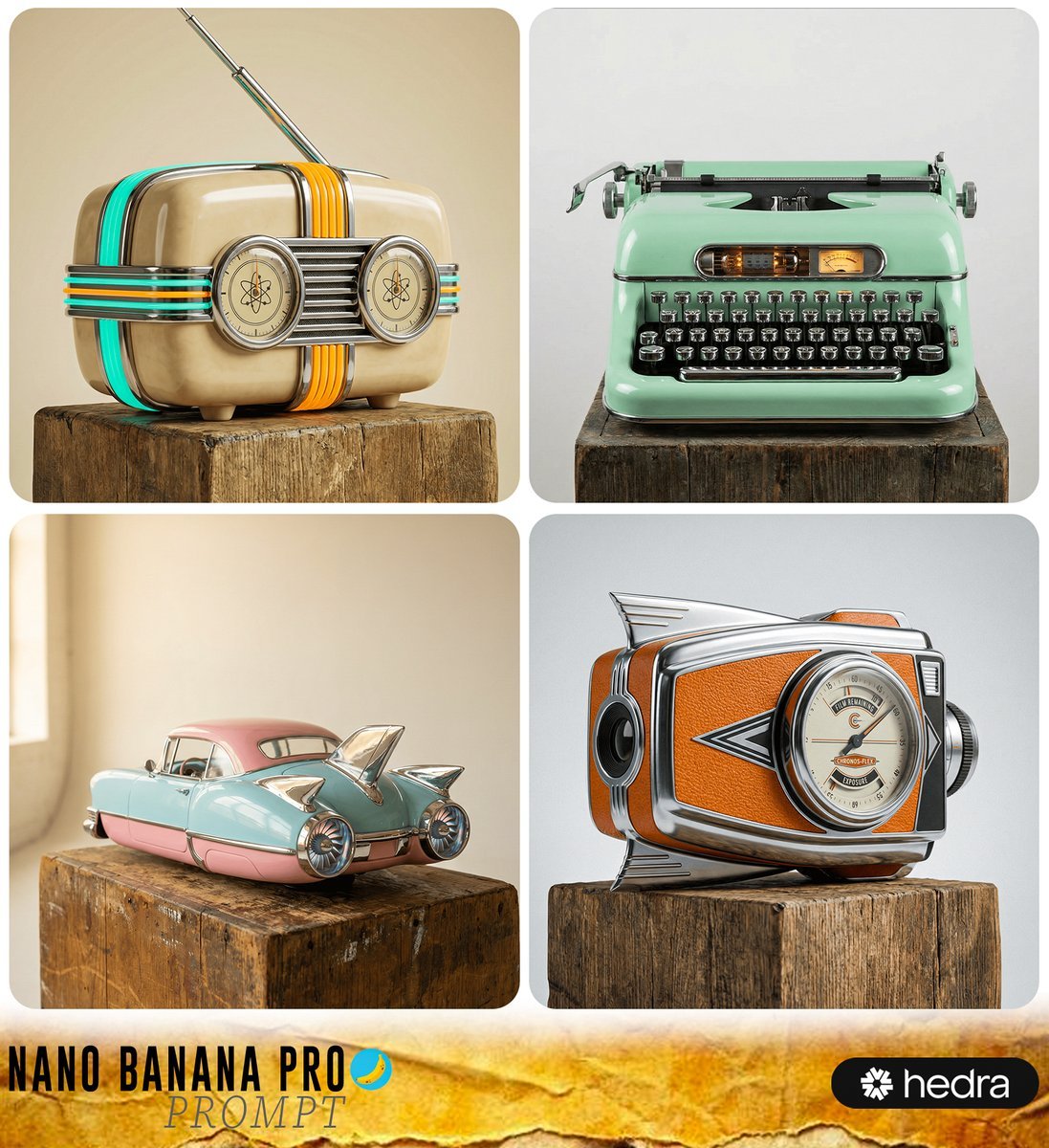
Retro-Futuristic Product Photography Prompt

Cloisonné Craft PPT Cover
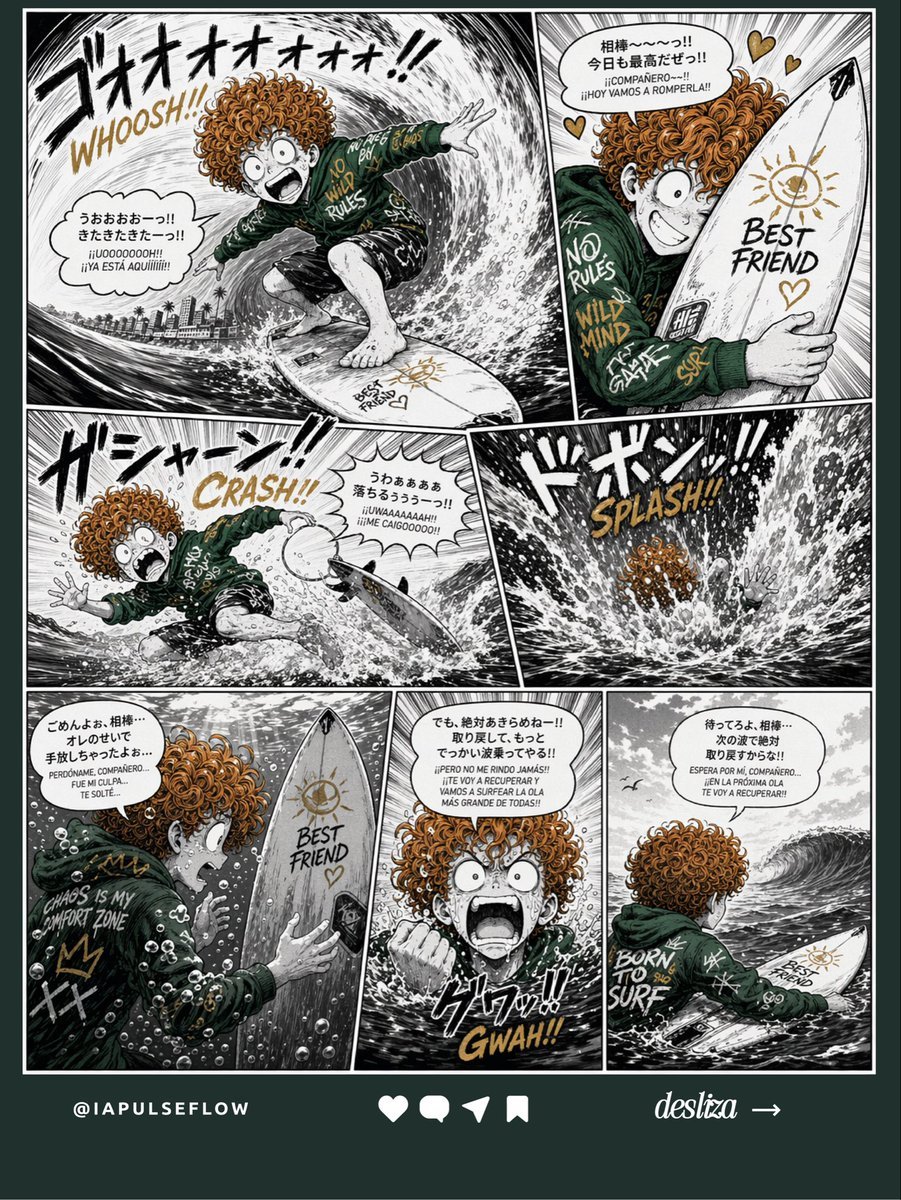
Manga Surf Wipeout Comic Poster
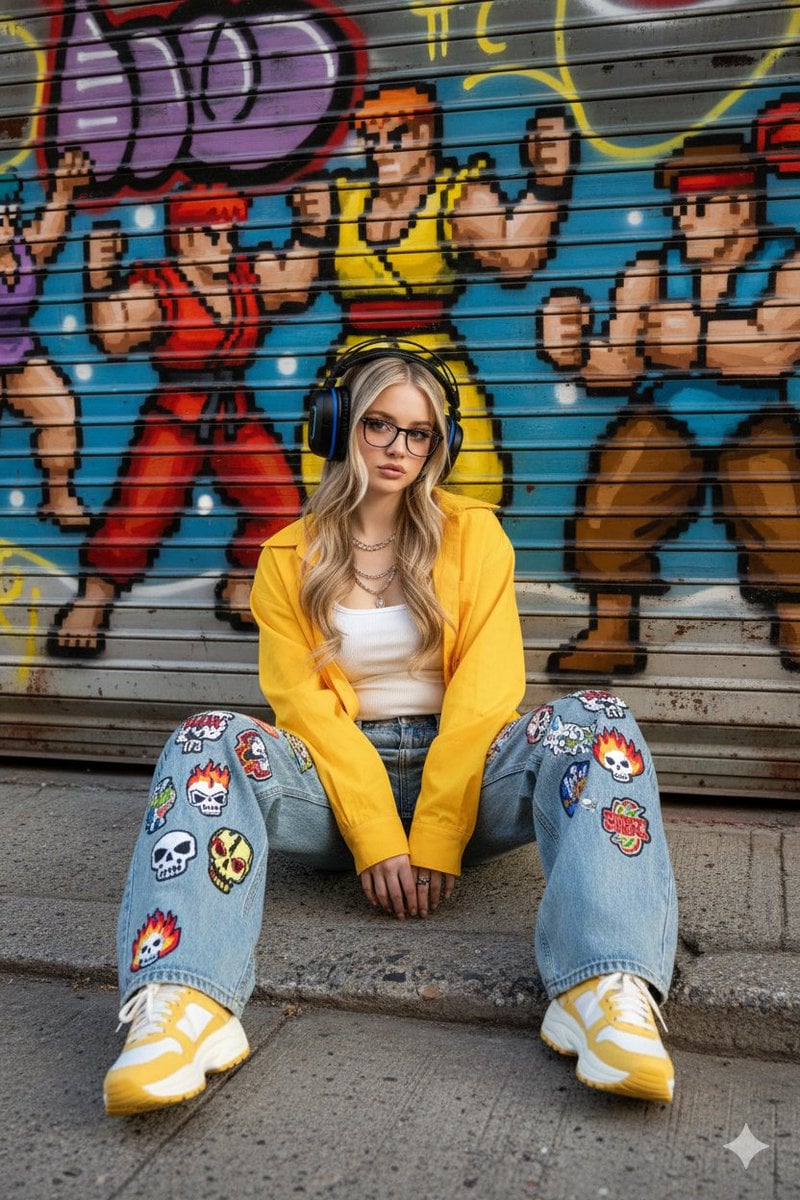
Urban Streetwear Portrait Prompt
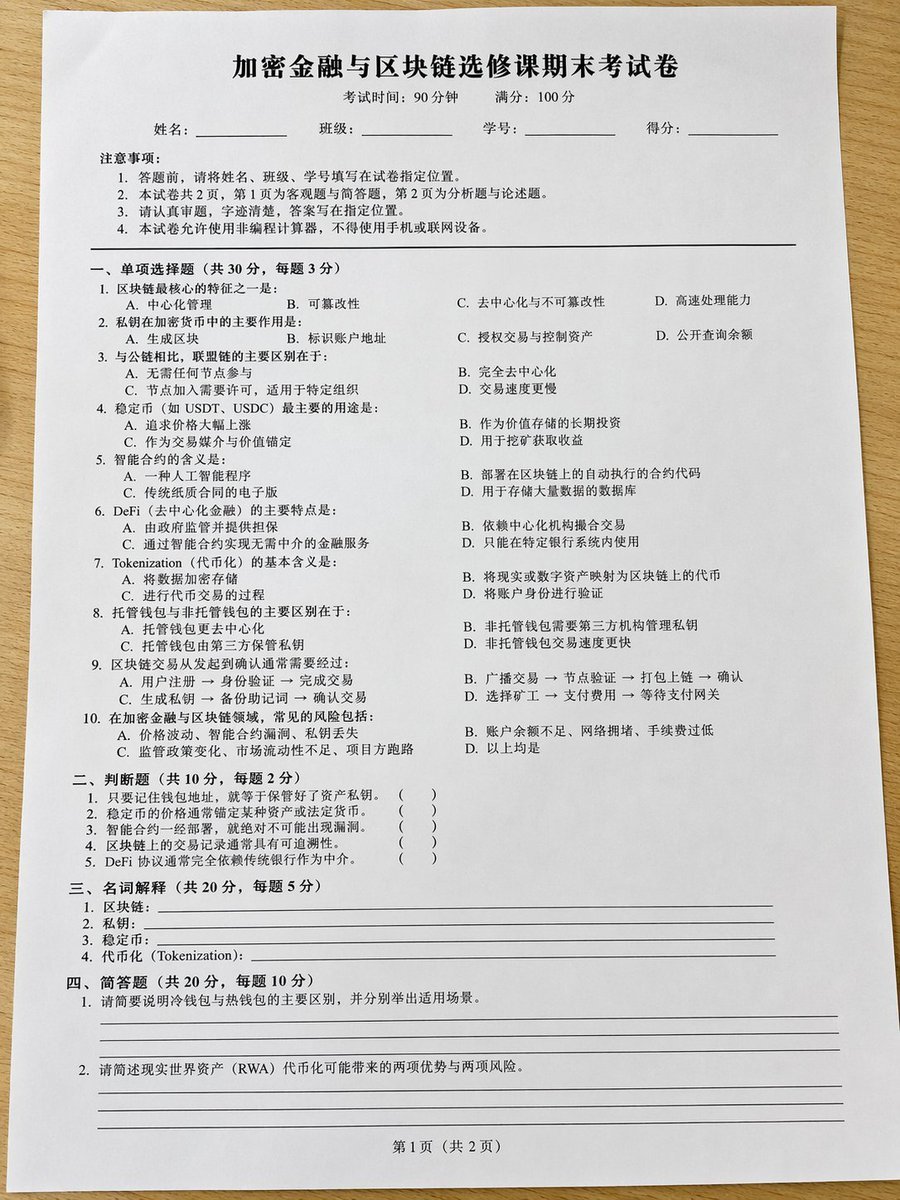
Realistic Crypto Exam Paper
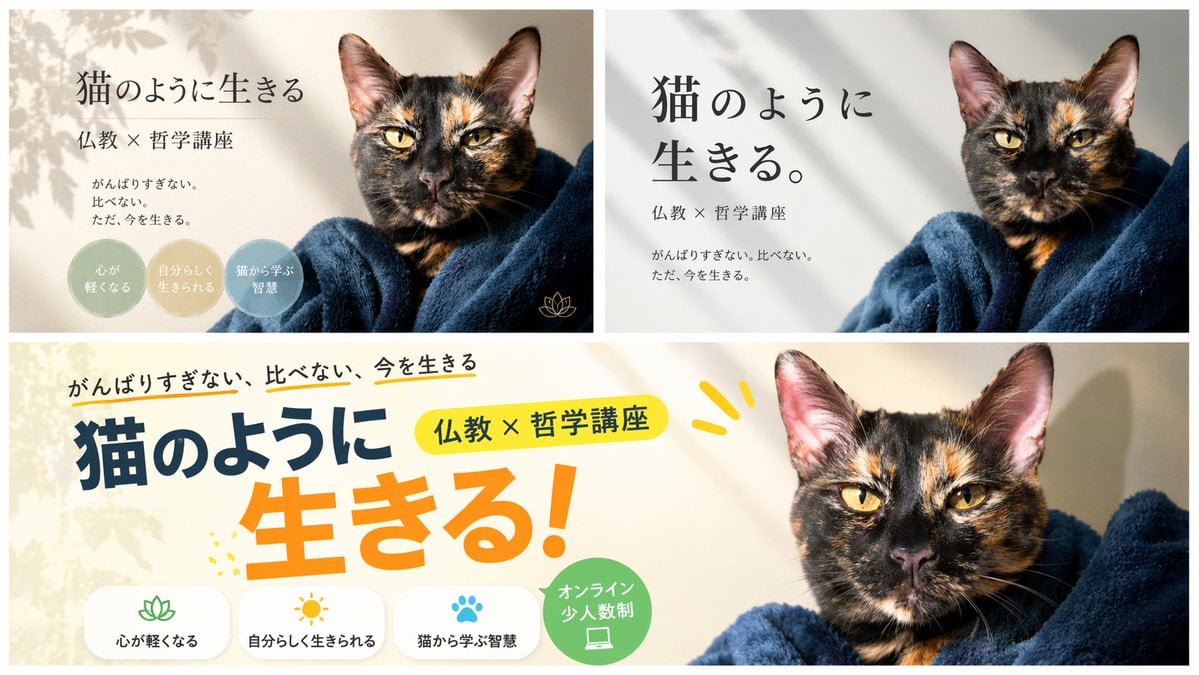
A/B Testing Banner Variations
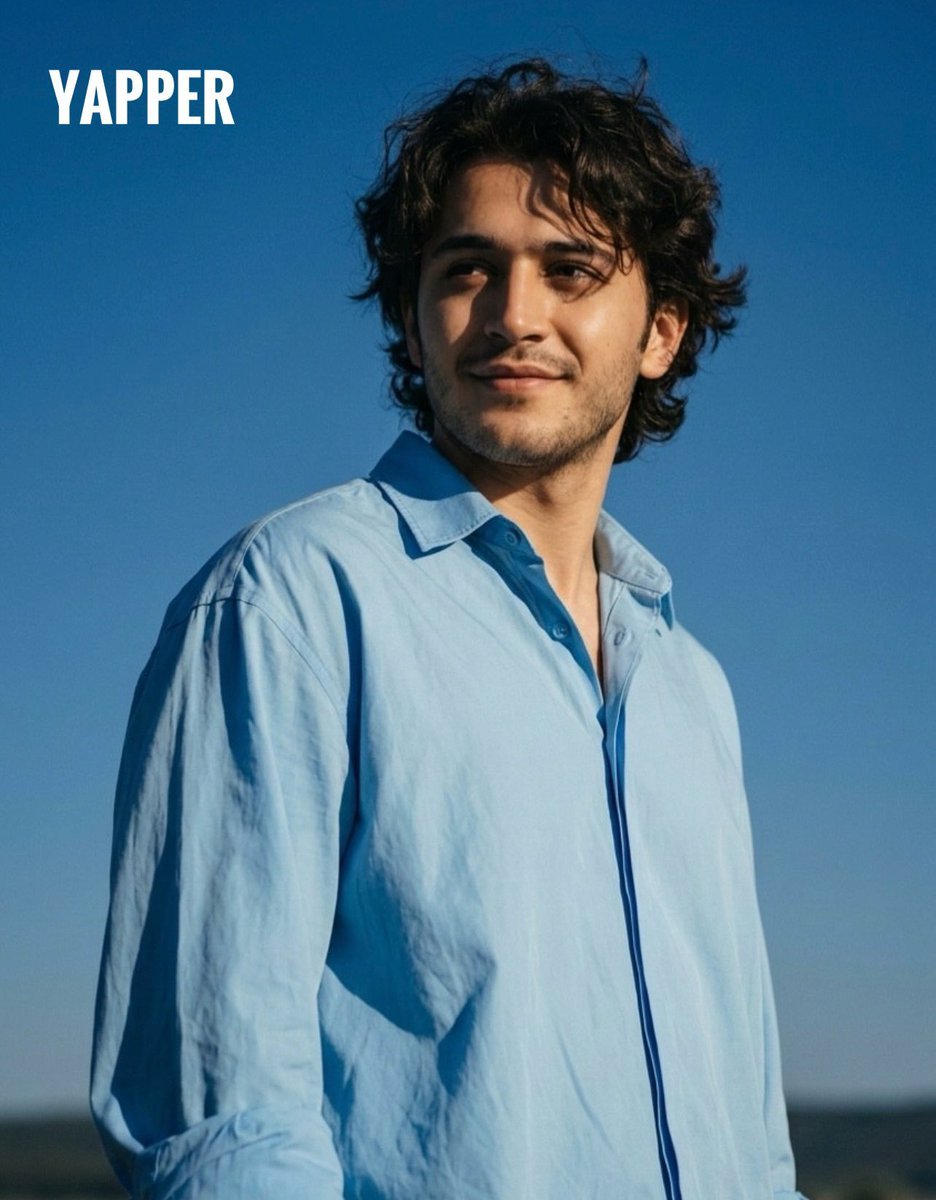
Aesthetic Cinematic Outdoor Half Portrait
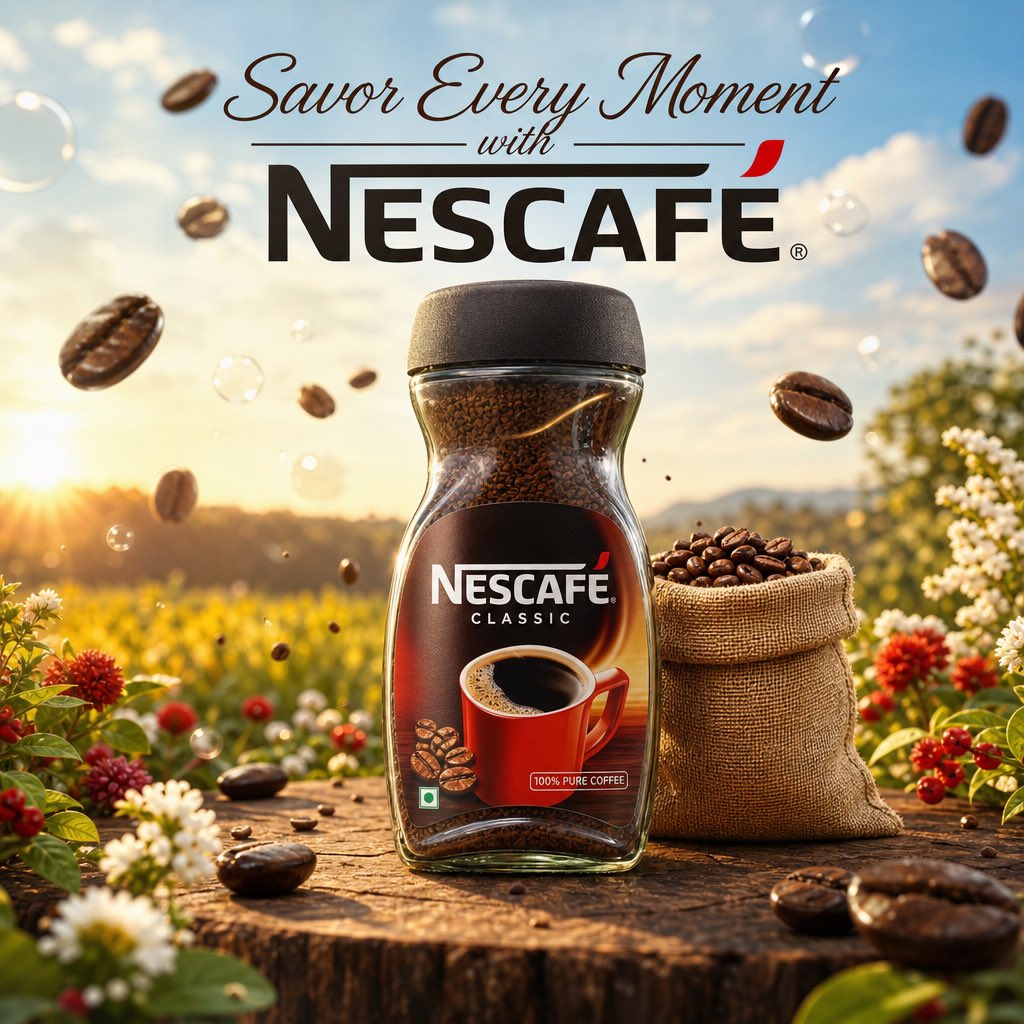
Cinematic Nescafé Product Advertisement
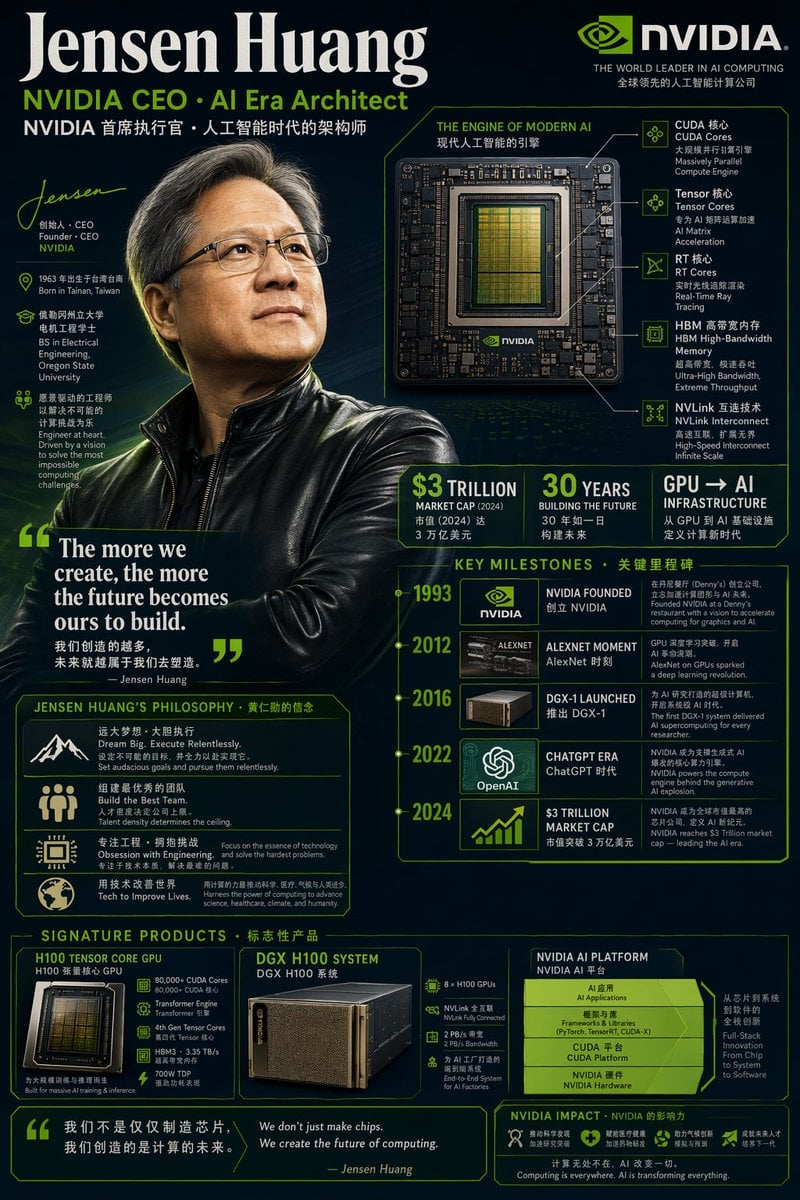
Bilingual Career Infographic Portrait
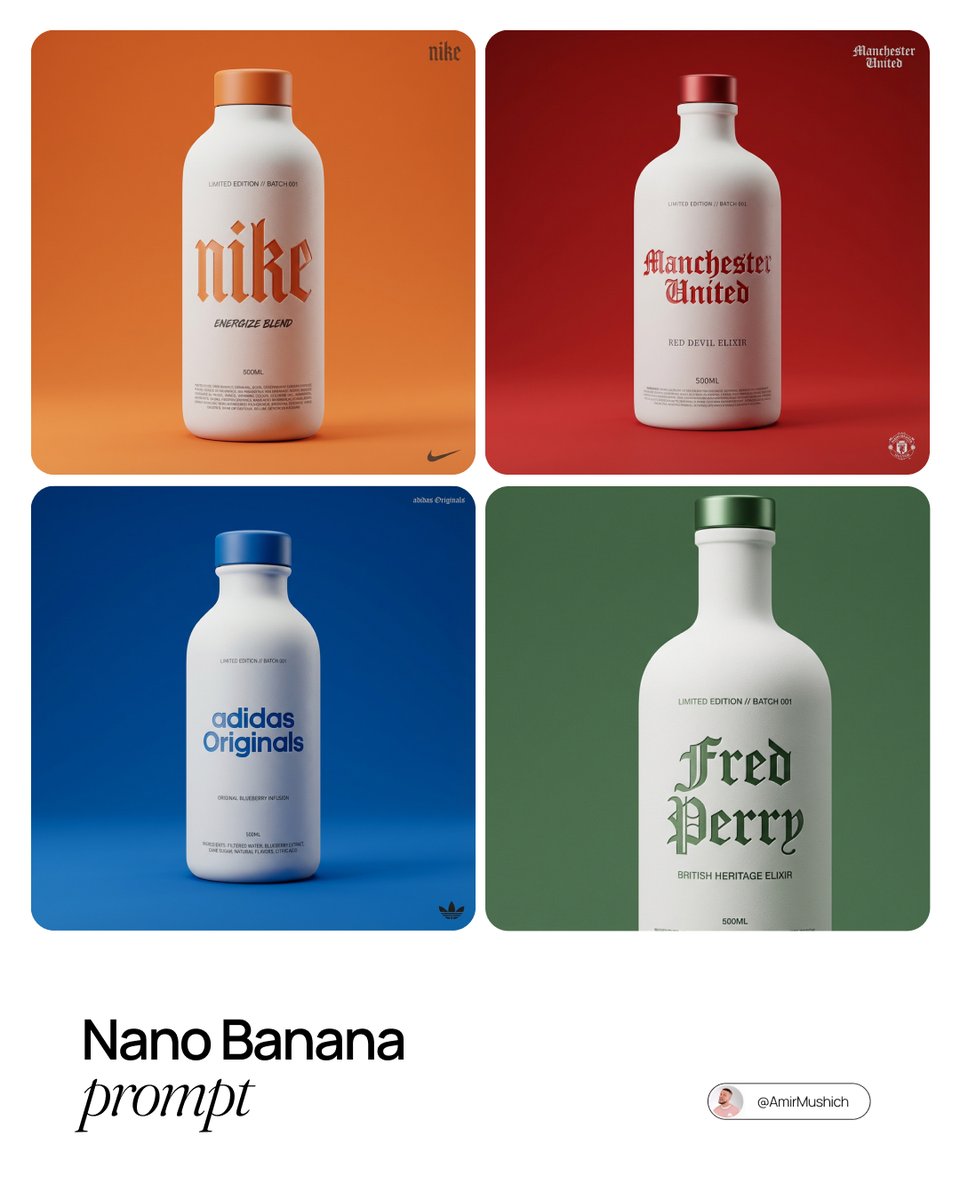
Premium Beverage Package Design Prompt
Browse template categories
New York Double Exposure Poster questions
How do I use the New York Double Exposure Poster template?
Add your photo if the template asks for one, edit the prompt if you like — the template's model and format are already selected — and press Generate. Your version opens in PicX Studio.
Can I customize the New York Double Exposure Poster template?
Yes. You can change the subject, setting, lighting, mood, format, and available model controls before creating your image.
Is the New York Double Exposure Poster template free?
Opening and editing this template is free. Generating uses credits, shown on the Generate button when you are signed in.
Which AI model should I use?
Start with GPT Image 2, which is the model associated with this template. You can compare another compatible model for a different finish.
Looking for something else? Browse all templates.

Your photo, any look
Thousands of ready templates for every top image and video model, from one credit balance.