
Double Exposure Dragon Warrior Poster
A cinematic movie poster prompt featuring a warrior with golden dragon tattoos in a double-exposure ink-wash style.
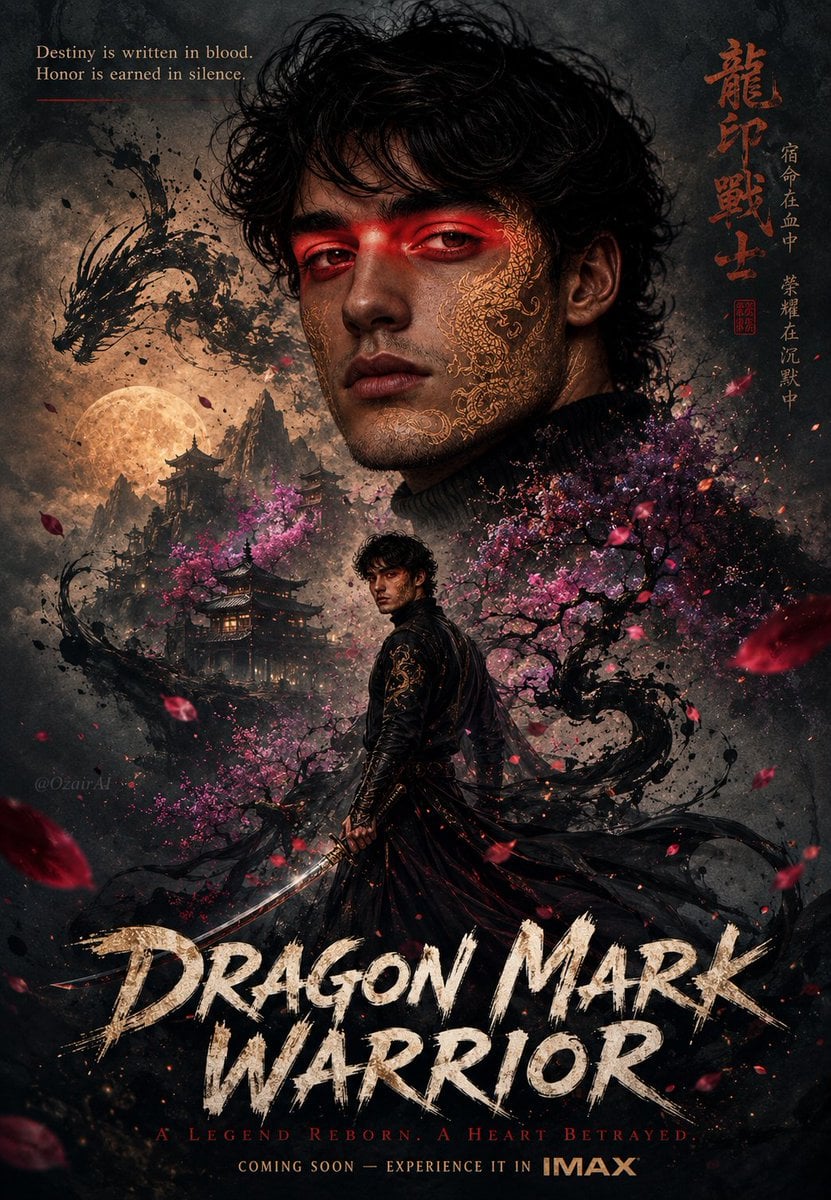
- Prompt included
- Model and format preset
- Premium template
The prompt behind this image
Copy the exact prompt behind Double Exposure Dragon Warrior Poster, or open it in the studio and make it yours.
Use the exact same face from the reference image and generate A breathtaking double-exposure cinematic movie poster featuring the man in reference image with {argument name="facial features" default="sharp jawline and defined facial features"} his large portrait face dominates the upper half, with {argument name="tattoo style" default="intricate golden dragon tattoos"} crawling across his cheekbone and jaw, glowing faintly. Embedded within his silhouette: ancient Chinese pagodas rising through mist, dramatic cherry blossom trees bursting in deep magenta and violet pink, a soaring dragon silhouette dissolving into ink strokes, and floating petals swirling in crimson and rose gold. In the mid-poster, the same man stands full-body in a dramatic black warrior robe with flowing dark fabric caught in wind, holding a gleaming curved blade, surrounded by swirling dark ink energy and falling sakura petals. Background washes in moody ash grey, deep indigo mist, and warm amber moonlight glow behind mountain peaks. Top-left corner: elegant serif tagline text — "Destiny is written in blood. Honor is earned in silence." Top-right corner: Chinese calligraphy characters in rust red ink. Bottom: massive brush-stroke title "{argument name="movie title" default="DRAGON MARK WARRIOR"}" in textured white-gold paint, with subtitle "A Legend Reborn. A Heart Betrayed." and "Coming Soon — Experience it in IMAX" in refined small caps. Color grade: desaturated ink-wash base with explosive pops of crimson, violet cherry blossom, molten gold, and deep teal shadow. Scattered ink splatter accents throughout. Subtle watermark "OzairAI" blended softly into the mist near lower-left edge. Vertical 9:13 format. Ultra photorealistic, 8K, cinematic color grading.
How to use Double Exposure Dragon Warrior Poster in 3 steps
- 1Upload ImagePNG, JPG or paste
Add your photo
Upload the photo the template builds on. The prompt, model and format are already set.
- 2…a portrait of your subject in softgolden-hour light, 85mm…
Personalize
Edit the subject and creative details for your destination.
- 3Generate
Generate
Press Generate — your image is created in PicX Studio, so you can compare it with the original and refine one variable at a time.
More like this
Templates with the same subject, style or setup. Open one to see its prompt.
Double Exposure Ladakh Road Trip Poster

New York Double Exposure Poster
Rainy Double Exposure Movie Poster
Double Exposure Football Poster
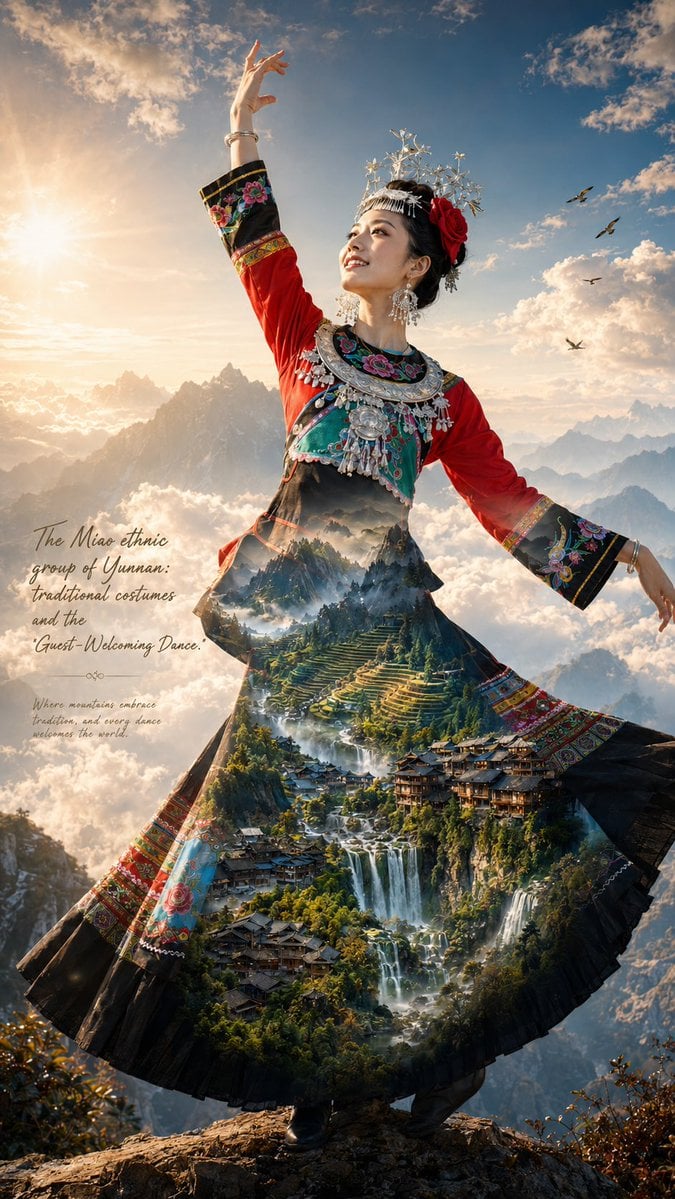
Miao Ethnic Double Exposure Poster
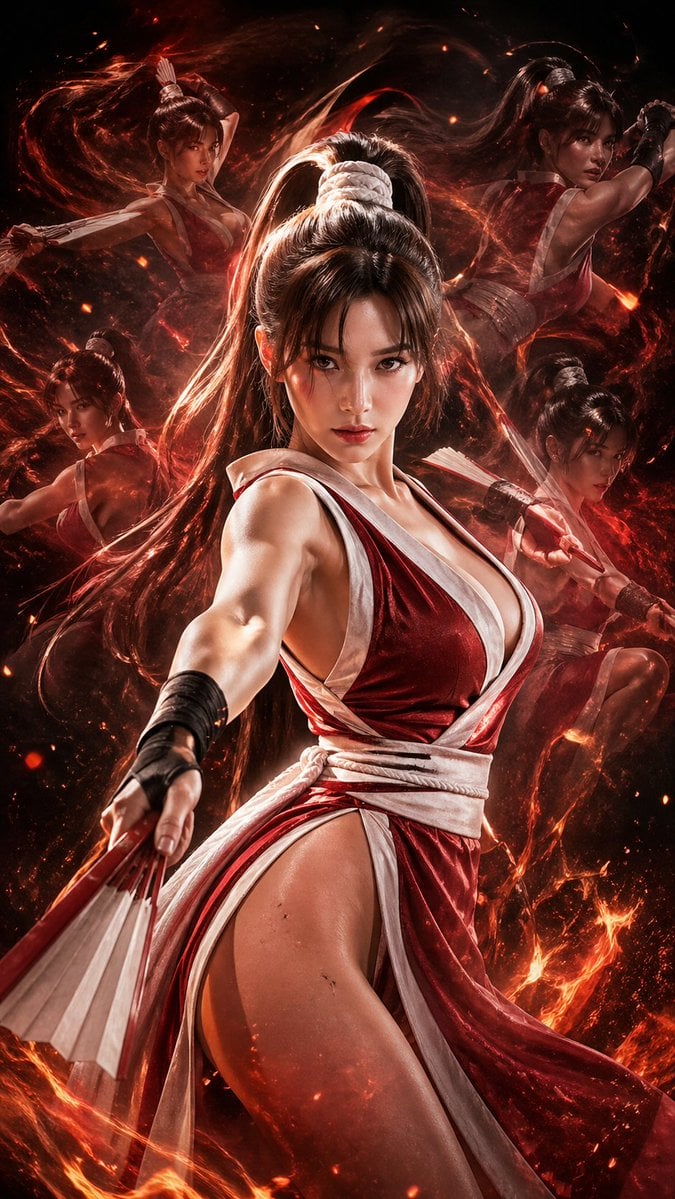
Double Exposure Cinematic Character Poster
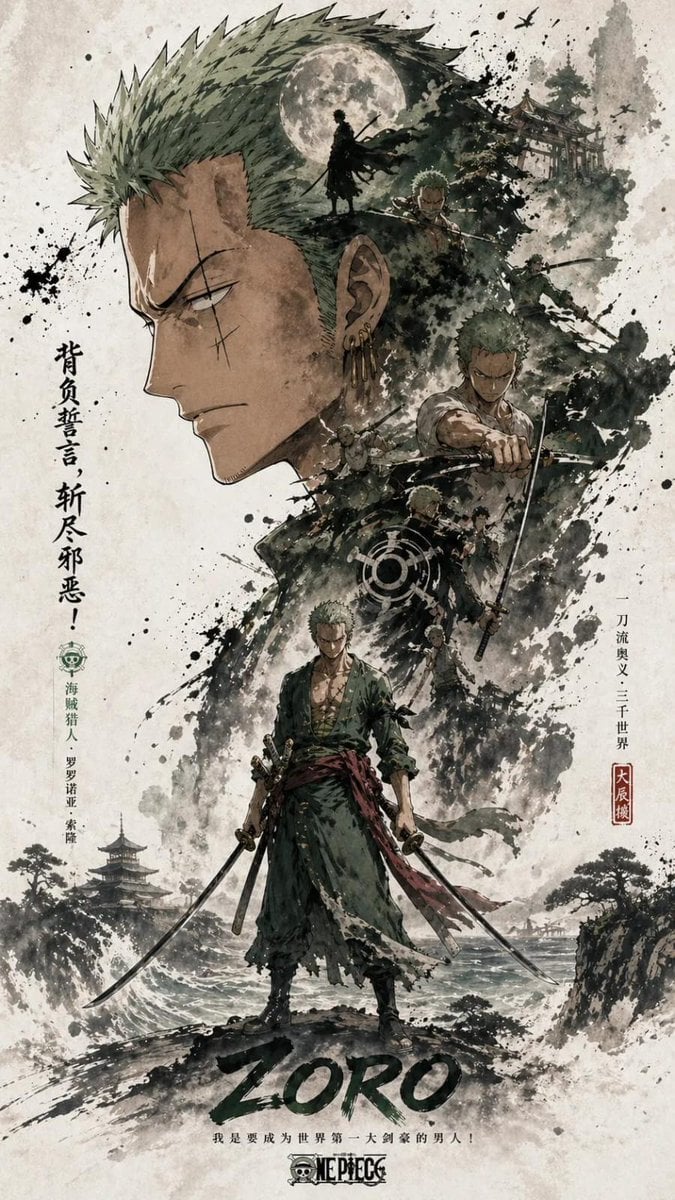
Ink Wash Double Exposure Poster
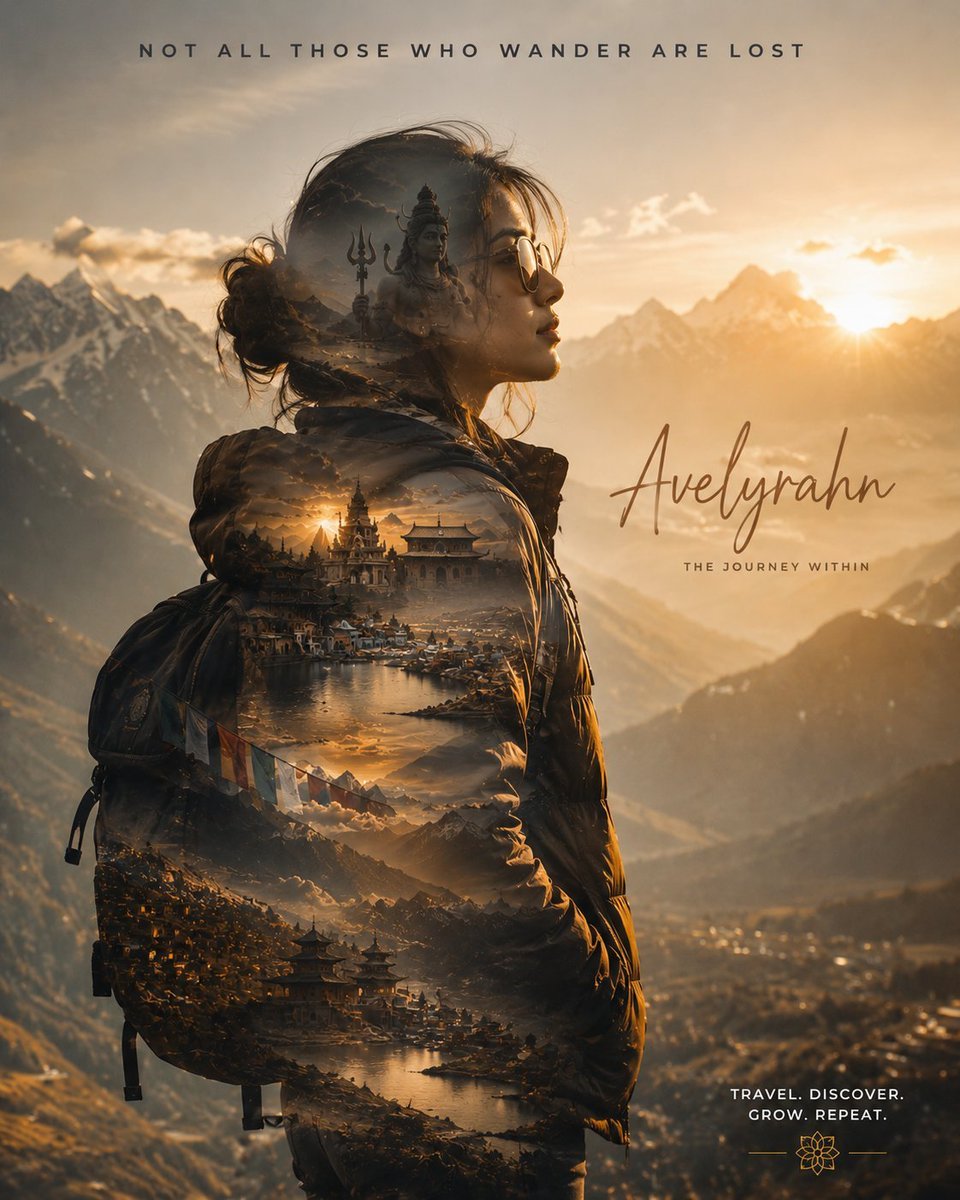
Double Exposure Spiritual Travel Poster
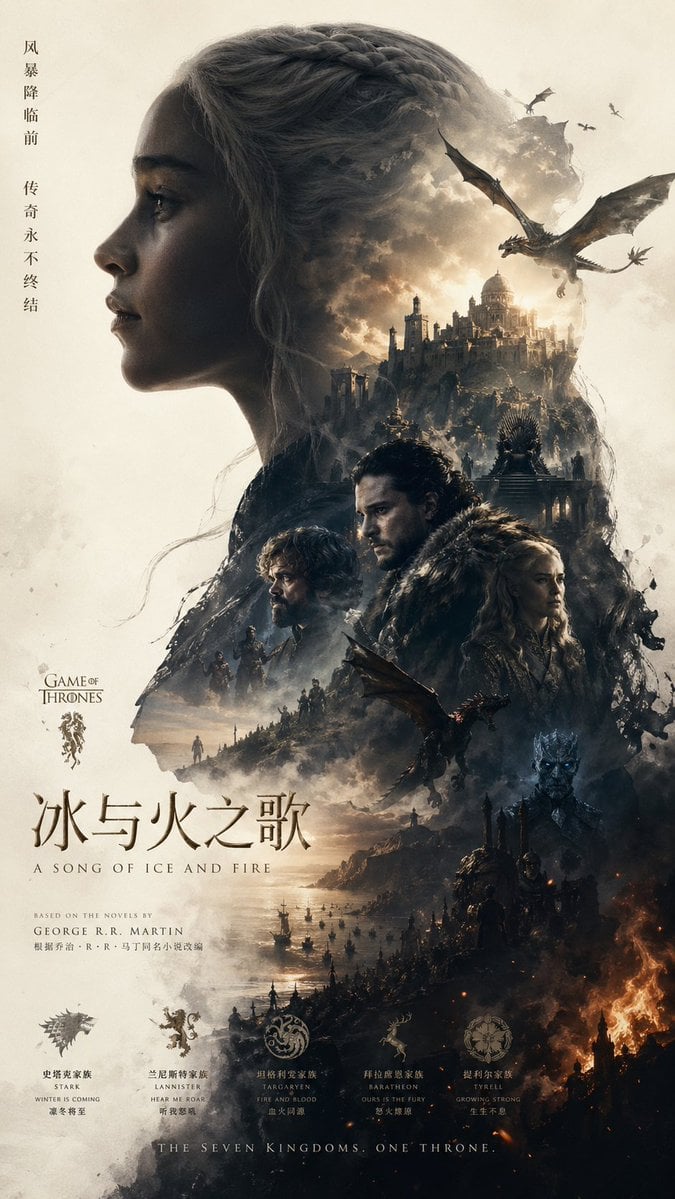
Epic Fantasy Double-Exposure Poster

Japan Travel Brochure Poster
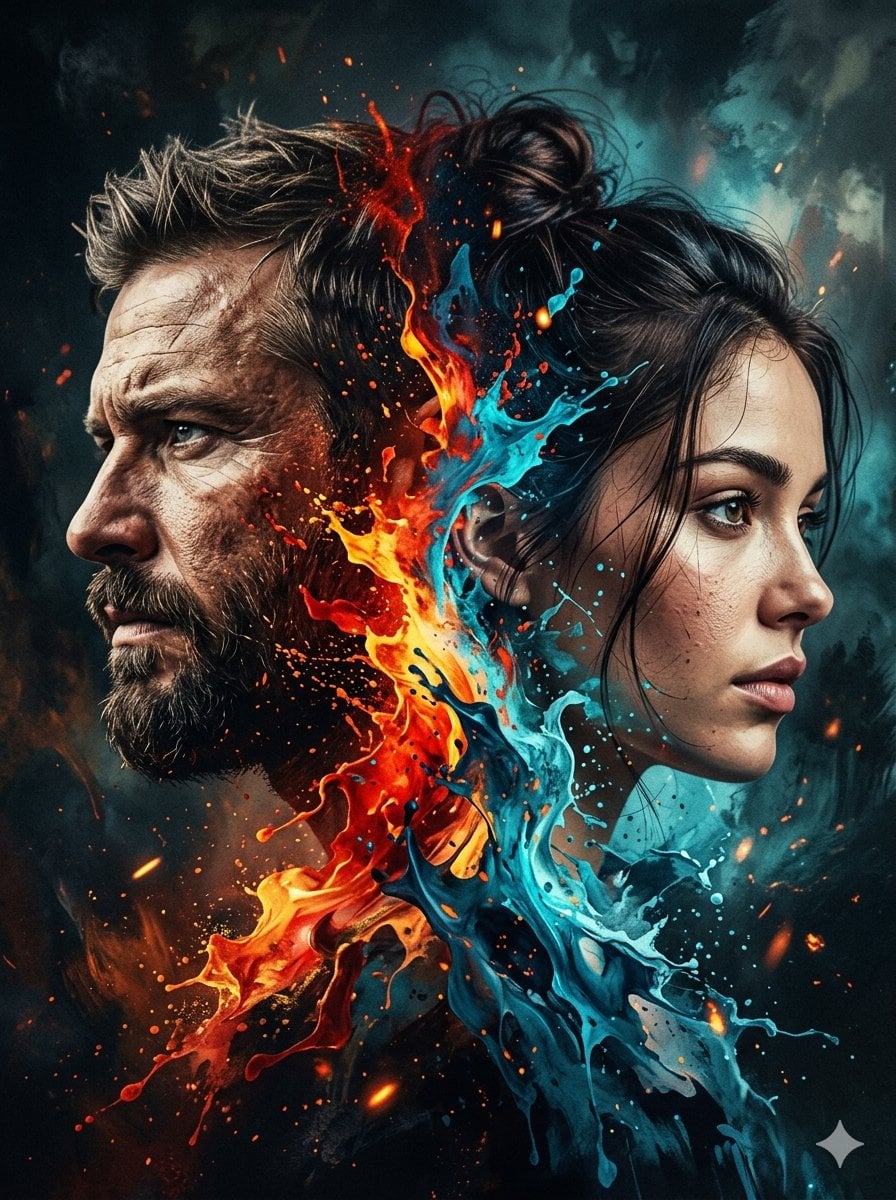
Dynamic Double-Exposure Artistic Portrait
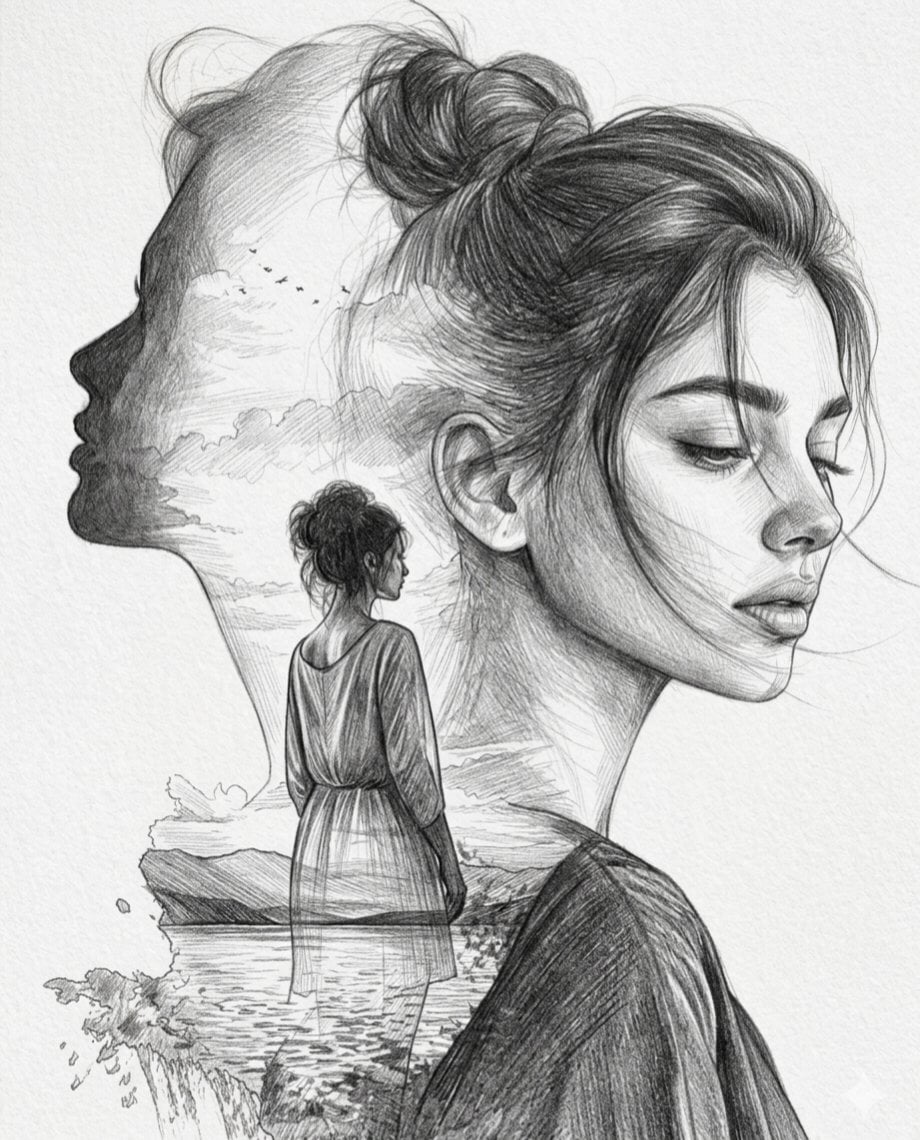
Double Exposure Pencil Sketch Portrait
Make it yours
Double Exposure Dragon Warrior Poster works as-is. These are the safest ways to change it without losing the look.
Change one field
Copy a single group, rewrite it, and generate again so you can see what that field is doing.
Keep the frame, change the subject
Hold the composition and light of Double Exposure Dragon Warrior Poster, then swap wardrobe, props or the person for a new take.
| If the result… | Why | Fix |
|---|---|---|
| The result drifts from the preview | Too many fields changed at once. | Reuse Double Exposure Dragon Warrior Poster as-is first, then change one group — subject, light, or setting. |
| The model over-stylizes the scene | The prose prompt leaves finish and camera underspecified. | Add one camera or lighting sentence and stay on GPT Image 2. |
More GPT Image 2 templates
Other prompts made for GPT Image 2.

Six VTuber Japanese Logo Sheet

Realistic Portrait of Woman and Deer

The Vista Modular Condo Poster

AI Model Routing Comparison Infographic

2.5D Anime Art Board

Isometric Productivity Desk Scene

Four-Panel AI Landscape Comparison

Japanese Tatami Lifestyle Magazine Cover

NESCAFÉ Coffee Map Poster

Brutalist Cogito Chinese Typography Poster
More image prompts
Fresh picks from across the catalog.
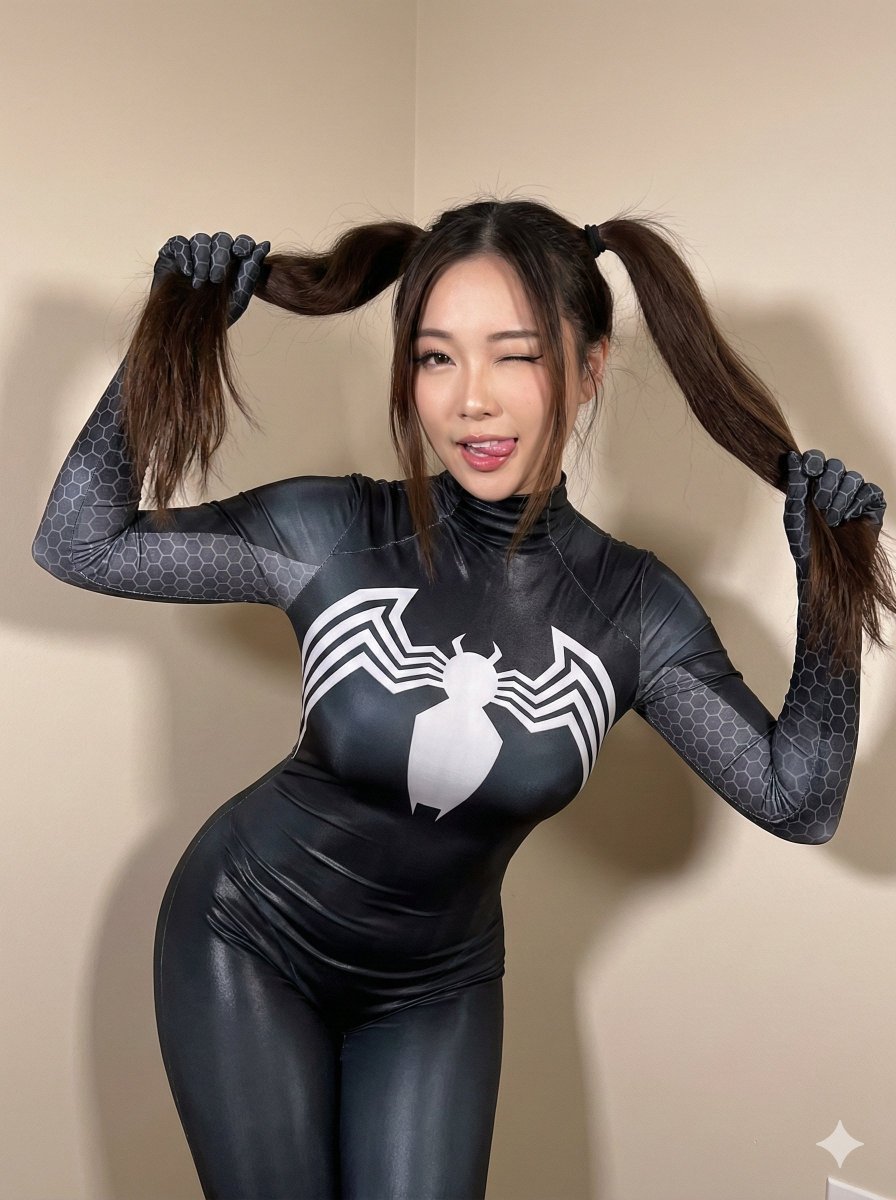
Black Spider Girl Symbiote Cosplay
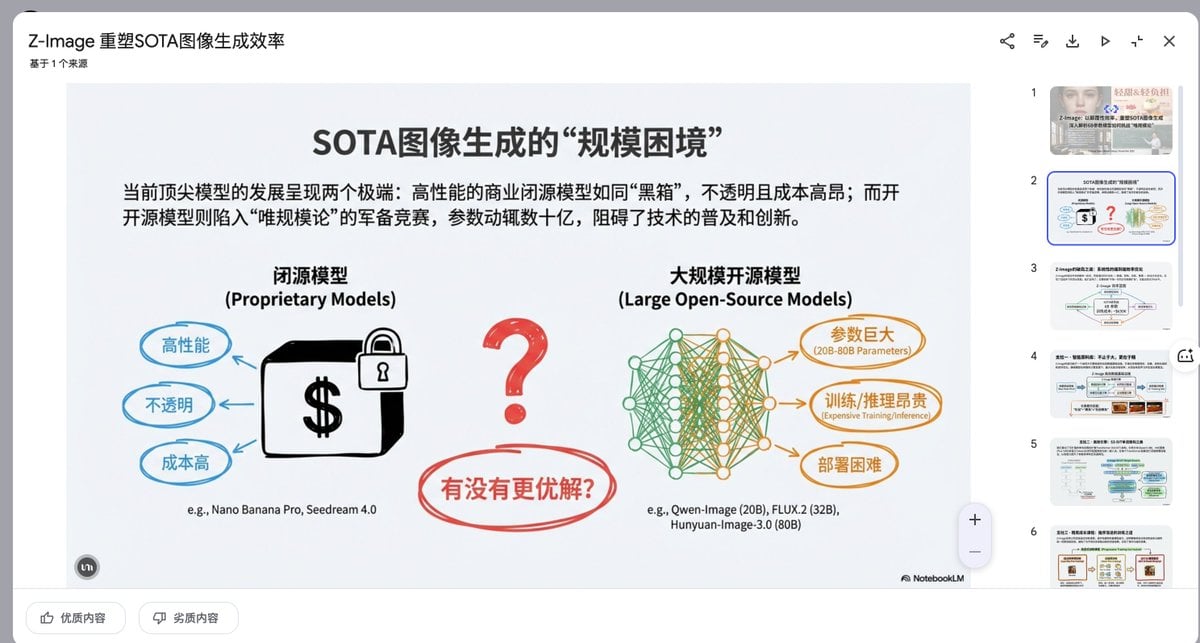
Presentation Slide Generation Prompt
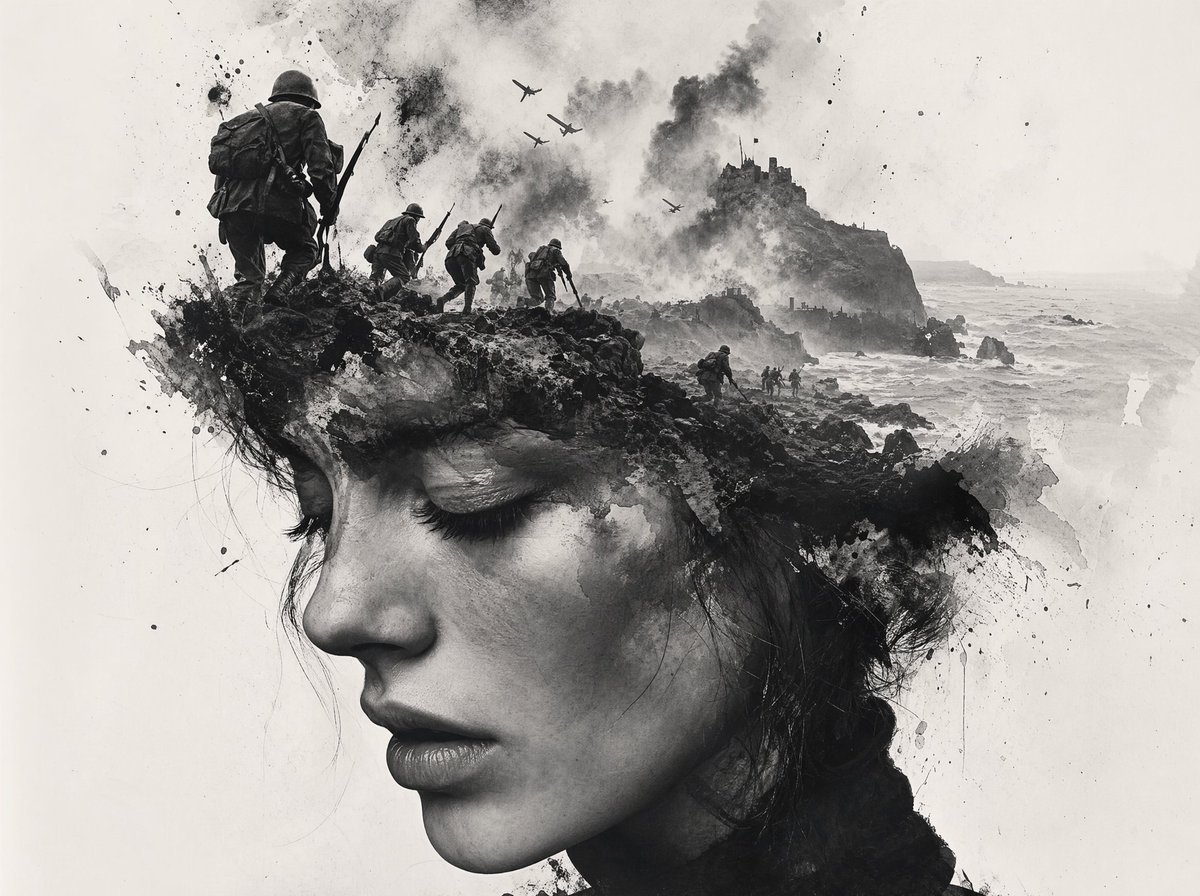
Black-and-White Wartime Ink Scene
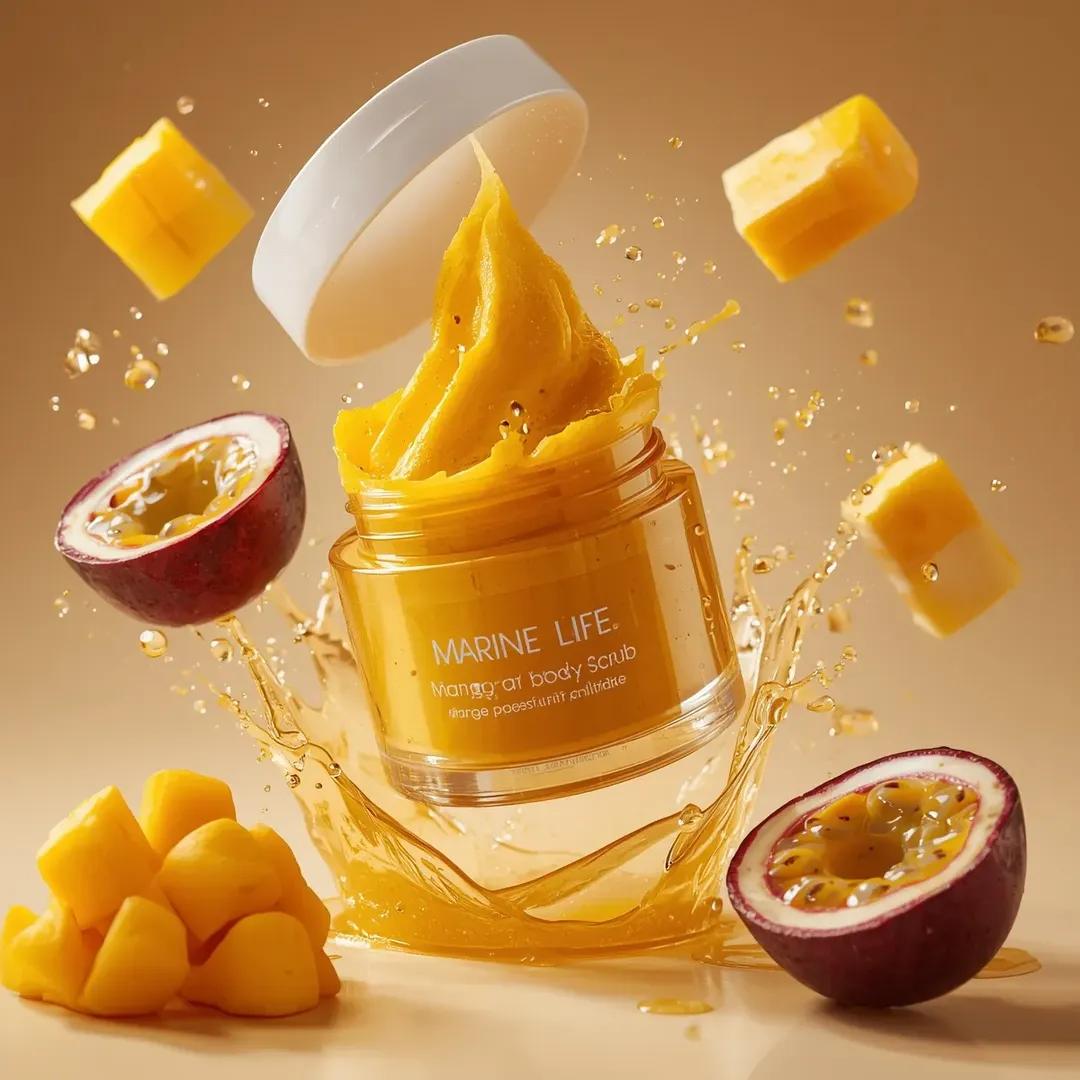
Exploding Cosmetic Jar Product Photography
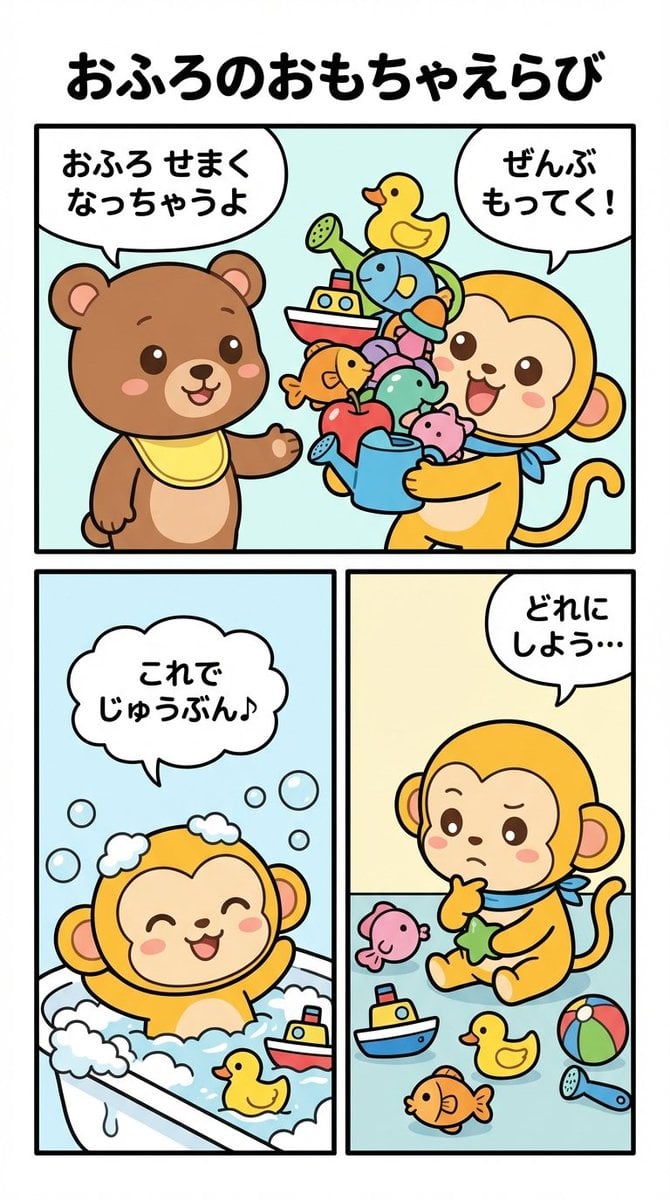
Four-Panel Manga Prompt: Choosing Bath Toys
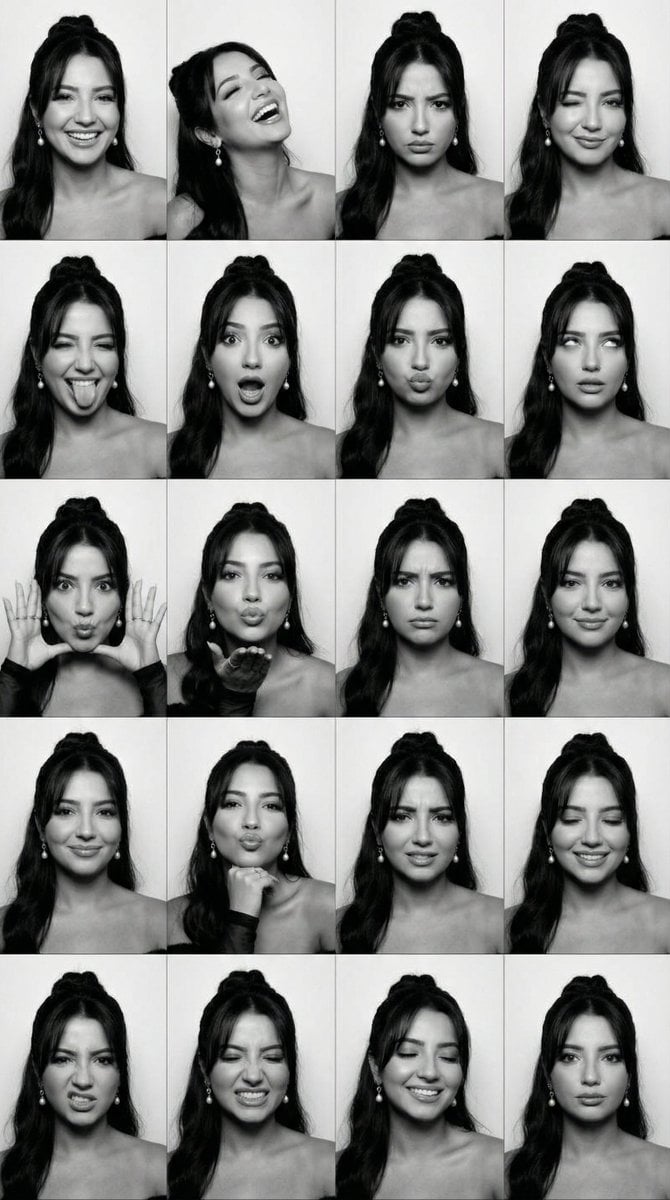
Black and White Photobooth Expression Grid (4x4)

Low-Poly Geometric Character Art
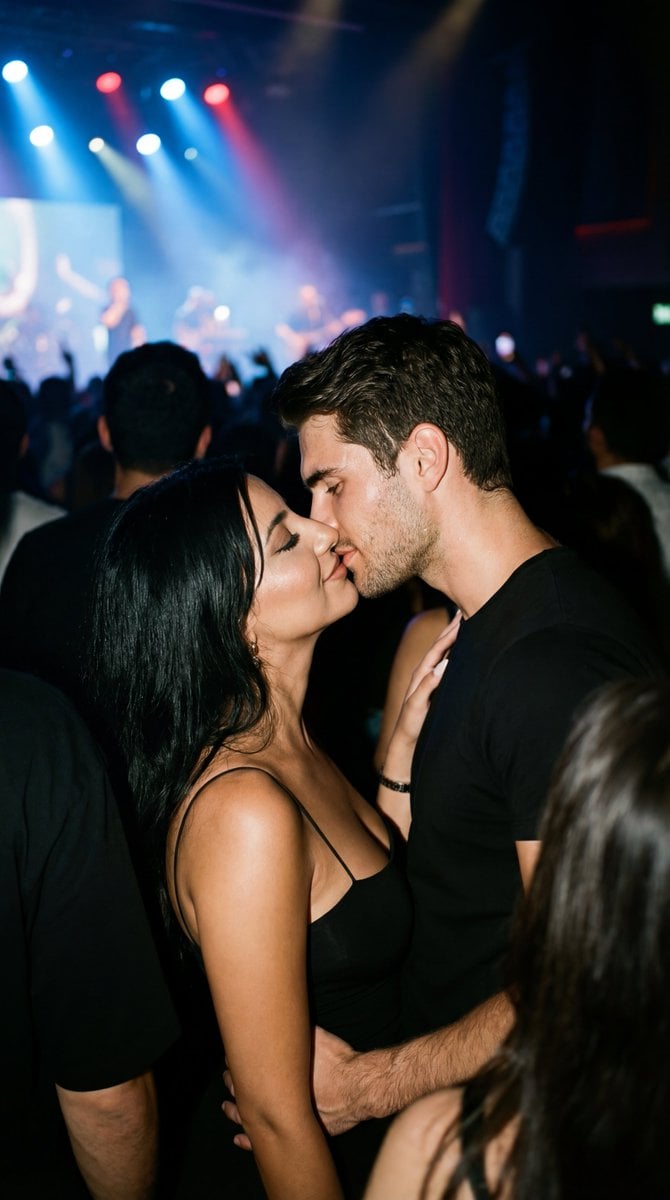
Candid 35mm Concert Romance Film Still
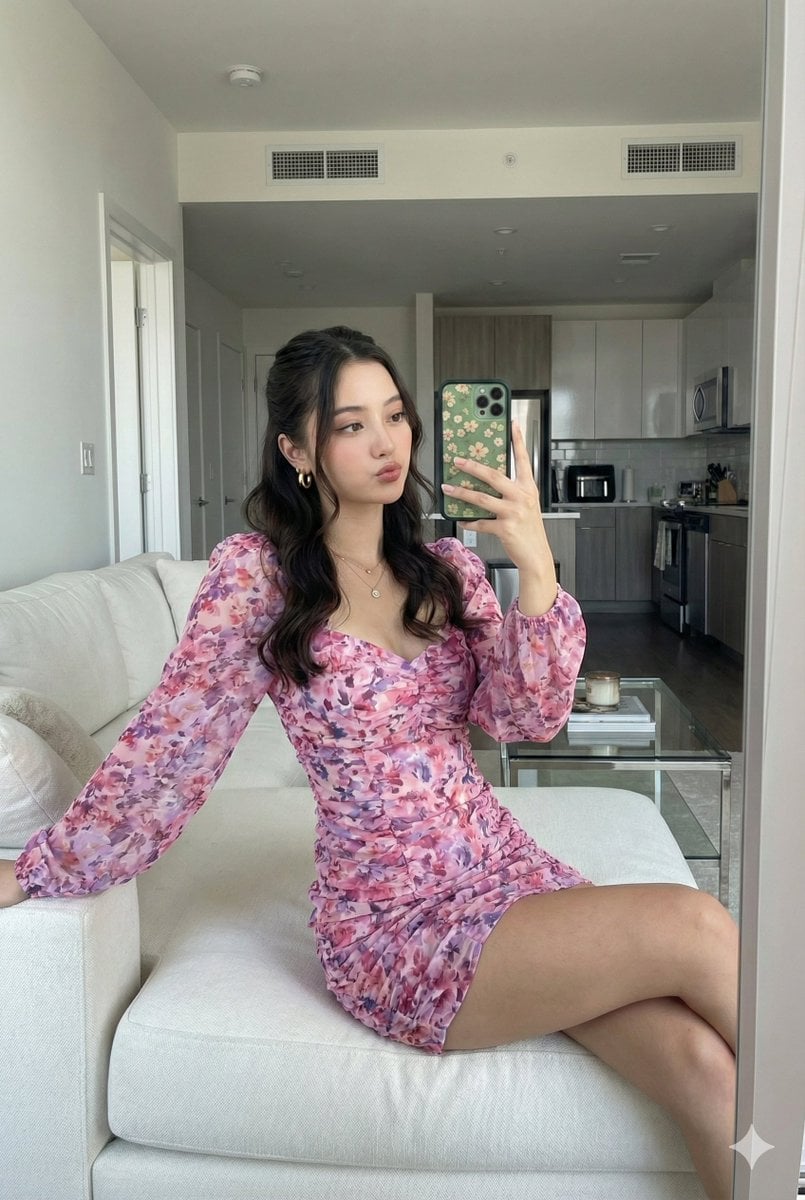
Mirror Selfie with Face Preservation Prompt
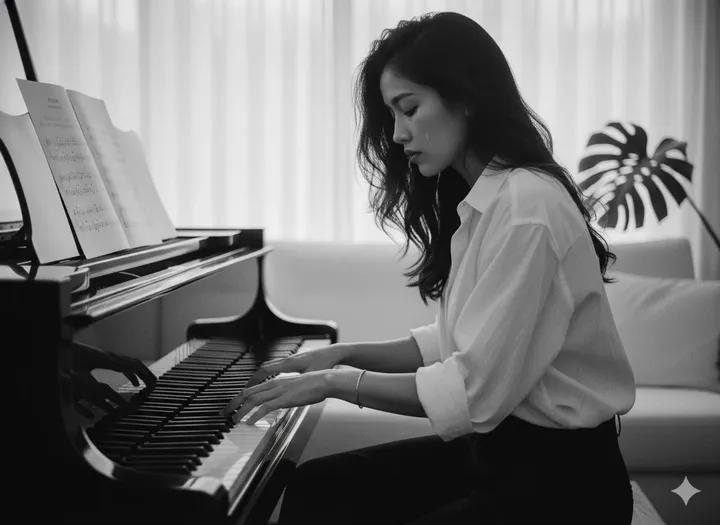
Young Woman Playing an Upright Piano in
Browse template categories
Double Exposure Dragon Warrior Poster questions
How do I use the Double Exposure Dragon Warrior Poster template?
Add your photo if the template asks for one, edit the prompt if you like — the template's model and format are already selected — and press Generate. Your version opens in PicX Studio.
Can I customize the Double Exposure Dragon Warrior Poster template?
Yes. You can change the subject, setting, lighting, mood, format, and available model controls before creating your image.
Is the Double Exposure Dragon Warrior Poster template free?
Opening and editing this template is free. Generating uses credits, shown on the Generate button when you are signed in.
Which AI model should I use?
Start with GPT Image 2, which is the model associated with this template. You can compare another compatible model for a different finish.
Looking for something else? Browse all templates.

Your photo, any look
Thousands of ready templates for every top image and video model, from one credit balance.