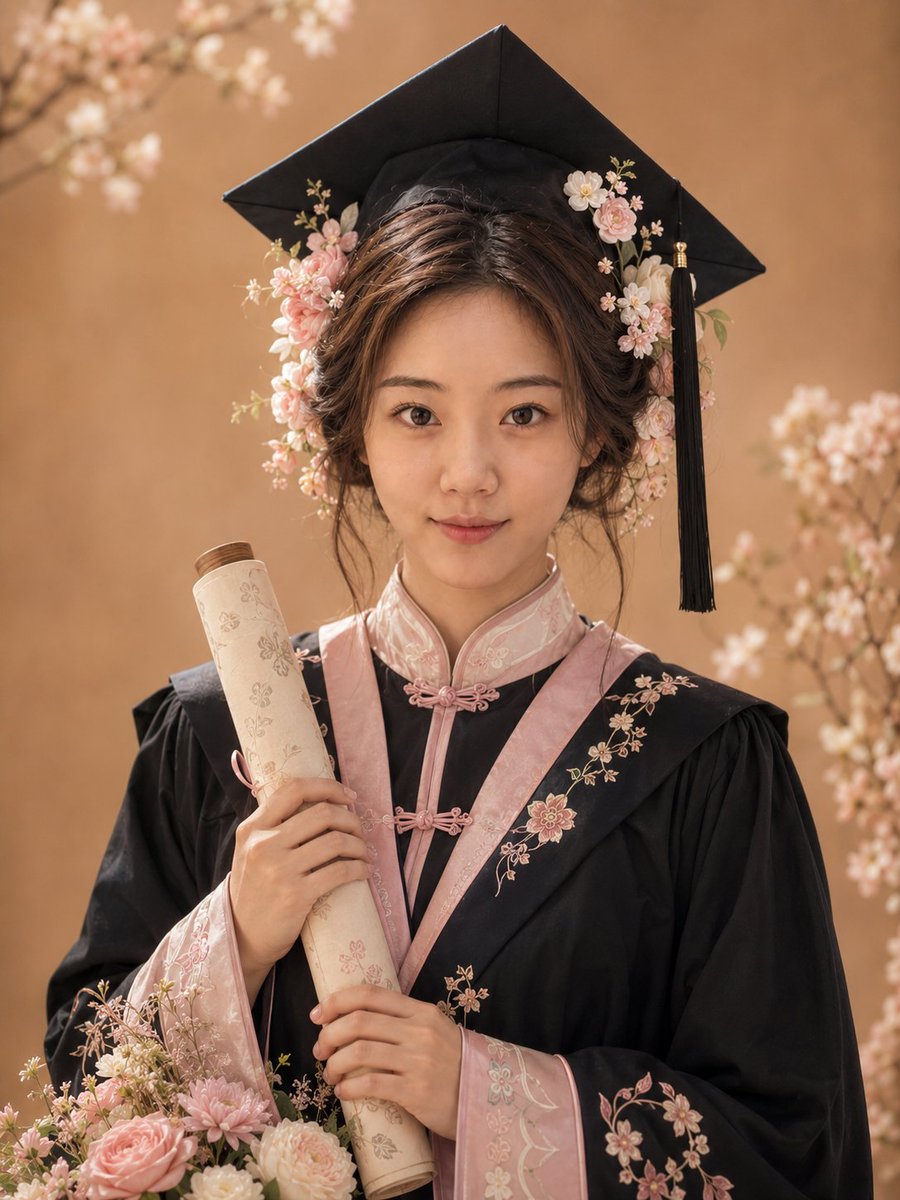
How do I use the Dynamic Double-Exposure Artistic Portrait template?
Choose the primary action to open PicX Studio with the available template settings. Review the model and format, personalize the creative direction, and generate when ready.
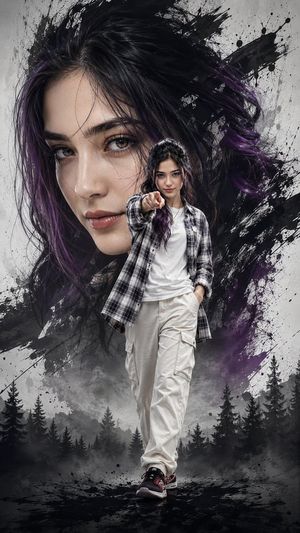
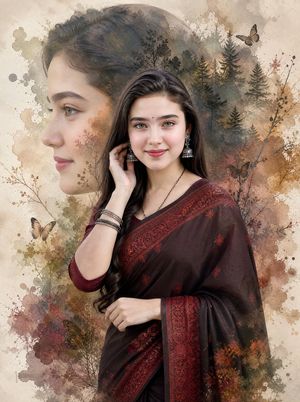
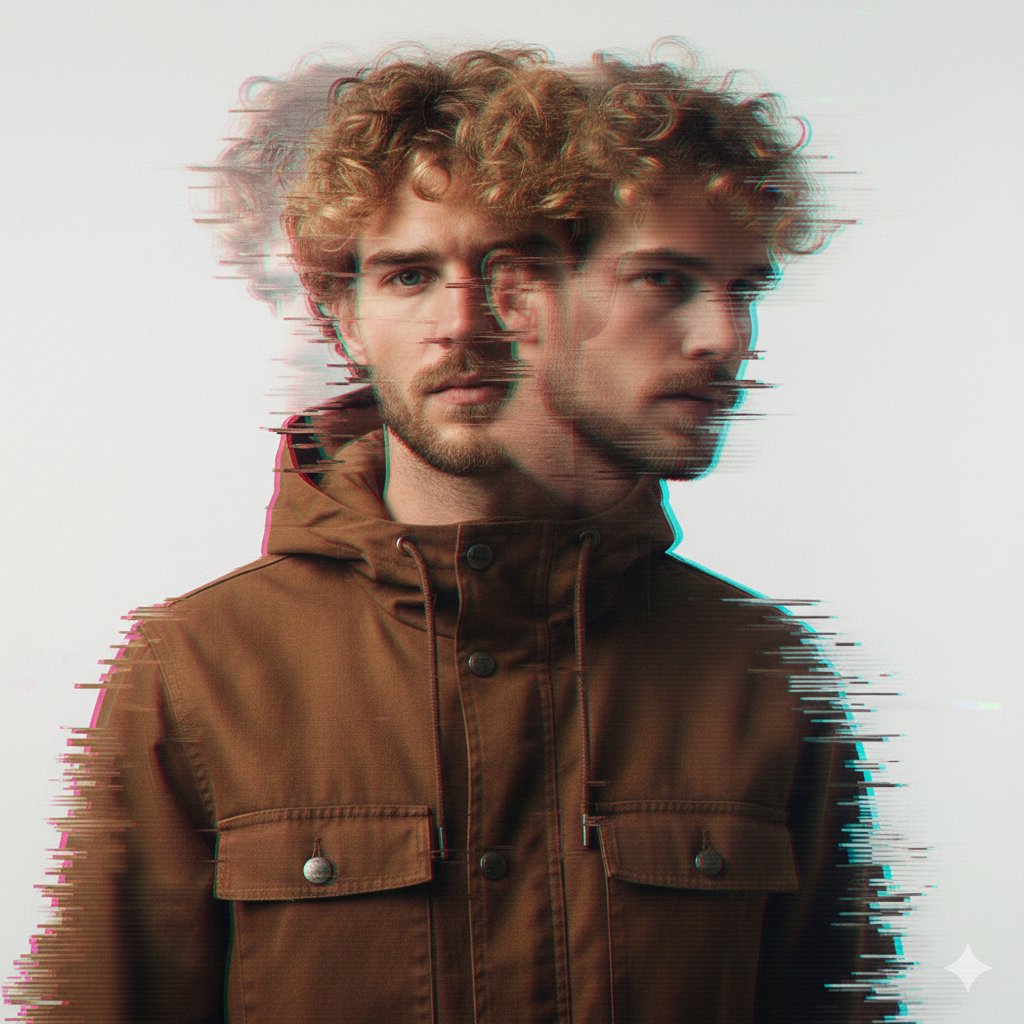
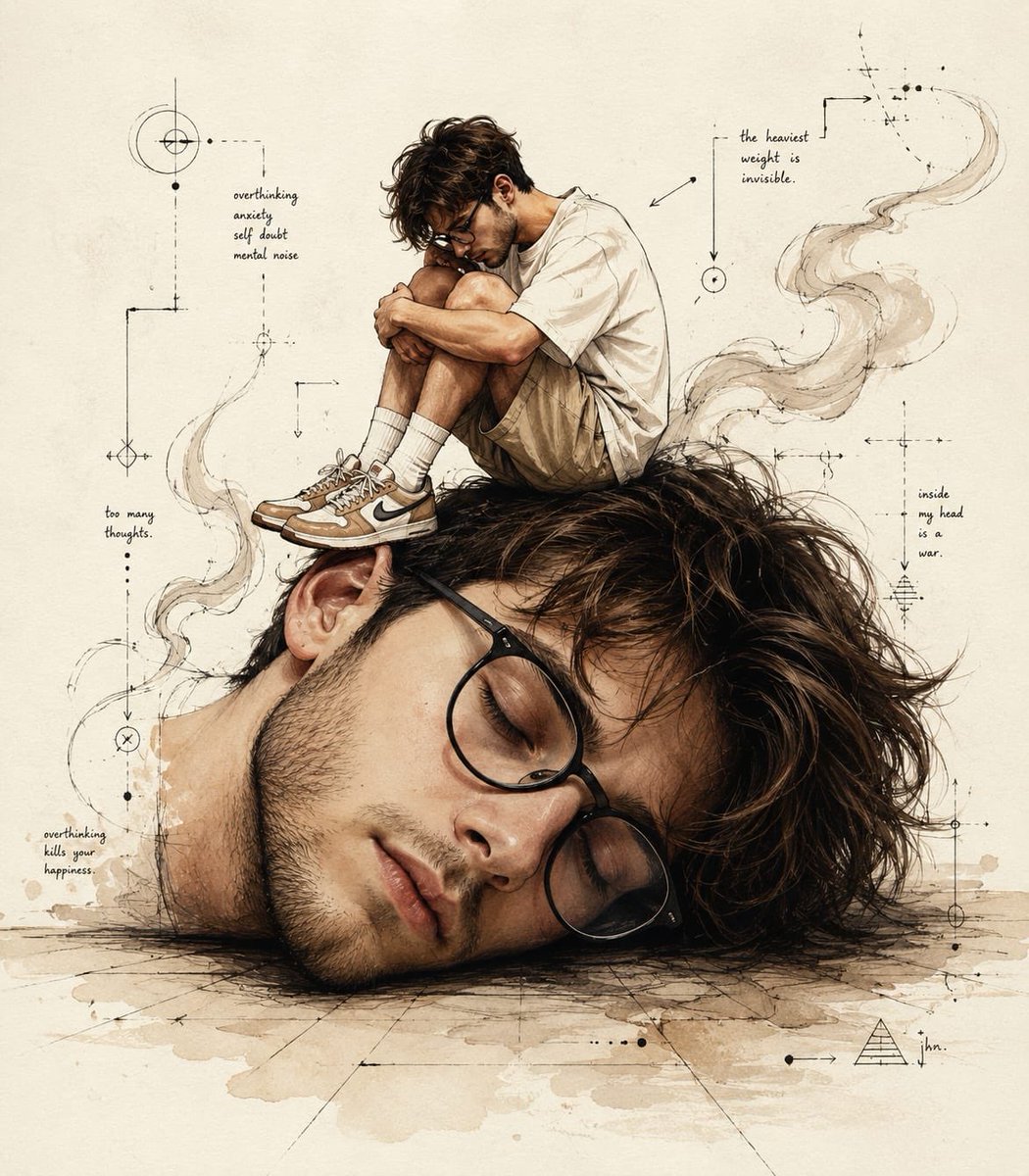
A dramatic double-exposure prompt merging male and female profiles with explosive abstract paint and energy effects.
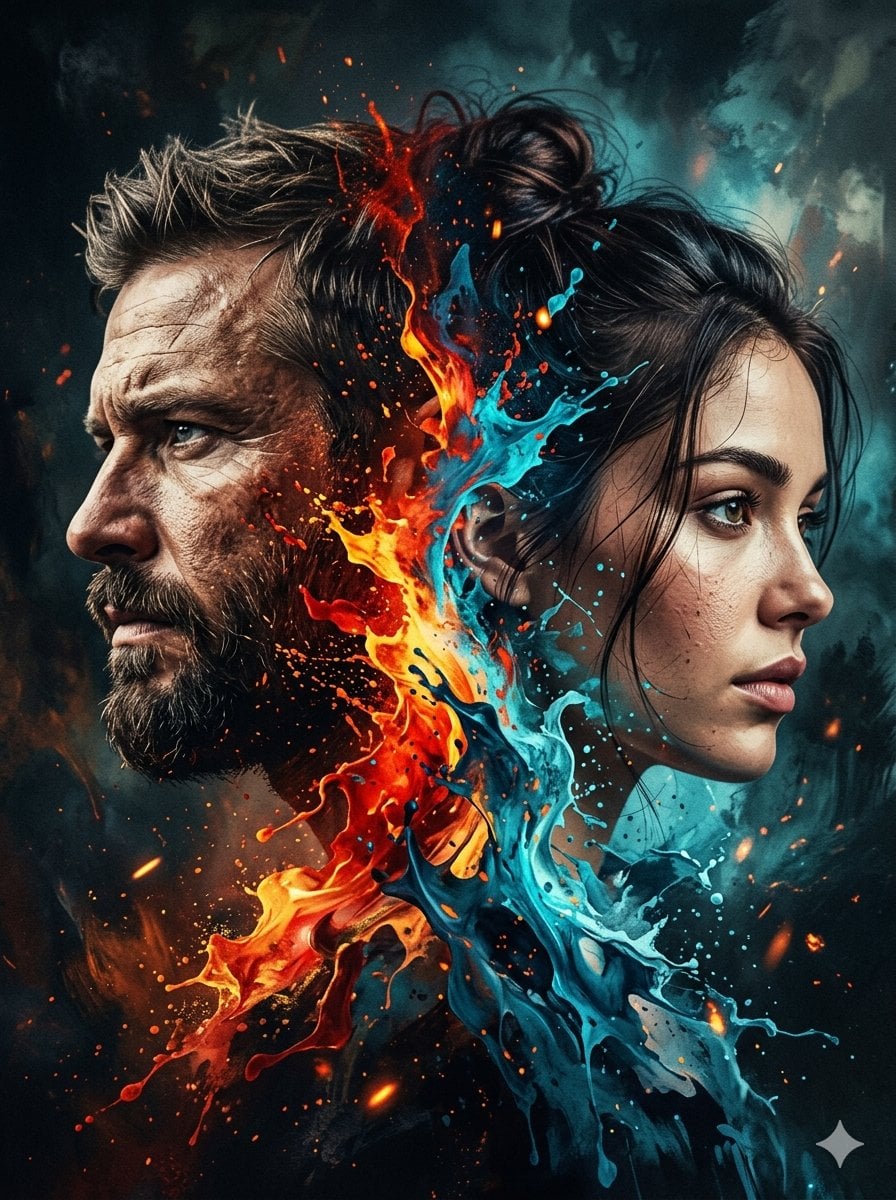
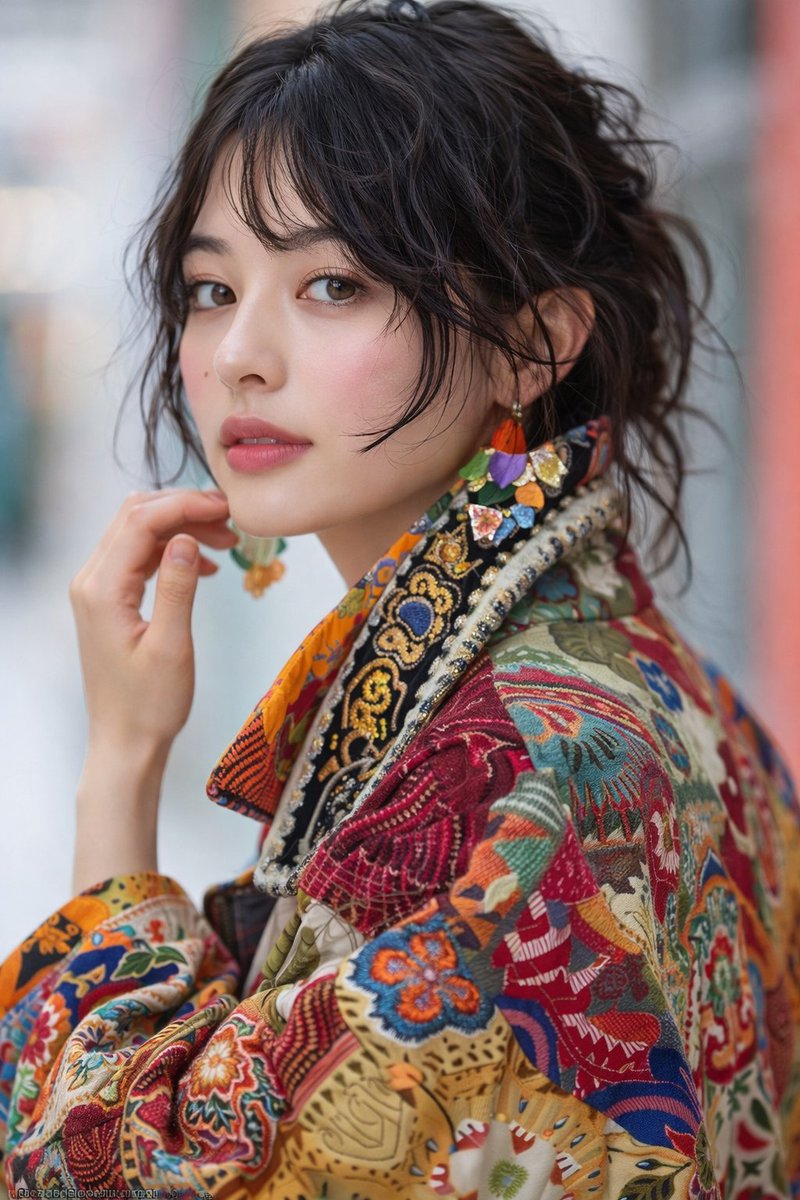
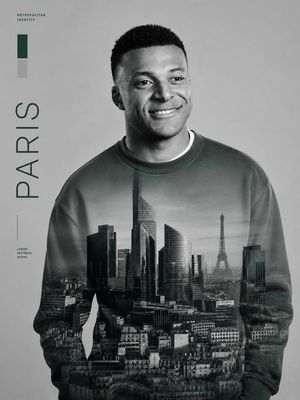
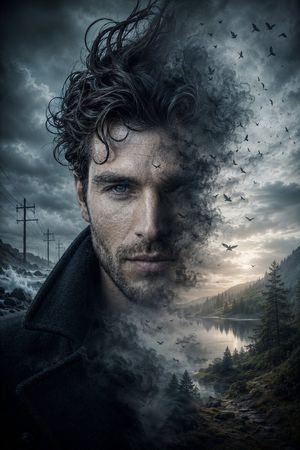
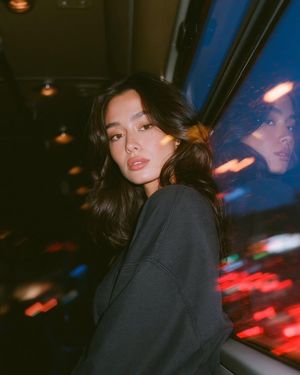
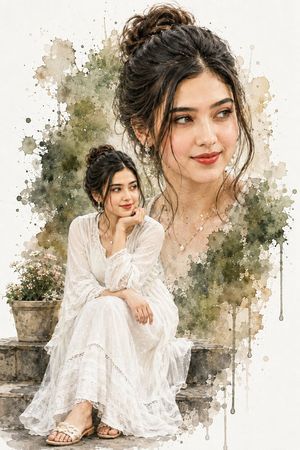
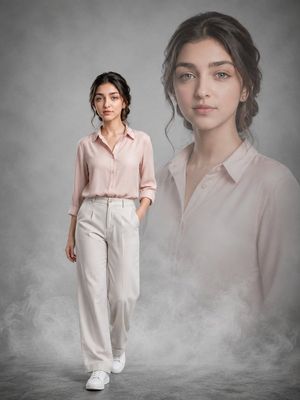
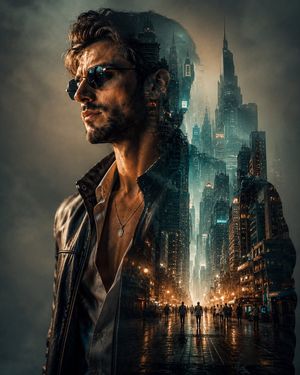
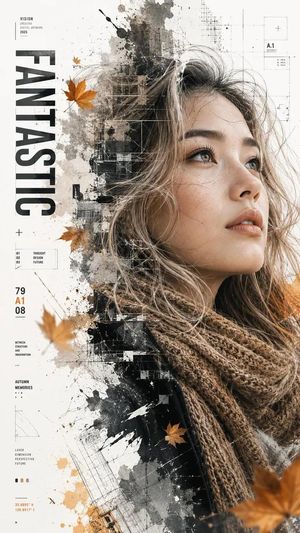
A dramatic double-exposure portrait of a {argument name="subjects" default="man and a woman"} facing opposite directions, their profiles back-to-back. The man appears rugged with short hair and a beard, looking left with a serious expression; the woman has soft features, tied-back hair, and looks right with a calm yet intense gaze. Their faces seamlessly merge in the center through an explosive blend of abstract paint and energy. {argument name="warm colors" default="Vivid splashes of fiery reds, oranges, and yellows"} burst from the center, transitioning into {argument name="cool colors" default="cool blues and teals"}, creating a striking contrast between warmth and cold. The paint appears fluid and dynamic, like liquid fire and water colliding, with glowing particles and embers scattered throughout. The lighting is cinematic, with high contrast and detailed skin textures.
Choose the primary action to open PicX Studio with the available template settings. Review the model and format, personalize the creative direction, and generate when ready.
Yes. You can change the subject, setting, lighting, mood, format, and available model controls before creating your image.
This template is free to open and customize. Generation usage is shown in PicX Studio before you create.
Start with Nano Banana 2, which is the model associated with this template. You can compare another compatible model for a different finish.
Follow a topic to a crawlable collection of related PicX Studio templates.