How do I use the Surreal Double-Exposure Floral Portrait template?
Choose the primary action to open PicX Studio with the available template settings. Review the model and format, personalize the creative direction, and generate when ready.
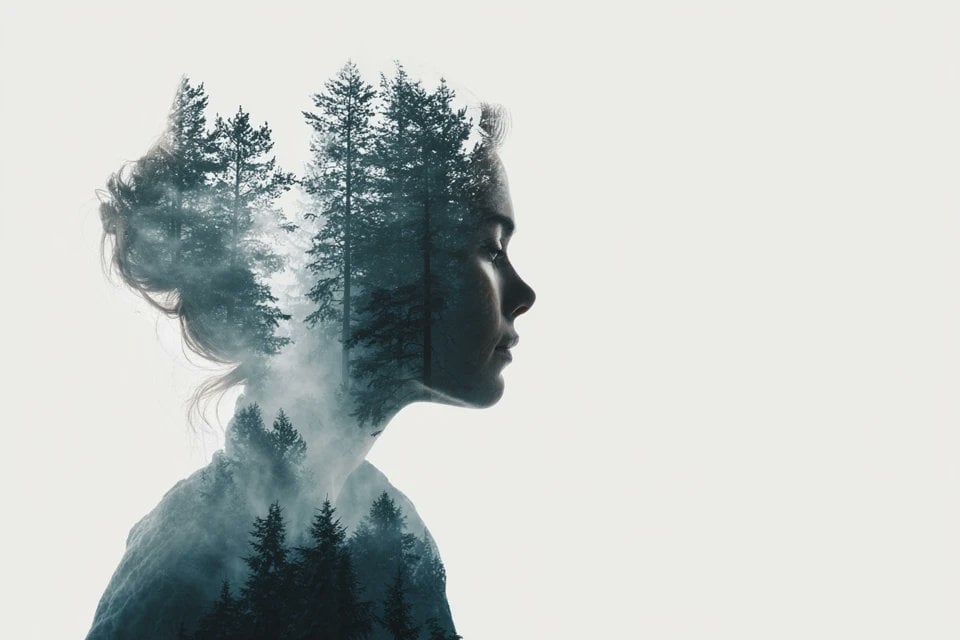
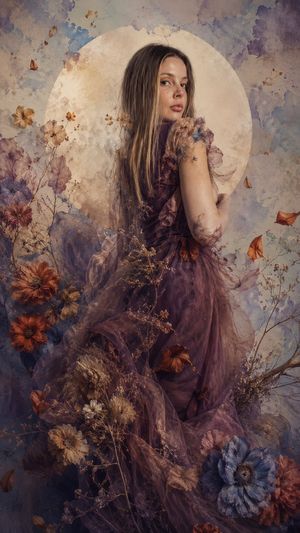
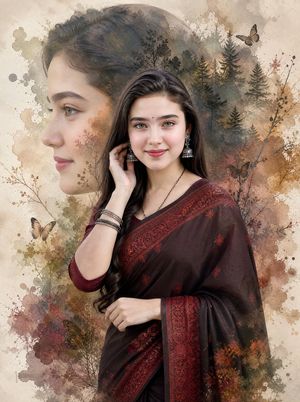
A breathtaking surreal portrait prompt merging a female subject with vibrant, translucent flower petals in an ethereal double-exposure style.
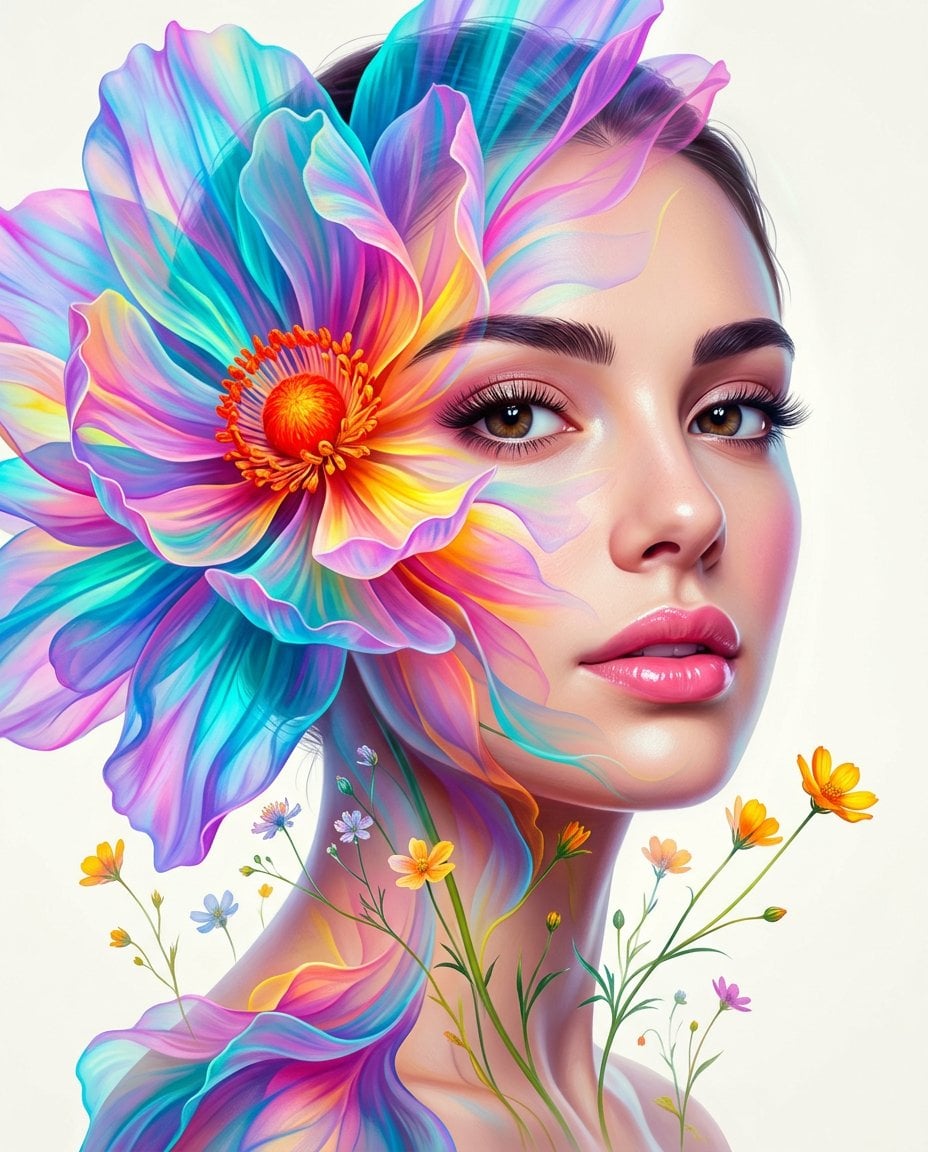
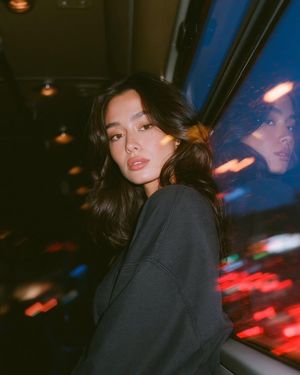
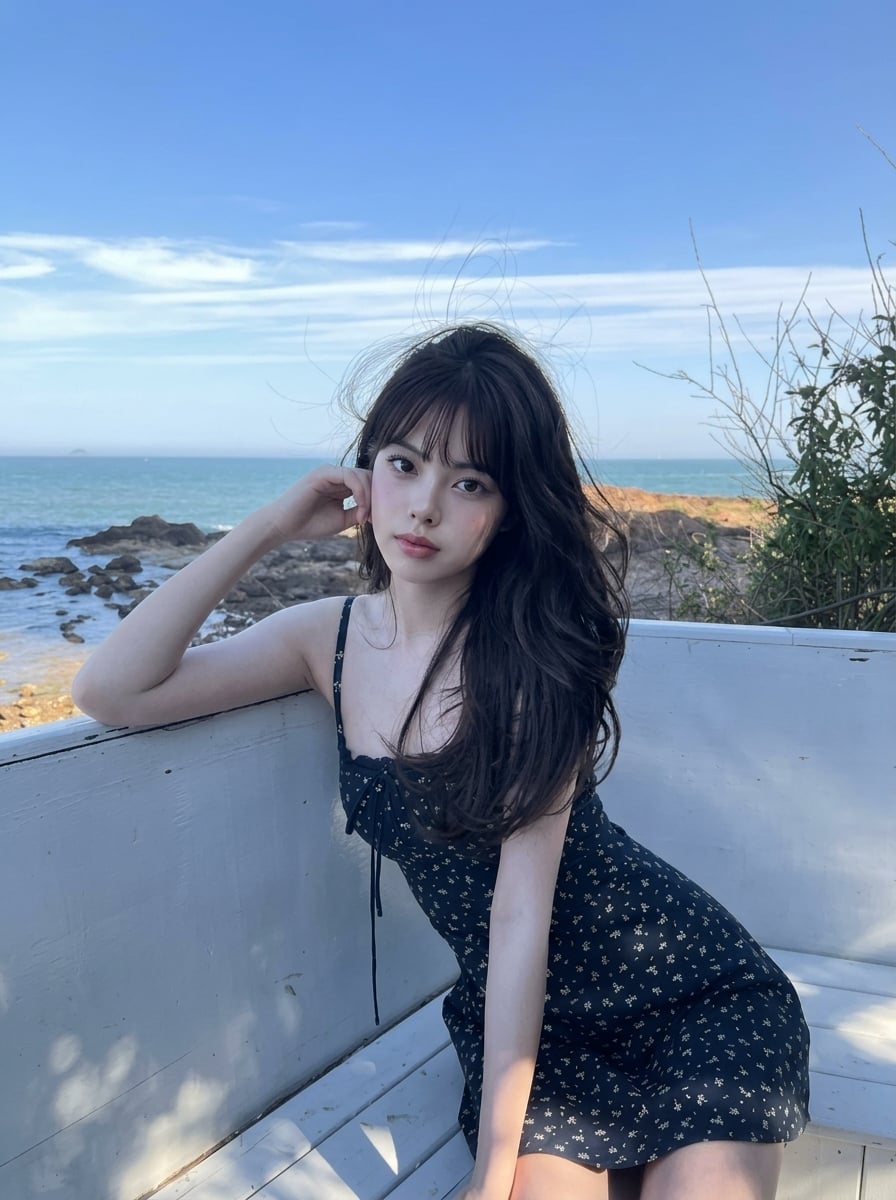
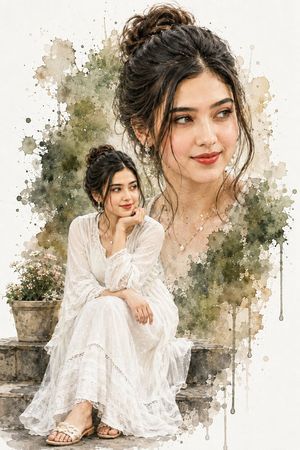
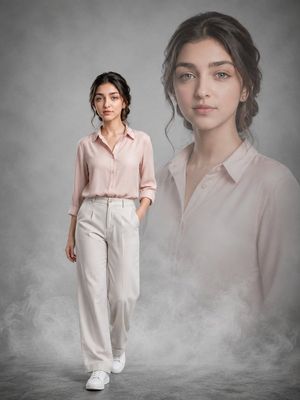
A breathtaking surreal double-exposure portrait of a beautiful young woman with fair skin, perfectly arched dark eyebrows, striking brown eyes with long lush eyelashes, and full glossy pink lips slightly parted, her head gently tilted as she gazes softly to the side. Her face and neck are intricately merged and interwoven with enormous, translucent, flowing flower petals in an ethereal layered composition. A massive, intricate flower dominates the left side of her face, its delicate semi-transparent petals cascading over her forehead, eye, cheek, and shoulder in rich, flowing layers. The petals display an explosion of {argument name="color palette" default="hyper-vibrant, highly saturated colors — intense electric blues, vivid teals, luminous purples, hot pinks, glowing yellows, and fiery oranges"} — with dramatically enhanced contrast and color pop that makes every hue radiate and shimmer. The flower’s textured center features a bold, glowing orange-red stamen cluster positioned near her eye. Smaller delicate wildflowers and slender green stems with bright yellow-orange blooms float ethereally around her neck and shoulders. Clean, minimalist off-white background with soft, luminous lighting that enhances the glowing, dreamlike atmosphere.
Choose the primary action to open PicX Studio with the available template settings. Review the model and format, personalize the creative direction, and generate when ready.
Yes. You can change the subject, setting, lighting, mood, format, and available model controls before creating your image.
This template is free to open and customize. Generation usage is shown in PicX Studio before you create.
Start with Nano Banana 2, which is the model associated with this template. You can compare another compatible model for a different finish.
Follow a topic to a crawlable collection of related PicX Studio templates.