
Hyper-Realistic Nightclub Portrait Prompt
A highly detailed prompt for generating a hyper-realistic, full-body portrait of a woman in a luxury nightclub setting.

- Prompt included
- Model and format preset
- Free template
The prompt behind this image
Copy the exact prompt behind Hyper-Realistic Nightclub Portrait Prompt, or open it in the studio and make it yours.
{ "subject": { "type": "Woman", "age": "Mid-30s", "face": { "structure": "Softly defined jawline, genuine joyful expression", "expression": "Spontaneous sweet smile, squinted eyes from laughter (Duchenne smile), authentic joy", "skin_texture": "Visible skin pores, fine lines around the eyes from smiling, slight sheen from the warm club atmosphere, no airbrushing", "features": "Light natural makeup, earthy eyeshadow, soft lip gloss, high cheekbones accentuated by the smile" }, "hair": { "color": "Brunette to honey-blonde ombre", "style": "Voluminous beach waves, messy-chic center part", "texture": "Individual hair strands visible, slight frizz from humidity, reflective shine under club lights" }, "body": { "build": "Fit and voluptuous hourglass physique, toned athletic frame with full natural curves", "anatomy_behavior": "Realistic weight distribution, soft compression of the waist, natural curvature of the spine while leaning slightly, anatomical accuracy of the hip-to-waist ratio", "skin_finish": "Natural skin texture on legs through mesh, soft specular highlights on shoulders" } }, "wardrobe": { "outfit": "Attractively fitted black silk bodysuit, black fishnet stockings, and knee-high leather stiletto boots", "fit_details": "Fabric tension at the seams, realistic mesh grid of the fishnets pressing slightly into the skin, leather boots showing natural creases at the ankles", "material_behavior": "Reflective leather surface, matte silk texture, translucent mesh" }, "pose": { "body_orientation": "Full body standing pose, slightly angled towards the camera", "limb_positions": "Holding a crystal cocktail glass with a garnishment, one hand relaxed, legs slightly crossed to emphasize silhouette", "spine_and_weight": "Weight shifted onto one hip, dynamic and candid posture, spine showing natural movement" }, "environment": { "location": "High-end luxury nightclub bar", "foreground_elements": [ "Crystal cocktail glass with condensation", "Slightly out-of-focus bar edge" ], "background_elements": [ "Large expansive bar with glowing {argument name="bar backlight color" default="red"} backlight", "Rows of expensive liquor bottles with red glass reflections", "Blurred silhouettes of patrons and a bartender in motion", "Dark moody lounge interior" ], "spatial_rules": "Shallow depth of field, background is creamy bokeh but recognizable as a crowded fancy club" }, "camera": { "device_vibe": "High-end smartphone candid shot, social media style but professional quality", "lens_feel": "35mm focal length, realistic wide-angle distortion at the edges", "angle": "Eye-level, straight-on full body shot", "distance": "Medium-long shot", "framing": "Full-body framing including the boots", "distortion_rules": "Subtle chromatic aberrat" } }
How to use Hyper-Realistic Nightclub Portrait Prompt in 3 steps
- 1
Open
The prompt is already in the box next to the preview, with the template's model and format selected.
- 2…a portrait of your subject in softgolden-hour light, 85mm…
Personalize
Edit the subject and creative details for your destination.
- 3Generate
Generate
Press Generate — your image is created in PicX Studio, so you can compare it with the original and refine one variable at a time.
More like this
Templates with the same subject, style or setup. Open one to see its prompt.

Found Photograph: Us, 1970

80s Couple Studio Portrait

80s Bollywood Star

80s Golden Hour Cinema

Me in 1985

1985 Studio Portrait

Hyper-Realistic Minecraft POV Portrait

Rooftop Fisheye — Cat-Ear Balaclava at Golden Hour

Rainy Café Window Moody Portrait

untitled

2025 Aesthetic Photography

Nano Banana Is So Addictive
Make it yours
Hyper-Realistic Nightclub Portrait Prompt works as-is. These are the safest ways to change it without losing the look.
Change one field
Copy a single group, rewrite it, and generate again so you can see what that field is doing.
Keep the frame, change the subject
Hold the composition and light of Hyper-Realistic Nightclub Portrait Prompt, then swap wardrobe, props or the person for a new take.
| If the result… | Why | Fix |
|---|---|---|
| The result drifts from the preview | Too many fields changed at once. | Reuse Hyper-Realistic Nightclub Portrait Prompt as-is first, then change one group — subject, light, or setting. |
| The model over-stylizes the scene | The prose prompt leaves finish and camera underspecified. | Add one camera or lighting sentence and stay on Nano Banana 2. |
More Nano Banana 2 templates
Other prompts made for Nano Banana 2.

Photorealistic Leaf Shaped Like a Dragon

K-Pop Idol Portrait Grid for Rapid Selection

Poetic Rain Forest Portrait During Golden Hour

Urban Street Portrait with Cartoon Inner Self Duo

Candid Nighttime Photo with Cat Prompt

High-Concept 3D Diorama Generation Prompt

Cinematic Futuristic Studio Portrait Template

Skincare Editorial Photography Collage Prompt

Hyper-Realistic Commercial Product Photography (Splash Effect)

Cinematic Urban Rain Scene Prompt (Neo-Noir)
More image prompts
Fresh picks from across the catalog.
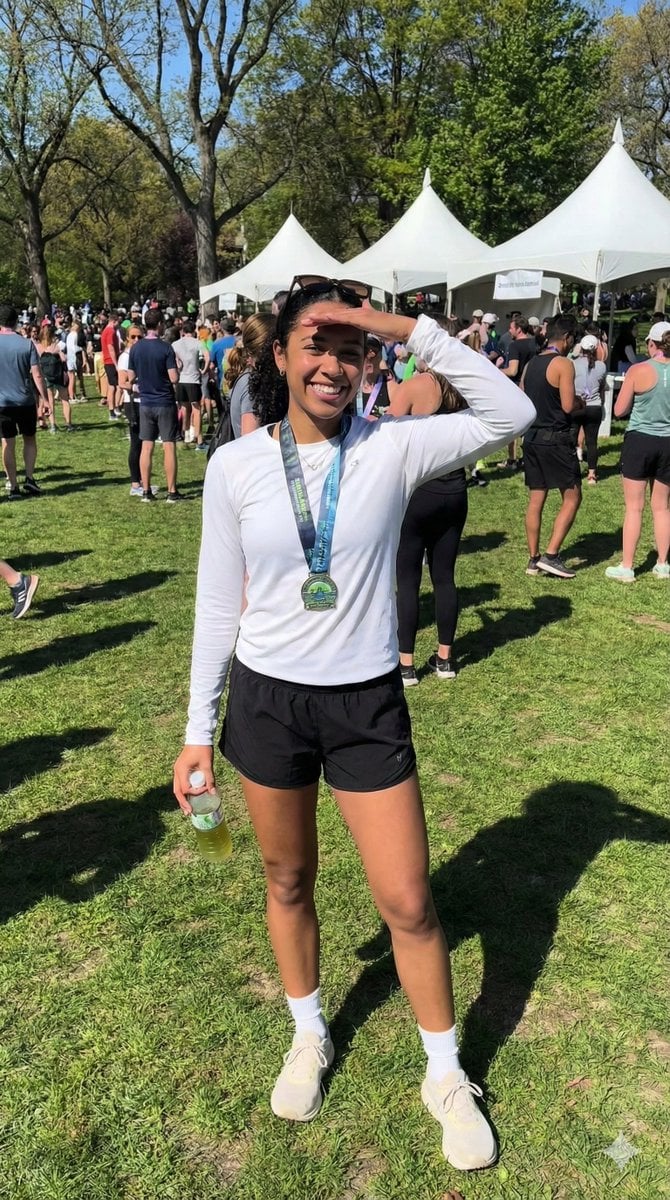
Ultra-Photorealistic Race Event Portrait (9:16)
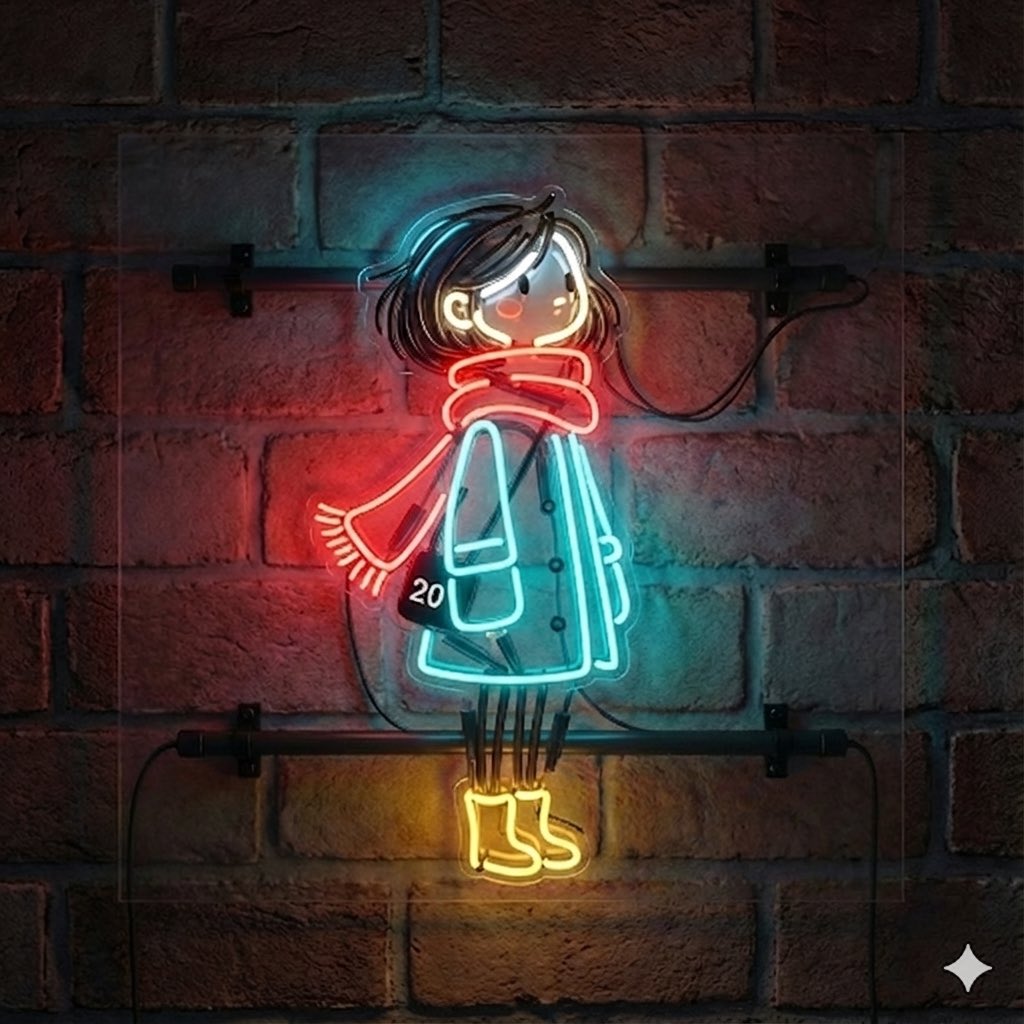
Image-to-Neon Light Transformation
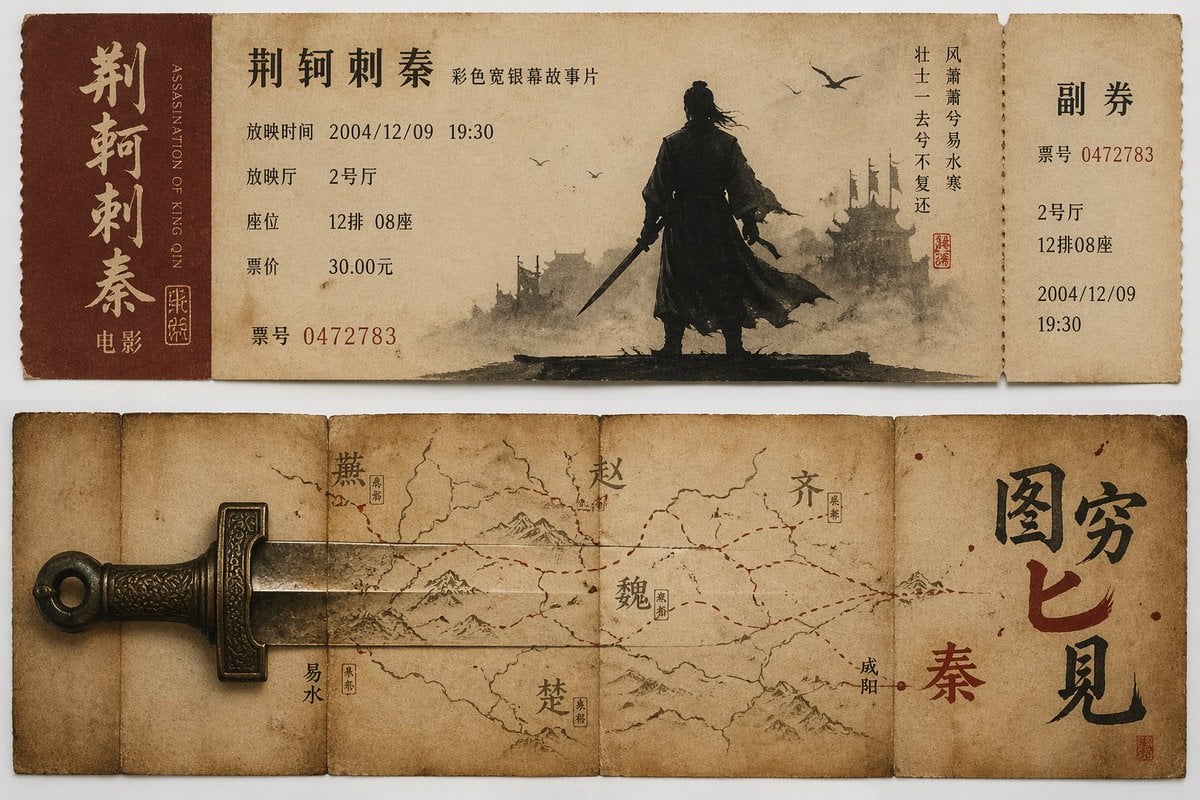
Nostalgic movie ticket stub prompt
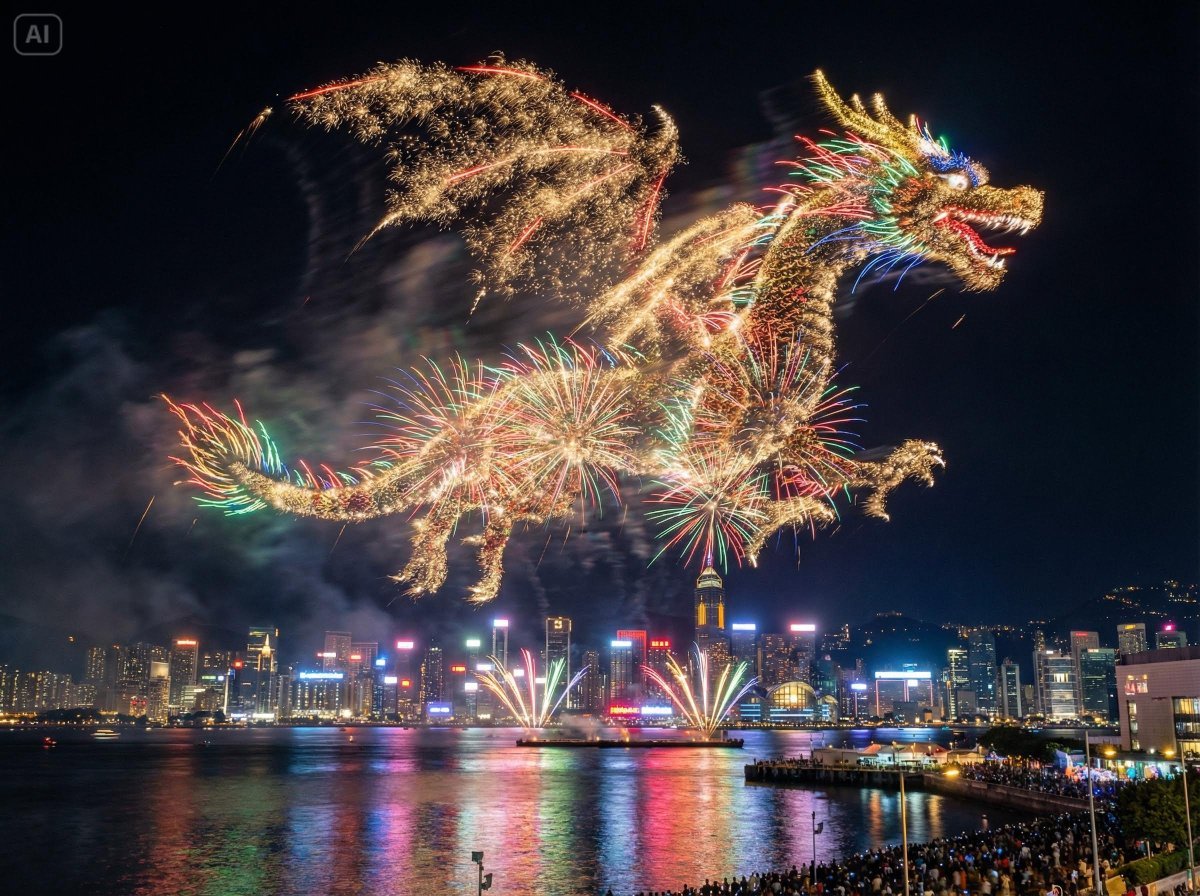
Photorealistic Fireworks Display Prompt for Dreamina AI
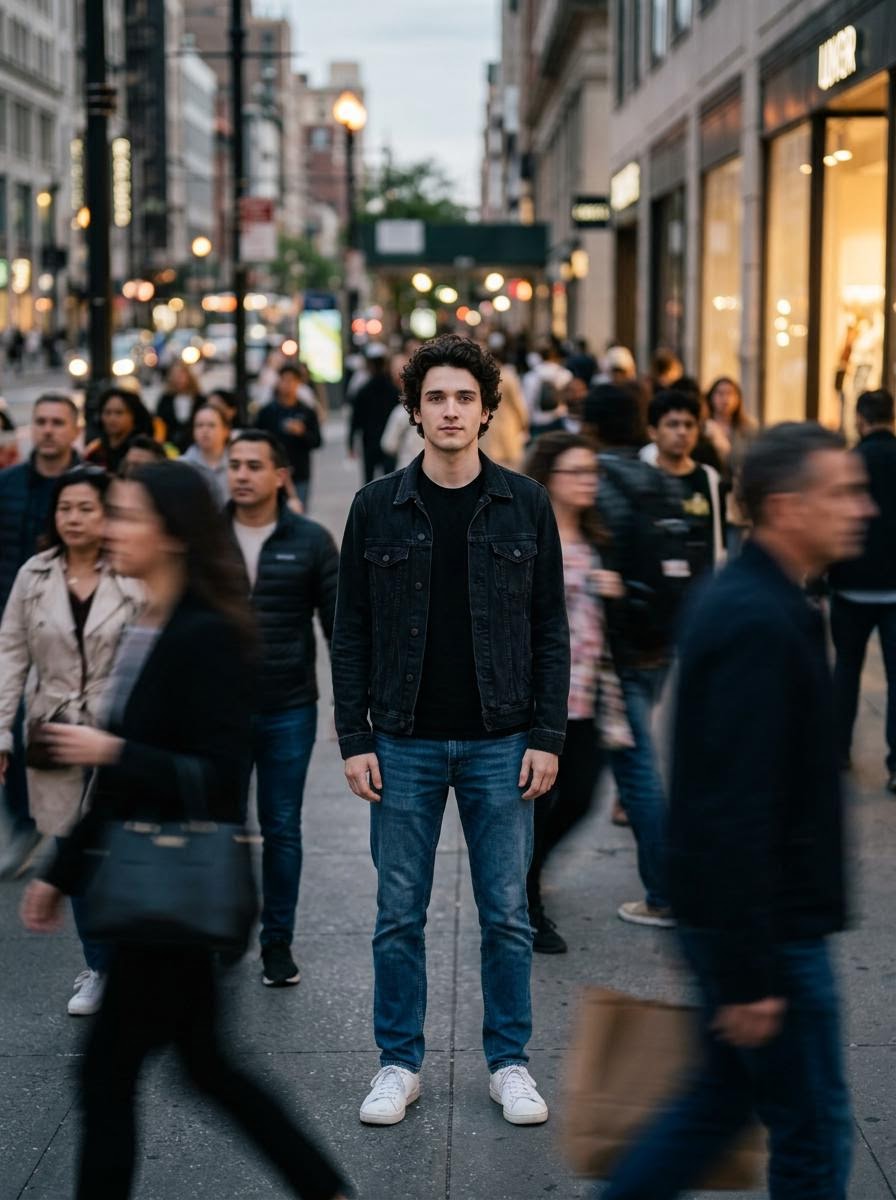
Calm in Chaos Street Photo Prompt for Nano Banana 2
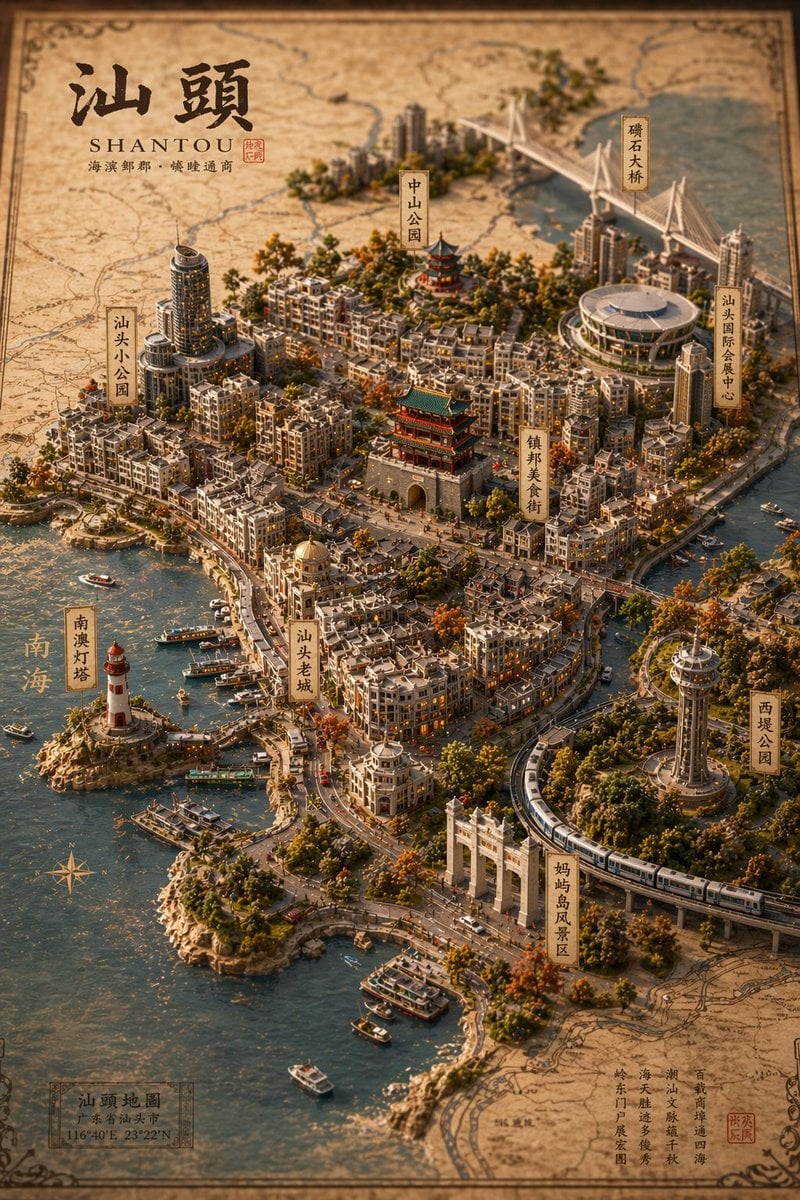
Vintage 3D Miniature City Map
Ai Evolution Timeline Infographic
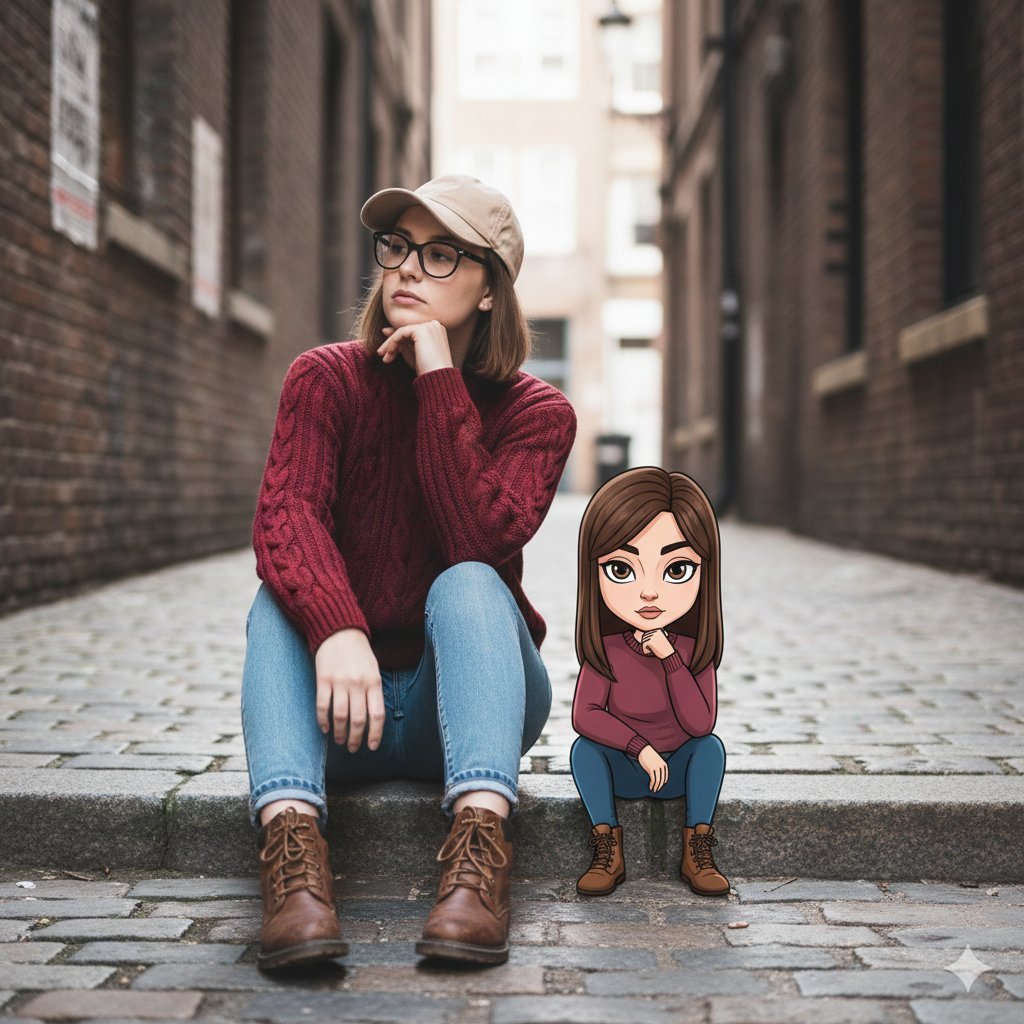
Cinematic Street Portrait with Whimsical Illustrated Avatar
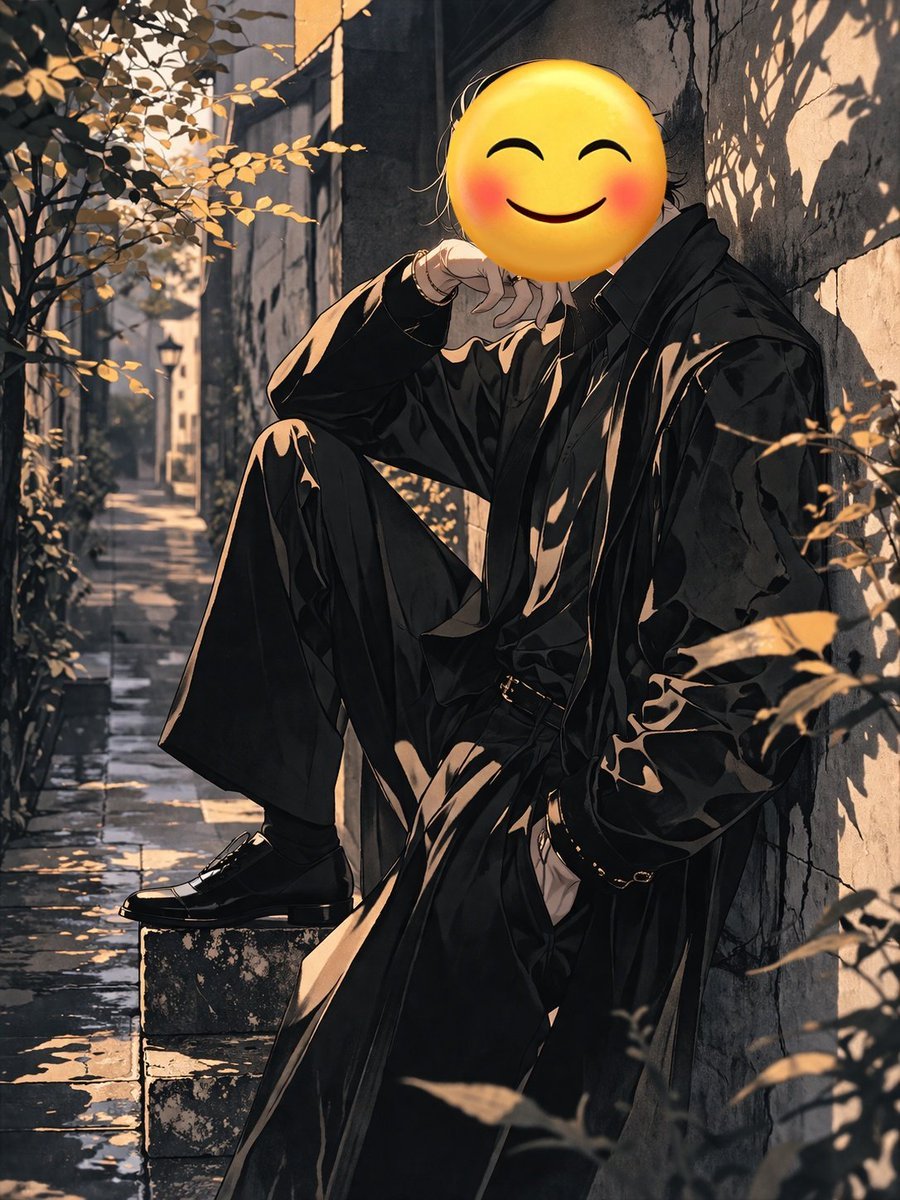
Figure with Emoji Head in Sunlit Alley
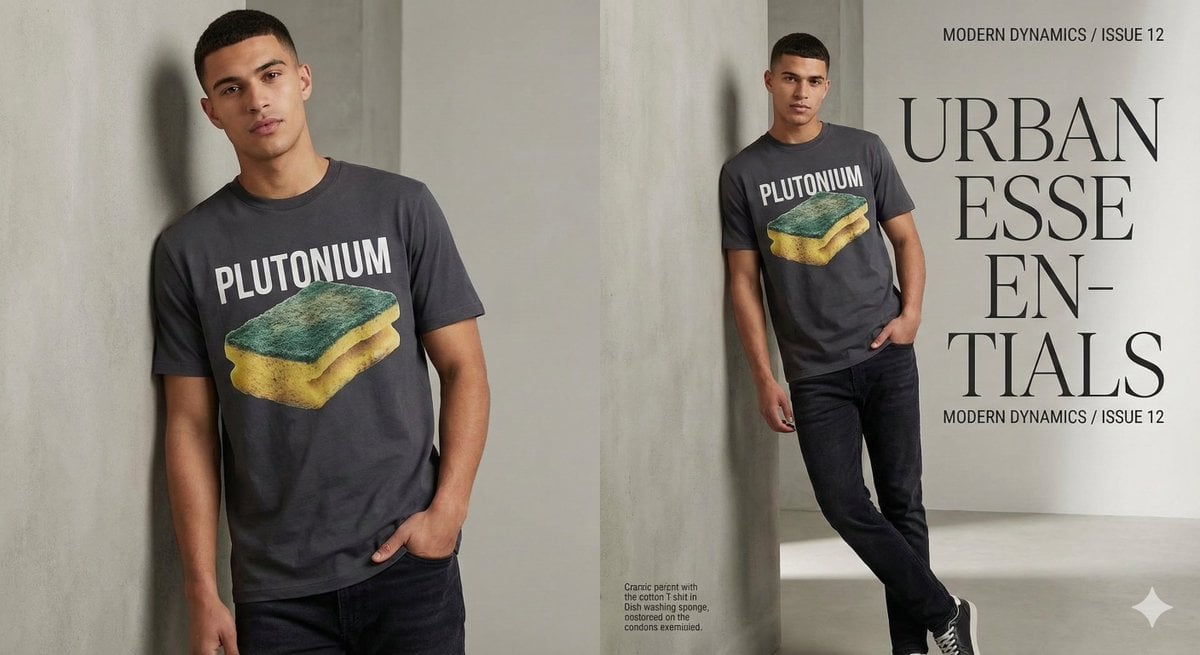
Fashion Magazine Style Sponge T-shirt with 'Error'
Browse template categories
Hyper-Realistic Nightclub Portrait Prompt questions
How do I use the Hyper-Realistic Nightclub Portrait Prompt template?
Add your photo if the template asks for one, edit the prompt if you like — the template's model and format are already selected — and press Generate. Your version opens in PicX Studio.
Can I customize the Hyper-Realistic Nightclub Portrait Prompt template?
Yes. You can change the subject, setting, lighting, mood, format, and available model controls before creating your image.
Is the Hyper-Realistic Nightclub Portrait Prompt template free?
Opening and editing this template is free. Generating uses credits, shown on the Generate button when you are signed in.
Which AI model should I use?
Start with Nano Banana 2, which is the model associated with this template. You can compare another compatible model for a different finish.
Looking for something else? Browse all templates.

Your photo, any look
Thousands of ready templates for every top image and video model, from one credit balance.