
Found Photograph: Us, 1970
Family album print, aged — a 1980s restyle of a photo you upload, written for two people in frame.

- Prompt included
- Model and format preset
- Free template
The prompt behind this image
Copy the exact prompt behind Found Photograph: Us, 1970, or open it in the studio and make it yours.
Transform the uploaded couple into an ordinary 1987 family-album photograph taken inside a modest Indian home. They sit together on a patterned sofa, slightly awkwardly posed but smiling naturally, surrounded by curtains, wooden furniture, a CRT television and family decorations. Their clothing, hairstyles and accessories should be authentically 1980s. Photograph them with a basic 35mm film camera and direct flash, producing realistic skin texture, uneven exposure, subtle film grain and slight softness. Present the final result as a physical old printed photograph with faded edges, tiny scratches, dust, paper texture and slight discoloration, as though someone recently found it inside a forgotten family album.
How to use Found Photograph: Us, 1970 in 3 steps
- 1Upload ImagePNG, JPG or paste
Add your photo
Upload the photo the template builds on. The prompt, model and format are already set.
- 2…a portrait of your subject in softgolden-hour light, 85mm…
Personalize
Edit the subject and creative details while keeping the 9:16 frame.
- 3Generate
Generate
Press Generate — your image is created in PicX Studio, so you can compare it with the original and refine one variable at a time.
More like this
Templates with the same subject, style or setup. Open one to see its prompt.












Make it yours
Found Photograph: Us, 1970 works as-is. These are the safest ways to change it without losing the look.
Change the frame
This template is built for 9:16. Try a matching image ratio in Studio if you need a different crop.
Change one field
Copy a single group, rewrite it, and generate again so you can see what that field is doing.
Keep the frame, change the subject
Hold the composition and light of Found Photograph: Us, 1970, then swap wardrobe, props or the person for a new take.
| If the result… | Why | Fix |
|---|---|---|
| The result drifts from the preview | Too many fields changed at once. | Reuse Found Photograph: Us, 1970 as-is first, then change one group — subject, light, or setting. |
| The crop feels wrong | The prompt is framed for 9:16. | Set the image ratio to 9:16 before generating. |
| The model over-stylizes the scene | The prose prompt leaves finish and camera underspecified. | Add one camera or lighting sentence and stay on Openai/gpt Image 2.5/flare. |
More Openai/gpt Image 2.5/flare templates
Other prompts made for Openai/gpt Image 2.5/flare.

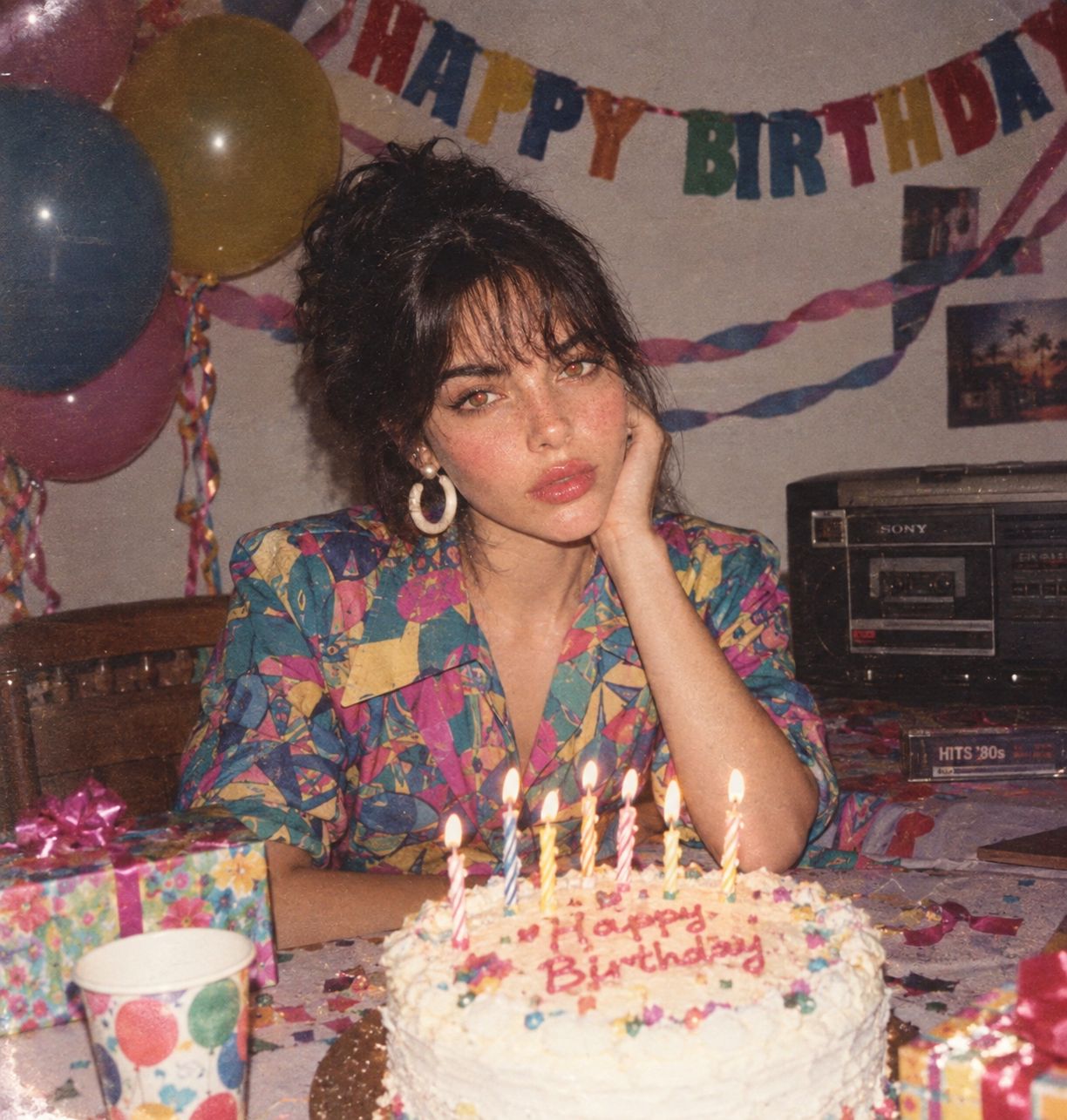



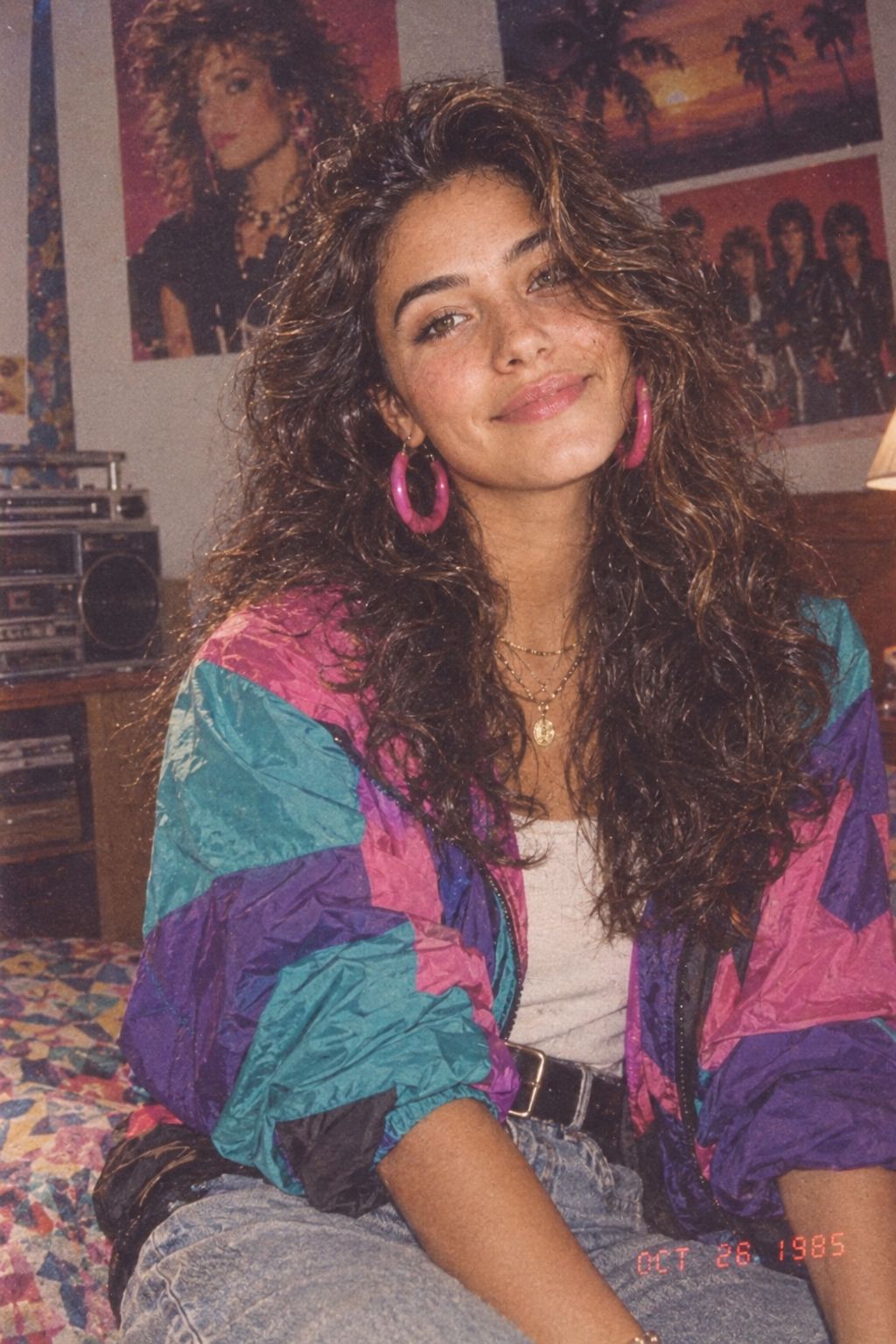
More image prompts
Fresh picks from across the catalog.
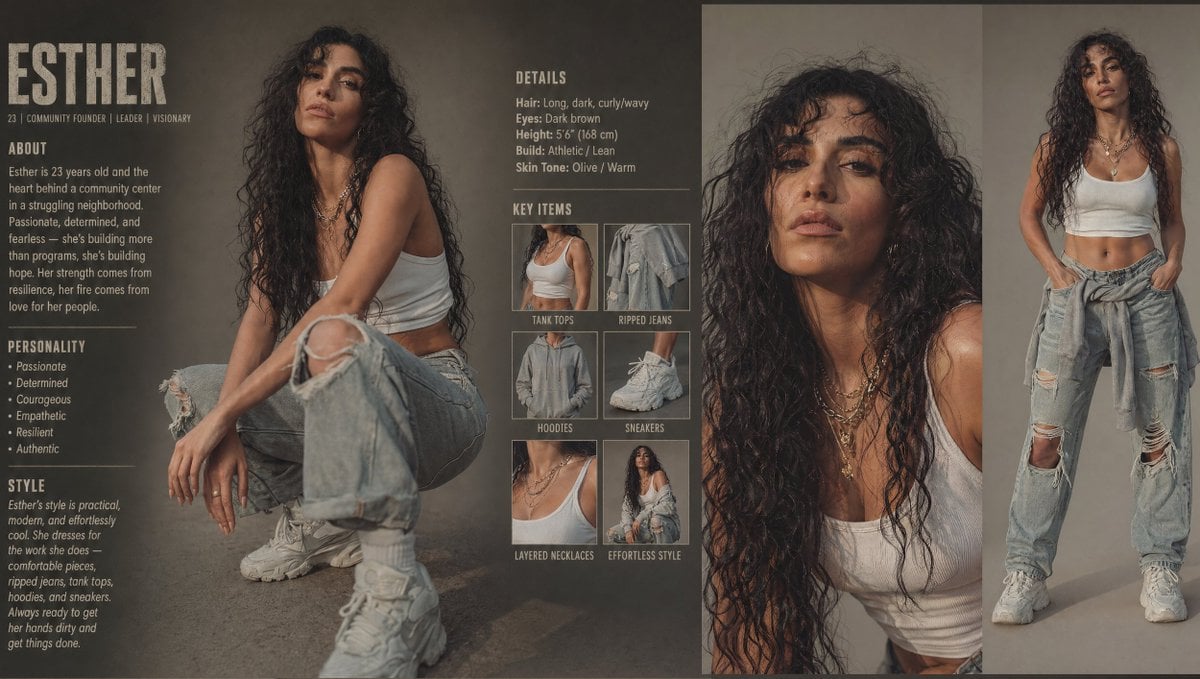
Modern Esther Character Sheet
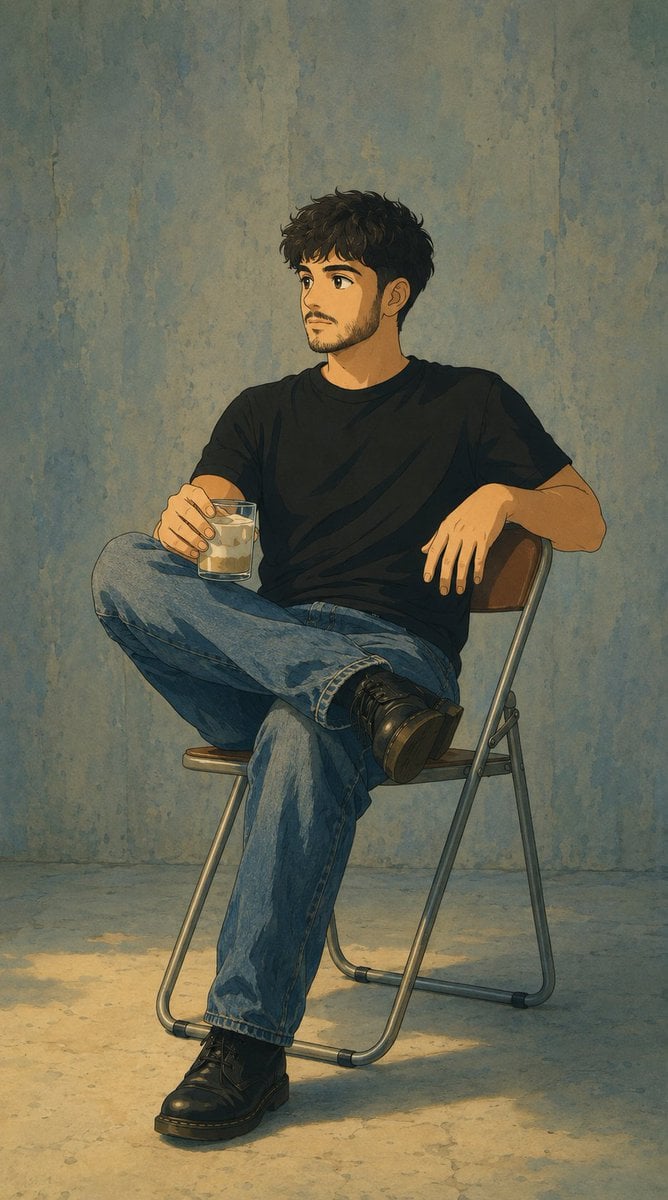
Studio Ghibli Photo Transformation
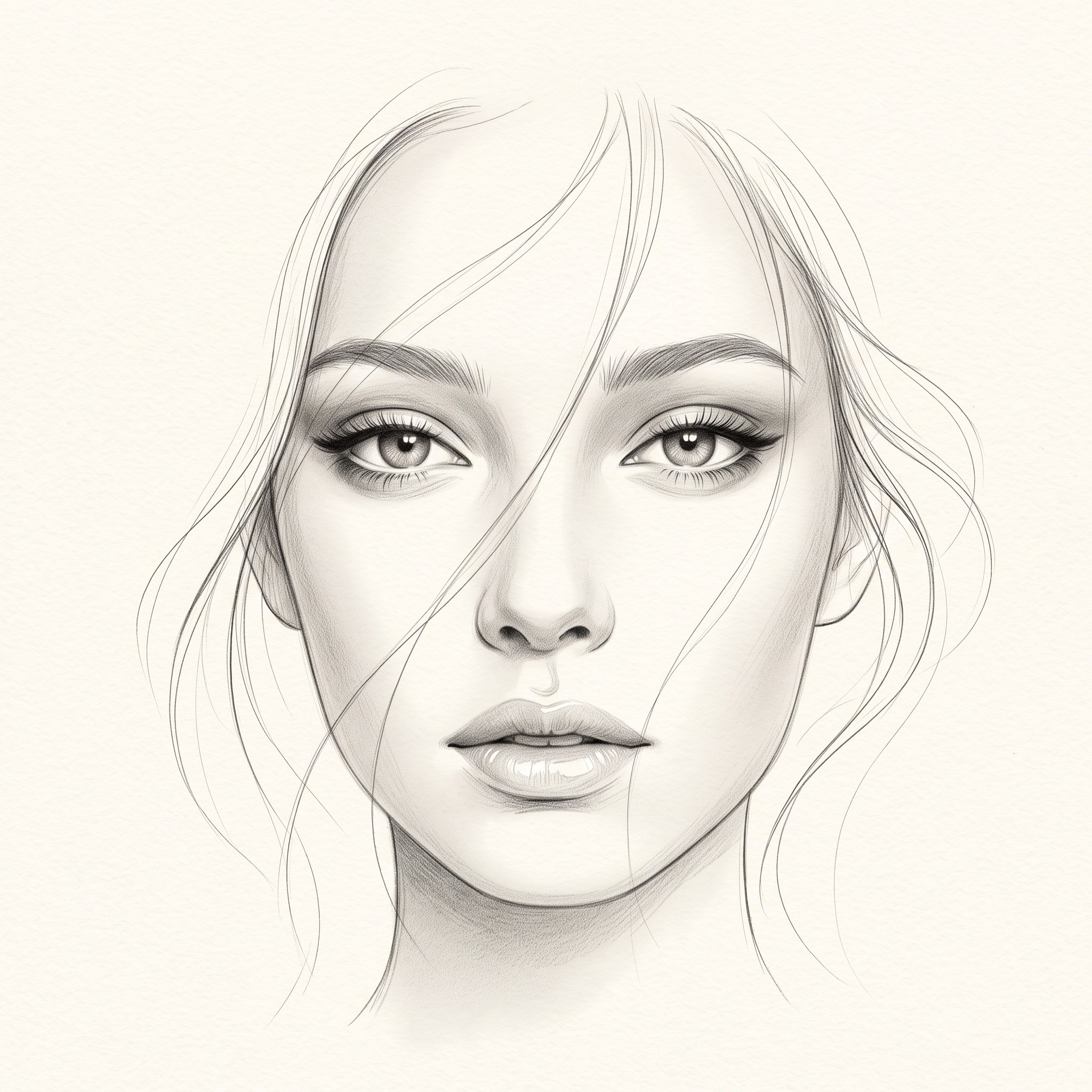
Minimalist Pencil Sketch Portrait
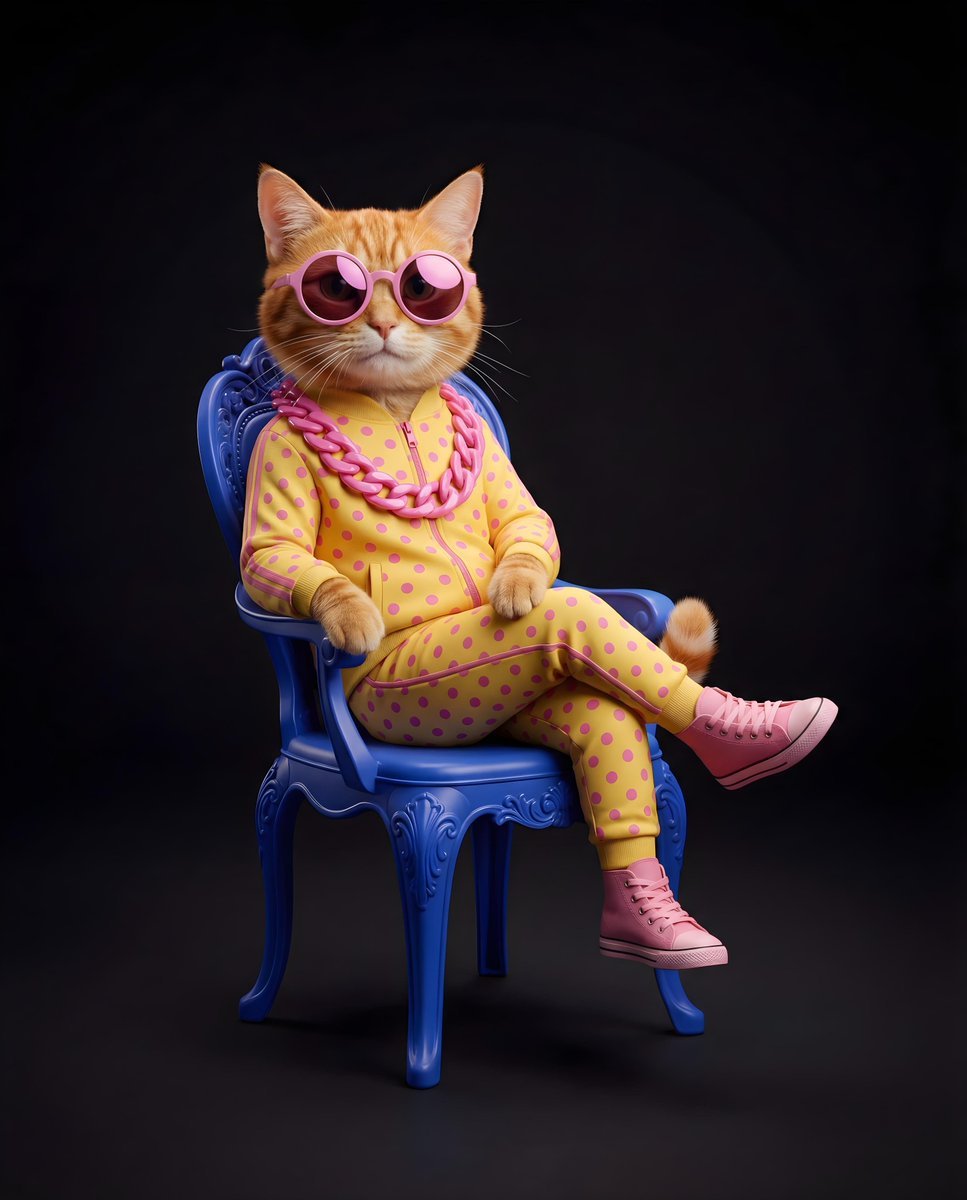
Stylish Anthropomorphic Cat in Tracksuit
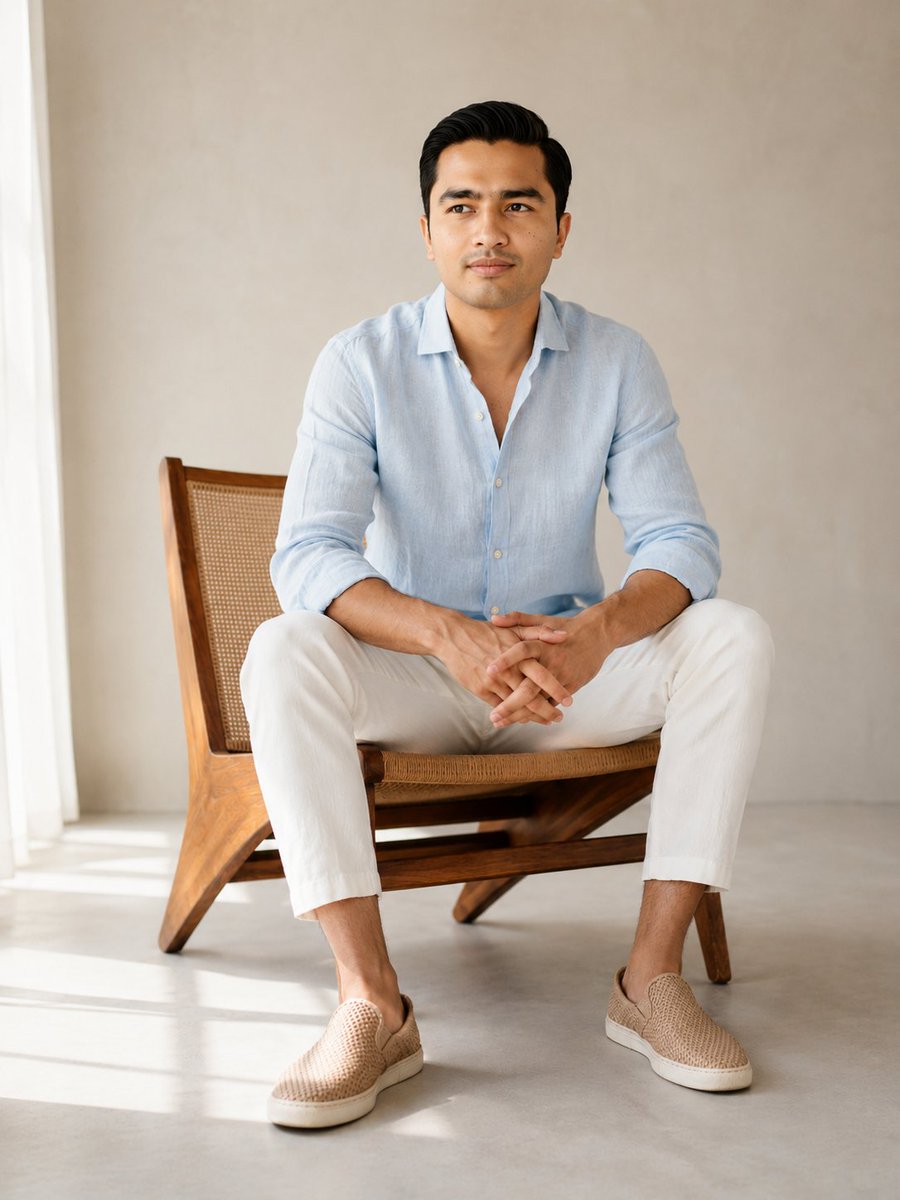
Editorial Male Portrait in Minimalist Studio
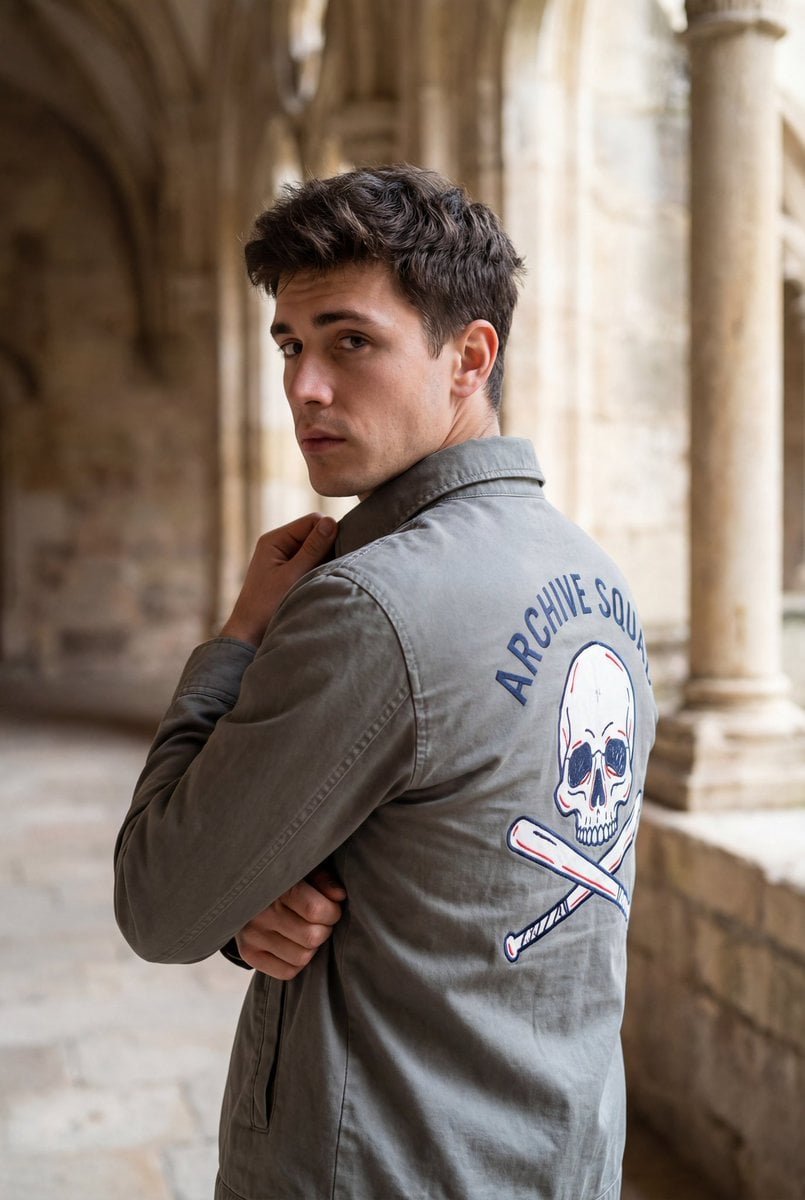
Editorial Portrait with Architectural Backdrop
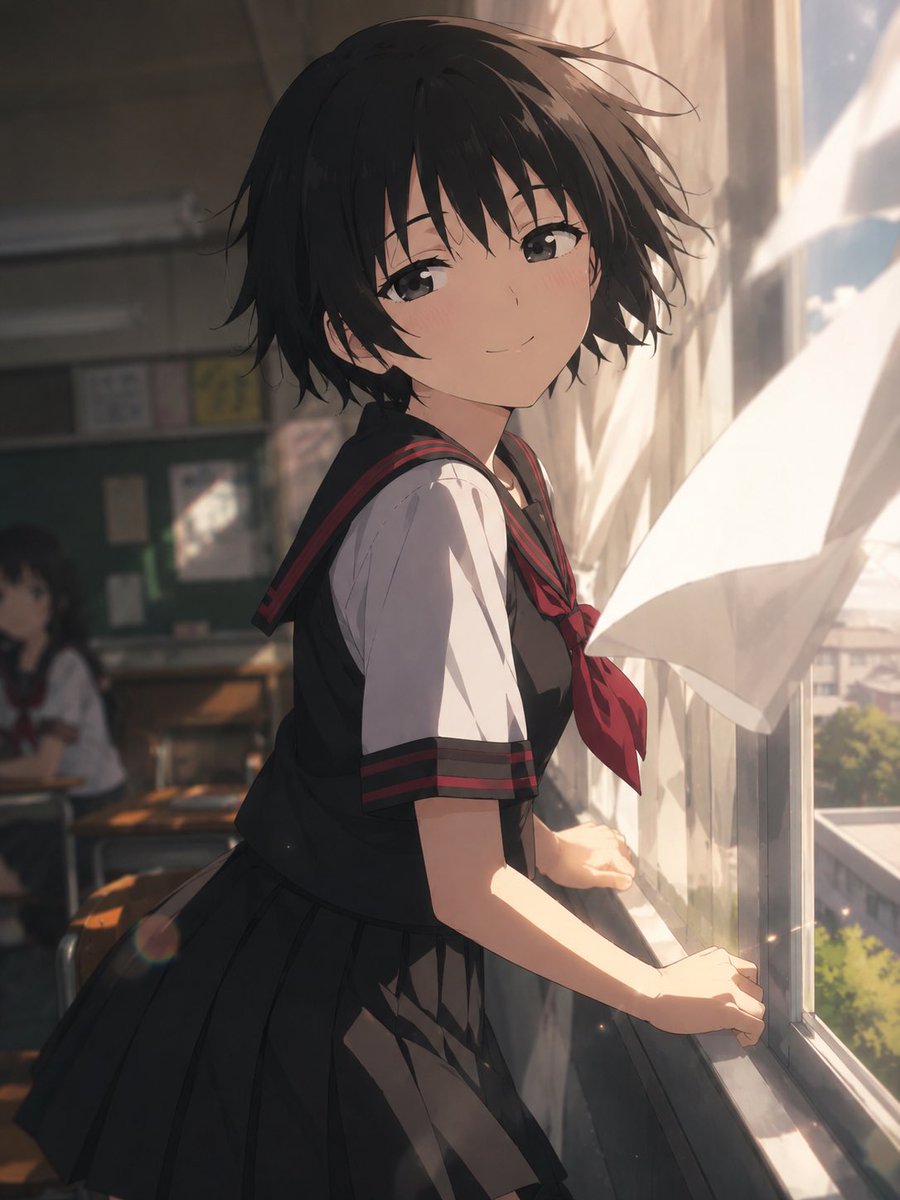
Cinematic Anime Screenshot Prompt
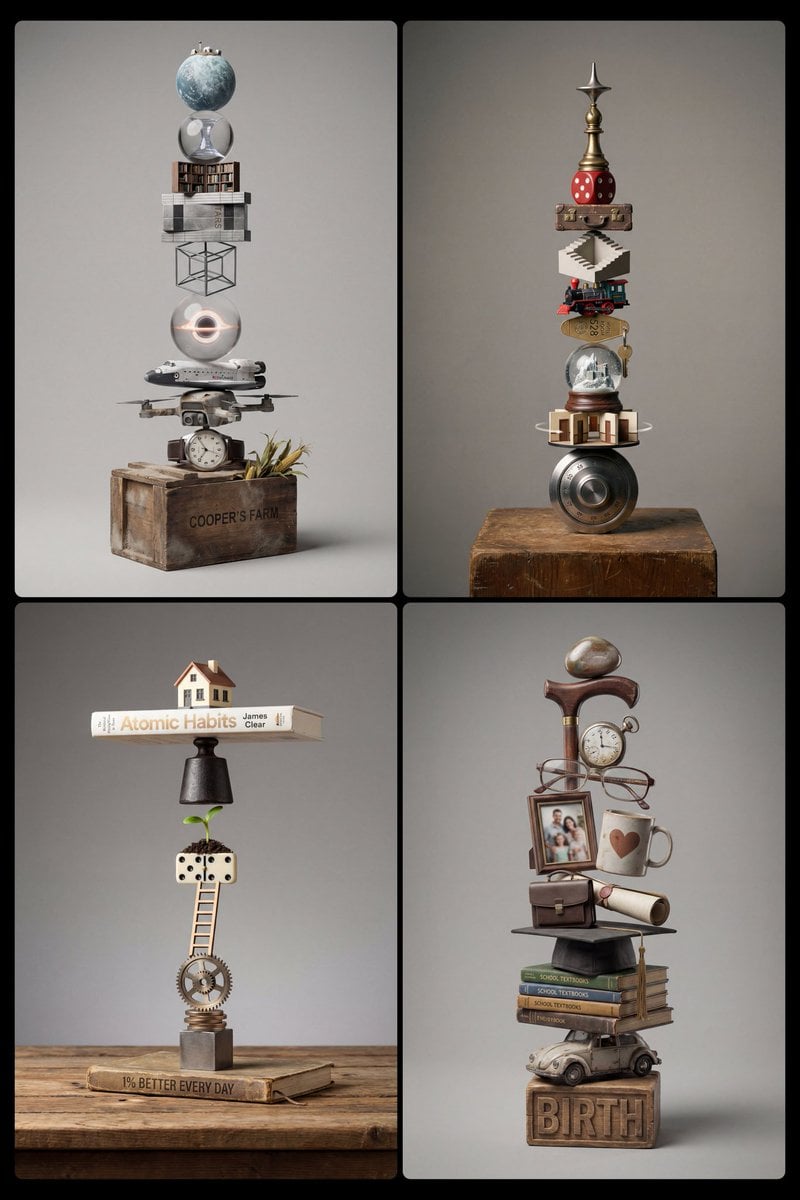
Stacked Objects Symbolizing a Concept
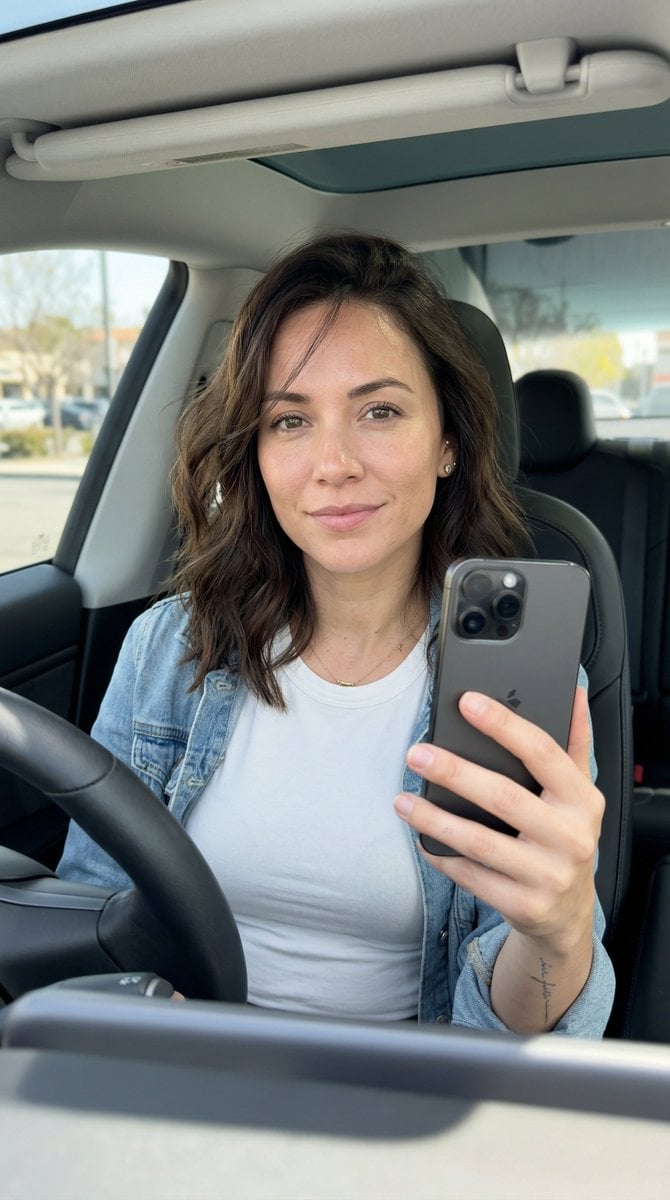
Hyper-Photorealistic Car Selfie Prompt for Nano Banana 2

Double Exposure Character Poster Prompt
Featured in prompt roundups
Hand-picked collections that include this template.
Browse template categories
Found Photograph: Us, 1970 questions
How do I use the Found Photograph: Us, 1970 template?
Add your photo if the template asks for one, edit the prompt if you like — the template's model and format are already selected — and press Generate. Your version opens in PicX Studio.
Can I customize the Found Photograph: Us, 1970 template?
Yes. You can change the subject, setting, lighting, mood, format, and available model controls before creating your image.
Is the Found Photograph: Us, 1970 template free?
Opening and editing this template is free. Generating uses credits, shown on the Generate button when you are signed in.
Which AI model should I use?
Start with Openai/gpt Image 2.5/flare, which is the model associated with this template. You can compare another compatible model for a different finish.
Looking for something else? Browse all templates.

Your photo, any look
Thousands of ready templates for every top image and video model, from one credit balance.