
Double Exposure Character Poster Prompt
A sophisticated prompt for creating vertical character posters featuring a large silhouette upper half and a full character lower half, using double-exposure and Eastern aesthetic elements like ink diffusion and…
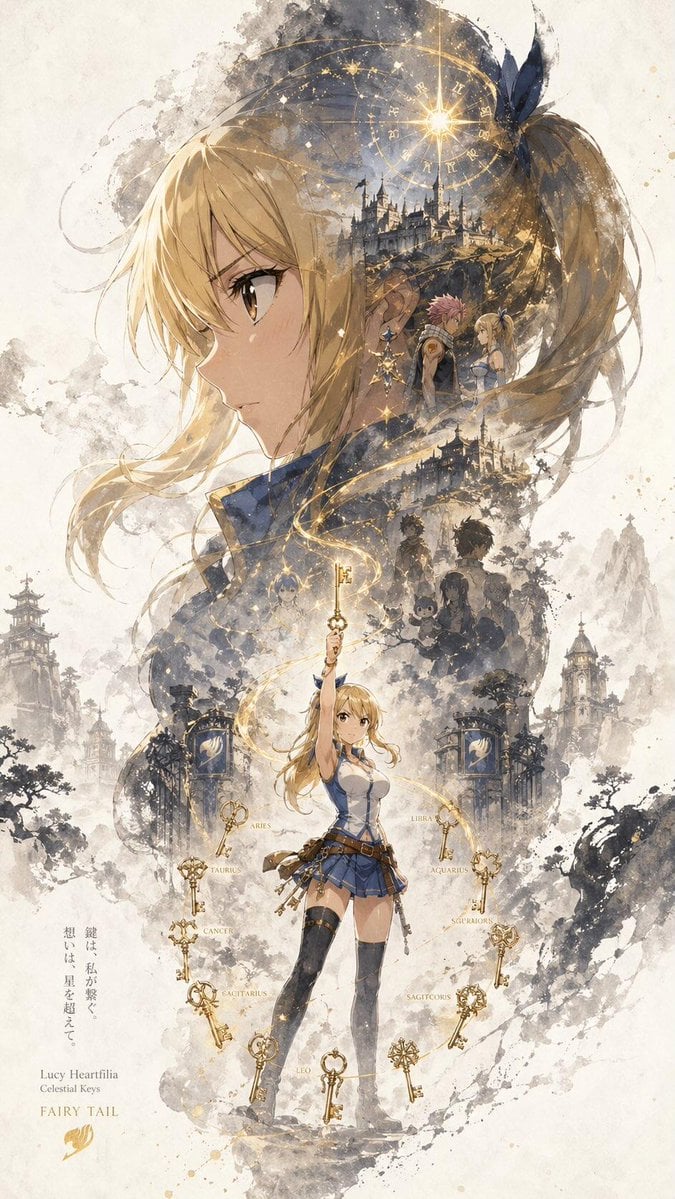
- Prompt included
- Model and format preset
- Free template
The prompt behind this image
Copy the exact prompt behind Double Exposure Character Poster Prompt, or open it in the studio and make it yours.
A character promotional poster titled “{argument name="poster title" default="INPUT NAME"}”, designed in a unified vertical key visual composition (9:16). Each poster follows a hierarchy of large top and smaller bottom structure: the upper half features the most recognizable element of the character (head, facial contour, mask, or upper-body silhouette) as a dominant oversized visual, forming a highly identifiable silhouette. The middle to lower section contains the full character as a secondary subject, shown in a stable standing pose or with subtle movement, establishing the visual core of the composition. Inside the large silhouette and around the character, use a double-exposure and collage-style narrative composition. Multiple scenes, symbolic imagery, small character interactions, supporting elements, and environmental details are layered and blended into mist, ink wash, and negative space. The left and right sides include complementary secondary elements to create narrative tension and spatial variation. A continuous flowing visual line runs from top to bottom, connecting the main character, internal collage, and the large upper silhouette, enhancing cohesion and guiding the viewer’s eye. The overall composition preserves large areas of negative space. Edges are treated with ink diffusion, soft blurring, and fragmented transitions, creating a balance between presence and absence inspired by Eastern aesthetics. The style is cohesive, refined, and restrained, emphasizing depth, storytelling, strong visual impact, and a consistent series-style poster language.
How to use Double Exposure Character Poster Prompt in 3 steps
- 1
Open
The prompt is already in the box next to the preview, with the template's model and format selected.
- 2…a portrait of your subject in softgolden-hour light, 85mm…
Personalize
Edit the subject and creative details for your destination.
- 3Generate
Generate
Press Generate — your image is created in PicX Studio, so you can compare it with the original and refine one variable at a time.
More like this
Templates with the same subject, style or setup. Open one to see its prompt.
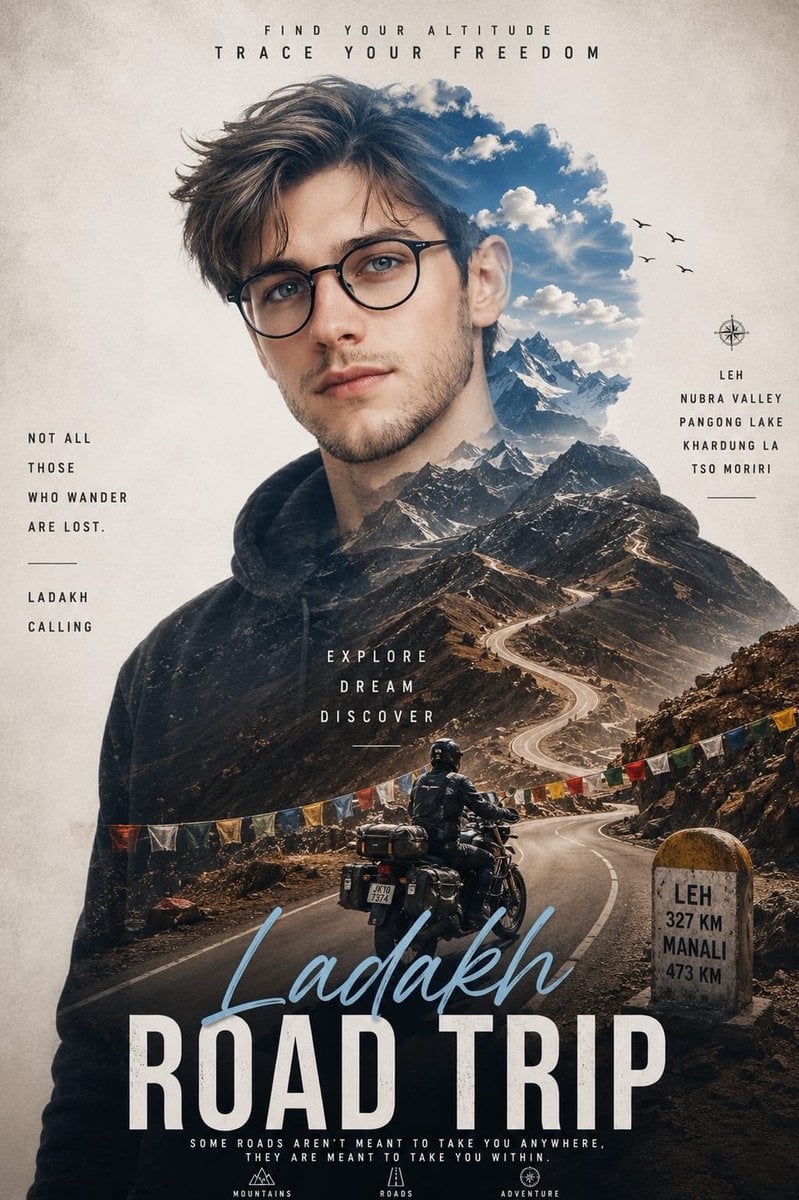
Double Exposure Ladakh Road Trip Poster

New York Double Exposure Poster
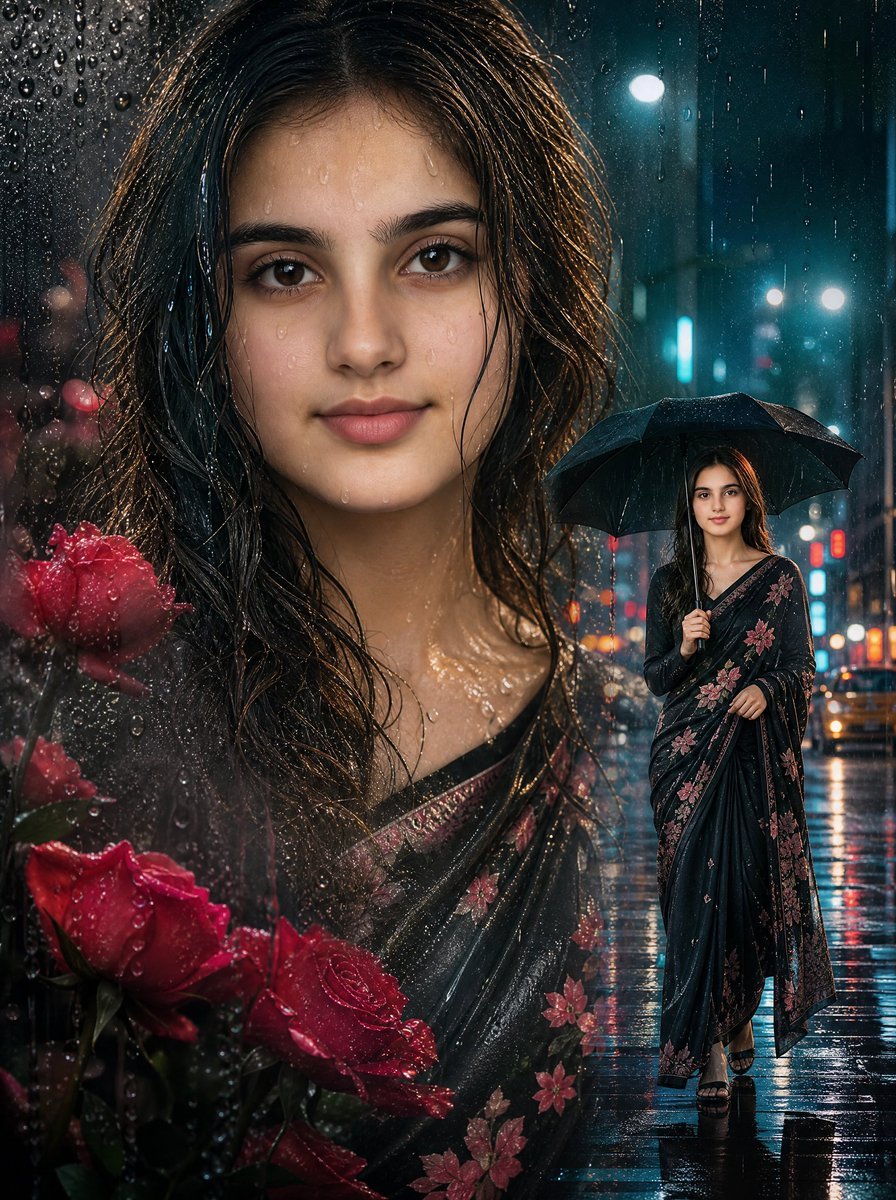
Rainy Double Exposure Movie Poster
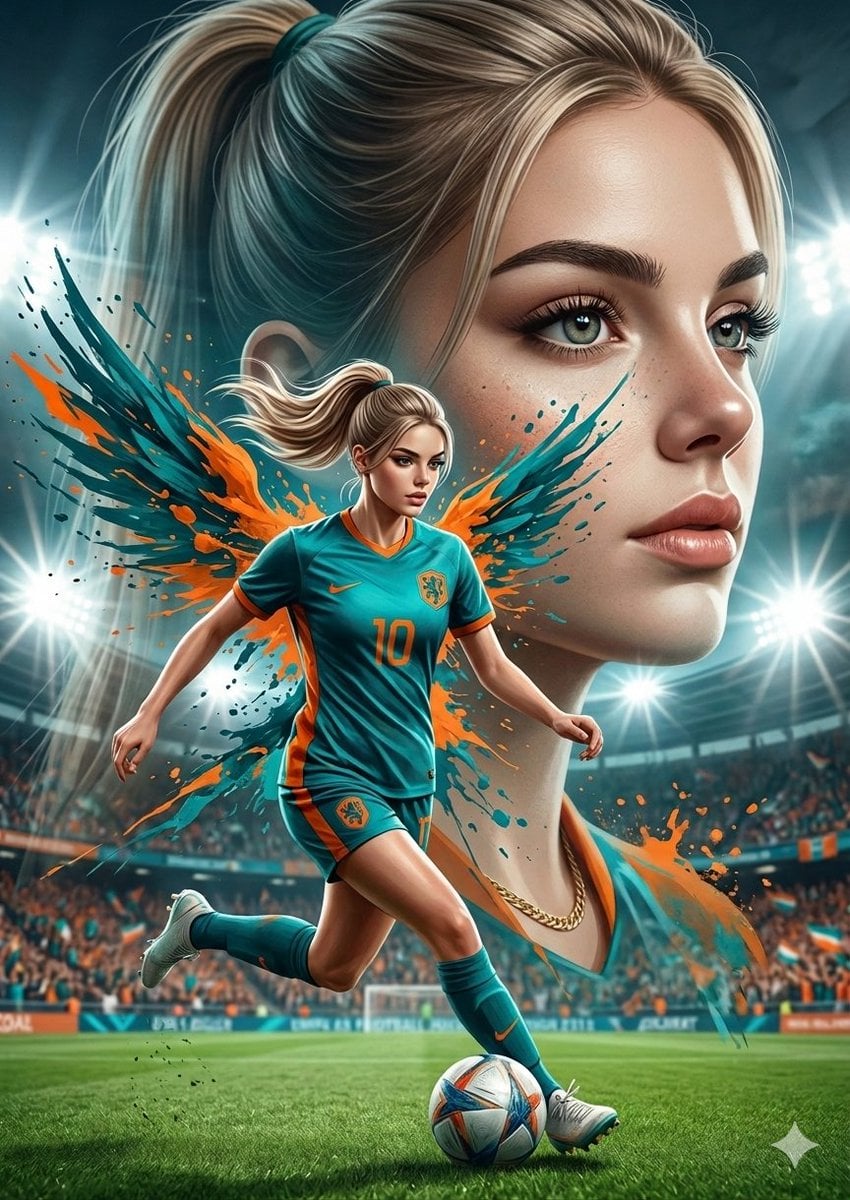
Double Exposure Football Poster
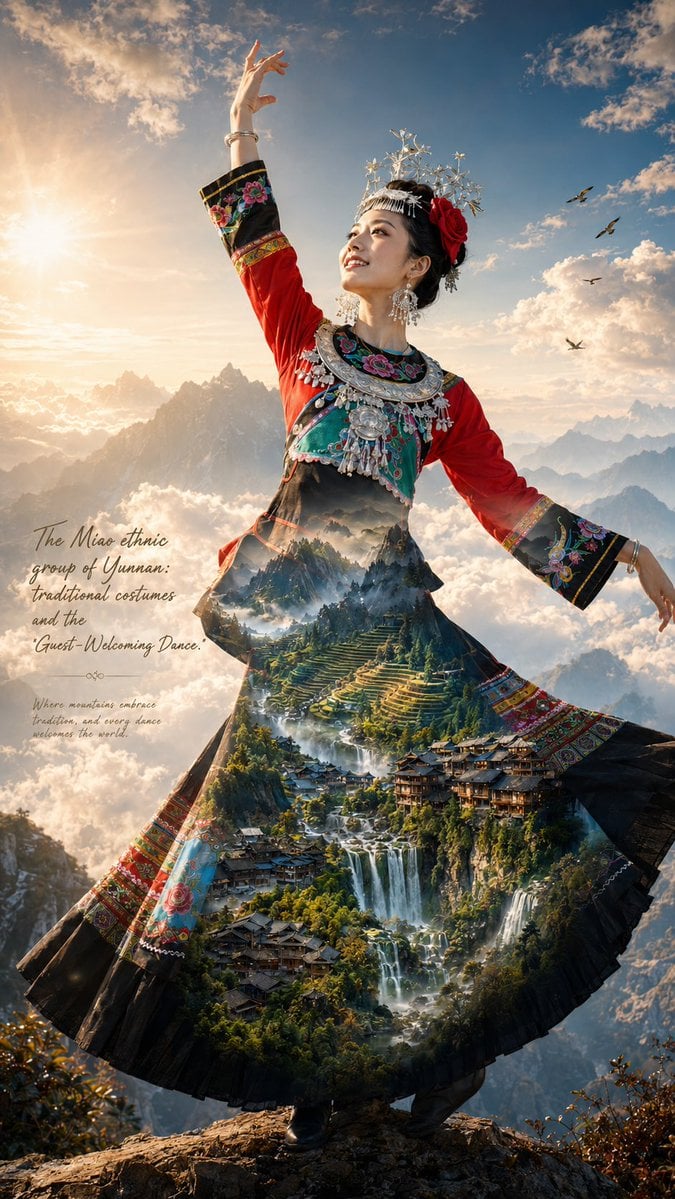
Miao Ethnic Double Exposure Poster
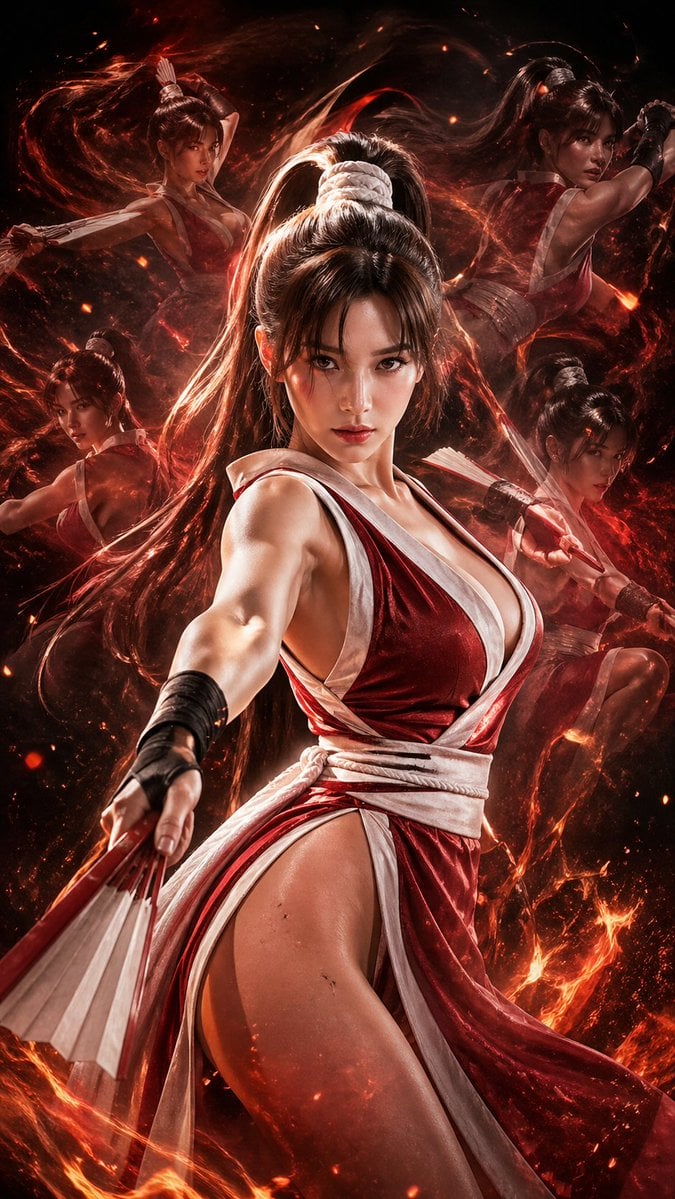
Double Exposure Cinematic Character Poster
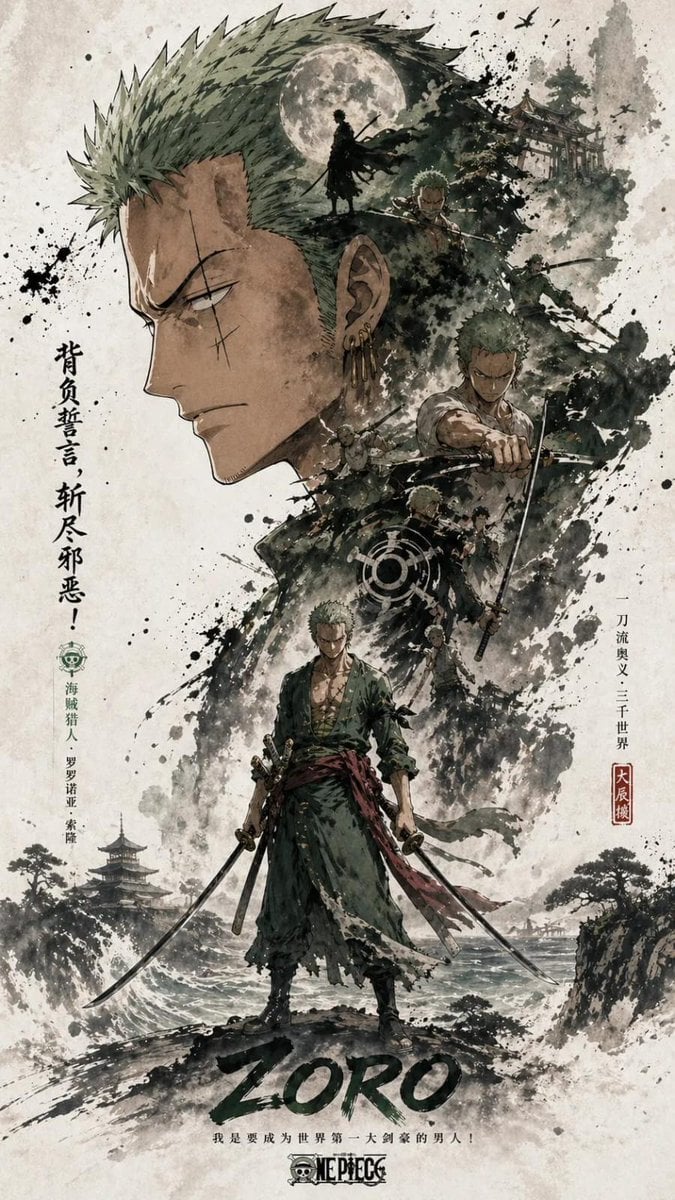
Ink Wash Double Exposure Poster
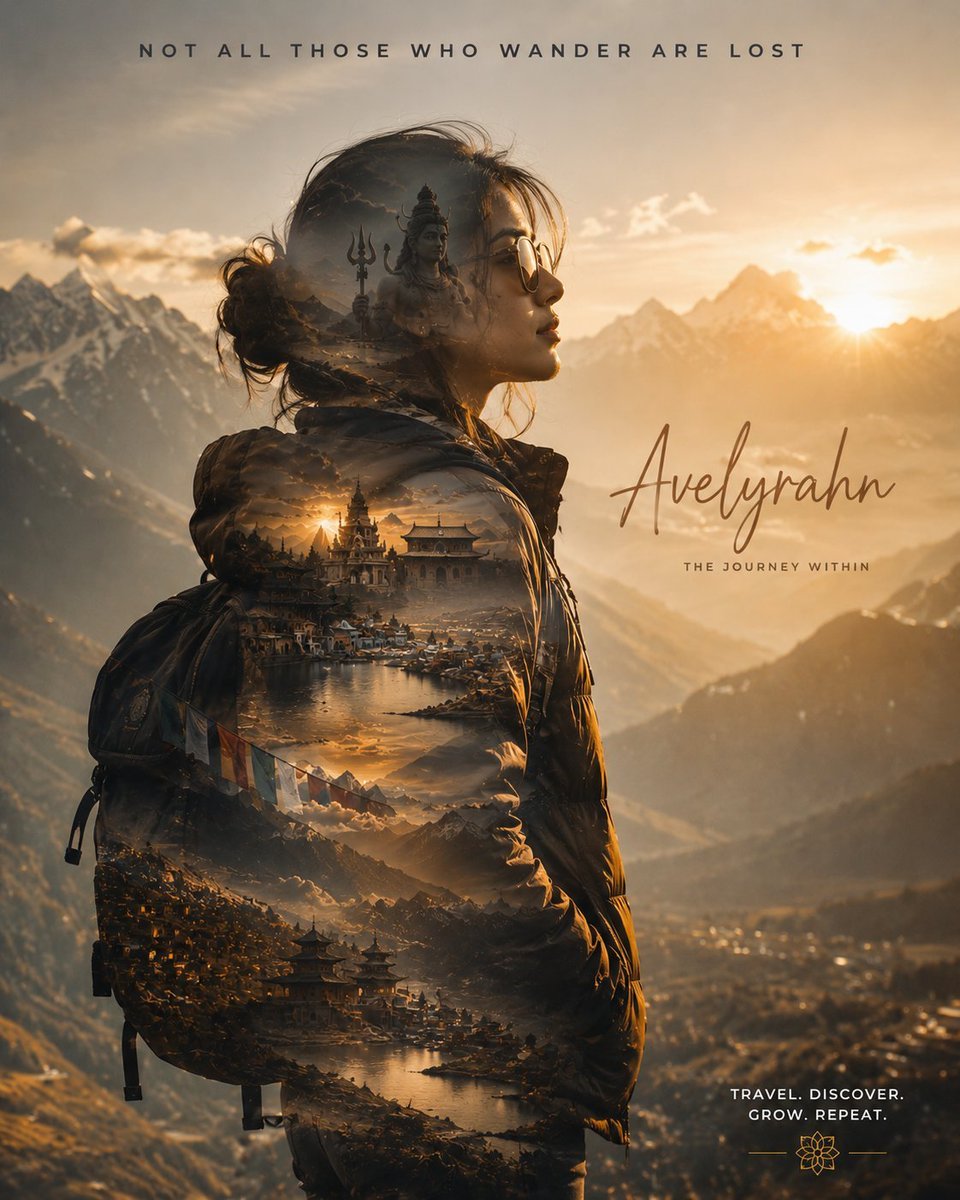
Double Exposure Spiritual Travel Poster
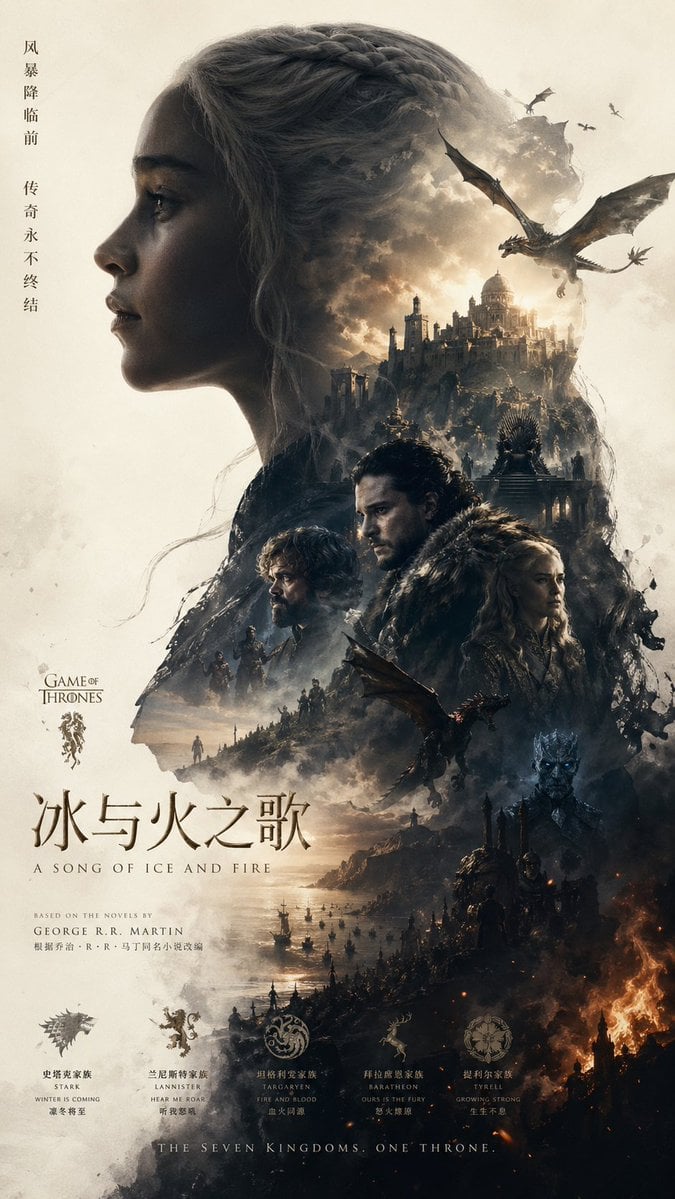
Epic Fantasy Double-Exposure Poster

Japan Travel Brochure Poster
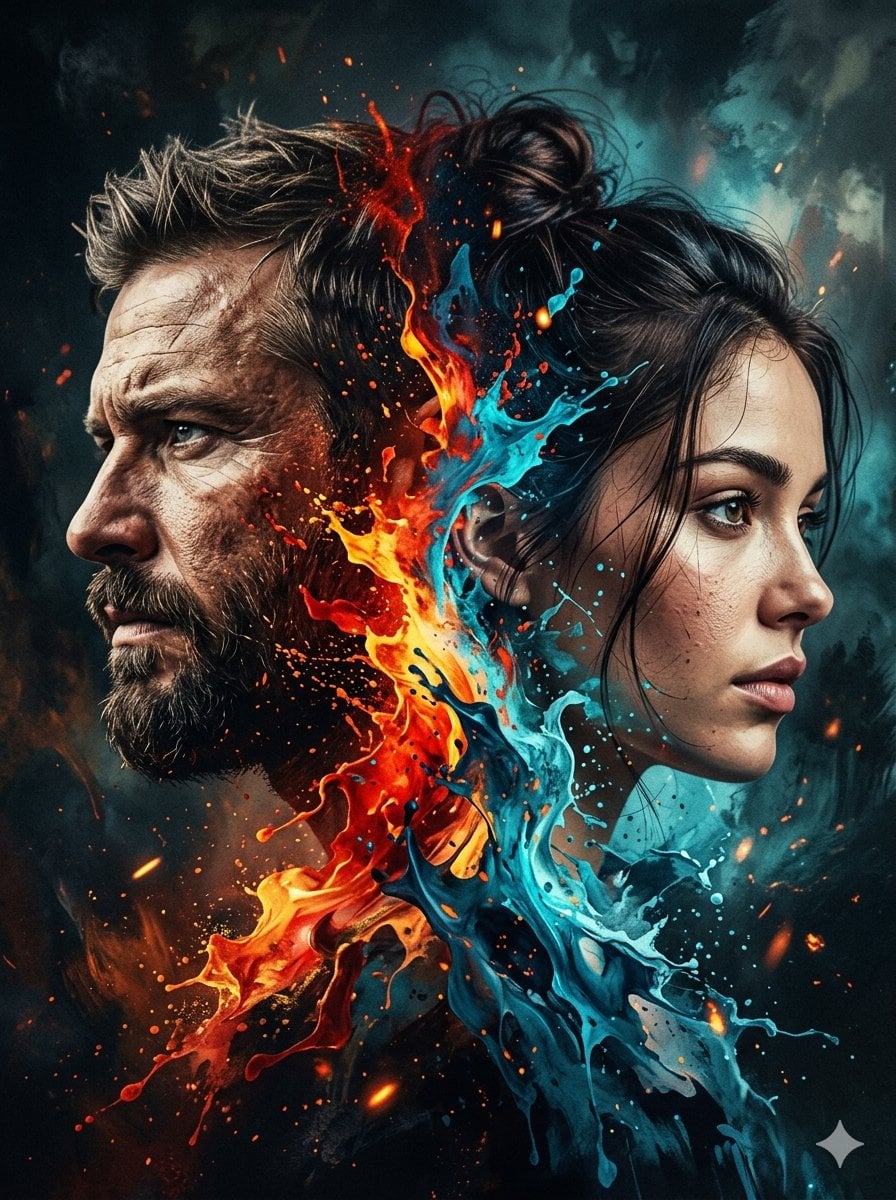
Dynamic Double-Exposure Artistic Portrait
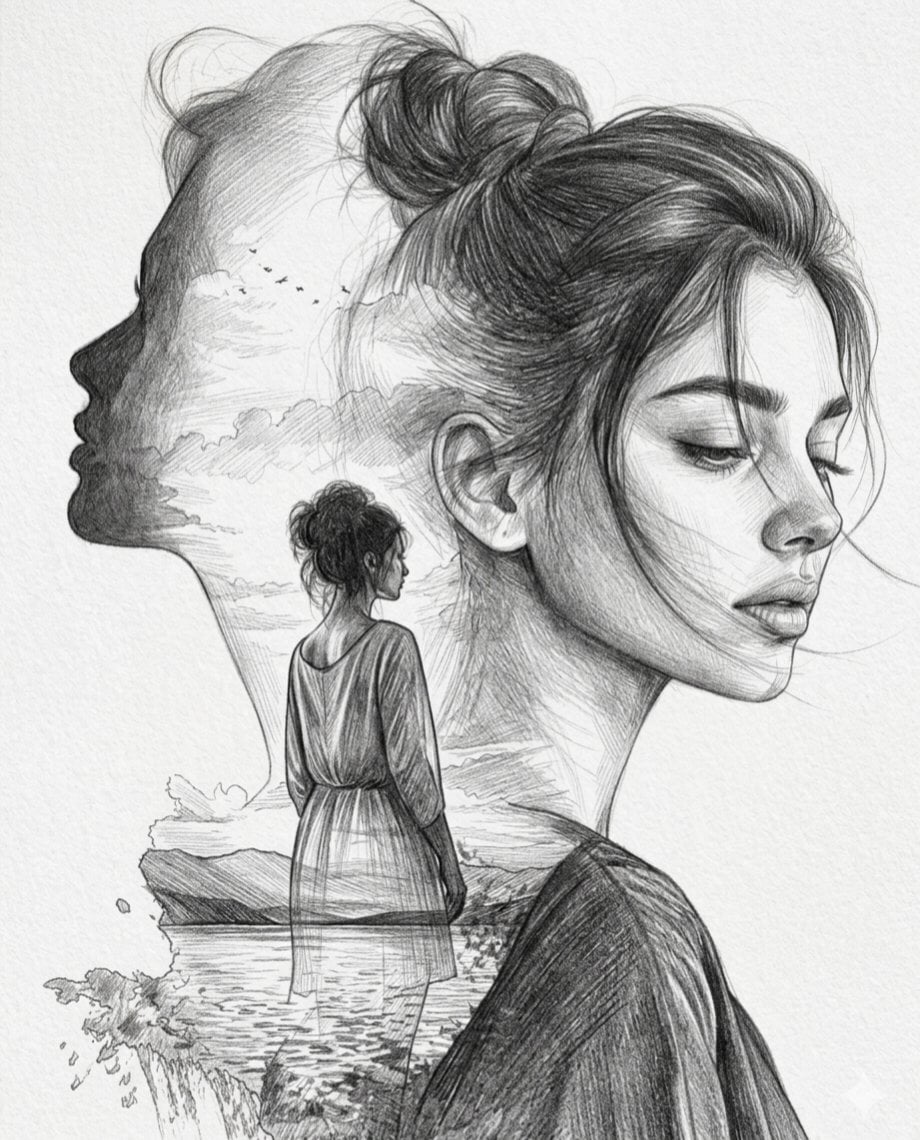
Double Exposure Pencil Sketch Portrait
Make it yours
Double Exposure Character Poster Prompt works as-is. These are the safest ways to change it without losing the look.
Change one field
Copy a single group, rewrite it, and generate again so you can see what that field is doing.
Keep the frame, change the subject
Hold the composition and light of Double Exposure Character Poster Prompt, then swap wardrobe, props or the person for a new take.
| If the result… | Why | Fix |
|---|---|---|
| The result drifts from the preview | Too many fields changed at once. | Reuse Double Exposure Character Poster Prompt as-is first, then change one group — subject, light, or setting. |
| The model over-stylizes the scene | The prose prompt leaves finish and camera underspecified. | Add one camera or lighting sentence and stay on GPT Image 2. |
More GPT Image 2 templates
Other prompts made for GPT Image 2.

Six VTuber Japanese Logo Sheet

Realistic Portrait of Woman and Deer

The Vista Modular Condo Poster

AI Model Routing Comparison Infographic

2.5D Anime Art Board

Isometric Productivity Desk Scene

Four-Panel AI Landscape Comparison

Japanese Tatami Lifestyle Magazine Cover

NESCAFÉ Coffee Map Poster

Brutalist Cogito Chinese Typography Poster
More image prompts
Fresh picks from across the catalog.
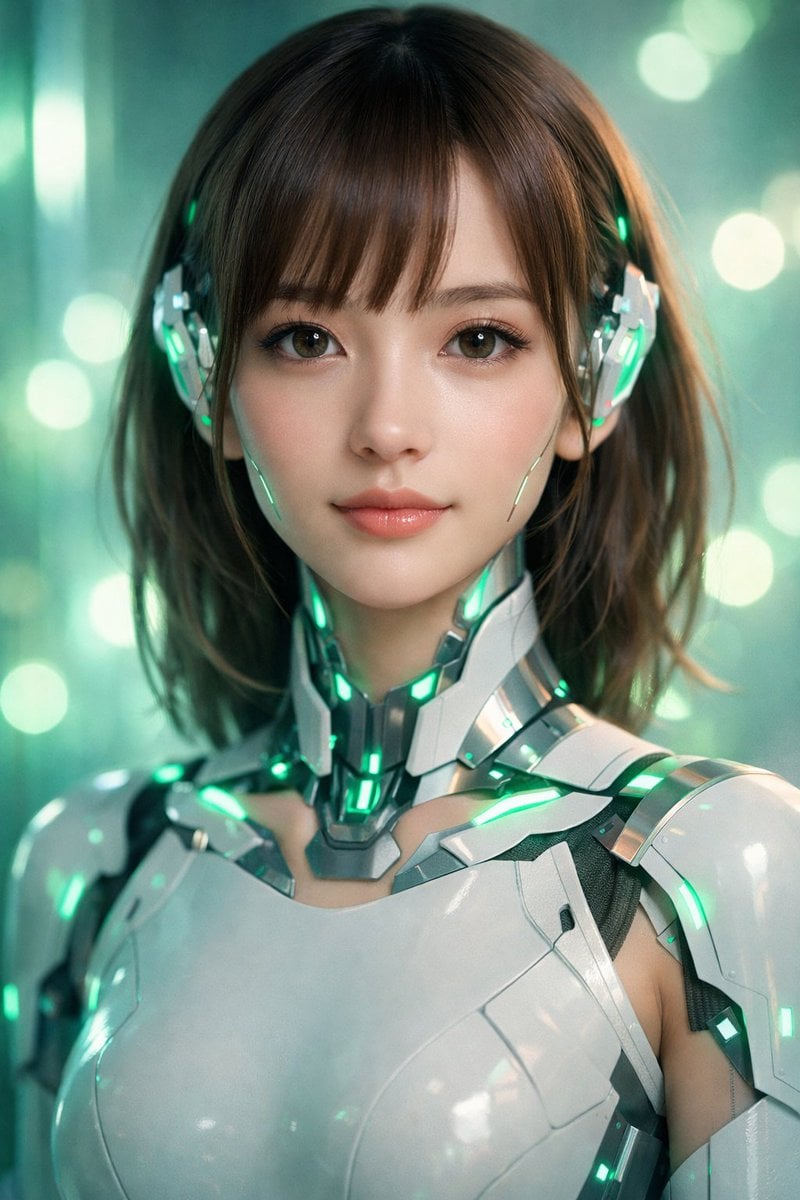
Neon Cyborg Girl Portrait Prompt
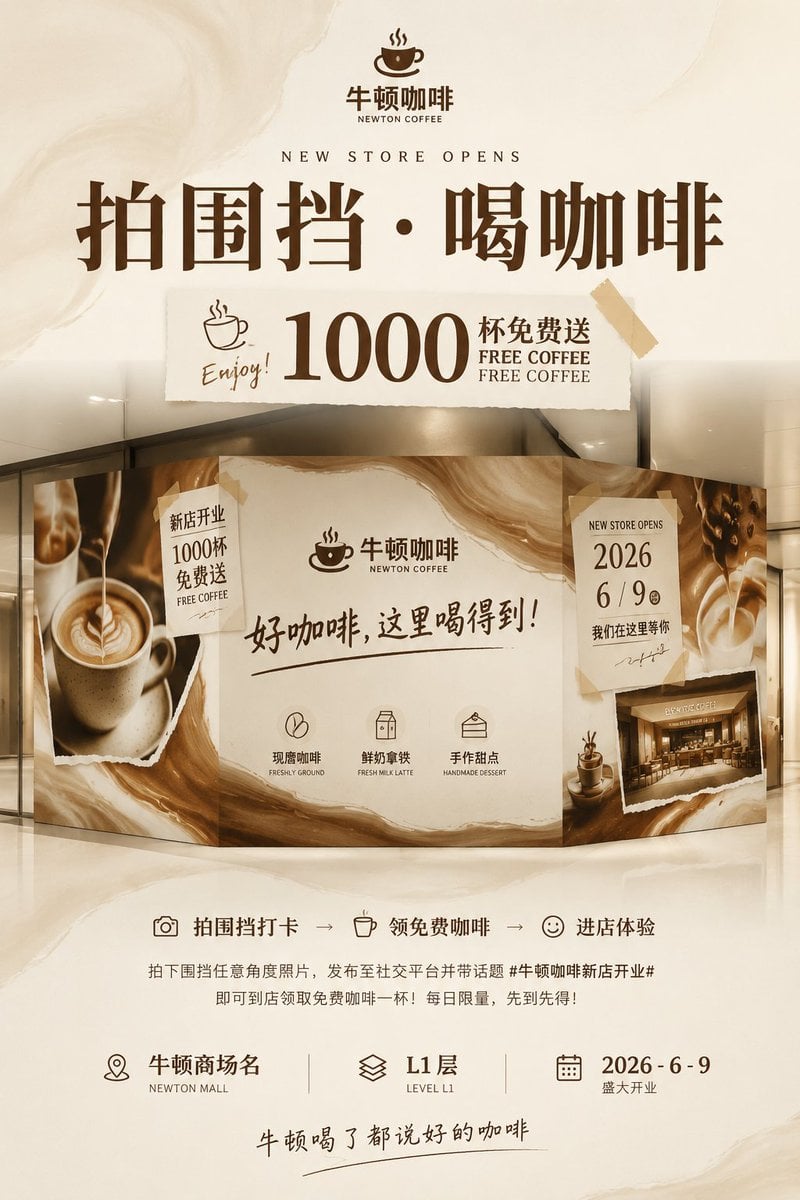
Newton Coffee Opening Poster
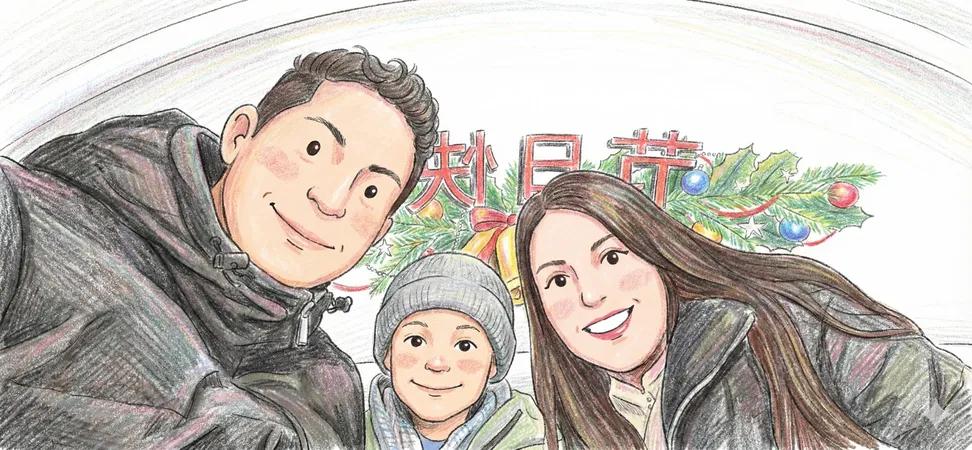
Image to Colored Pencil Sketch Prompt
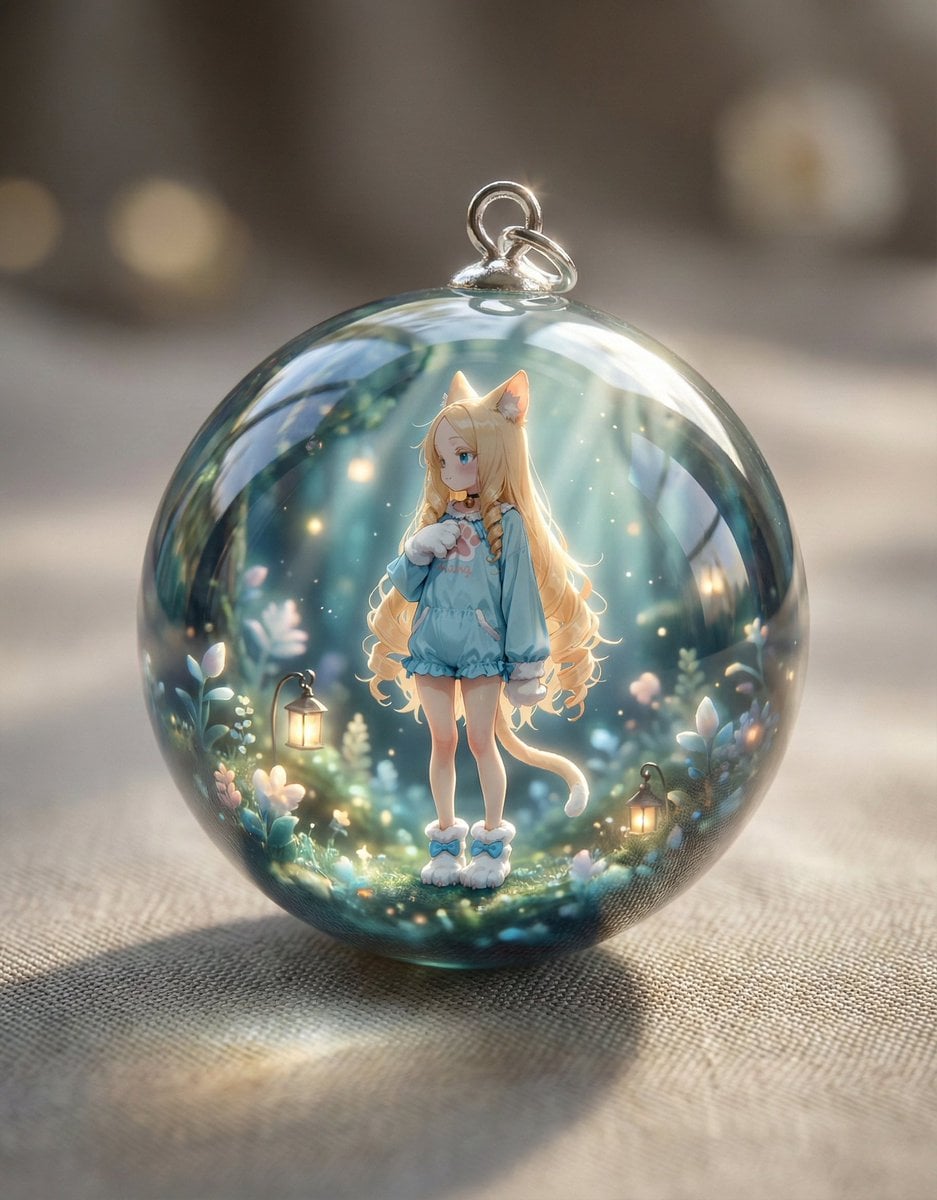
Resin Charm Illustration Prompt
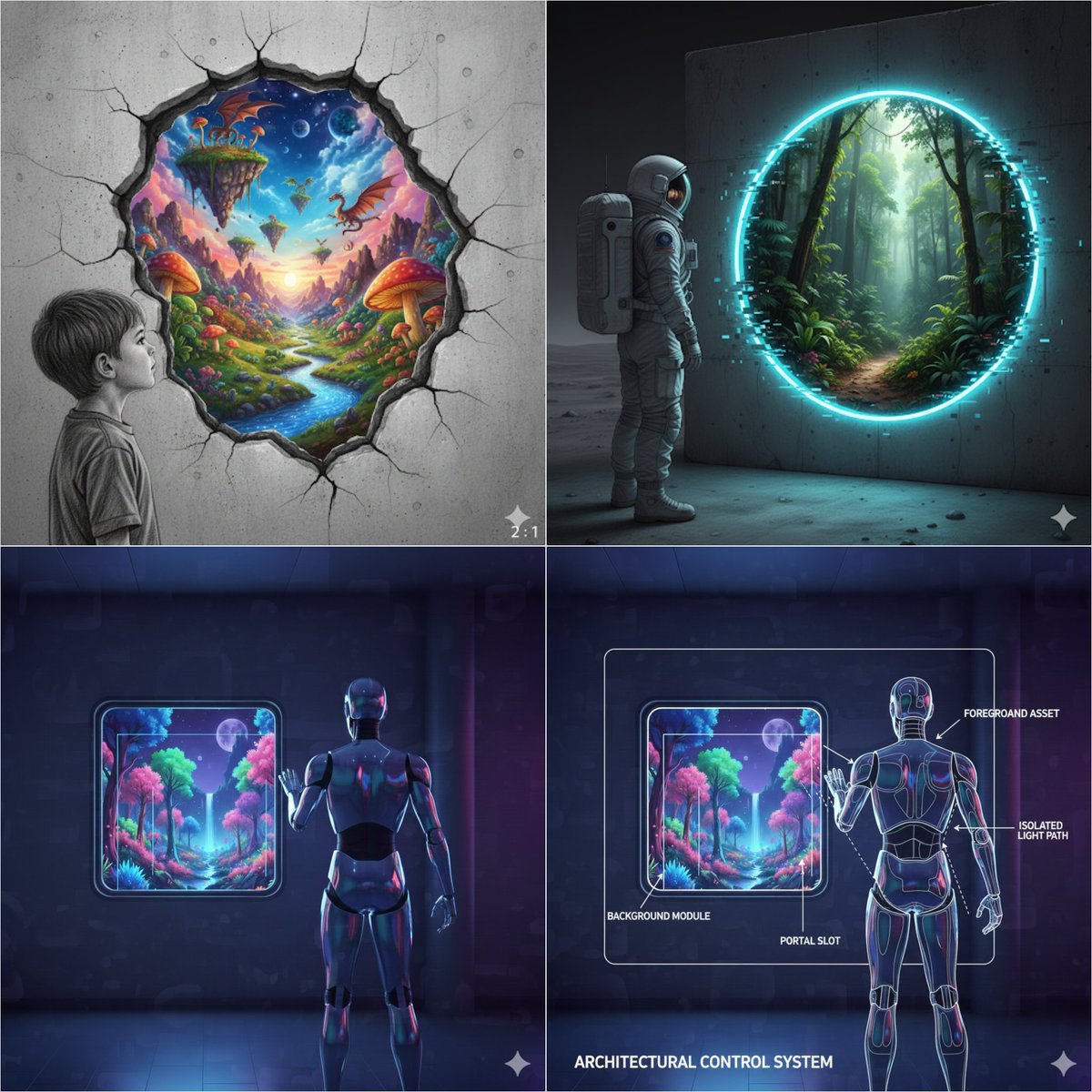
Object-Oriented prompt for controlling foreground and background
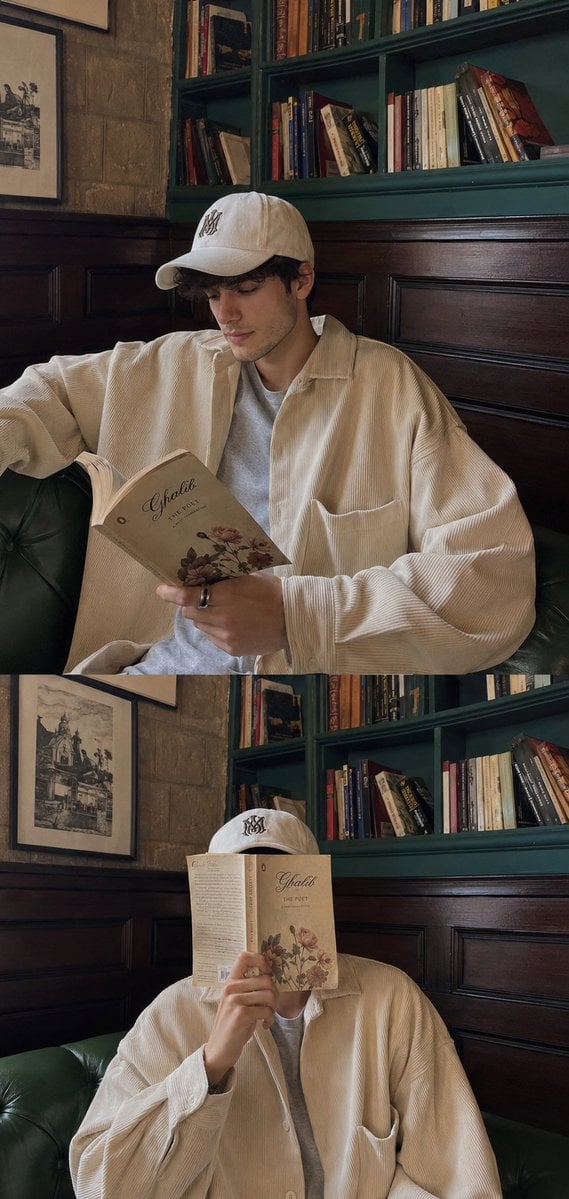
Aesthetic Cafe Library Lifestyle Collage
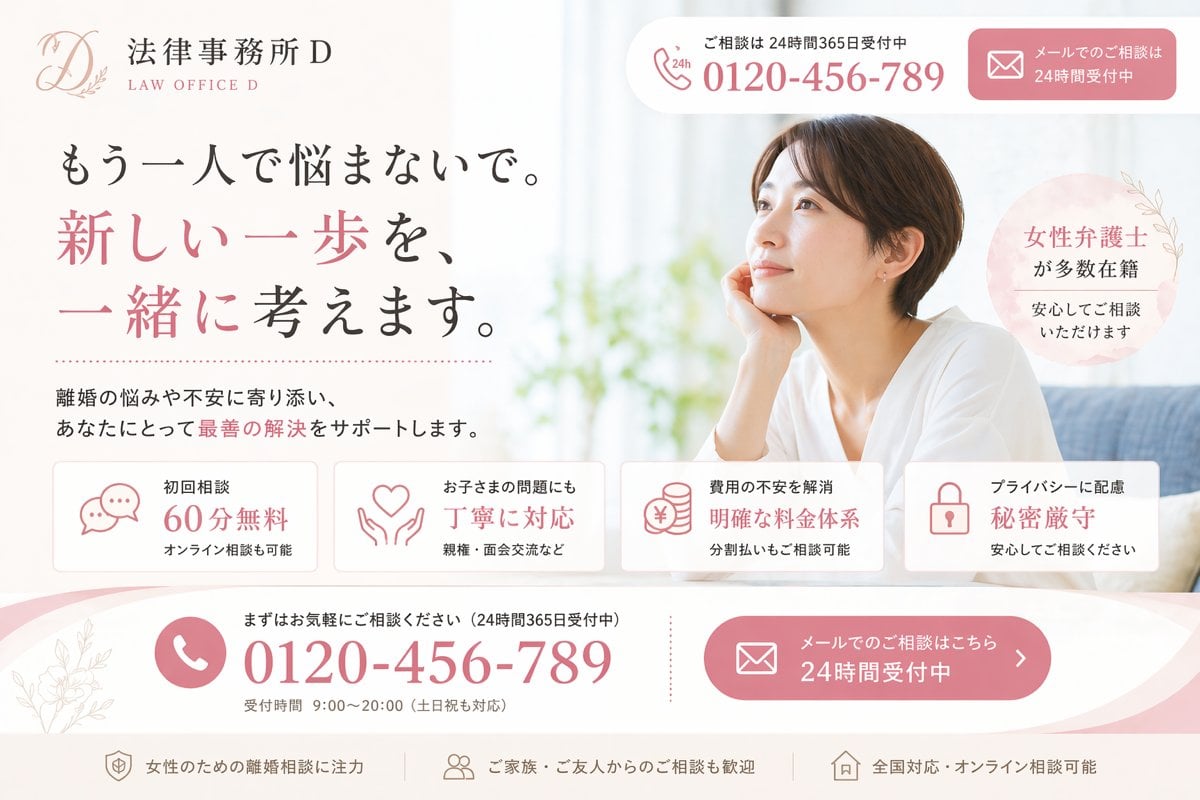
Elegant Japanese Divorce Law LP Hero
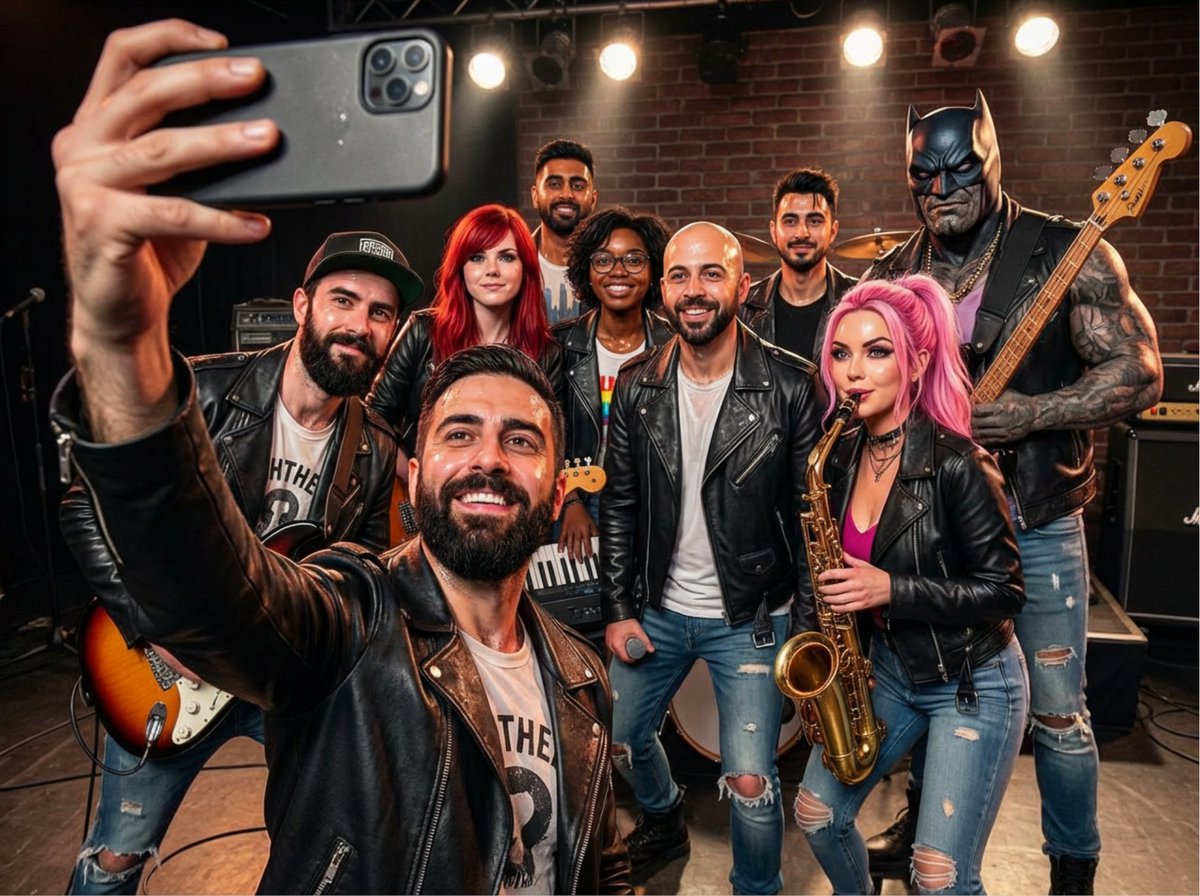
Rock band poster with consistent faces
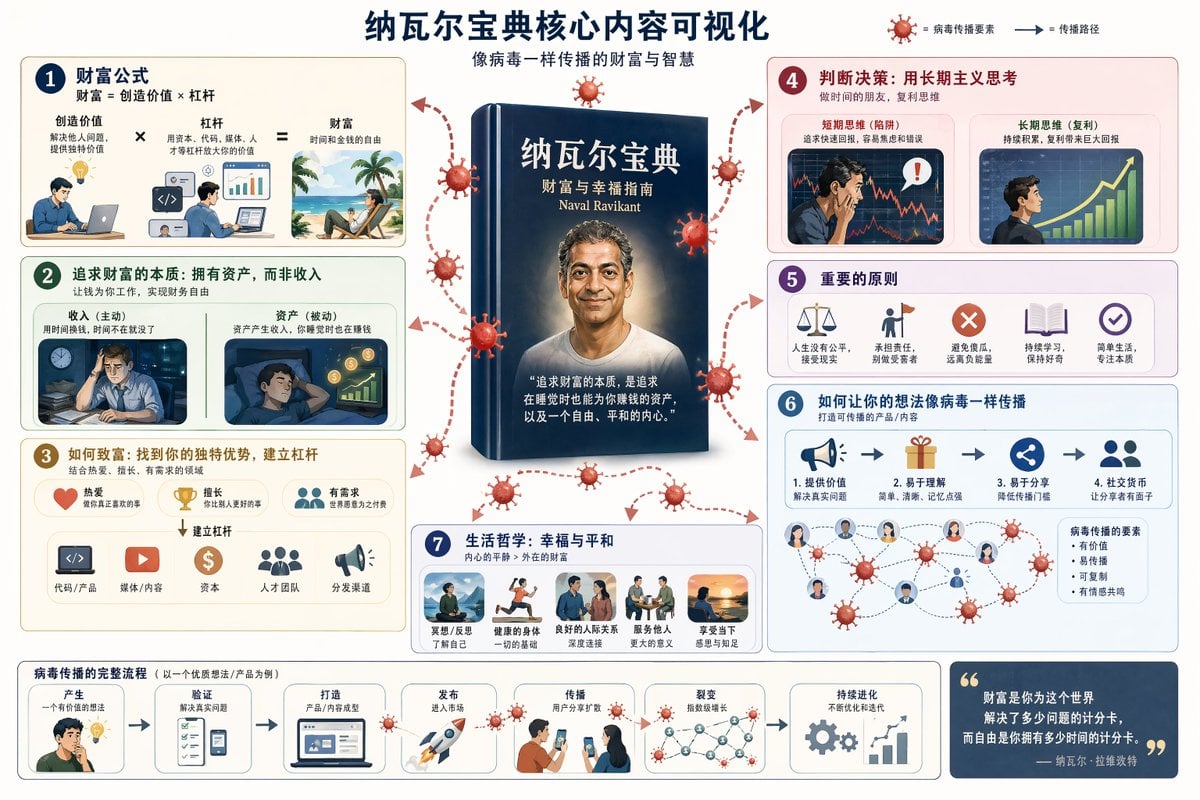
Book Visualization Prompt
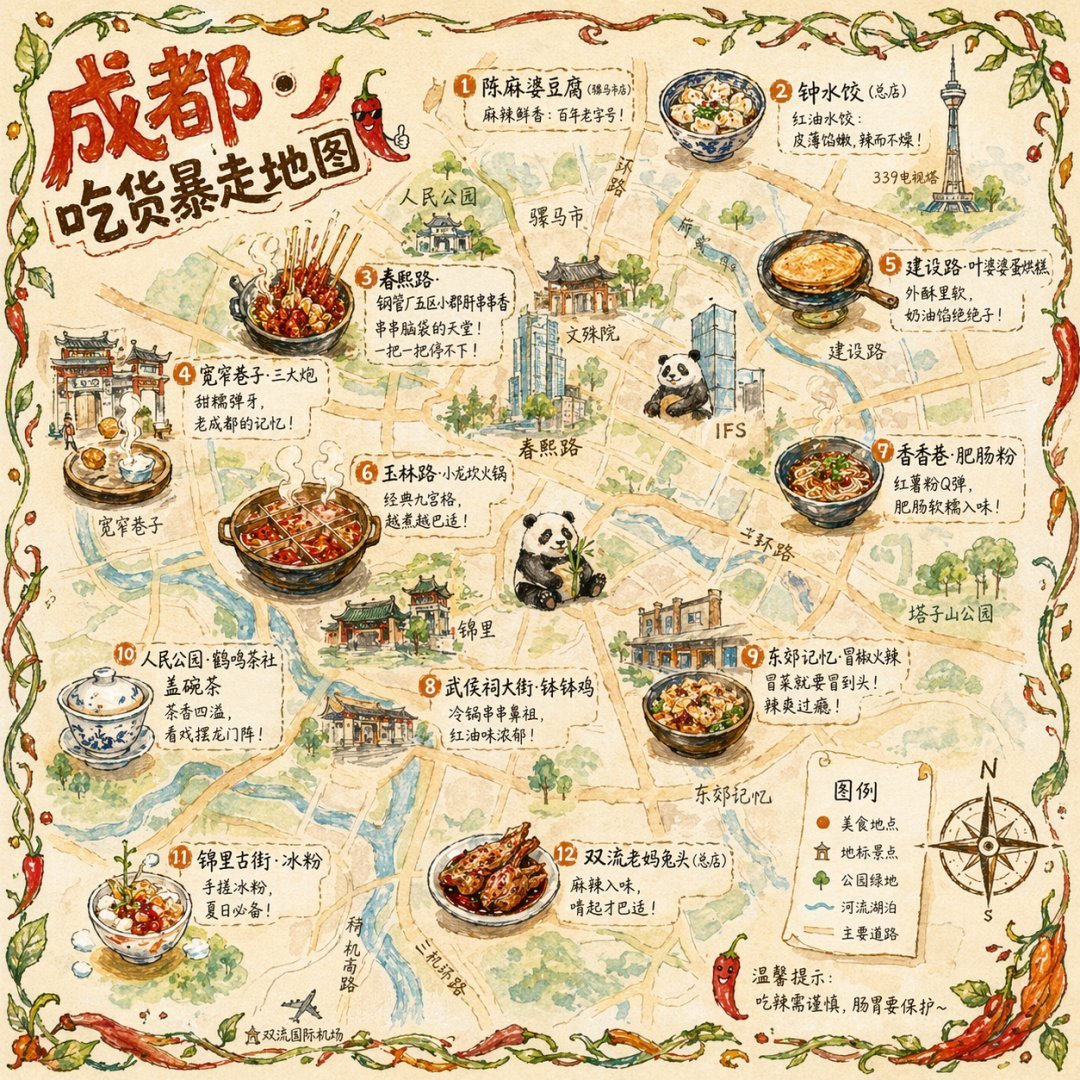
Illustrated City Food Map
Browse template categories
Double Exposure Character Poster Prompt questions
How do I use the Double Exposure Character Poster Prompt template?
Add your photo if the template asks for one, edit the prompt if you like — the template's model and format are already selected — and press Generate. Your version opens in PicX Studio.
Can I customize the Double Exposure Character Poster Prompt template?
Yes. You can change the subject, setting, lighting, mood, format, and available model controls before creating your image.
Is the Double Exposure Character Poster Prompt template free?
Opening and editing this template is free. Generating uses credits, shown on the Generate button when you are signed in.
Which AI model should I use?
Start with GPT Image 2, which is the model associated with this template. You can compare another compatible model for a different finish.
Looking for something else? Browse all templates.

Your photo, any look
Thousands of ready templates for every top image and video model, from one credit balance.