How do I use the Japan Travel Brochure Poster template?
Edit the prompt in the box under the preview — the template's model and format are already selected — and press Generate. Your version appears right on this page.
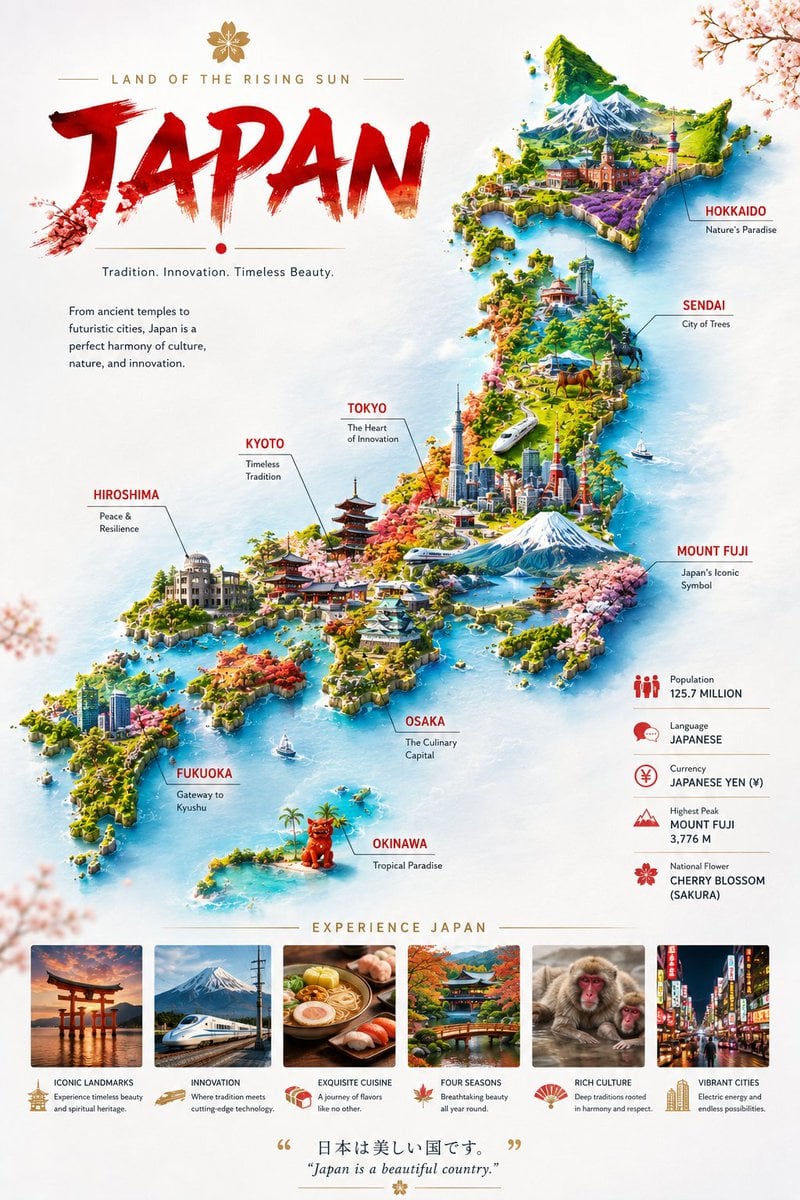
Japan Travel Brochure Poster is a ready photo look.

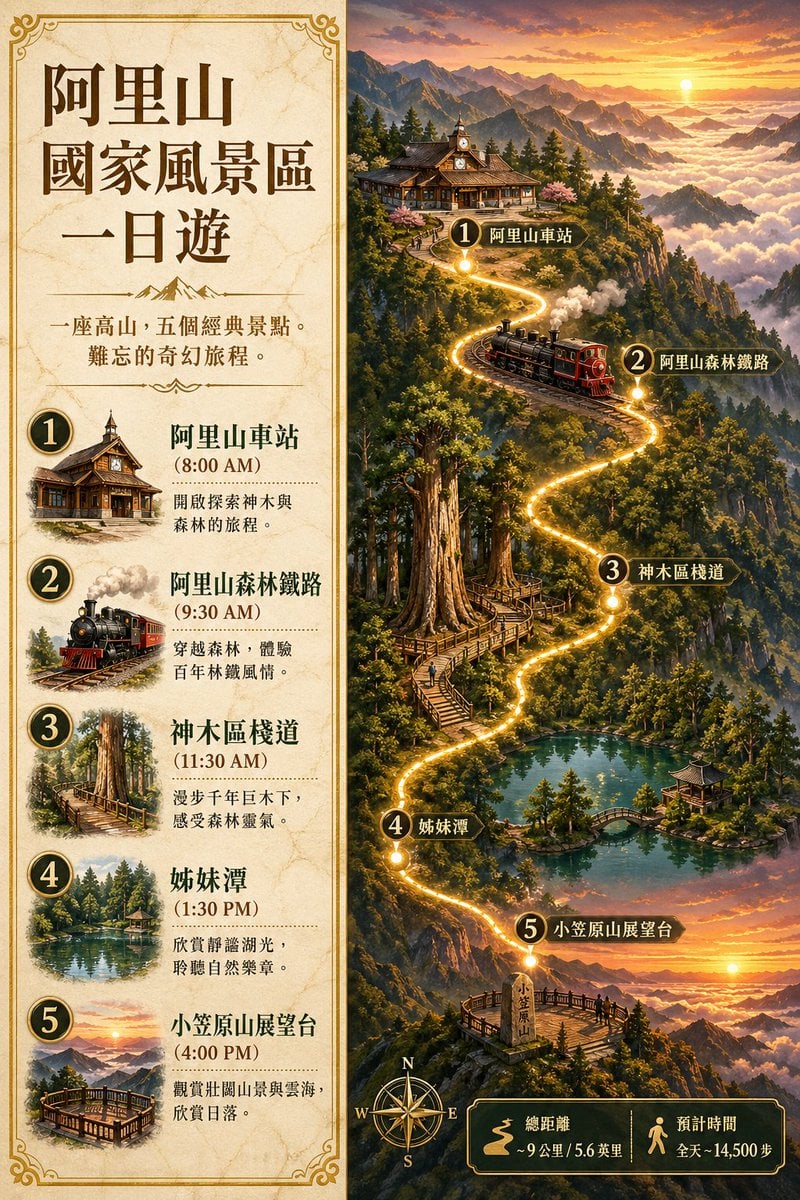
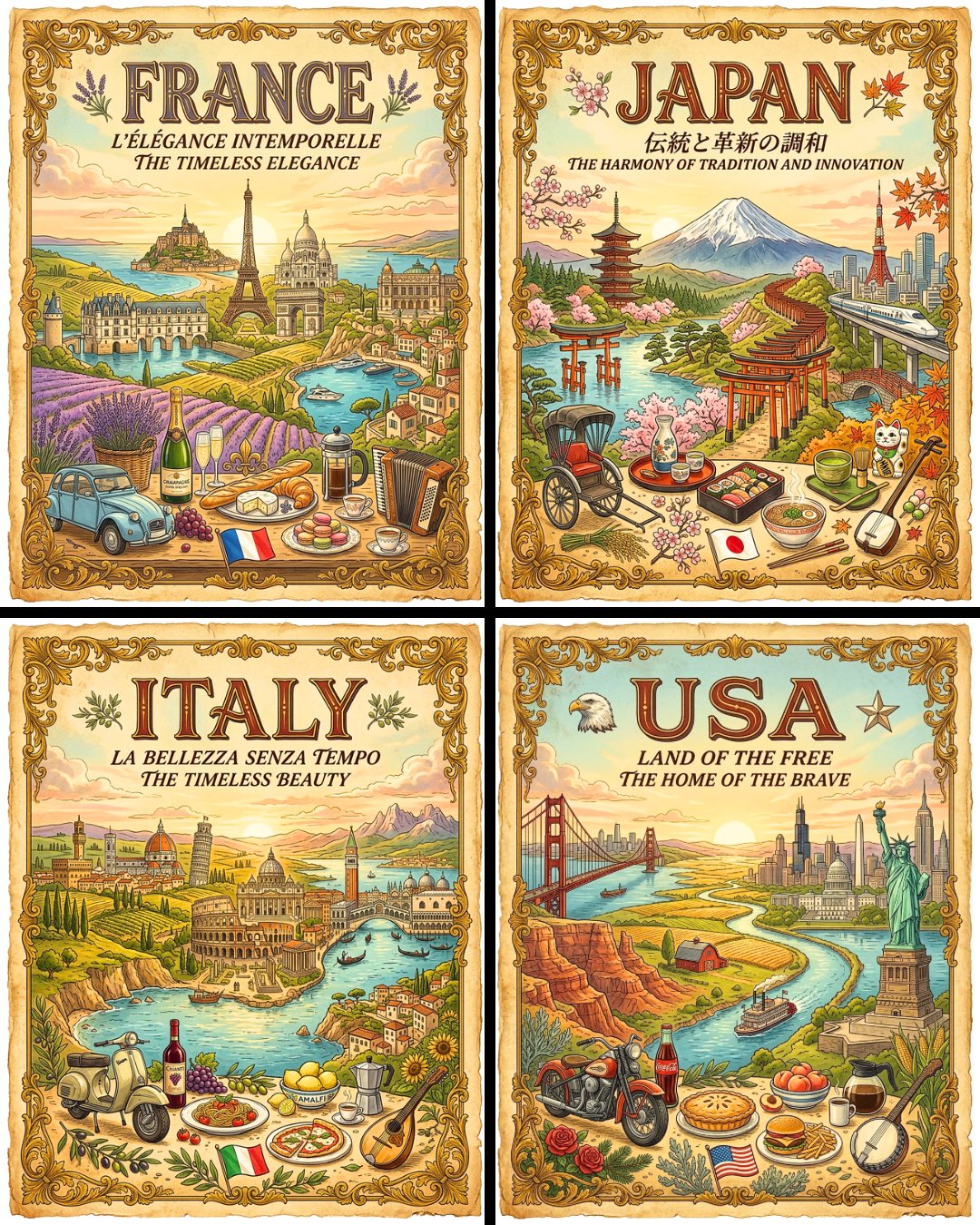
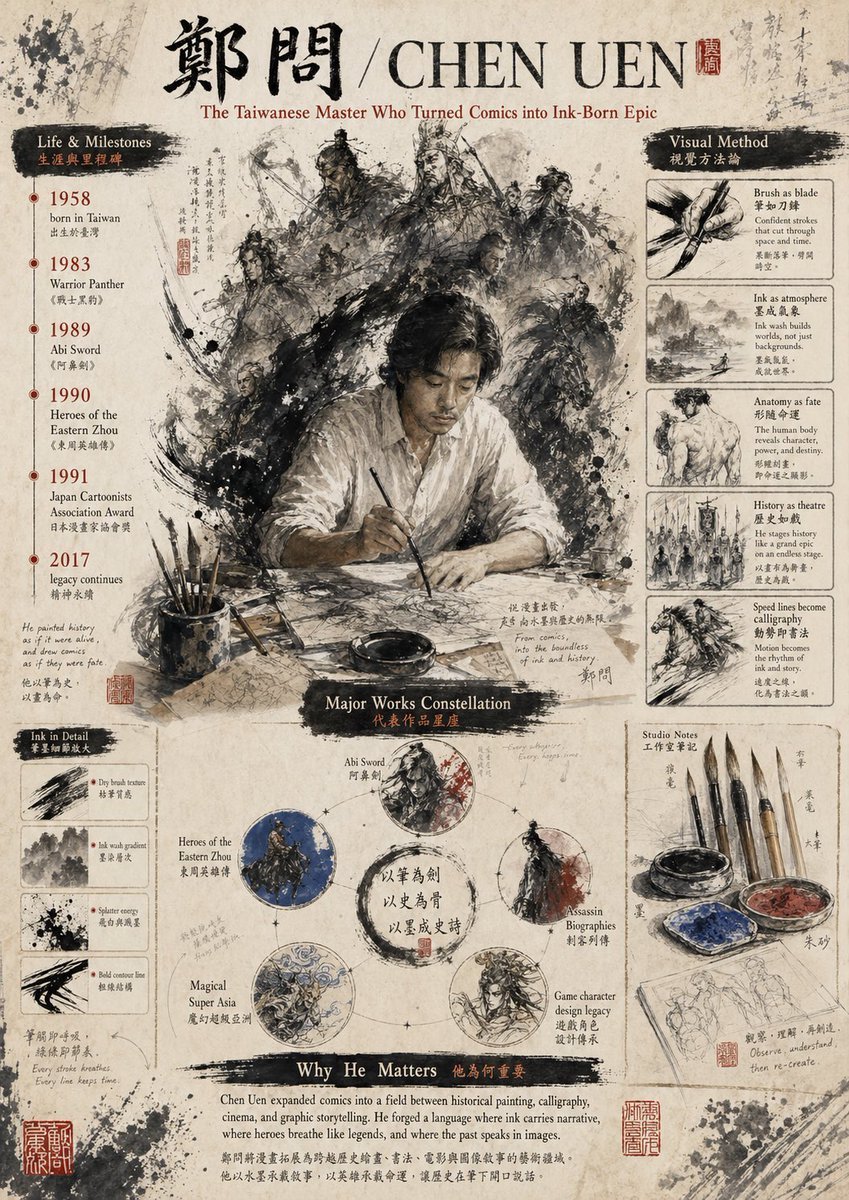
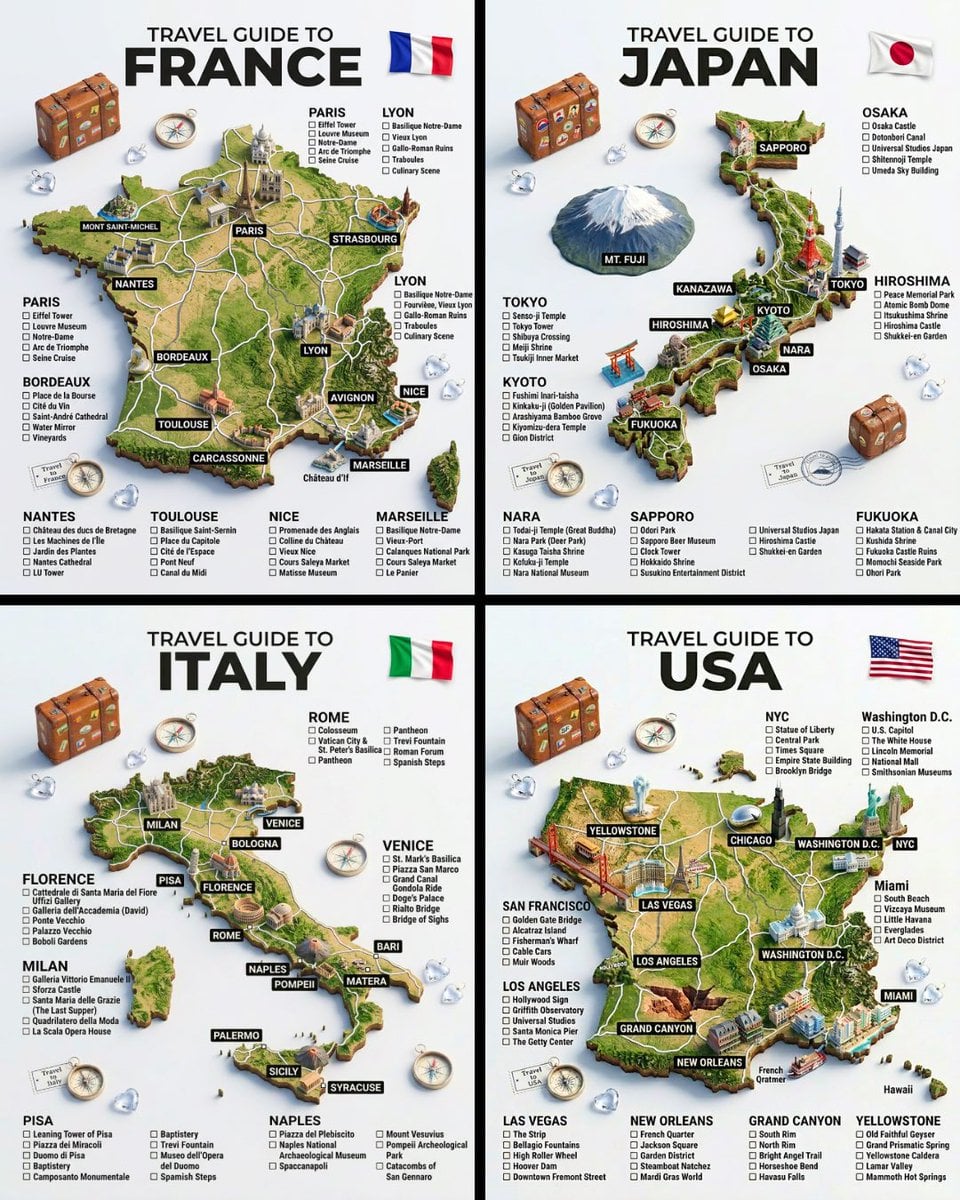
Create a vertical vintage travel-brochure infographic poster titled “[COUNTRY/DESTINATION]: [TAGLINE]”, using a warm parchment-paper aesthetic, elegant calligraphic typography, dark brown/black text, and a central 3D winding paper ribbon/scroll containing four connected scenic vignettes. Show, from top to bottom: [LANDMARK/NATURE], [HISTORIC/CULTURAL SCENE], [GARDEN/PEACEFUL LANDSCAPE], and [MODERN CITY/COASTLINE/FUTURE]. Surround the central scroll with balanced left and right text blocks featuring HISTORY, CULTURE, TOURISM, ECONOMY, HOSPITALITY, NATURE, FAMOUS CITIES, and FUTURE VISION, each with short descriptive phrases. Maintain a sophisticated editorial layout, authentic local architecture and clothing, cinematic lighting, rich fine details, realistic illustrated textures, harmonious colors, and a premium nostalgic travel-poster feel.
Create a vertical vintage travel-brochure infographic poster titled “[COUNTRY/DESTINATION]: [TAGLINE]”, using a warm parchment-paper aesthetic, elegant calligraphic typography, dark brown/black text, and a central 3D winding paper ribbon/scroll containing four connected scenic vignettes. Show, from top to bottom: [LANDMARK/NATURE], [HISTORIC/CULTURAL SCENE], [GARDEN/PEACEFUL LANDSCAPE], and [MODERN CITY/COASTLINE/FUTURE]. Surround the central scroll with balanced left and right text blocks featuring HISTORY, CULTURE, TOURISM, ECONOMY, HOSPITALITY, NATURE, FAMOUS CITIES, and FUTURE VISION, each with short descriptive phrases. Maintain a sophisticated editorial layout, authentic local architecture and clothing, cinematic lighting, rich fine details, realistic illustrated textures, harmonious colors, and a premium nostalgic travel-poster feel.
Edit the prompt in the box under the preview — the template's model and format are already selected — and press Generate. Your version appears right on this page.
Yes. You can change the subject, setting, lighting, mood, format, and available model controls before creating your image.
Opening and editing this template is free. Generating uses credits, shown on the Generate button when you are signed in.
Choose a compatible model in PicX Studio based on the style, speed, and output controls your project needs.
Follow a topic to a crawlable collection of related PicX Studio templates.