
Premium Vintage Travel Poster Landscape
Curated from MeiGen gallery ID 2071815503212130407: Premium Vintage Travel Poster Landscape.

- Prompt included
- Model and format preset
- Premium template
The prompt behind this image
Copy the exact prompt behind Premium Vintage Travel Poster Landscape, or open it in the studio and make it yours.
Create a premium minimalist vintage travel poster of [Location], inspired by Japanese editorial illustration, Studio Ghibli background art, Scandinavian minimalism, and luxury tourism magazine covers. Soft pastel color palette, flat vector illustration, clean geometric shapes, elegant linework, subtle paper grain texture, muted earth tones, atmospheric depth, soft sunlight, high-end travel brochure aesthetic, calm and peaceful mood. A wide scenic landscape with the destination's most iconic landmark dominating the center, winding road or hiking trail, parked 4x4 off-road vehicle, hikers with backpacks, photographers, travelers exploring viewpoints, small native plants, desert shrubs, rock formations, layered mountains, soft blue sky with minimal clouds. Large elegant serif title in the upper-left: "[Destination Name]" with small poetic subtitle underneath. Vertical A4 poster, large clean negative space, sophisticated editorial typography, modern tourism branding, minimal balanced composition, no logos, no watermark, no unnecessary text.
How to use Premium Vintage Travel Poster Landscape in 3 steps
- 1
Open
The prompt is already in the box next to the preview, with the template's model and format selected.
- 2…a portrait of your subject in softgolden-hour light, 85mm…
Personalize
Edit the subject and creative details for your destination.
- 3Generate
Generate
Press Generate — your image is created in PicX Studio, so you can compare it with the original and refine one variable at a time.
More like this
Templates with the same subject, style or setup. Open one to see its prompt.

Japan Travel Brochure Poster

Paper Cut Vintage Travel Poster

Master Paper Cut Illustration — Saudi Arabia Travel Poster in Layered Paper Art
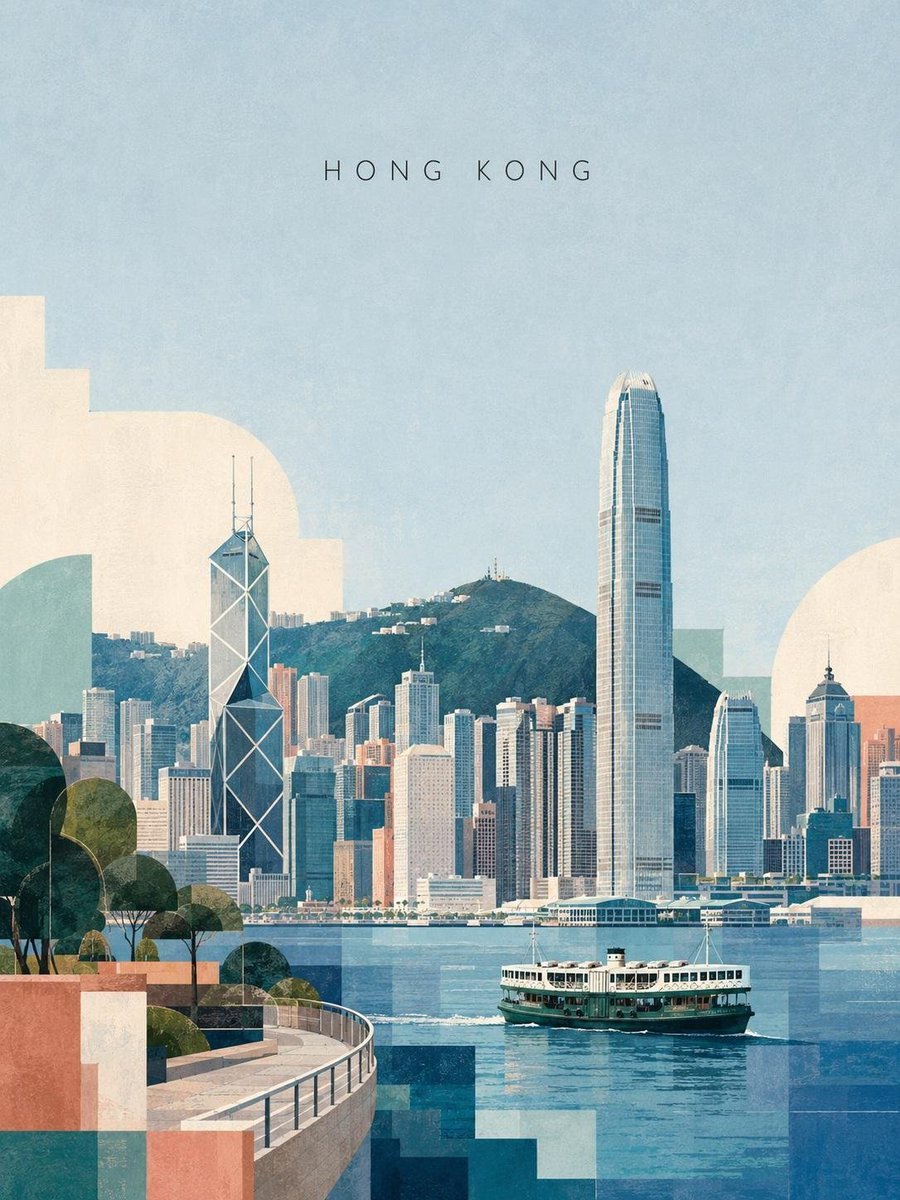
Vintage Modernist Taipei Travel Poster
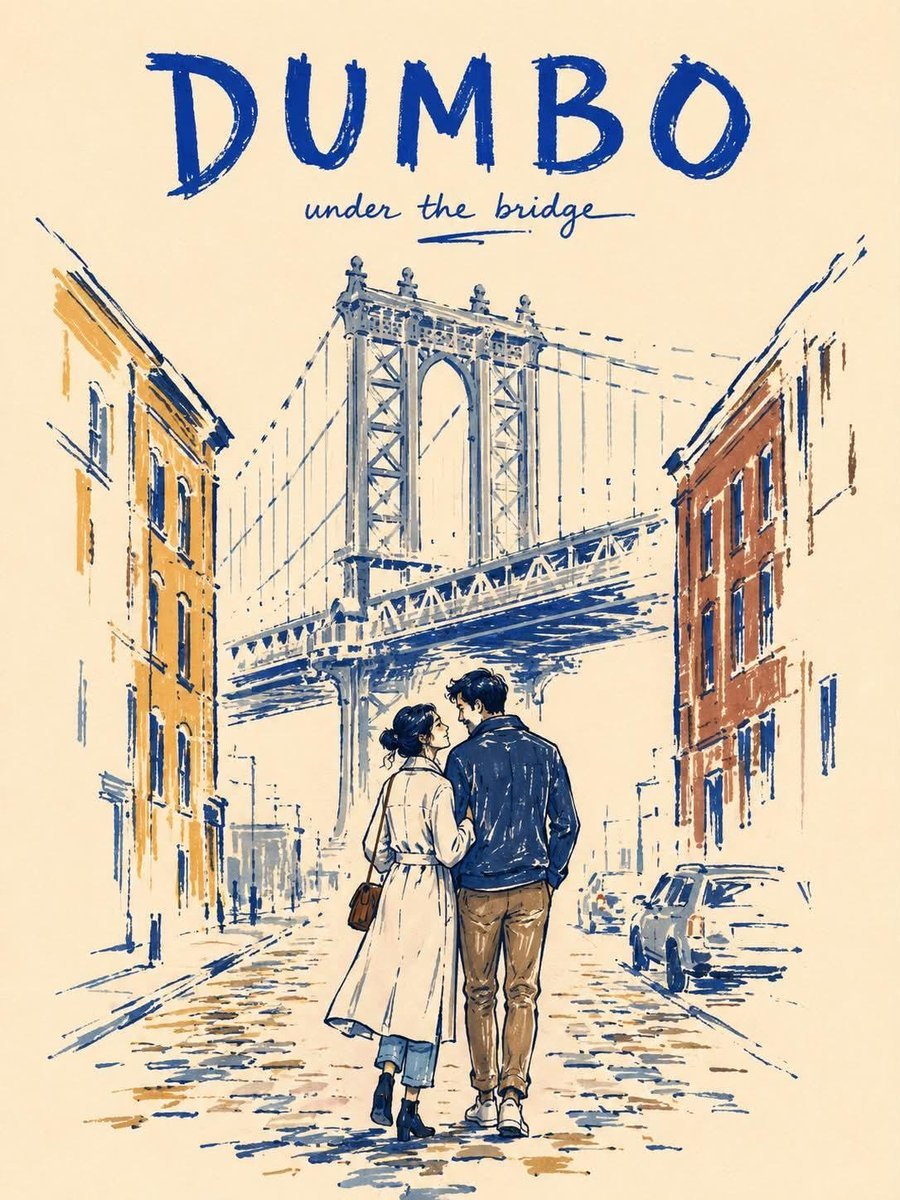
Minimalist Marker Travel Poster
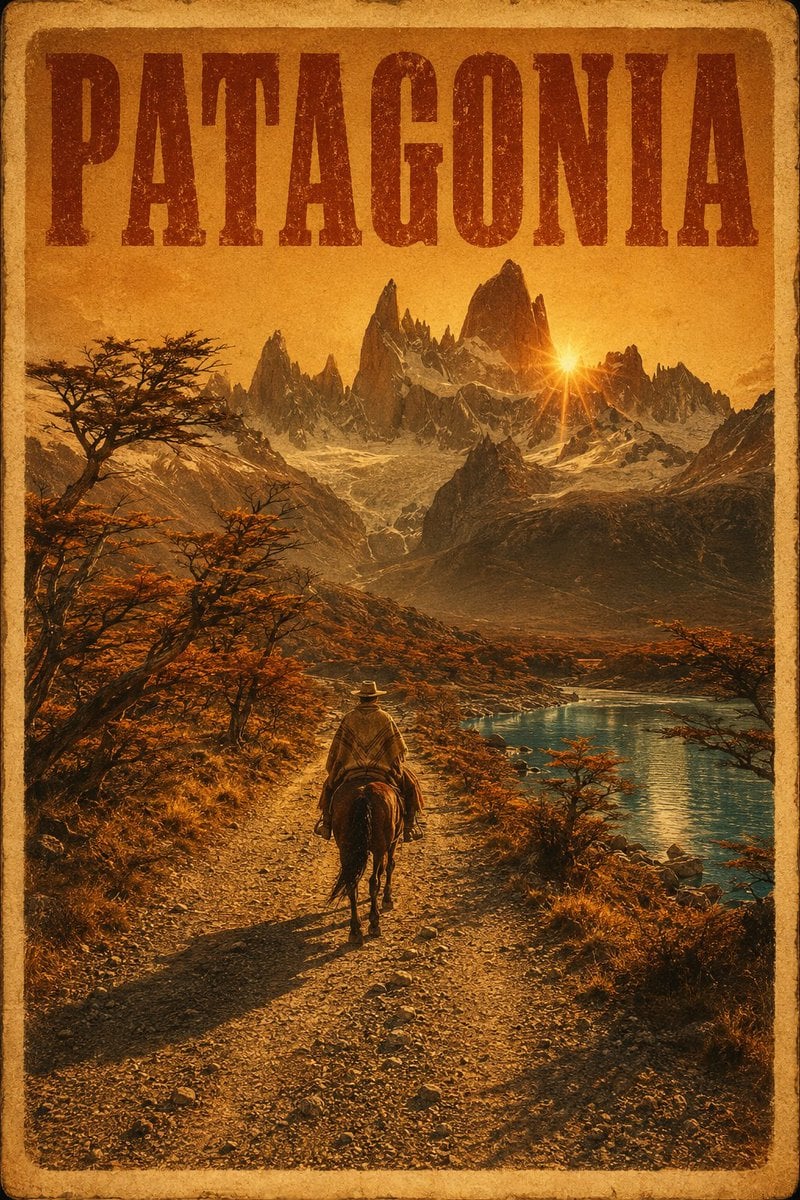
Vintage Patagonia Travel Poster
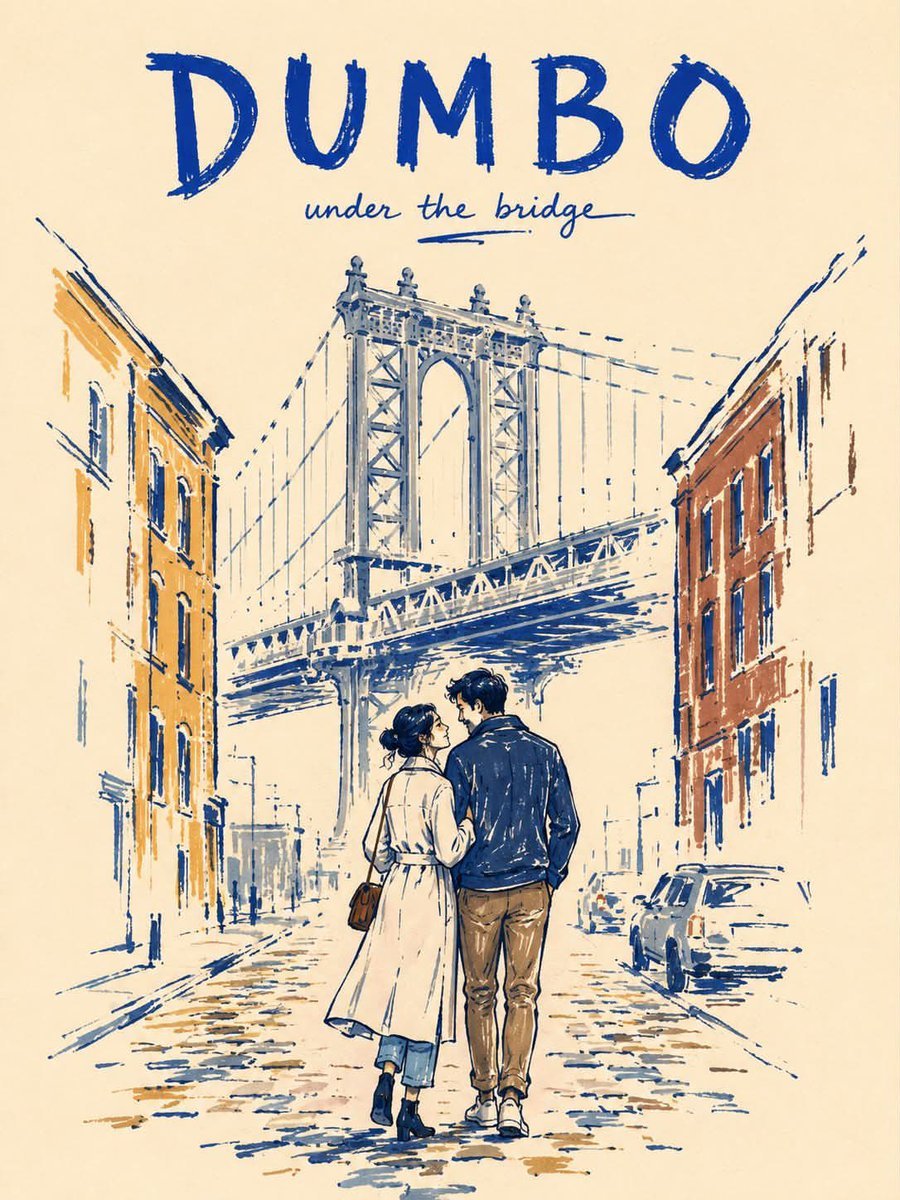
Minimalist Marker Pen NYC Travel Poster
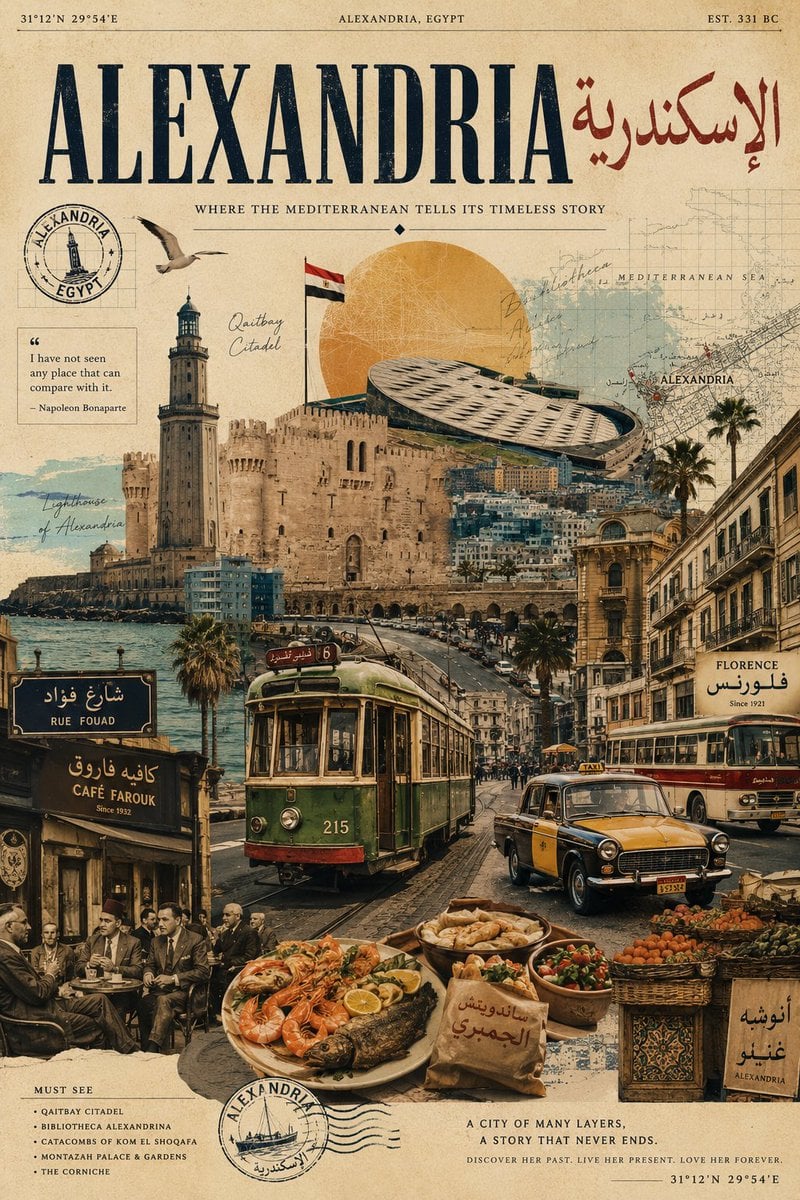
Vintage Alexandria Travel Poster
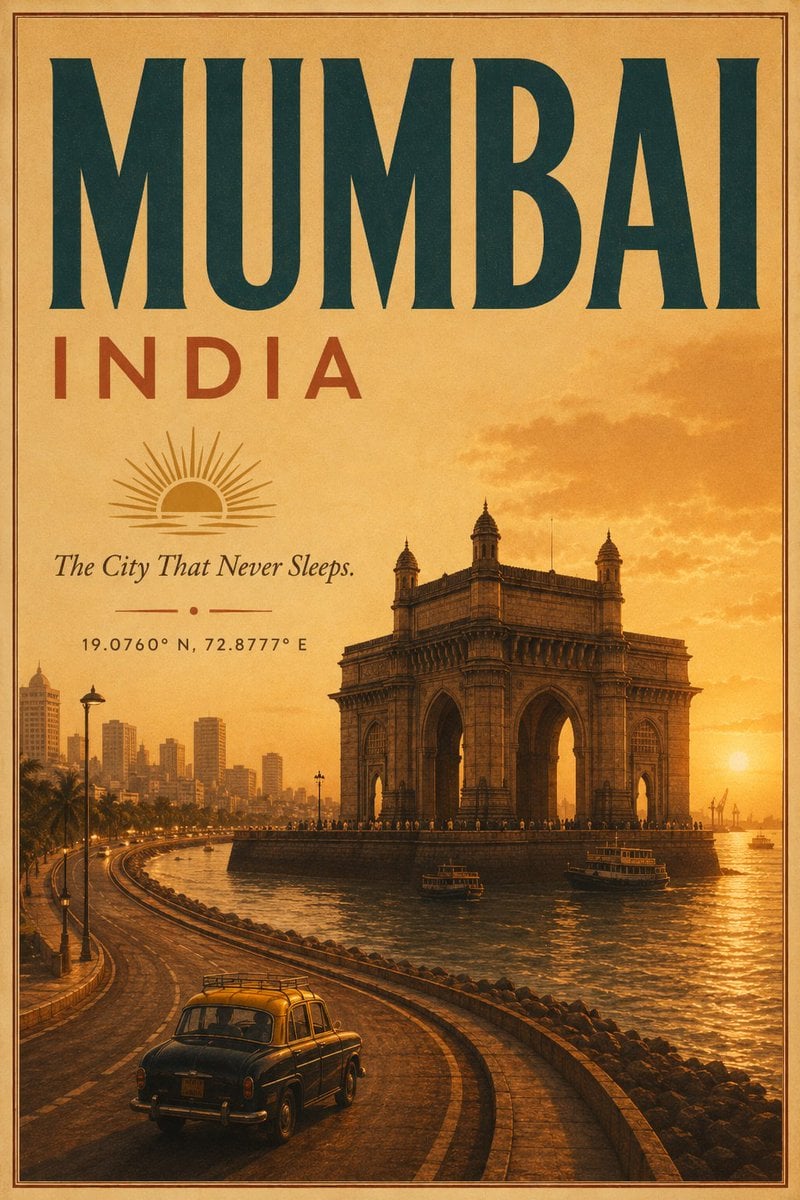
Vintage Mumbai Travel Poster
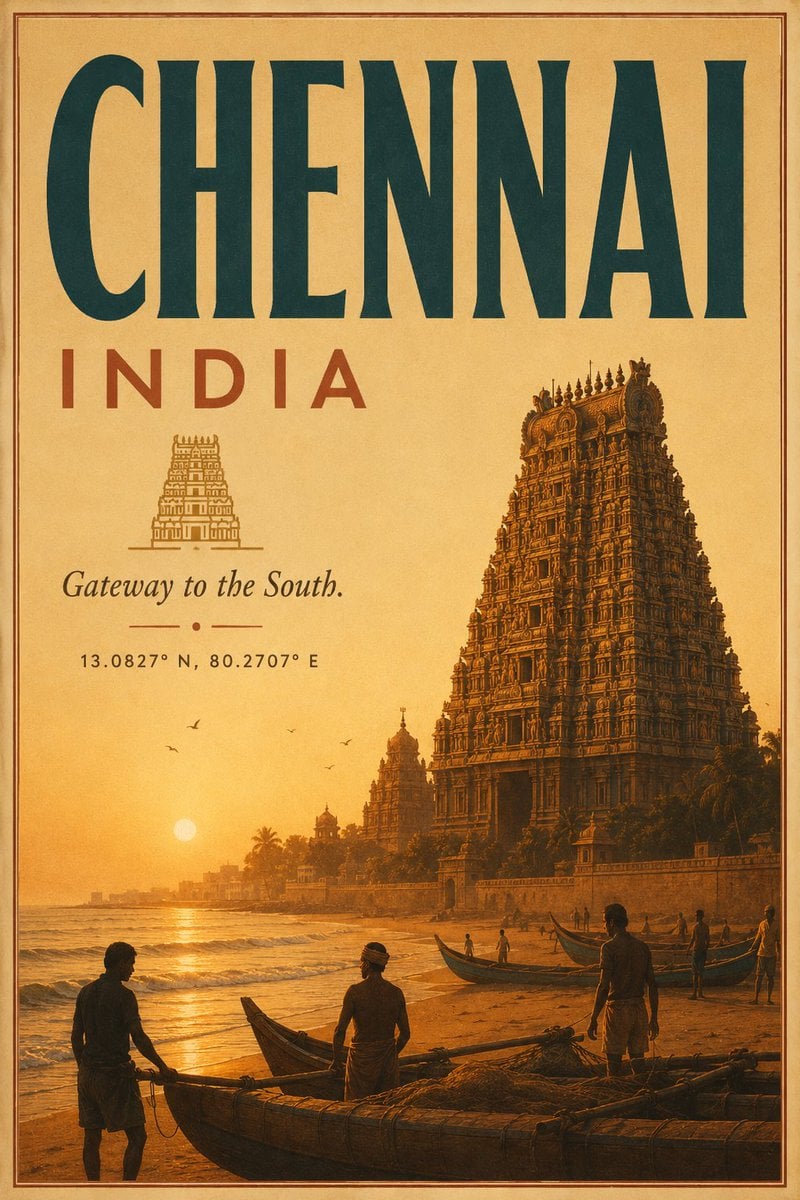
Vintage Chennai Travel Poster
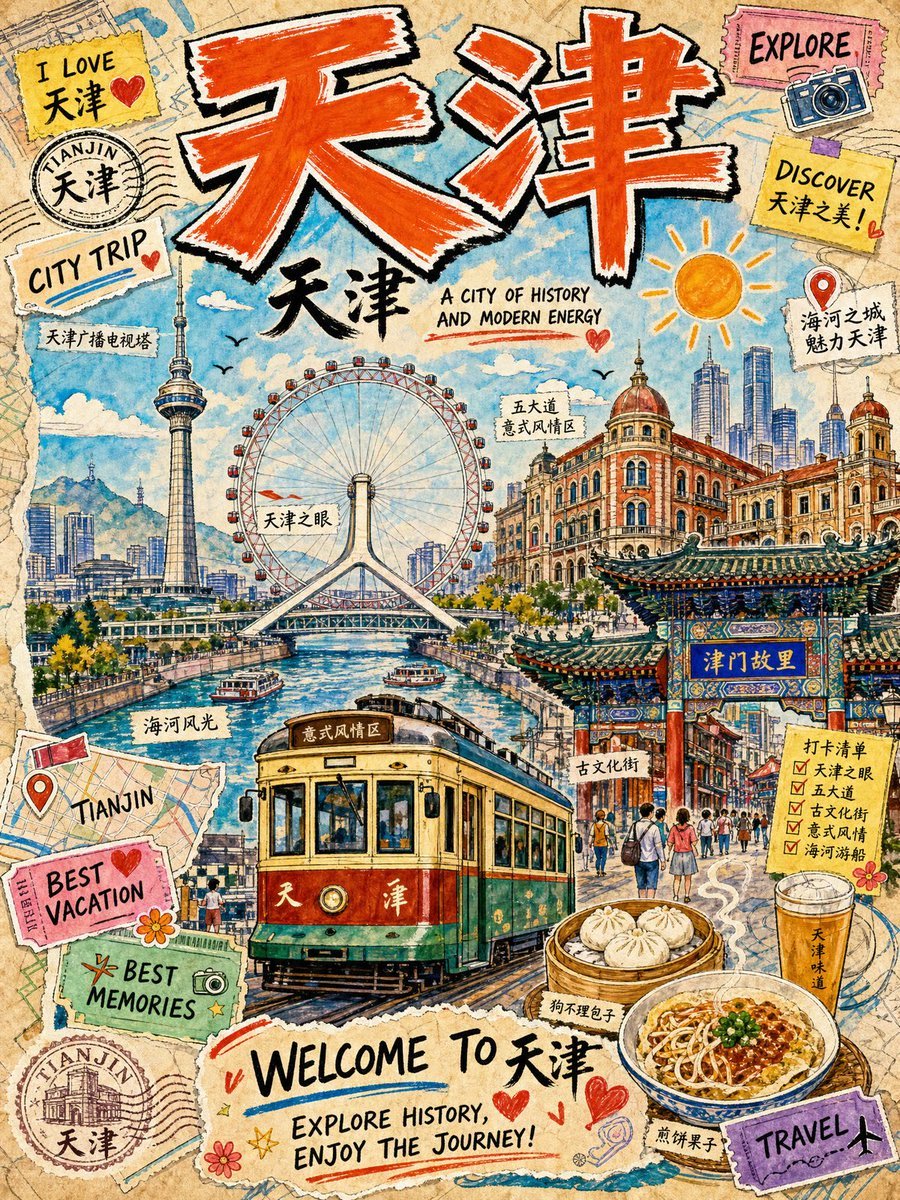
Vintage Tianjin Travel Poster
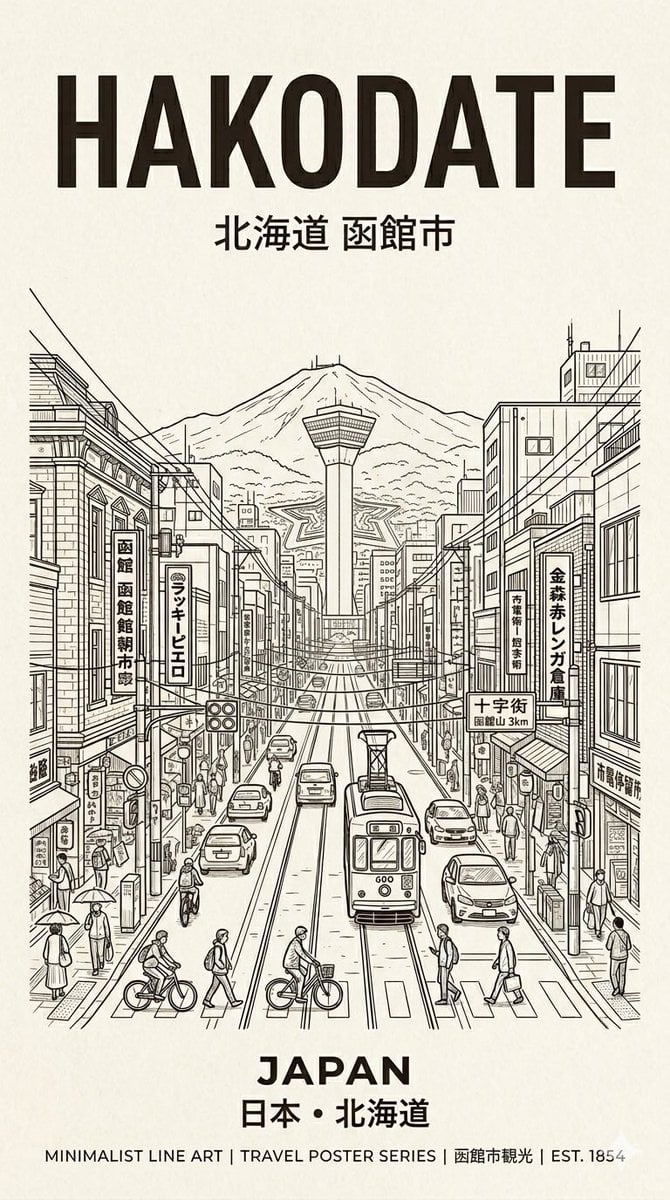
Hakodate Vintage Travel Poster
Make it yours
Premium Vintage Travel Poster Landscape works as-is. These are the safest ways to change it without losing the look.
Change one field
Copy a single group, rewrite it, and generate again so you can see what that field is doing.
Keep the frame, change the subject
Hold the composition and light of Premium Vintage Travel Poster Landscape, then swap wardrobe, props or the person for a new take.
| If the result… | Why | Fix |
|---|---|---|
| The result drifts from the preview | Too many fields changed at once. | Reuse Premium Vintage Travel Poster Landscape as-is first, then change one group — subject, light, or setting. |
| The model over-stylizes the scene | The prose prompt leaves finish and camera underspecified. | Add one camera or lighting sentence and stay on PicX Studio. |
More image prompts
Fresh picks from across the catalog.

Bit RPG Battle Screen
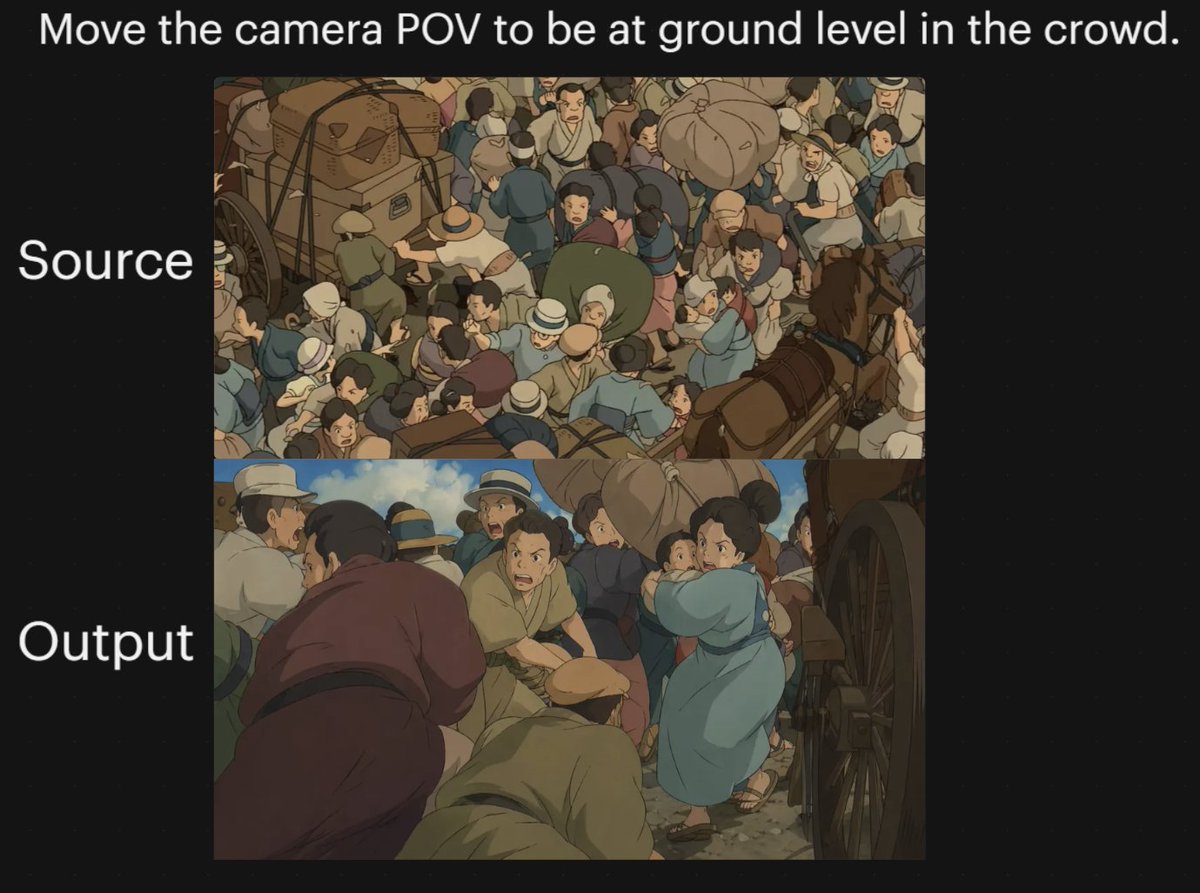
Anime Crowd Camera POV Comparison

Generate Dynaman Great Explosion

bit Retro Game Character Conversion Prompts

Vintage Film Style Portrait Transformation

Minimalist Plasma Core Data Sheet

Fabric-Stitched Textile Logo Prompt
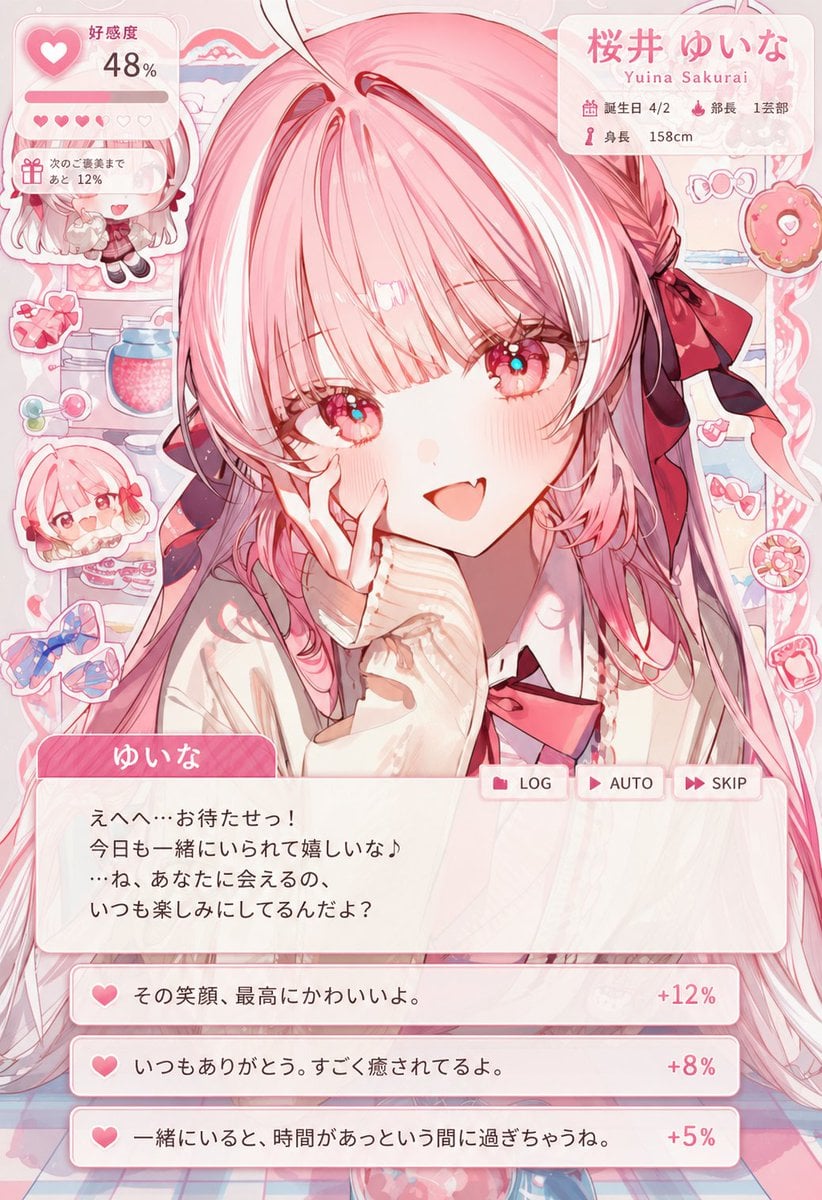
Dating Sim UI Overlay Prompt

Luxury Lifestyle Portrait Prompt for Nano Banana Pro

Blaxploitation Comic Art 'I Got 5 On It' Prompt
Browse template categories
Premium Vintage Travel Poster Landscape questions
How do I use the Premium Vintage Travel Poster Landscape template?
Add your photo if the template asks for one, edit the prompt if you like — the template's model and format are already selected — and press Generate. Your version opens in PicX Studio.
Can I customize the Premium Vintage Travel Poster Landscape template?
Yes. You can change the subject, setting, lighting, mood, format, and available model controls before creating your image.
Is the Premium Vintage Travel Poster Landscape template free?
Opening and editing this template is free. Generating uses credits, shown on the Generate button when you are signed in.
Which AI model should I use?
Choose a compatible model in PicX Studio based on the style, speed, and output controls your project needs.
Looking for something else? Browse all templates.

Your photo, any look
Thousands of ready templates for every top image and video model, from one credit balance.