
Anime Crowd Camera POV Comparison
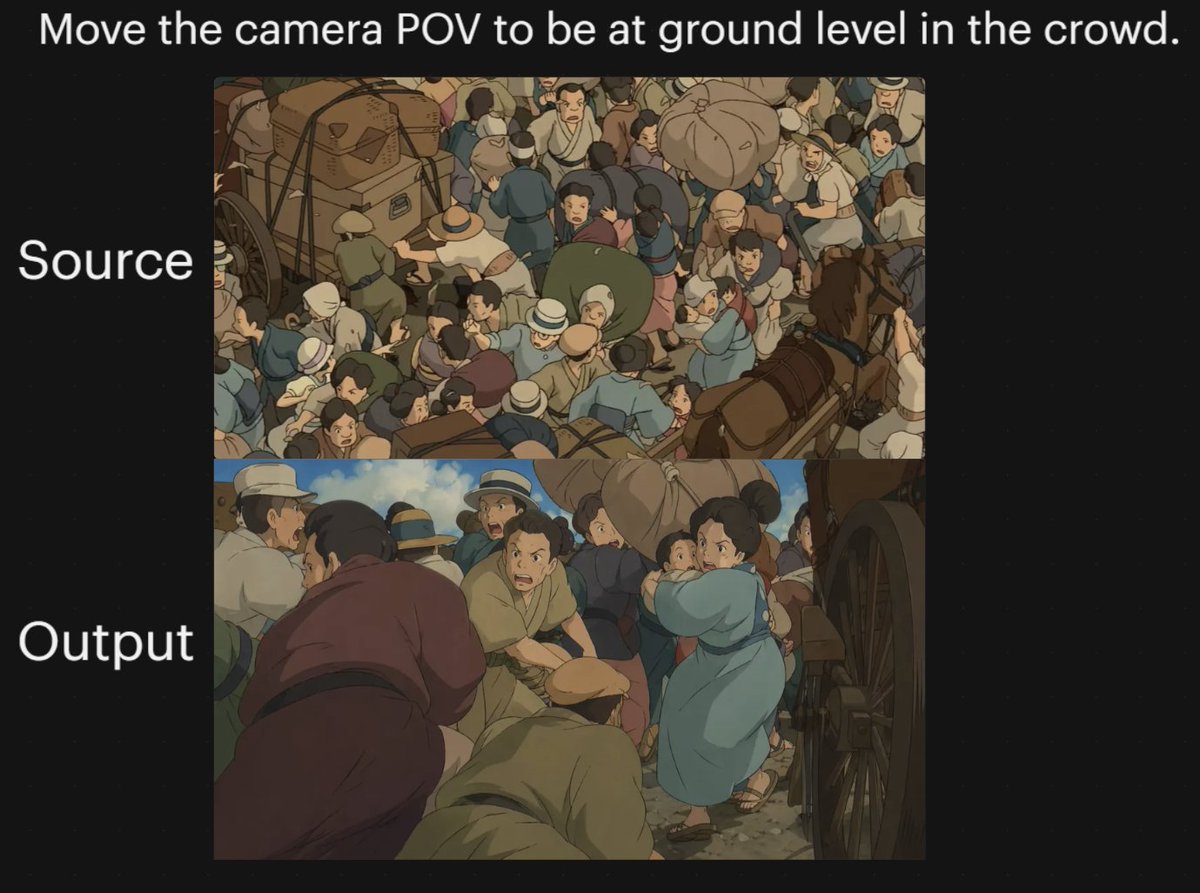
This prompt generates a two-panel black-background comparison graphic showing an anime crowd scene before and after changing the camera to a ground-level perspective, useful for demonstrating viewpoint transformation in…
- Prompt included
- Model and format preset
- Free template
The prompt behind this image
Copy the exact prompt behind Anime Crowd Camera POV Comparison, or open it in the studio and make it yours.
A two-panel comparison graphic on a black background demonstrating a dramatic camera-angle change in an anime-style crowded street scene. Place a large white sentence centered across the top: "{argument name="headline text" default="Move the camera POV to be at ground level in the crowd."}". On the left side, add two large white labels aligned with the panels: "Source" beside the upper panel and "Output" beside the lower panel. Create exactly 2 stacked rectangular image panels centered on the canvas. In the top panel, show a high-angle overhead view of a densely packed historical street crowd in a hand-painted anime film style, with dozens of people pressed together around horse-drawn carts and wagon wheels; include bundled luggage, hats, muted earth-tone clothing, blue and tan garments, and a busy composition where figures overlap in every direction. In the bottom panel, recreate the same type of scene but shift the camera to a low, ground-level point of view inside the crowd, looking between bodies and beside a large wagon wheel on the right edge. The foreground should feel immersive and cramped, with several bent or crouched figures close to the camera, a person in a muted purple robe on the left foreground, a kneeling or hunched figure in tan near the center bottom, and a woman in a light blue dress or coat toward the right-middle turning through the crowd while holding a small child. Keep the environment as a chaotic old-world market or transit street with horses, carts, people in brimmed hats and simple period clothing, dusty ground, and warm subdued colors. Use soft cinematic anime lighting, painterly shading, and the visual feel of a classic Studio Ghibli crowd sequence. The overall image should read as a before-and-after camera experiment, with the upper panel as the original overhead composition and the lower panel as the transformed low-angle perspective.
How to use Anime Crowd Camera POV Comparison in 3 steps
- 1Upload ImagePNG, JPG or paste
Add your photo
Upload the photo the template builds on. The prompt, model and format are already set.
- 2…a portrait of your subject in softgolden-hour light, 85mm…
Personalize
Edit the subject and creative details for your destination.
- 3Generate
Generate
Press Generate — your image is created in PicX Studio, so you can compare it with the original and refine one variable at a time.
More like this
Templates with the same subject, style or setup. Open one to see its prompt.
Anime Crowd POV Comparison

Hyper-Realistic Minecraft POV Portrait
Anime Character Waking Up POV

Four-Panel Anime Face Comparison
Reasoning Effort Anime Comparison
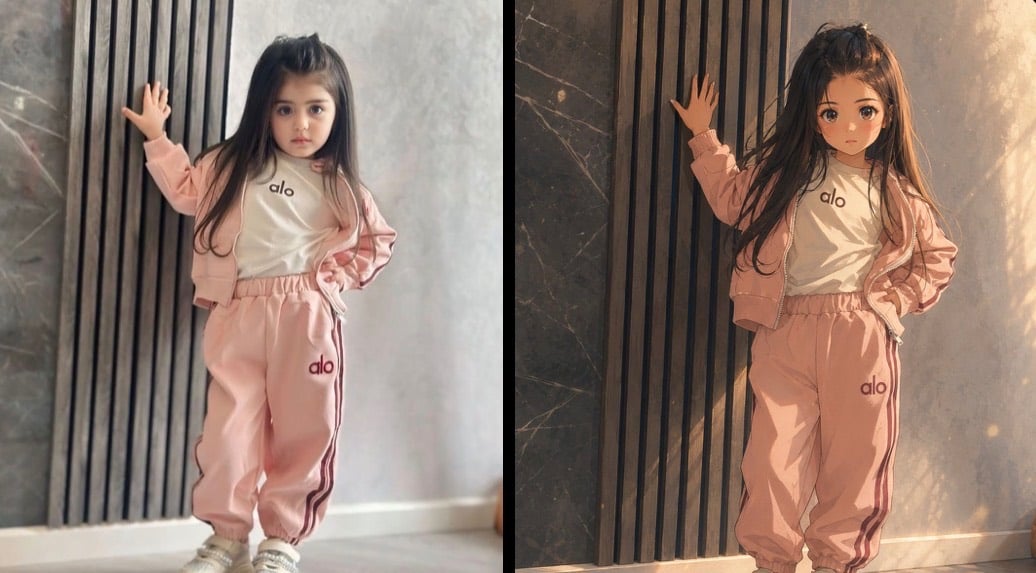
Cinematic Anime Photo Comparison

Cel 2D Finale Fireworks

Cel 2D Garden Maze

Cel 2D Rooftop Concert

Cel 2D Bicycle Coast

Cel 2D Castle Gate

Cel 2D Kitchen Chaos
Make it yours
Anime Crowd Camera POV Comparison works as-is. These are the safest ways to change it without losing the look.
Change one field
Copy a single group, rewrite it, and generate again so you can see what that field is doing.
Keep the frame, change the subject
Hold the composition and light of Anime Crowd Camera POV Comparison, then swap wardrobe, props or the person for a new take.
| If the result… | Why | Fix |
|---|---|---|
| The result drifts from the preview | Too many fields changed at once. | Reuse Anime Crowd Camera POV Comparison as-is first, then change one group — subject, light, or setting. |
| The model over-stylizes the scene | The prose prompt leaves finish and camera underspecified. | Add one camera or lighting sentence and stay on GPT Image 2. |
More GPT Image 2 templates
Other prompts made for GPT Image 2.

Six VTuber Japanese Logo Sheet

Realistic Portrait of Woman and Deer

The Vista Modular Condo Poster

AI Model Routing Comparison Infographic

2.5D Anime Art Board

Isometric Productivity Desk Scene

New York Double Exposure Poster

Four-Panel AI Landscape Comparison

Japanese Tatami Lifestyle Magazine Cover

NESCAFÉ Coffee Map Poster
More image prompts
Fresh picks from across the catalog.
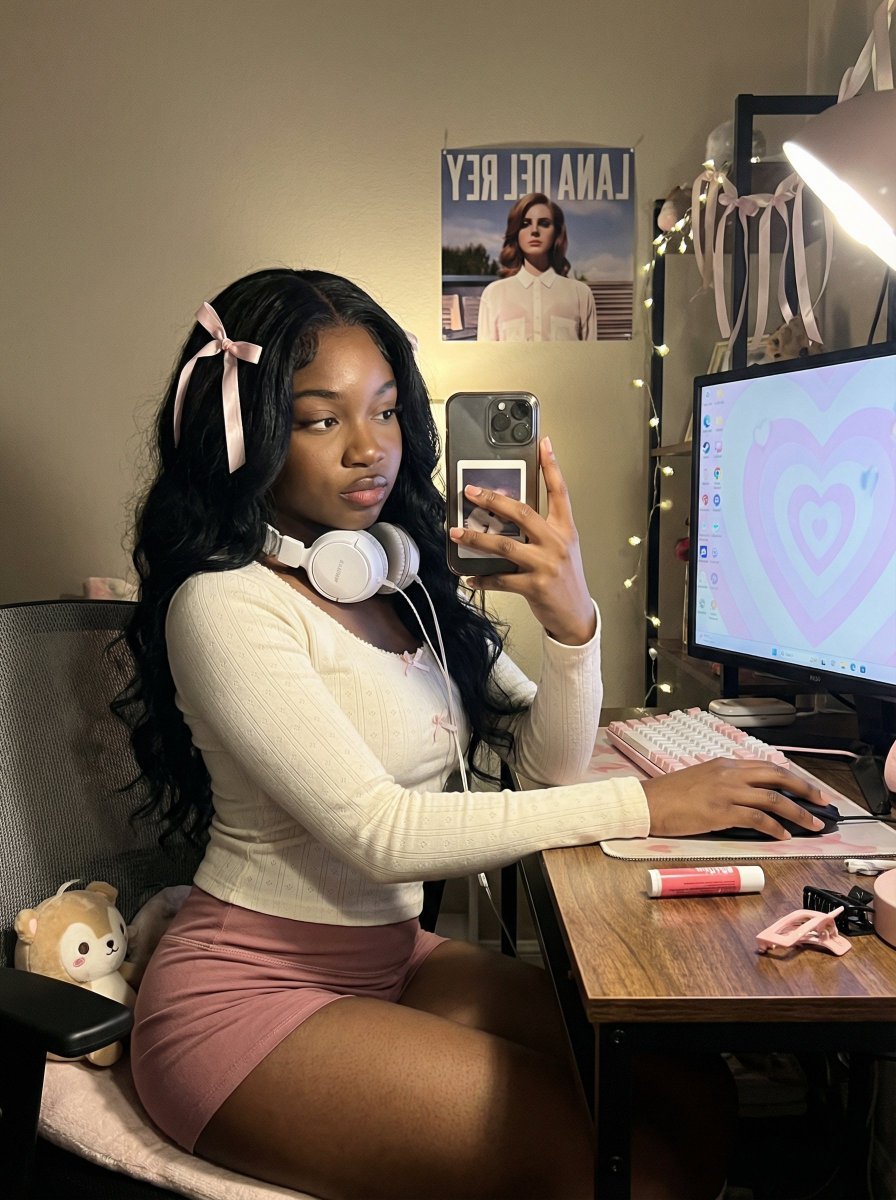
Coquette Gamer Girl Selfie in Bedroom
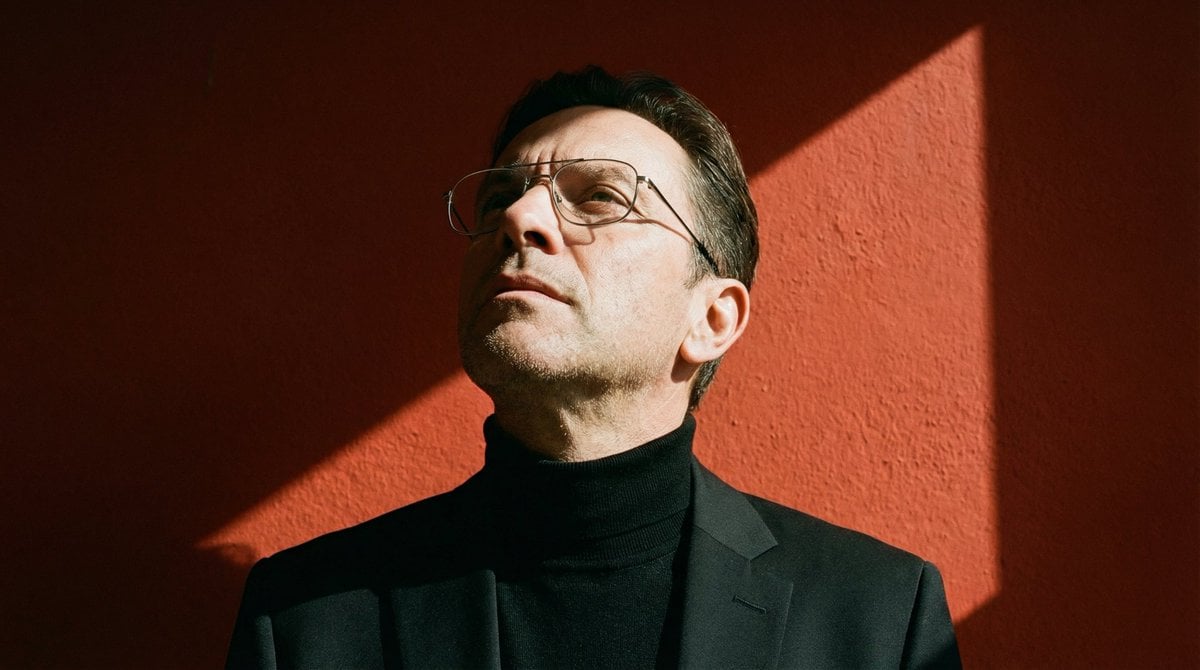
Ultra-Realistic Portrait with Hard Lighting Prompt
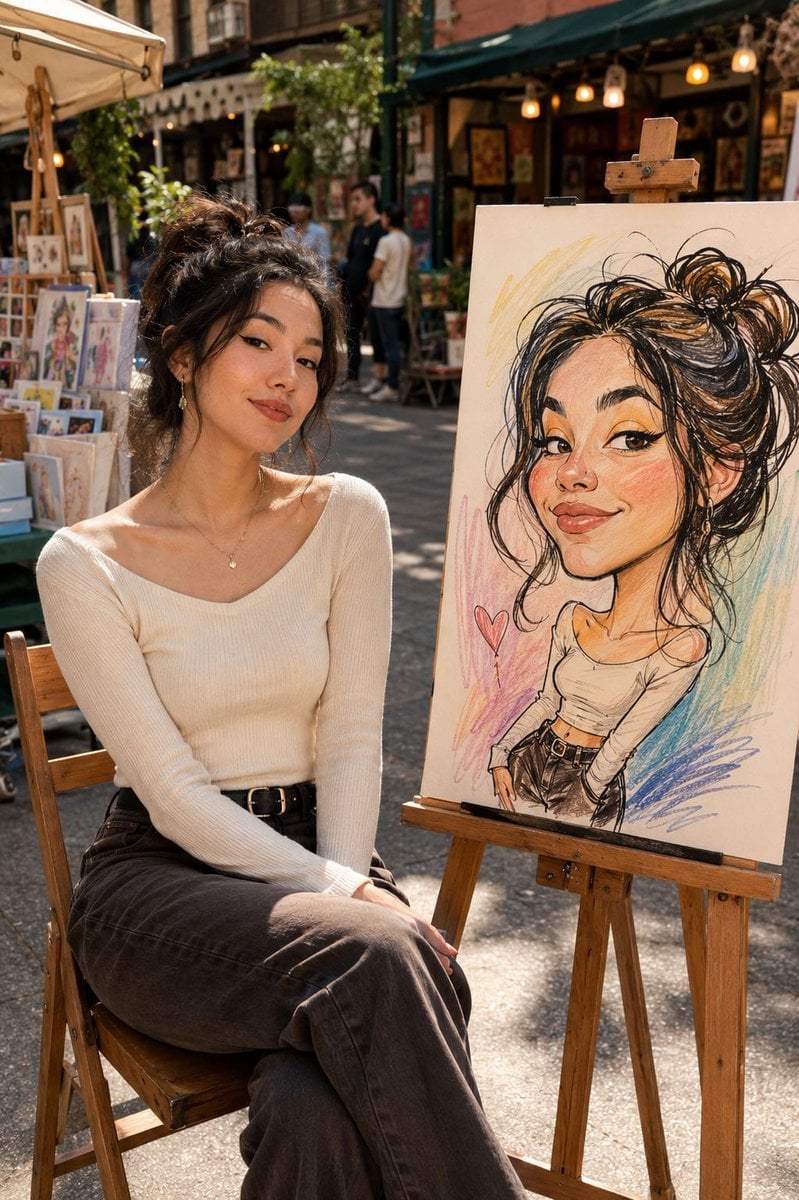
Urban Street Market Caricature Portrait
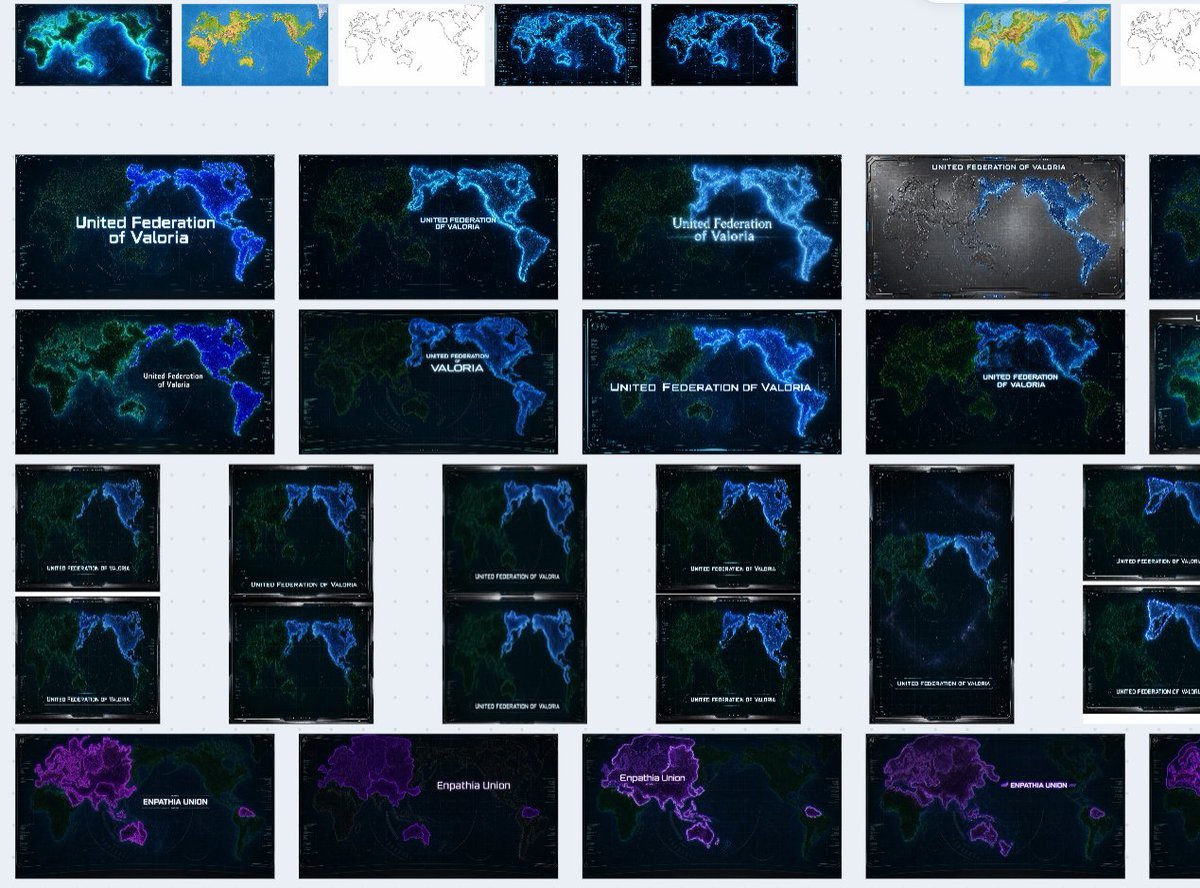
Fictional World Map Attempts Collage

Infographic Poster Creation Prompt
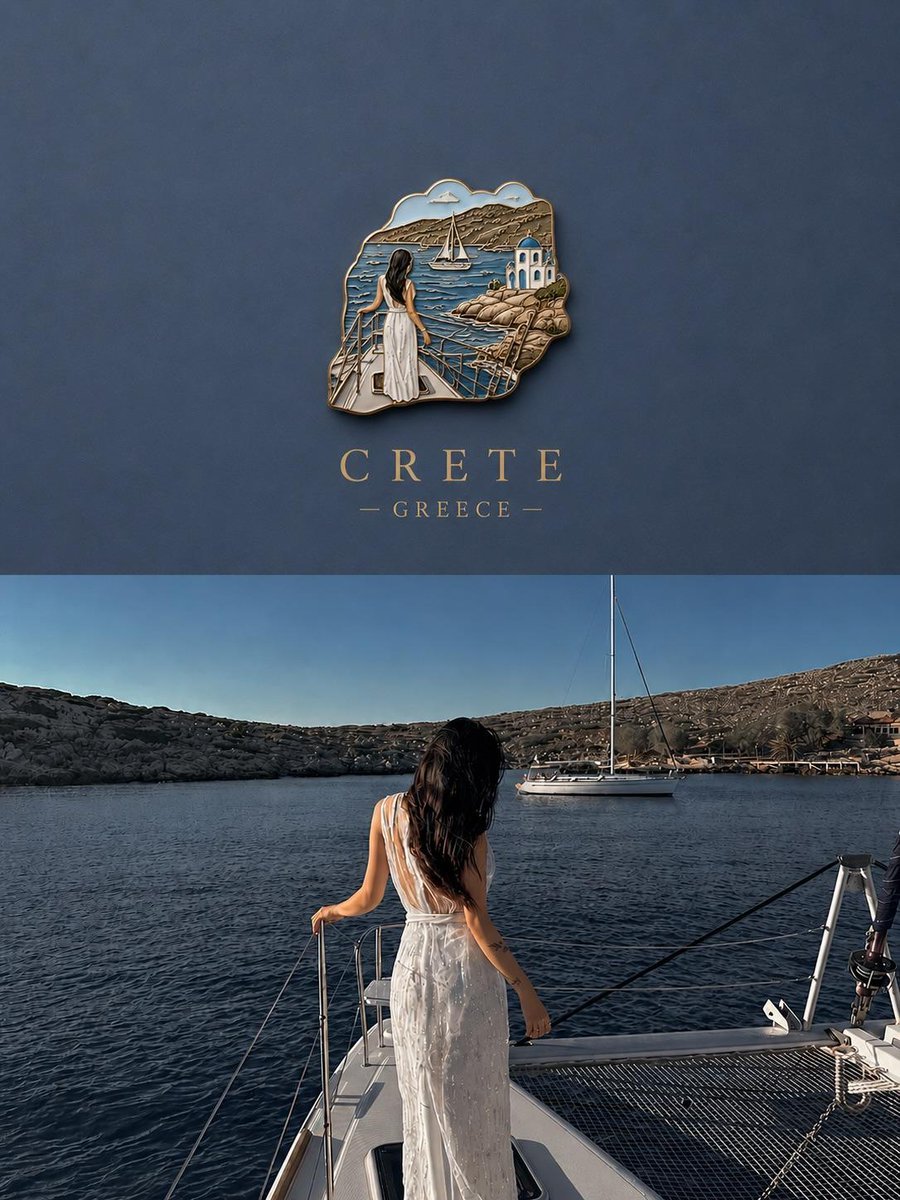
3D Souvenir Badge Travel Poster
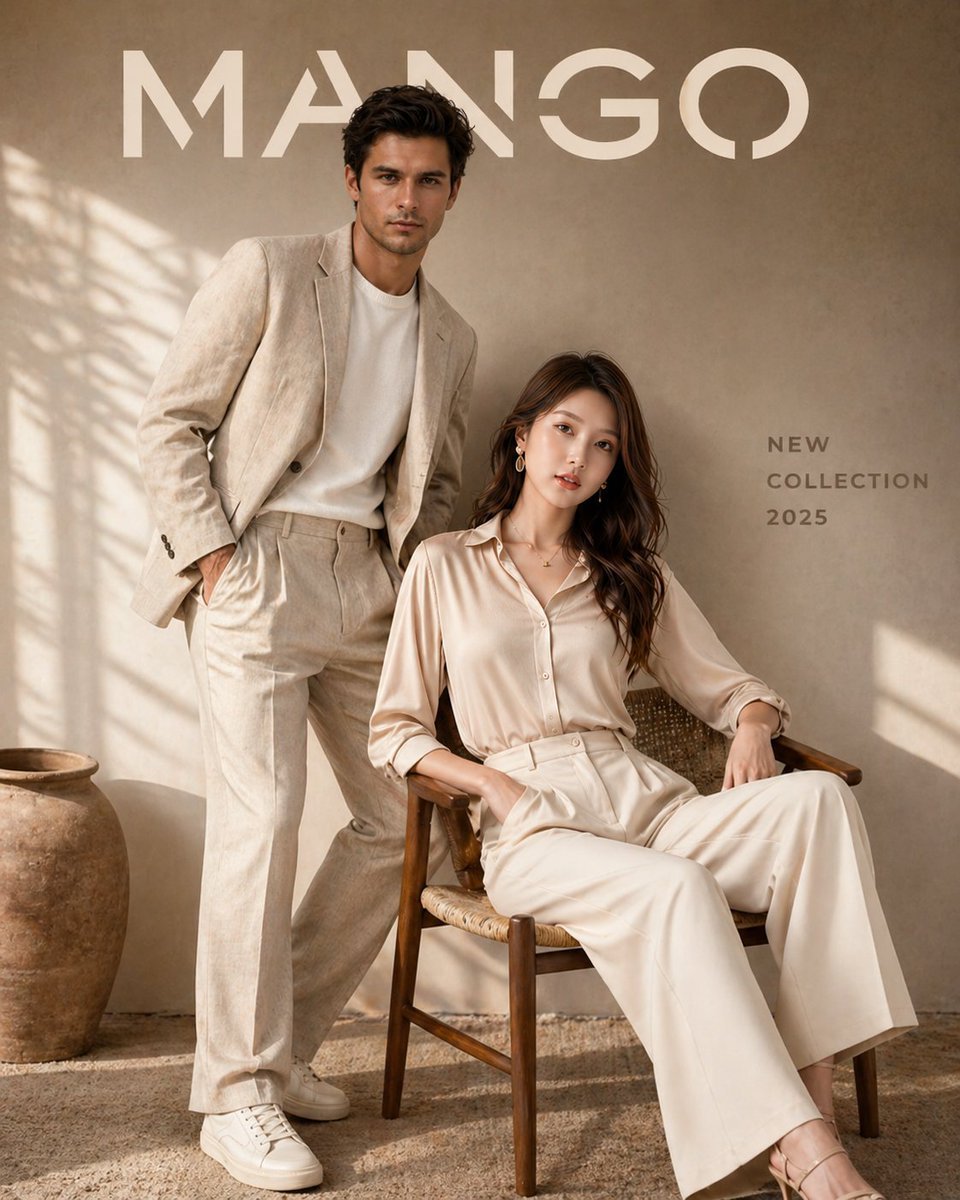
Luxury Fashion Brand Advertisement
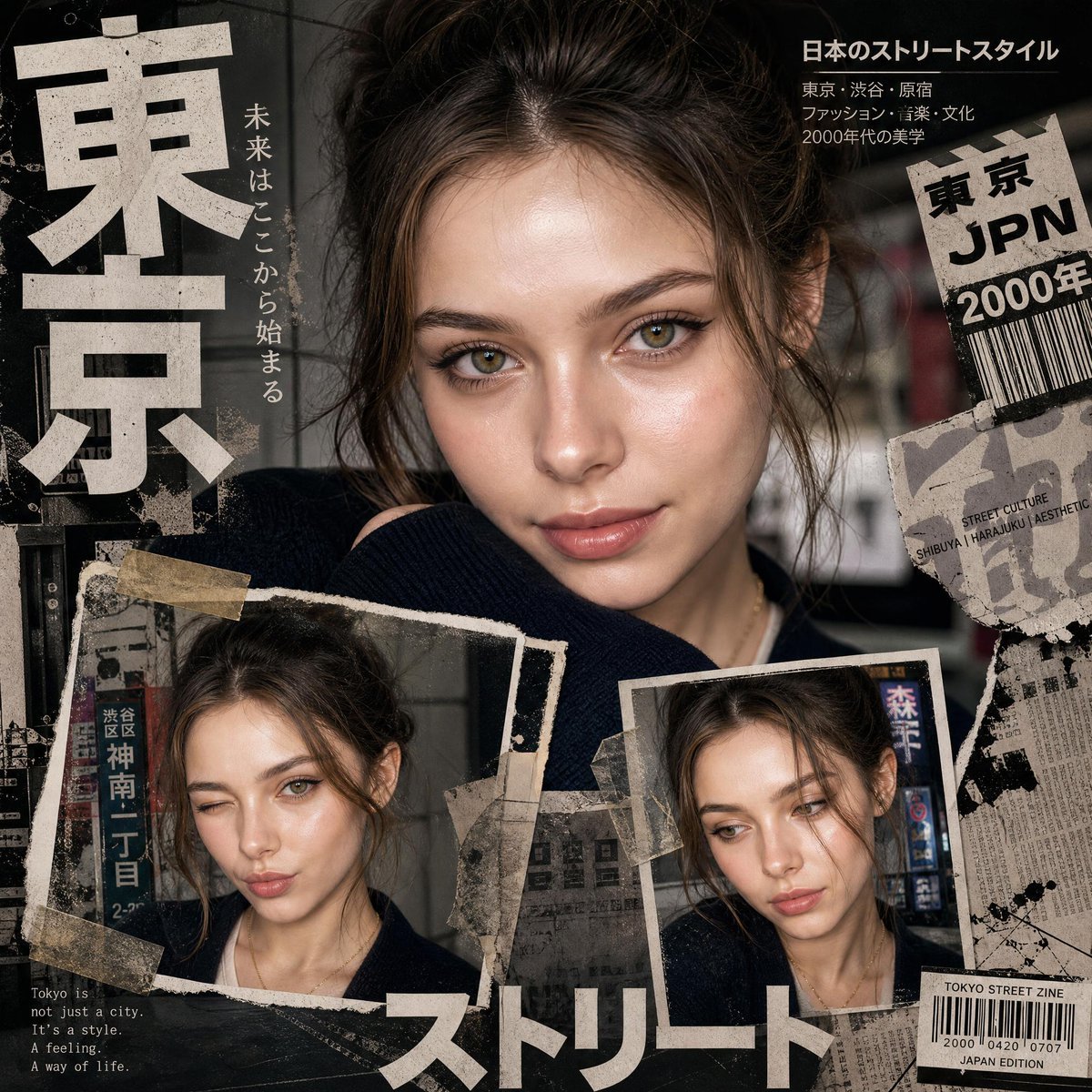
Y2K Japanese editorial collage poster
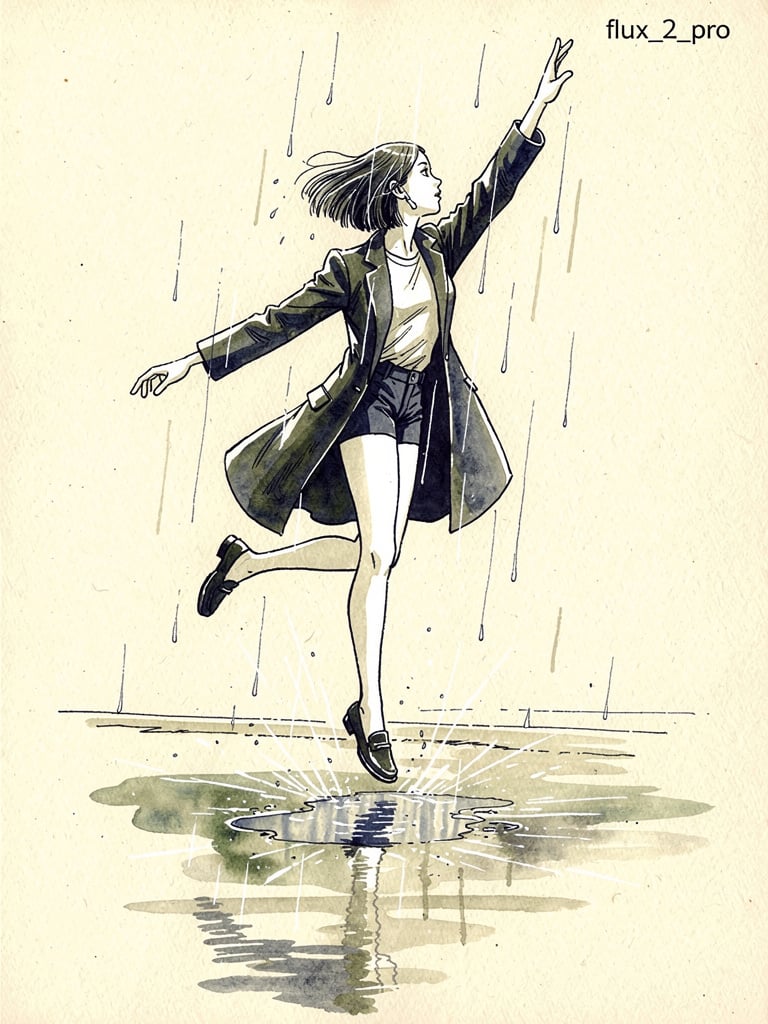
Ink pen style illustration of a woman jumping in the rain

Golden Hour Product Photography on Rugged Rock
Browse template categories
Anime Crowd Camera POV Comparison questions
How do I use the Anime Crowd Camera POV Comparison template?
Add your photo if the template asks for one, edit the prompt if you like — the template's model and format are already selected — and press Generate. Your version opens in PicX Studio.
Can I customize the Anime Crowd Camera POV Comparison template?
Yes. You can change the subject, setting, lighting, mood, format, and available model controls before creating your image.
Is the Anime Crowd Camera POV Comparison template free?
Opening and editing this template is free. Generating uses credits, shown on the Generate button when you are signed in.
Which AI model should I use?
Start with GPT Image 2, which is the model associated with this template. You can compare another compatible model for a different finish.
Looking for something else? Browse all templates.

Your photo, any look
Thousands of ready templates for every top image and video model, from one credit balance.