
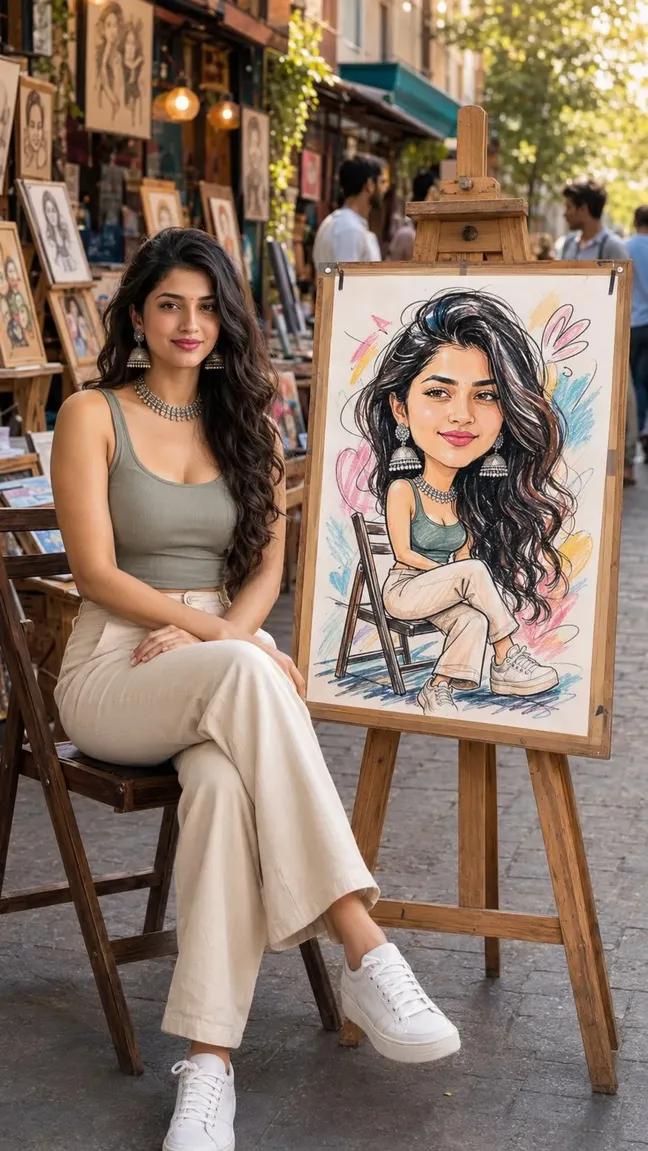
Urban Street Market Caricature Portrait
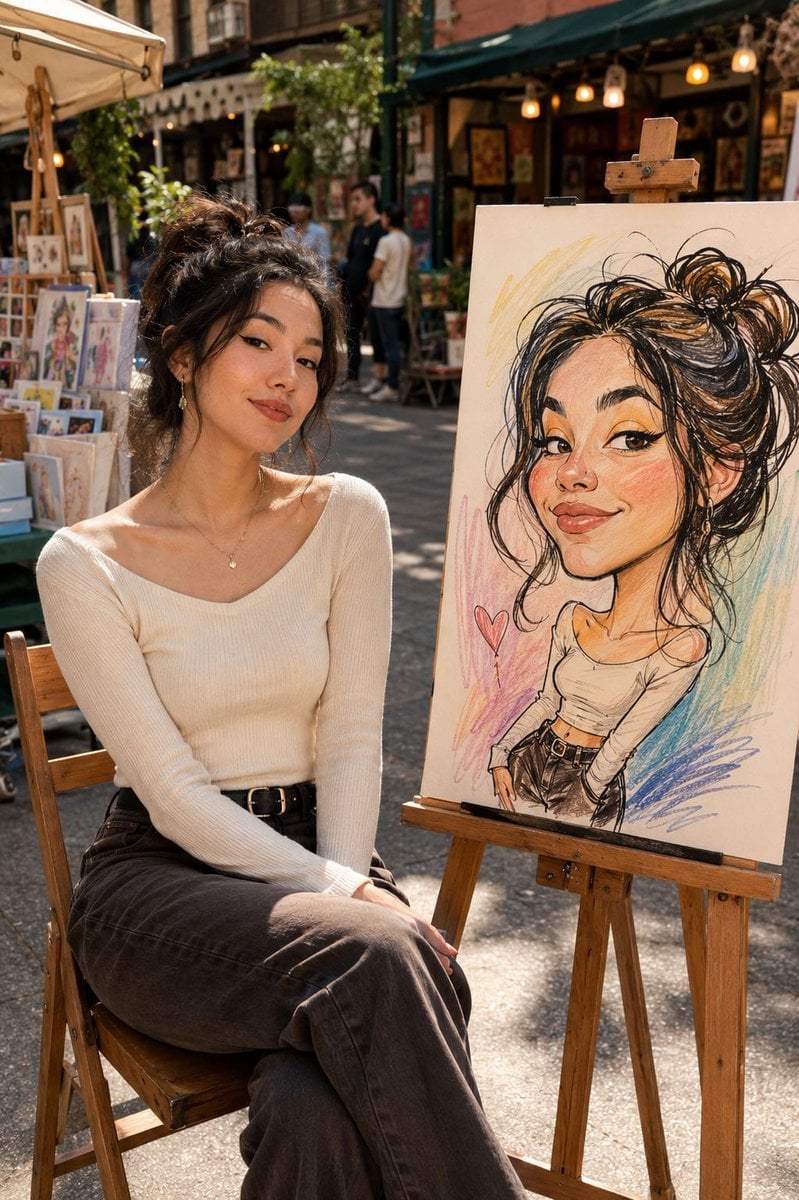
A complex prompt for creating an editorial scene of a person at an urban art market sitting next to their own hand-drawn street caricature.
- Prompt included
- Model and format preset
- Free template
The prompt behind this image
Copy the exact prompt behind Urban Street Market Caricature Portrait, or open it in the studio and make it yours.
Use the uploaded portrait as the identity reference for the subject’s face, hairstyle, facial structure, and overall impression. Create a high-quality lifestyle editorial portrait of the same person sitting outdoors beside a wooden easel displaying a colorful street-style caricature portrait of them. The real person and the caricature must clearly resemble the same individual. Scene: - the person is seated on a simple wooden folding chair - beside them is a wooden easel holding a large caricature drawing - the setting is a sentimental urban art market - include illustration booths, handmade craft stalls, sketch displays, posters, cozy creative shopfronts, and a few softly blurred pedestrians - lively but not crowded - bright soft daylight, warm natural tones, shallow depth of field - realistic photography for the person and environment - vertical composition showing both the person and the caricature clearly Subject: - preserve the uploaded person’s recognizable identity - natural pose - calm, relaxed, slightly amused expression - stylish casual outfit that suits the subject - clean editorial lifestyle photography - do not force the same pose or expression for every subject Caricature direction: - the drawing on the easel must be a true observational street caricature, not a generic cute cartoon - the caricature artist should exaggerate the subject’s actual most recognizable facial traits - analyze the uploaded face and exaggerate only 2–4 distinctive features, such as eye shape, eyebrows, nose, lips, cheeks, jawline, chin, ears, hairstyle, or facial proportions - each caricature should feel custom-made for that specific person - avoid using the same default cute face for every person - avoid generic big eyes plus tongue-out expression - the caricature should be funny because it captures the person’s unique features, not because it uses a random silly pose Caricature style: - oversized head with smaller simplified body - playful but recognizable facial proportions - bold hand-drawn marker lines - quick sketchy pen strokes - colored pencil texture - lively street-artist energy - humorous but flattering - witty, expressive, and personality-driven - charming handmade imperfections - colorful accent doodles may be added, but keep the focus on the face Expression in the caricature: - choose a natural funny expression that fits the person’s facial character - possible expressions: raised eyebrow, shy smile, surprised eyes, confident smirk, awkward polite smile, exaggerated calm face, pouty lips, confused cute face, or gentle blank stare - the expression should vary depending on the subject - do not always use a tongue-out face - do not always use the same wide-eyed cute expression Caricature canvas: - large vertical drawing board or canvas on a wooden easel - the caricature should be clearly visible and occupy a major part of the image - it should immediately read as a funny street caricature
How to use Urban Street Market Caricature Portrait in 3 steps
- 1Upload ImagePNG, JPG or paste
Add your photo
Upload the photo the template builds on. The prompt, model and format are already set.
- 2…a portrait of your subject in softgolden-hour light, 85mm…
Personalize
Edit the subject and creative details for your destination.
- 3Generate
Generate
Press Generate — your image is created in PicX Studio, so you can compare it with the original and refine one variable at a time.
More like this
Templates with the same subject, style or setup. Open one to see its prompt.
Modern Urban Streetwear Portrait

Street-Art Inspired Urban Portrait
Cinematic Urban Street Portrait
Indian Street Market Portrait
Outdoor Caricature Portrait Street Scene

Urban Street Portrait with Cartoon Inner Self Duo

Two Tickets, One Night

Found Photograph: Us, 1970

Meet Me When It Rains

Two Hearts. One Scooter.

80s Couple Studio Portrait

80s Bollywood Star
Make it yours
Urban Street Market Caricature Portrait works as-is. These are the safest ways to change it without losing the look.
Change one field
Copy a single group, rewrite it, and generate again so you can see what that field is doing.
Keep the frame, change the subject
Hold the composition and light of Urban Street Market Caricature Portrait, then swap wardrobe, props or the person for a new take.
| If the result… | Why | Fix |
|---|---|---|
| The result drifts from the preview | Too many fields changed at once. | Reuse Urban Street Market Caricature Portrait as-is first, then change one group — subject, light, or setting. |
| The model over-stylizes the scene | The prose prompt leaves finish and camera underspecified. | Add one camera or lighting sentence and stay on GPT Image 2. |
More GPT Image 2 templates
Other prompts made for GPT Image 2.

Six VTuber Japanese Logo Sheet

Realistic Portrait of Woman and Deer

The Vista Modular Condo Poster

AI Model Routing Comparison Infographic

2.5D Anime Art Board

Isometric Productivity Desk Scene

New York Double Exposure Poster

Four-Panel AI Landscape Comparison

Japanese Tatami Lifestyle Magazine Cover

NESCAFÉ Coffee Map Poster
More image prompts
Fresh picks from across the catalog.
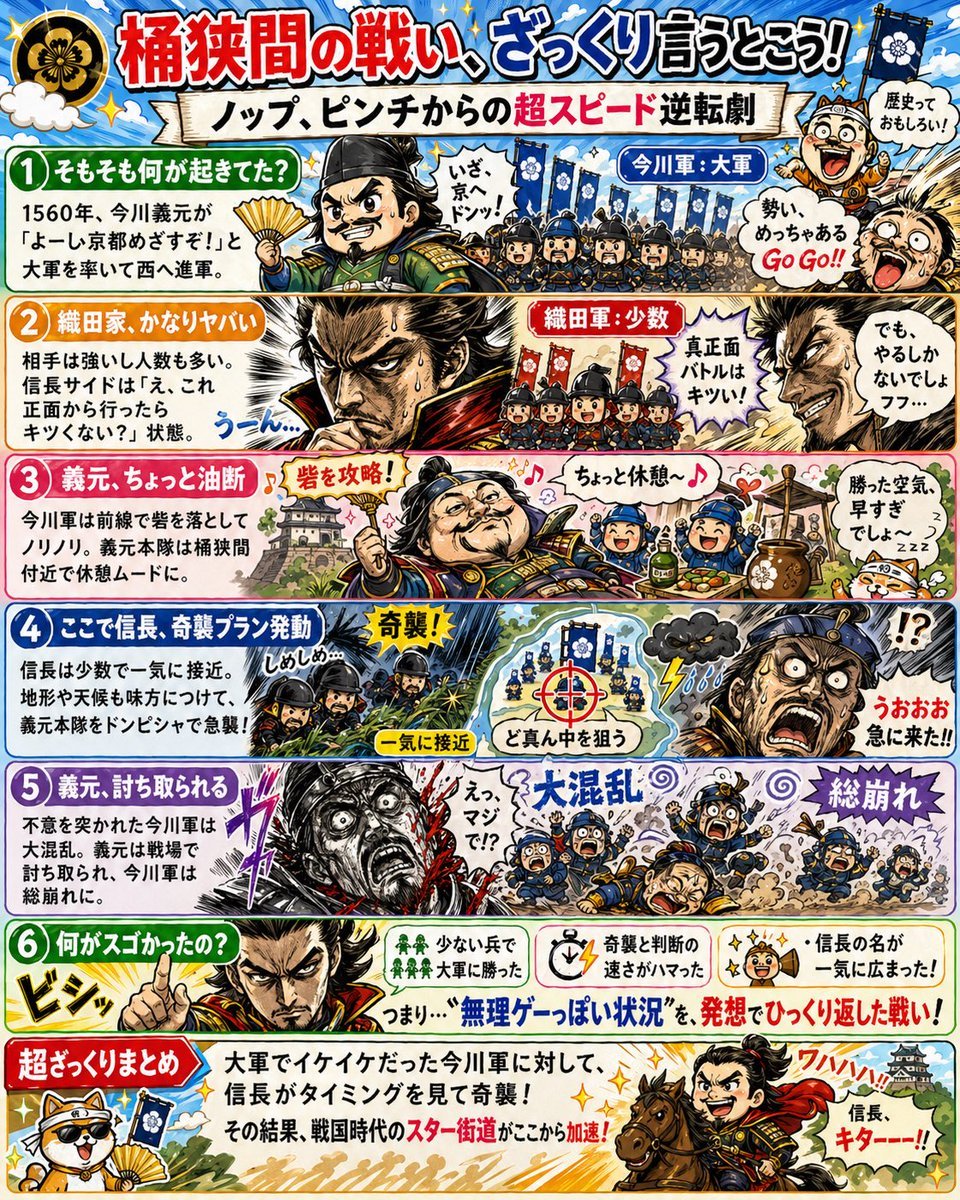
Manga History Poster About Okehazama
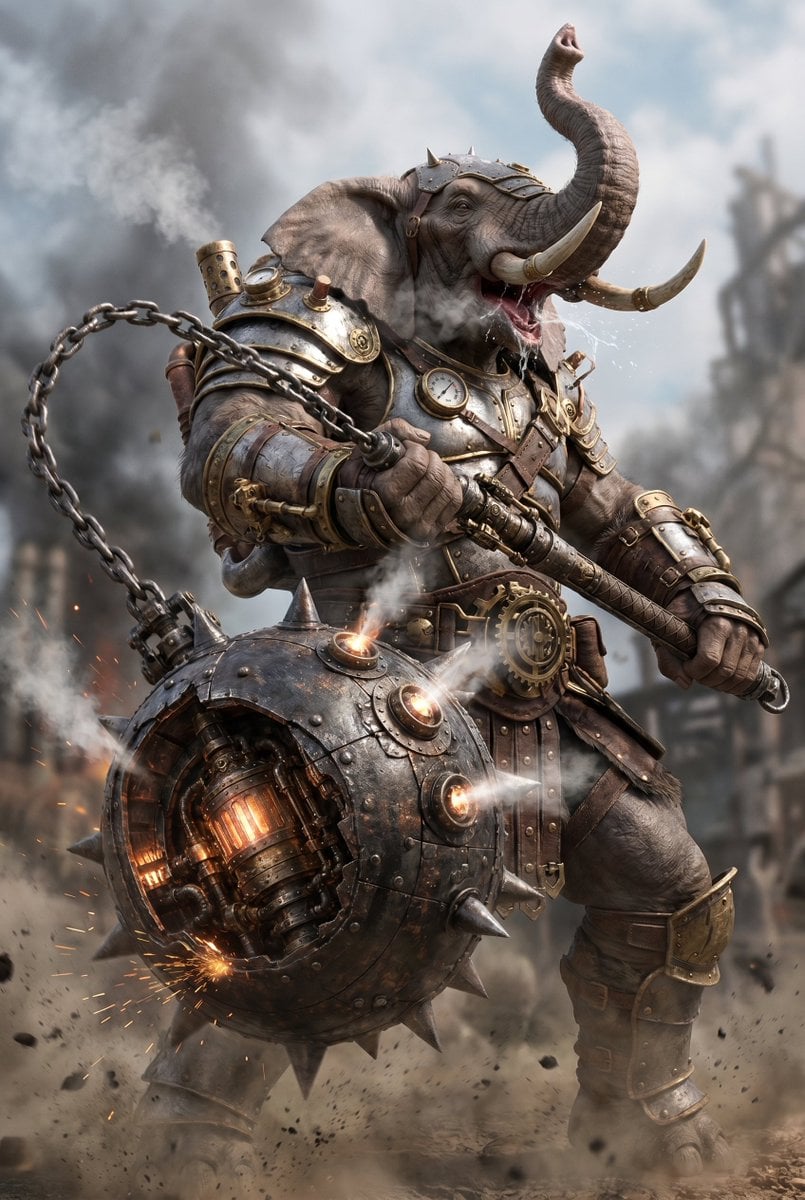
Steampunk Elephant Warrior
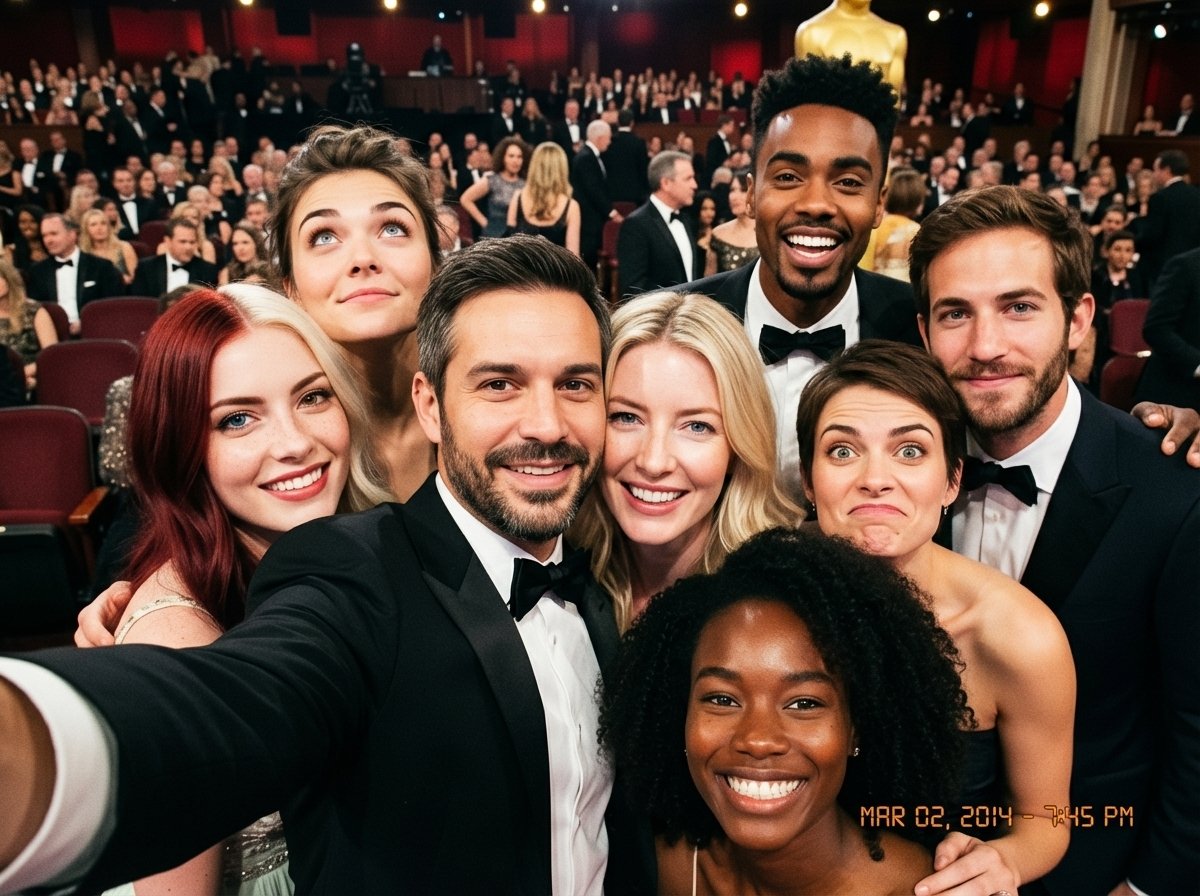
Oscars selfie as a character-select game screen
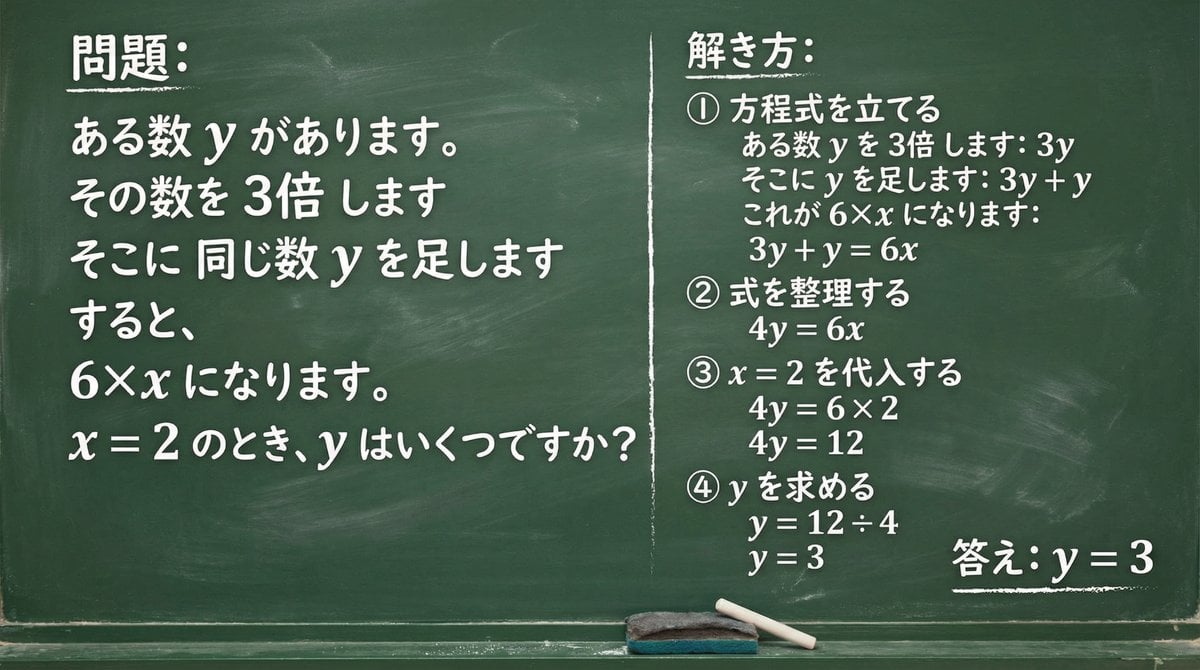
Chalkboard Math Problem Image Generation
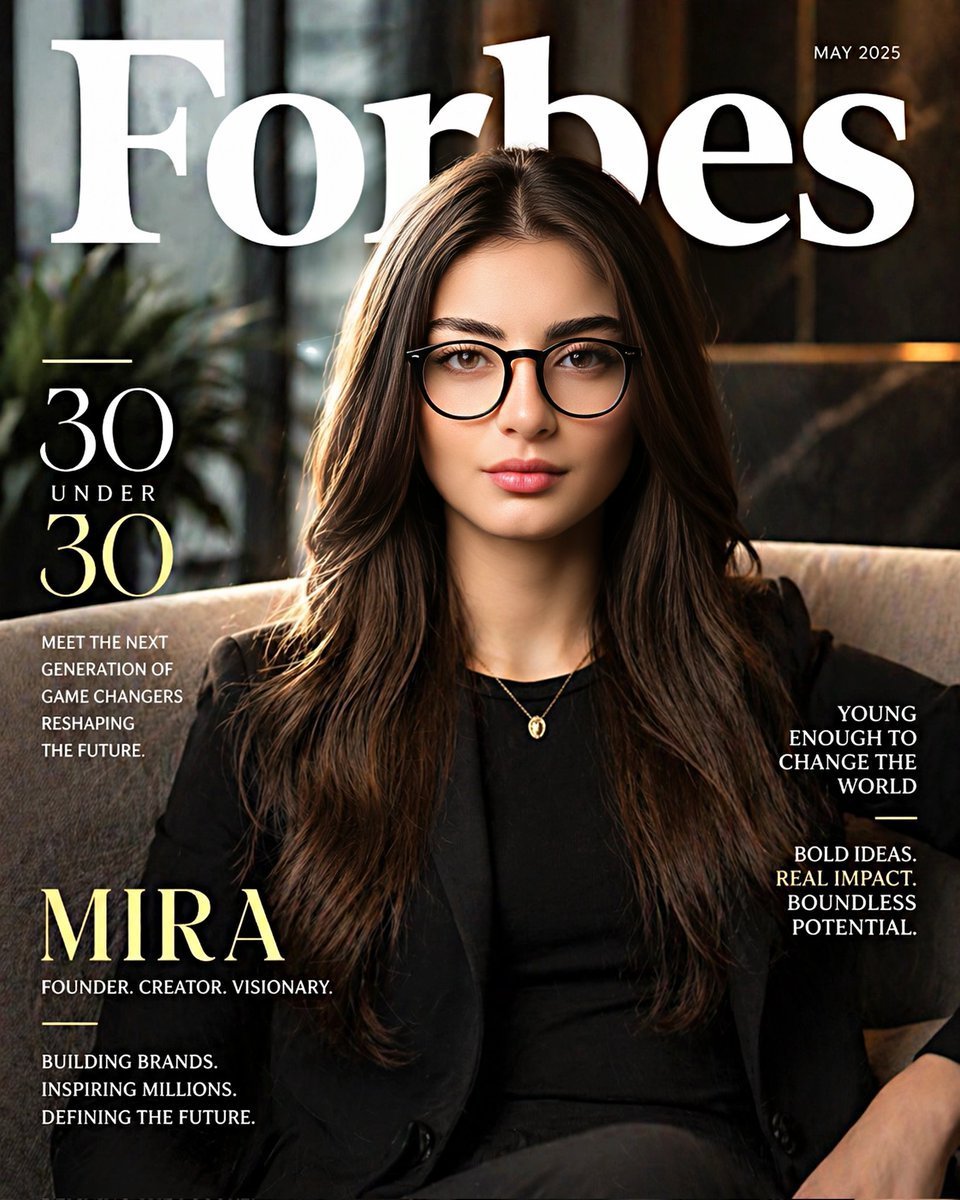
Forbes-Style 30 Under 30 Cover
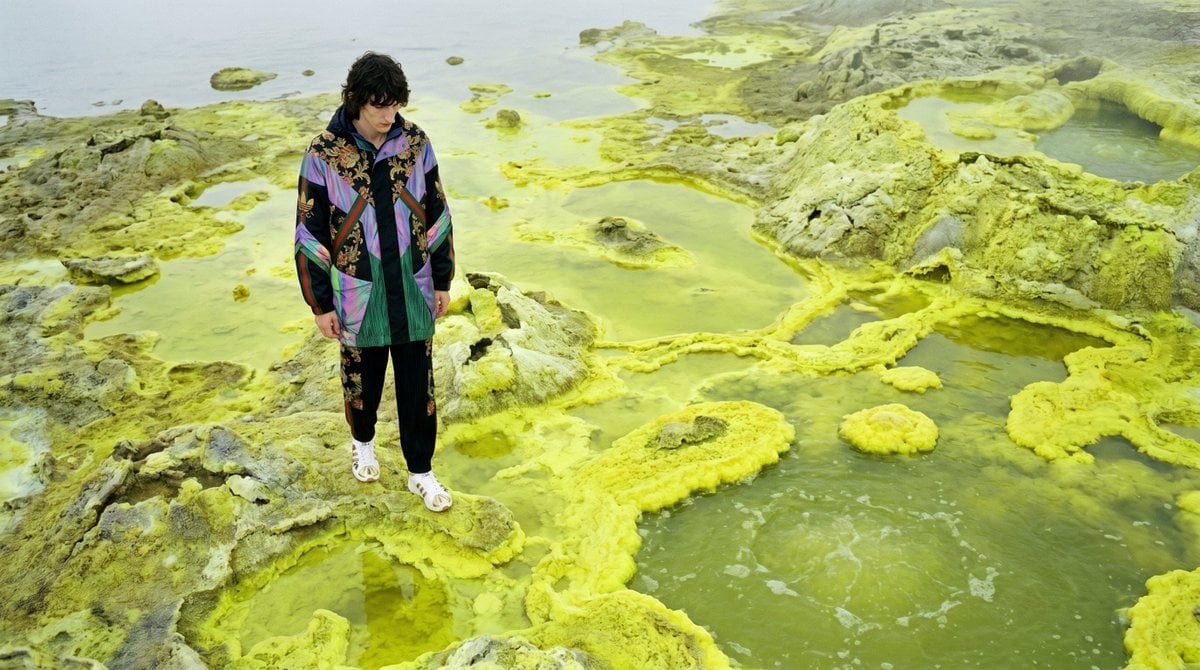
Surreal Sulfur Hot Spring Explorer
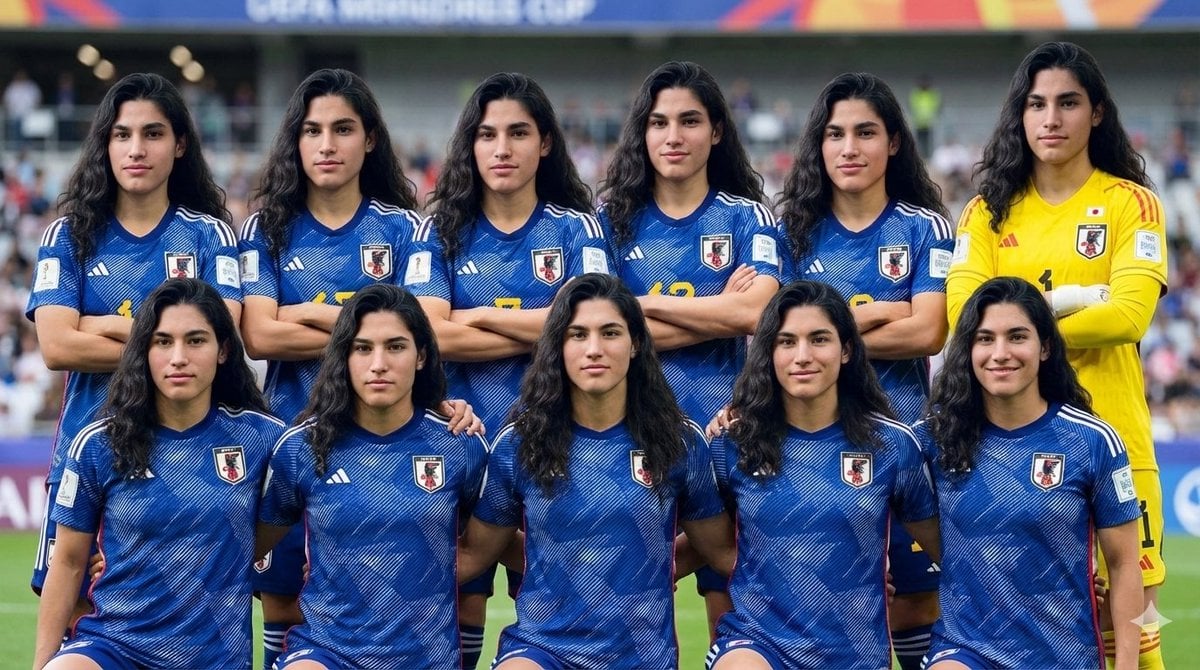
Character as Japan Soccer Representative
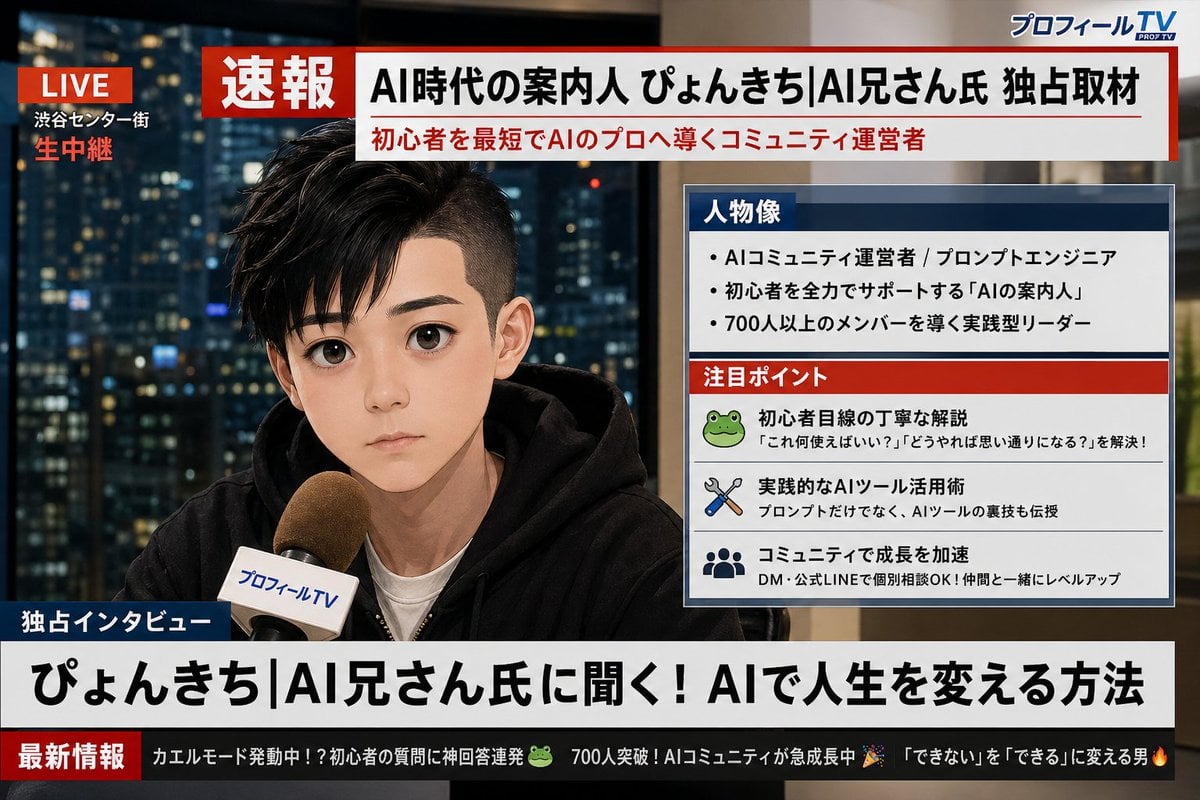
Social Media Profile News Broadcast Transformation
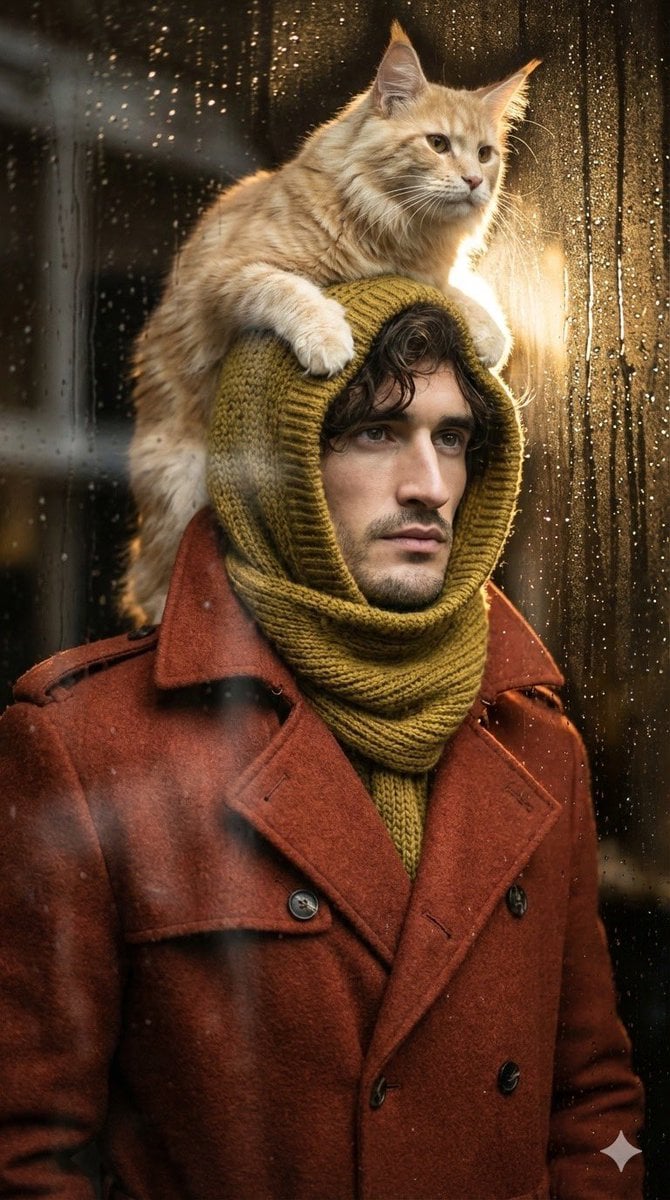
Low-angle man with hood scarf and cat on head
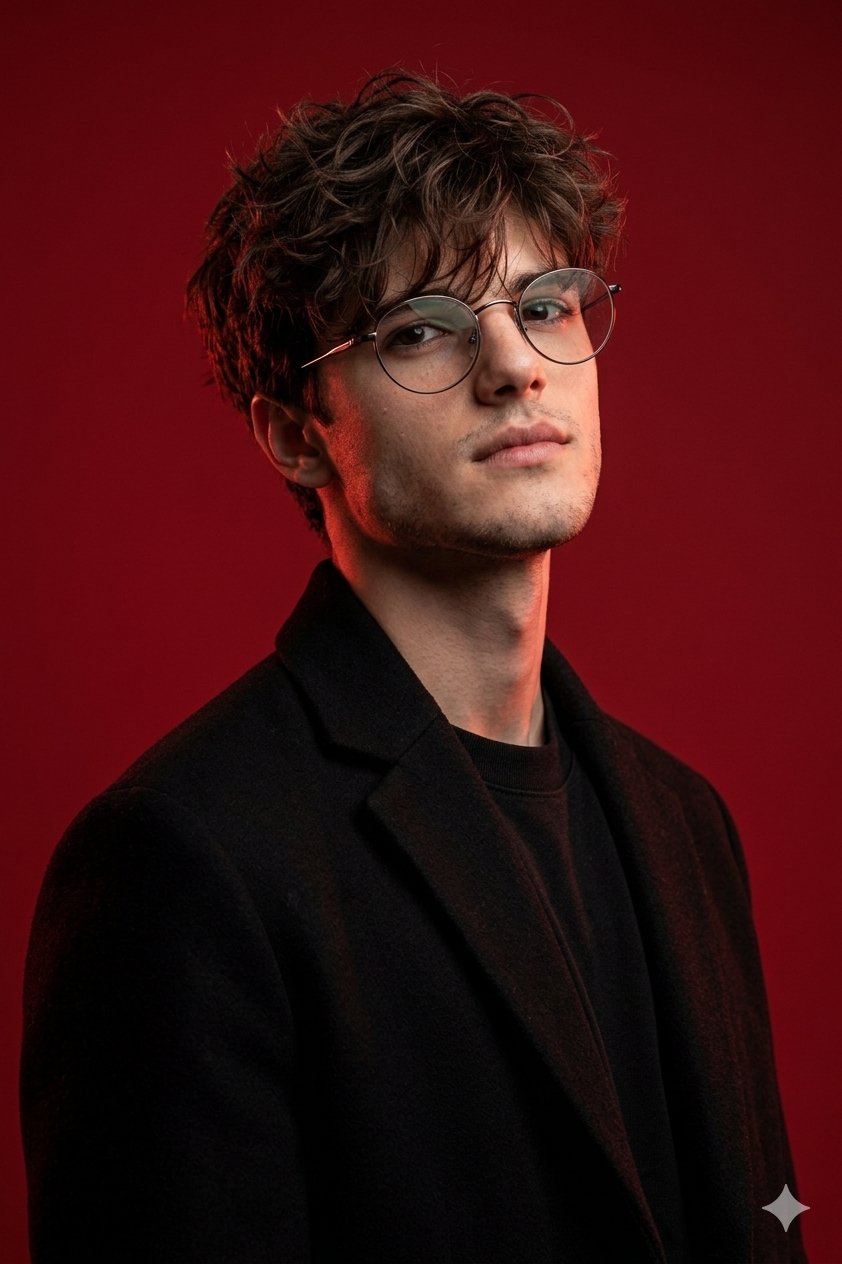
Gemini Nano Banana Pro Ultra Realistic S
Browse template categories
Urban Street Market Caricature Portrait questions
How do I use the Urban Street Market Caricature Portrait template?
Add your photo if the template asks for one, edit the prompt if you like — the template's model and format are already selected — and press Generate. Your version opens in PicX Studio.
Can I customize the Urban Street Market Caricature Portrait template?
Yes. You can change the subject, setting, lighting, mood, format, and available model controls before creating your image.
Is the Urban Street Market Caricature Portrait template free?
Opening and editing this template is free. Generating uses credits, shown on the Generate button when you are signed in.
Which AI model should I use?
Start with GPT Image 2, which is the model associated with this template. You can compare another compatible model for a different finish.
Looking for something else? Browse all templates.

Your photo, any look
Thousands of ready templates for every top image and video model, from one credit balance.