
Gemini Nano Banana Pro Ultra Realistic S
Gemini Nano Banana Pro Ultra Realistic S is a ready photo look for Nano Banana.
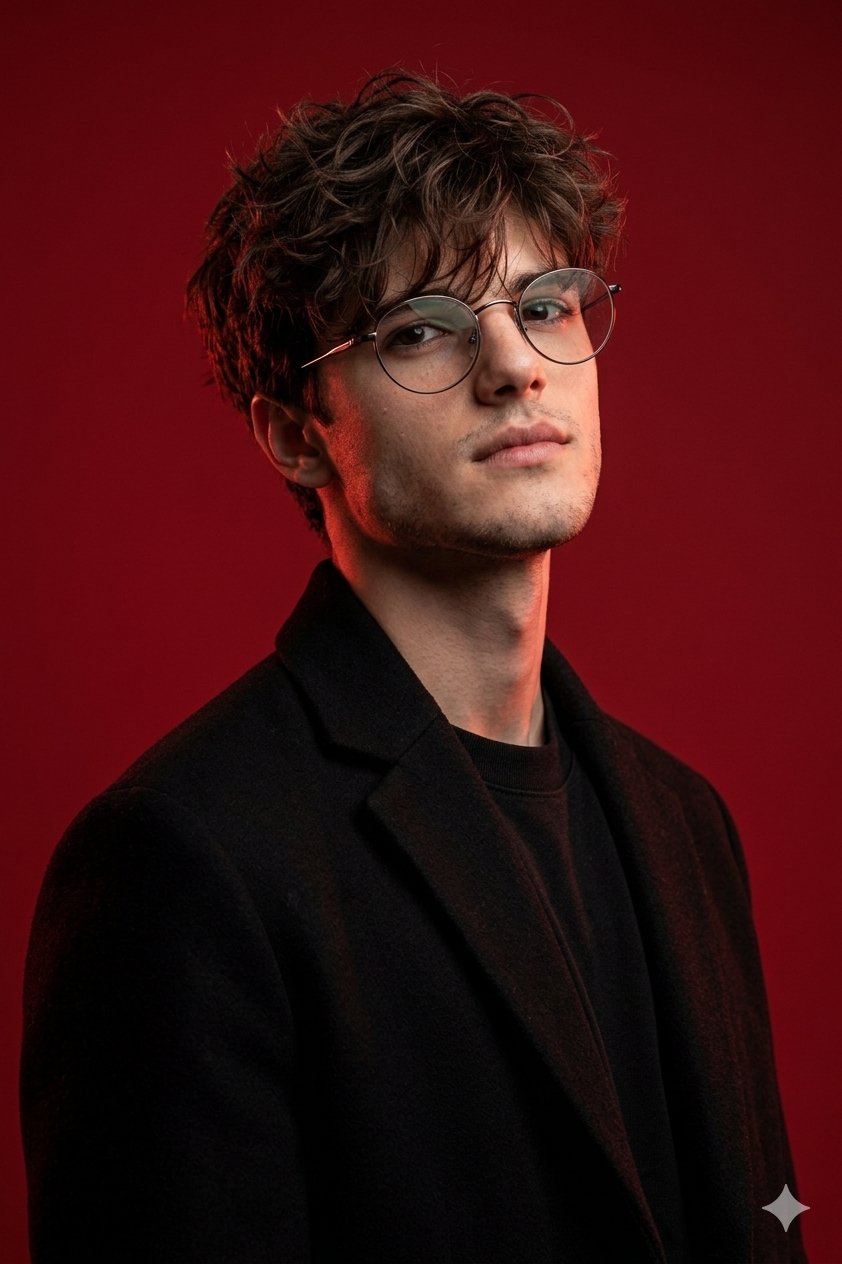
- Prompt included
- Model and format preset
- Premium template
The prompt behind this image
Copy the exact prompt behind Gemini Nano Banana Pro Ultra Realistic S, or open it in the studio and make it yours.
Ultra-realistic photorealistic studio portrait strictly based on the provided reference image. Use my uploaded face 1:1 preserve facial structure, proportions, age, skin texture and natural imperfections. No beautification, no facial reshaping Keep exactly the same outfit: black minimalist coat with clean lines, dark inner layer-identical fabric, texture, fit and silhouette. Keep exactly the same hairstyle: short, neat haircut with the same length, density and contour. Keep exactly the same accessories: round thin metal eyeglasses-identical shape, size and lens transparency. Keep exactly the same pose and camera angle: three-quarter portrait, head slightly tilted upward, chin raised, confident posture. Shoulders relaxed, body slightly turned. Keep exactly the same facial expression and мимика: calm, cold, confident masculine expression, lips relaxed, no smile, no softness. Replace the face with my face from the uploaded photo, seamlessly integrated into the lighting and angle. Perfect face-swap realism: correct perspective, accurate shadow placement, natural skin tone blending, zero artifacts. Keep exactly the same background: solid deep red studio backdrop, smooth and uniform, no texture changes, no added objects, no vehicles. Preserve the original color grading exactly as in the reference: strong red background, dramatic warm side light with red highlights on the skin, deep shadows. High contrast, cinematic editorial color correction. No color shifts, no cooling or warming-match reference grading precisely. Lighting: studio directional lighting from the side, sculpting facial features. Sharp highlights, controlled shadows, high depth and clarity. Aesthetic: brutal, modern, minimal, non-pretty masculine look. Ultra-detailed skin texture with visible pores High-end DSLR quality, cinematic realism, editorial fashion portrait, high resolution. Negative prompt: change of outfit, different hairstyle, different pose, different camera angle, different background, color grading change, soft lighting, glamour look, smile, soft or feminine features, beauty filter, plastic skin, cartoon, illustration, CGI, blur, low resolution, bad anatomy, distorted proportions, face mismatch
How to use Gemini Nano Banana Pro Ultra Realistic S in 3 steps
- 1Upload ImagePNG, JPG or paste
Add your photo
Upload the photo the template builds on. The prompt, model and format are already set.
- 2…a portrait of your subject in softgolden-hour light, 85mm…
Personalize
Edit the subject and creative details for your destination.
- 3Generate
Generate
Press Generate — your image is created in PicX Studio, so you can compare it with the original and refine one variable at a time.
More like this
Templates with the same subject, style or setup. Open one to see its prompt.

Google Gemini Nano Banana Pro

Gemini Nano Banana 2
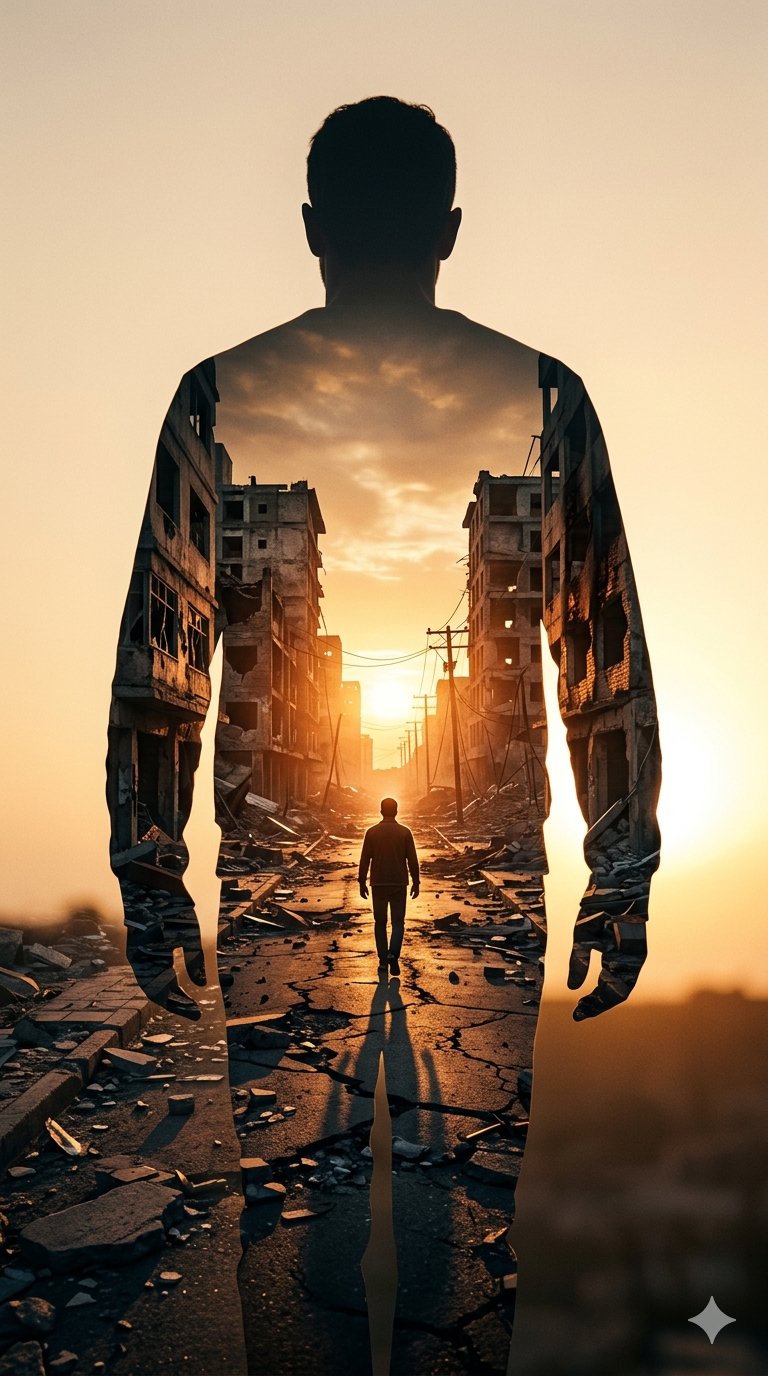
Image on Gemini Nano Banana
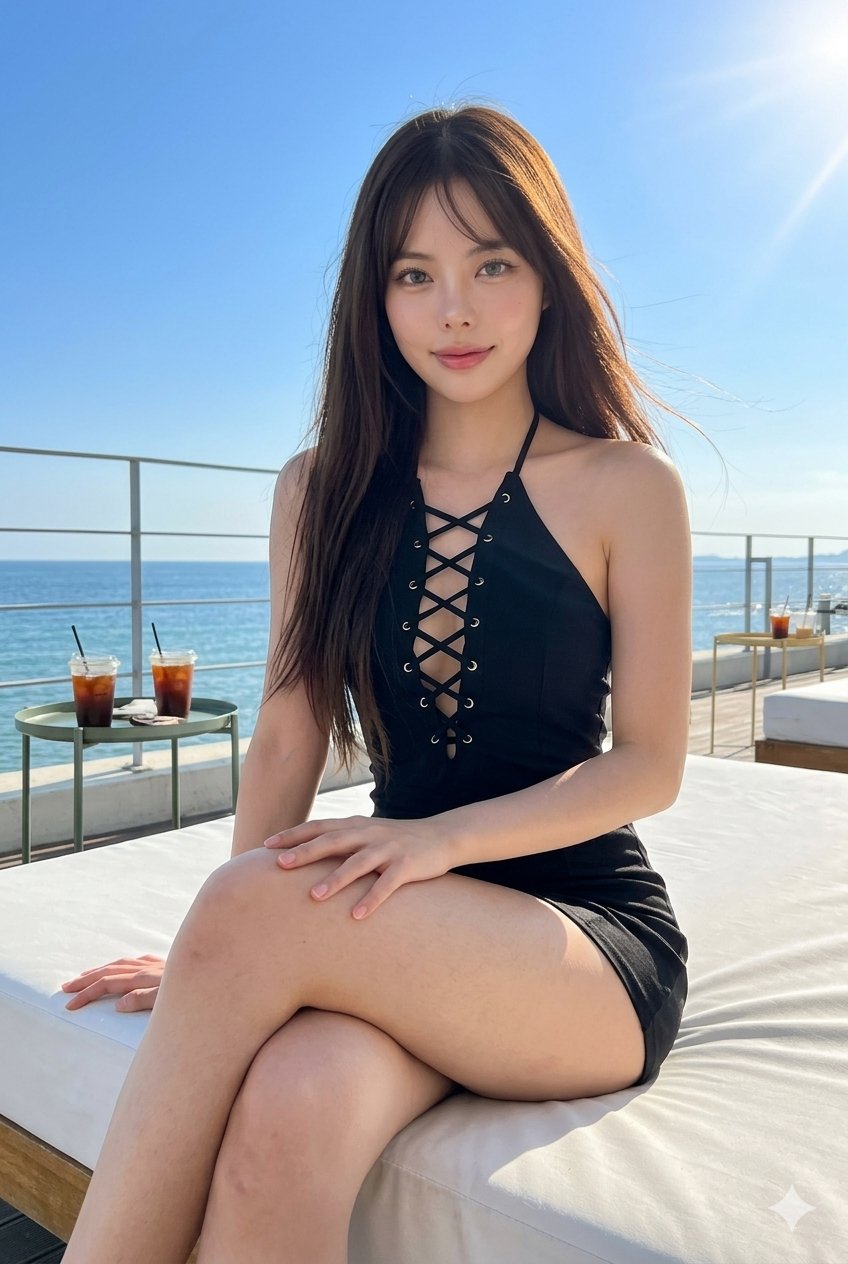
Gemini Nano Banana Portrait
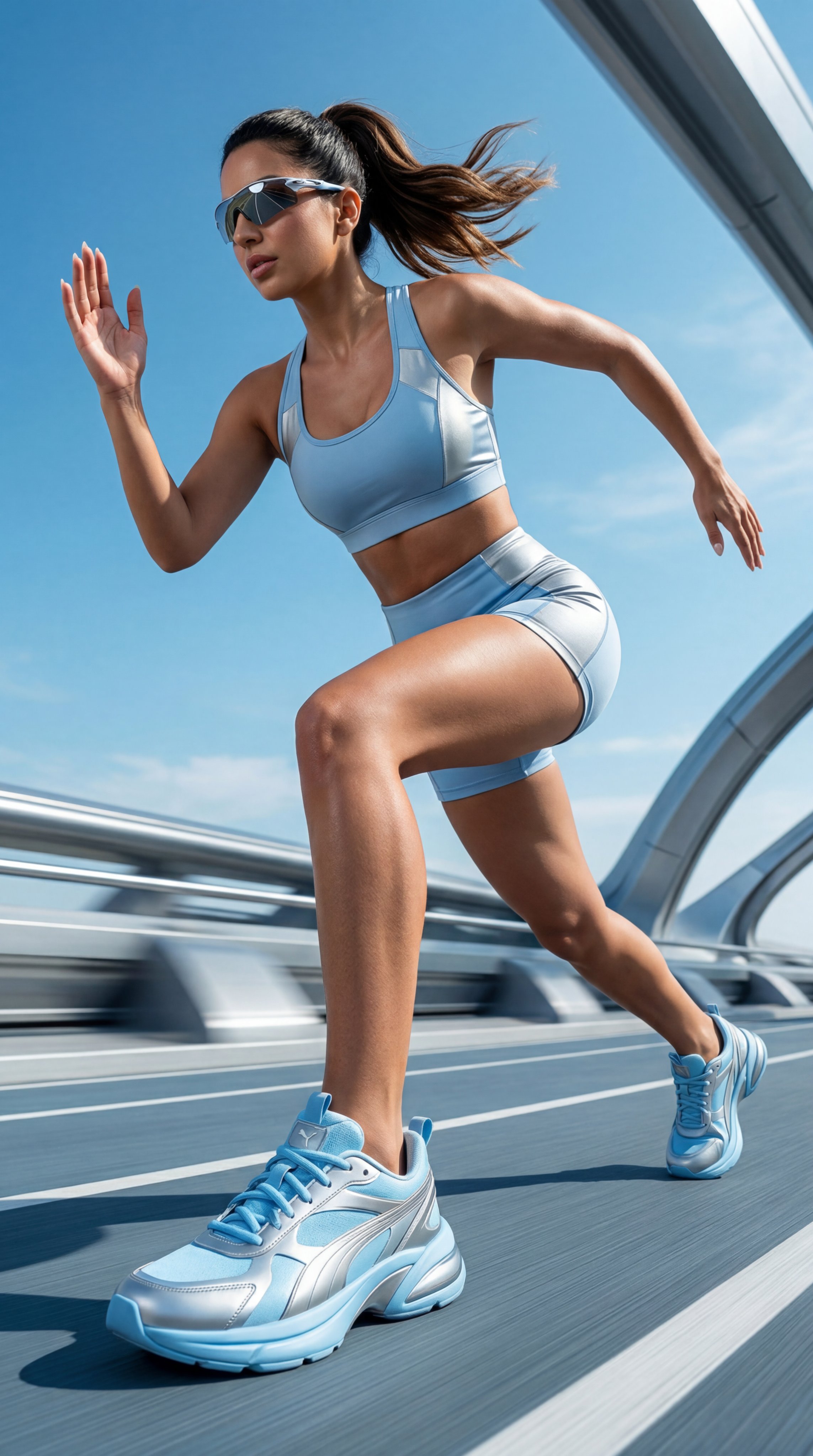
Gemini Nano Banana Realistic Portrait Re

Gemini Nano Banana 2 Logo in Wet Sand Be

Nano Banana 2 Editorial Fashion Portrait

Nano Banana 2

Nano Banana 2 Gourmet Ice Cream Commerci

Nano Banana 2 High Fashion Sports Campai

Caution Tape Fashion — Industrial Editorial

Nano Banana - Paris Cafe Editorial
Make it yours
Gemini Nano Banana Pro Ultra Realistic S works as-is. These are the safest ways to change it without losing the look.
Change one field
Copy a single group, rewrite it, and generate again so you can see what that field is doing.
Keep the frame, change the subject
Hold the composition and light of 13-gemini-nano-banana-pro-ultra-realistic-s, then swap wardrobe, props or the person for a new take.
| If the result… | Why | Fix |
|---|---|---|
| The result drifts from the preview | Too many fields changed at once. | Reuse 13-gemini-nano-banana-pro-ultra-realistic-s as-is first, then change one group — subject, light, or setting. |
| The model over-stylizes the scene | The prose prompt leaves finish and camera underspecified. | Add one camera or lighting sentence and stay on Nano Banana. |
More Nano Banana templates
Other prompts made for Nano Banana.










More image prompts
Fresh picks from across the catalog.
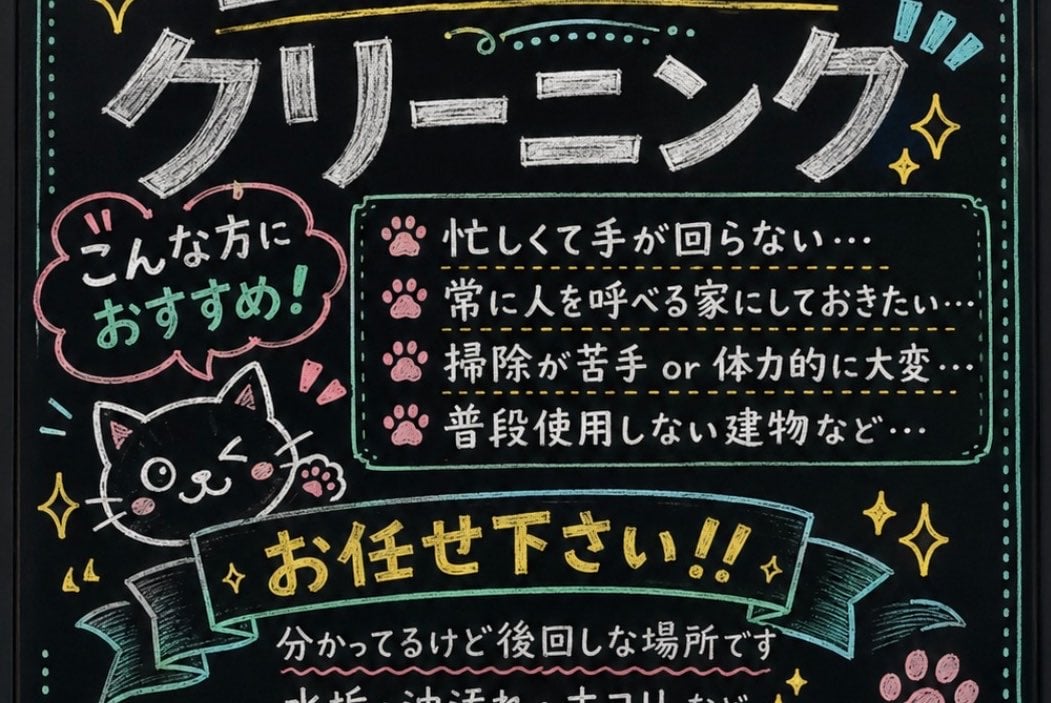
Japanese Chalkboard Cleaning Sign
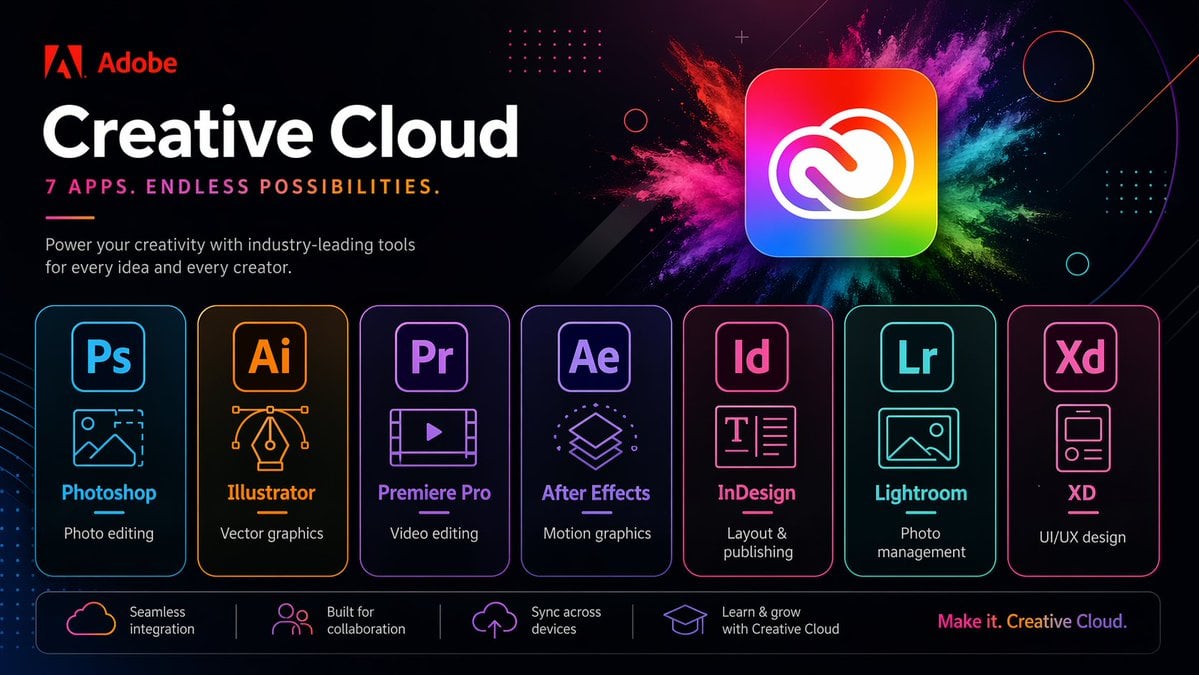
Neon Creative Cloud Promo Poster
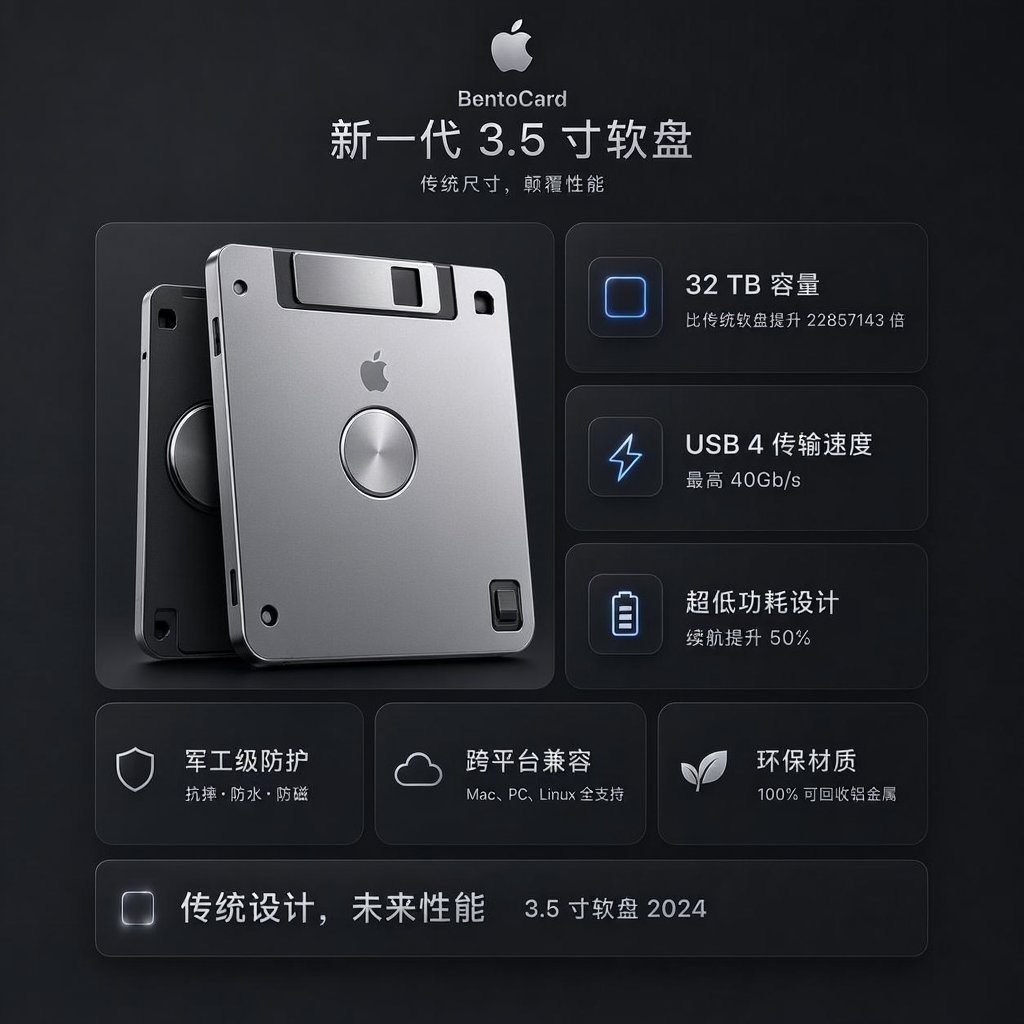
Futuristic BentoCard Floppy Ad
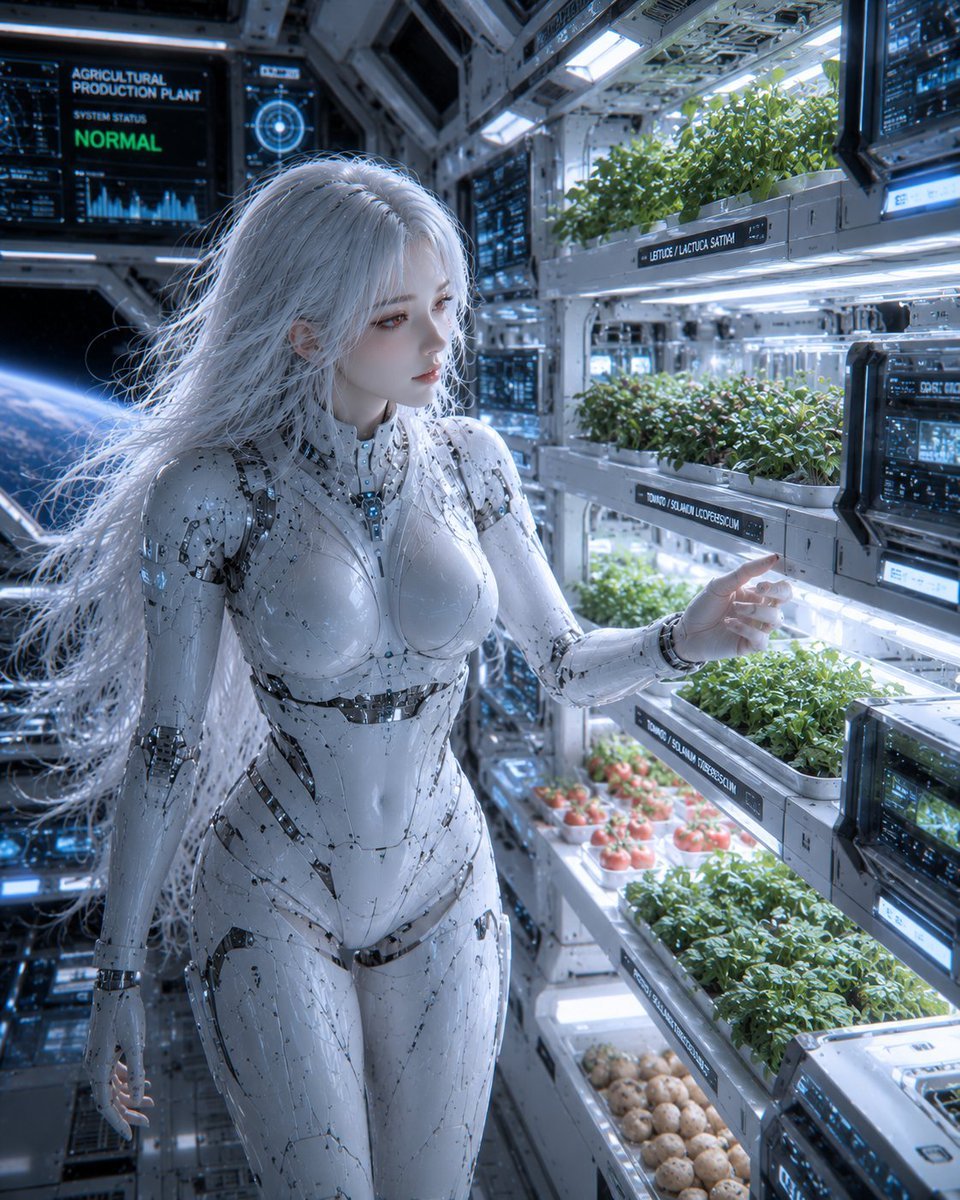
Female Android in Spaceship
Cyberpunk Marie Antoinette Carriage
Exquisite Relief Embroidery Illustration
Realistic Malatang Takeout Bowl
Man in Glass Cube Above Clouds
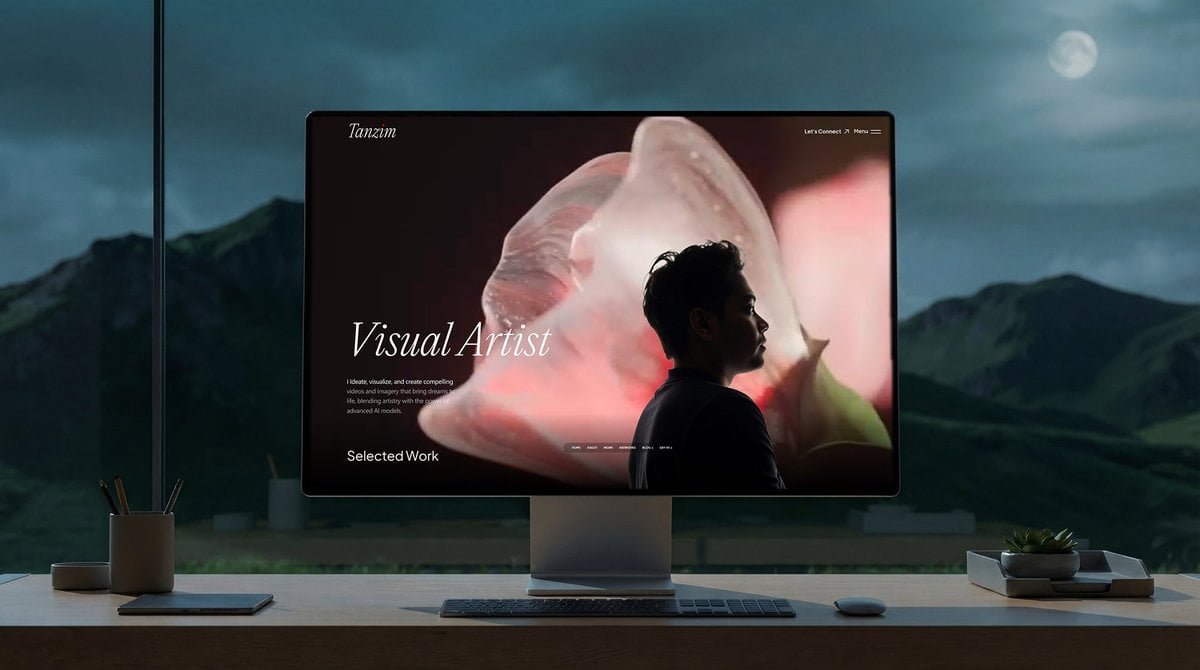
Simple Monitor Shot Prompt
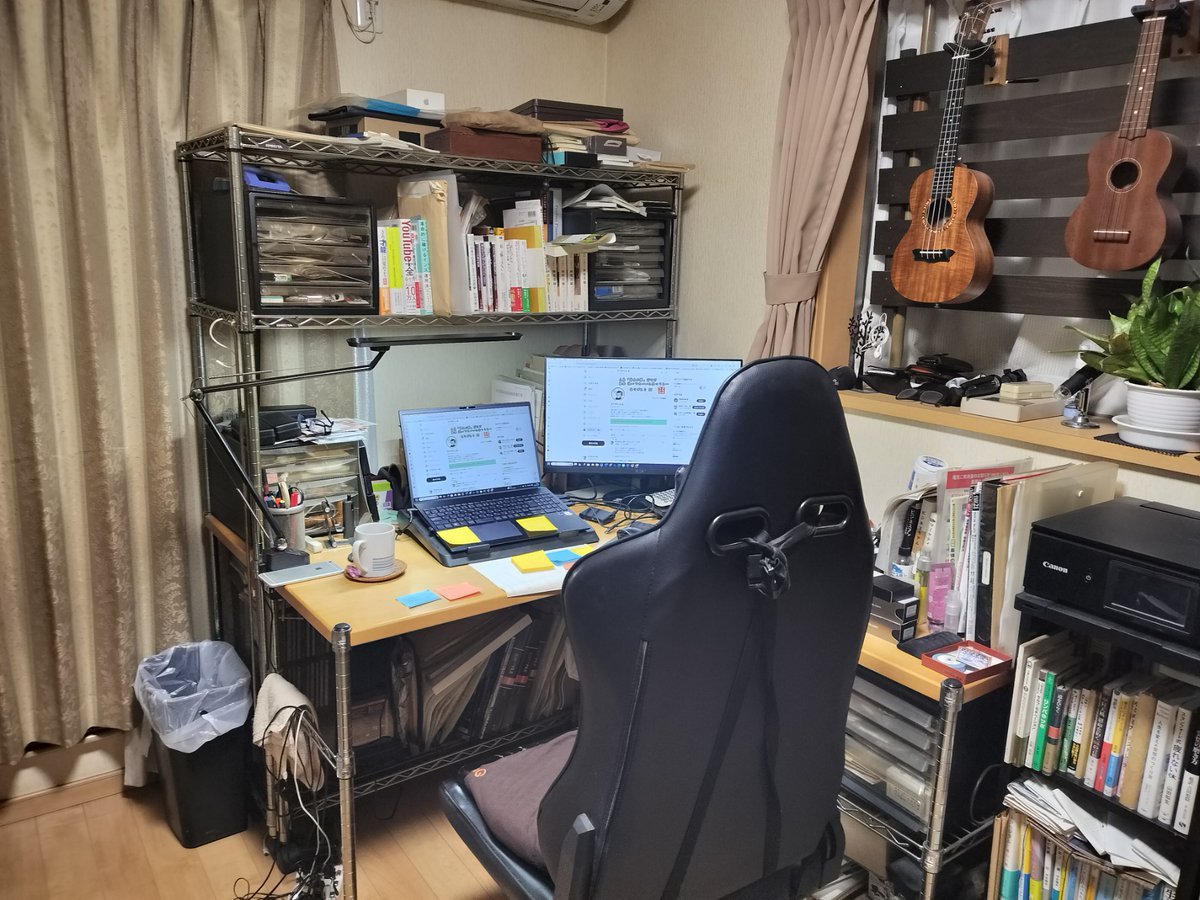
NanoBanana Pro Prompt for Cleaning and Organizing a Messy Room
Browse template categories
Gemini Nano Banana Pro Ultra Realistic S questions
How do I use the 13-gemini-nano-banana-pro-ultra-realistic-s template?
Add your photo if the template asks for one, edit the prompt if you like — the template's model and format are already selected — and press Generate. Your version opens in PicX Studio.
Can I customize the 13-gemini-nano-banana-pro-ultra-realistic-s template?
Yes. You can change the subject, setting, lighting, mood, format, and available model controls before creating your image.
Is the 13-gemini-nano-banana-pro-ultra-realistic-s template free?
Opening and editing this template is free. Generating uses credits, shown on the Generate button when you are signed in.
Which AI model should I use?
Start with Nano Banana, which is the model associated with this template. You can compare another compatible model for a different finish.
Looking for something else? Browse all templates.

Your photo, any look
Thousands of ready templates for every top image and video model, from one credit balance.