
Gemini Nano Banana 2
Gemini Nano Banana 2 is a ready photo look for Nano Banana.

- Prompt included
- Model and format preset
- Premium template
The prompt behind this image
Copy the exact prompt behind Gemini Nano Banana 2, or open it in the studio and make it yours.
Create an exaggerated stylized 3D caricature character portrait with strong intentional deformation and a clean, controlled surface finish. Use the person from the ATTACHED REFERENCE PHOTO. Preserve the subject’s identity, facial likeness, skin tone, and defining features, but reinterpret them into a bold caricatured 3D form with an elongated neck, oversized head-to-neck ratio, droopy eyelids, heavy lips, and slightly asymmetrical facial structure.Render as a human-like 3D character with smooth, studio-clean skin and intentionally designed detail, avoiding random texture or noise. Style with bold accessories such as round or oval glasses, hoop earrings, gold chains, headscarves or bandanas, and street-luxury clothing. Use neutral studio lighting with soft shadows and even illumination, no dramatic contrast, against a plain neutral grey or off-white background. The overall aesthetic should feel weird, fashion-forward, collectible, and character-driven rather than cute or realistic. Ultra high definition, premium cinematic 3D render quality, hyper-realistic hyper realism, clean materials, no freckles, no dirt, no grain, no noise, no speckling, no text, no logos, no watermarks. Aspect ratio 4:5.
How to use Gemini Nano Banana 2 in 3 steps
- 1Upload ImagePNG, JPG or paste
Add your photo
Upload the photo the template builds on. The prompt, model and format are already set.
- 2…a portrait of your subject in softgolden-hour light, 85mm…
Personalize
Edit the subject and creative details for your destination.
- 3Generate
Generate
Press Generate — your image is created in PicX Studio, so you can compare it with the original and refine one variable at a time.
More like this
Templates with the same subject, style or setup. Open one to see its prompt.

Google Gemini Nano Banana Pro
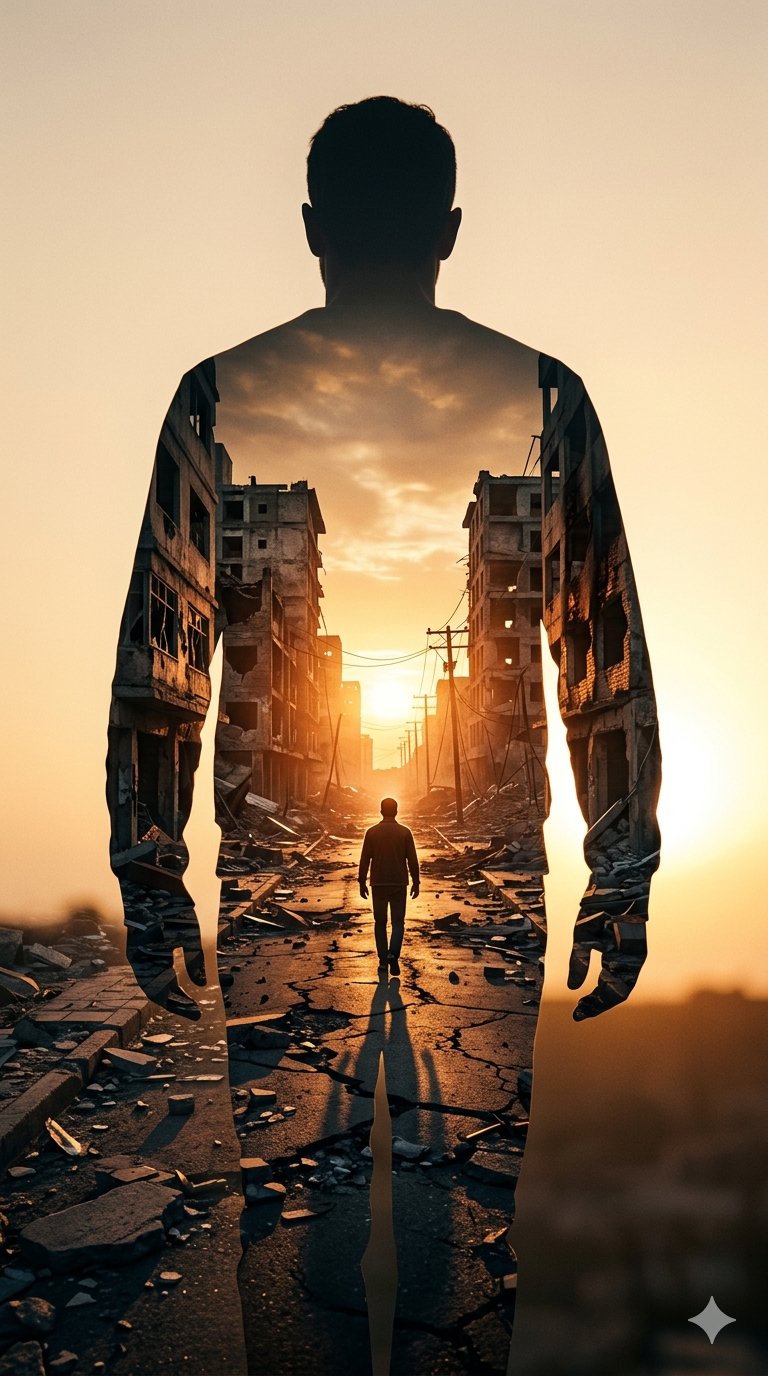
Image on Gemini Nano Banana
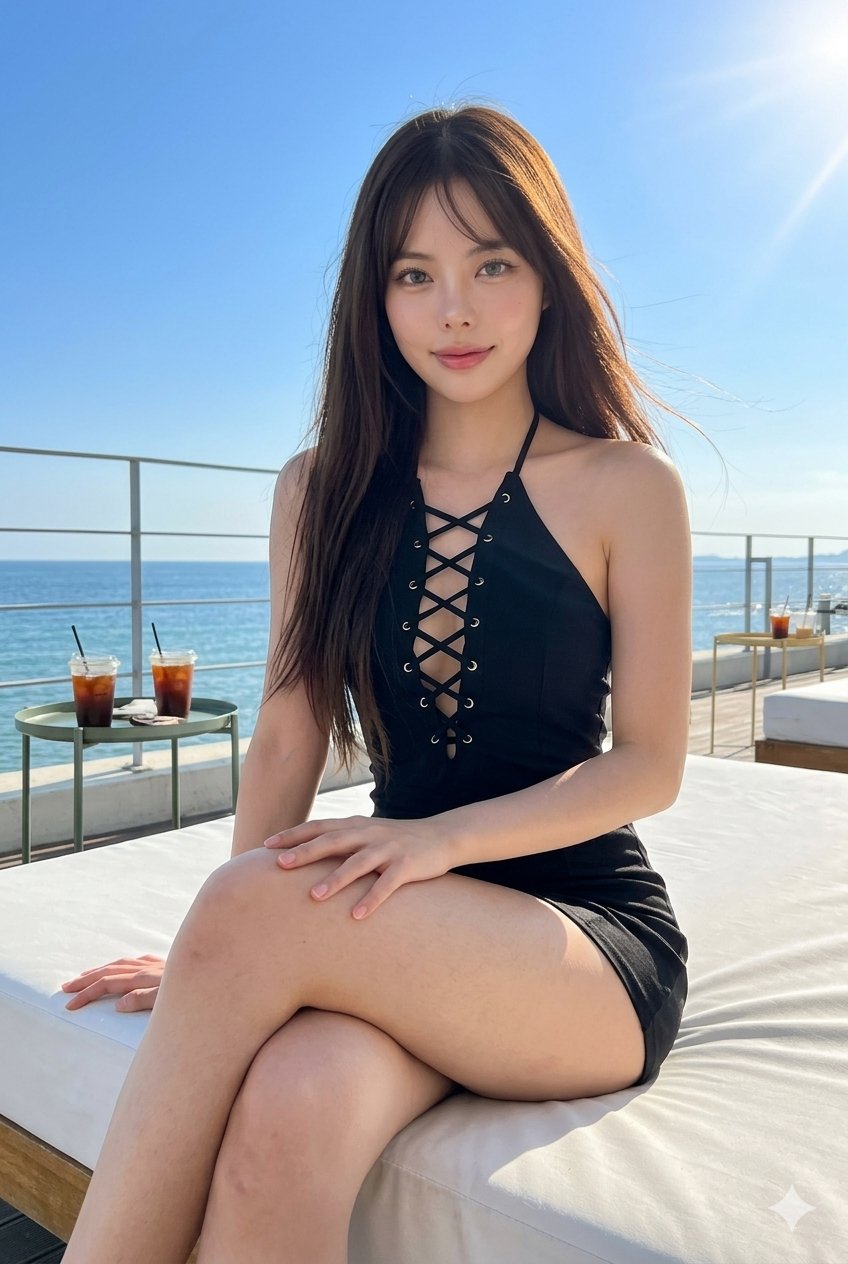
Gemini Nano Banana Portrait

Gemini Nano Banana 2 Logo in Wet Sand Be

Nano Banana 2

Nano Banana 2 Gourmet Ice Cream Commerci

Nano Banana 2 High Fashion Sports Campai

Nano Banana 2 Editorial Fashion Portrait
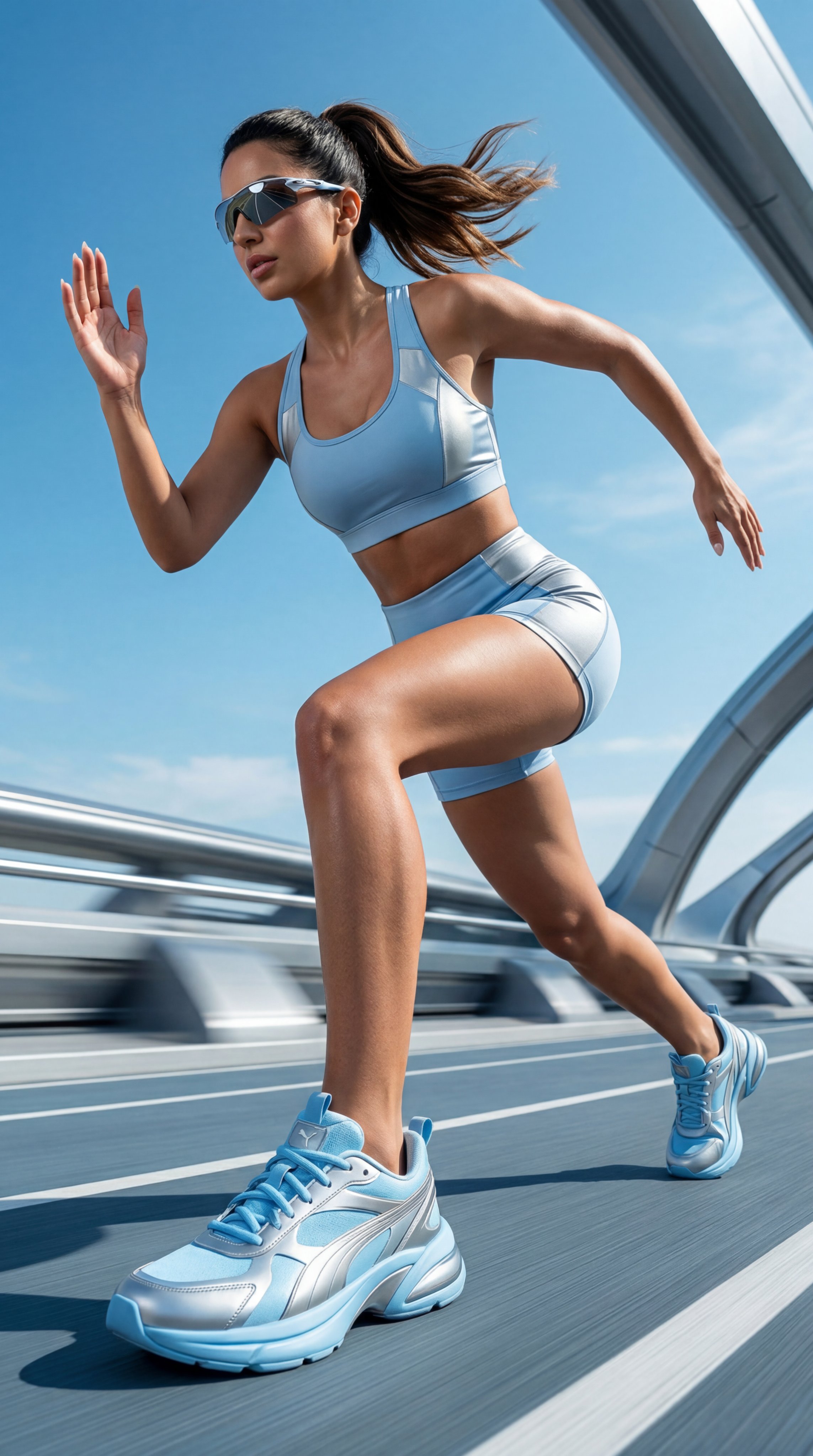
Gemini Nano Banana Realistic Portrait Re

Gemini Nano Banana 2 Isometric 3d City D

Gemini Nano Banana 2

80s Bollywood Star
Make it yours
Gemini Nano Banana 2 works as-is. These are the safest ways to change it without losing the look.
Change one field
Copy a single group, rewrite it, and generate again so you can see what that field is doing.
Keep the frame, change the subject
Hold the composition and light of 59-gemini-nano-banana-2, then swap wardrobe, props or the person for a new take.
| If the result… | Why | Fix |
|---|---|---|
| The result drifts from the preview | Too many fields changed at once. | Reuse 59-gemini-nano-banana-2 as-is first, then change one group — subject, light, or setting. |
| The model over-stylizes the scene | The prose prompt leaves finish and camera underspecified. | Add one camera or lighting sentence and stay on Nano Banana. |
More Nano Banana templates
Other prompts made for Nano Banana.







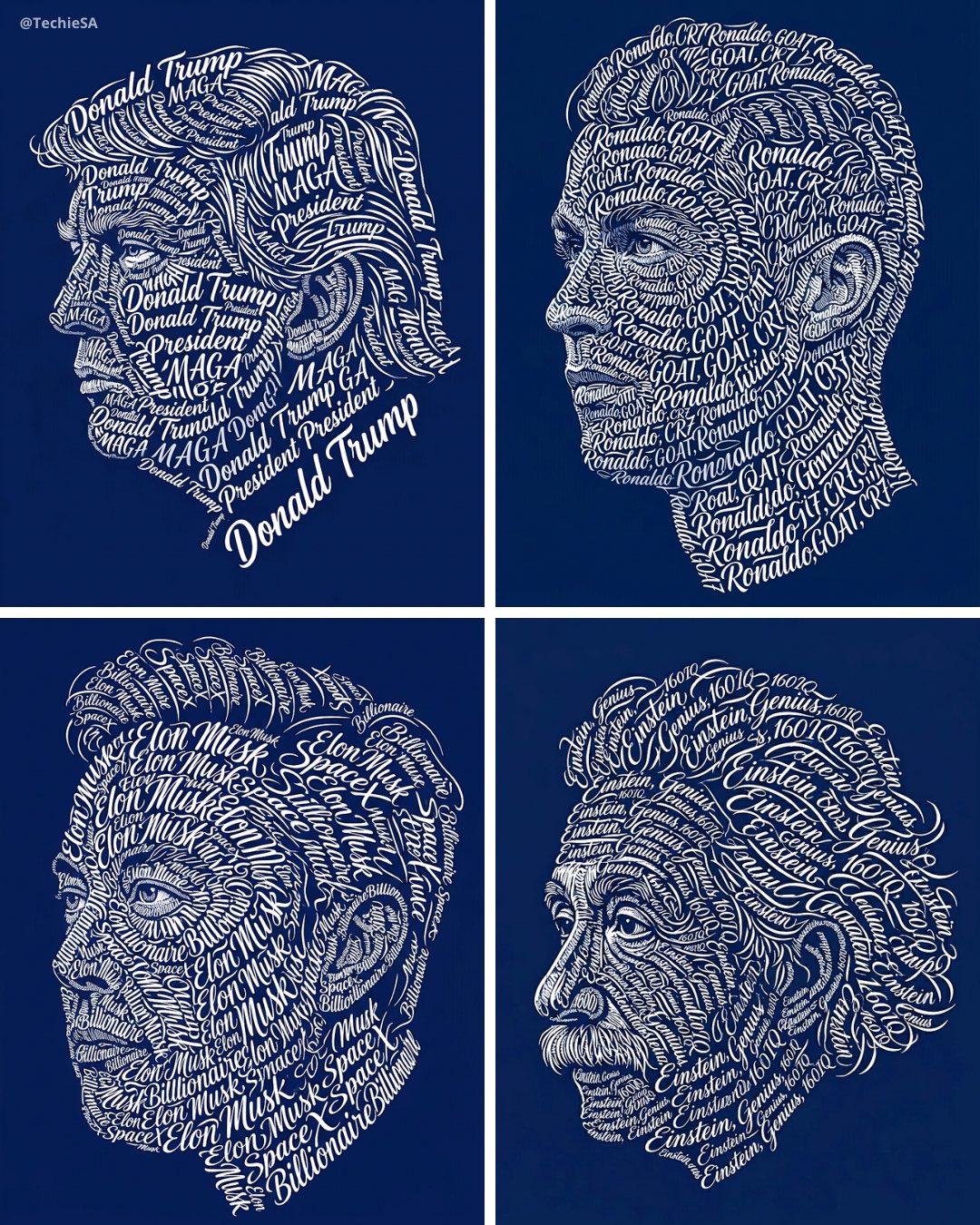


More image prompts
Fresh picks from across the catalog.
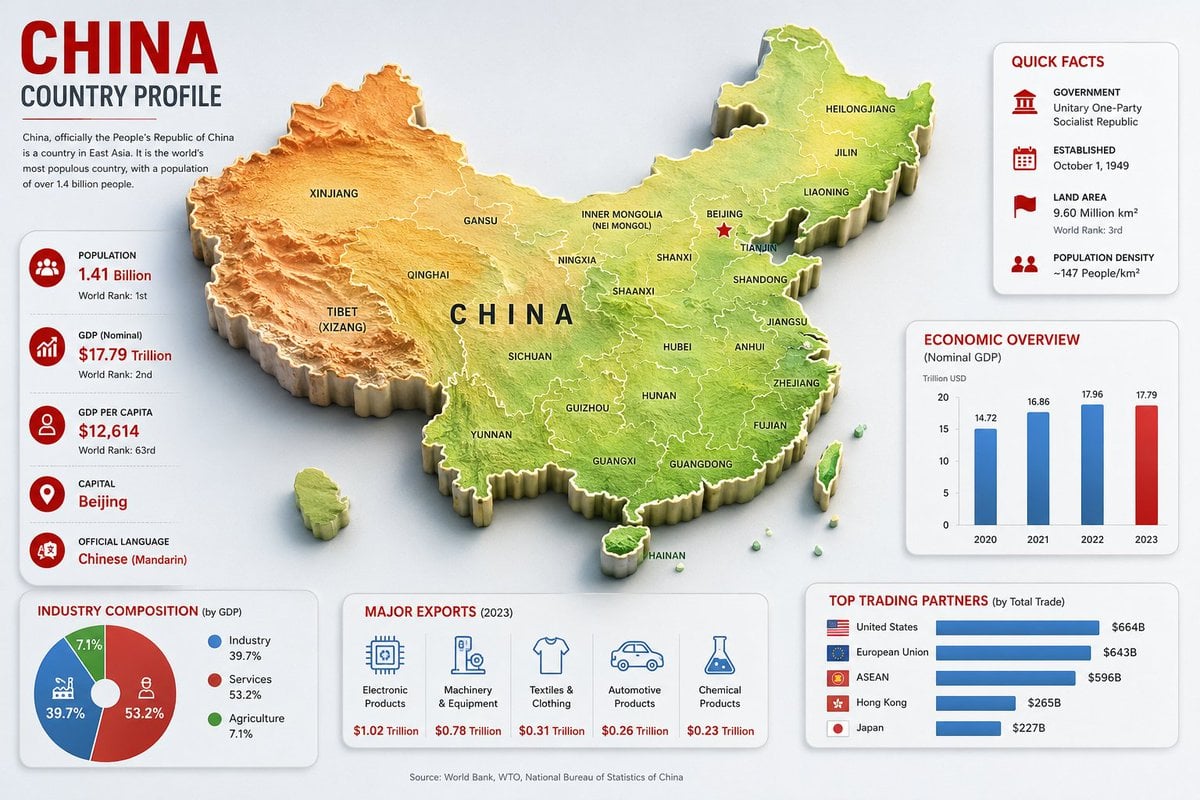
China Country Profile Infographic
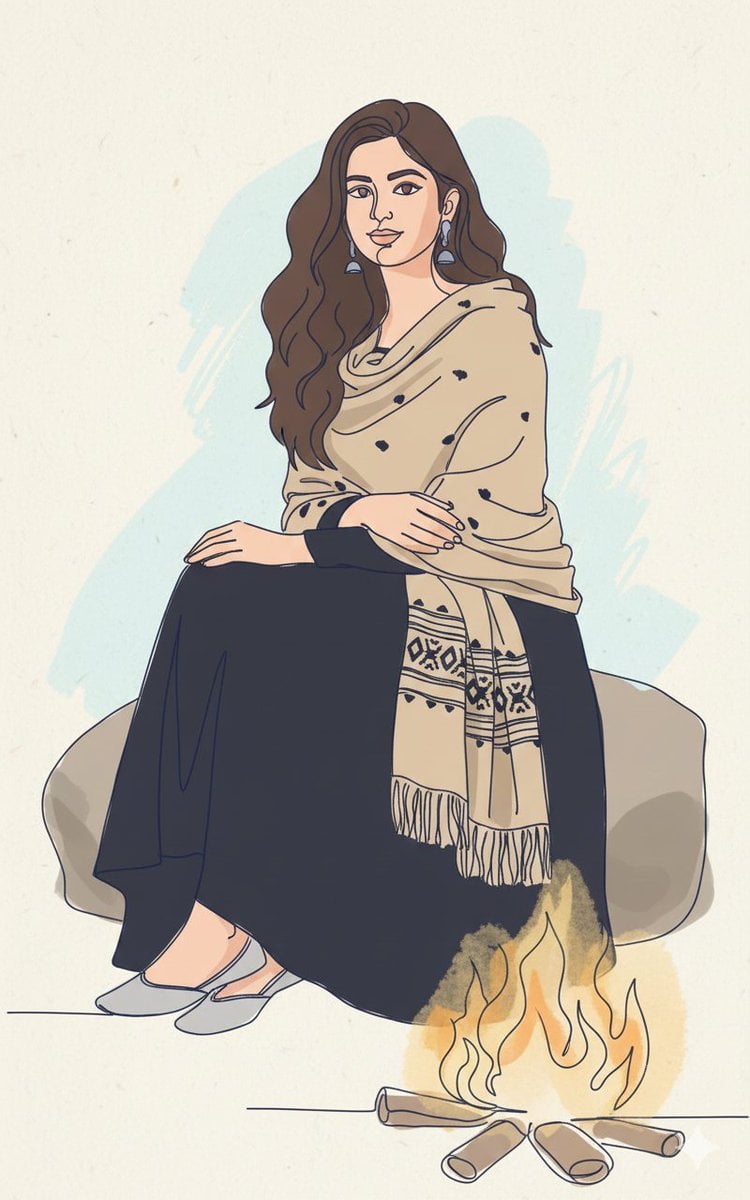
Continuous Single-Line Doodle Identity Preservation Prompt
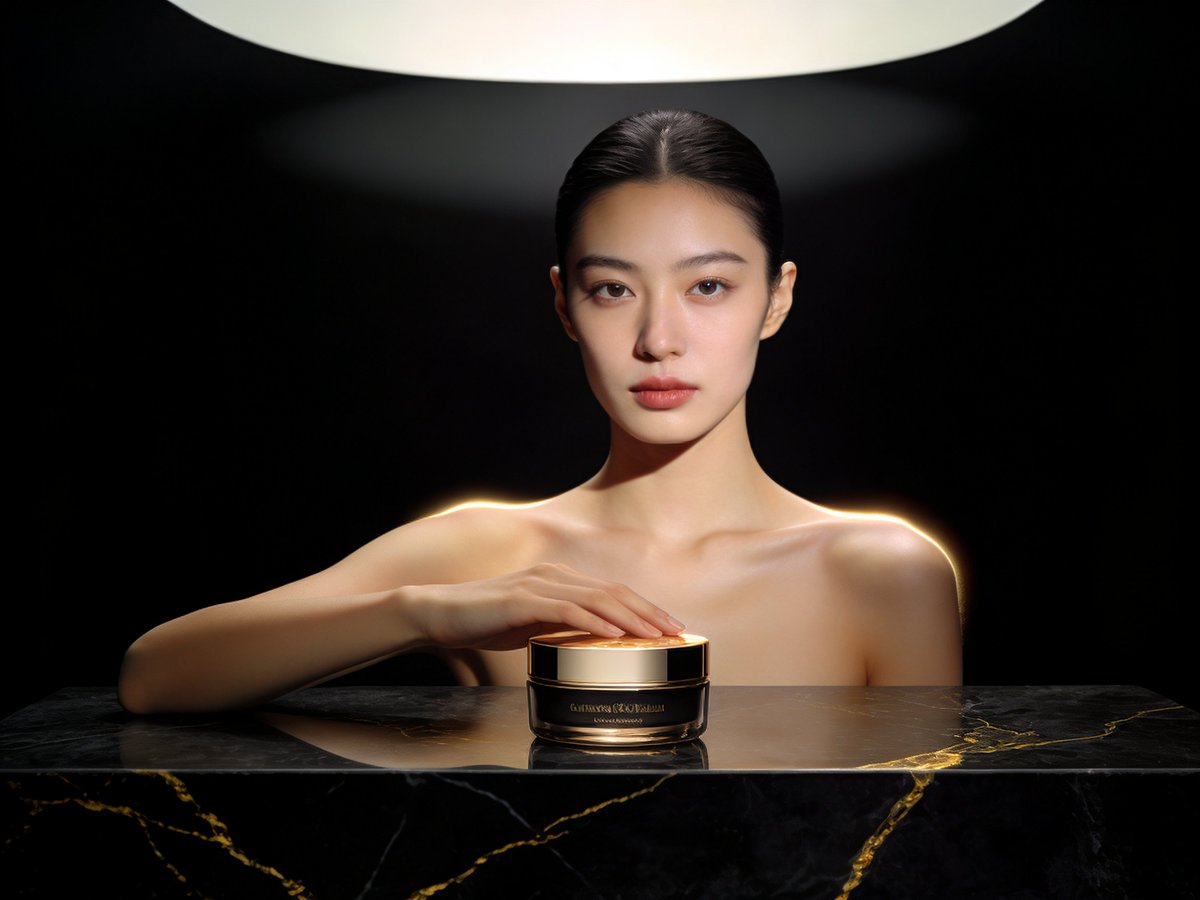
Product Shoot Prompt for Advertising

Nano Banana 2 Higgsfield
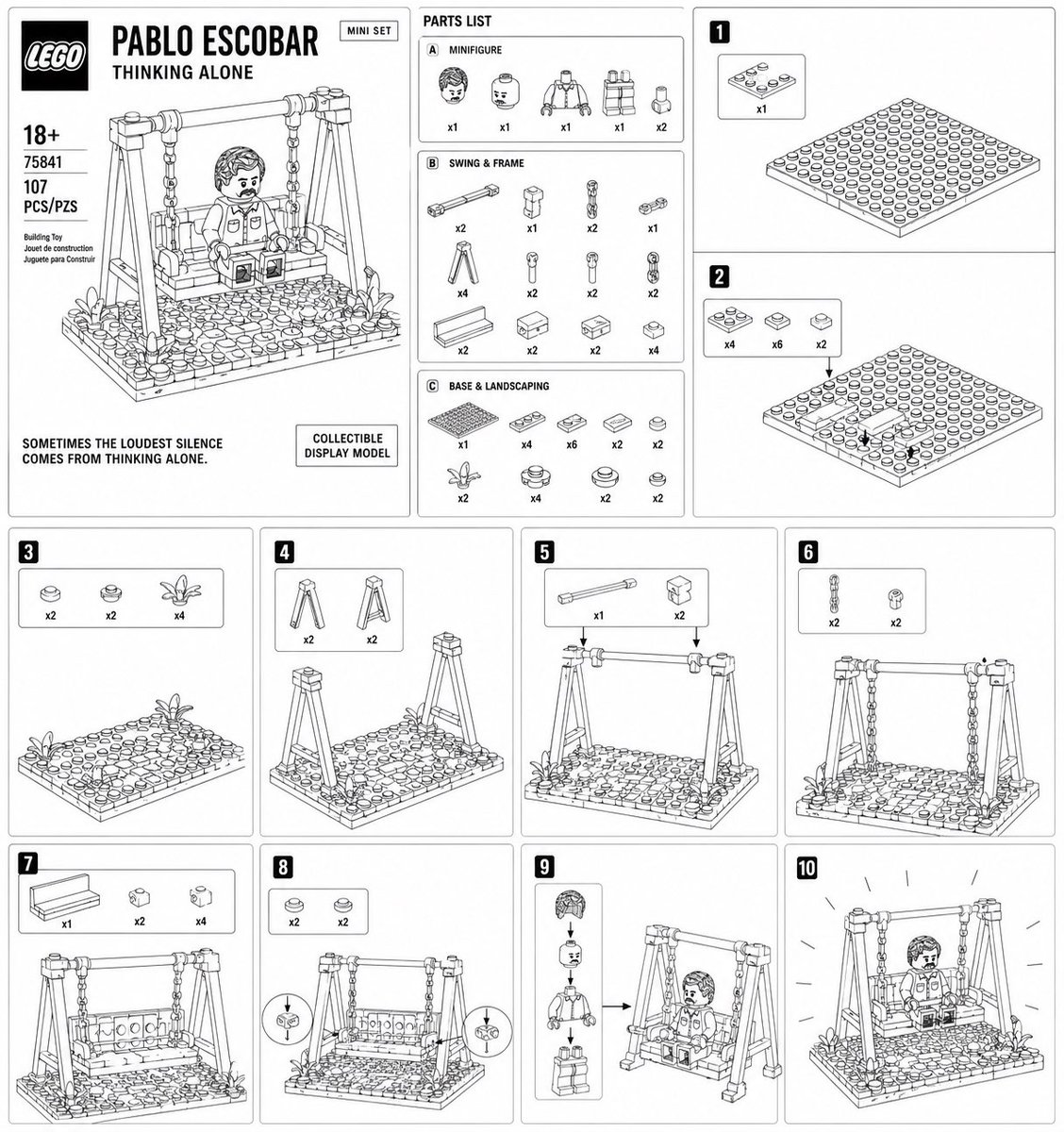
LEGO Mini Set Instruction Poster
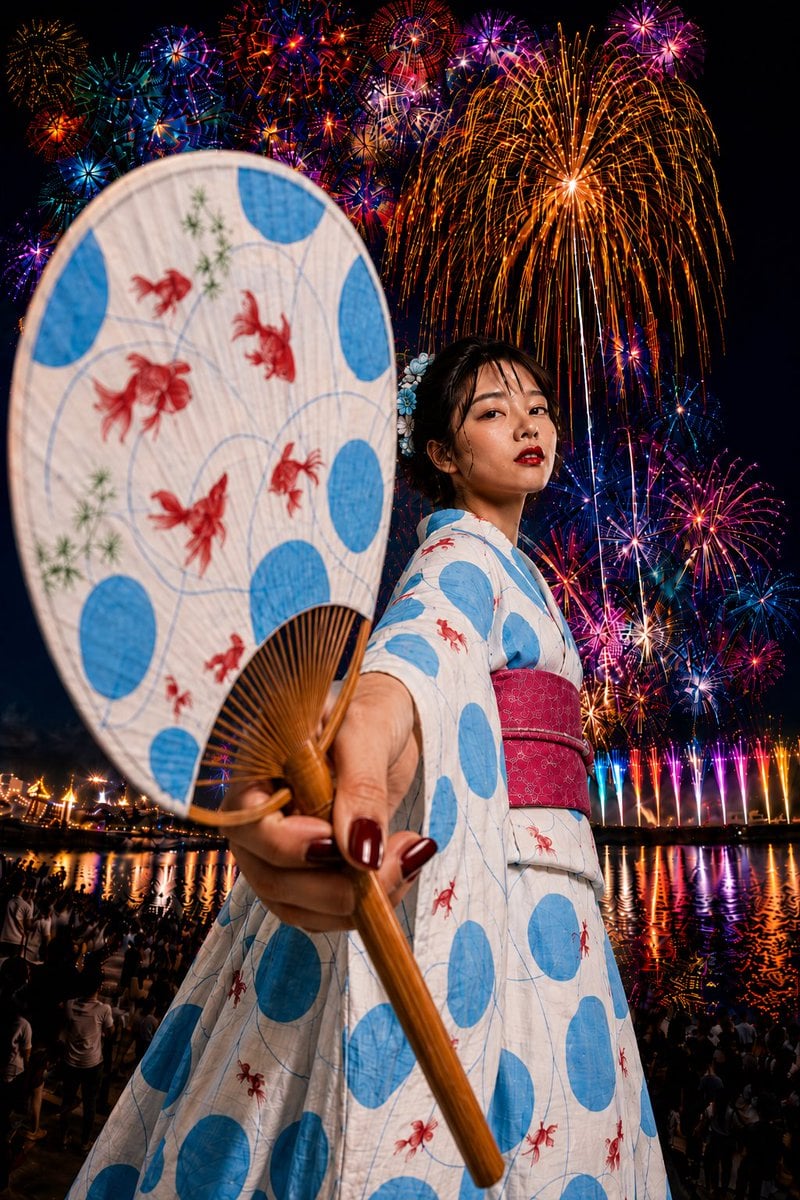
Goldfish Yukata Fireworks Festival Portrait
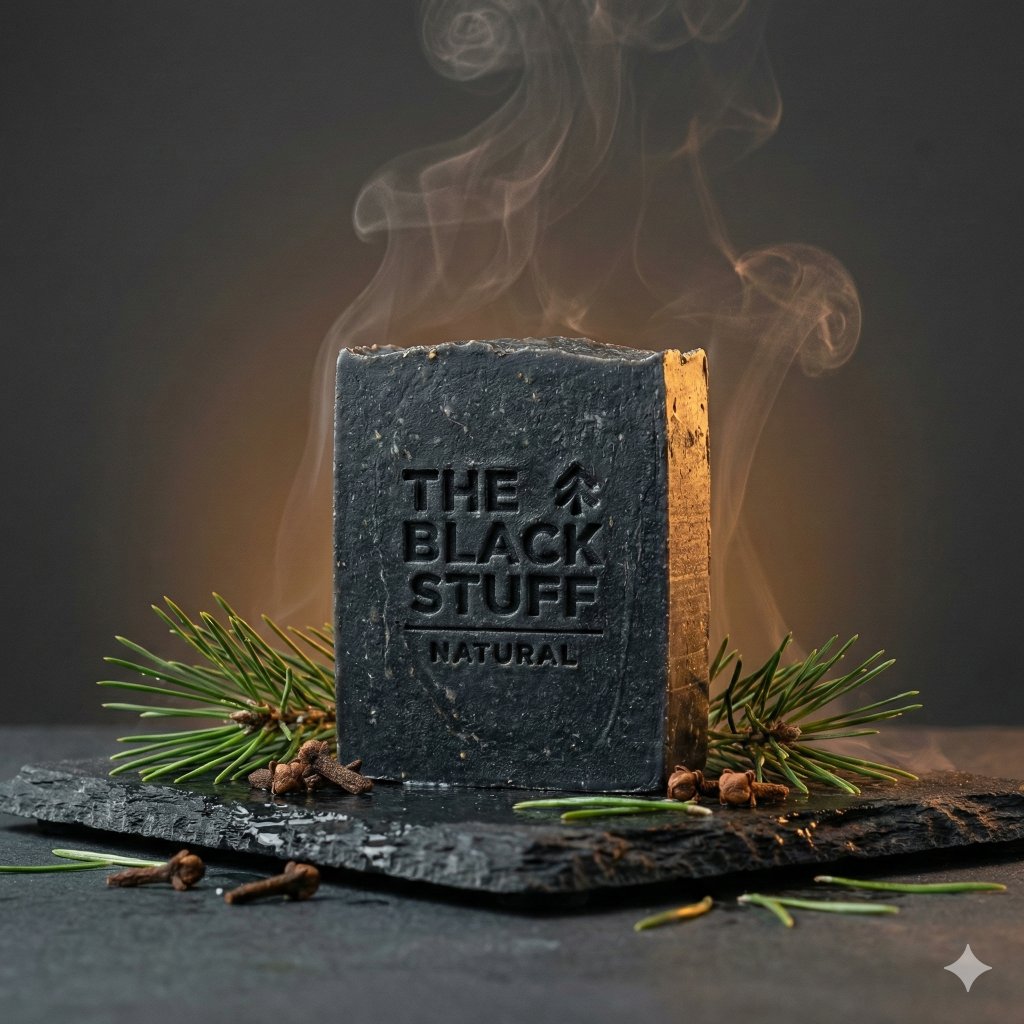
Master Prompt for Premium Minimalist Product Photography
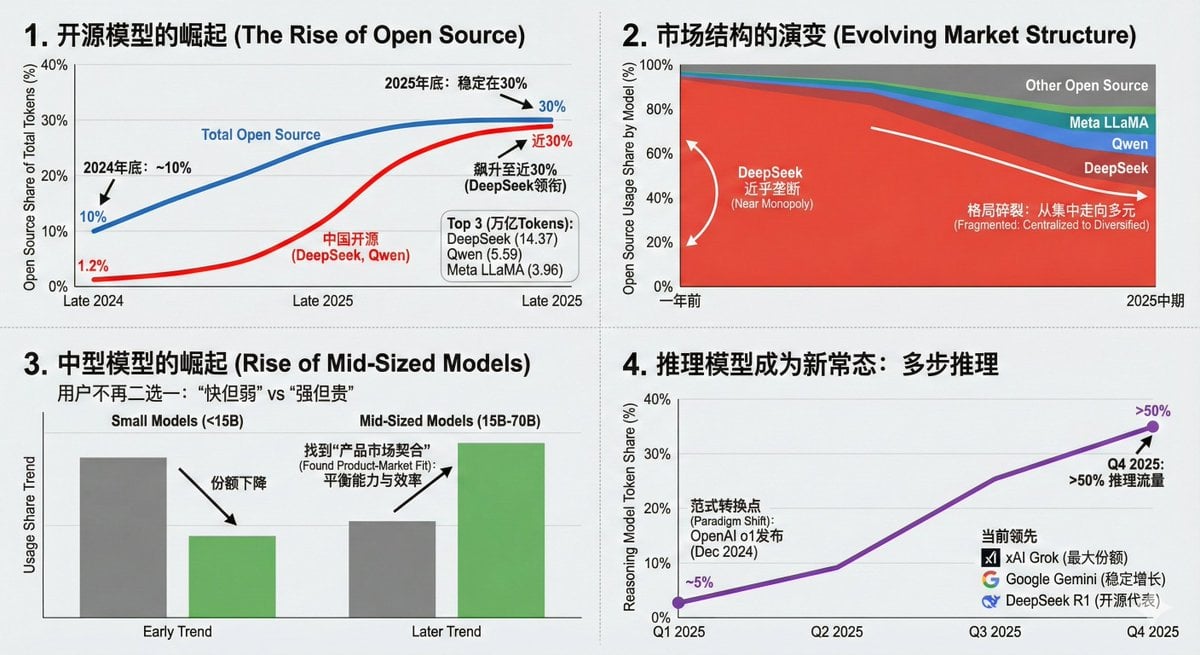
Data Visualization Based on Storytelling with Data Principles
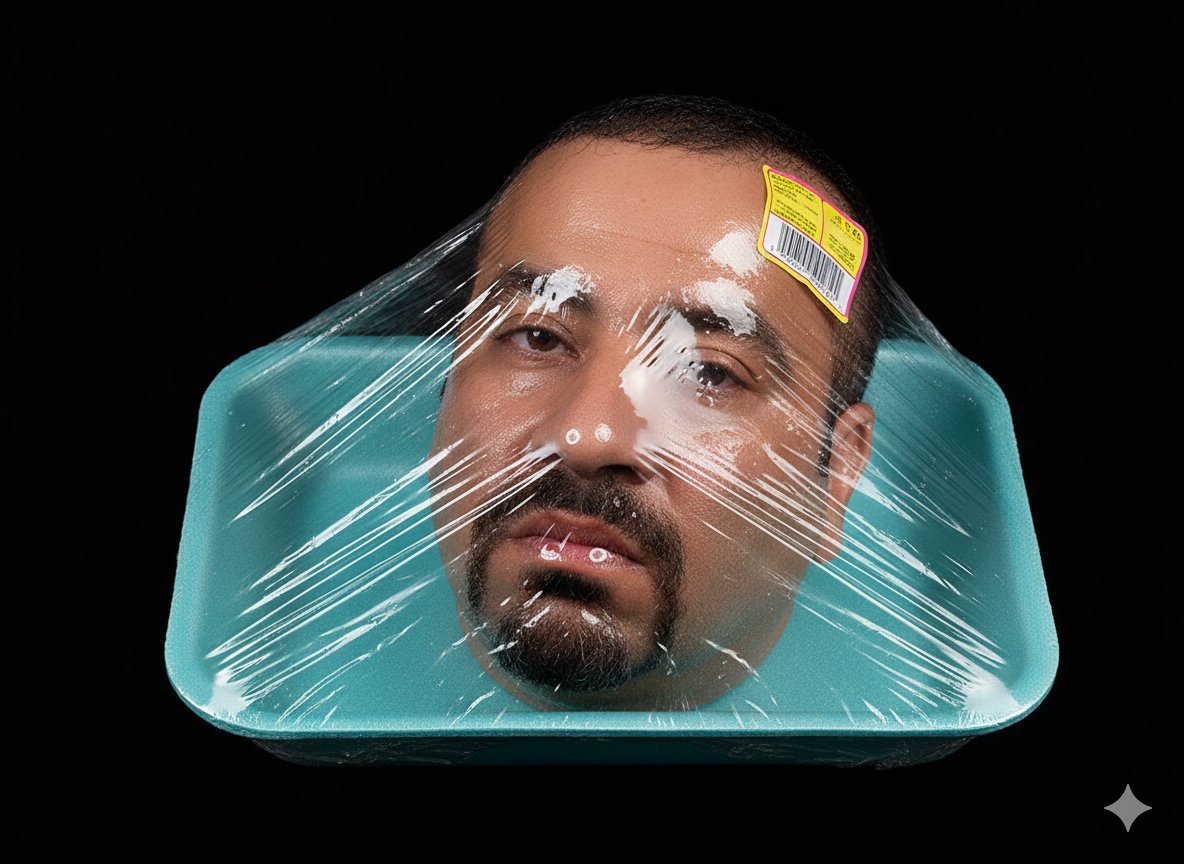
Head in Styrofoam Meat Tray Prompt

Gpt2 Social Media Post 4 Panel Japanese Digital Ad Banner Grid
Browse template categories
Gemini Nano Banana 2 questions
How do I use the 59-gemini-nano-banana-2 template?
Add your photo if the template asks for one, edit the prompt if you like — the template's model and format are already selected — and press Generate. Your version opens in PicX Studio.
Can I customize the 59-gemini-nano-banana-2 template?
Yes. You can change the subject, setting, lighting, mood, format, and available model controls before creating your image.
Is the 59-gemini-nano-banana-2 template free?
Opening and editing this template is free. Generating uses credits, shown on the Generate button when you are signed in.
Which AI model should I use?
Start with Nano Banana, which is the model associated with this template. You can compare another compatible model for a different finish.
Looking for something else? Browse all templates.

Your photo, any look
Thousands of ready templates for every top image and video model, from one credit balance.