
Google Gemini Nano Banana Pro
Google Gemini Nano Banana Pro is a ready photo look for Nano Banana.

- Prompt included
- Model and format preset
- Free template
The prompt behind this image
Copy the exact prompt behind Google Gemini Nano Banana Pro, or open it in the studio and make it yours.
A high-fashion editorial photoshoot of a stylish woman leaning casually against a modern geometric wall. She is wearing a bold red blazer, matching red-orange trousers, a black-and-white patterned top, and white sneakers. She has a confident relaxed pose with hands in pockets, looking slightly upward. The background is a vibrant abstract wall with large geometric blocks in yellow, blue, red, and white, creating a strong modern art aesthetic. Clean studio lighting, sharp focus, vibrant colors, fashion magazine style, ultra high resolution, cinematic composition, shallow depth of field, premium advertising look. Minimal clean floor texture, strong contrast, trendy urban fashion vibe, professional editorial photography.
How to use Google Gemini Nano Banana Pro in 3 steps
- 1
Open
The prompt is already in the box next to the preview, with the template's model and format selected.
- 2…a portrait of your subject in softgolden-hour light, 85mm…
Personalize
Edit the subject and creative details for your destination.
- 3Generate
Generate
Press Generate — your image is created in PicX Studio, so you can compare it with the original and refine one variable at a time.
More like this
Templates with the same subject, style or setup. Open one to see its prompt.

Gemini Nano Banana 2
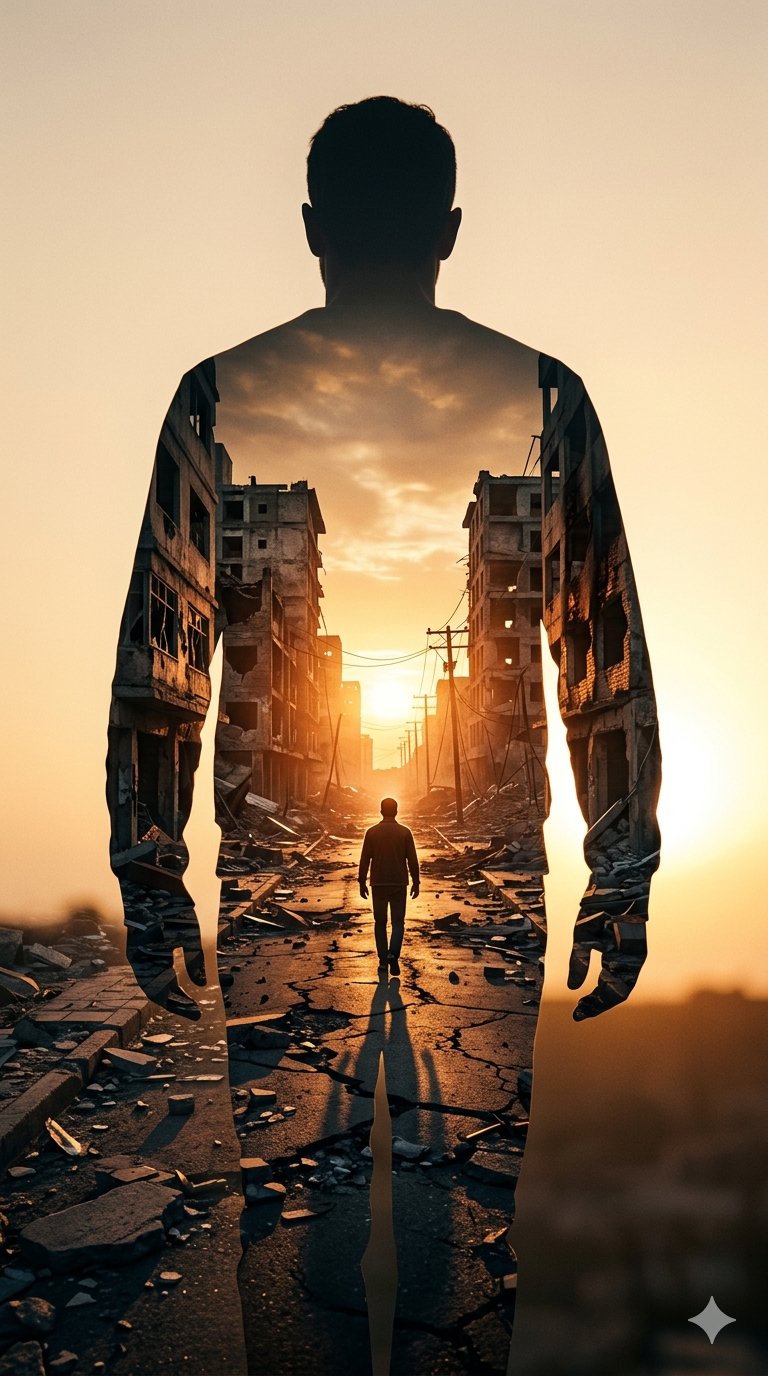
Image on Gemini Nano Banana
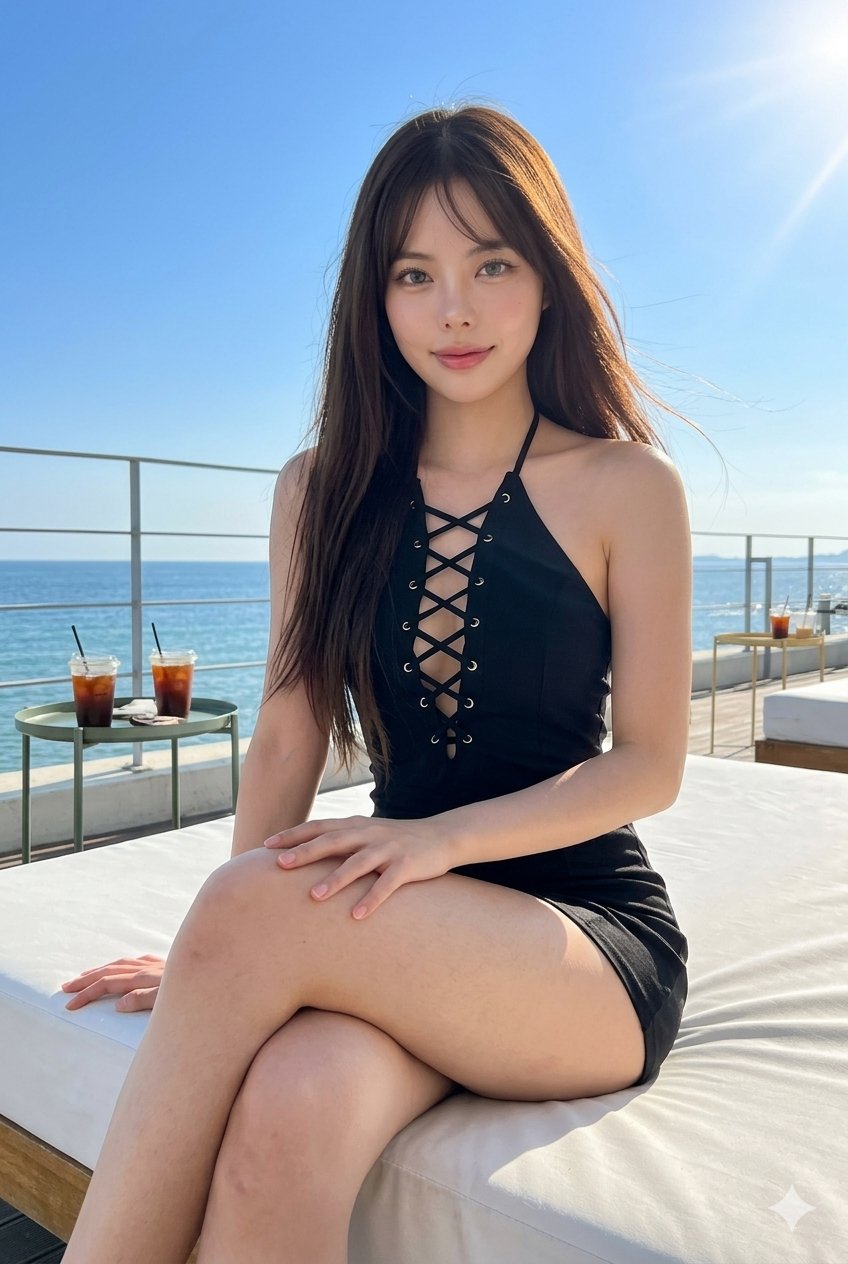
Gemini Nano Banana Portrait
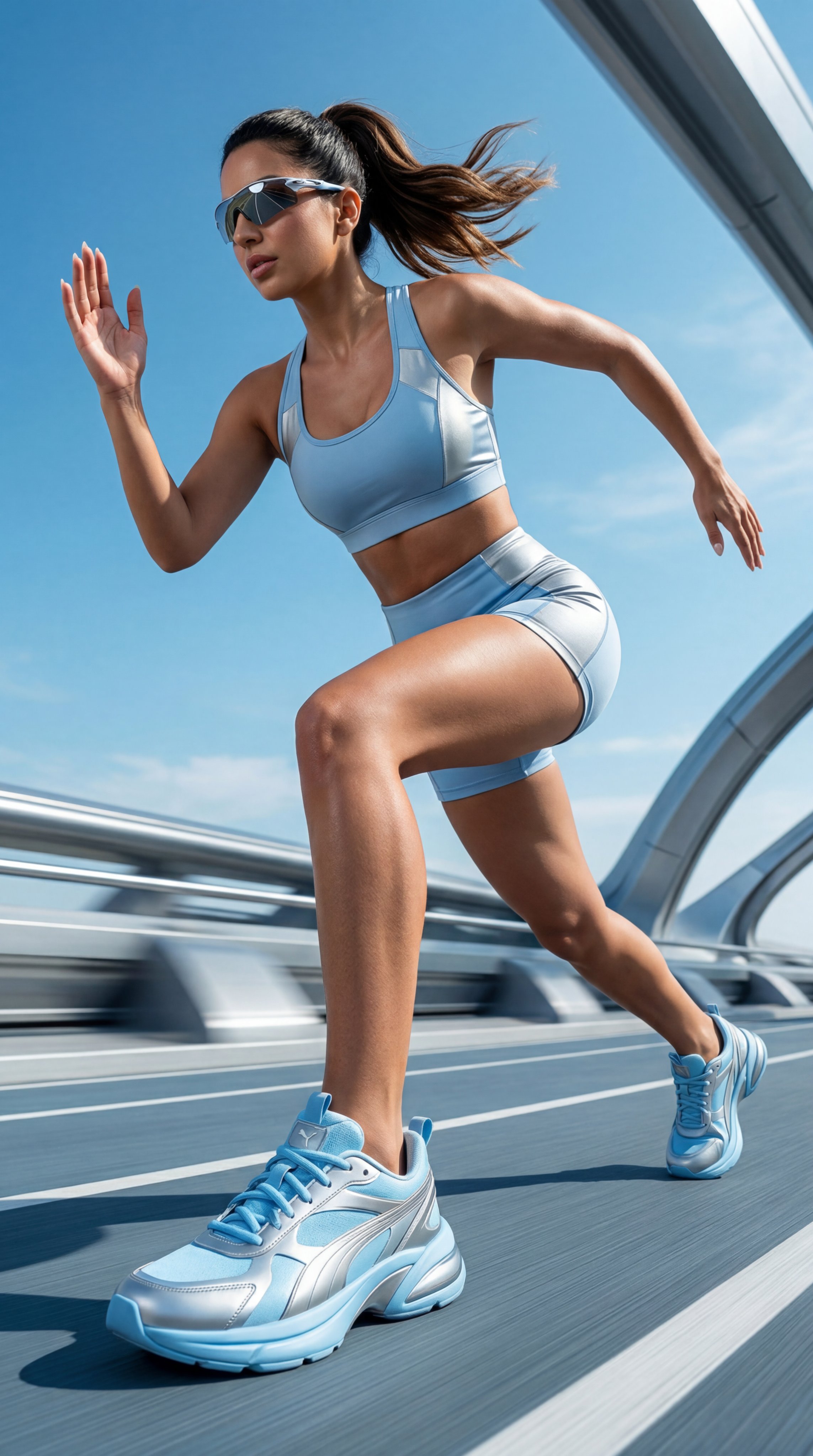
Gemini Nano Banana Realistic Portrait Re

Gemini Nano Banana 2 Logo in Wet Sand Be

Nano Banana 2 Editorial Fashion Portrait

Nano Banana 2

Nano Banana 2 Gourmet Ice Cream Commerci

Nano Banana 2 High Fashion Sports Campai

Caution Tape Fashion — Industrial Editorial

Nano Banana - Paris Cafe Editorial

Gemini Nano Banana 2 Isometric 3d City D
Make it yours
Google Gemini Nano Banana Pro works as-is. These are the safest ways to change it without losing the look.
Change one field
Copy a single group, rewrite it, and generate again so you can see what that field is doing.
Keep the frame, change the subject
Hold the composition and light of 109-google-gemini-nano-banana-pro, then swap wardrobe, props or the person for a new take.
| If the result… | Why | Fix |
|---|---|---|
| The result drifts from the preview | Too many fields changed at once. | Reuse 109-google-gemini-nano-banana-pro as-is first, then change one group — subject, light, or setting. |
| The model over-stylizes the scene | The prose prompt leaves finish and camera underspecified. | Add one camera or lighting sentence and stay on Nano Banana. |
More Nano Banana templates
Other prompts made for Nano Banana.










More image prompts
Fresh picks from across the catalog.
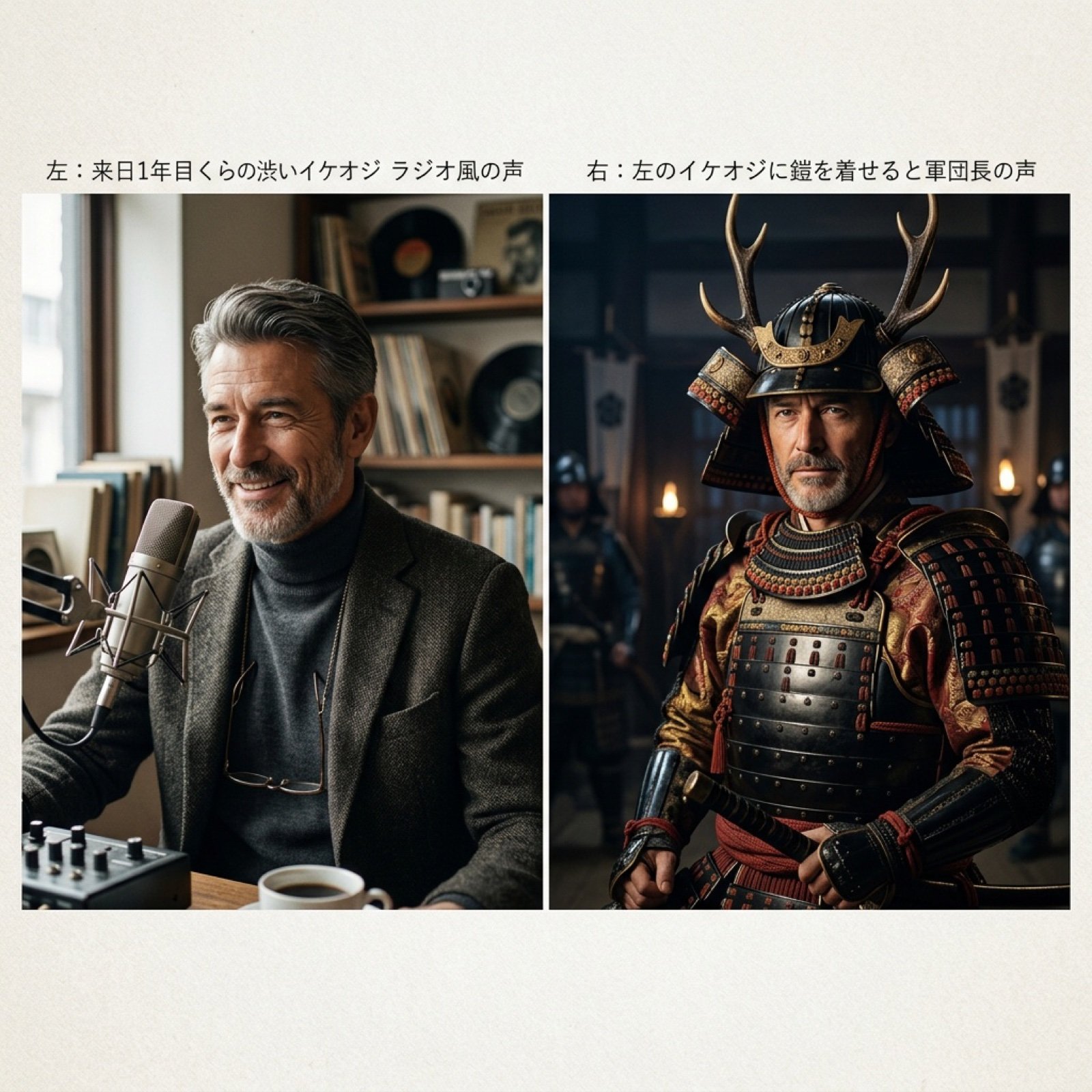
Grok Voice Generation Prompt Examples
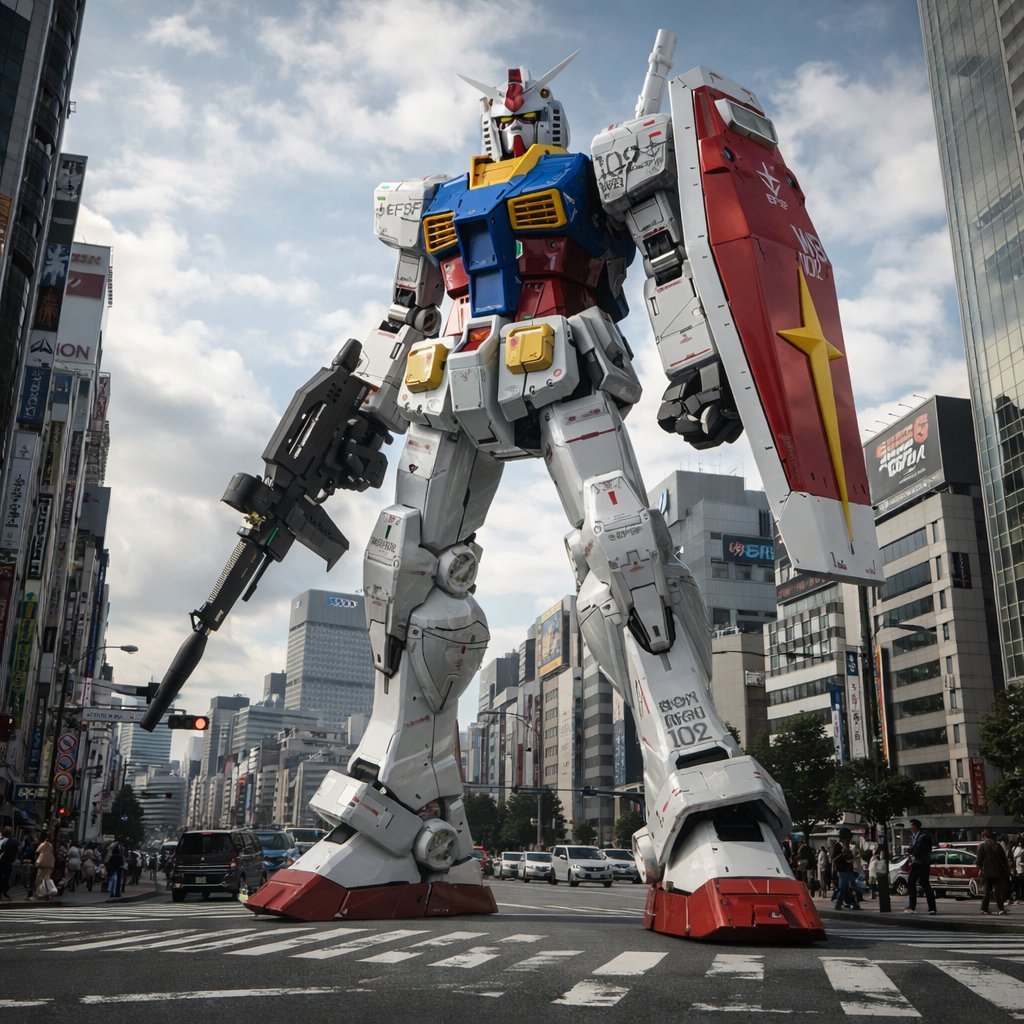
Gundam Model Detail Enhancement and Background Addition
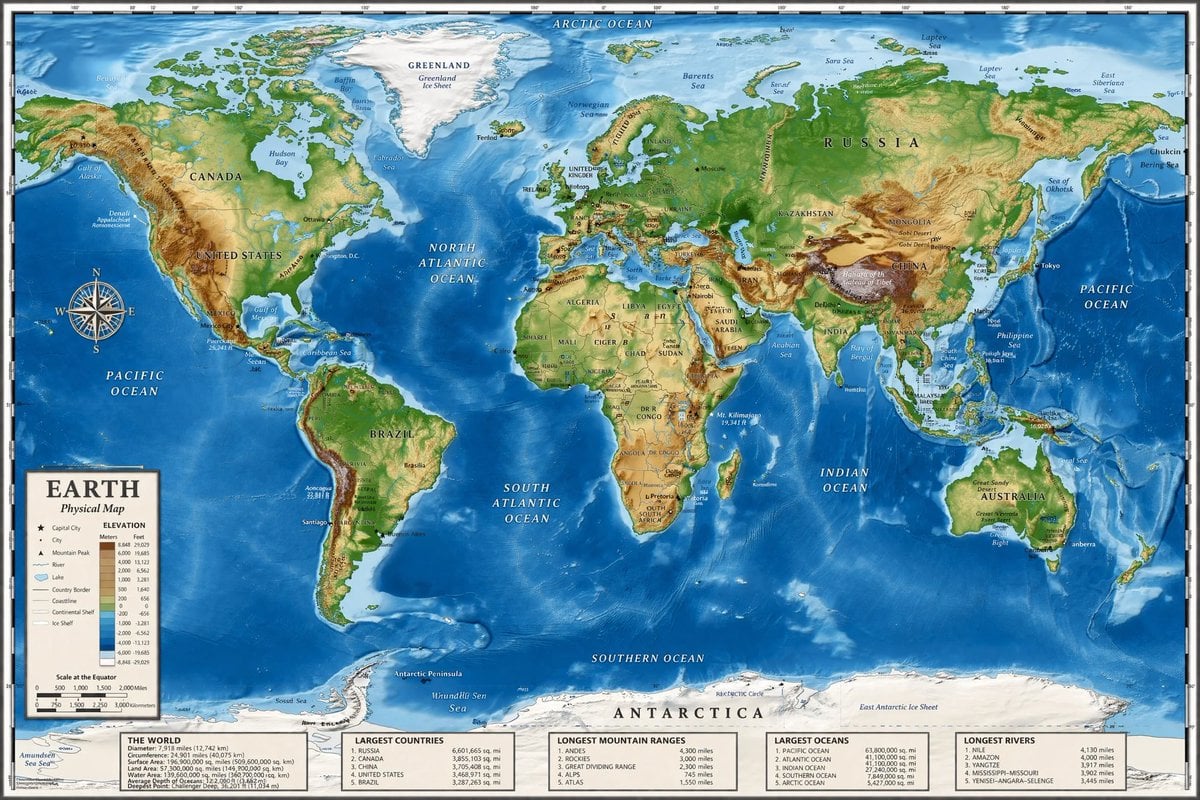
Detailed Physical World Map with Info Panels
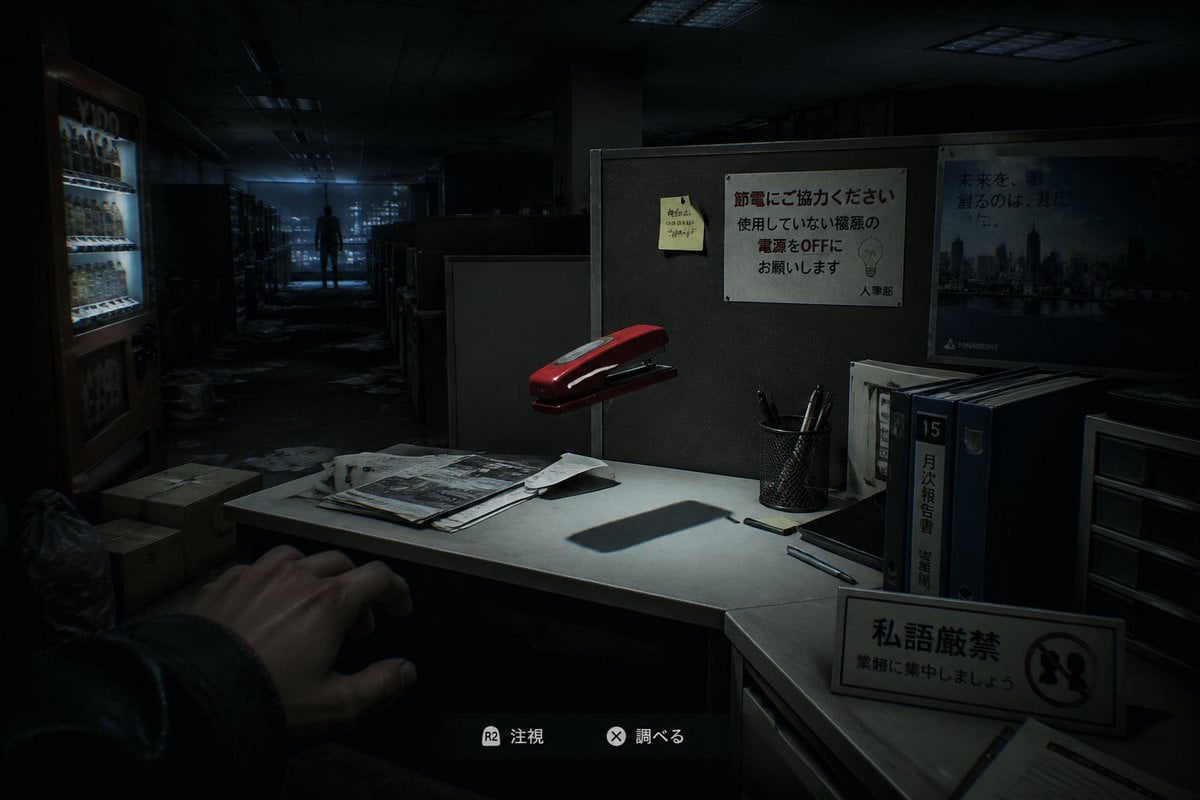
Japanese Office Horror Game Screenshot
untitled
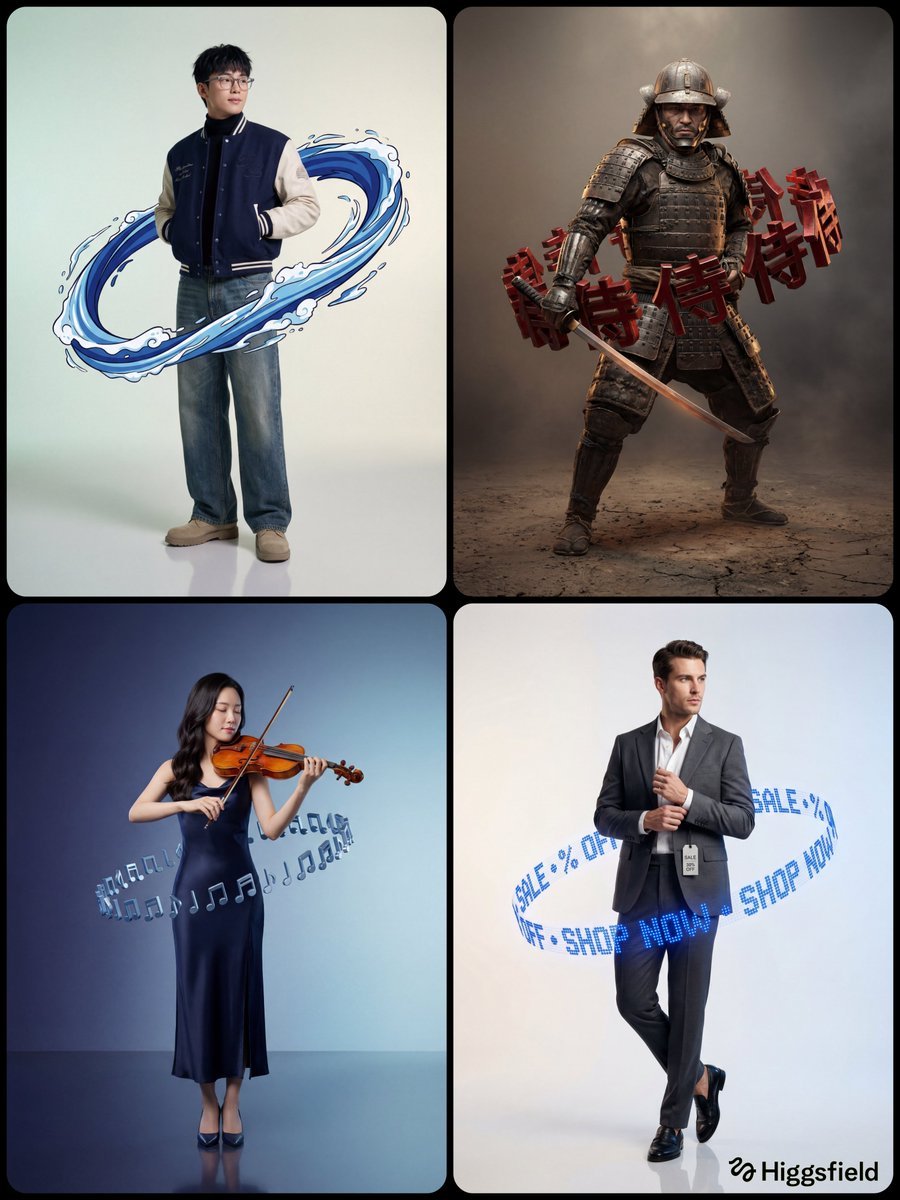
Hyper-Realistic Studio Portrait with Floating Ring Prop Prompt
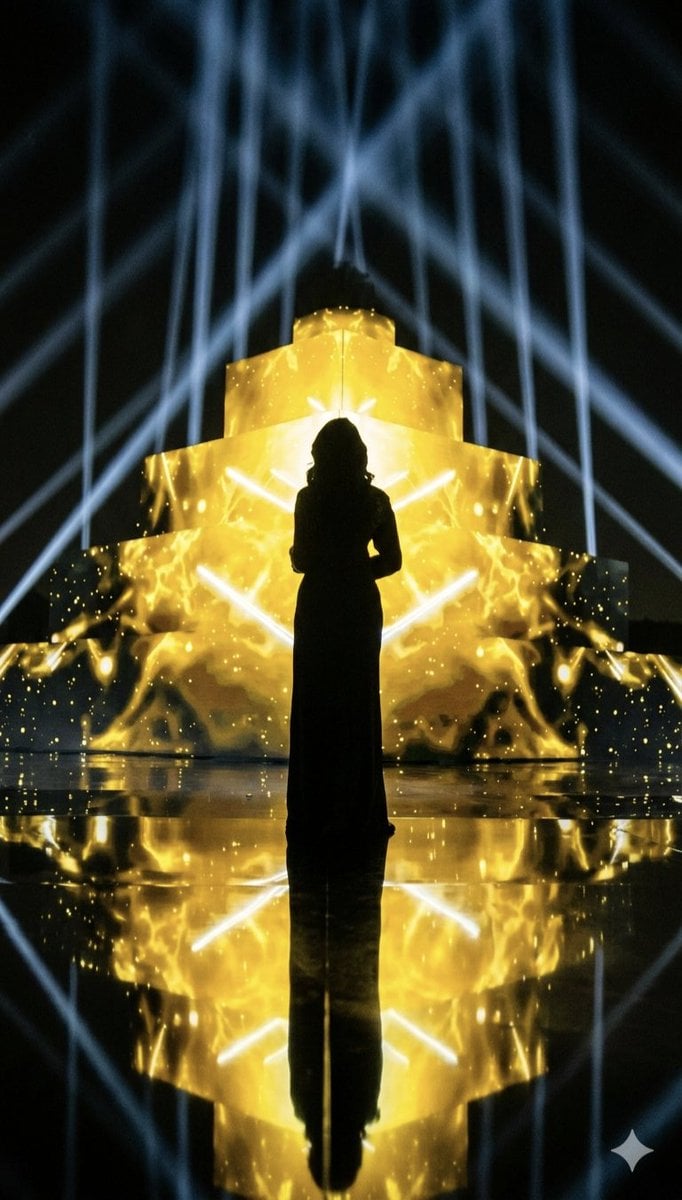
Dramatic Silhouette on Golden Pyramid Stage
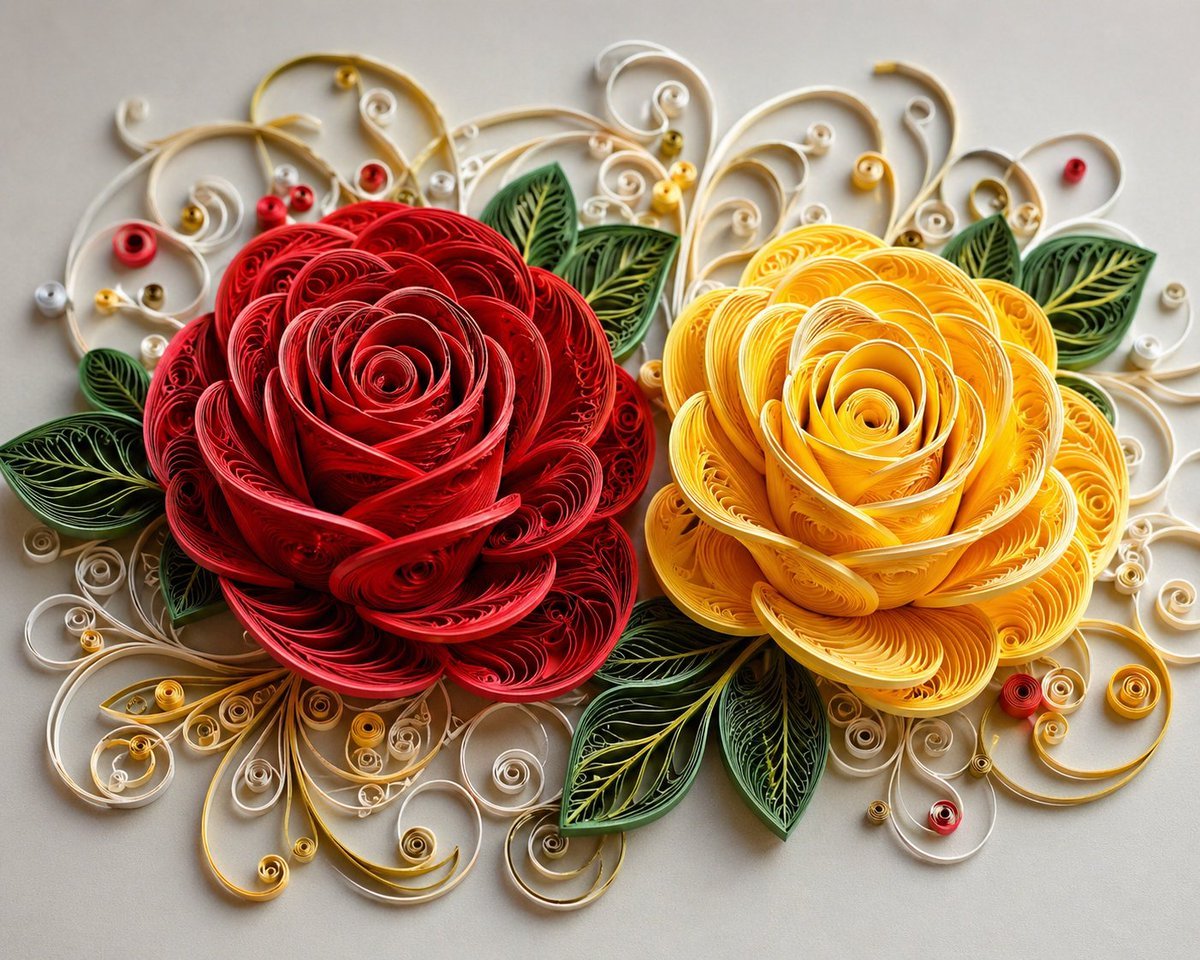
3D Paper Quilling Floral Art
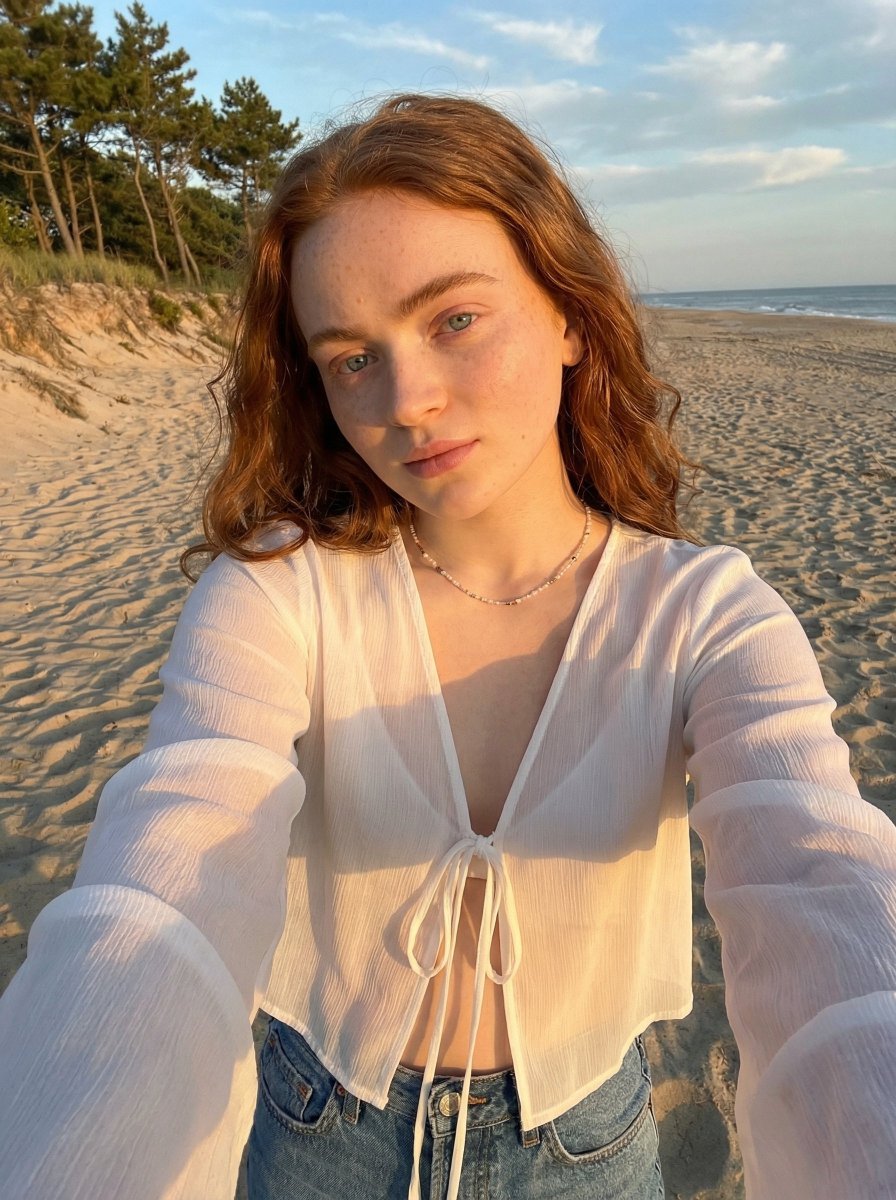
Golden Hour Beach Selfie Prompt
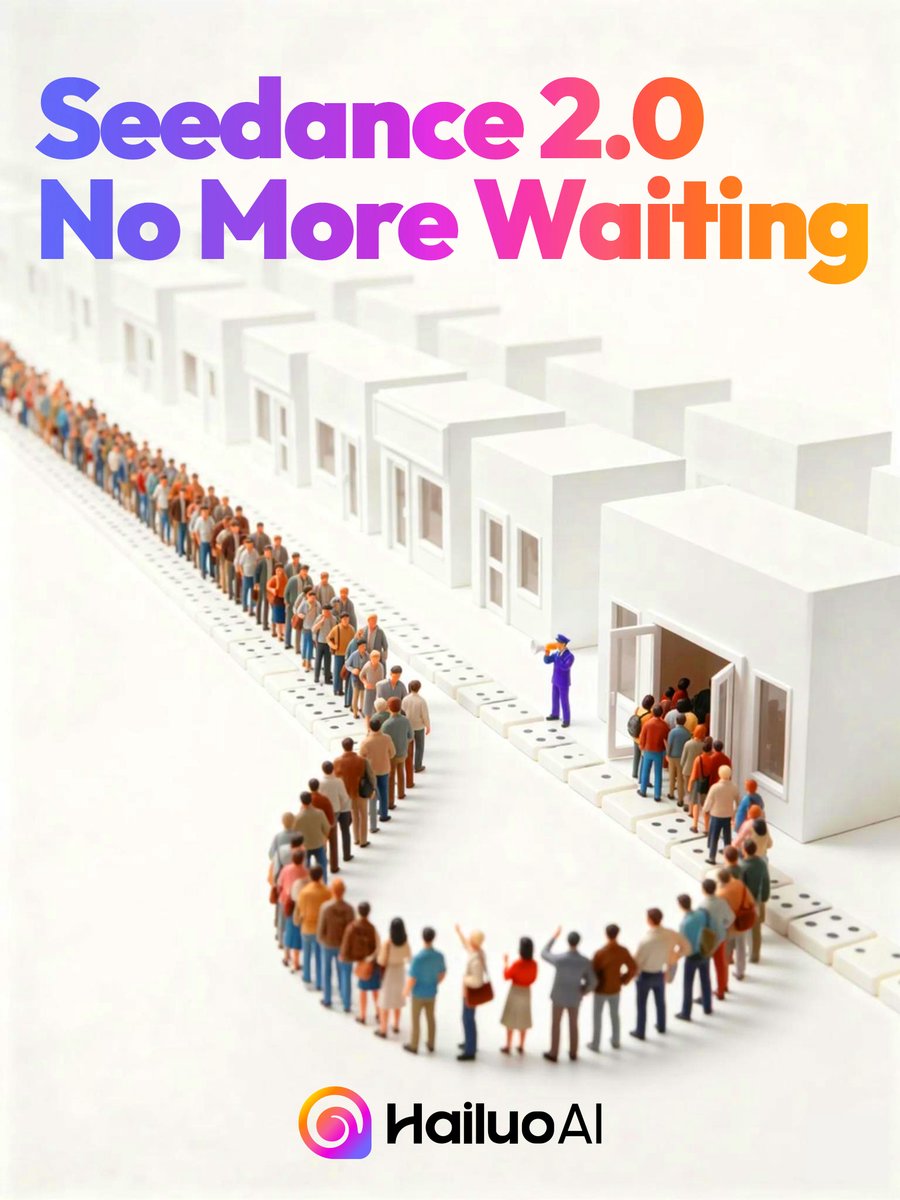
Seedance 2.0 Waiting Queue Poster
Browse template categories
Google Gemini Nano Banana Pro questions
How do I use the 109-google-gemini-nano-banana-pro template?
Add your photo if the template asks for one, edit the prompt if you like — the template's model and format are already selected — and press Generate. Your version opens in PicX Studio.
Can I customize the 109-google-gemini-nano-banana-pro template?
Yes. You can change the subject, setting, lighting, mood, format, and available model controls before creating your image.
Is the 109-google-gemini-nano-banana-pro template free?
Opening and editing this template is free. Generating uses credits, shown on the Generate button when you are signed in.
Which AI model should I use?
Start with Nano Banana, which is the model associated with this template. You can compare another compatible model for a different finish.
Looking for something else? Browse all templates.

Your photo, any look
Thousands of ready templates for every top image and video model, from one credit balance.