
Japanese Office Horror Game Screenshot
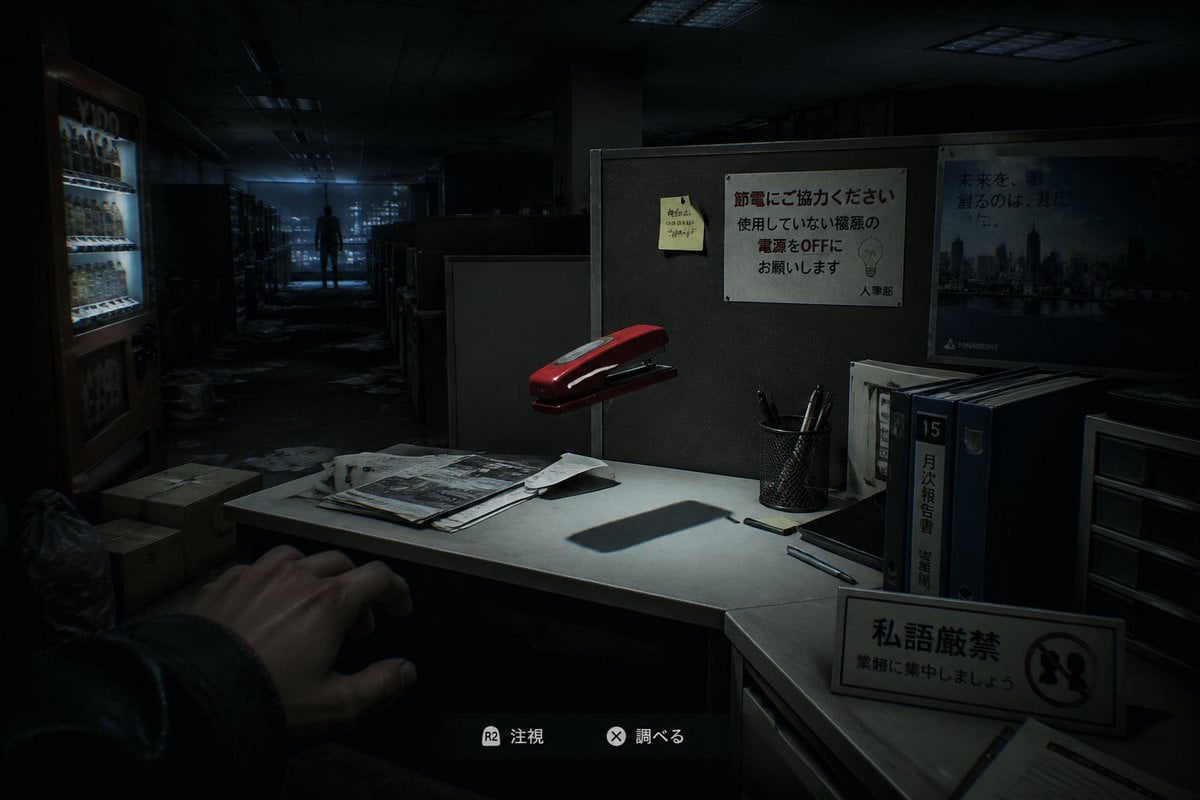
This prompt generates a realistic first-person survival horror game scene in a dark Japanese office, suitable for mock game screenshots and eerie ambient promotional art.
- Prompt included
- Model and format preset
- Free template
The prompt behind this image
Copy the exact prompt behind Japanese Office Horror Game Screenshot, or open it in the studio and make it yours.
A first-person survival horror game screenshot set in a dark abandoned Japanese office at night, viewed from the player’s eye level as if standing beside a cubicle desk. In the lower left foreground, show 1 outstretched human hand reaching cautiously into frame. The central foreground is a small white office desk lit by a harsh focused overhead light, creating deep shadows and a tense cinematic atmosphere. On the desk place exactly 7 visible desktop elements: 1 red stapler floating slightly above or oddly hovering over the desk, 1 messy stack of papers and newspapers, 1 loose folded sheet, 1 black smartphone, 2 pens lying separately, and 1 black mesh pen cup holding several pens. Behind the desk is a gray cubicle wall with exactly 3 posted items: 1 yellow sticky note with handwritten Japanese scribbles, 1 white Japanese office notice about saving electricity with a simple lightbulb illustration, and 1 blue corporate cityscape poster with Japanese text. On the right side of the desk area place exactly 4 upright office storage items: 3 thick binders or file books, one with a prominent label reading 15 and another with Japanese vertical text, plus 1 small plastic drawer unit. In the front-right foreground place 1 freestanding desk sign with Japanese text and a prohibition symbol. In the left background show 1 brightly lit vending machine glowing cold white-blue, with a few cardboard boxes and trash bags on the floor nearby. The office extends into a long aisle of cubicles and shelves, cluttered with scattered papers on the floor, fading into darkness. In the far center background, place 1 lone human silhouette standing motionless at the end of the corridor, backlit by dim bluish window light from the distant city. Add subtle game HUD elements at the bottom center with 2 interaction prompts in Japanese, each with a controller button icon, to make it unmistakably a modern horror video game screenshot. Use realistic 3D rendering, ultra-detailed environmental storytelling, moody blue-black color grading, soft volumetric darkness, strong contrast, eerie empty office ambience, and a sense of meaningless but unsettling supernatural presence.
How to use Japanese Office Horror Game Screenshot in 3 steps
- 1Upload ImagePNG, JPG or paste
Add your photo
Upload the photo the template builds on. The prompt, model and format are already set.
- 2…a portrait of your subject in softgolden-hour light, 85mm…
Personalize
Edit the subject and creative details for your destination.
- 3Generate
Generate
Press Generate — your image is created in PicX Studio, so you can compare it with the original and refine one variable at a time.
More like this
Templates with the same subject, style or setup. Open one to see its prompt.
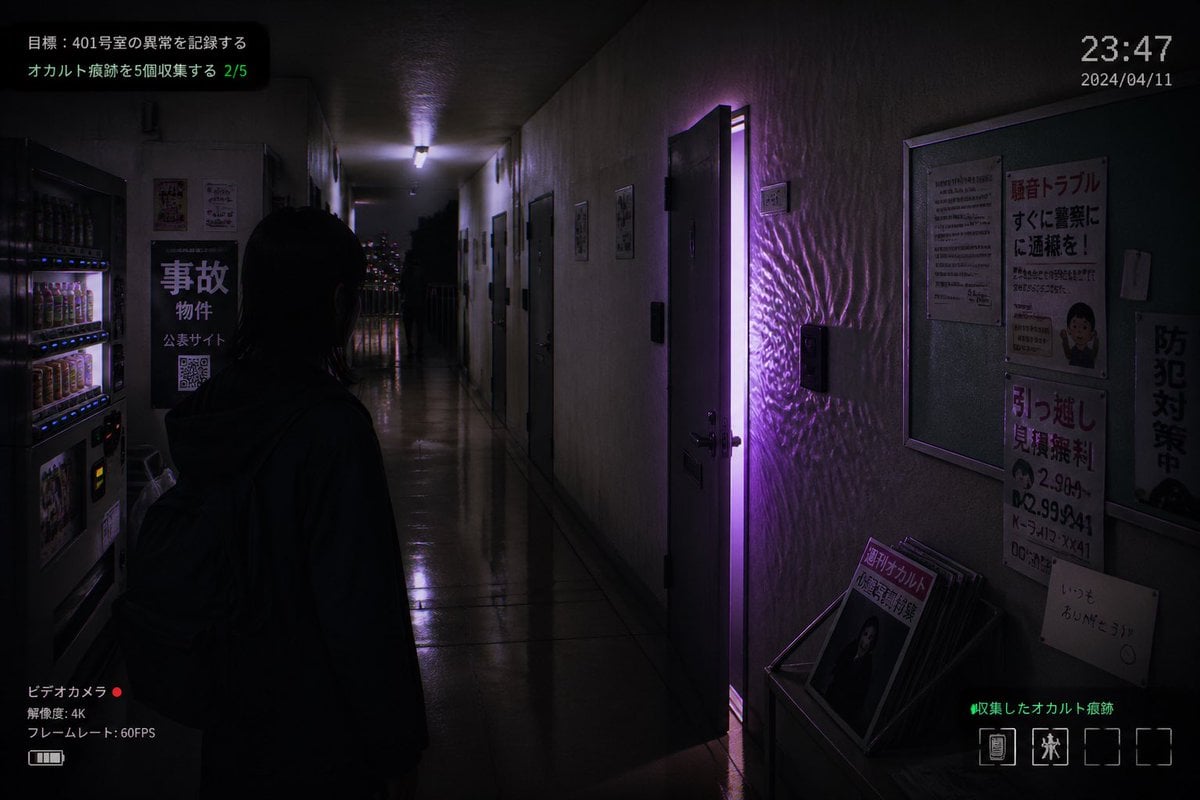
Japanese Apartment Horror Game Screenshot
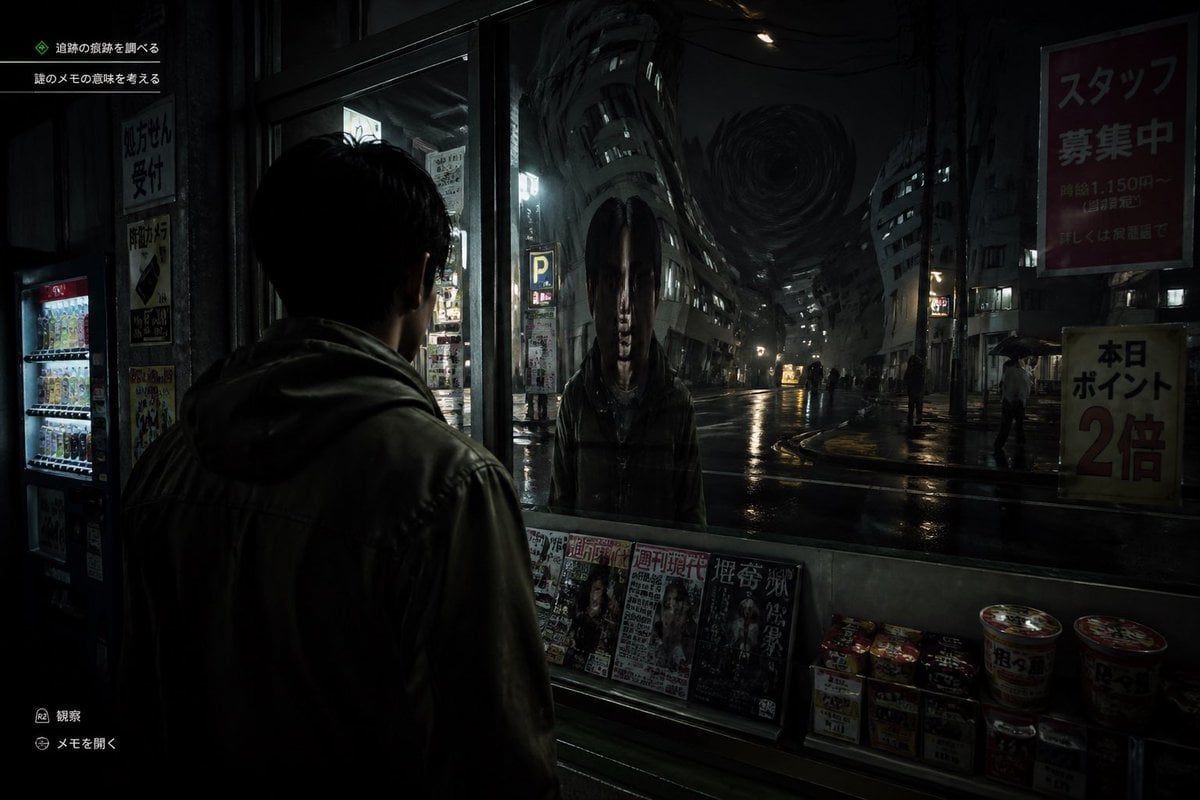
Japanese Horror Game Street Reflection
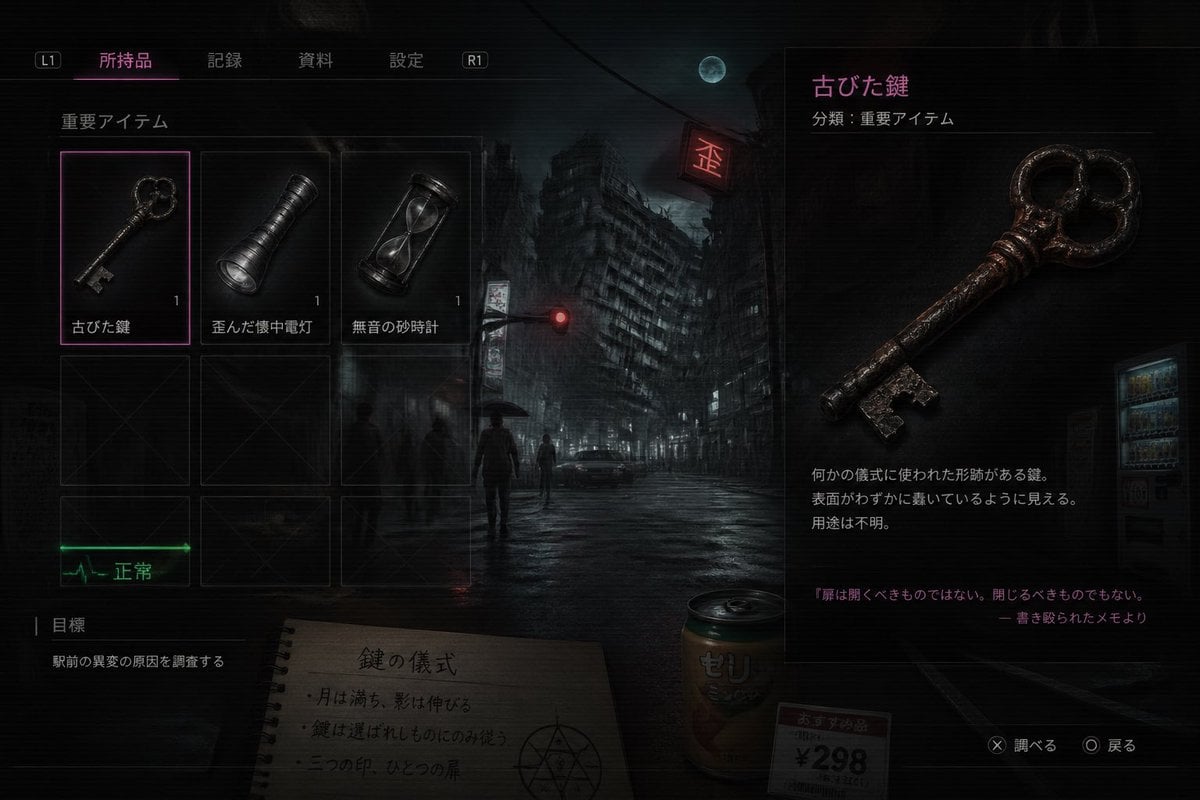
Japanese Horror Game Inventory Screen

Minecraft Next-Gen Voxel World Screenshot

Minecraft Japanese Research Lab Exploration

Japanese Architectural Concrete Studio Fashion Campaign

Japanese Minimalist Concrete Studio Fashion Editorial

Blue Backdrop Luxury Fashion Portrait Campaign
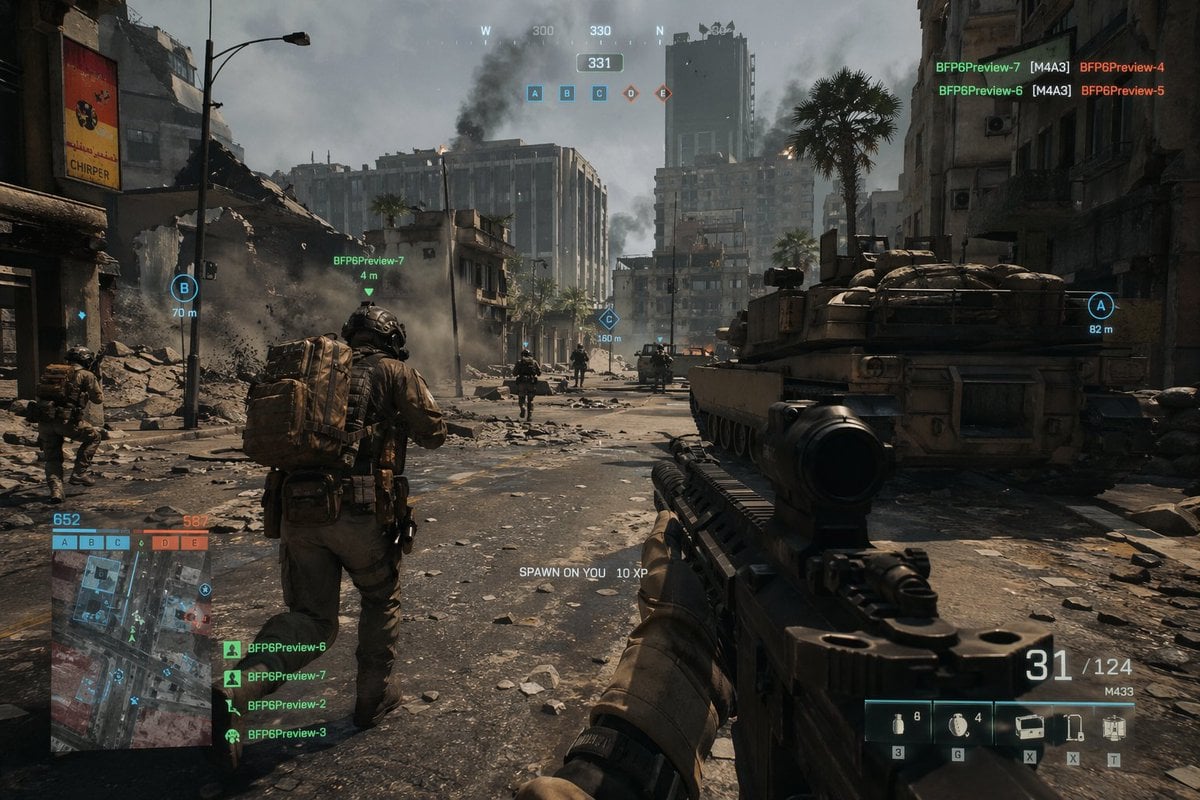
Battlefield In-game Screenshot Prompt
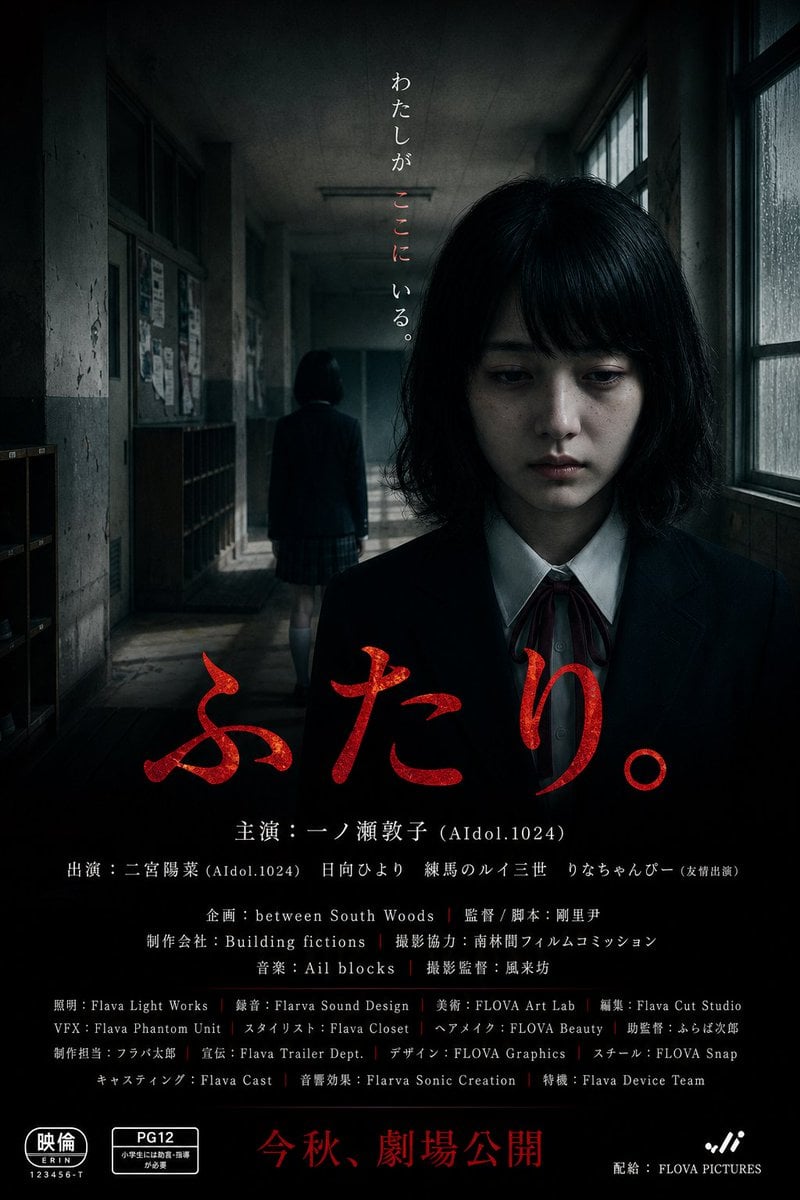
Japanese School Horror Poster
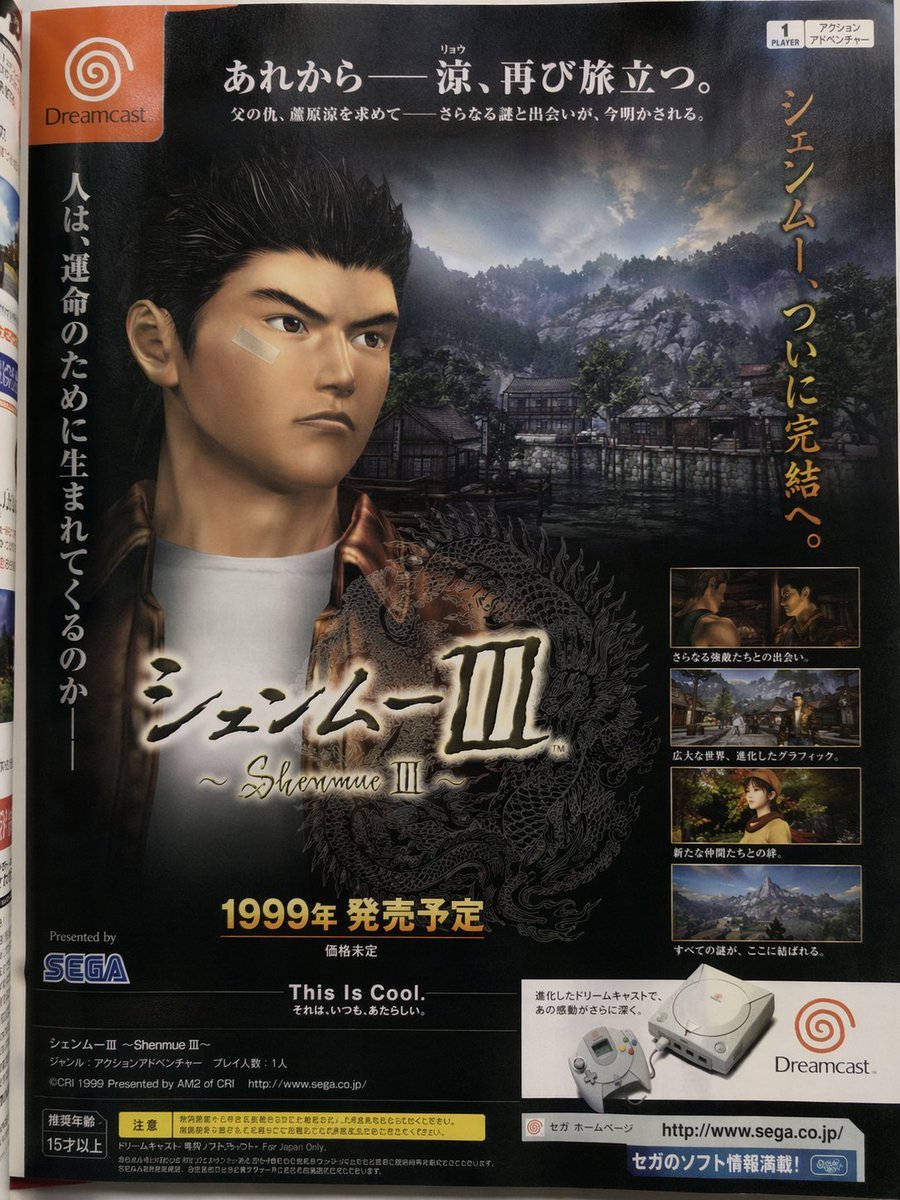
Retro Japanese Game Magazine Ad
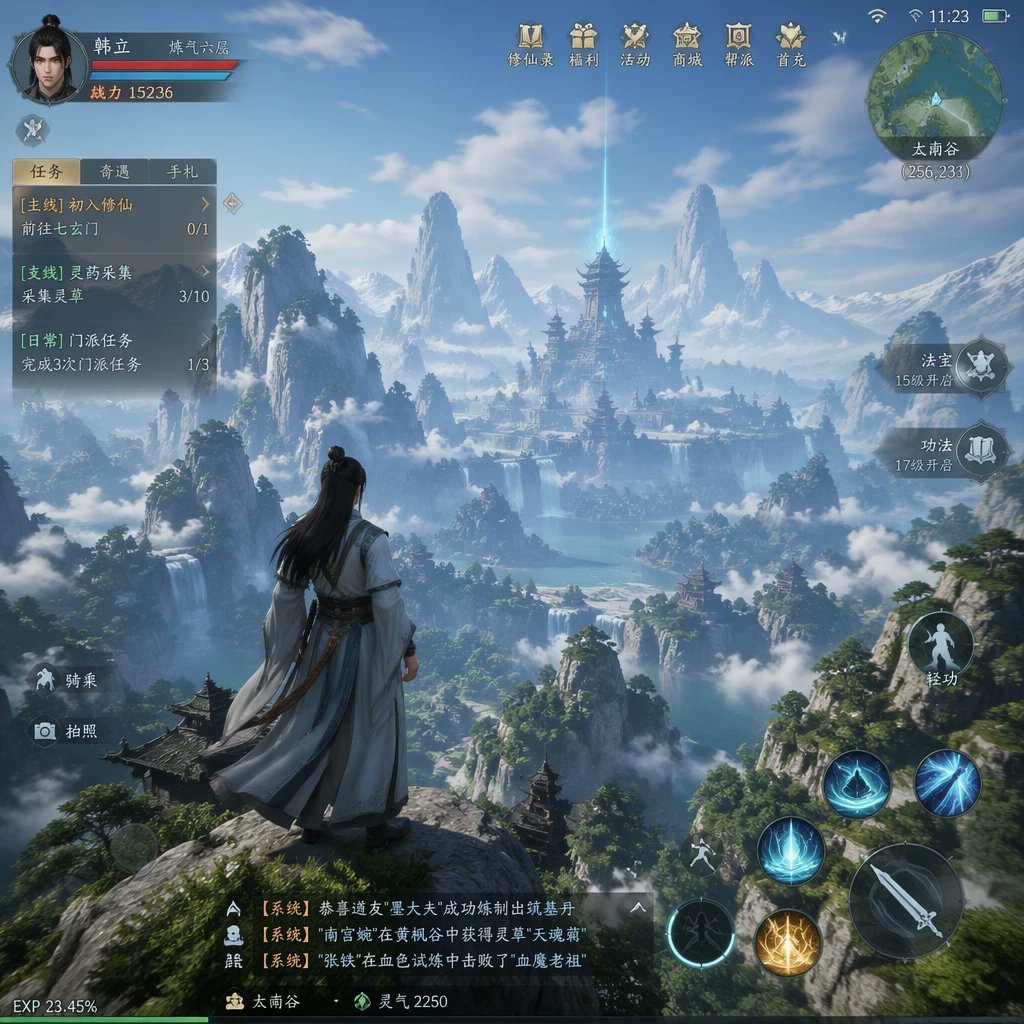
MMO Game World Screenshot
Make it yours
Japanese Office Horror Game Screenshot works as-is. These are the safest ways to change it without losing the look.
Change one field
Copy a single group, rewrite it, and generate again so you can see what that field is doing.
Keep the frame, change the subject
Hold the composition and light of Japanese Office Horror Game Screenshot, then swap wardrobe, props or the person for a new take.
| If the result… | Why | Fix |
|---|---|---|
| The result drifts from the preview | Too many fields changed at once. | Reuse Japanese Office Horror Game Screenshot as-is first, then change one group — subject, light, or setting. |
| The model over-stylizes the scene | The prose prompt leaves finish and camera underspecified. | Add one camera or lighting sentence and stay on GPT Image 2. |
More GPT Image 2 templates
Other prompts made for GPT Image 2.

Six VTuber Japanese Logo Sheet

Realistic Portrait of Woman and Deer

The Vista Modular Condo Poster

AI Model Routing Comparison Infographic

2.5D Anime Art Board

Isometric Productivity Desk Scene

New York Double Exposure Poster

Four-Panel AI Landscape Comparison

Japanese Tatami Lifestyle Magazine Cover

NESCAFÉ Coffee Map Poster
More image prompts
Fresh picks from across the catalog.
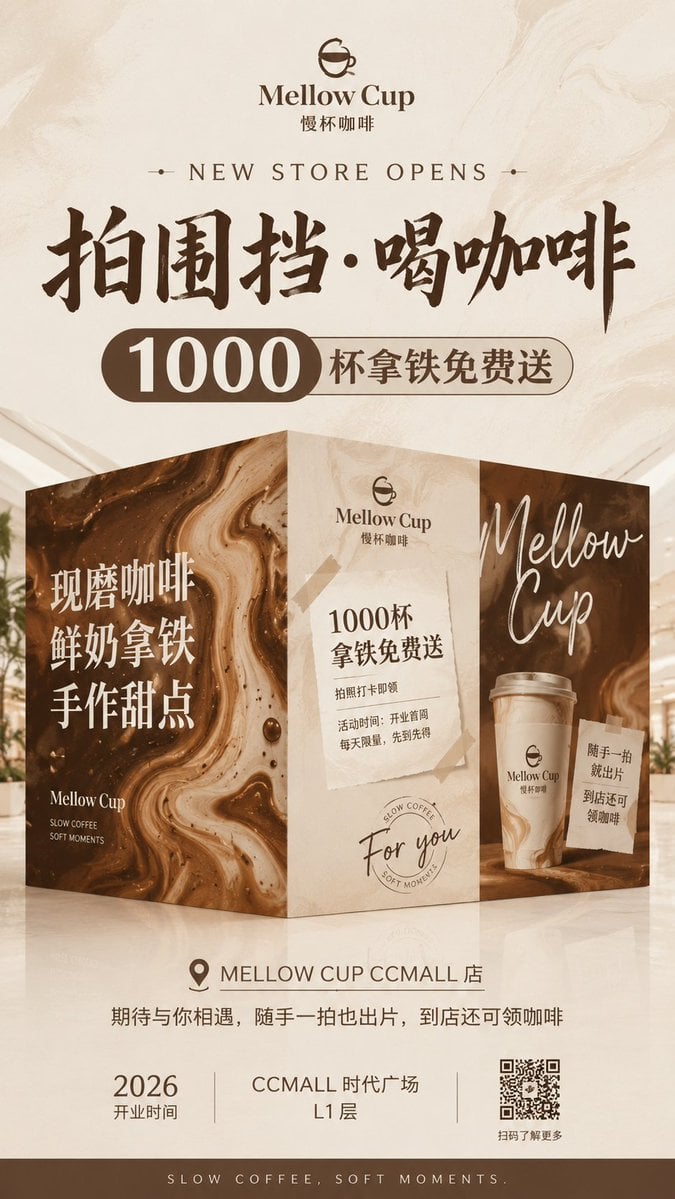
Mellow Cup Opening Hoarding Poster
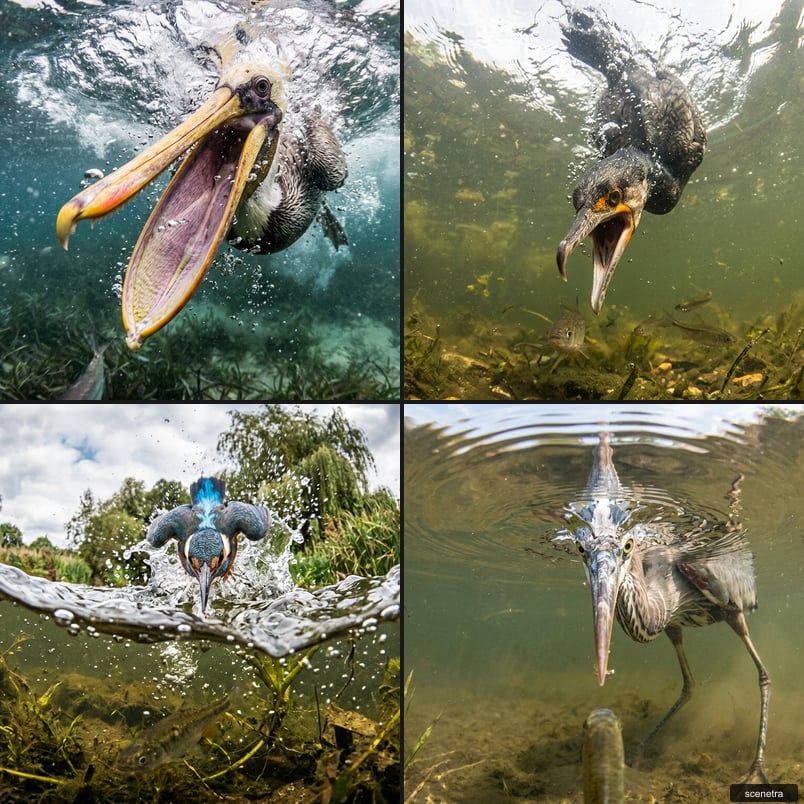
Fisheye Perspective of a Fish and Seagull
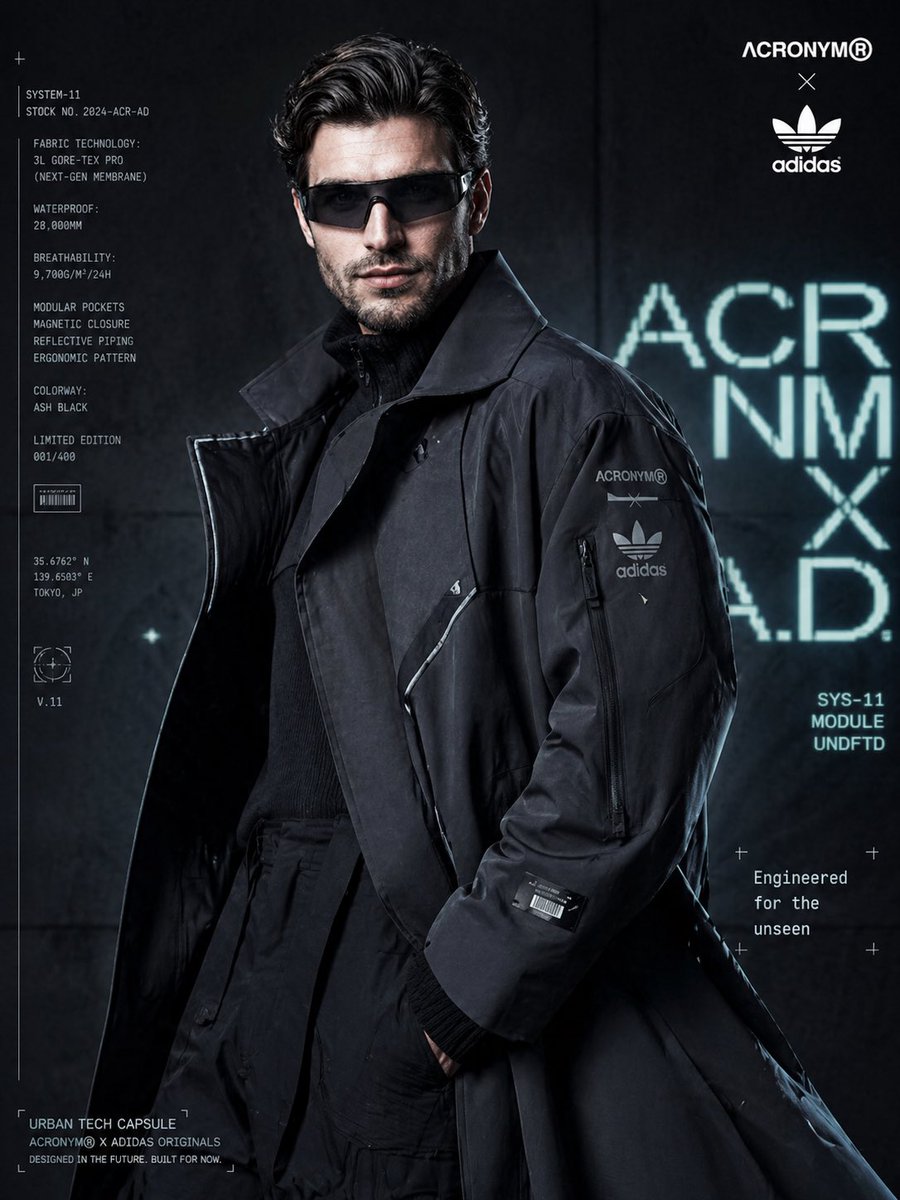
Cyberpunk Fashion Campaign Poster
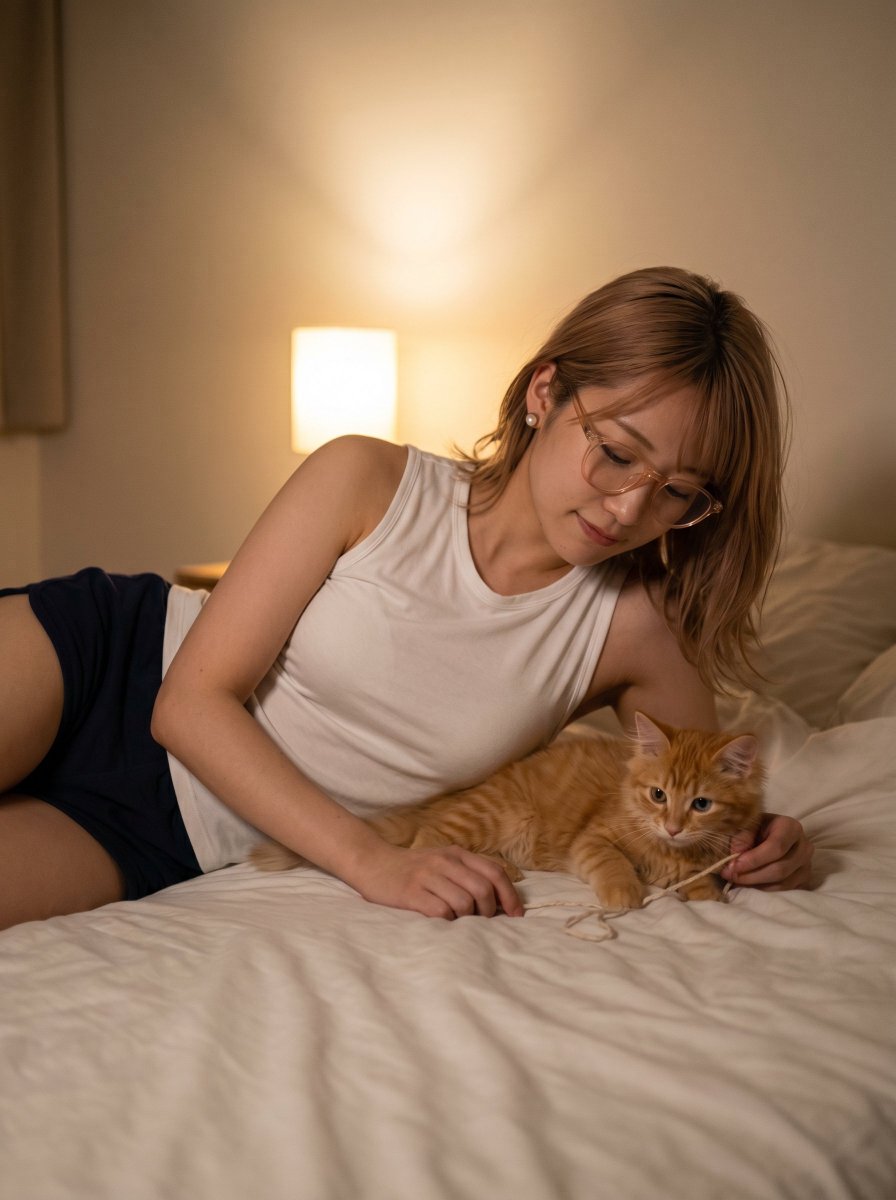
Cozy Bedtime Woman With Ginger Kitten
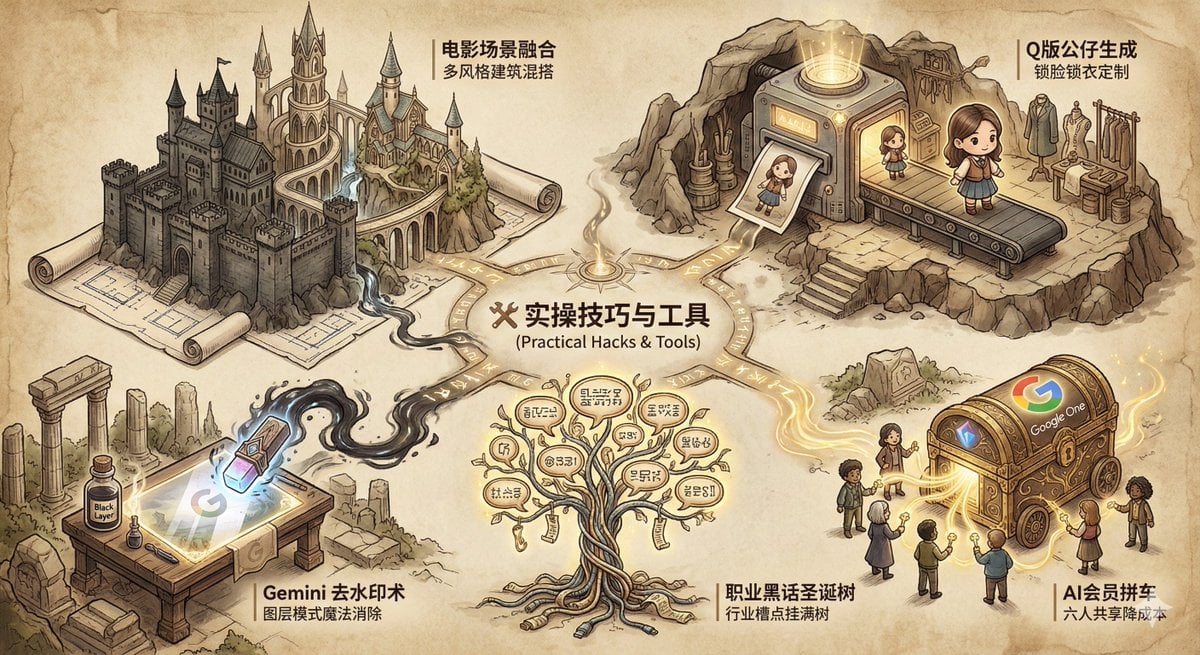
Industry Jargon Christmas Tree Prompt
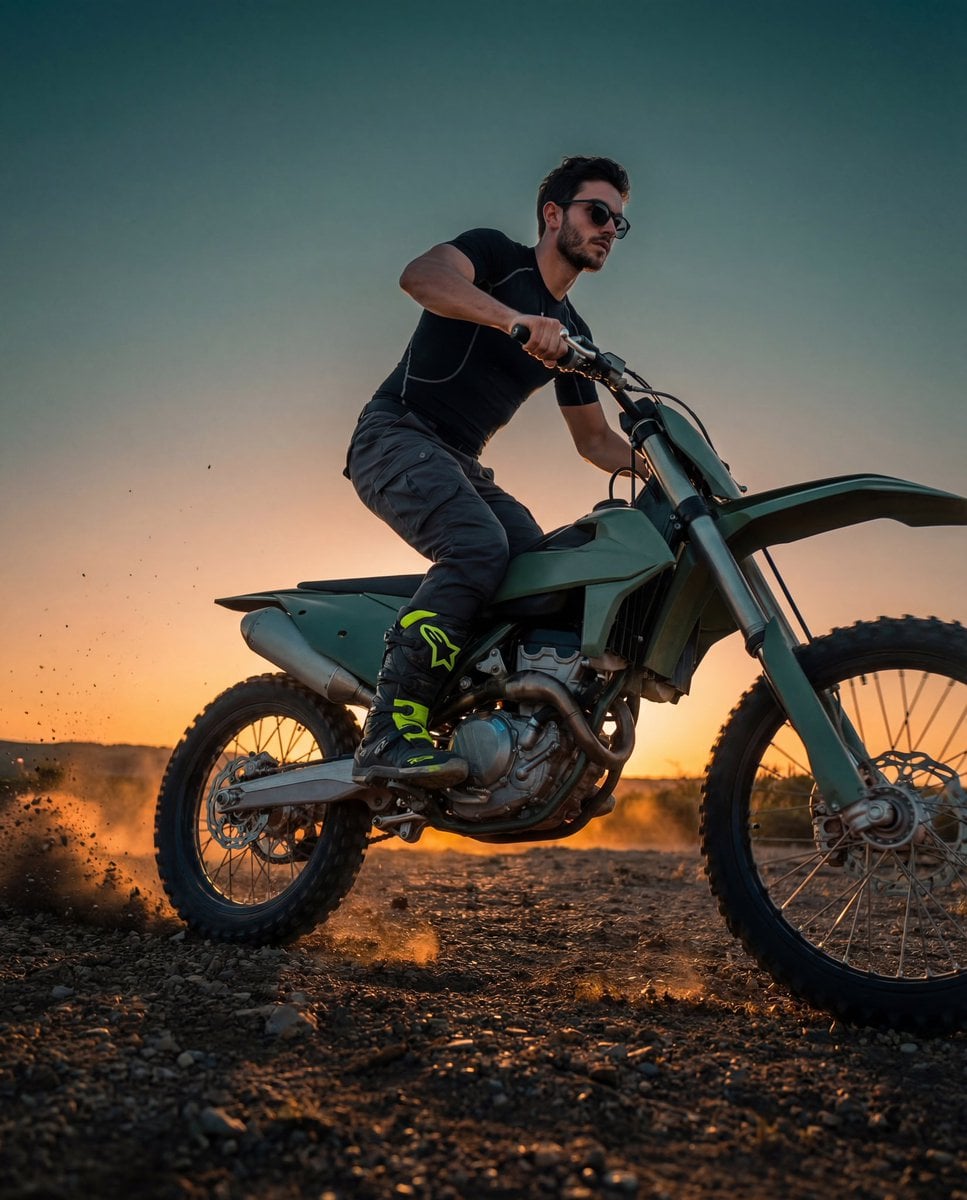
Cinematic Fashion-Action Portrait of a Rider
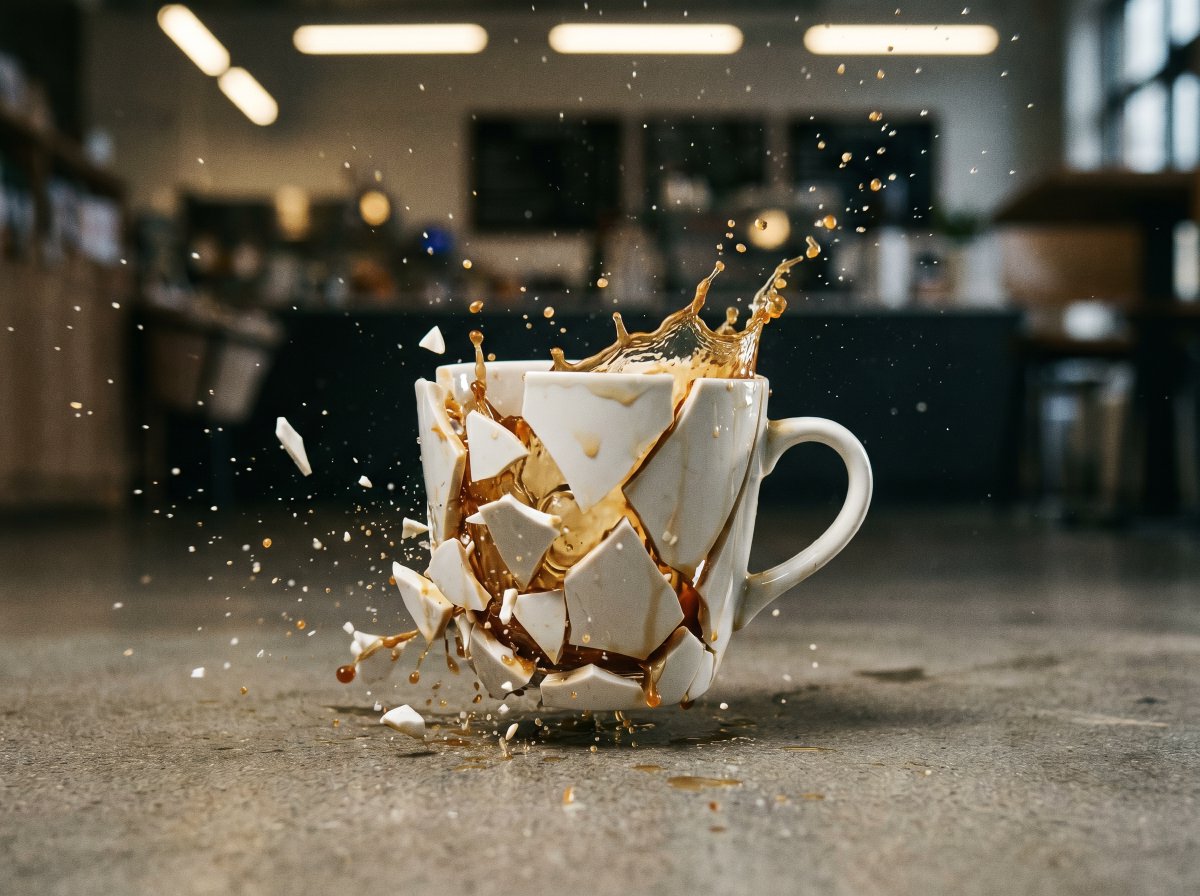
High-Speed Shattering Coffee Mug
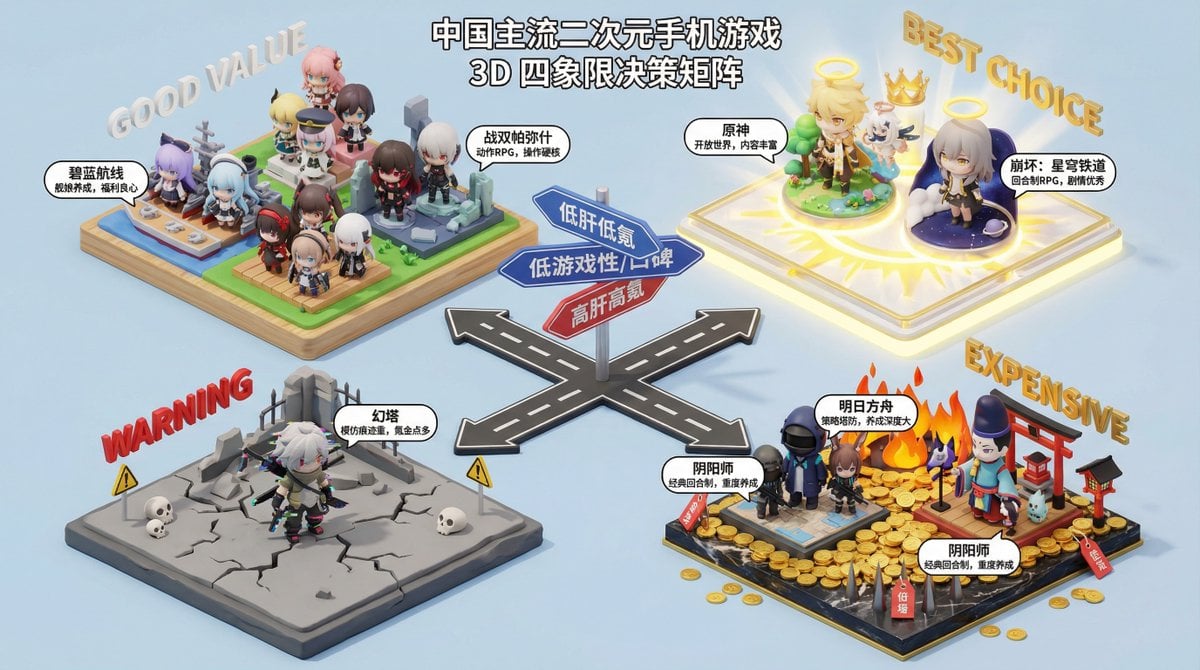
Nano Banana Pro Decision Making Prompt
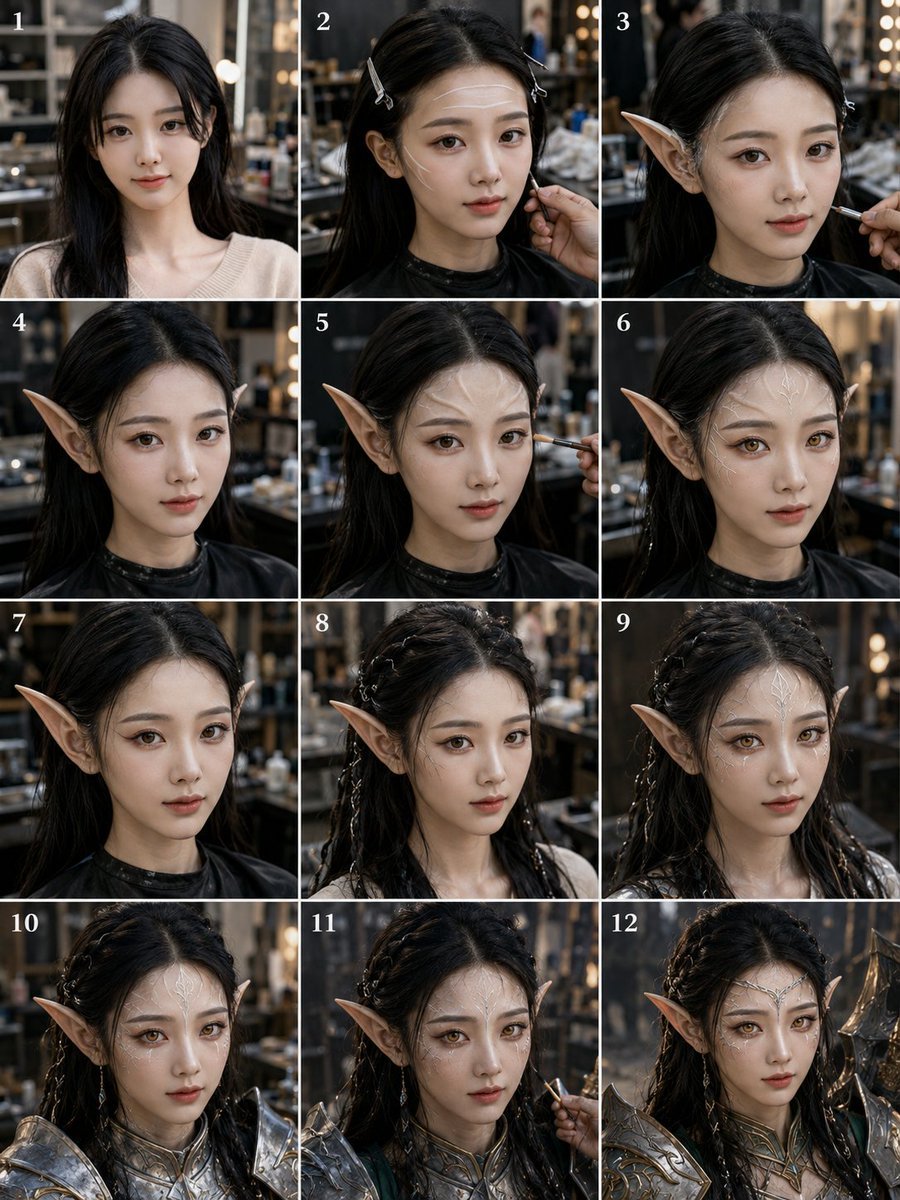
Elf Warrior Transformation Collage
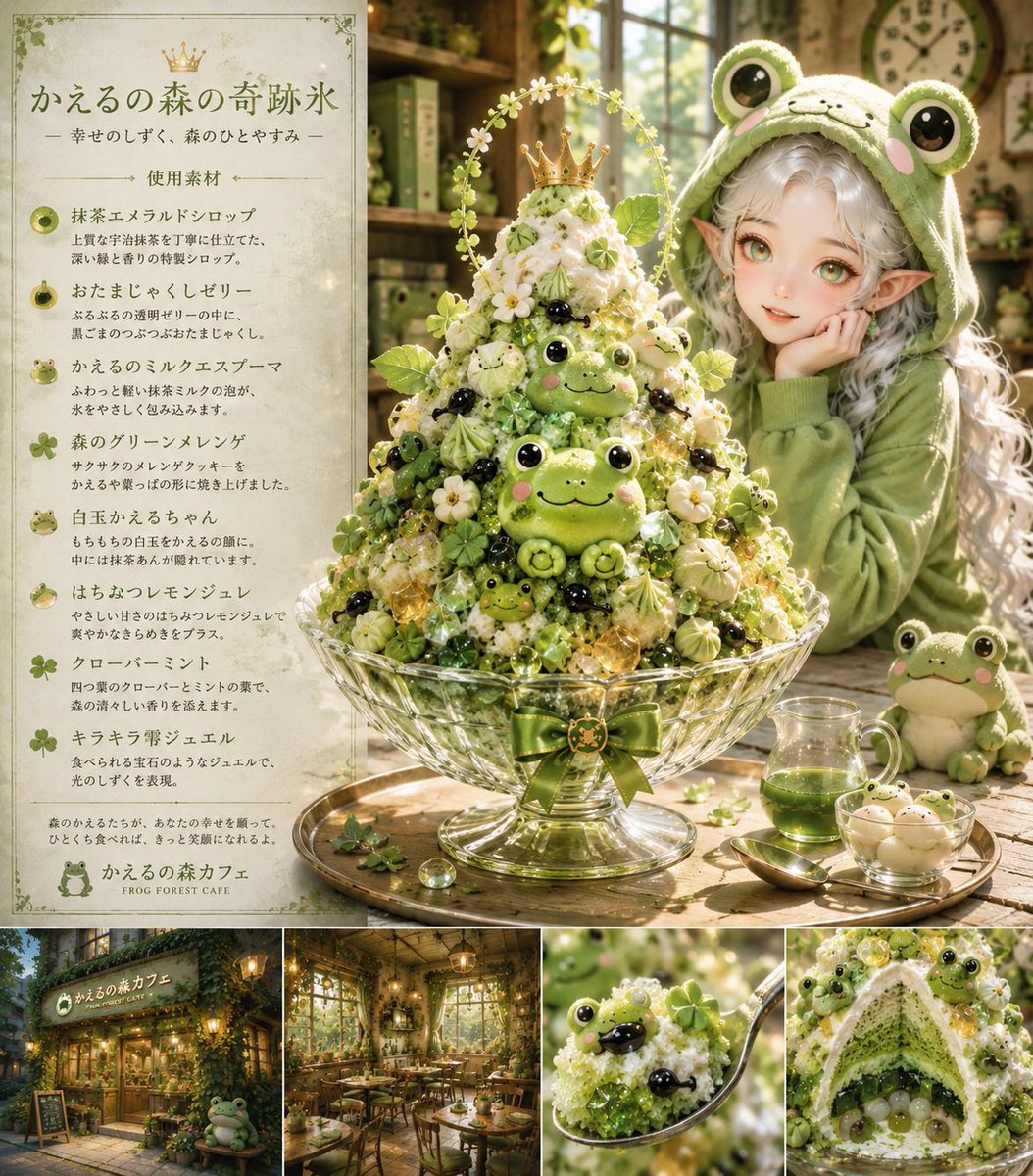
Fantasy Japanese Kakigori Design
Browse template categories
Japanese Office Horror Game Screenshot questions
How do I use the Japanese Office Horror Game Screenshot template?
Add your photo if the template asks for one, edit the prompt if you like — the template's model and format are already selected — and press Generate. Your version opens in PicX Studio.
Can I customize the Japanese Office Horror Game Screenshot template?
Yes. You can change the subject, setting, lighting, mood, format, and available model controls before creating your image.
Is the Japanese Office Horror Game Screenshot template free?
Opening and editing this template is free. Generating uses credits, shown on the Generate button when you are signed in.
Which AI model should I use?
Start with GPT Image 2, which is the model associated with this template. You can compare another compatible model for a different finish.
Looking for something else? Browse all templates.

Your photo, any look
Thousands of ready templates for every top image and video model, from one credit balance.