
Cyberpunk Fashion Campaign Poster
A highly detailed prompt for a futuristic techwear fashion advertisement, including specific branding and layout instructions.
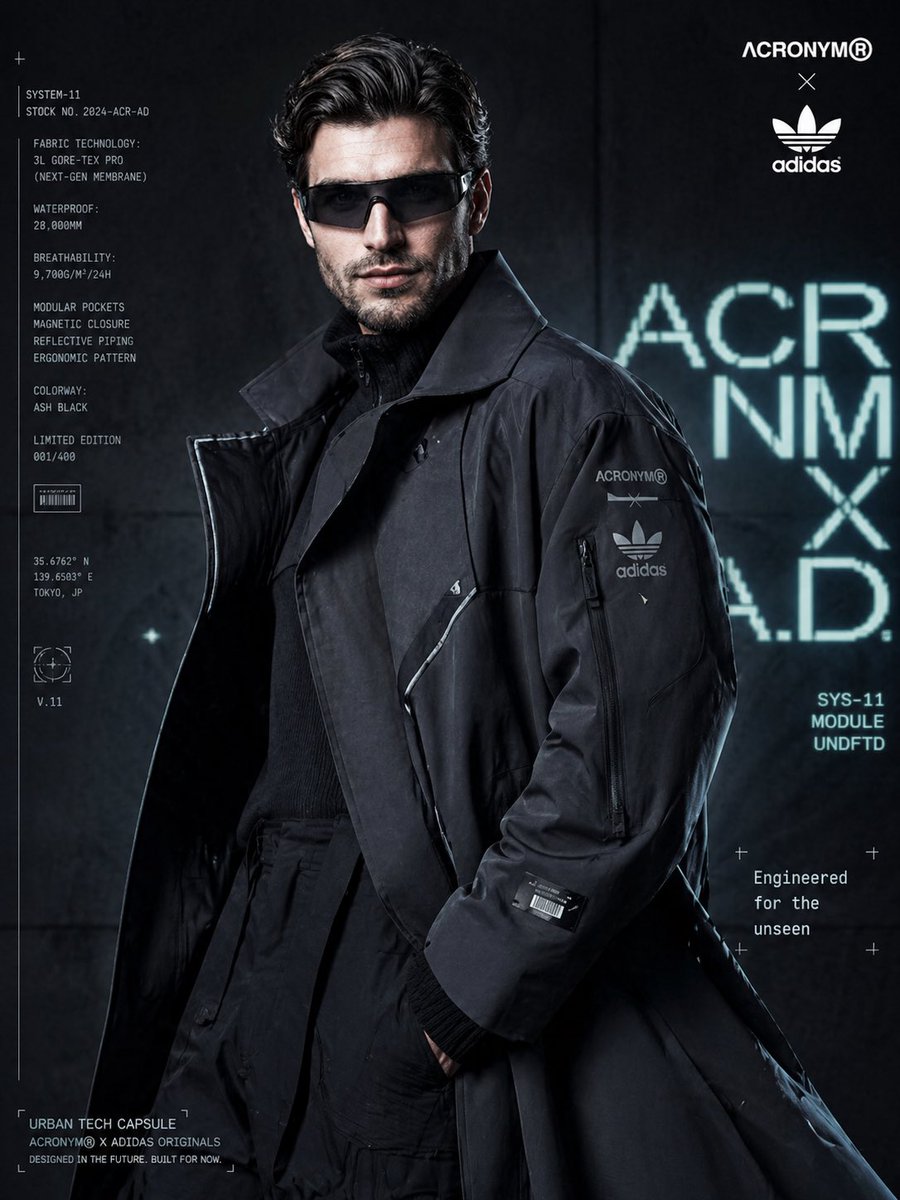
- Prompt included
- Model and format preset
- Free template
The prompt behind this image
Copy the exact prompt behind Cyberpunk Fashion Campaign Poster, or open it in the studio and make it yours.
Ultra-realistic luxury fashion campaign poster featuring a young male model with textured wavy hair, sharp jawline, and minimal beard, wearing slim futuristic visor glasses. He stands in a composed yet powerful pose, slightly turned, eyes locked with the camera. Outfit: oversized matte-finish charcoal techwear trench coat with layered panels, magnetic closures, and subtle reflective piping. Inner layer includes a high-neck tactical knit and structured cargo trousers, creating a futuristic urban silhouette. Branding elements: subtle co-branded identity of {argument name="brands" default="Acronym × Adidas Originals"} placed minimally on coat sleeve and top corner of composition. Add small futuristic patches, barcodes, and geometric tech symbols for a clean cyber aesthetic. Composition: medium shot, slightly low angle for dominance, coat flowing and occupying most of the frame with strong structure and depth. Model positioned slightly off-center. Background: dark gradient concrete wall with neon cyan and white holographic-style typography behind the subject, slightly defocused for depth. Lighting: cinematic high-contrast lighting with cool cyan and teal tones, combined with a sharp white rim light outlining the coat edges. Subtle reflections enhance the fabric’s technical texture. HDR, ultra-sharp focus, premium editorial finish. Typography layout: • Top right: co-branded logos • Left vertical block: technical product specs text • Right side: minimal tagline “{argument name="tagline" default="Engineered for the unseen"}” • Bottom: “{argument name="label" default="Urban Tech Capsule"}” label Style: futuristic streetwear campaign, cyberpunk editorial, ultra-detailed, 8k resolution, shallow depth of field, soft film grain, clean yet bold composition, modern UI-inspired overlays
How to use Cyberpunk Fashion Campaign Poster in 3 steps
- 1
Open
The prompt is already in the box next to the preview, with the template's model and format selected.
- 2…a portrait of your subject in softgolden-hour light, 85mm…
Personalize
Edit the subject and creative details for your destination.
- 3Generate
Generate
Press Generate — your image is created in PicX Studio, so you can compare it with the original and refine one variable at a time.
More like this
Templates with the same subject, style or setup. Open one to see its prompt.

Neon Night Crosswalk Candid Portrait
Neon Night Crosswalk Candid Portrait

Campaign Smoke National Symbols World Cup

80s College Gate

1988 Mall Style

80s Polka Dot Saree
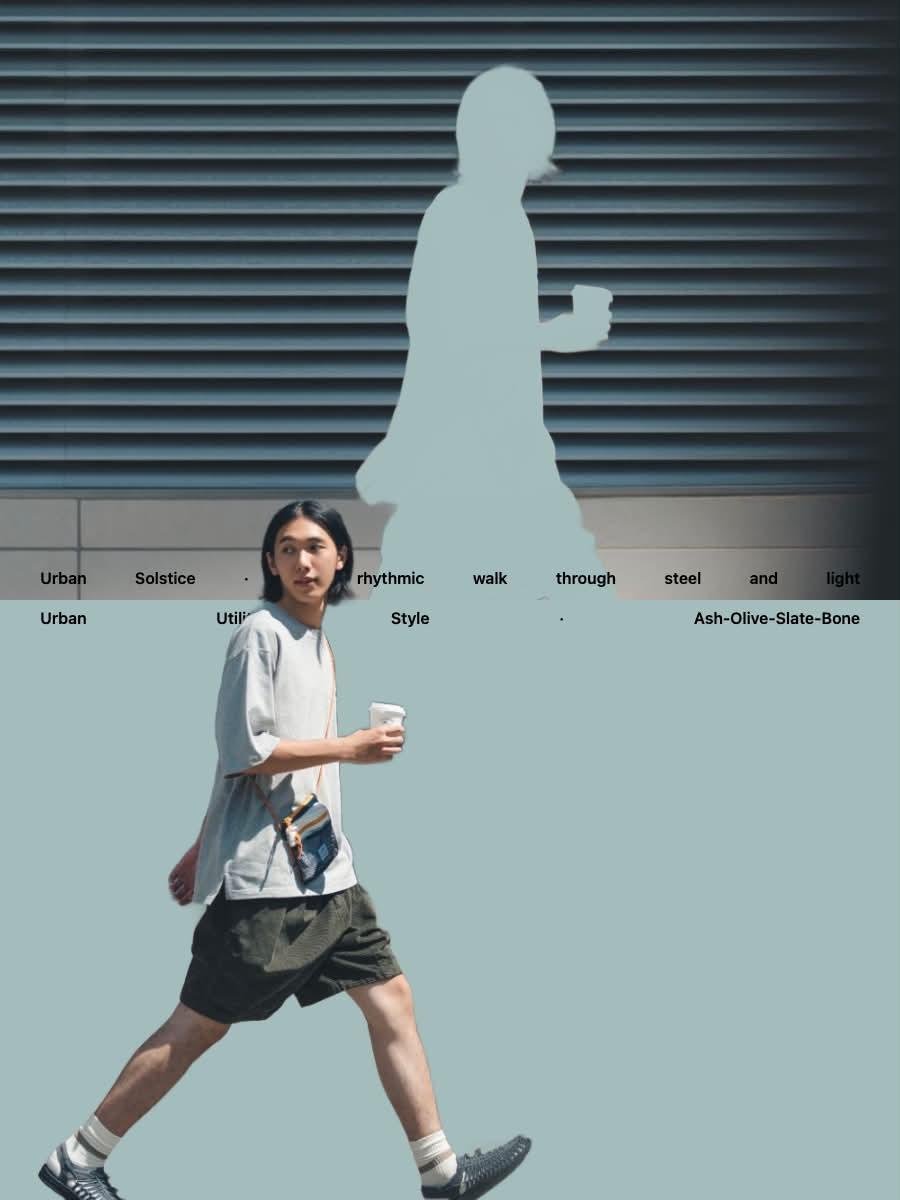
Japanese Minimalist Urban Fashion Campaign

Japan Travel Brochure Poster

Obscured Cyberpunk Girl Poster
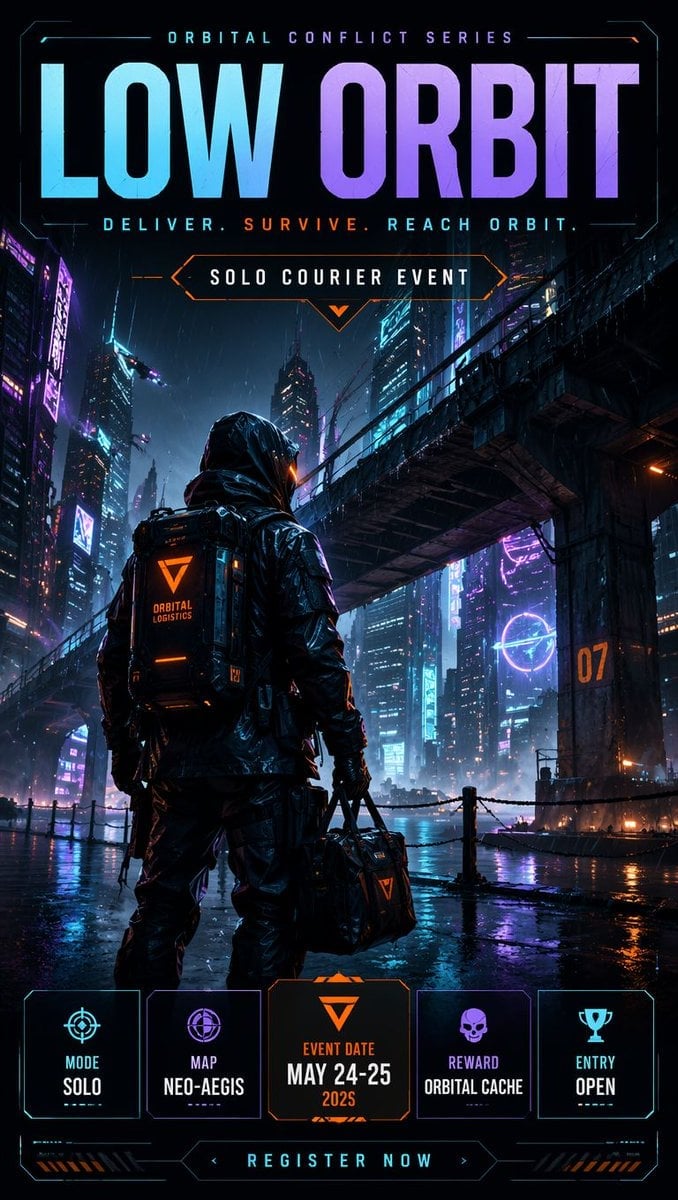
Cyberpunk Esports Courier Poster
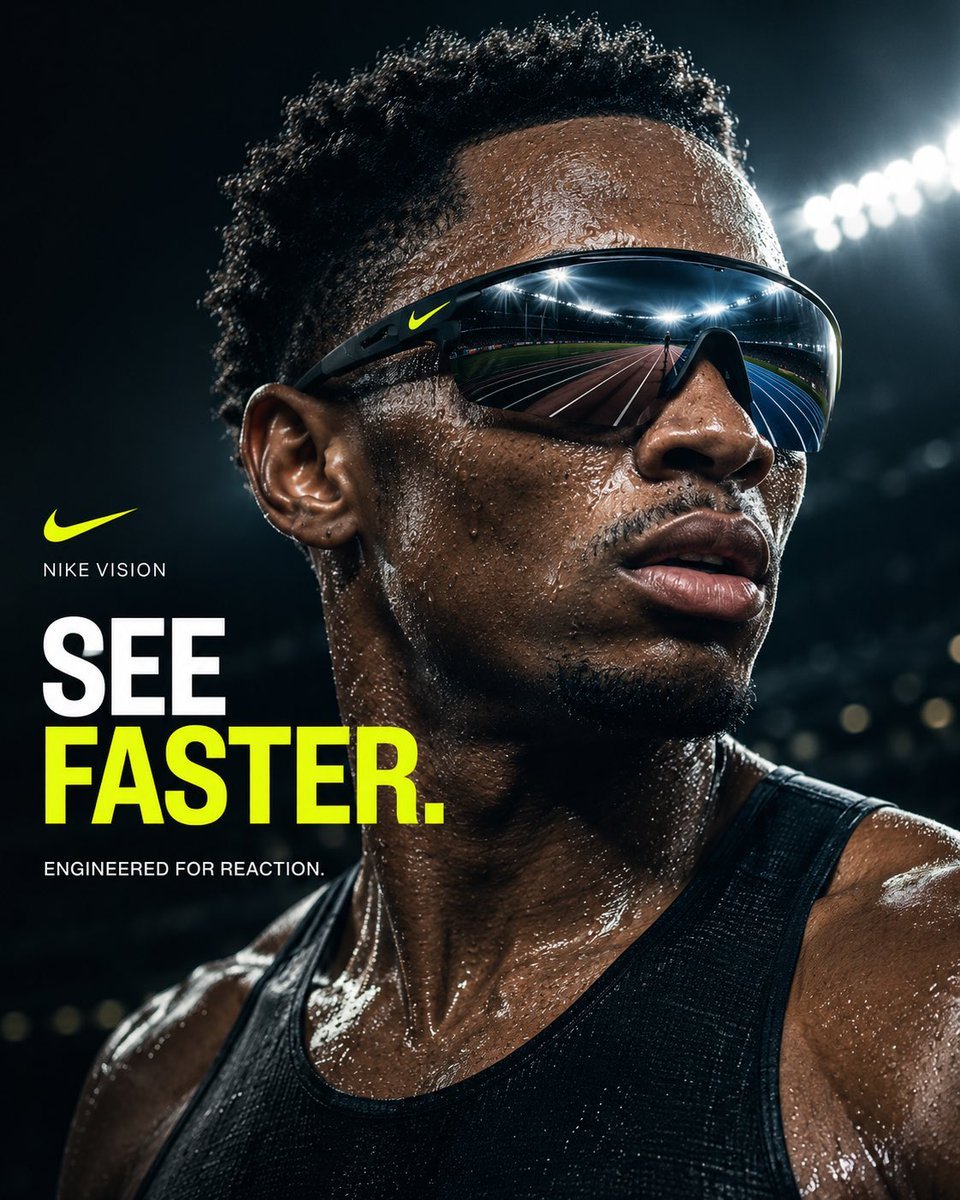
Nike Vision Sports Campaign Poster
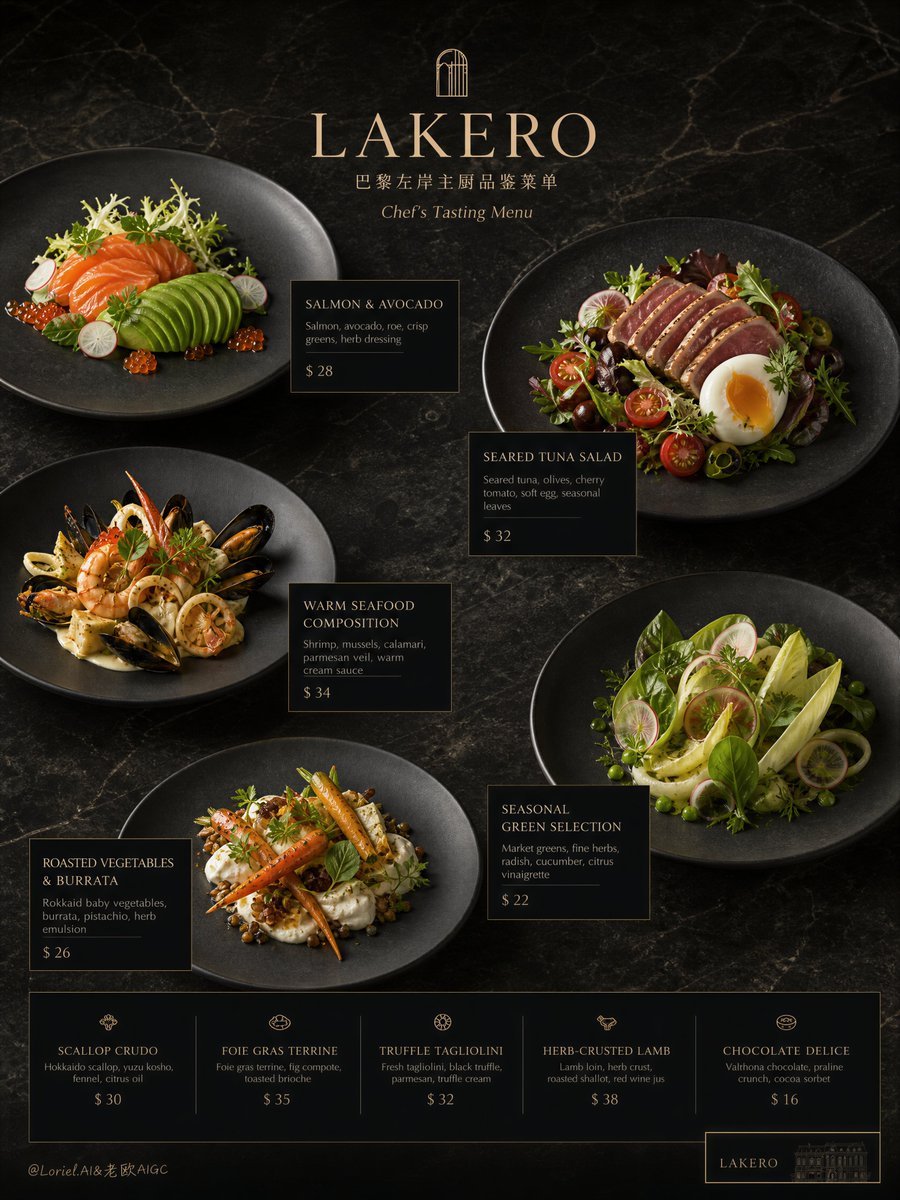
Premium Restaurant Campaign Poster
Make it yours
Cyberpunk Fashion Campaign Poster works as-is. These are the safest ways to change it without losing the look.
Change one field
Copy a single group, rewrite it, and generate again so you can see what that field is doing.
Keep the frame, change the subject
Hold the composition and light of Cyberpunk Fashion Campaign Poster, then swap wardrobe, props or the person for a new take.
| If the result… | Why | Fix |
|---|---|---|
| The result drifts from the preview | Too many fields changed at once. | Reuse Cyberpunk Fashion Campaign Poster as-is first, then change one group — subject, light, or setting. |
| The model over-stylizes the scene | The prose prompt leaves finish and camera underspecified. | Add one camera or lighting sentence and stay on GPT Image 2. |
More GPT Image 2 templates
Other prompts made for GPT Image 2.

Six VTuber Japanese Logo Sheet

Realistic Portrait of Woman and Deer

The Vista Modular Condo Poster

AI Model Routing Comparison Infographic

2.5D Anime Art Board

Isometric Productivity Desk Scene

New York Double Exposure Poster

Four-Panel AI Landscape Comparison

Japanese Tatami Lifestyle Magazine Cover

NESCAFÉ Coffee Map Poster
More image prompts
Fresh picks from across the catalog.
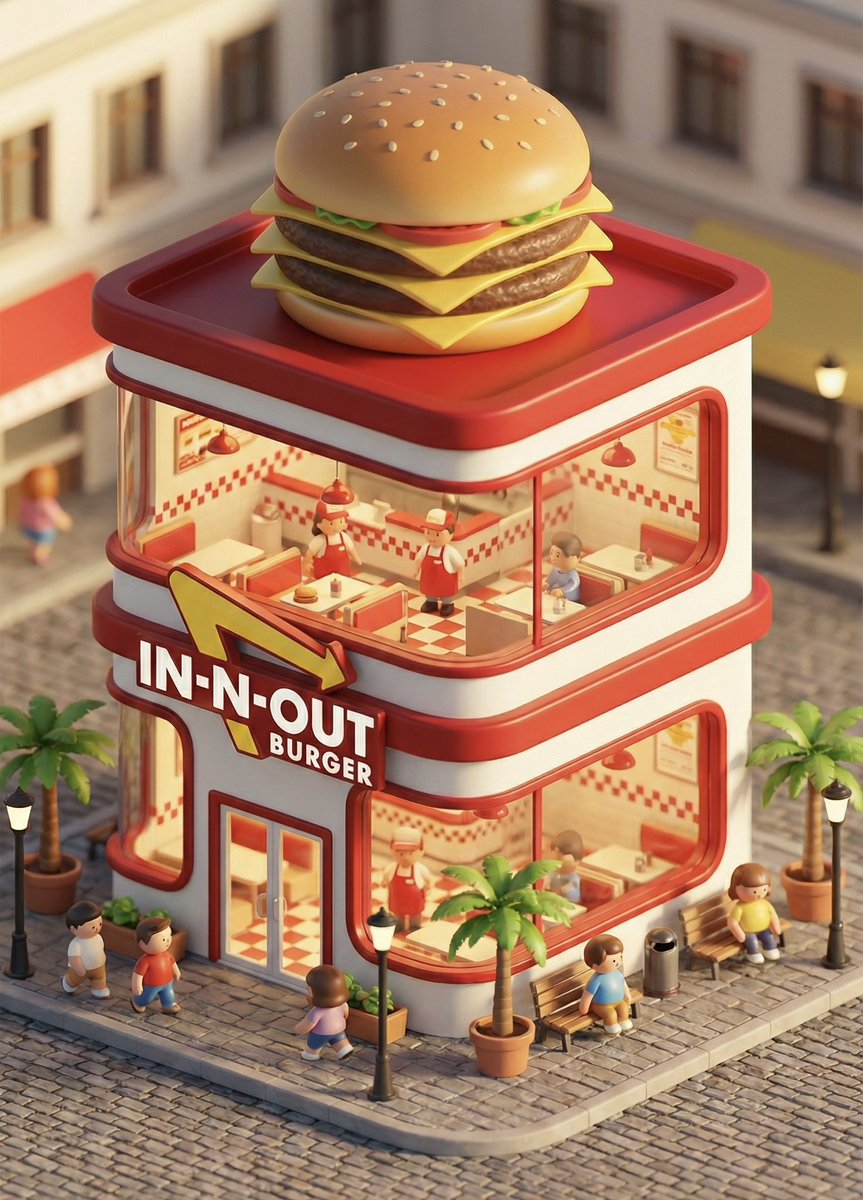
3D chibi concept store brand prompt
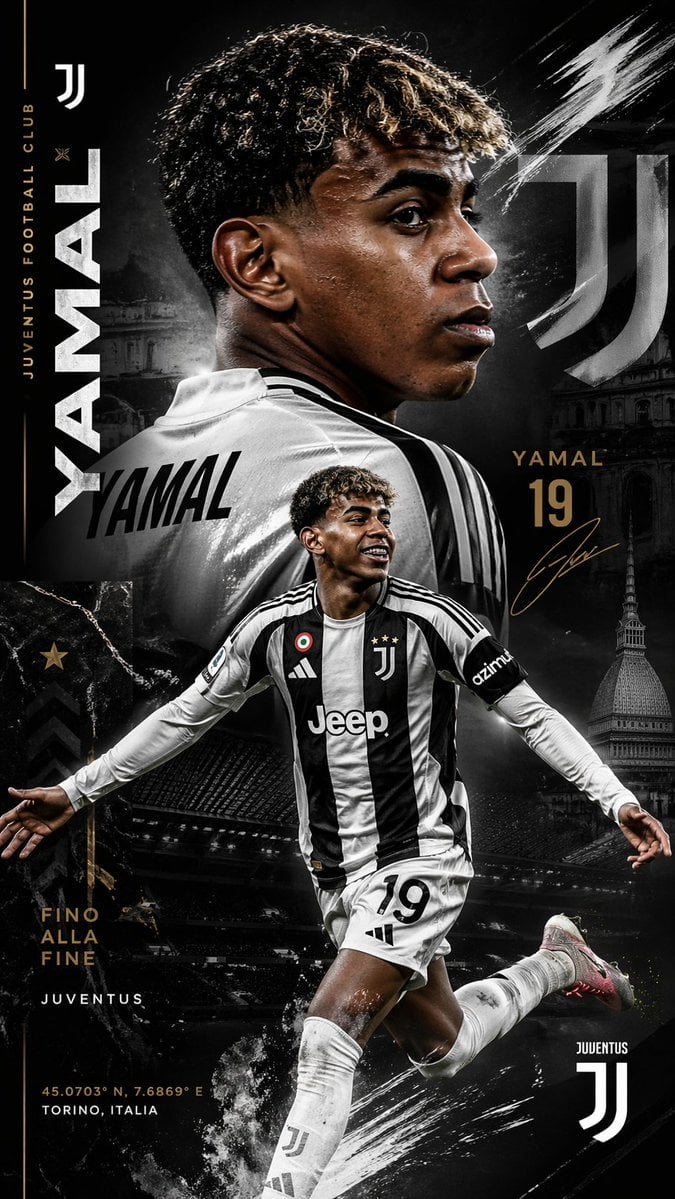
Juventus Yamal Transfer Poster
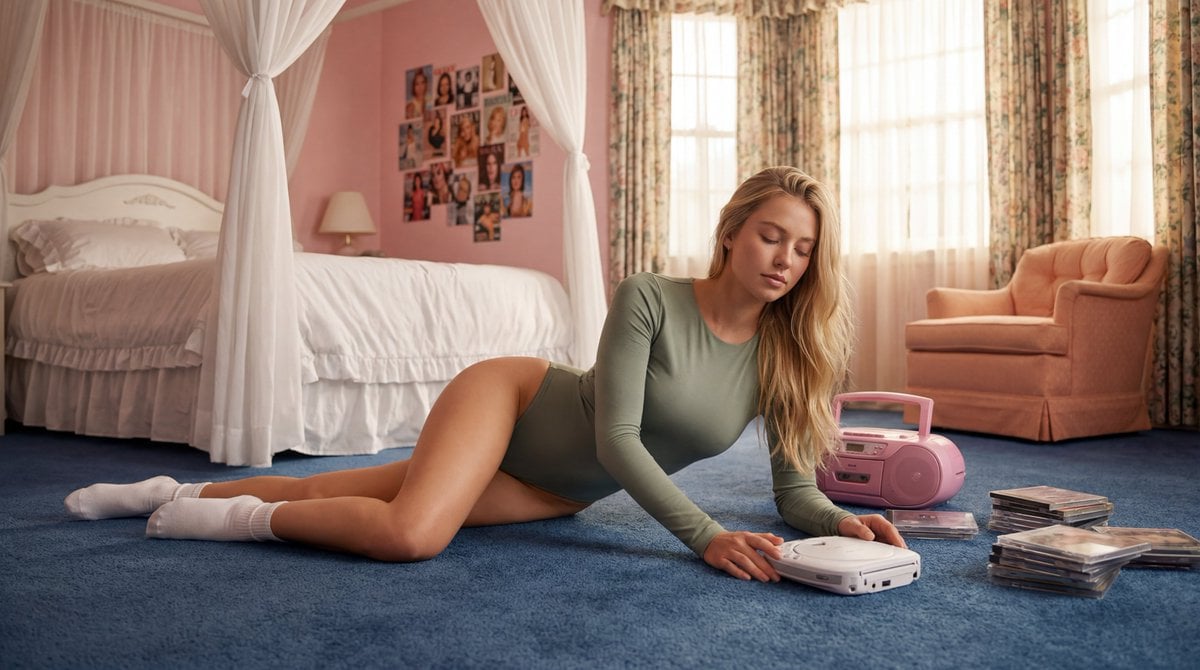
Strictly Controlled Editorial Pose and Anatomy Prompt
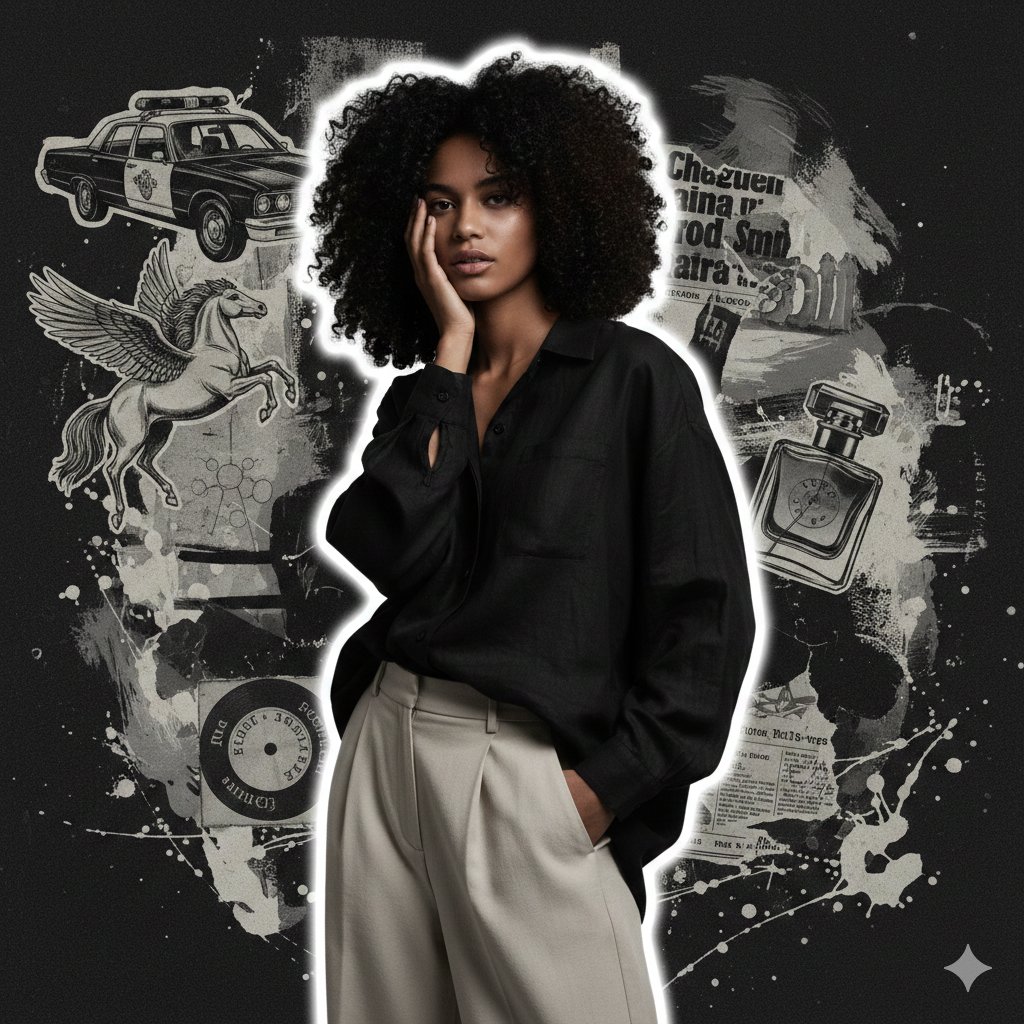
High-Fashion Grunge Portrait with Artistic Collage Background
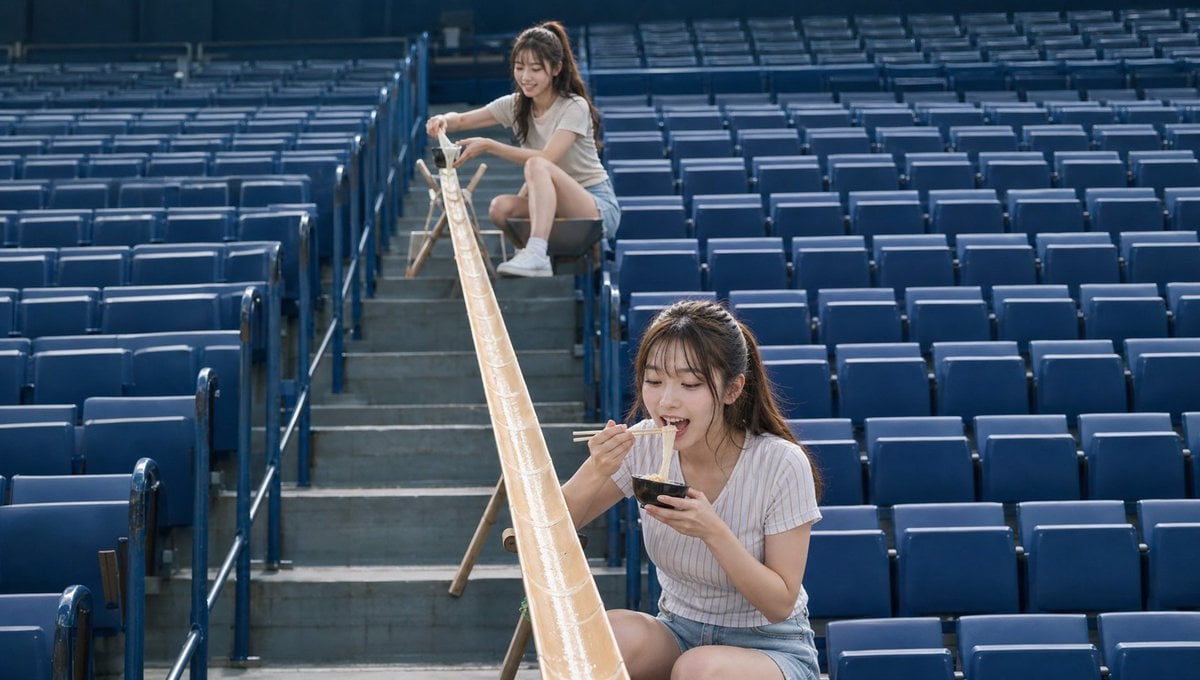
Empty Baseball Stadium Noodle Scene
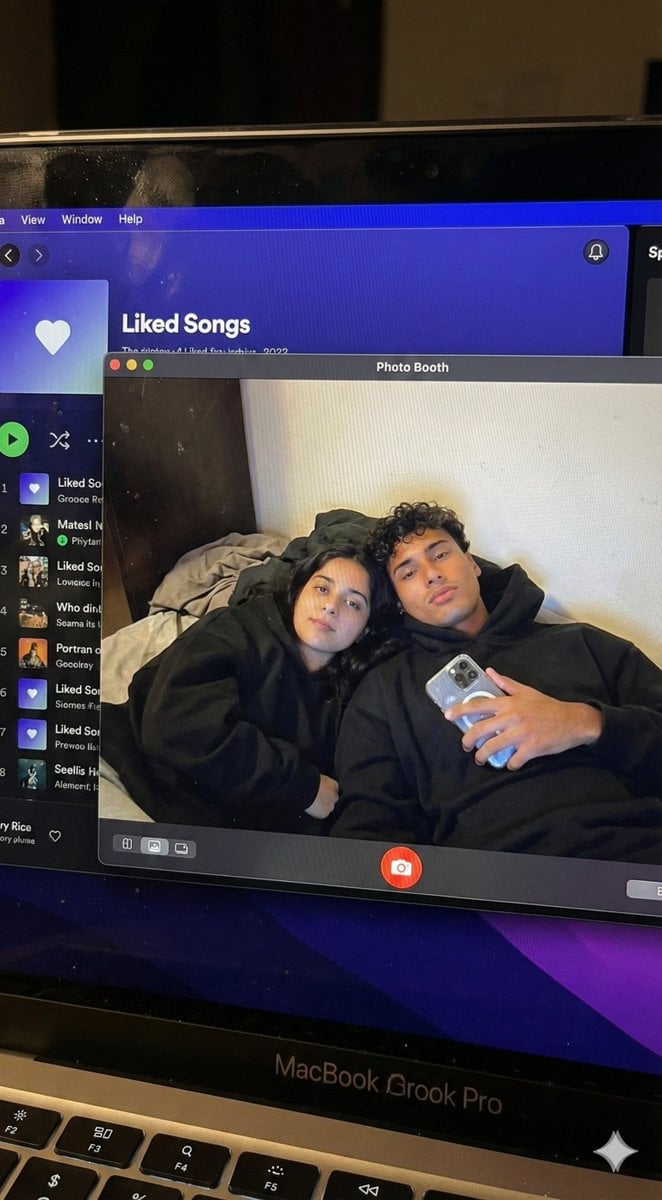
Couple MacBook screen selfie simulation prompt
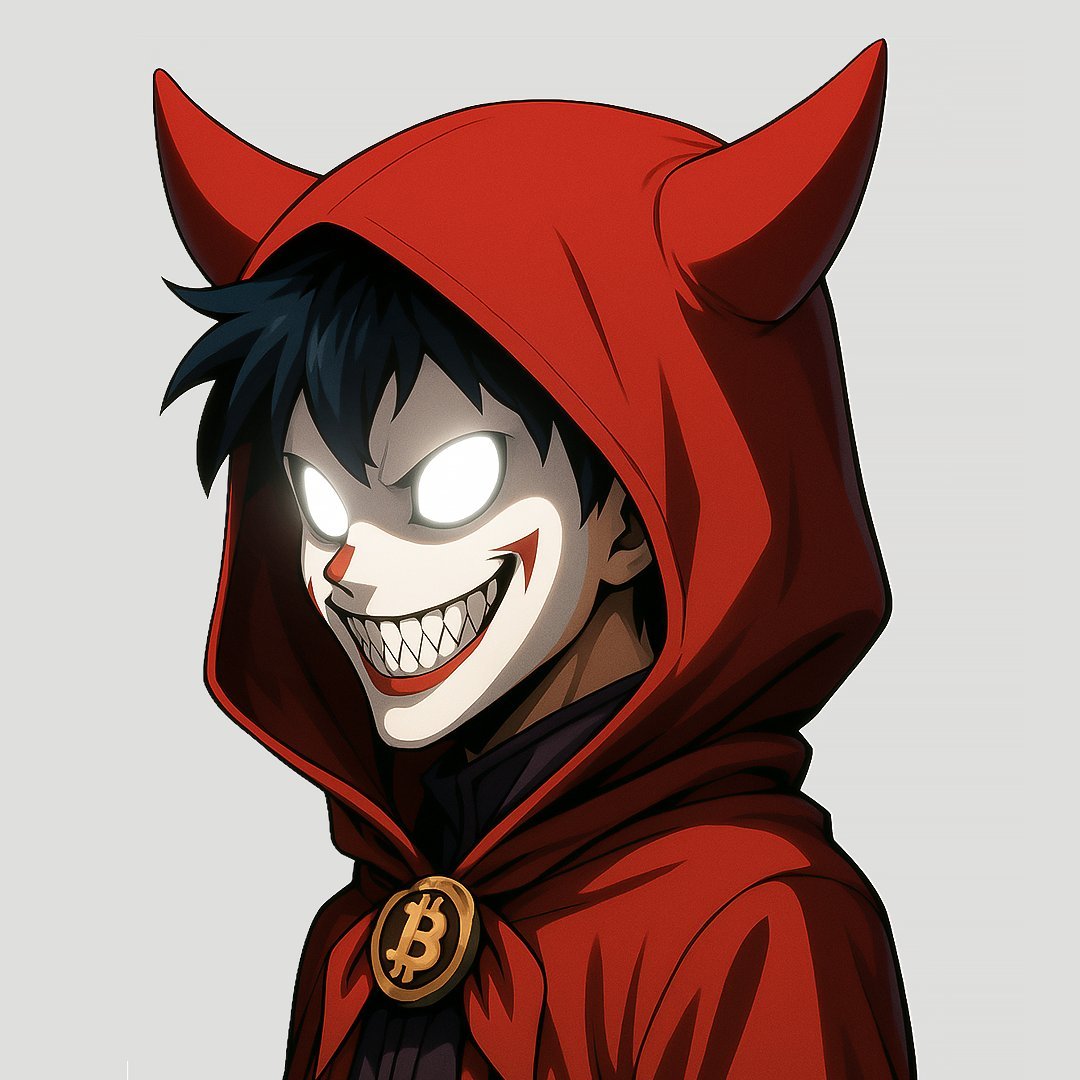
Prompt: Turn the uploaded image into a highly auth
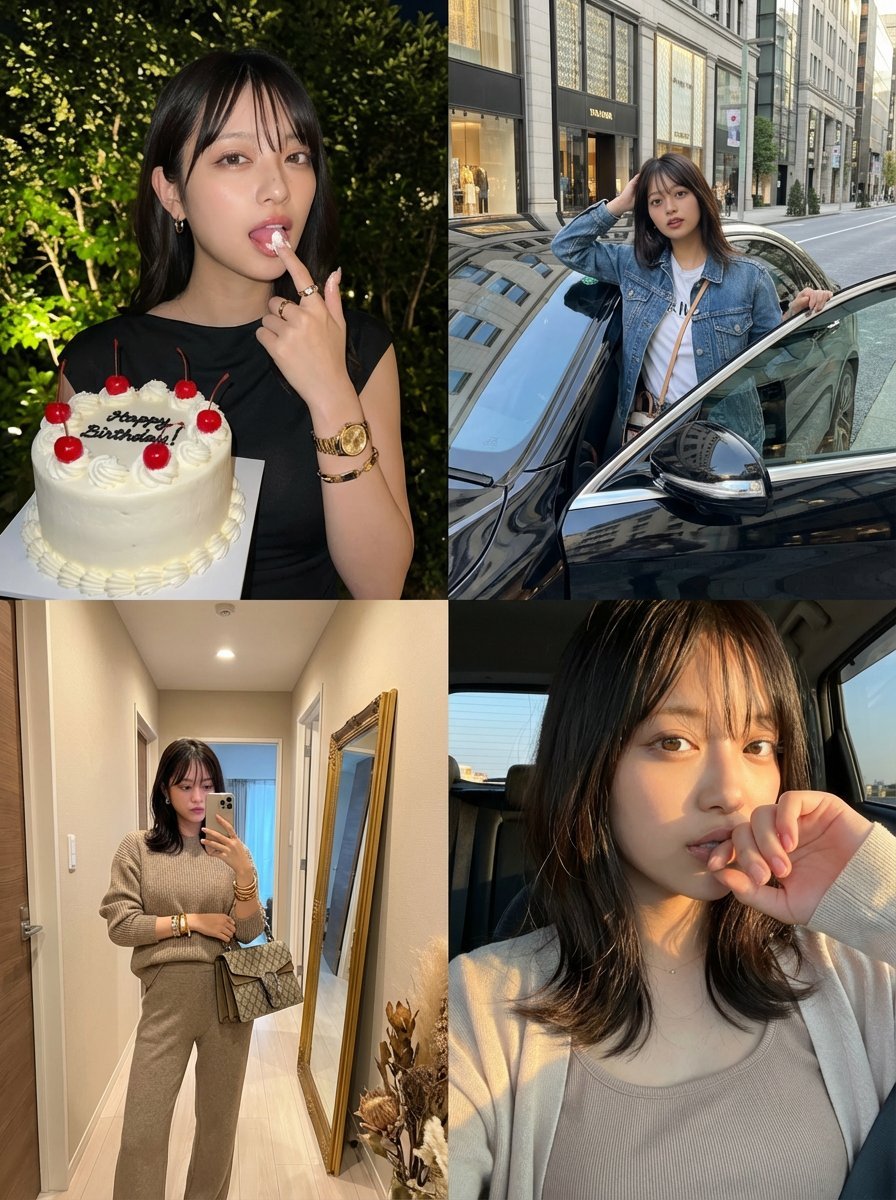
2x2 Grid Identity Lock Photo Collage Prompt
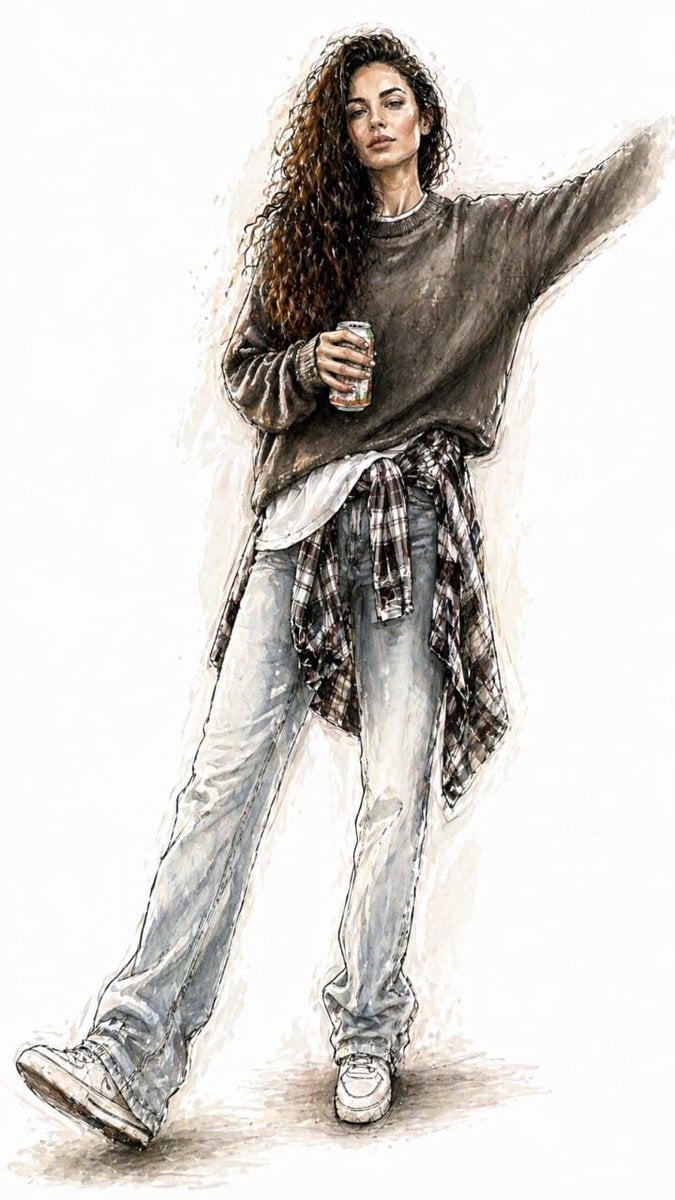
Watercolor Fashion Illustration Sketch
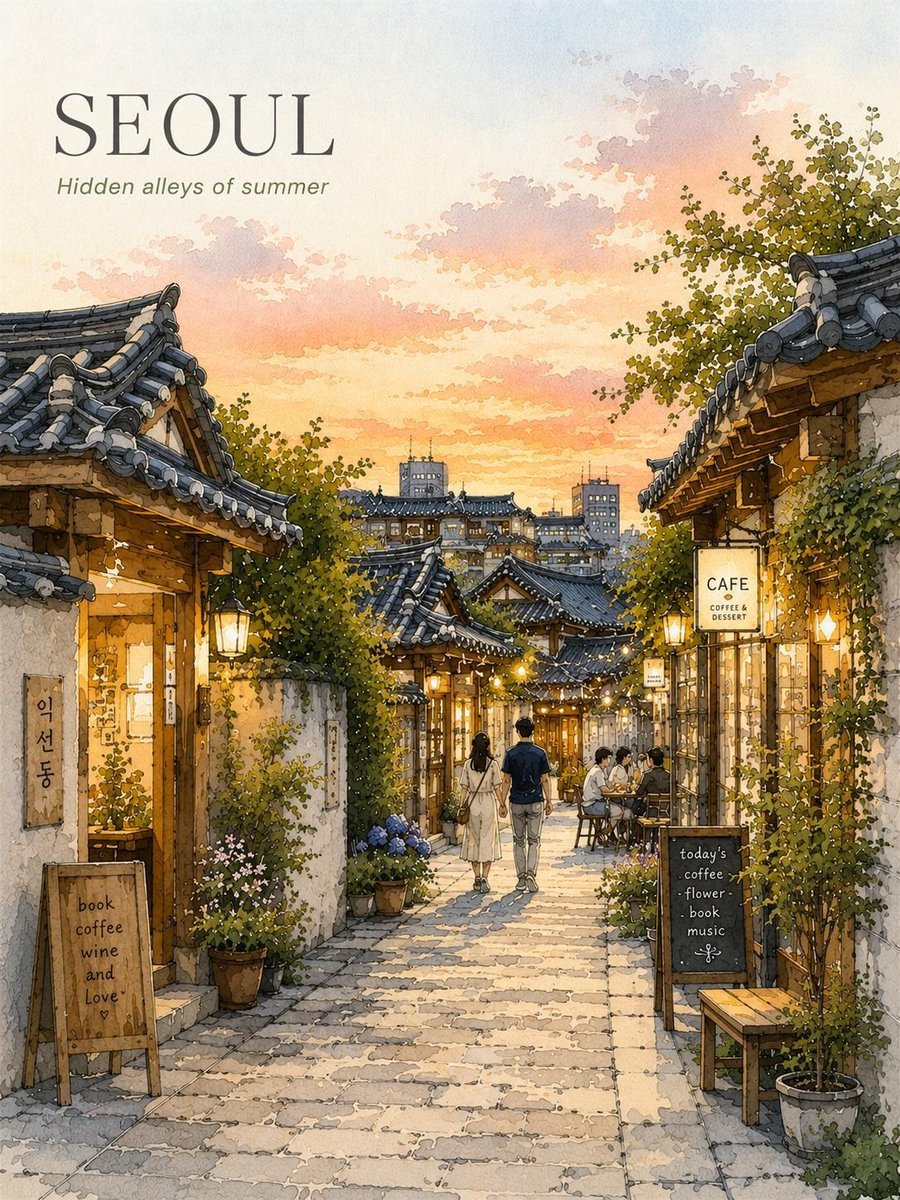
Seoul Watercolor Travel Poster
Browse template categories
Cyberpunk Fashion Campaign Poster questions
How do I use the Cyberpunk Fashion Campaign Poster template?
Add your photo if the template asks for one, edit the prompt if you like — the template's model and format are already selected — and press Generate. Your version opens in PicX Studio.
Can I customize the Cyberpunk Fashion Campaign Poster template?
Yes. You can change the subject, setting, lighting, mood, format, and available model controls before creating your image.
Is the Cyberpunk Fashion Campaign Poster template free?
Opening and editing this template is free. Generating uses credits, shown on the Generate button when you are signed in.
Which AI model should I use?
Start with GPT Image 2, which is the model associated with this template. You can compare another compatible model for a different finish.
Looking for something else? Browse all templates.

Your photo, any look
Thousands of ready templates for every top image and video model, from one credit balance.