
80s College Gate
Outside college, with friends — a 1980s restyle of a photo you upload, written for one person in frame.

- Prompt included
- Model and format preset
- Free template
The prompt behind this image
Copy the exact prompt behind 80s College Gate, or open it in the studio and make it yours.
Convert the girl in this picture into a stylish woman from 1980s. Dress her in a high-waisted, pleated jeans, with a colourful graphic print shirt tucked inside, giving full 80s fashion vibe. Her hair should look big and voluminous, and she should be adorned with lots of accessories like sunglasses, big earrings, and bracelets. The girl should be standing in front of the college gate with her friends, chatting and giggling with them. She should not be facing the camera but looking at her friends while doing so. The picture should look old and grainy with faded edges, giving an old-school, playful vibe overall.
How to use 80s College Gate in 3 steps
- 1Upload ImagePNG, JPG or paste
Add your photo
Upload the photo the template builds on. The prompt, model and format are already set.
- 2…a portrait of your subject in softgolden-hour light, 85mm…
Personalize
Edit the subject and creative details while keeping the 9:16 frame.
- 3Generate
Generate
Press Generate — your image is created in PicX Studio, so you can compare it with the original and refine one variable at a time.
More like this
Templates with the same subject, style or setup. Open one to see its prompt.












Make it yours
80s College Gate works as-is. These are the safest ways to change it without losing the look.
Change the frame
This template is built for 9:16. Try a matching image ratio in Studio if you need a different crop.
Change one field
Copy a single group, rewrite it, and generate again so you can see what that field is doing.
Keep the frame, change the subject
Hold the composition and light of 80s College Gate, then swap wardrobe, props or the person for a new take.
| If the result… | Why | Fix |
|---|---|---|
| The result drifts from the preview | Too many fields changed at once. | Reuse 80s College Gate as-is first, then change one group — subject, light, or setting. |
| The crop feels wrong | The prompt is framed for 9:16. | Set the image ratio to 9:16 before generating. |
| The model over-stylizes the scene | The prose prompt leaves finish and camera underspecified. | Add one camera or lighting sentence and stay on Openai/gpt Image 2.5/flare. |
More image prompts
Fresh picks from across the catalog.

Image Restoration and Enhancement Prompt
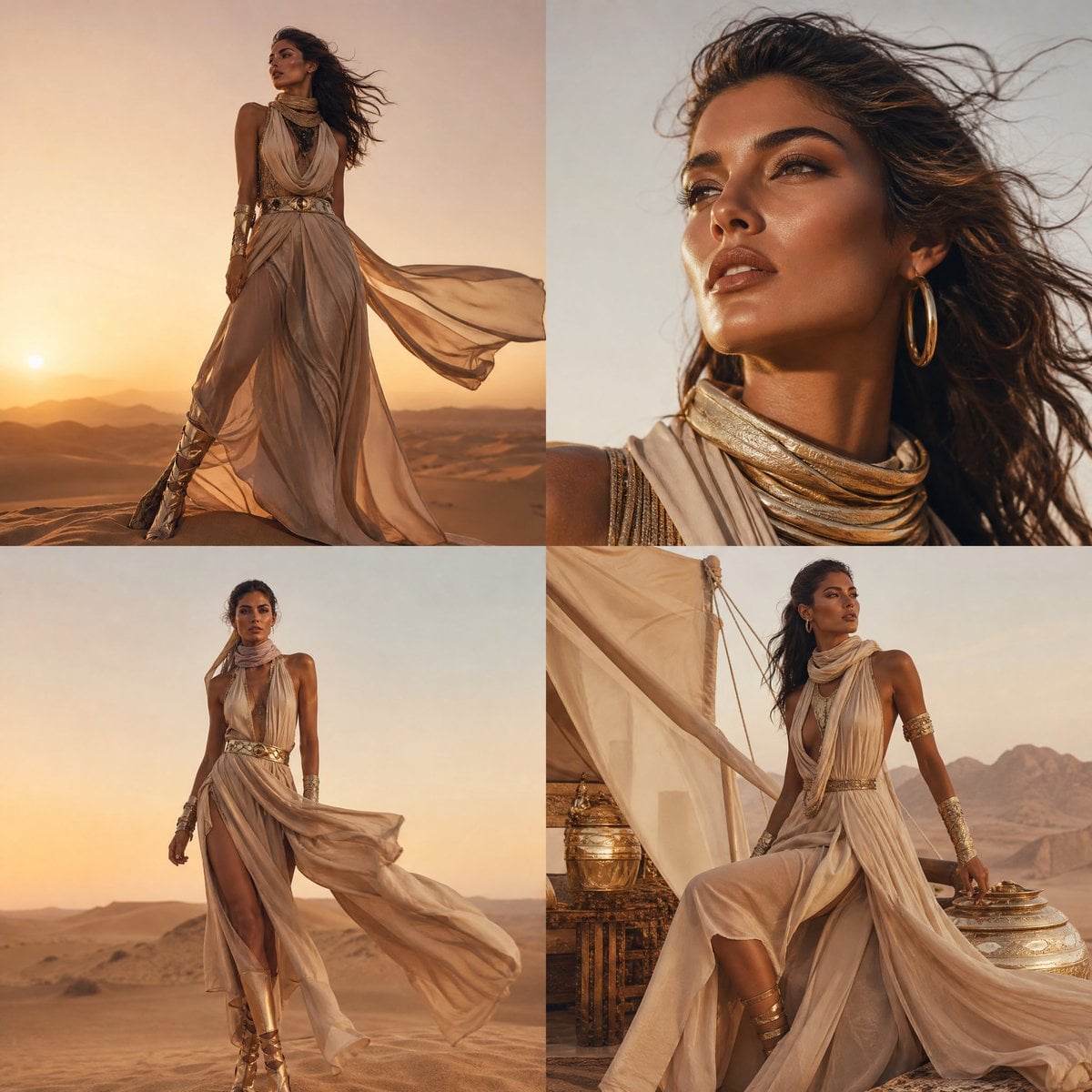
High-Fashion Desert Couture Shoot

Ancient Scholar AI Safety Poster
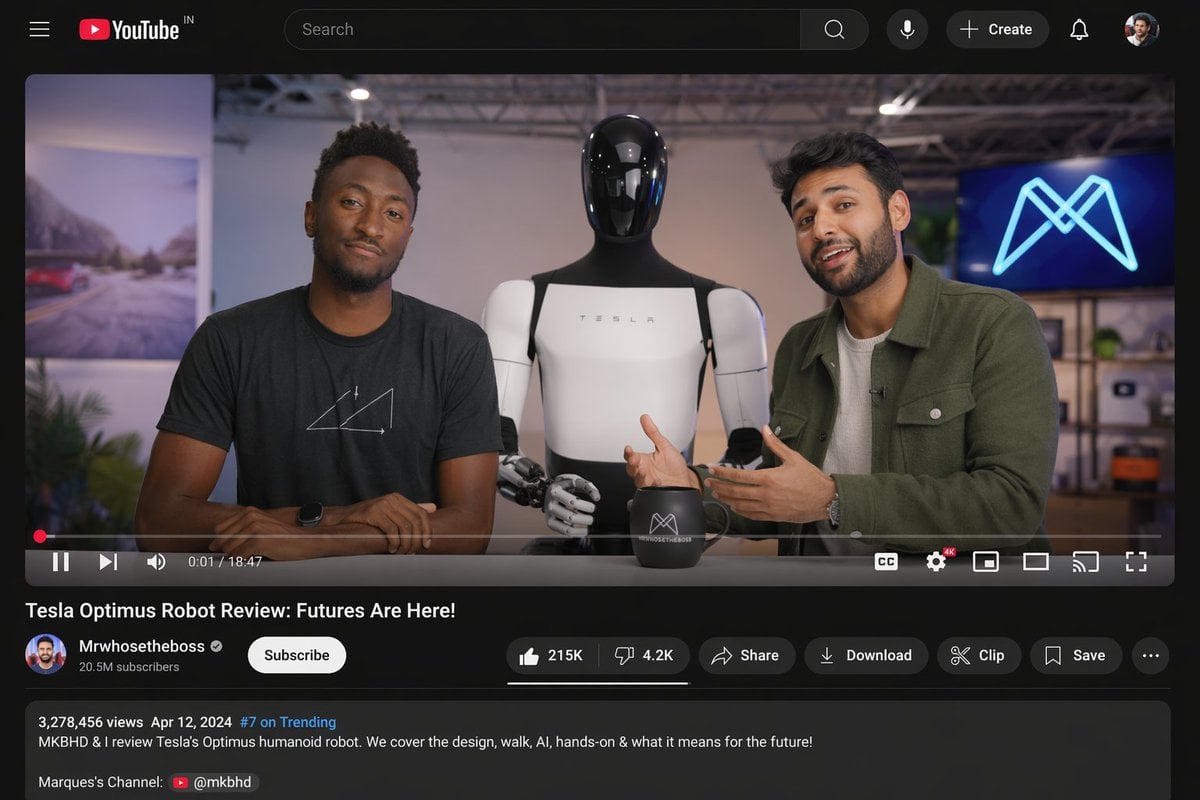
YouTube Video Interface Mockup
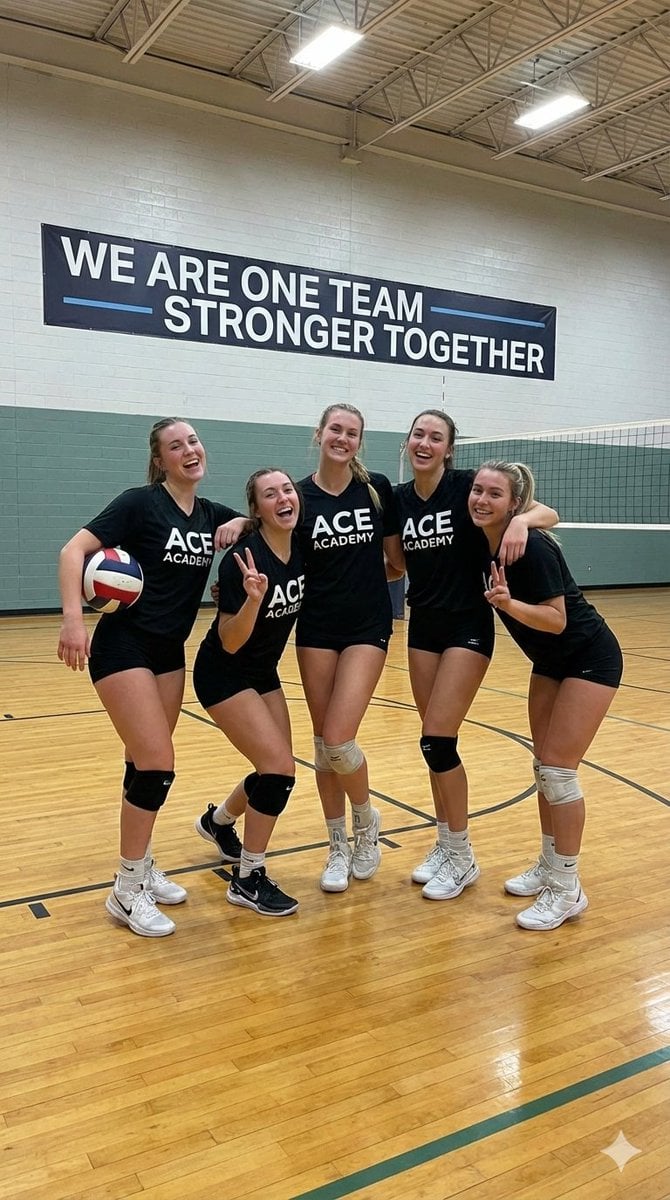
Indoor Female Volleyball Team Photo

AI Footballer Goal Celebration Generation
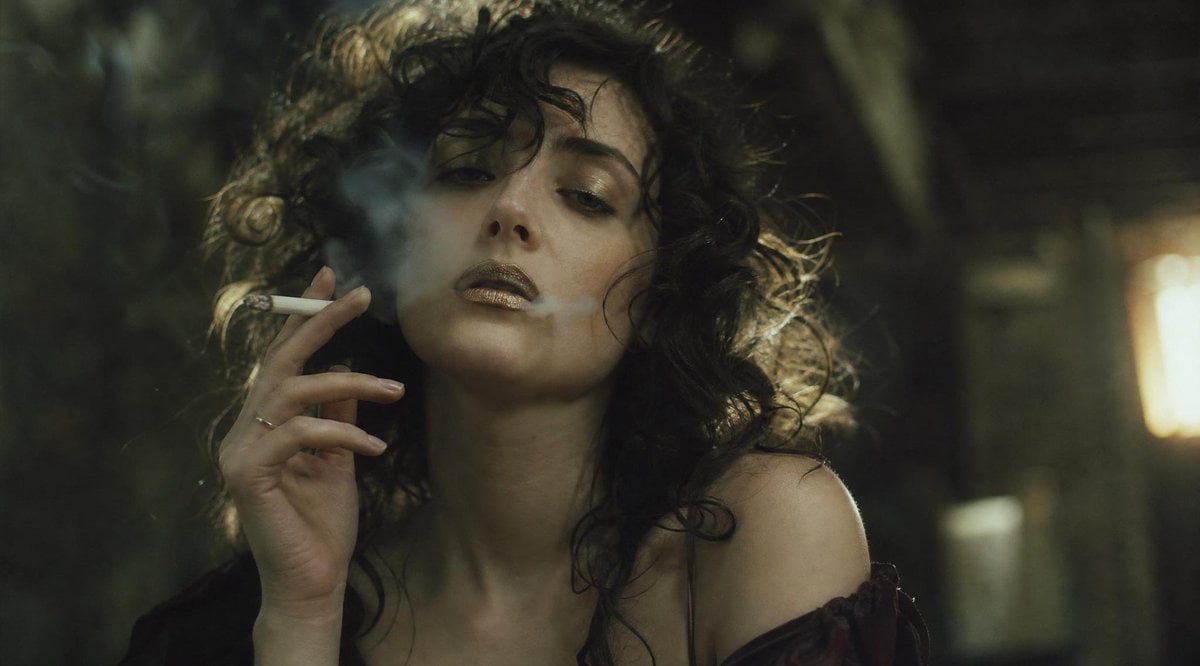
Cinematic Smoking Portrait With Censored Face

Indonesian School Nutrition Landing Page

Nano Banana - Paris Night Party Dancing
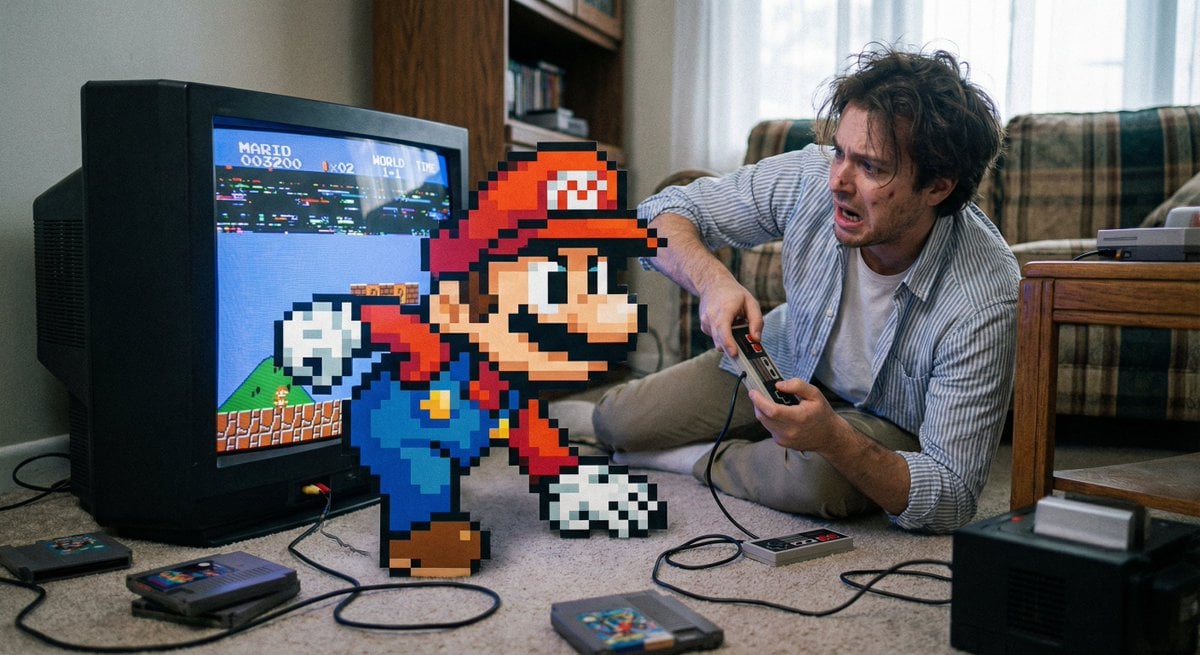
Pixel game character climbing out of TV
Browse template categories
80s College Gate questions
How do I use the 80s College Gate template?
Add your photo if the template asks for one, edit the prompt if you like — the template's model and format are already selected — and press Generate. Your version opens in PicX Studio.
Can I customize the 80s College Gate template?
Yes. You can change the subject, setting, lighting, mood, format, and available model controls before creating your image.
Is the 80s College Gate template free?
Opening and editing this template is free. Generating uses credits, shown on the Generate button when you are signed in.
Which AI model should I use?
Start with Openai/gpt Image 2.5/flare, which is the model associated with this template. You can compare another compatible model for a different finish.
Looking for something else? Browse all templates.

Your photo, any look
Thousands of ready templates for every top image and video model, from one credit balance.