
Indonesian School Nutrition Landing Page
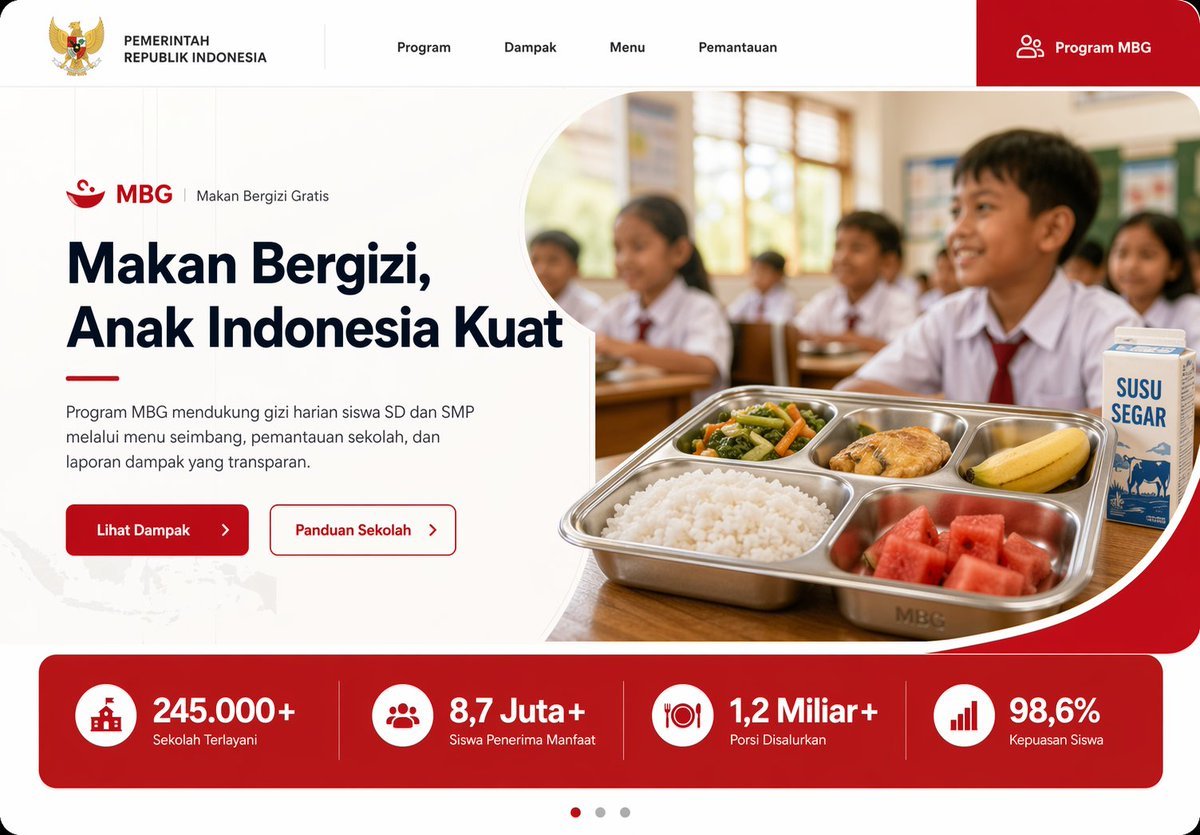
A polished desktop website hero mockup for Indonesia's MBG school nutrition program, suitable for government, civic tech, or frontend design showcases.
- Prompt included
- Model and format preset
- Free template
The prompt behind this image
Copy the exact prompt behind Indonesian School Nutrition Landing Page, or open it in the studio and make it yours.
Create a modern government program landing page UI mockup for Indonesia in a clean, professional web design style, desktop widescreen aspect ratio. The page uses a white background with bold red accents, soft rounded corners, subtle gray dividers, and a polished frontend-dribbble presentation look. At the very top, build a horizontal navigation bar with 6 visible elements: the Indonesian Garuda emblem and the text "PEMERINTAH REPUBLIK INDONESIA" on the left, then 4 centered menu items labeled "Program", "Dampak", "Menu", and "Pemantauan", and on the far right a large red rounded button labeled "Program MBG" with a small people icon. Below it, design a hero section split into two columns. On the left, show a small program label line with a red bowl icon, the text "MBG", a vertical divider, and "Makan Bergizi Gratis". Under that, place a large bold headline reading "{argument name="headline text" default="Makan Bergizi, Anak Indonesia Kuat"}" in dark navy, spanning 3 lines. Add a short paragraph in Indonesian below: "Program MBG mendukung gizi harian siswa SD dan SMP melalui menu seimbang, pemantauan sekolah, dan laporan dampak yang transparan." Then place 2 call-to-action buttons side by side: a solid red button labeled "Lihat Dampak" with a right arrow, and an outlined white button with red border labeled "Panduan Sekolah" with a right arrow. On the right side of the hero, place a rounded large photo-style image framed by a sweeping white curved divider and red corner background. The image shows an Indonesian elementary classroom with 5 visible schoolchildren in white uniforms with red ties, seated at desks, warm daylight from windows, shallow depth of field, documentary-photo realism. In the foreground, on a wooden desk, show a stainless steel compartment tray meal with exactly 5 food items: white rice, mixed vegetables, a piece of fried chicken, a banana, and watermelon cubes. Beside the tray, place 1 milk carton labeled "SUSU SEGAR". Under the hero, add a full-width red statistics band with 4 equally spaced metric cards separated by thin vertical dividers. Each card has a white circular icon and bold white text. The 4 metrics are: "245.000+" with label "Sekolah Terlayani", "8,7 Juta+" with label "Siswa Penerima Manfaat", "1,2 Miliar+" with label "Porsi Disalurkan", and "98,6%" with label "Kepuasan Siswa". At the bottom center, add a 3-dot carousel indicator with the left dot active in red and the other 2 dots gray. Include a faint Indonesia map texture in the lower-left background. Use crisp typography, generous whitespace, high-end fintech/government website aesthetics, realistic UI proportions, and a production-ready landing page mockup appearance.
How to use Indonesian School Nutrition Landing Page in 3 steps
- 1Upload ImagePNG, JPG or paste
Add your photo
Upload the photo the template builds on. The prompt, model and format are already set.
- 2…a portrait of your subject in softgolden-hour light, 85mm…
Personalize
Edit the subject and creative details for your destination.
- 3Generate
Generate
Press Generate — your image is created in PicX Studio, so you can compare it with the original and refine one variable at a time.
More like this
Templates with the same subject, style or setup. Open one to see its prompt.

Cute AI Doodle Generator Landing Page
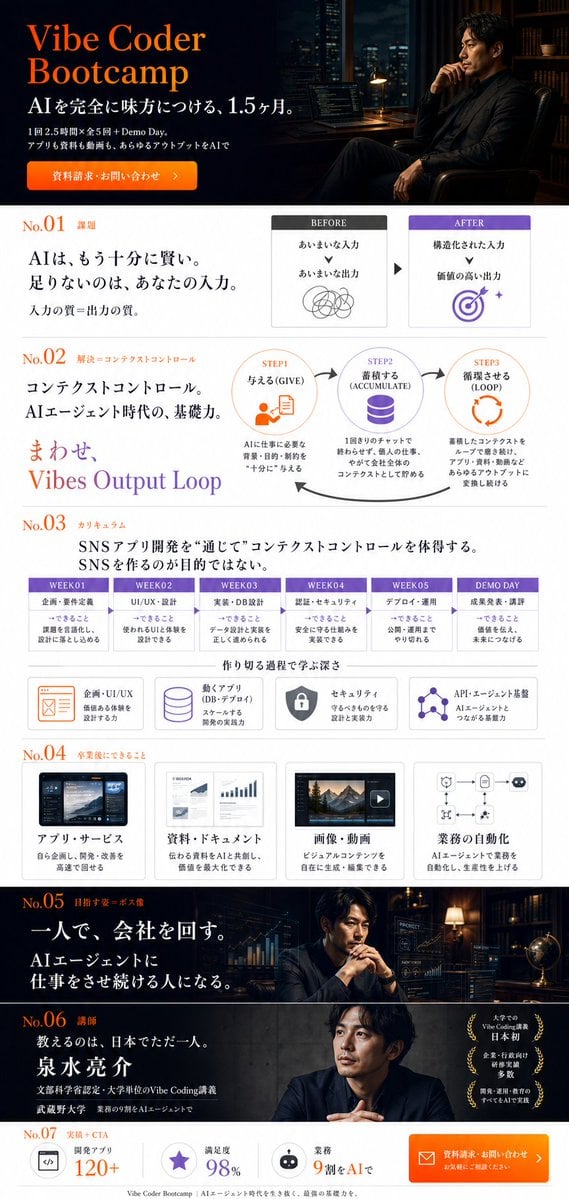
Vibe Coder Bootcamp Landing Page
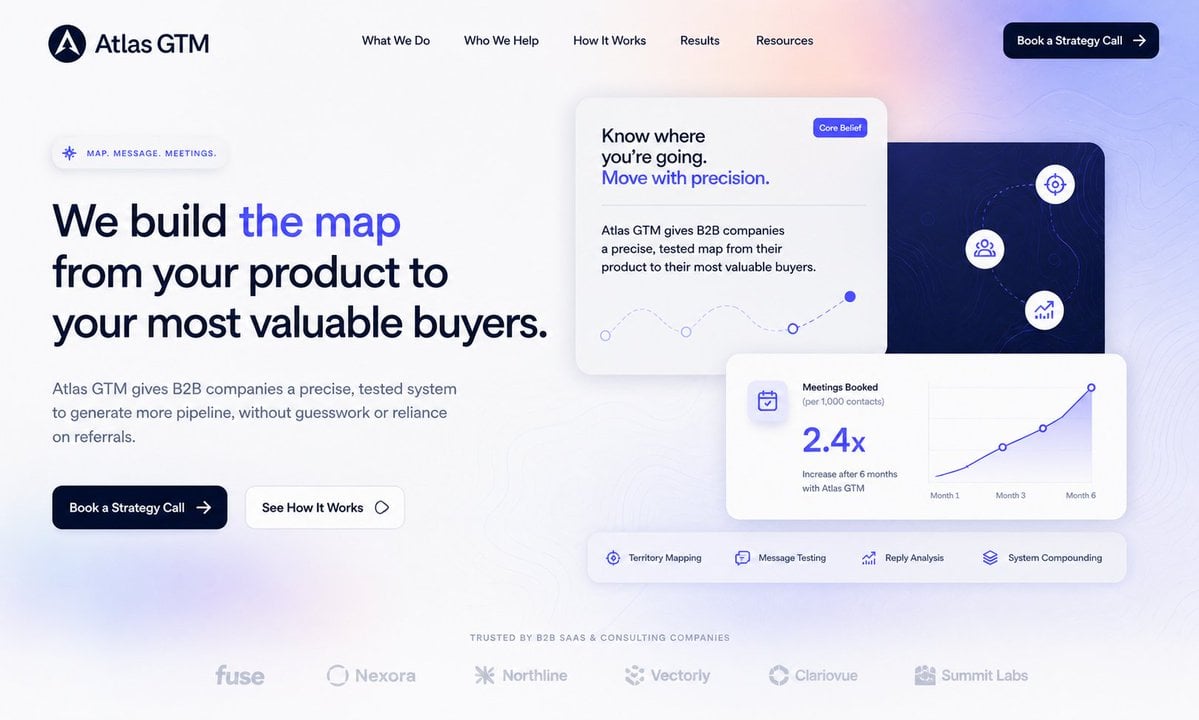
Atlas GTM SaaS Hero Landing Page
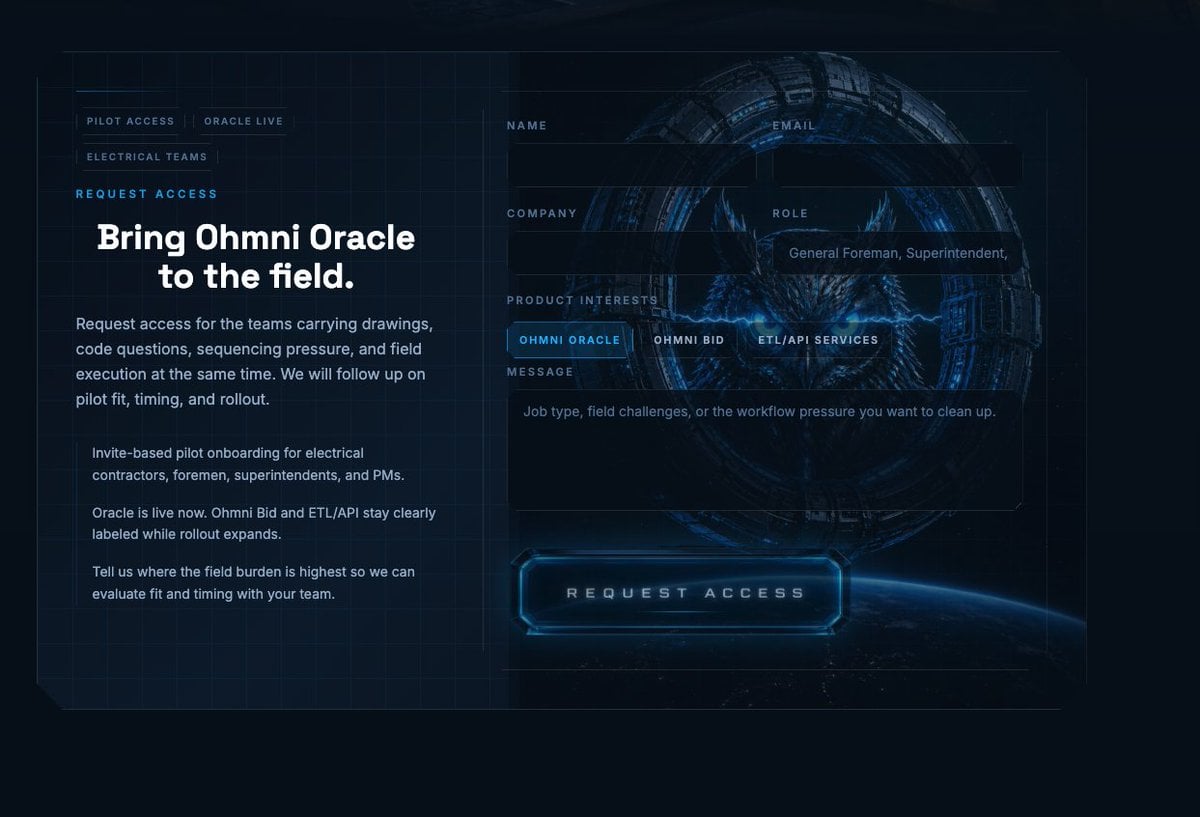
Futuristic Ohmni Access Landing Page

Luxury E-Commerce Landing Page Mockup
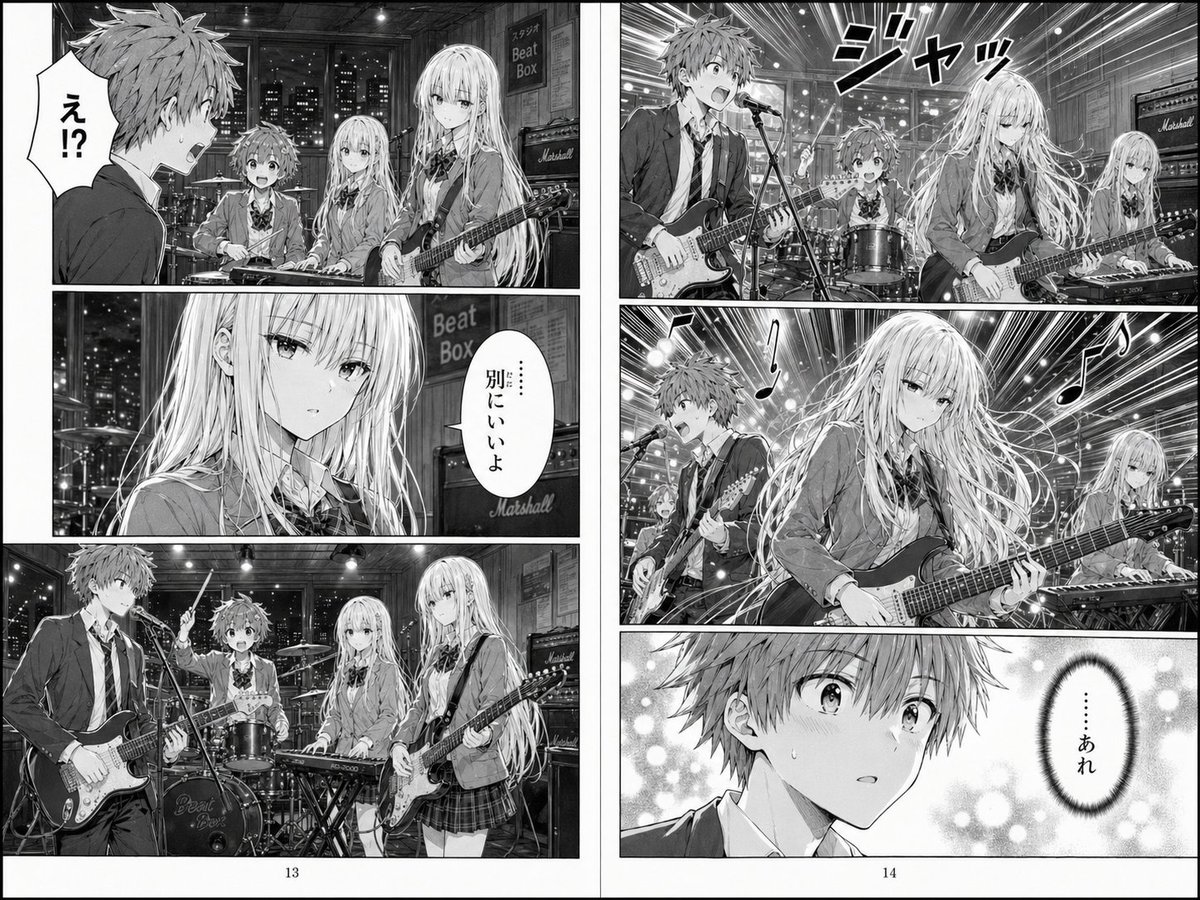
Two-Page School Band Manga Spread
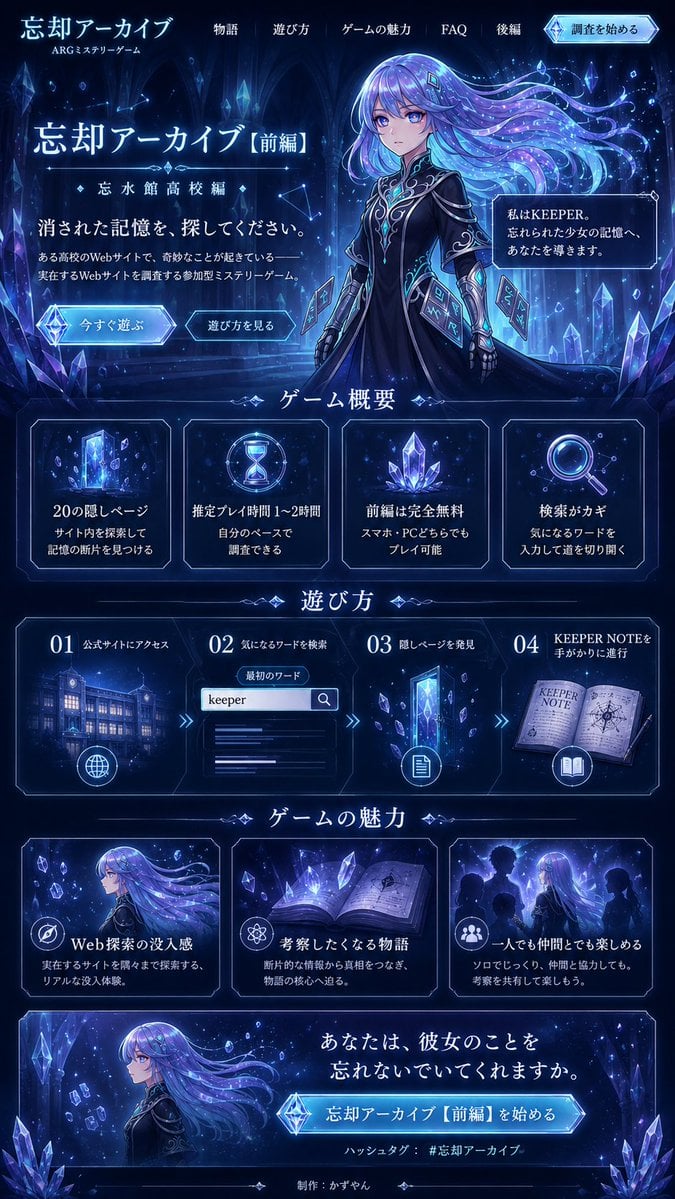
Forgotten Archive ARG Landing Page
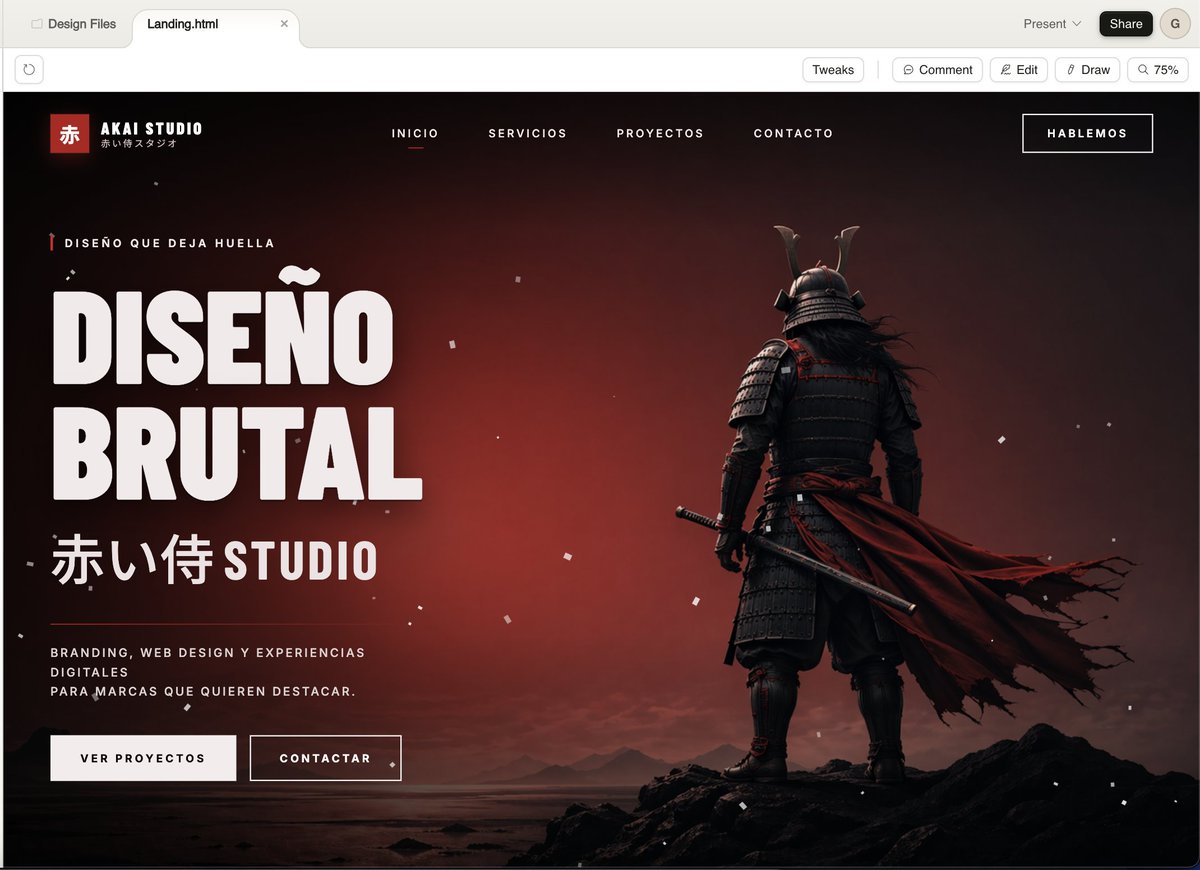
Cinematic Samurai Agency Landing Page
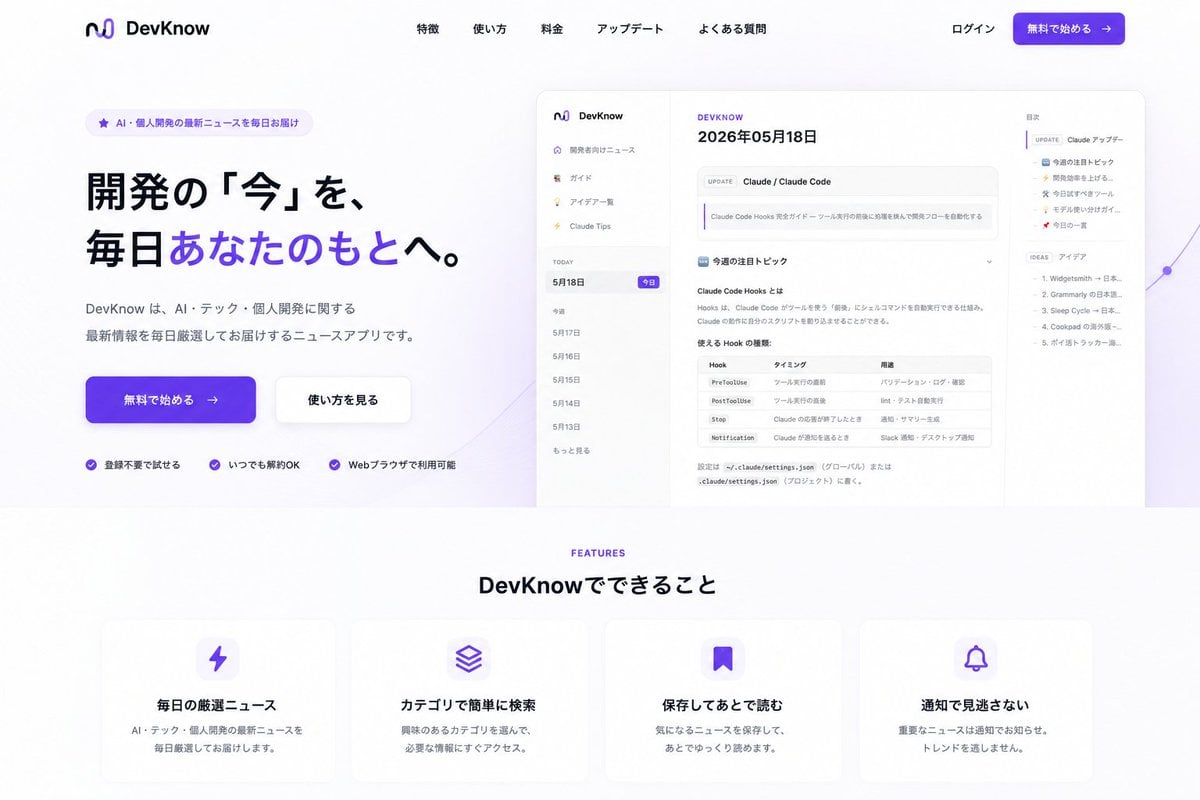
NOVALITH SaaS Landing Page Hero
ASCII Layout Landing Page Generator

SaaS AI Dashboard Landing Page

Mintpage AI Landing Page Hero
Make it yours
Indonesian School Nutrition Landing Page works as-is. These are the safest ways to change it without losing the look.
Change one field
Copy a single group, rewrite it, and generate again so you can see what that field is doing.
Keep the frame, change the subject
Hold the composition and light of Indonesian School Nutrition Landing Page, then swap wardrobe, props or the person for a new take.
| If the result… | Why | Fix |
|---|---|---|
| The result drifts from the preview | Too many fields changed at once. | Reuse Indonesian School Nutrition Landing Page as-is first, then change one group — subject, light, or setting. |
| The model over-stylizes the scene | The prose prompt leaves finish and camera underspecified. | Add one camera or lighting sentence and stay on GPT Image 2. |
More GPT Image 2 templates
Other prompts made for GPT Image 2.

Six VTuber Japanese Logo Sheet

Realistic Portrait of Woman and Deer

The Vista Modular Condo Poster

AI Model Routing Comparison Infographic

2.5D Anime Art Board

Isometric Productivity Desk Scene

New York Double Exposure Poster

Four-Panel AI Landscape Comparison

Japanese Tatami Lifestyle Magazine Cover

NESCAFÉ Coffee Map Poster
More image prompts
Fresh picks from across the catalog.

Vogue Cover Paparazzi Portrait

Hip-Hop Fashion Motion Streak Portrait

Cinematic mirror selfie in a stainless-steel elevator

Miniature Figure Close-up with Melted Pizza Cheese

Monika Anime Banner Illustration

Anime Techwear Character Poster
Futuristic X Influencer Portrait
Kawaii Vegetable Food Sculptures

Photorealistic Split-Screen Collage Prompt
Diorama Reinterpretation Prompt
Browse template categories
Indonesian School Nutrition Landing Page questions
How do I use the Indonesian School Nutrition Landing Page template?
Add your photo if the template asks for one, edit the prompt if you like — the template's model and format are already selected — and press Generate. Your version opens in PicX Studio.
Can I customize the Indonesian School Nutrition Landing Page template?
Yes. You can change the subject, setting, lighting, mood, format, and available model controls before creating your image.
Is the Indonesian School Nutrition Landing Page template free?
Opening and editing this template is free. Generating uses credits, shown on the Generate button when you are signed in.
Which AI model should I use?
Start with GPT Image 2, which is the model associated with this template. You can compare another compatible model for a different finish.
Looking for something else? Browse all templates.

Your photo, any look
Thousands of ready templates for every top image and video model, from one credit balance.