
Vibe Coder Bootcamp Landing Page
A detailed prompt for generating a premium Japanese AI coding bootcamp landing page with seven structured sections, diagrams, curriculum cards, portraits, and CTA blocks.
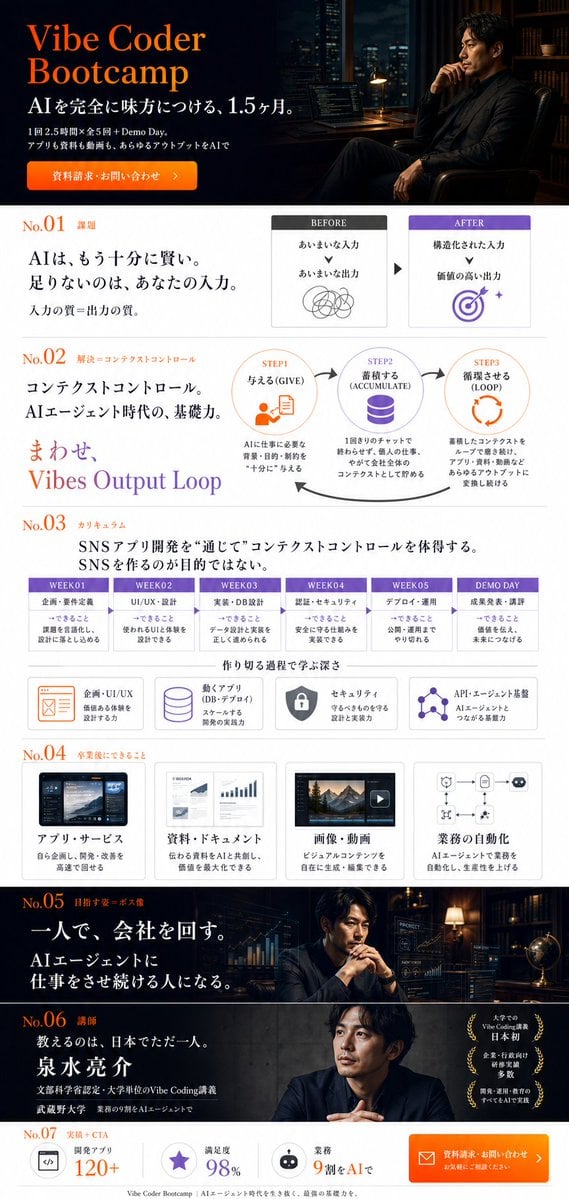
- Prompt included
- Model and format preset
- Premium template
The prompt behind this image
Copy the exact prompt behind Vibe Coder Bootcamp Landing Page, or open it in the studio and make it yours.
Goal: Create a full-page vertical Japanese landing page mockup for {argument name="bootcamp name" default="Vibe Coder Bootcamp"}, presenting an AI coding / AI agent bootcamp with a premium, serious, slightly philosophical tone but clear practical benefits. Canvas: Tall mobile-web landing page screenshot, approximately 9:16 aspect ratio, white page body with dark cinematic hero and dark mid-page photo bands. Use a polished startup/education landing page style, high fidelity, crisp typography, and clean spacing. Visual style: Japanese premium business design combining orange accent typography, deep navy/black backgrounds, white content cards, thin gray dividers, purple highlights, simple line icons, and documentary-style portraits. Use serif-like Japanese headline typography mixed with modern sans-serif UI text. Make the layout dense but readable, like a real LP design comp. Layout and sections: Include exactly 7 numbered sections labeled No.01 through No.07. Hero section: At the top, dark cinematic banner. Left side contains a large orange English title “Vibe Coder Bootcamp,” Japanese subtitle “AIを完全に味方につける、1.5ヶ月。” and smaller Japanese copy “1回2.5時間×全5回+Demo Day。アプリも資料も動画も、あらゆるアウトプットをAIで”. Add an orange rounded call-to-action button reading “資料請求・お問い合わせ”. Right side shows a realistic Japanese man in a black suit sitting thoughtfully in a dim office/library at night, with city lights, computer monitors, bookshelves, and warm desk lamp lighting. No.01 section: White background with orange “No.01” and small label “課題”. Large Japanese headline: “AIは、もう十分に賢い。足りないのは、あなたの入力。” Supporting line: “入力の質=出力の質。” On the right, show a two-card BEFORE / AFTER diagram: BEFORE card says “あいまいな入力” leading to “あいまいな出力” with a messy scribble icon; AFTER card says “構造化された入力” leading to “価値の高い出力” with a purple target icon. Put a small arrow between the two cards. No.02 section: White background with orange “No.02” and label “解決=コンテクストコントロール”. Main headline: “コンテクストコントロール。AIエージェント時代の、基礎力。” Add a large gradient phrase “まわせ Vibes Output Loop”. To the right, show exactly 3 circular loop steps connected by curved arrows: STEP1 “与える (GIVE)” with document/person icon and small explanation about giving necessary background, purpose, constraints, and card information; STEP2 “蓄積する (ACCUMULATE)” with chat bubble icon and explanation about accumulating work, ideas, and company-wide context through daily chat; STEP3 “循環させる (LOOP)” with orange loop arrows and explanation about repeatedly circulating context through tools, documents, videos, and apps. No.03 section: White background with orange “No.03” and label “カリキュラム”. Headline: “SNSアプリ開発を“通じて”コンテクストコントロールを体得する。SNSを作るのが目的ではない。” Include exactly 6 horizontal curriculum cards with purple headers: WEEK01 “企画・要件定義”, WEEK02 “UI/UX・設計”, WEEK03 “実装・DB設計”, WEEK04 “認証・セキュリティ”, WEEK05 “デプロイ・運用”, DEMO DAY “成果発表・講評”. Under them, add exactly 4 feature cards with icons: “企画・UI/UX” with an orange wireframe icon, “動くアプリ (DB・デプロイ)” with purple database icon, “セキュリティ” with dark shield icon, and “API・エージェント基盤” with purple connected-nodes icon. No.04 section: White background with orange “No.04” and label “卒業後にできること”. Show exactly 4 capability cards in a row with thumbnail illustrations: “アプリ・サービス” with app dashboard screenshot, “資料・ドキュメント” with chart/report pages, “画像・動画” with video/image editor thumbnail and play button, and “業務の自動化” with automation flowchart icon. Each card has a short Japanese explanatory line beneath the title. No.05 section: Full-width dark cinematic band. Left side contains orange “No.05” and label “相棒すなわちAI”. Large white headline: “一人で、会社を回す。” Supporting copy: “AIエージェントに仕事をさせ続ける人になる。” Right side shows the same serious Japanese businessman at a desk with clasped hands, multiple transparent analytics/UI screens, charts, code, city-night office mood, warm lamp and globe details. No.06 section: Dark gray portrait band. Left side contains orange “No.06” and label “講師”. Headline: “教えるのは、日本でただ一人。泉水亮介” with smaller Japanese credentials about liberal arts, entrepreneurship, university teaching, and Vibe Coding. Right side shows a realistic professional portrait of {argument name="instructor name" default="泉水亮介"}, Japanese male, black jacket, calm expression, concrete wall background. Add three small gold laurel badges on the far right with Japanese award-style claims. No.07 section: Final CTA strip on white background. Left label orange “No.07” and “実績・CTA”. Include exactly 3 metric cards: “開発アプリ 120+”, “満足度 98%”, and “業務 9割をAIで”, each with a small icon. On the right, place a large orange rounded button with envelope icon reading “資料請求・お問い合わせ” and smaller text “お気軽にご相談ください”. Add a thin footer line with small Japanese text referencing Vibe Coder Bootcamp and AI agent-era skills. Constraints: Keep all visible text in Japanese where specified, preserve the exact 7 numbered sections, 6 curriculum cards, 4 feature cards, 4 capability cards, 3 loop steps, and 3 final metrics. Do not add extra sections, watermarks, browser chrome, or unrelated logos. The final result should look like a single continuous landing page screenshot rather than separate slides.
How to use Vibe Coder Bootcamp Landing Page in 3 steps
- 1Upload ImagePNG, JPG or paste
Add your photo
Upload the photo the template builds on. The prompt, model and format are already set.
- 2…a portrait of your subject in softgolden-hour light, 85mm…
Personalize
Edit the subject and creative details for your destination.
- 3Generate
Generate
Press Generate — your image is created in PicX Studio, so you can compare it with the original and refine one variable at a time.
More like this
Templates with the same subject, style or setup. Open one to see its prompt.
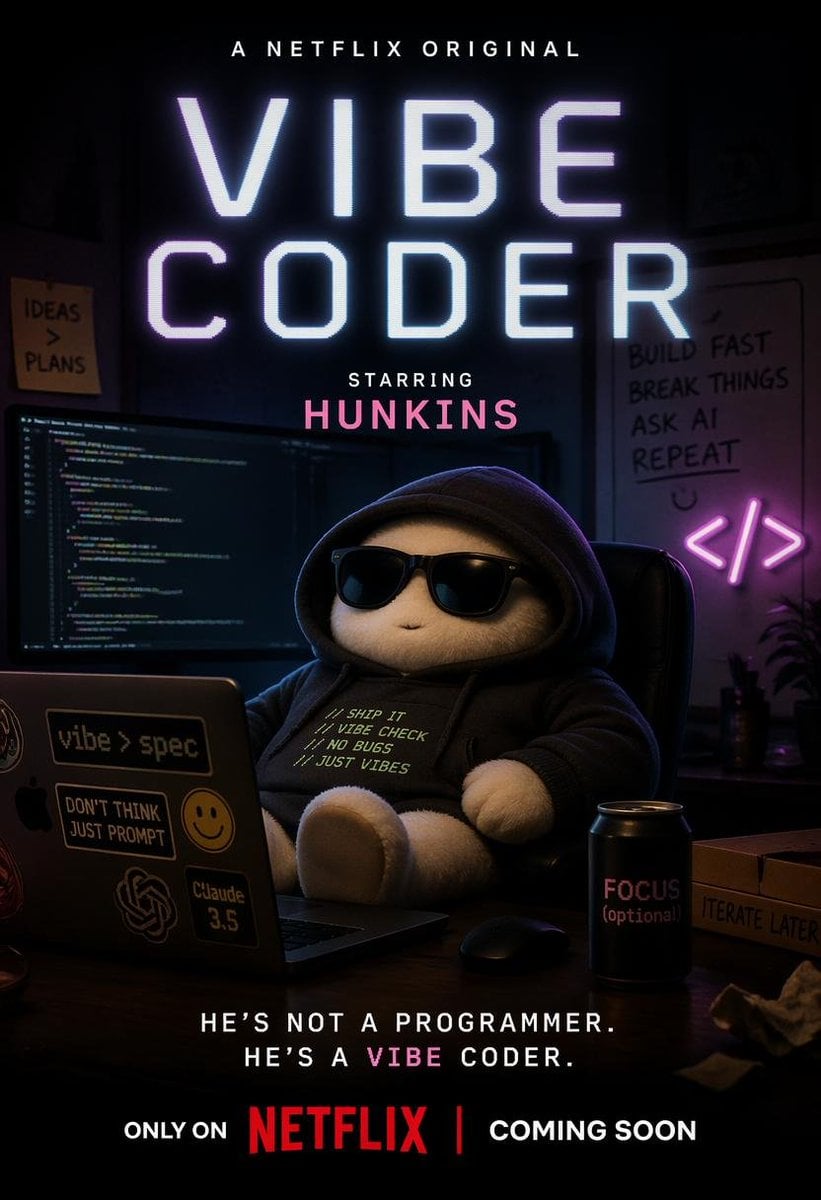
Netflix-Style Vibe Coder Poster
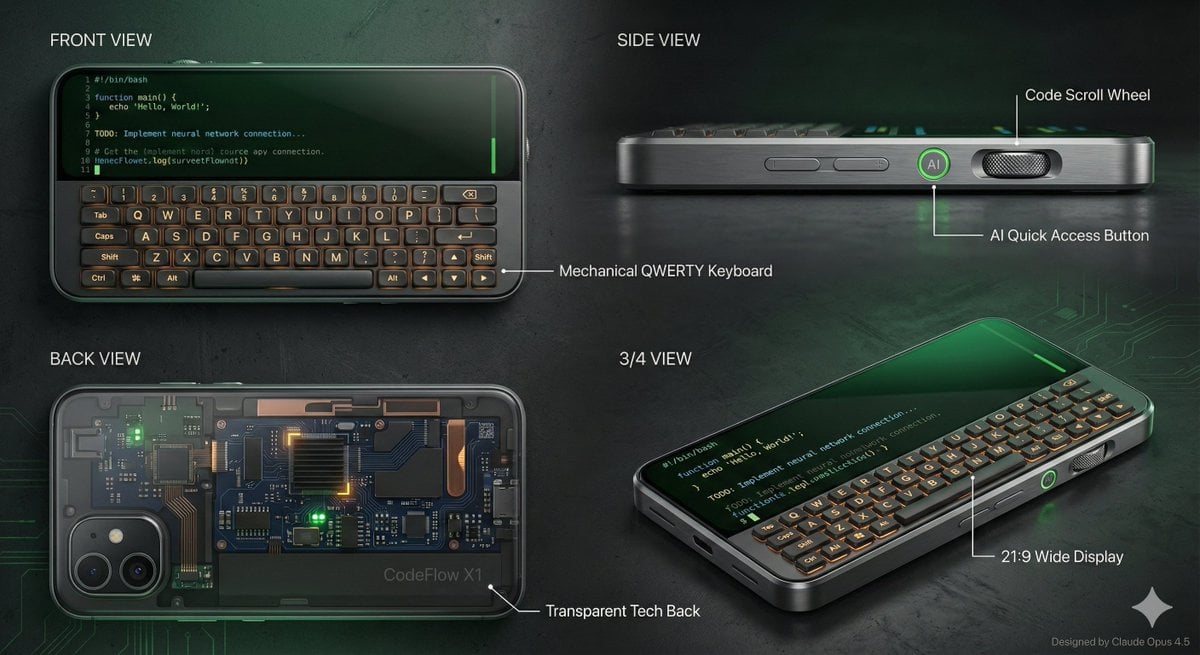
Vibe Coder Keyboard Phone Design Task
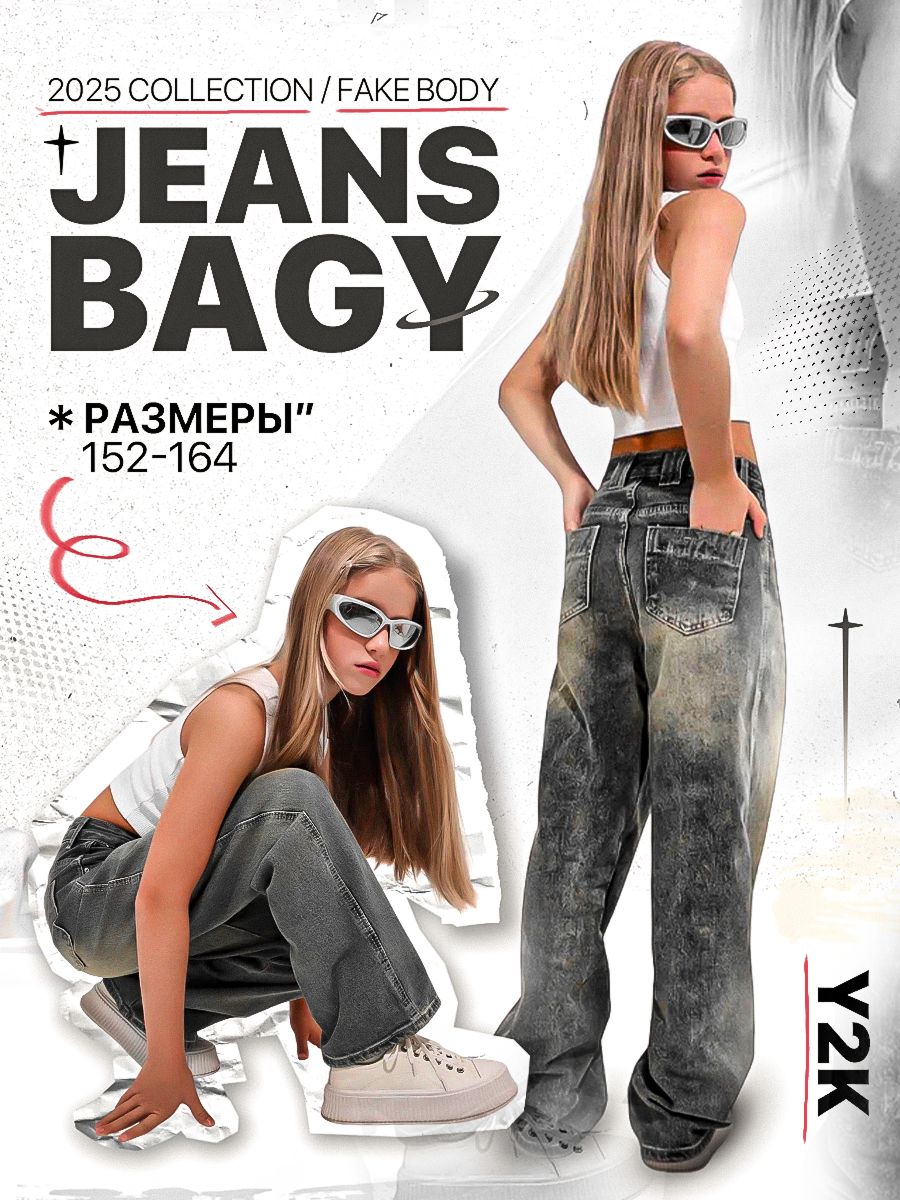
Y2K Streetwear Fashion Flyer
Cute AI Doodle Generator Landing Page
Atlas GTM SaaS Hero Landing Page
Futuristic Ohmni Access Landing Page

Luxury E-Commerce Landing Page Mockup
Forgotten Archive ARG Landing Page
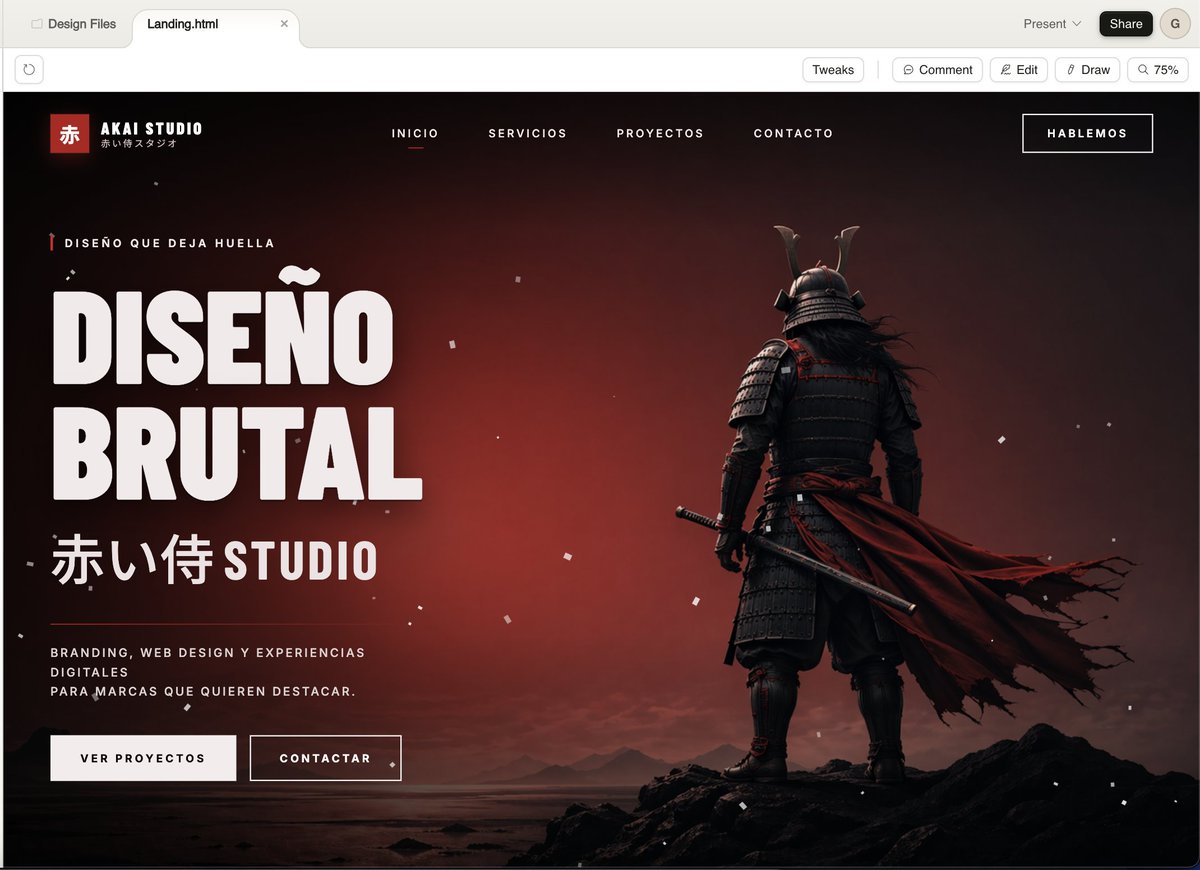
Cinematic Samurai Agency Landing Page
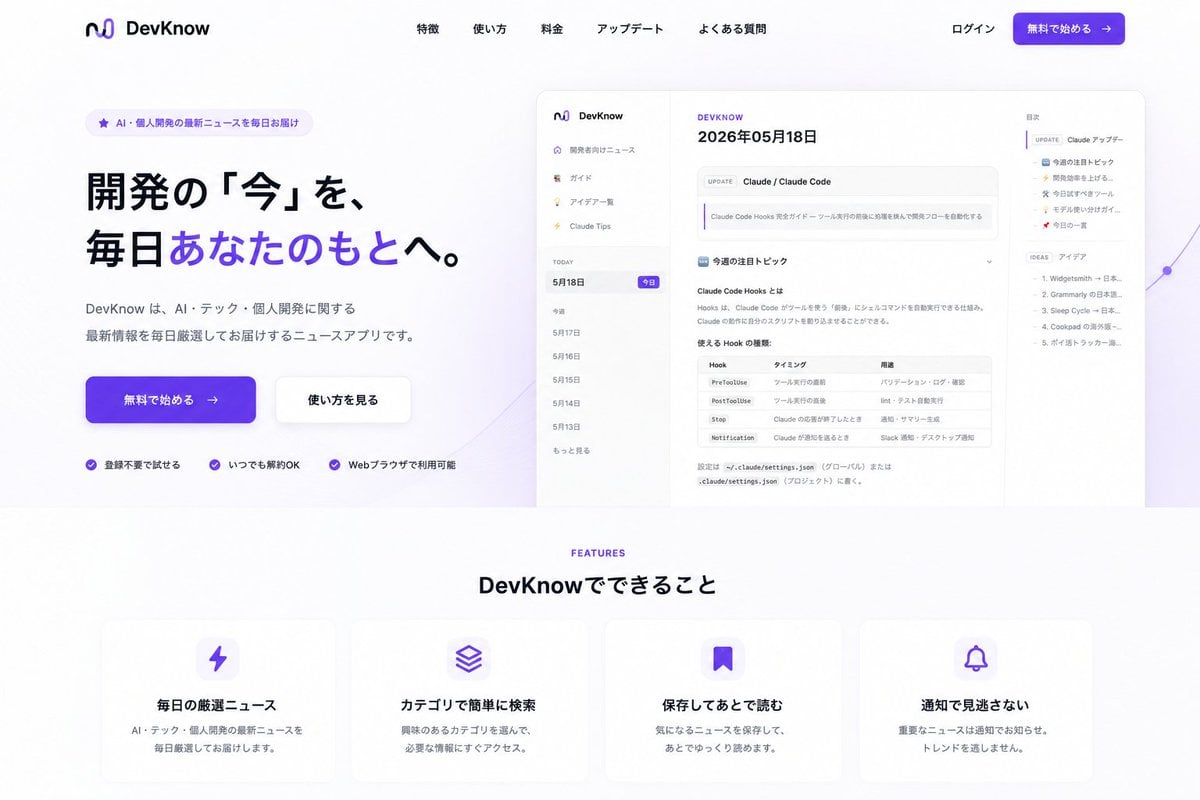
NOVALITH SaaS Landing Page Hero
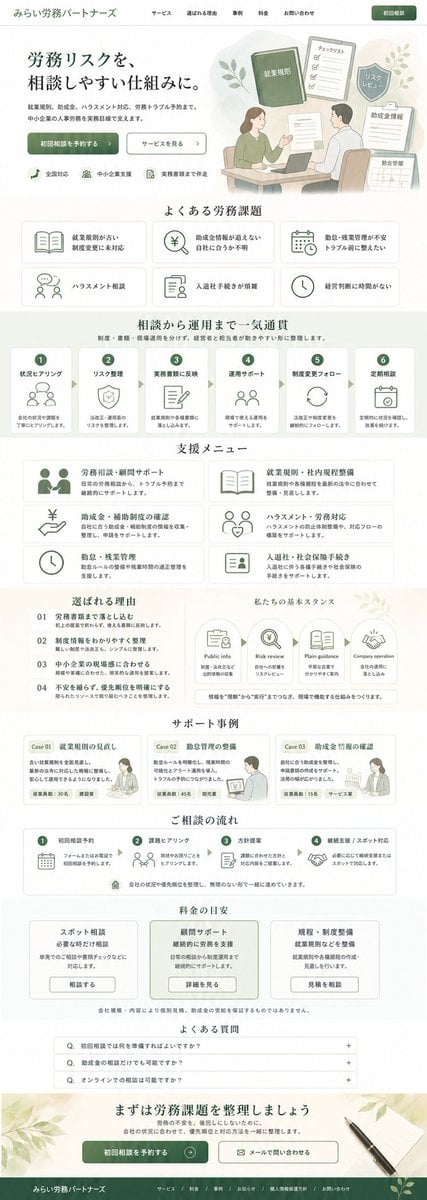
ASCII Layout Landing Page Generator

SaaS AI Dashboard Landing Page
Make it yours
Vibe Coder Bootcamp Landing Page works as-is. These are the safest ways to change it without losing the look.
Change one field
Copy a single group, rewrite it, and generate again so you can see what that field is doing.
Keep the frame, change the subject
Hold the composition and light of Vibe Coder Bootcamp Landing Page, then swap wardrobe, props or the person for a new take.
| If the result… | Why | Fix |
|---|---|---|
| The result drifts from the preview | Too many fields changed at once. | Reuse Vibe Coder Bootcamp Landing Page as-is first, then change one group — subject, light, or setting. |
| The model over-stylizes the scene | The prose prompt leaves finish and camera underspecified. | Add one camera or lighting sentence and stay on GPT Image 2. |
More GPT Image 2 templates
Other prompts made for GPT Image 2.

Six VTuber Japanese Logo Sheet

Realistic Portrait of Woman and Deer

The Vista Modular Condo Poster

AI Model Routing Comparison Infographic

2.5D Anime Art Board

Isometric Productivity Desk Scene

New York Double Exposure Poster

Four-Panel AI Landscape Comparison

Japanese Tatami Lifestyle Magazine Cover

NESCAFÉ Coffee Map Poster
More image prompts
Fresh picks from across the catalog.
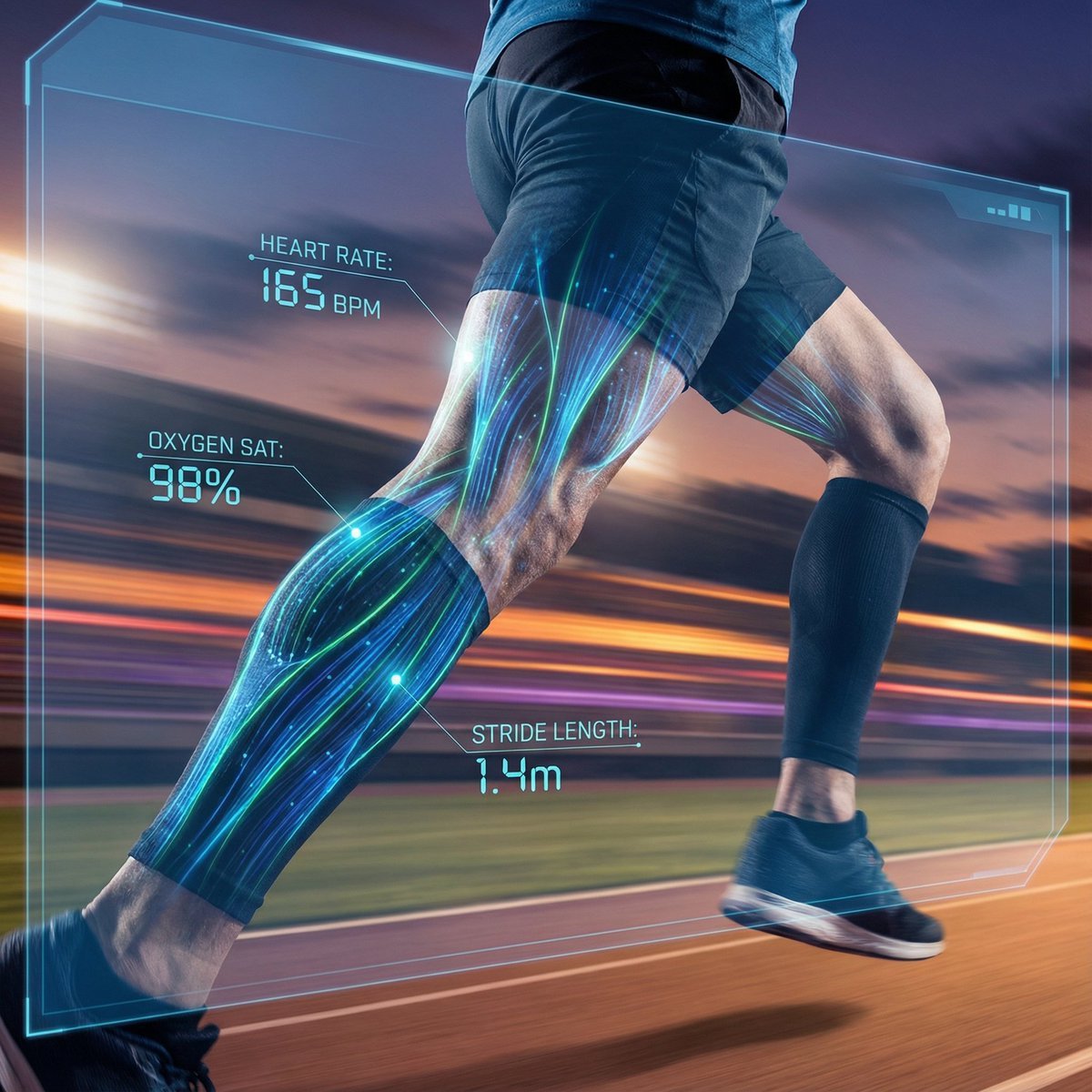
AI Vision Augmented Reality Overlay Concept
Handcrafted Stone Figurine Transformation Prompt
Construction of the Impossible Prompt: Miniature Engineers
Three-Image Fusion and Integration
3D stylized character transformation prompt
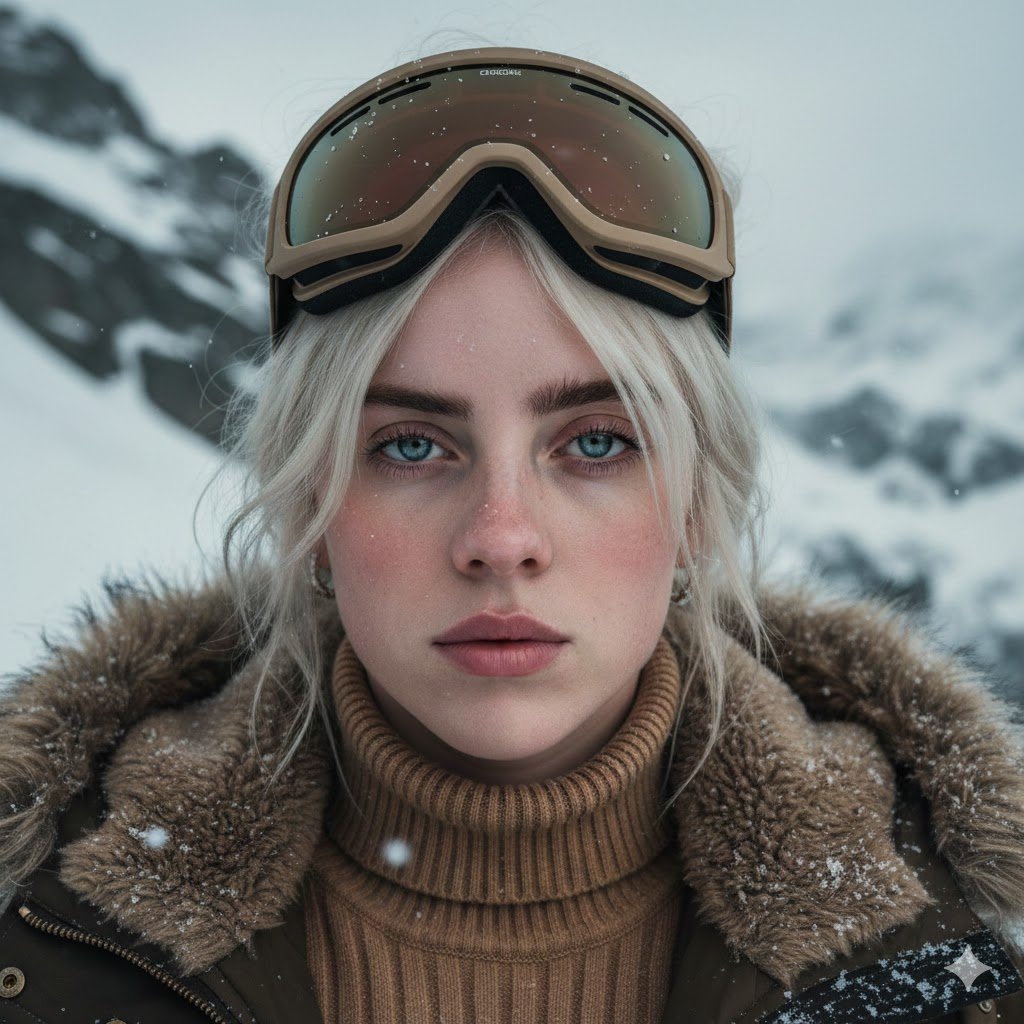
Cinematic Alpine Portrait (Duplicate)
untitled
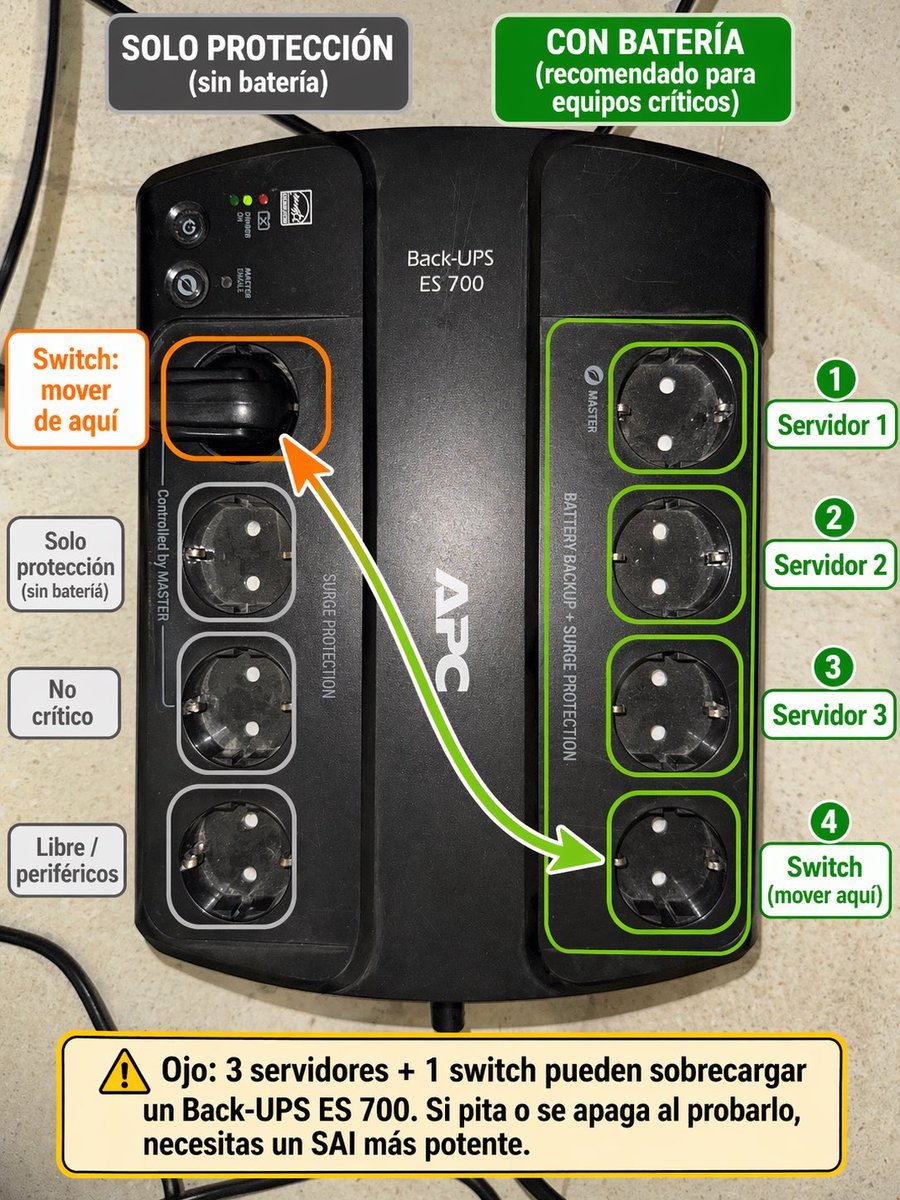
Spanish UPS outlet wiring infographic

Generating 'Karaage-kun' Image with Nano Banana Pro
Futuristic Fluffy Glass Typography Art
Browse template categories
Vibe Coder Bootcamp Landing Page questions
How do I use the Vibe Coder Bootcamp Landing Page template?
Add your photo if the template asks for one, edit the prompt if you like — the template's model and format are already selected — and press Generate. Your version opens in PicX Studio.
Can I customize the Vibe Coder Bootcamp Landing Page template?
Yes. You can change the subject, setting, lighting, mood, format, and available model controls before creating your image.
Is the Vibe Coder Bootcamp Landing Page template free?
Opening and editing this template is free. Generating uses credits, shown on the Generate button when you are signed in.
Which AI model should I use?
Start with GPT Image 2, which is the model associated with this template. You can compare another compatible model for a different finish.
Looking for something else? Browse all templates.

Your photo, any look
Thousands of ready templates for every top image and video model, from one credit balance.