
Y2K Streetwear Fashion Flyer
Y2K Streetwear Fashion Flyer is a ready photo look.
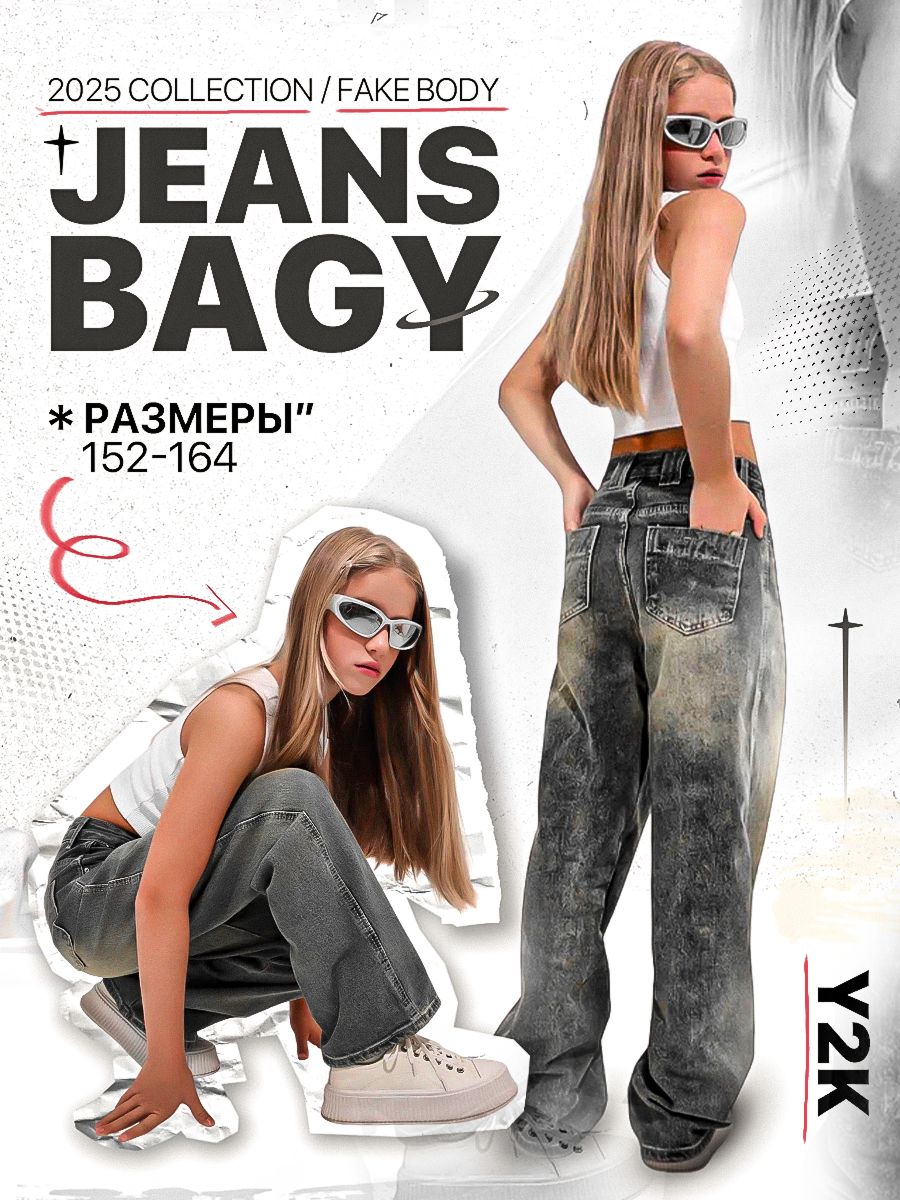
- Prompt included
- Model and format preset
- Free template
The prompt behind this image
Copy the exact prompt behind Y2K Streetwear Fashion Flyer, or open it in the studio and make it yours.
- Prompt
- A bold fashion editorial campaign poster showcasing oversized baggy jeans as the hero product. A young female model appears in two poses: one standing with her back turned to highlight the jeans fit and silhouette, and another crouching pose with confident streetwear attitude. The model wears a white cropped tank top, chunky sneakers, and futuristic wraparound sunglasses. The jeans are dark grey washed denim with a loose oversized fit. The layout uses collage-style cutouts with torn paper edges, combined with large bold typography headlines and directional graphic arrows. The background is a light grey textured paper surface with subtle grain, giving a printed fashion-poster look. Soft studio lighting emphasizes denim texture and volume. Modern streetwear, Gen-Z fashion campaign aesthetic.
- Negative Prompt
- formal fashion styling, luxury glam look, dull colors, blurry subject, low resolution, distorted body proportions, messy typography, harsh shadows
- Style
- streetwear fashion editorial poster
- Lighting
- soft studio lighting, even exposure
- Camera › Angle
- editorial portrait angles
- Camera › Lens
- 35mm
- Camera › Aperture
- f/5.6
- Camera › Focus
- sharp focus on jeans and model
- Composition
- dual-model collage layout, bold typography-driven design
- Background
- light grey textured paper backdrop with graphic elements
- Mood
- bold, urban, confident, Gen-Z street style
- Quality
- ultra high resolution, professional fashion campaign artwork, photorealistic with graphic overlays
Raw JSON
{
  "prompt": "A bold fashion editorial campaign poster showcasing oversized baggy jeans as the hero product. A young female model appears in two poses: one standing with her back turned to highlight the jeans fit and silhouette, and another crouching pose with confident streetwear attitude. The model wears a white cropped tank top, chunky sneakers, and futuristic wraparound sunglasses. The jeans are dark grey washed denim with a loose oversized fit. The layout uses collage-style cutouts with torn paper edges, combined with large bold typography headlines and directional graphic arrows. The background is a light grey textured paper surface with subtle grain, giving a printed fashion-poster look. Soft studio lighting emphasizes denim texture and volume. Modern streetwear, Gen-Z fashion campaign aesthetic.",
  "negative_prompt": "formal fashion styling, luxury glam look, dull colors, blurry subject, low resolution, distorted body proportions, messy typography, harsh shadows",
  "style": "streetwear fashion editorial poster",
  "lighting": "soft studio lighting, even exposure",
  "camera": {
    "angle": "editorial portrait angles",
    "lens": "35mm",
    "aperture": "f/5.6",
    "focus": "sharp focus on jeans and model"
  },
  "composition": "dual-model collage layout, bold typography-driven design",
  "background": "light grey textured paper backdrop with graphic elements",
  "mood": "bold, urban, confident, Gen-Z street style",
  "quality": "ultra high resolution, professional fashion campaign artwork, photorealistic with graphic overlays"
}How to use Y2K Streetwear Fashion Flyer in 3 steps
- 1
Open
The prompt is already in the box next to the preview, with the template's model and format selected.
- 2…a portrait of your subject in softgolden-hour light, 85mm…
Personalize
Edit the subject and creative details for your destination.
- 3Generate
Generate
Press Generate — your image is created in PicX Studio, so you can compare it with the original and refine one variable at a time.
More like this
Templates with the same subject, style or setup. Open one to see its prompt.

1988 Mall Style

Nano Banana - Paris Cafe Editorial

Miniature Self Portrait Collage
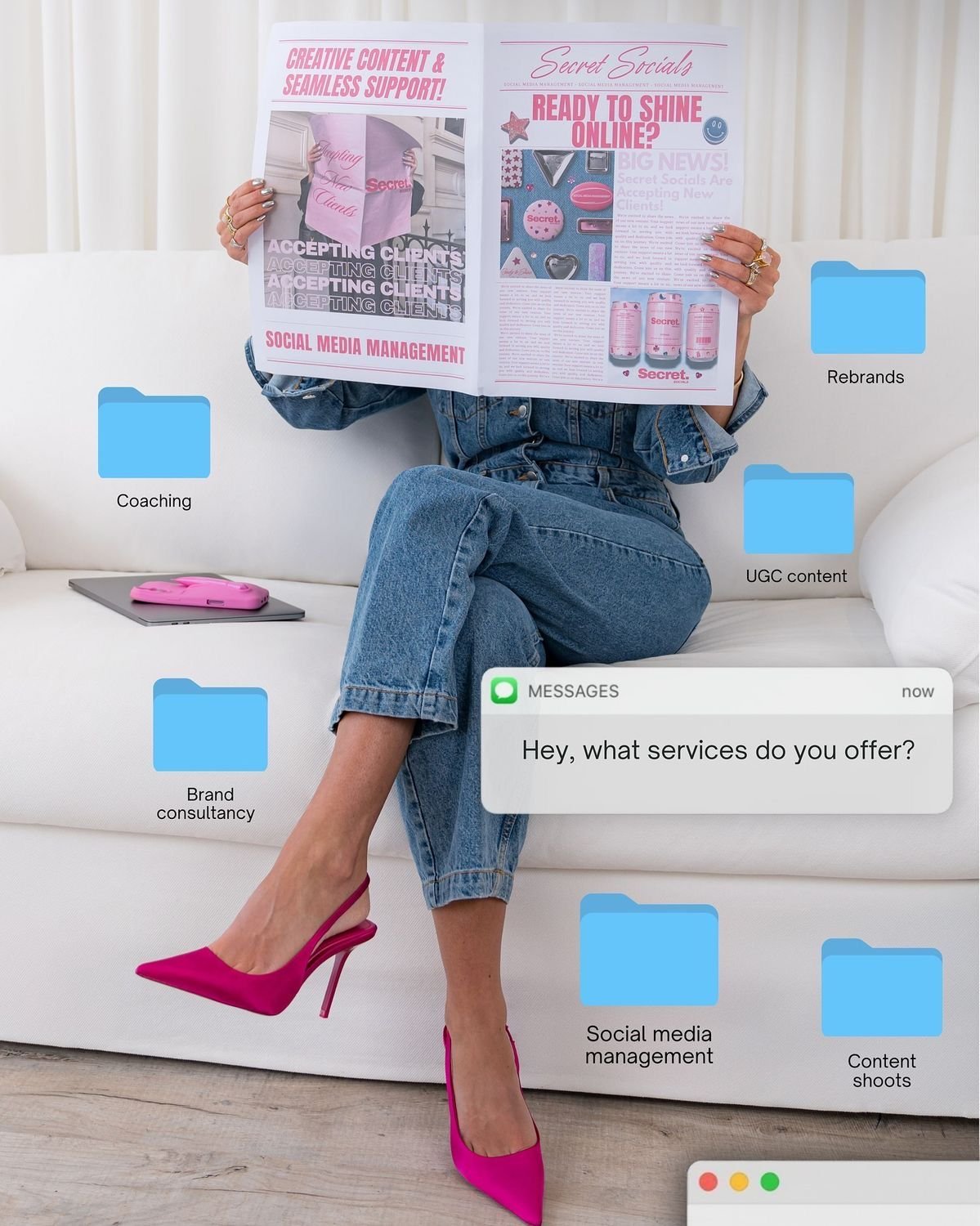
Social Media Manager Desktop Case Study

These PNG Don’t Exist

Minimalist Golden Hour Selfie
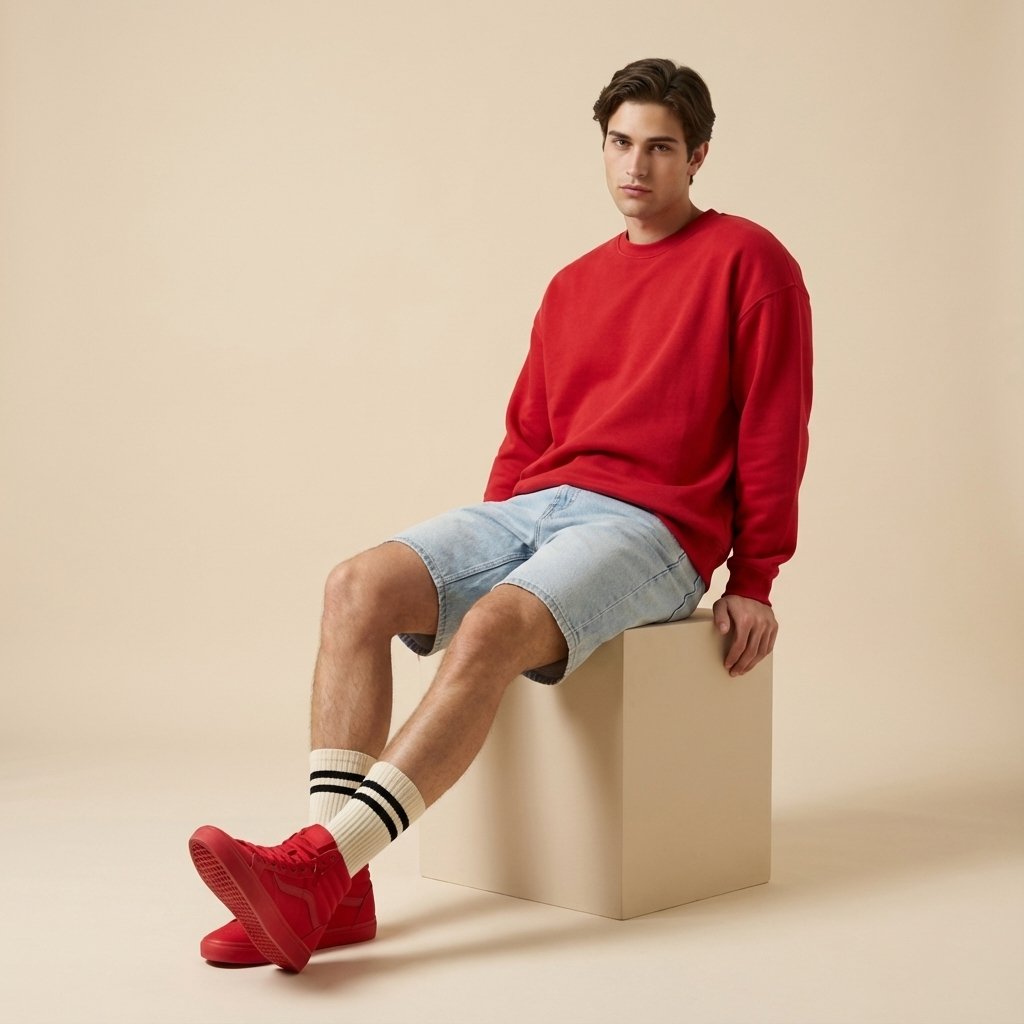
Minimalist Streetwear Fashion Shoot

80s College Gate

80s Polka Dot Saree
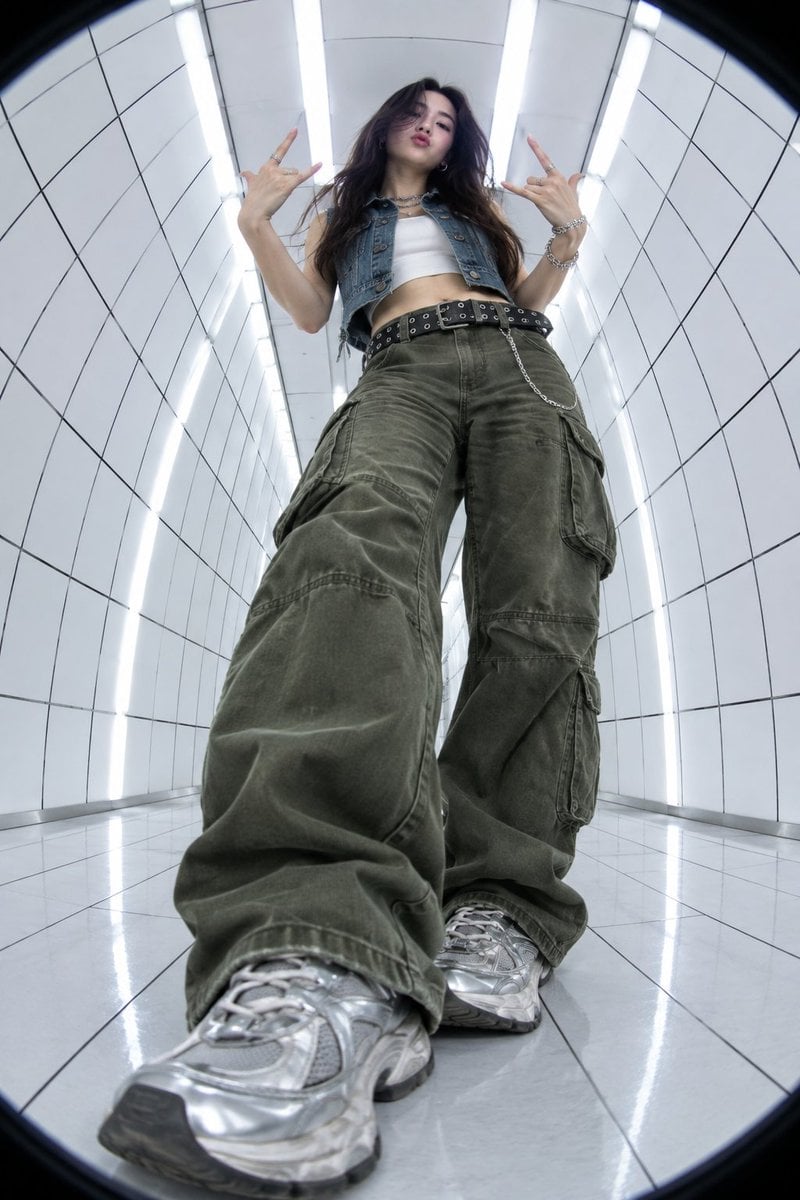
Y2K Fisheye Streetwear Portrait
Japanese Minimalist Urban Fashion Campaign

Clean, minimalist fashion infographic from an uploaded reference photo
Make it yours
Y2K Streetwear Fashion Flyer works as-is. These are the safest ways to change it without losing the look.
Swap the setting
Keep the rest of the prompt and replace the location block. The current setting is “light grey textured paper backdrop with graphic elements”.
Swap the light
One lighting change is enough to compare takes. Current light: “soft studio lighting, even exposure”.
Change one field
Copy a single group, rewrite it, and generate again so you can see what that field is doing.
| If the result… | Why | Fix |
|---|---|---|
| The result drifts from the preview | Too many fields changed at once. | Reuse Y2K Streetwear Fashion Flyer as-is first, then change one group — subject, light, or setting. |
| PicX Studio ignores part of the JSON | Some models flatten or skip nested keys. | Keep the same values and paste them as a short paragraph instead. |
More image prompts
Fresh picks from across the catalog.

Software Workflow Infographic
Sci-Fi Light Freighter Schematic HUD
Ultra Realistic Fashion Editorial Portra
3D Pop-Art Comic Grid
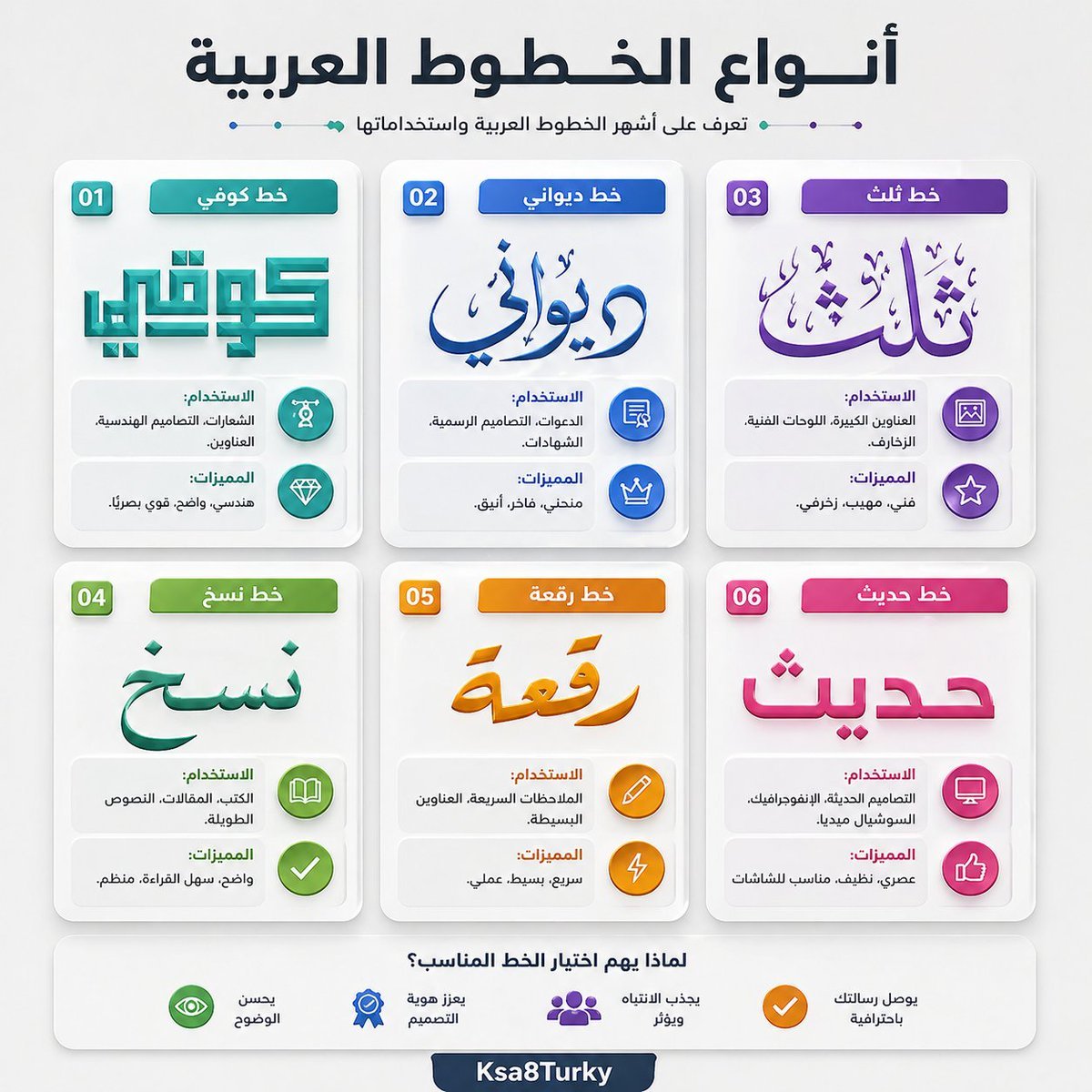
Arabic Font Types Infographic
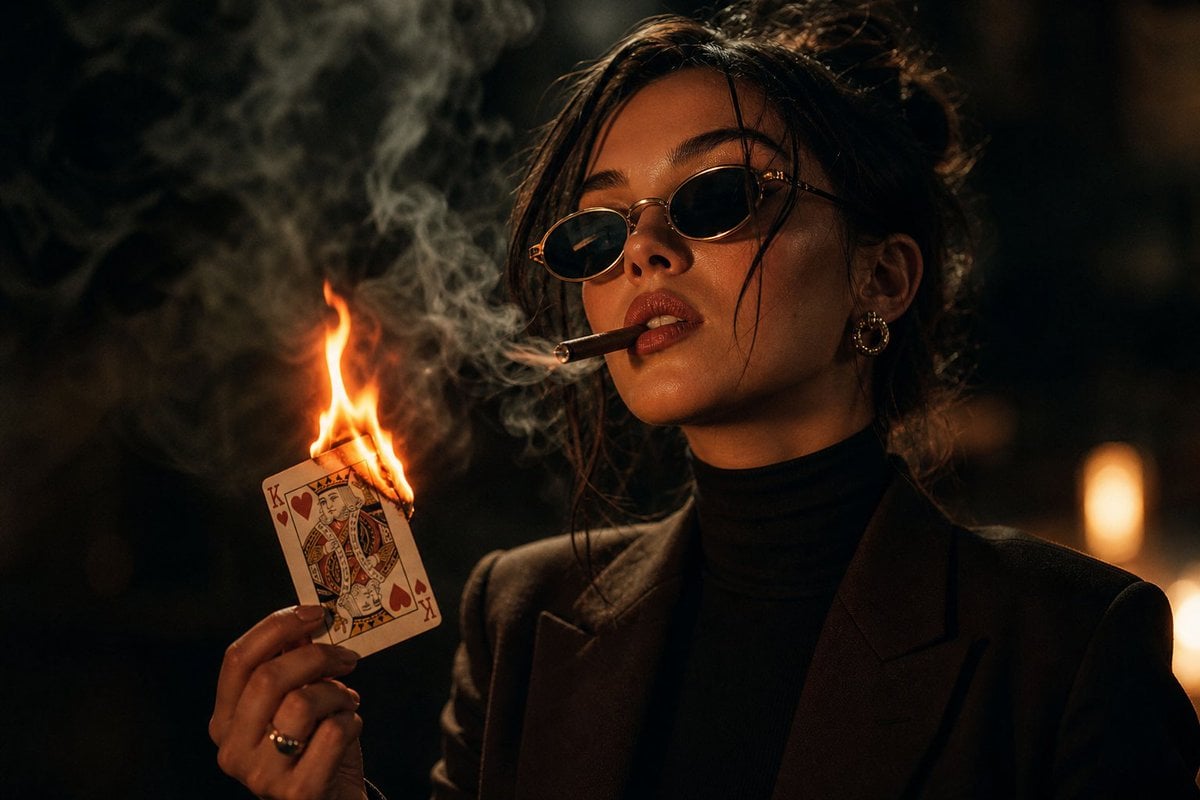
Moody Noir Portrait

Manhwa Style Boss Adjusting Tie
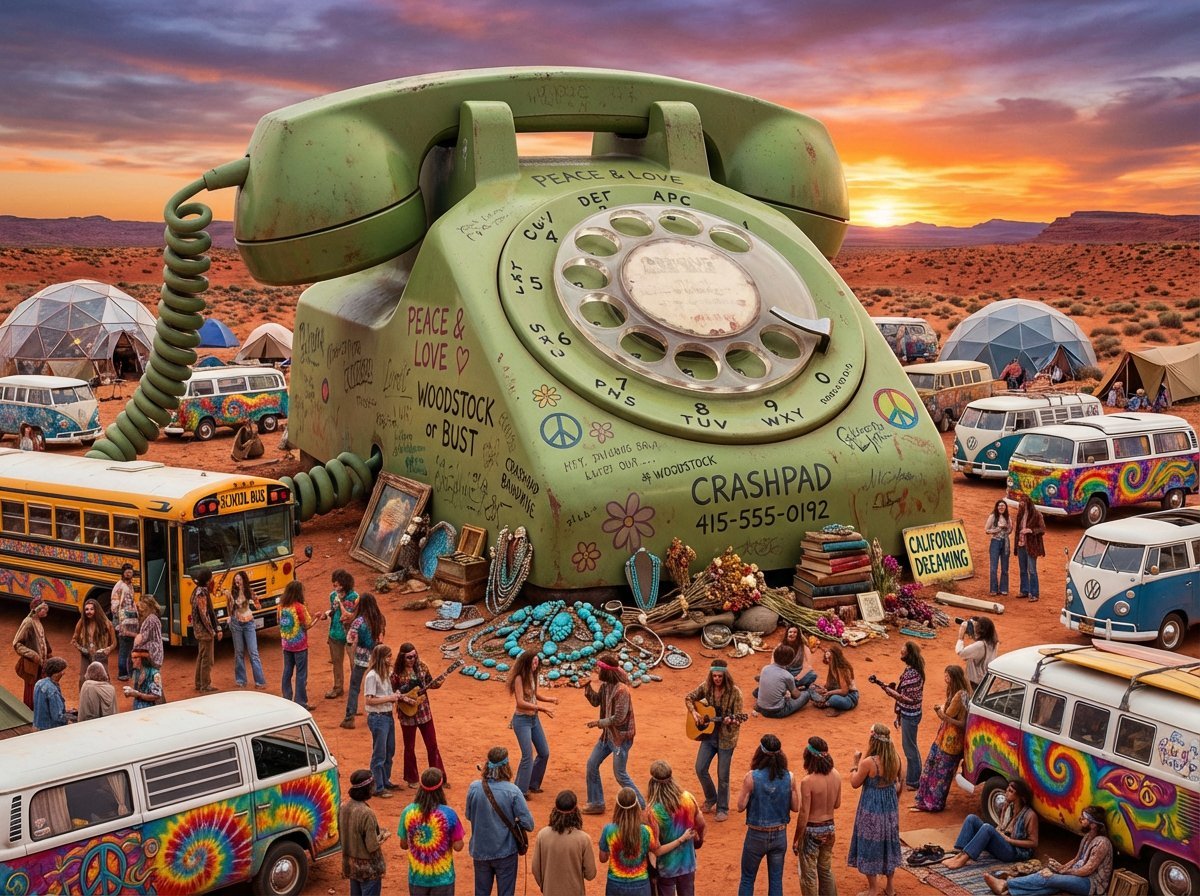
Migration Monument Concept Prompt
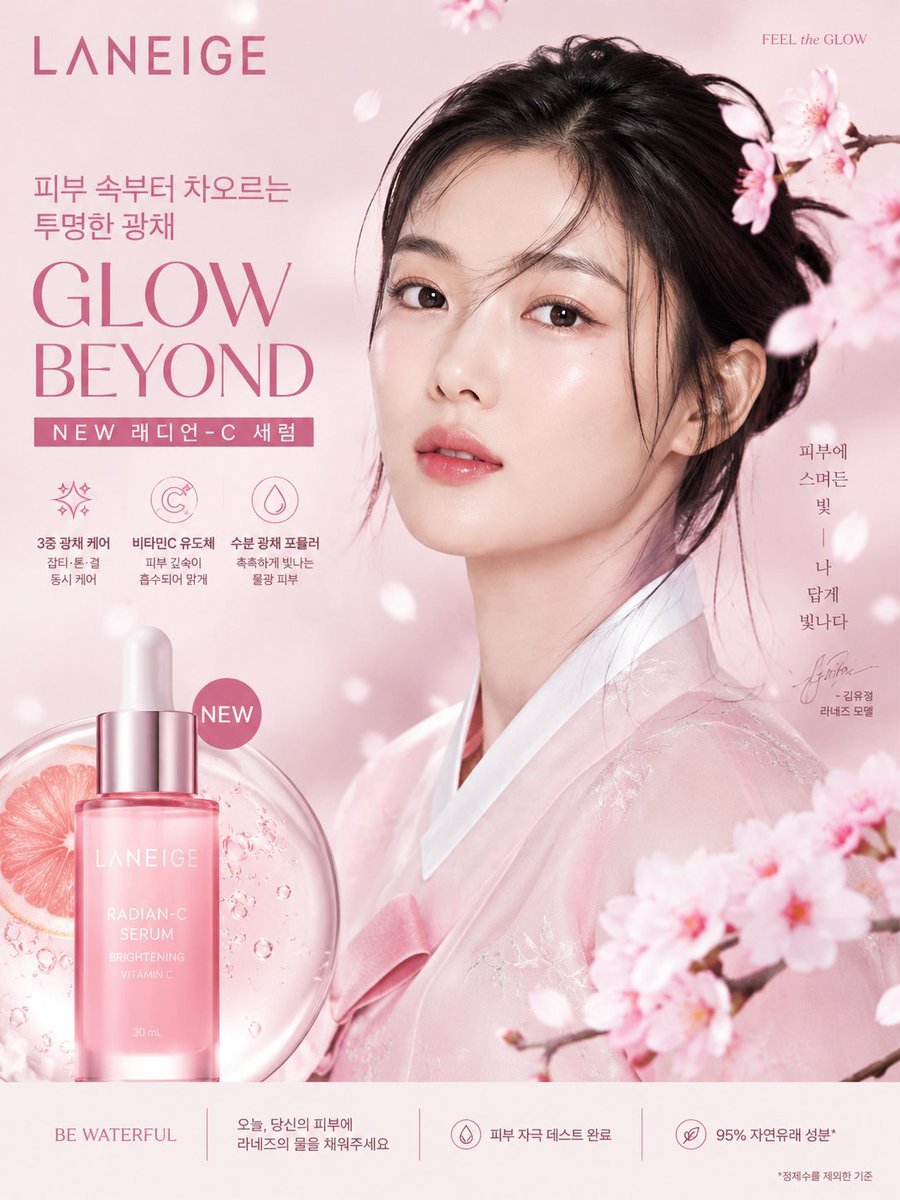
Korean Luxury Beauty Brand Poster
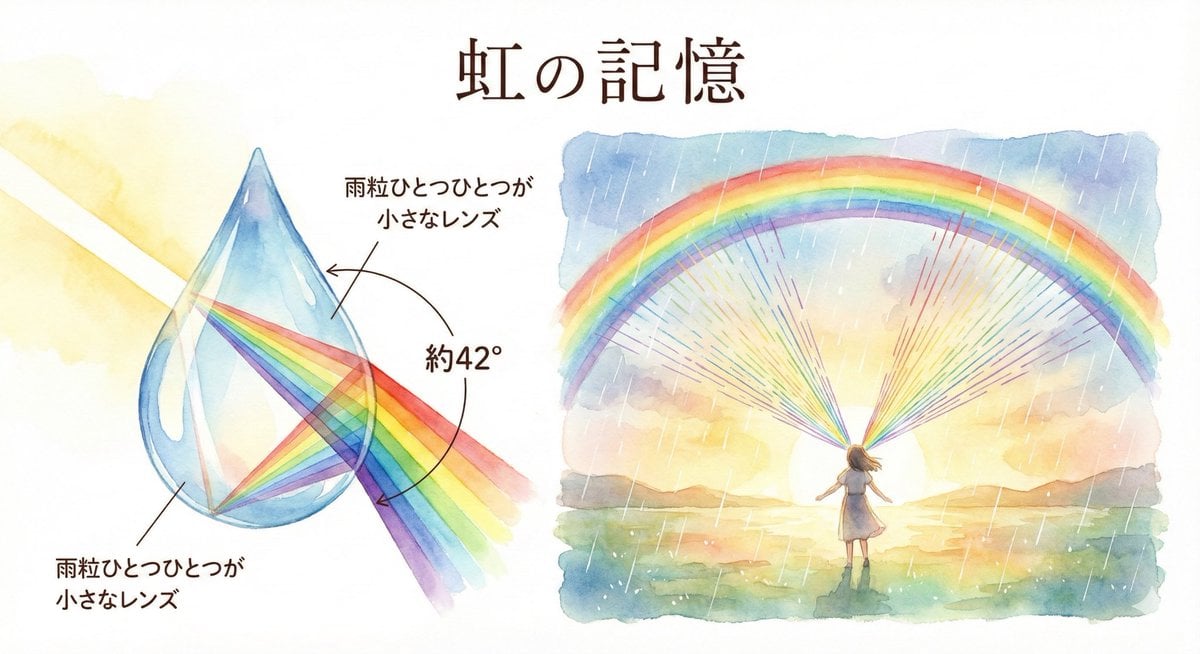
Rainbow Illustration Description
Browse template categories
Y2K Streetwear Fashion Flyer questions
How do I use the Y2K Streetwear Fashion Flyer template?
Add your photo if the template asks for one, edit the prompt if you like — the template's model and format are already selected — and press Generate. Your version opens in PicX Studio.
Can I customize the Y2K Streetwear Fashion Flyer template?
Yes. You can change the subject, setting, lighting, mood, format, and available model controls before creating your image.
Is the Y2K Streetwear Fashion Flyer template free?
Opening and editing this template is free. Generating uses credits, shown on the Generate button when you are signed in.
Which AI model should I use?
Choose a compatible model in PicX Studio based on the style, speed, and output controls your project needs.
Looking for something else? Browse all templates.

Your photo, any look
Thousands of ready templates for every top image and video model, from one credit balance.