
Sci-Fi Light Freighter Schematic HUD
A futuristic spaceship technical dashboard showing wireframe top and side views, system callouts, charts, and cargo data for use in sci-fi UI, game concepts, or worldbuilding art.
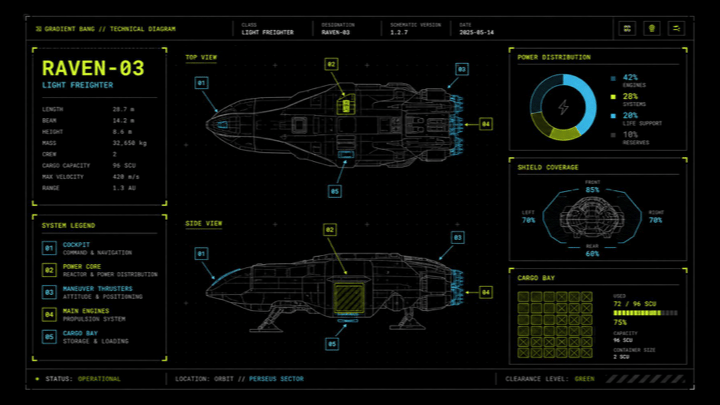
- Prompt included
- Model and format preset
- Free template
The prompt behind this image
Copy the exact prompt behind Sci-Fi Light Freighter Schematic HUD, or open it in the studio and make it yours.
- Type
- futuristic spaceship technical schematic dashboard
- Style
- high-contrast sci-fi HUD interface, black background with faint grid, thin neon linework, blueprint-like wireframe rendering, minimalist aerospace UI, crisp vector graphics
- Subject › Vehicle
- compact light freighter spacecraft
- Subject › Model
- {argument name="ship model" default="RAVEN-03"}
- Subject › Class
- light freighter
- Subject › Manufacturer
- Gradient Bang
- Subject › Views › 0 › Name
- top view
- Subject › Views › 0 › Position
- upper center
- Subject › Views › 0 › Render
- detailed wireframe spacecraft outline with internal structure and glowing blue engine thrusters
- Subject › Views › 1 › Name
- side view
- Subject › Views › 1 › Position
- lower center
- Subject › Views › 1 › Render
- wireframe side profile of the same spacecraft on landing gear with a highlighted midship cargo or power compartment and blue rear thrusters
- Subject › Callouts › Count
- 5
- Subject › Callouts › Items › 0 › Label
- 01
- Subject › Callouts › Items › 0 › Color
- cyan
- Subject › Callouts › Items › 0 › Target
- forward cockpit or nose section
- Subject › Callouts › Items › 1 › Label
- 02
- Subject › Callouts › Items › 1 › Color
- yellow-green
- Subject › Callouts › Items › 1 › Target
- central reactor or power core module
- Subject › Callouts › Items › 2 › Label
- 03
- Subject › Callouts › Items › 2 › Color
- cyan
- Subject › Callouts › Items › 2 › Target
- rear maneuvering or thruster systems
- Subject › Callouts › Items › 3 › Label
- 04
- Subject › Callouts › Items › 3 › Color
- yellow-green
Raw JSON
{"type":"futuristic spaceship technical schematic dashboard","style":"high-contrast sci-fi HUD interface, black background with faint grid, thin neon linework, blueprint-like wireframe rendering, minimalist aerospace UI, crisp vector graphics","subject":{"vehicle":"compact light freighter spacecraft","model":"{argument name=\"ship model\" default=\"RAVEN-03\"}","class":"light freighter","manufacturer":"Gradient Bang","views":[{"name":"top view","position":"upper center","render":"detailed wireframe spacecraft outline with internal structure and glowing blue engine thrusters"},{"name":"side view","position":"lower center","render":"wireframe side profile of the same spacecraft on landing gear with a highlighted midship cargo or power compartment and blue rear thrusters"}],"callouts":{"count":5,"items":[{"label":"01","color":"cyan","target":"forward cockpit or nose section"},{"label":"02","color":"yellow-green","target":"central reactor or power core module"},{"label":"03","color":"cyan","target":"rear maneuvering or thruster systems"},{"label":"04","color":"yellow-green","target":"main engines at the stern"},{"label":"05","color":"cyan","target":"lower cargo bay or ventral module"}]},"specs":{"count":8,"items":["length: 28.7 m","beam: 14.2 m","height: 8.6 m","mass: 32,650 kg","crew: 2","cargo capacity: 96 SCU","max velocity: 420 m/s","range: 1.3 AU"]}},"layout":{"header":{"position":"top full width","elements":["Gradient Bang // Technical Diagram","class: light freighter","designation: Raven-03","schematic version: 1.4.7","date: 2045-05-14","3 small square control icons at top right"]},"left_panel":{"position":"left column","sections":[{"title":"model info","count":1,"content":"large ship name block with bold lime text for {argument name=\"ship name\" default=\"RAVEN-03\"} and smaller subtitle LIGHT FREIGHTER plus the 8-line specification list"},{"title":"system legend","count":5,"labels":["01 cockpit","02 power core","03 maneuver thrusters","04 main engines","05 cargo bay"]}]},"center_panel":{"position":"center wide","sections":[{"title":"top view","count":1},{"title":"side view","count":1}]},"right_panel":{"position":"right column","sections":[{"title":"power distribution","count":4,"labels":["42% engines","28% weapons","20% life support","10% reserves"],"graphic":"donut chart in blue and yellow-green"},{"title":"shield coverage","count":4,"labels":["front 85%","left 70%","right 70%","rear 60%"],"graphic":"radar chart over a small ship outline"},{"title":"cargo bay","count":3,"labels":["72 / 96 SCU","75% capacity","16 slot configuration, 2 SCU unit size"],"graphic":"grid of cargo cells with most squares filled"}]},"footer":{"position":"bottom full width","elements":["status: operational","location: orbit // Perseus sector","clearance level: green"]}},"color_palette":{"background":"deep black","grid":"dark charcoal","primary_lines":"cool gray","accent_1":"neon yellow-green","accent_2":"electric cyan-blue","text":"muted white and gray"},"composition":"16:9 widescreen interface screenshot, balanced three-column layout, left data column, central spacecraft schematics, right analytics panels, clean margins, angular panel borders, cinematic monitor display","quality":"ultra-clean, precise, polished, game UI concept art, high detail"}How to use Sci-Fi Light Freighter Schematic HUD in 3 steps
- 1Upload ImagePNG, JPG or paste
Add your photo
Upload the photo the template builds on. The prompt, model and format are already set.
- 2…a portrait of your subject in softgolden-hour light, 85mm…
Personalize
Edit the subject and creative details for your destination.
- 3Generate
Generate
Press Generate — your image is created in PicX Studio, so you can compare it with the original and refine one variable at a time.
More like this
Templates with the same subject, style or setup. Open one to see its prompt.

Minecraft Voxel Pixel Art Aesthetic System

Minecraft Next-Gen Voxel World Screenshot
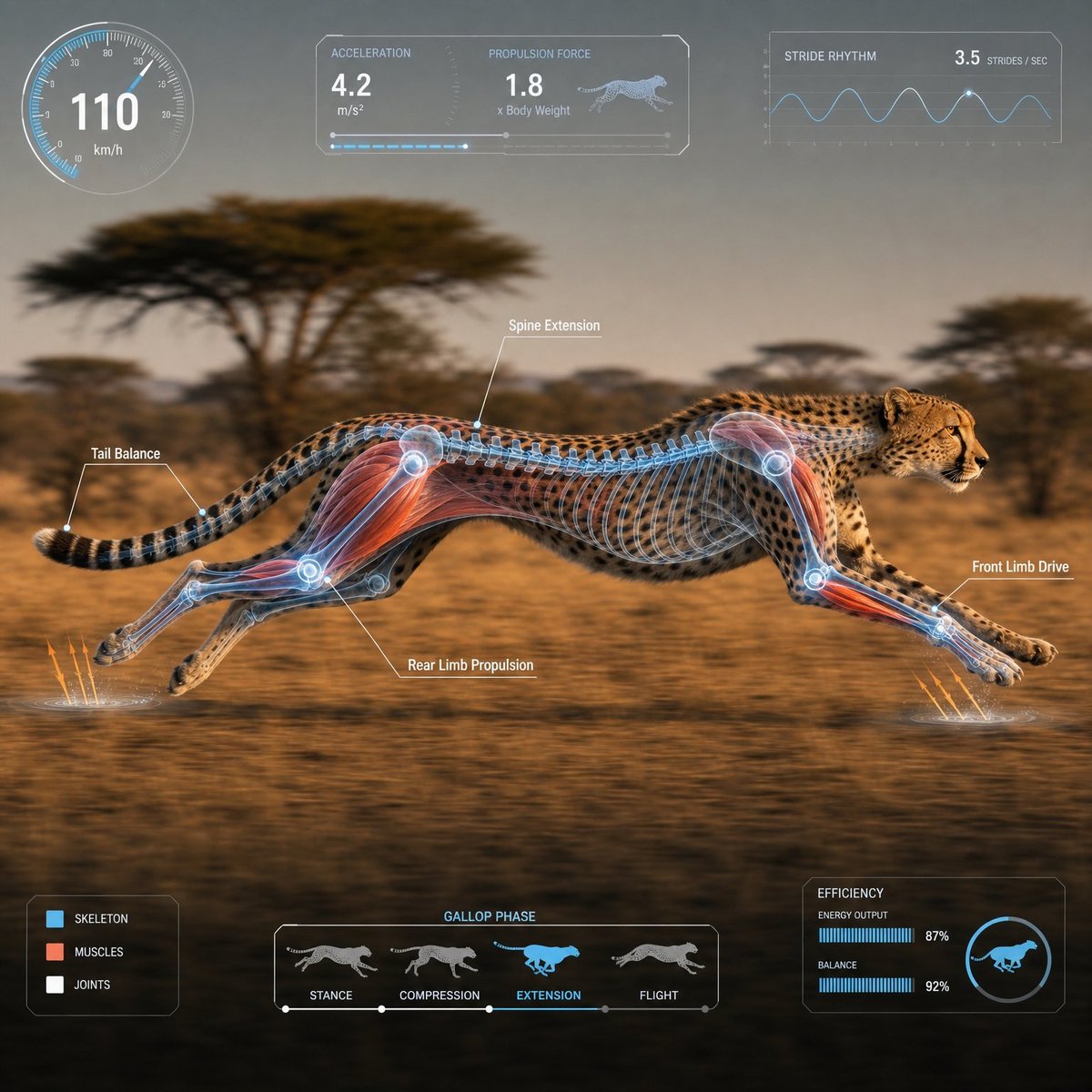
Scientific Animal Motion Analysis HUD

Photoreal Snow Biome Name Tag UI

Minecraft You Died Winter Death Screen

Photoreal Selfie Minecraft Village Ghast UI
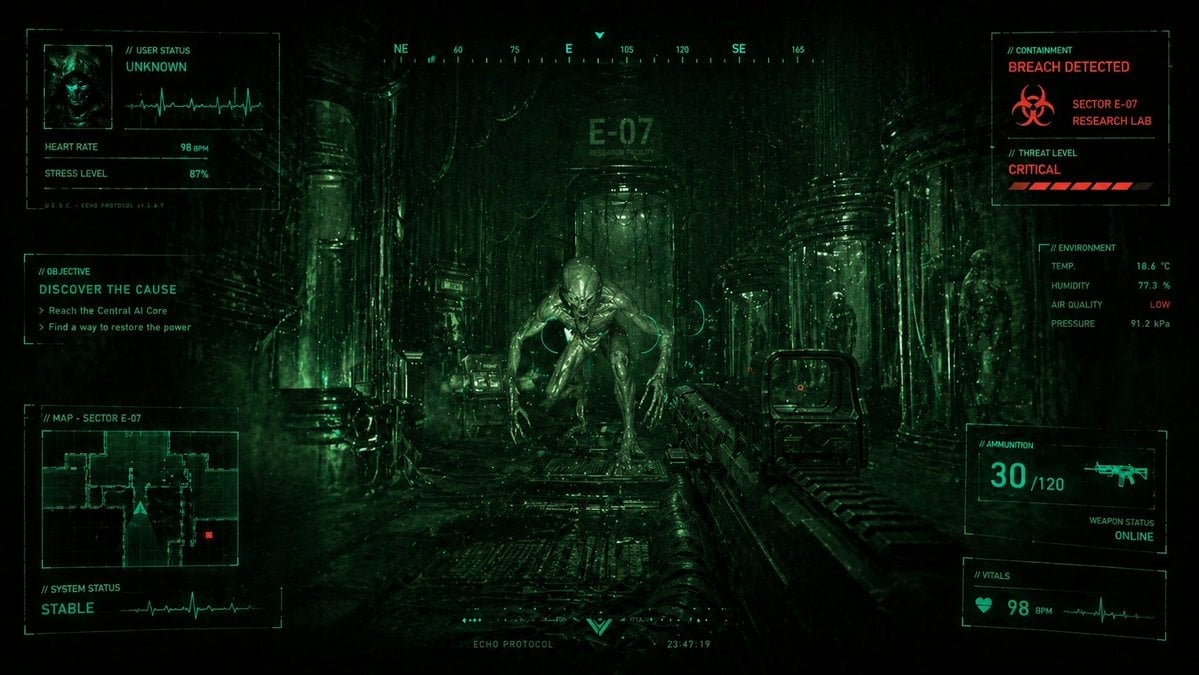
Sci-Fi Horror FPS HUD Lab Breach
Cyan Sci-Fi HUD Reticle Overlay
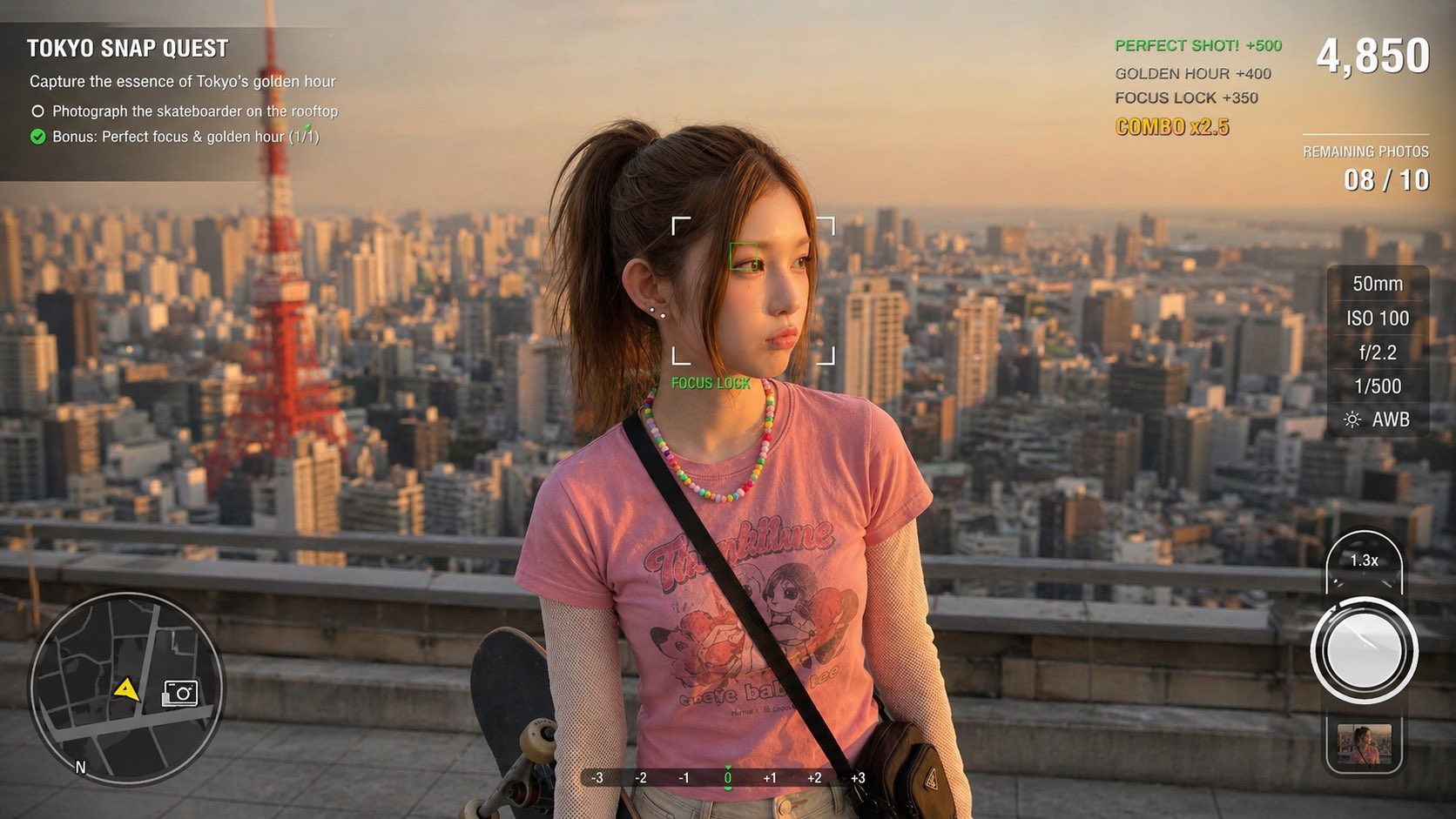
Photography Game Cinematic Capture
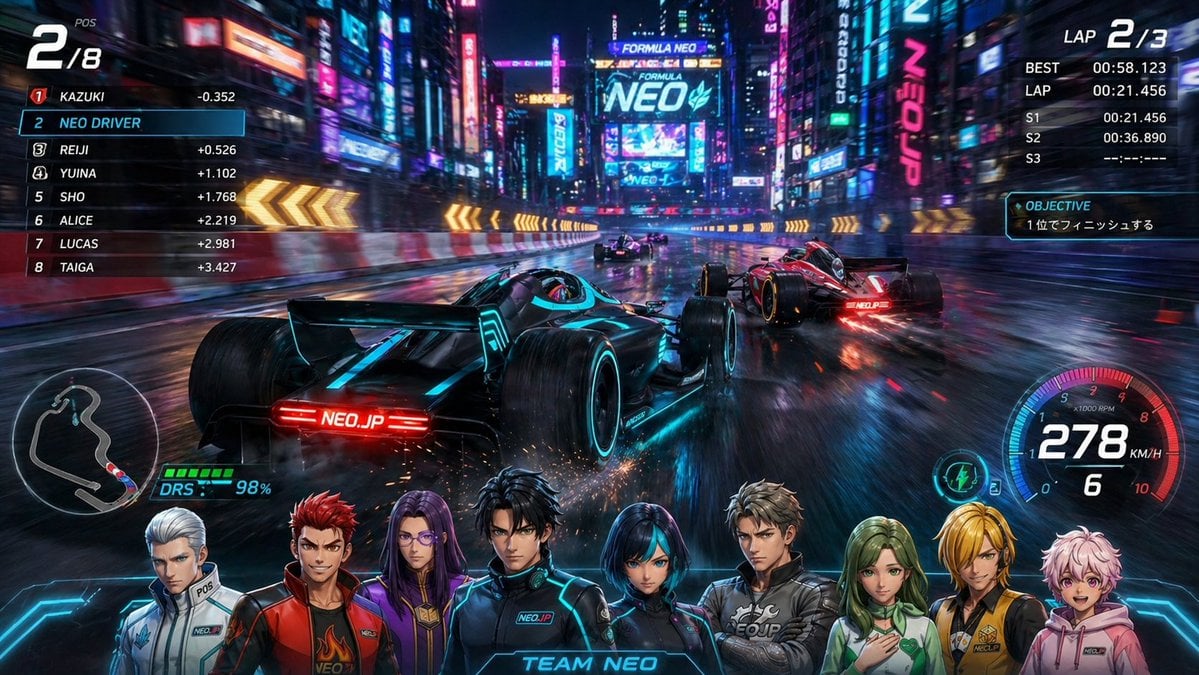
Cyberpunk Formula Neo Racing HUD

Cinematic Studio Portrait Lighting Setup
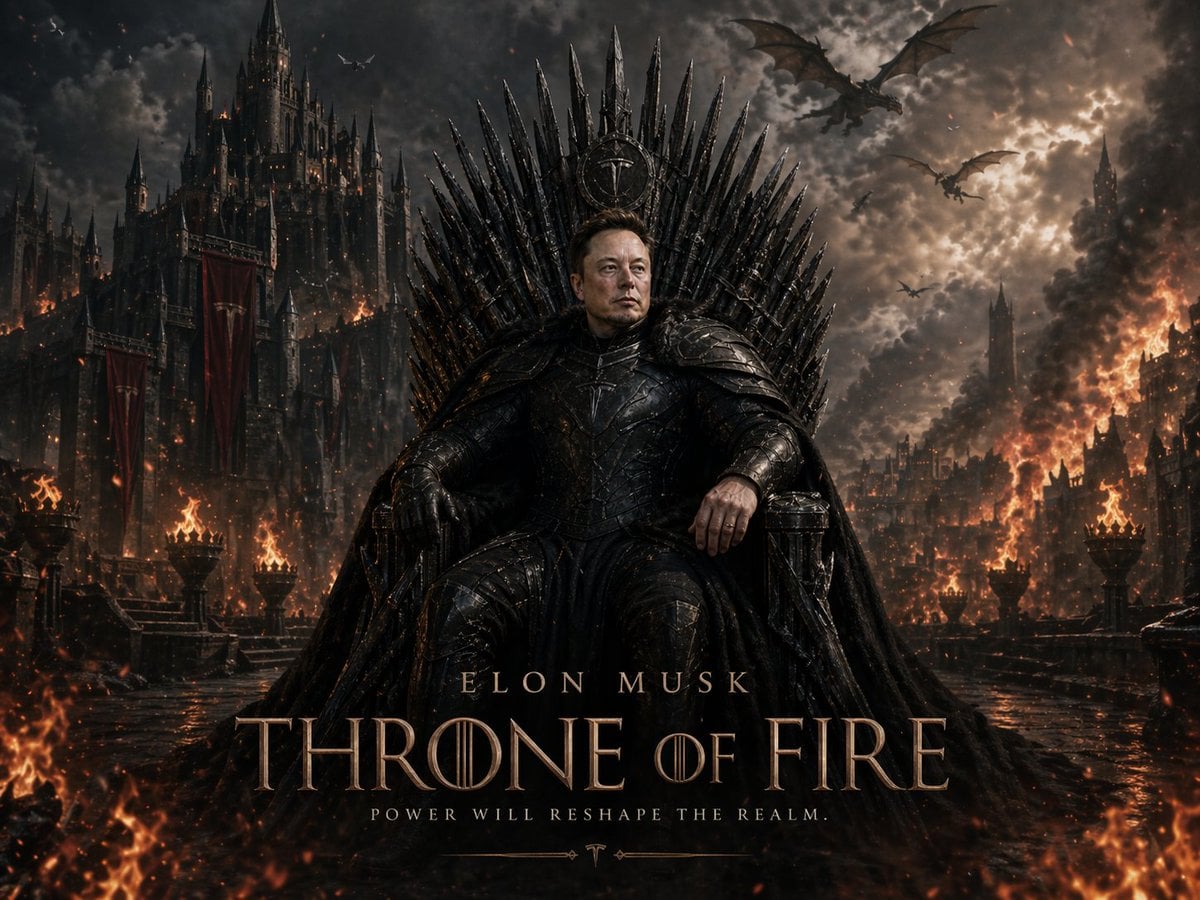
Sci-Fi AI Battle Movie Poster
Make it yours
Sci-Fi Light Freighter Schematic HUD works as-is. These are the safest ways to change it without losing the look.
Swap the setting
Keep the rest of the prompt and replace the location block. The current setting is “deep black”.
Change one field
Copy a single group, rewrite it, and generate again so you can see what that field is doing.
Keep the frame, change the subject
Hold the composition and light of Sci-Fi Light Freighter Schematic HUD, then swap wardrobe, props or the person for a new take.
| If the result… | Why | Fix |
|---|---|---|
| The result drifts from the preview | Too many fields changed at once. | Reuse Sci-Fi Light Freighter Schematic HUD as-is first, then change one group — subject, light, or setting. |
| GPT Image 2 ignores part of the JSON | Some models flatten or skip nested keys. | Keep the same values and paste them as a short paragraph instead. |
More GPT Image 2 templates
Other prompts made for GPT Image 2.

Six VTuber Japanese Logo Sheet

Realistic Portrait of Woman and Deer

The Vista Modular Condo Poster

AI Model Routing Comparison Infographic

2.5D Anime Art Board

Isometric Productivity Desk Scene

New York Double Exposure Poster

Four-Panel AI Landscape Comparison

Japanese Tatami Lifestyle Magazine Cover

NESCAFÉ Coffee Map Poster
More image prompts
Fresh picks from across the catalog.
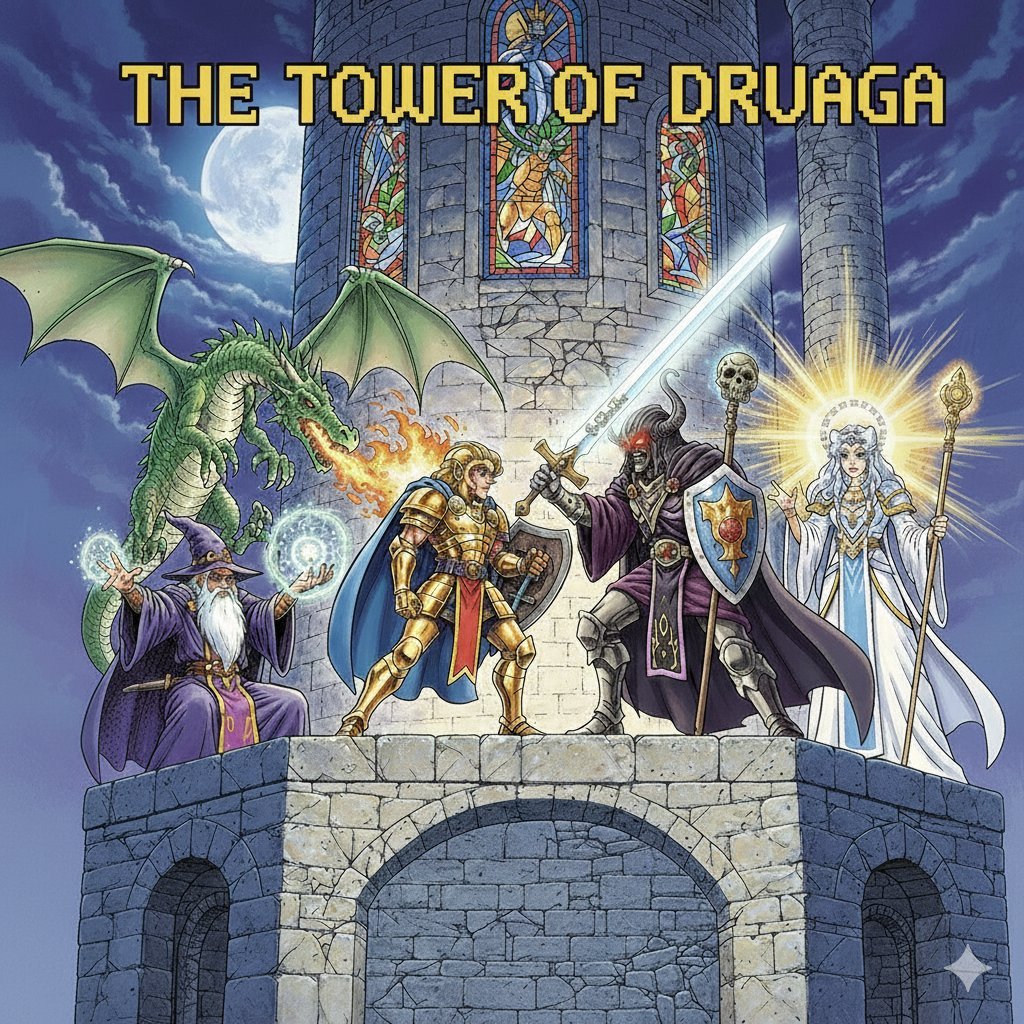
Tower of Druaga Gilgamesh vs. Druaga Prompt
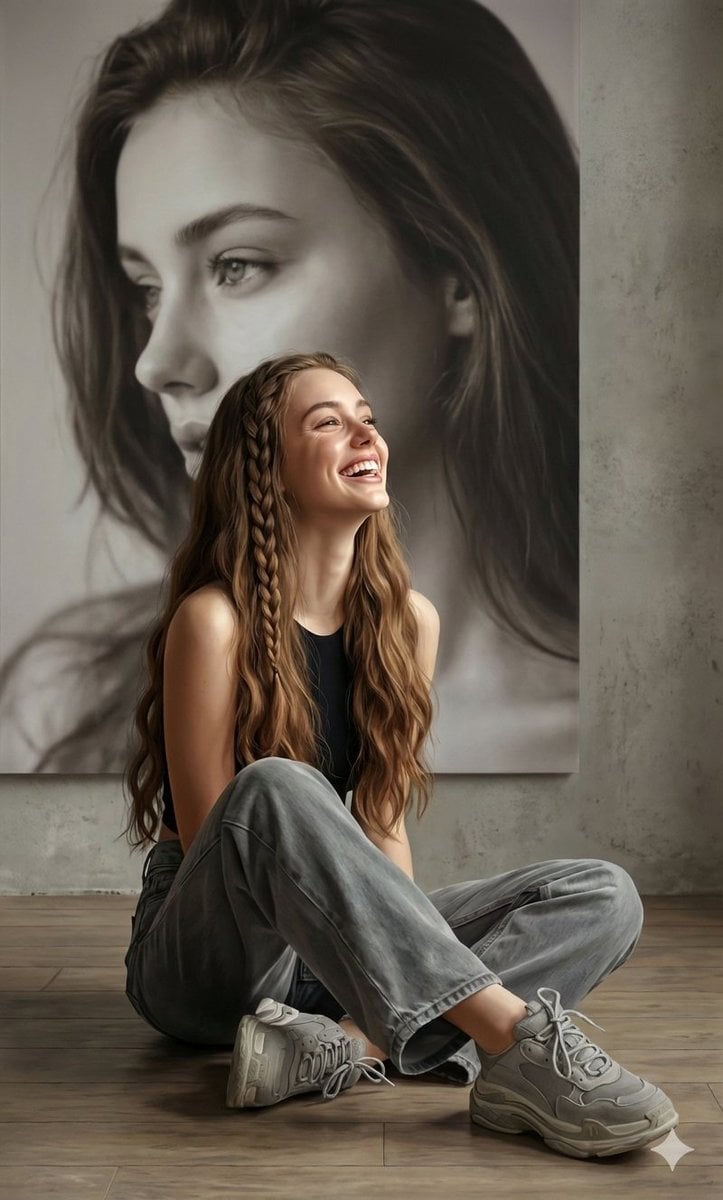
Hyperrealistic Portrait with Monochrome Profile Background

Minimalist Earbuds Product Photography with Line Art
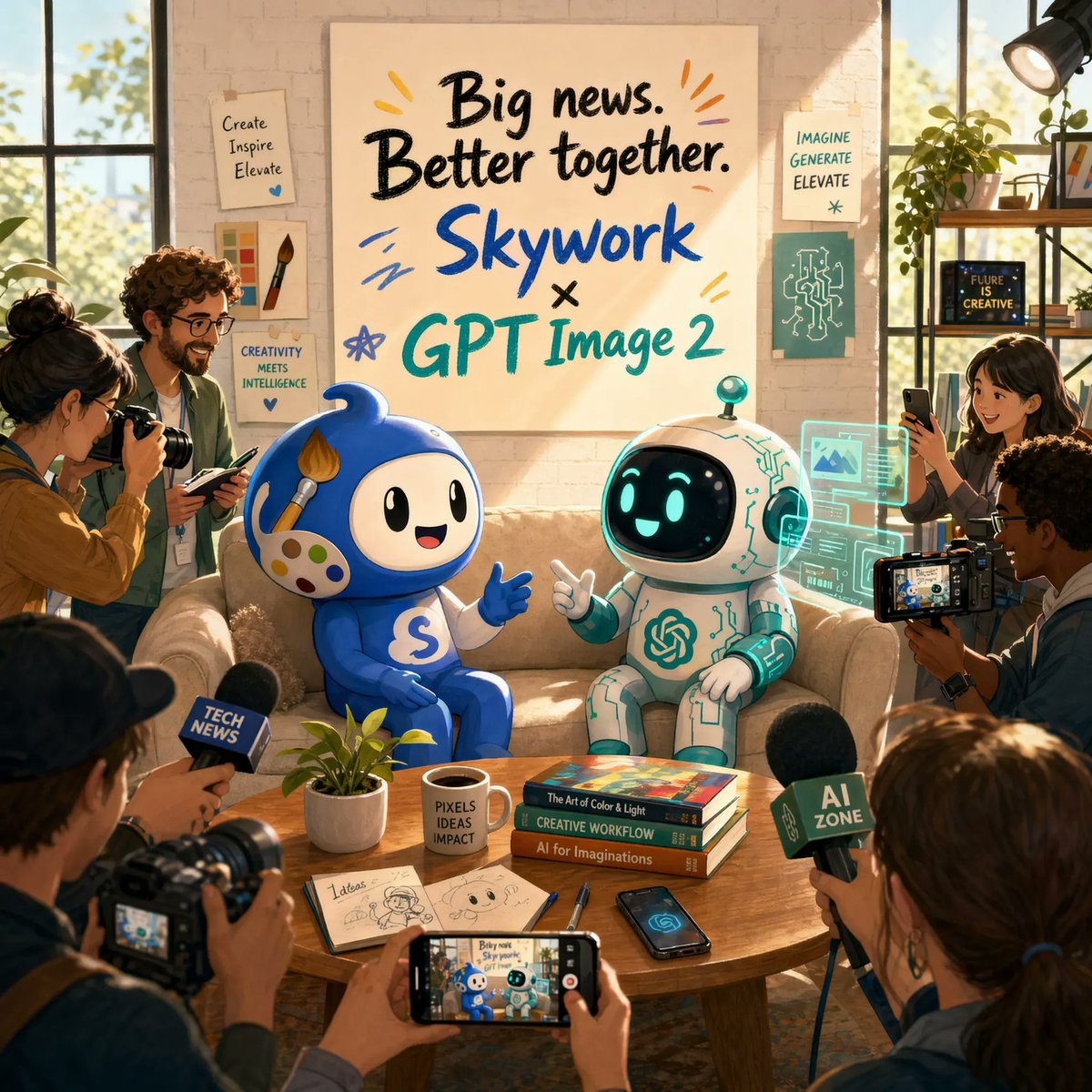
AI Partnership Launch Poster Scene
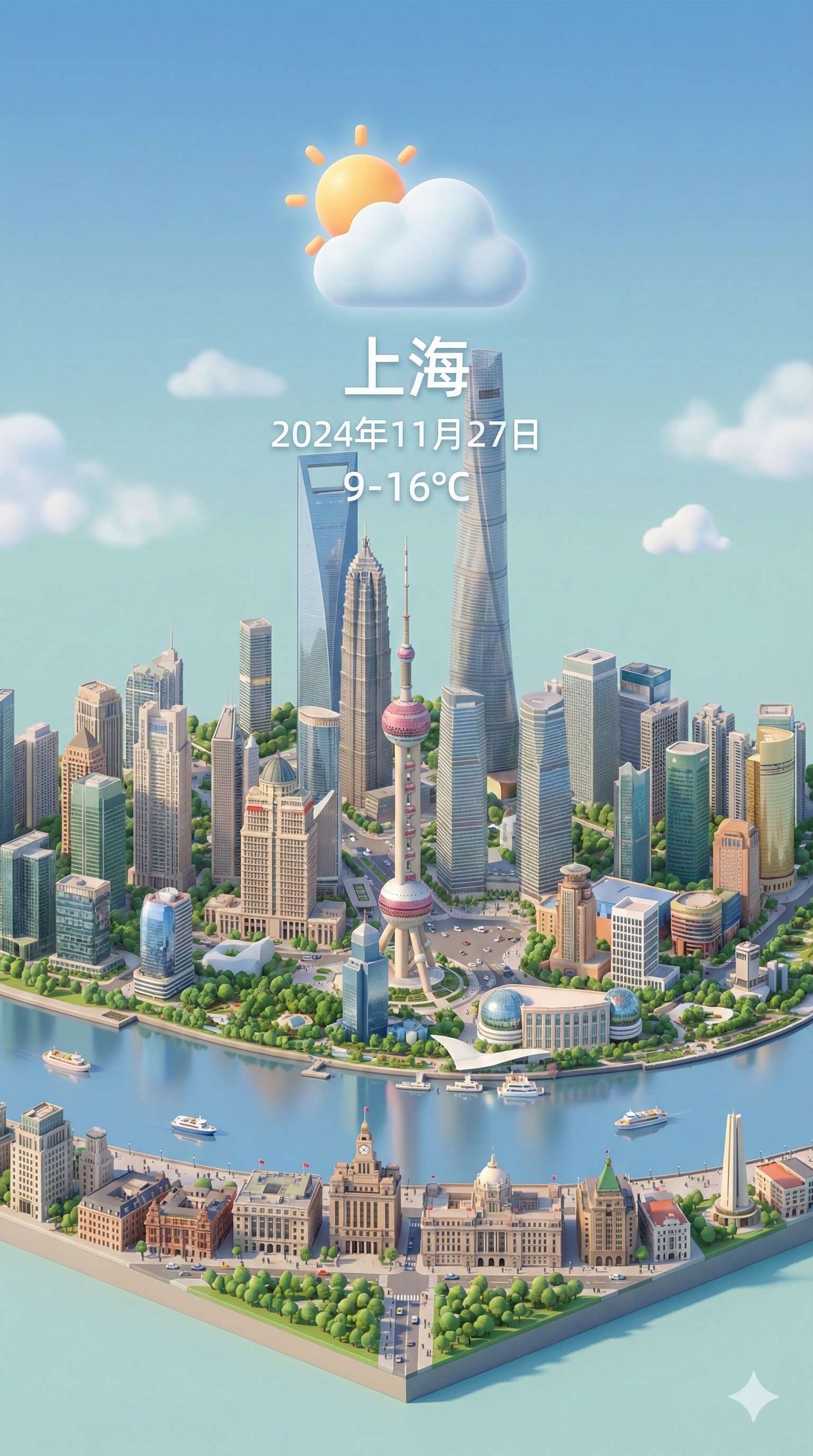
Isometric 3d Weather Card for Shanghai
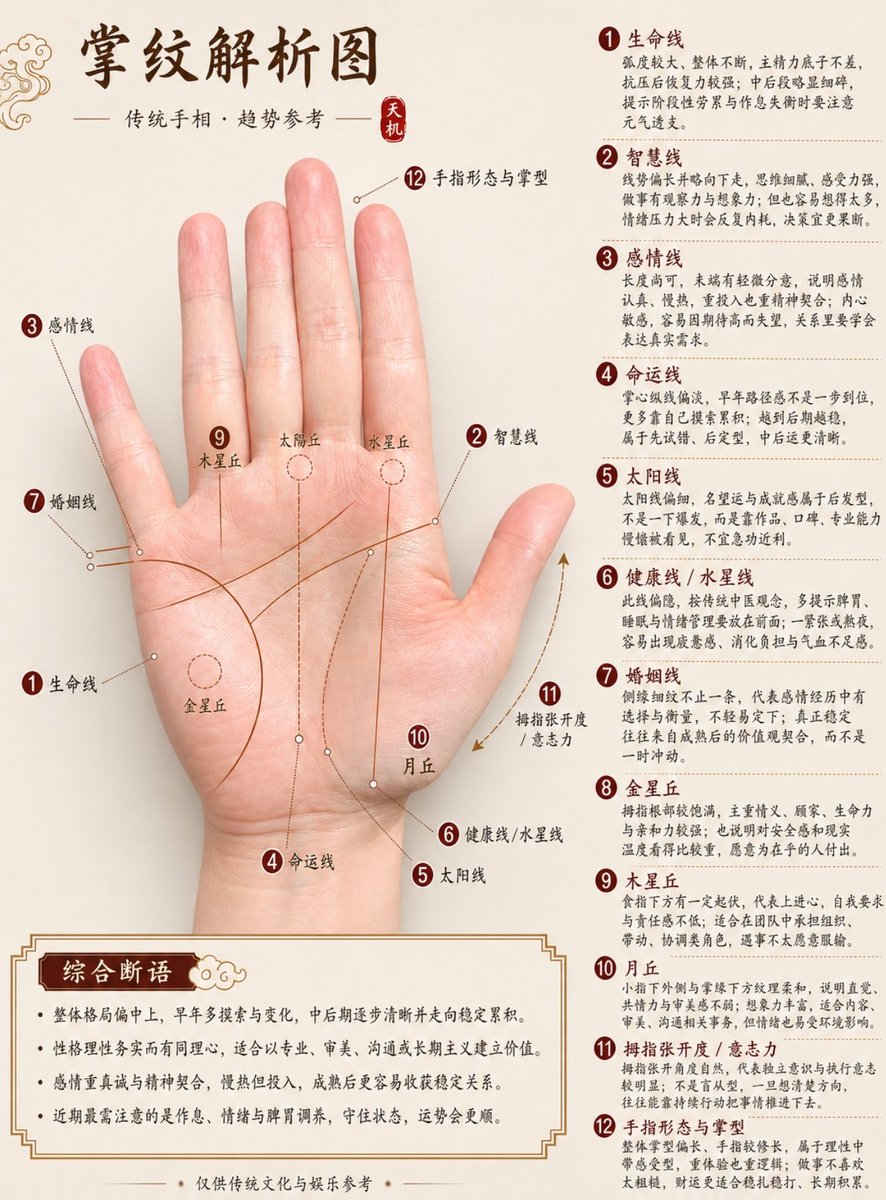
Professional Chinese Palmistry Analysis Chart
Miniature City Tiny Worlds

BBL Cricket Action Shot with Face Match

Photorealistic Café Lifestyle Shot Prompt
Candid Flash Photo of Woman in Avant-Garde Silk Gown
Browse template categories
Sci-Fi Light Freighter Schematic HUD questions
How do I use the Sci-Fi Light Freighter Schematic HUD template?
Add your photo if the template asks for one, edit the prompt if you like — the template's model and format are already selected — and press Generate. Your version opens in PicX Studio.
Can I customize the Sci-Fi Light Freighter Schematic HUD template?
Yes. You can change the subject, setting, lighting, mood, format, and available model controls before creating your image.
Is the Sci-Fi Light Freighter Schematic HUD template free?
Opening and editing this template is free. Generating uses credits, shown on the Generate button when you are signed in.
Which AI model should I use?
Start with GPT Image 2, which is the model associated with this template. You can compare another compatible model for a different finish.
Looking for something else? Browse all templates.

Your photo, any look
Thousands of ready templates for every top image and video model, from one credit balance.