How do I use the Miniature City Tiny Worlds template?
Edit the prompt in the box under the preview — the template's model and format are already selected — and press Generate. Your version appears right on this page.
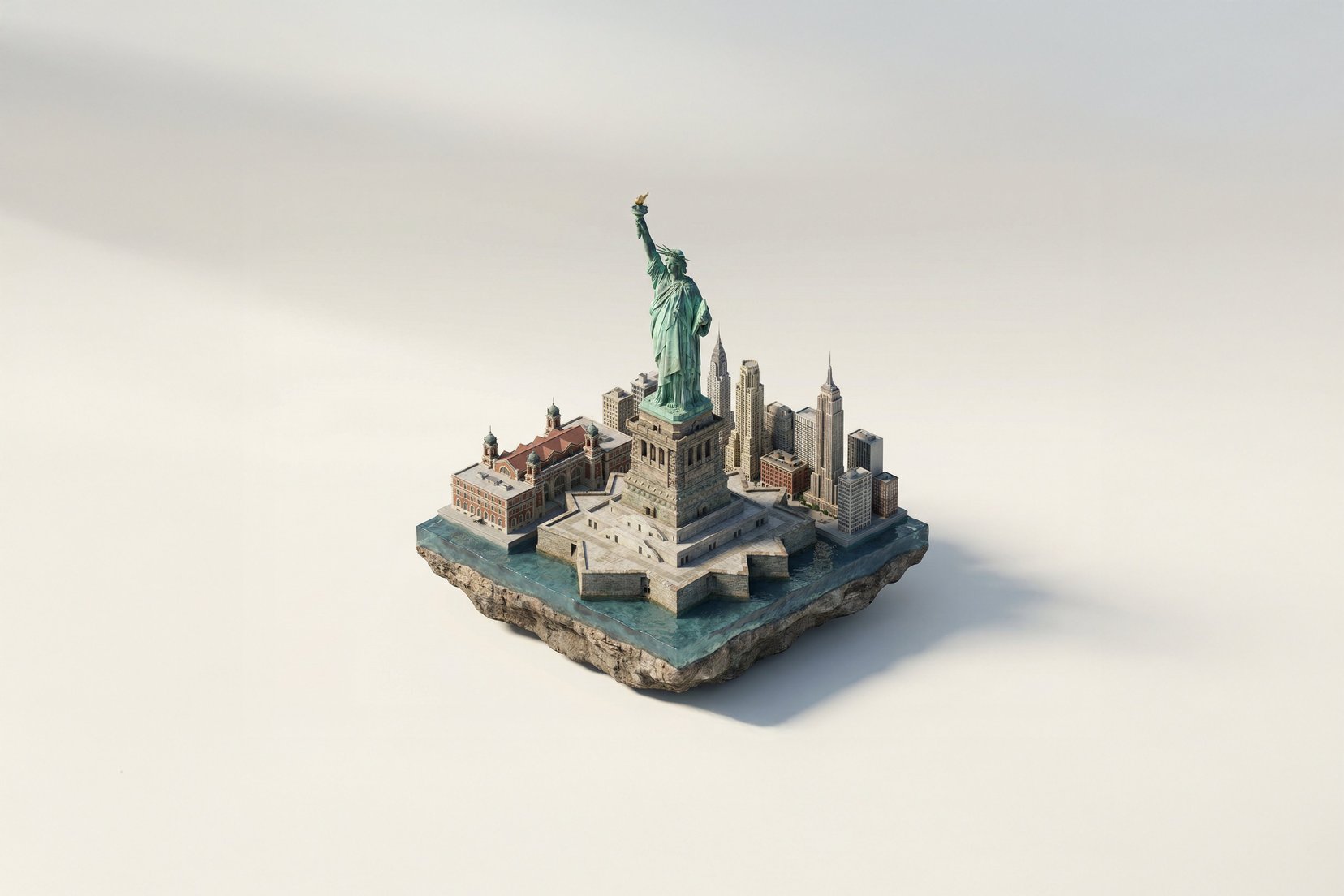
A macro photography prompt creating a realistic miniature city built within human hair, featuring high detail and natural skin textures.

Macro photograph of a {argument name="subject" default="miniature city hidden in human hair"}, clearly on a real human head, with part of the forehead and hairline visible, realistic skin texture with pores tiny people walking through the streets between the hair strands, extremely small but realistic proportions macro photography, {argument name="lens" default="85mm lens"}, shallow depth of field, natural lighting, neutral colors, no warm tones ultra realistic hair with visible roots, natural imperfections, slightly messy strands realistic materials, slightly dirty buildings, no perfect surfaces photorealistic, looks like a real photo, no illustration, no CGI, no glow
Macro photograph of a {argument name="subject" default="miniature city hidden in human hair"}, clearly on a real human head, with part of the forehead and hairline visible, realistic skin texture with pores tiny people walking through the streets between the hair strands, extremely small but realistic proportions macro photography, {argument name="lens" default="85mm lens"}, shallow depth of field, natural lighting, neutral colors, no warm tones ultra realistic hair with visible roots, natural imperfections, slightly messy strands realistic materials, slightly dirty buildings, no perfect surfaces photorealistic, looks like a real photo, no illustration, no CGI, no glow
Edit the prompt in the box under the preview — the template's model and format are already selected — and press Generate. Your version appears right on this page.
Yes. You can change the subject, setting, lighting, mood, format, and available model controls before creating your image.
Opening and editing this template is free. Generating uses credits, shown on the Generate button when you are signed in.
Start with GPT Image 2, which is the model associated with this template. You can compare another compatible model for a different finish.
Follow a topic to a crawlable collection of related PicX Studio templates.