
Tiny Woman Miniature Fantasy Macro Scene
Model: GPT image 2 via chat Gpt.

- Prompt included
- Model and format preset
- Free template
The prompt behind this image
Copy the exact prompt behind Tiny Woman Miniature Fantasy Macro Scene, or open it in the studio and make it yours.
Prompt Ultra-realistic miniature fantasy photography of a tiny young woman climbing a thick rope attached to an oversized black drinking straw inside a giant plastic cup of iced coffee. She has long dark wavy hair, a friendly smile, and wears a dark green hoodie, blue jeans, and brown leather boots. The enormous transparent cup is covered with realistic condensation droplets and filled with creamy iced coffee and large ice cubes. Around the base are oversized coffee beans and crystal-clear ice cubes scattered across a wet wooden table. In the background is a dreamy tropical beach at golden sunset with palm trees, colorful beach floats, warm string lights, and a softly blurred ocean horizon. The scene has cinematic golden-hour lighting, shallow depth of field, creamy bokeh, ultra-detailed textures, whimsical forced perspective, photorealistic 8K quality, HDR, vibrant warm colors, professional DSLR look, and magical miniature scale illusion.
How to use Tiny Woman Miniature Fantasy Macro Scene in 3 steps
- 1Upload ImagePNG, JPG or paste
Add your photo
Upload the photo the template builds on. The prompt, model and format are already set.
- 2…a portrait of your subject in softgolden-hour light, 85mm…
Personalize
Edit the subject and creative details for your destination.
- 3Generate
Generate
Press Generate — your image is created in PicX Studio, so you can compare it with the original and refine one variable at a time.
More like this
Templates with the same subject, style or setup. Open one to see its prompt.

Face-Locked Train Window Lifestyle Portrait
JSON Seedance - Fairy Macro Flight
Mixed Media Editorial Woman Illustration

Face-Locked Cream Half-Zip Street Walk

Luxury Toothpaste Commercial Storyboard

Face-Locked Identity Reference Portrait
Same Traveler Different Timeline Portrait

Dancer Character - Four View Reference Sheet
Seedance - Arrow Microscopic Battle
Seedance - Brand Commercial
Videogame Cinematic Trailer - Seedance 2.0
Cinematic Tiny Planet Fantasy World
Make it yours
Tiny Woman Miniature Fantasy Macro Scene works as-is. These are the safest ways to change it without losing the look.
Change one field
Copy a single group, rewrite it, and generate again so you can see what that field is doing.
Keep the frame, change the subject
Hold the composition and light of Tiny Woman Miniature Fantasy Macro Scene, then swap wardrobe, props or the person for a new take.
| If the result… | Why | Fix |
|---|---|---|
| The result drifts from the preview | Too many fields changed at once. | Reuse Tiny Woman Miniature Fantasy Macro Scene as-is first, then change one group — subject, light, or setting. |
| The model over-stylizes the scene | The prose prompt leaves finish and camera underspecified. | Add one camera or lighting sentence and stay on GPT Image 2 Via Chat GPT. |
More image prompts
Fresh picks from across the catalog.

Manga Generation Prompt Template for Nano Banana Pro
Luxury Skincare Product Photography Prompt
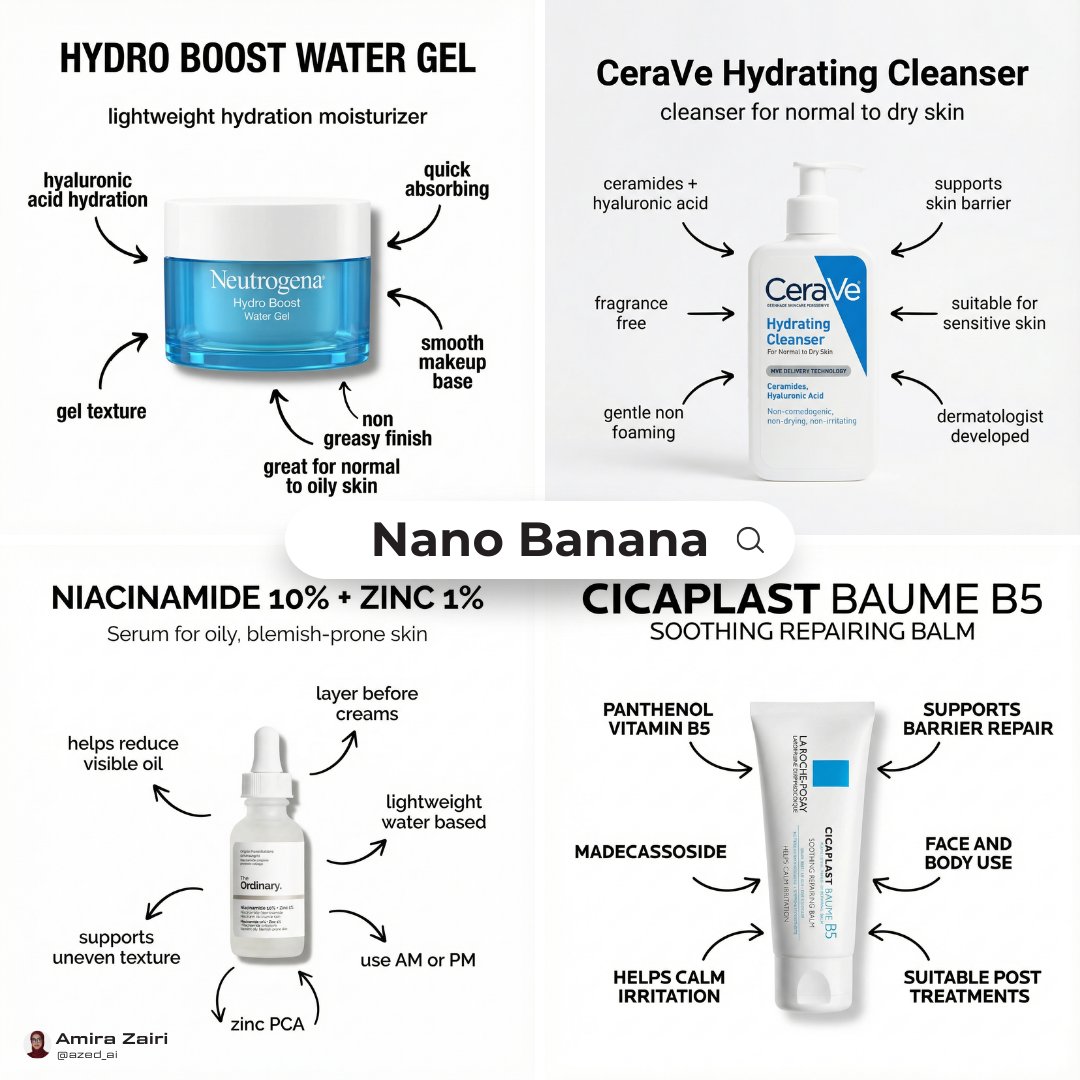
Infographic Poster Creation Prompt
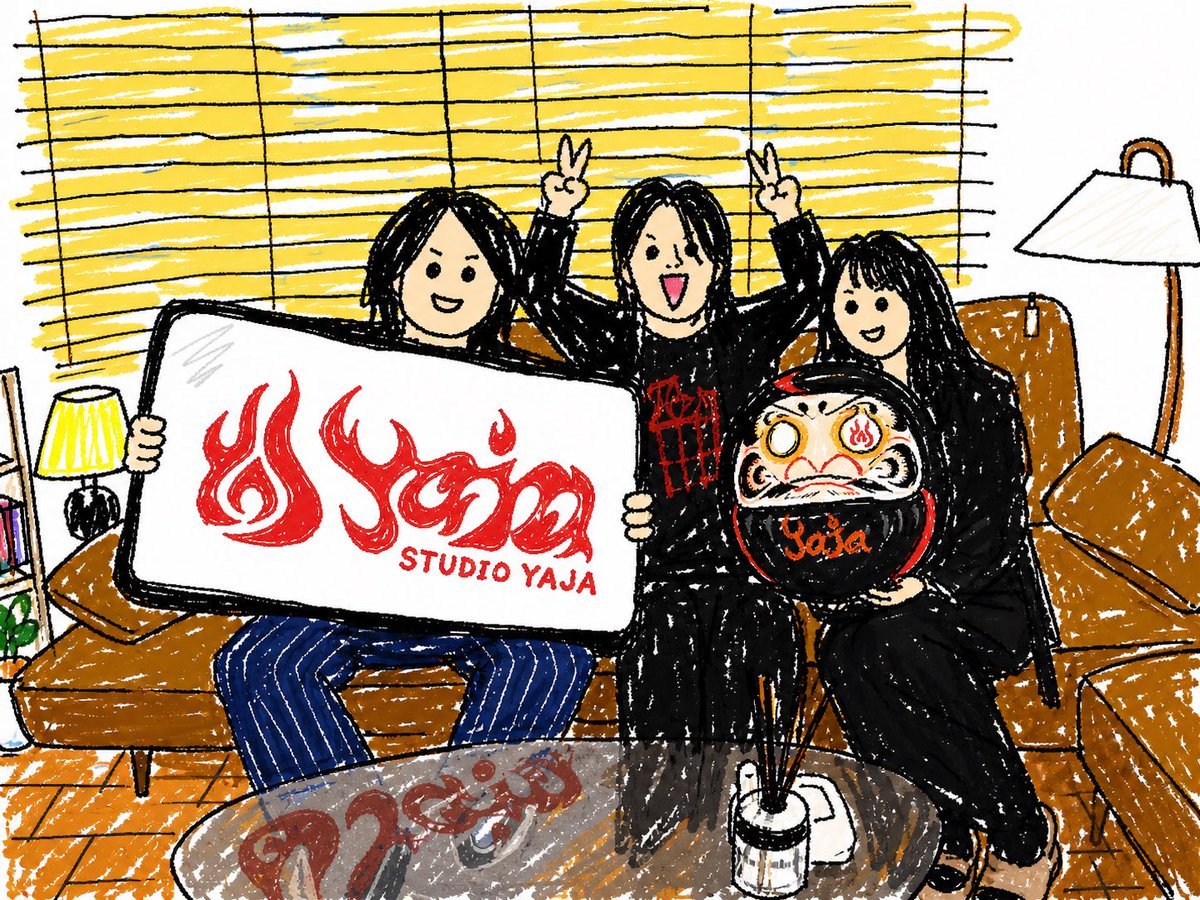
Crayon Friends Studio Celebration
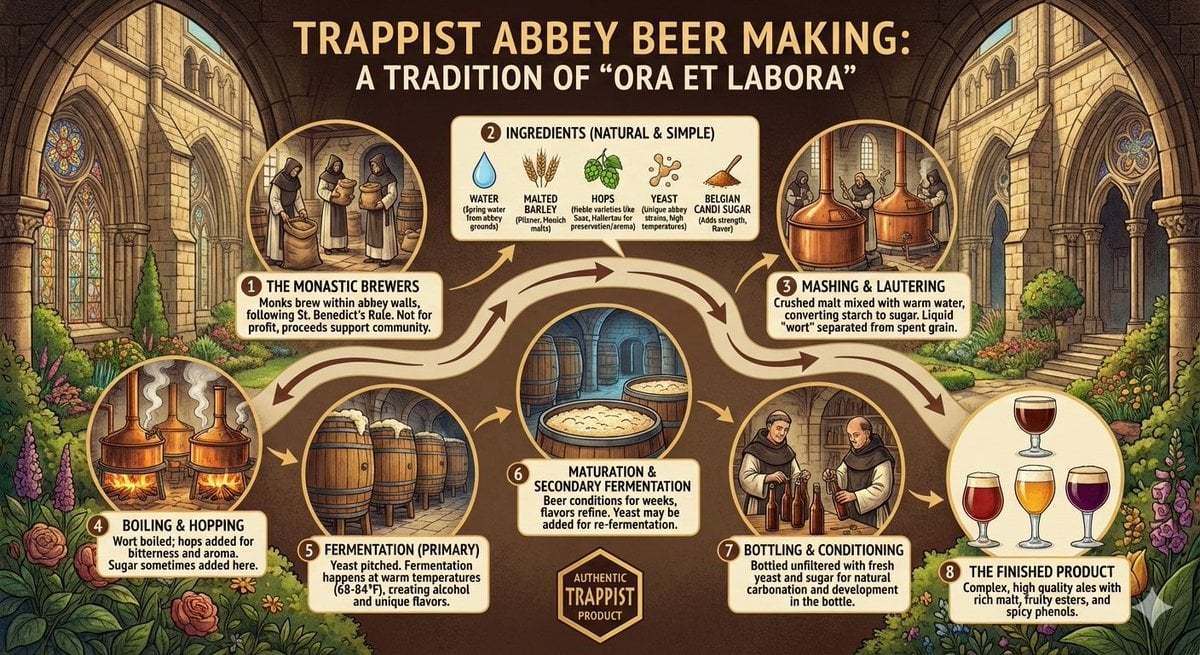
Infographic on Trappist Abbey Beer Making
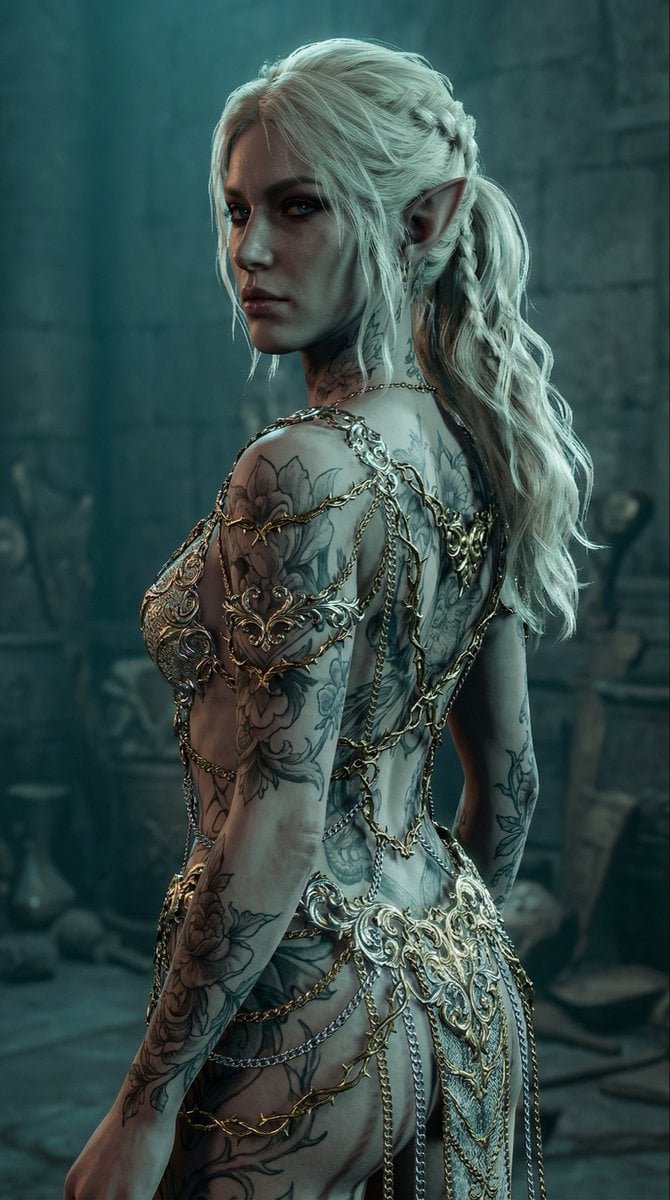
Elven Woman with Ornate Chain Dress
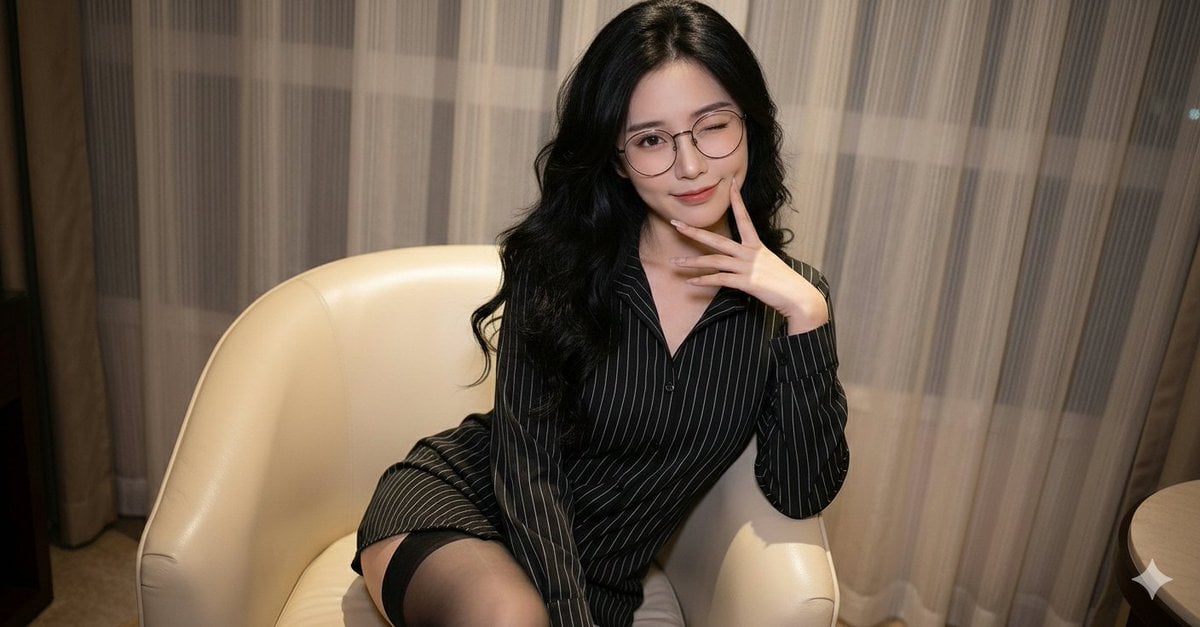
Polished Indoor Portrait with Shallow Depth of Field
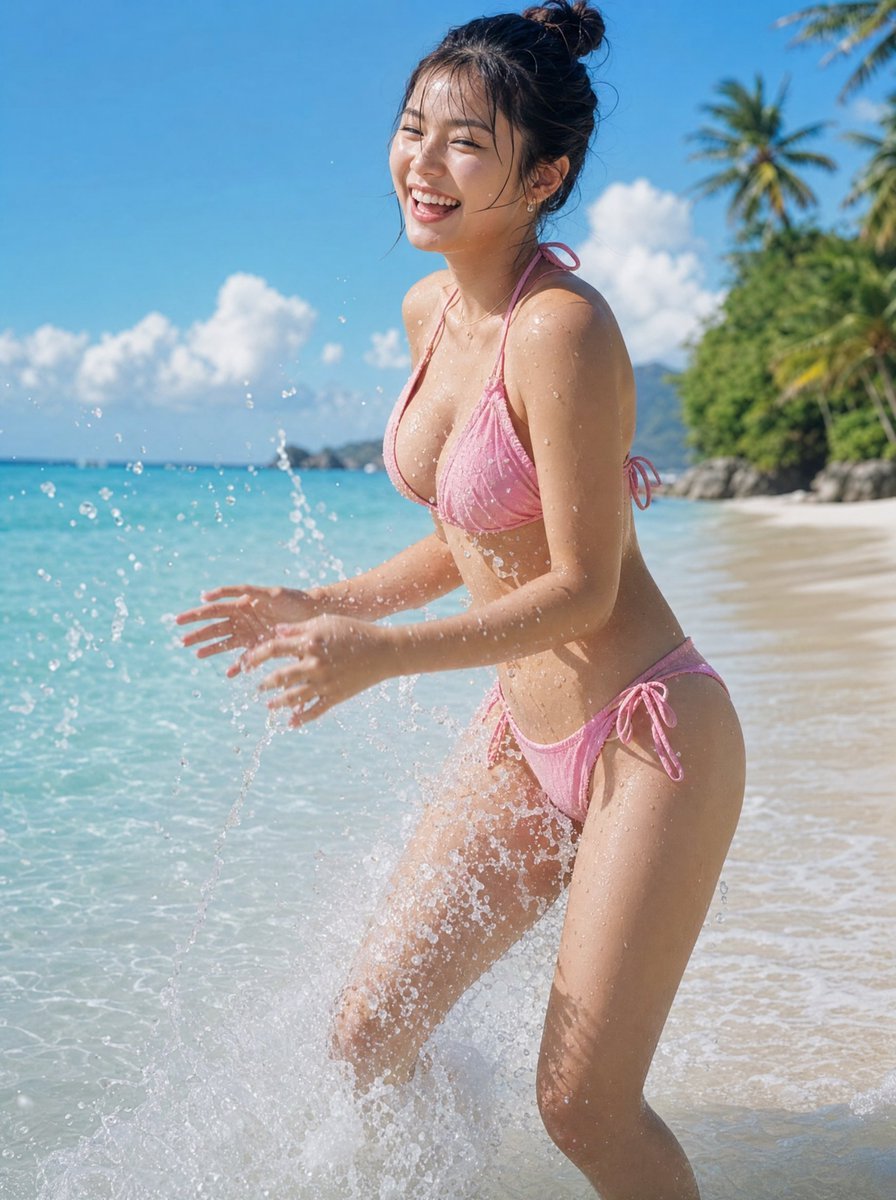
Natural Japanese Woman at Beach
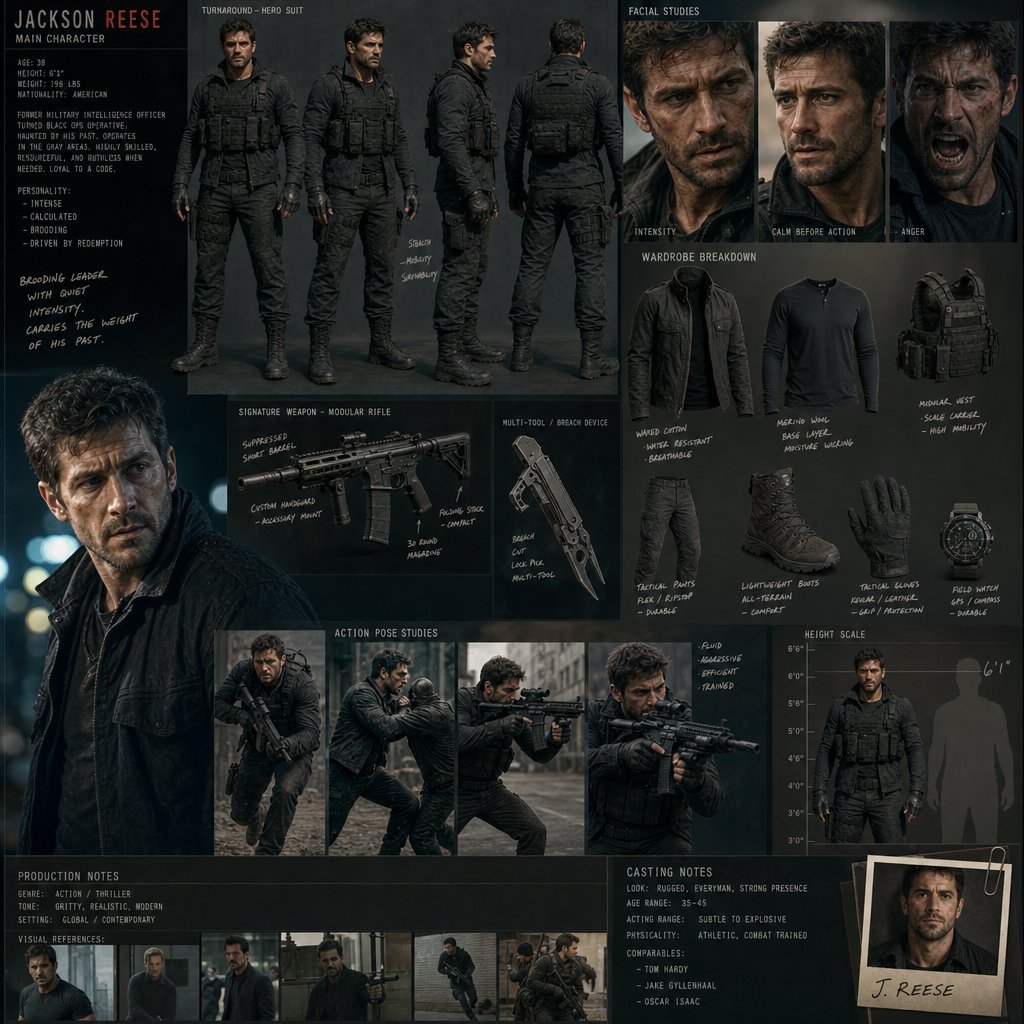
Hollywood Action Film Character Board
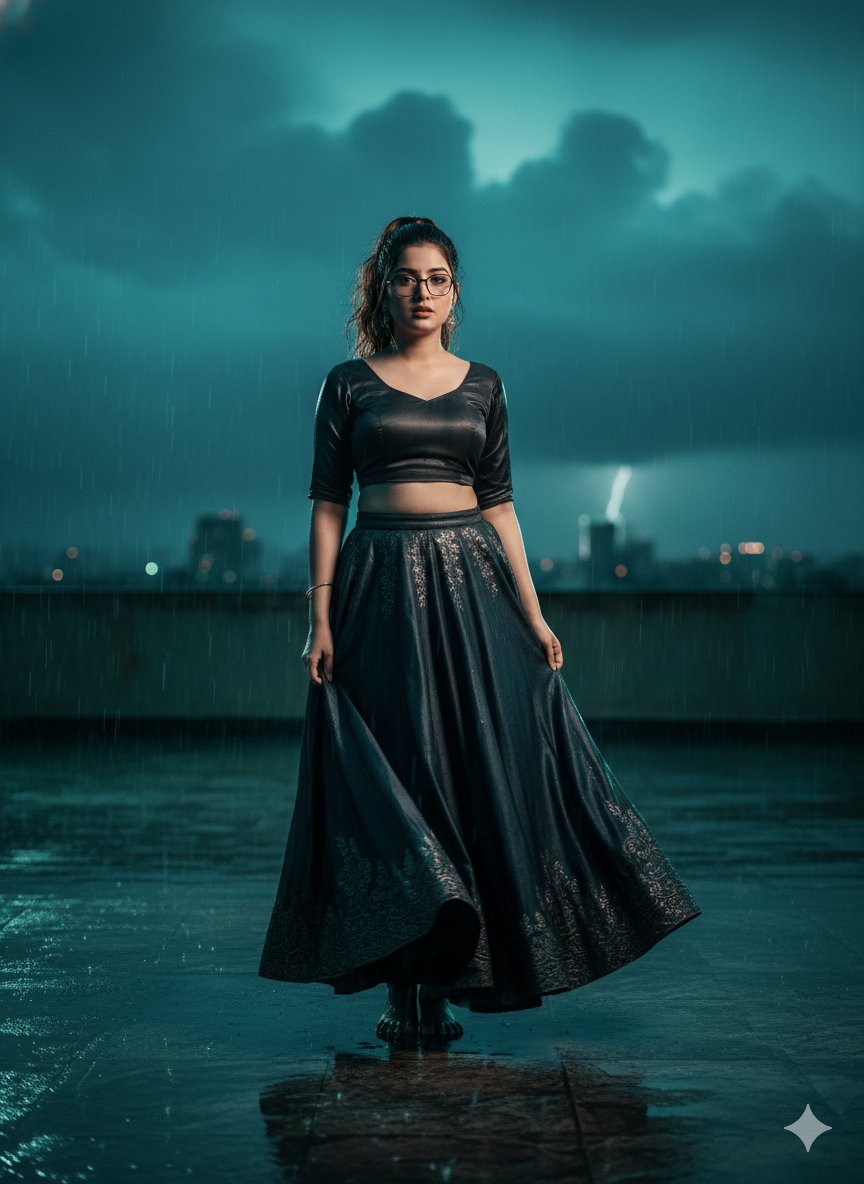
Hyper-Realistic Cinematic Bollywood Poster in Monsoon
Browse template categories
Tiny Woman Miniature Fantasy Macro Scene questions
How do I use the Tiny Woman Miniature Fantasy Macro Scene template?
Add your photo if the template asks for one, edit the prompt if you like — the template's model and format are already selected — and press Generate. Your version opens in PicX Studio.
Can I customize the Tiny Woman Miniature Fantasy Macro Scene template?
Yes. You can change the subject, setting, lighting, mood, format, and available model controls before creating your image.
Is the Tiny Woman Miniature Fantasy Macro Scene template free?
Opening and editing this template is free. Generating uses credits, shown on the Generate button when you are signed in.
Which AI model should I use?
Start with GPT Image 2 Via Chat GPT, which is the model associated with this template. You can compare another compatible model for a different finish.
Looking for something else? Browse all templates.

Your photo, any look
Thousands of ready templates for every top image and video model, from one credit balance.