
Face-Locked Train Window Lifestyle Portrait
Model: GPT Image 2 on ChatGPT.

- Prompt included
- Model and format preset
- Free template
The prompt behind this image
Copy the exact prompt behind Face-Locked Train Window Lifestyle Portrait, or open it in the studio and make it yours.
Ultra-realistic photorealistic portrait of the same woman from the reference image, preserving her exact facial features, identity, face shape, skin tone, proportions, and unique characteristics with complete accuracy. Do not alter, beautify, reshape, or change her face in any way. She is leaning casually against the interior wall of a modern train, looking directly into the camera with a natural, relaxed expression. She wears a minimal beige crewneck cotton t-shirt tucked into a high-waisted light-wash blue denim midi skirt. Her casual outfit is complemented by white crew socks and clean white platform sneakers. She stands beside a large train window revealing a softly blurred rural landscape passing outside under gentle daylight. The train interior is modern, clean, and minimal, creating a warm, aesthetic, and peaceful atmosphere. Natural posture, authentic body proportions, realistic fabric textures, subtle environmental reflections on the window, and lifelike details throughout. Shot with a 35mm lens, natural soft daylight, cinematic composition, shallow depth of field, sharp focus on the subject, ultra-detailed skin texture, realistic lighting, professional travel-lifestyle photography, photorealistic, 8K resolution. Preserve the exact identity of the reference woman.
How to use Face-Locked Train Window Lifestyle Portrait in 3 steps
- 1Upload ImagePNG, JPG or paste
Add your photo
Upload the photo the template builds on. The prompt, model and format are already set.
- 2…a portrait of your subject in softgolden-hour light, 85mm…
Personalize
Edit the subject and creative details for your destination.
- 3Generate
Generate
Press Generate — your image is created in PicX Studio, so you can compare it with the original and refine one variable at a time.
More like this
Templates with the same subject, style or setup. Open one to see its prompt.

Face-Locked Cream Half-Zip Street Walk

Face-Locked City Skyline Double Exposure

Face-Locked Identity Reference Portrait

80s Bollywood Star

80s Golden Hour Cinema

Toddler Version of a Person in 3d Pixar

Ultra Detailed 3d Plush Cartoon Characte

Studio Quality Portrait Generation Using

Nano Banana 2

Nano Banana 2 Gourmet Ice Cream Commerci
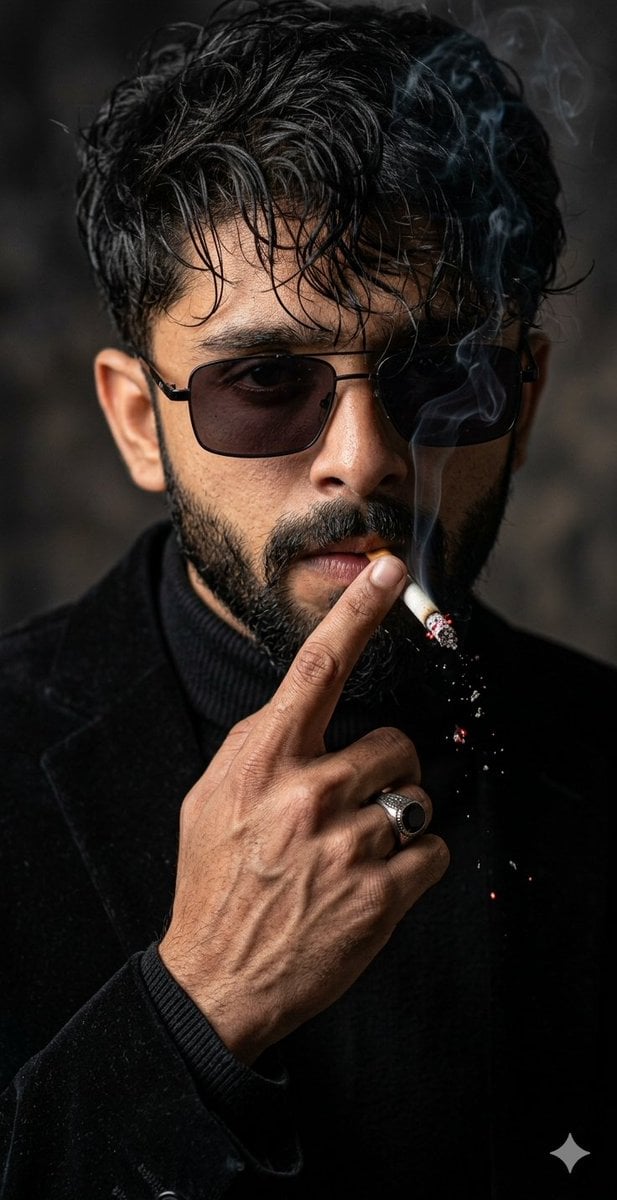
Cinematic Face-Locked Portrait with Cigarette
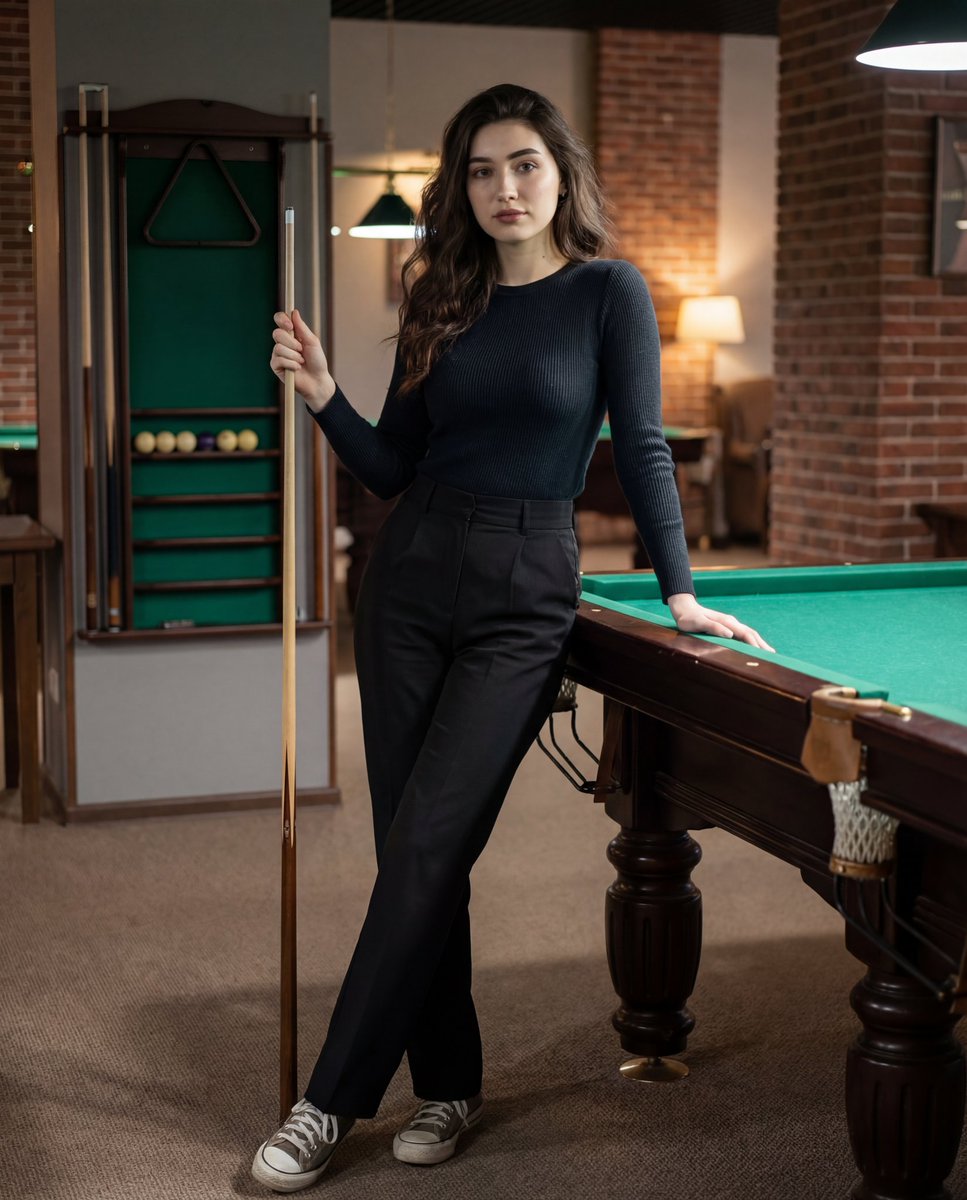
Photorealistic Lifestyle Portrait Prompt (Identity Locked)
Make it yours
Face-Locked Train Window Lifestyle Portrait works as-is. These are the safest ways to change it without losing the look.
Change one field
Copy a single group, rewrite it, and generate again so you can see what that field is doing.
Keep the frame, change the subject
Hold the composition and light of Face-Locked Train Window Lifestyle Portrait, then swap wardrobe, props or the person for a new take.
| If the result… | Why | Fix |
|---|---|---|
| The result drifts from the preview | Too many fields changed at once. | Reuse Face-Locked Train Window Lifestyle Portrait as-is first, then change one group — subject, light, or setting. |
| The model over-stylizes the scene | The prose prompt leaves finish and camera underspecified. | Add one camera or lighting sentence and stay on GPT Image 2 On ChatGPT. |
More GPT Image 2 On ChatGPT templates
Other prompts made for GPT Image 2 On ChatGPT.
More image prompts
Fresh picks from across the catalog.
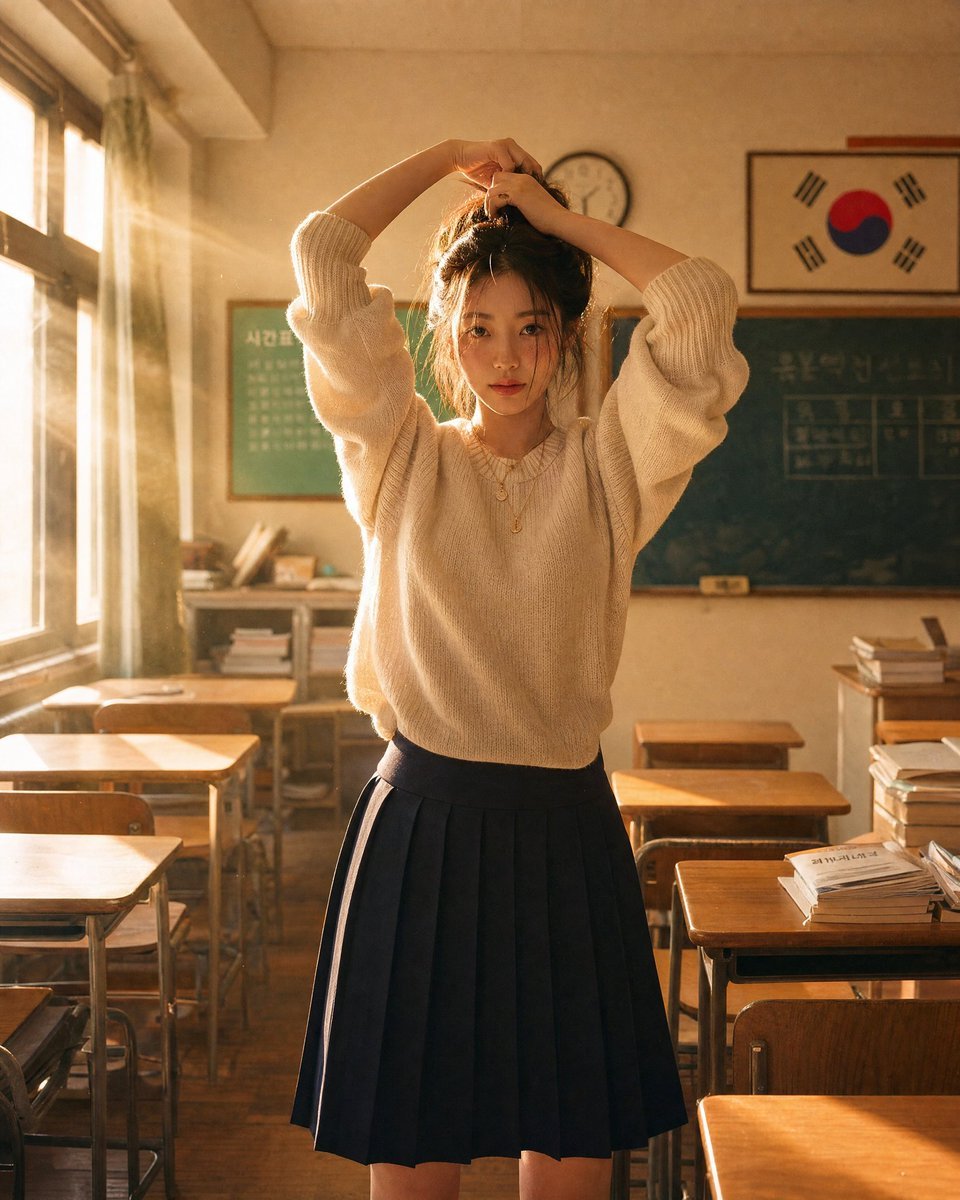
Korean Classroom Aesthetic Portrait
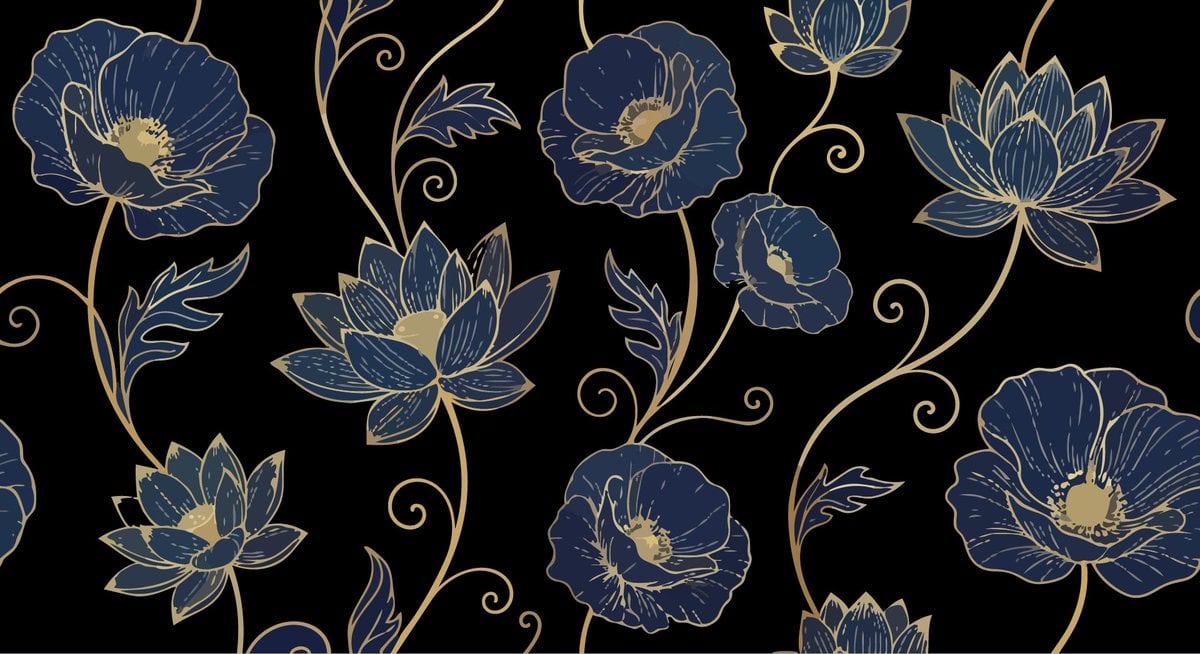
Elegant Luxurious Floral Vector Pattern Prompts (2 variations)
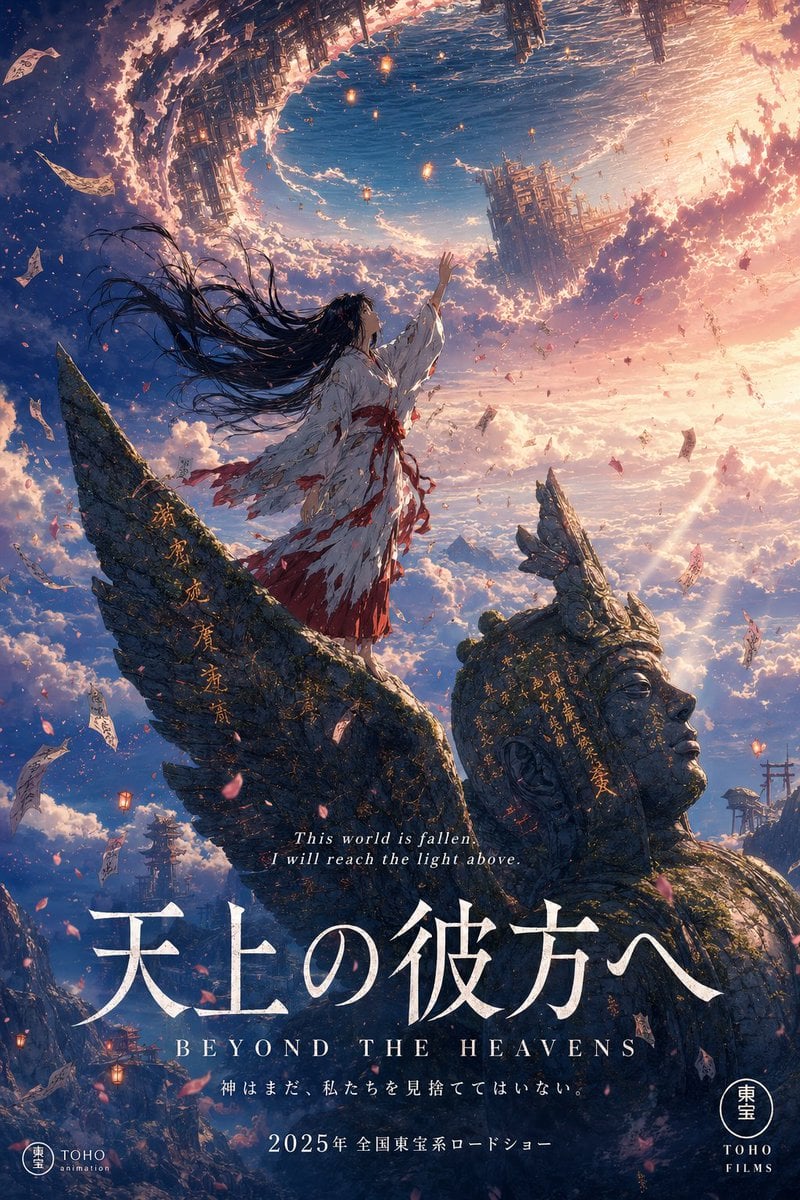
Anime Theatrical Movie Poster
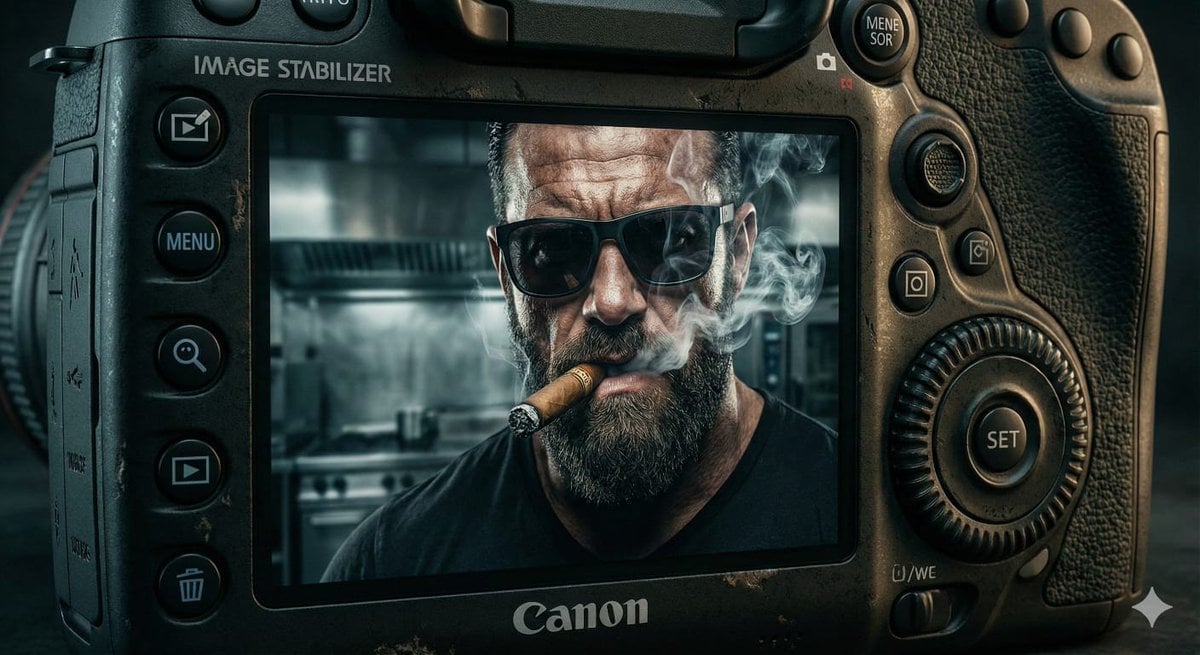
Digital Camera Screen Portrait

KAWAISALES Ad Design
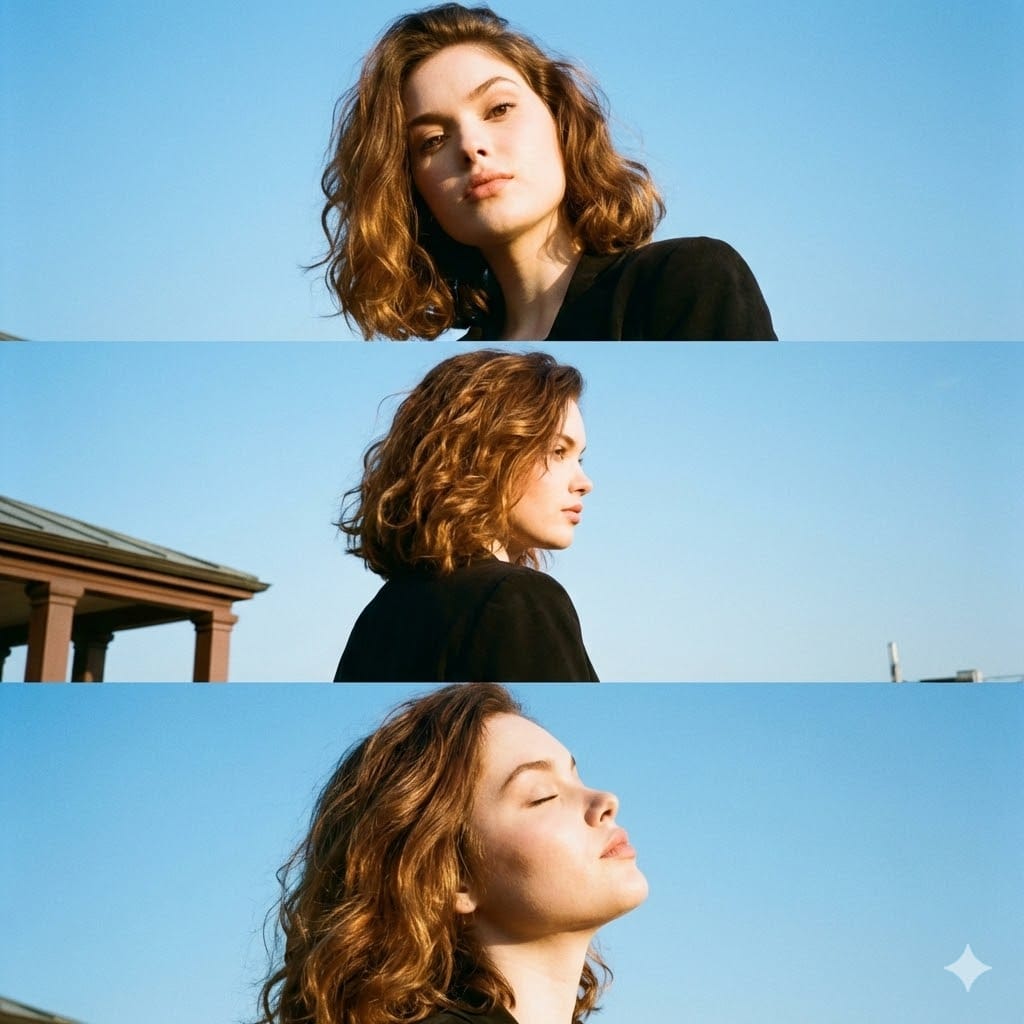
Triptych Portrait with Strict Identity Lock
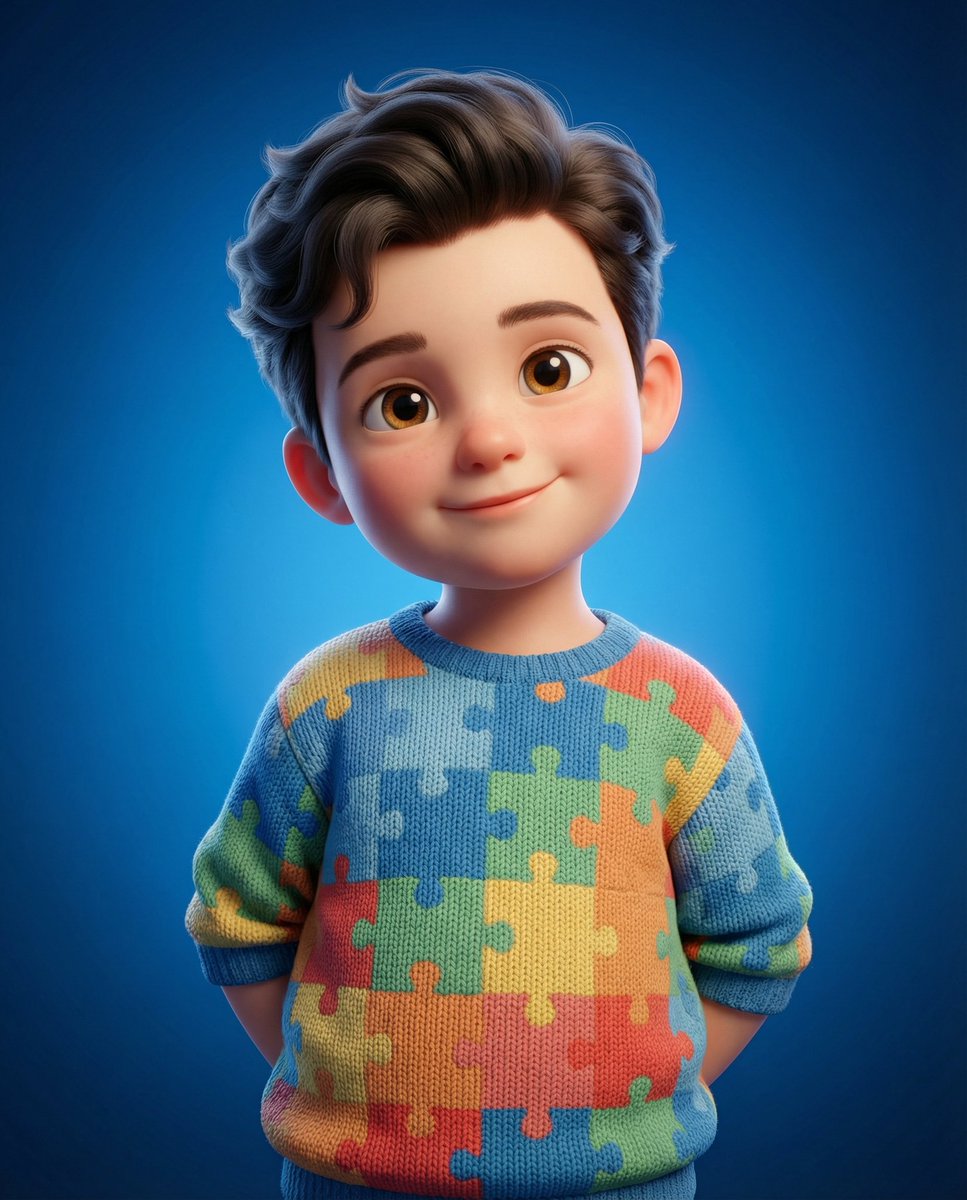
3D Render of Childlike Character in Puzzle Sweater
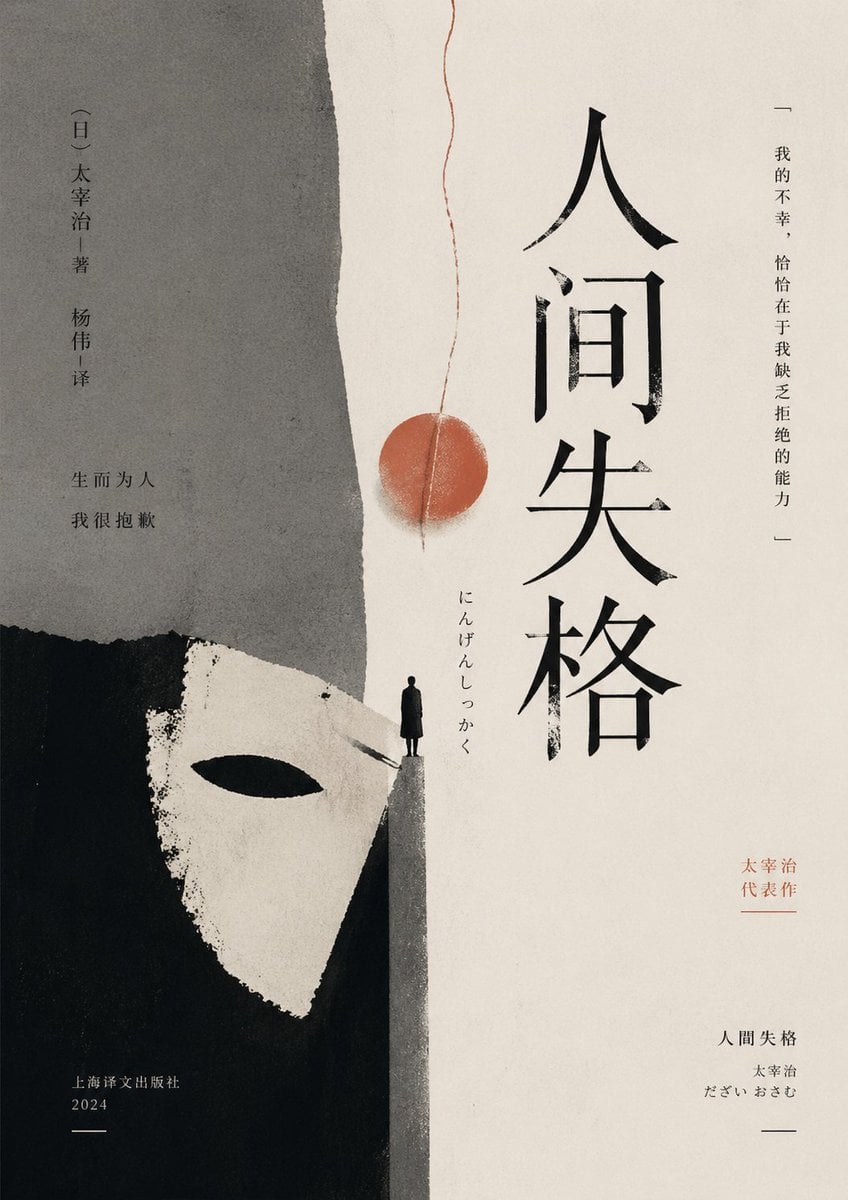
Minimalist No Longer Human Cover
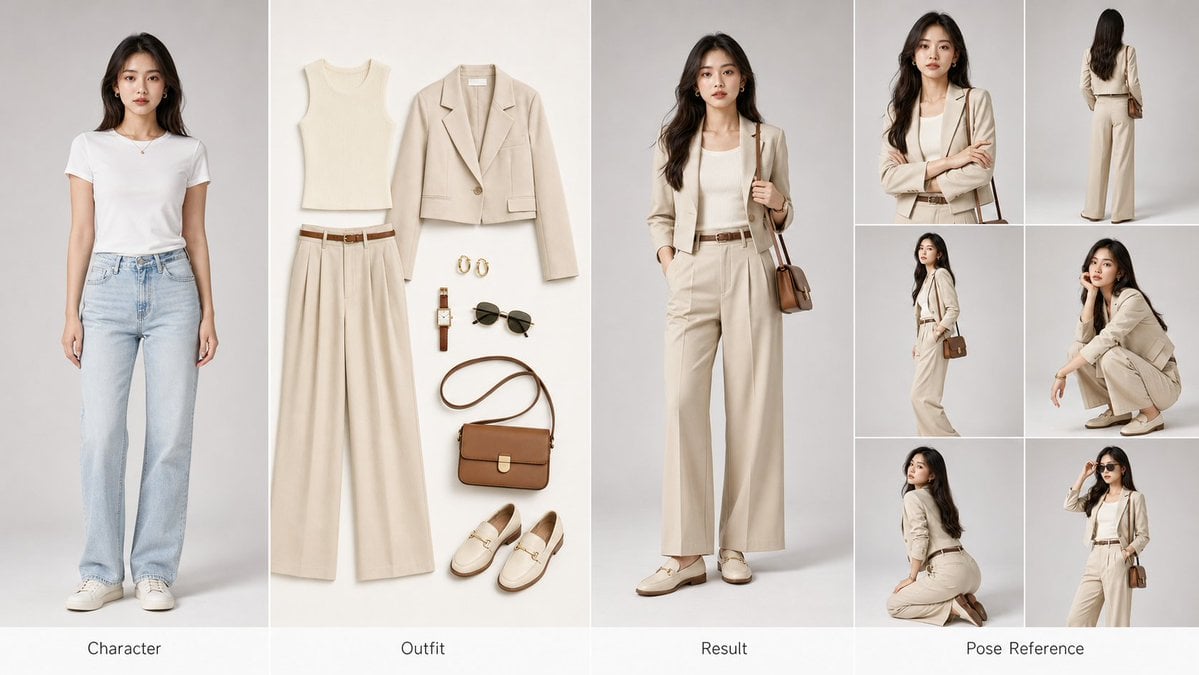
AI Fashion Comparison Poster
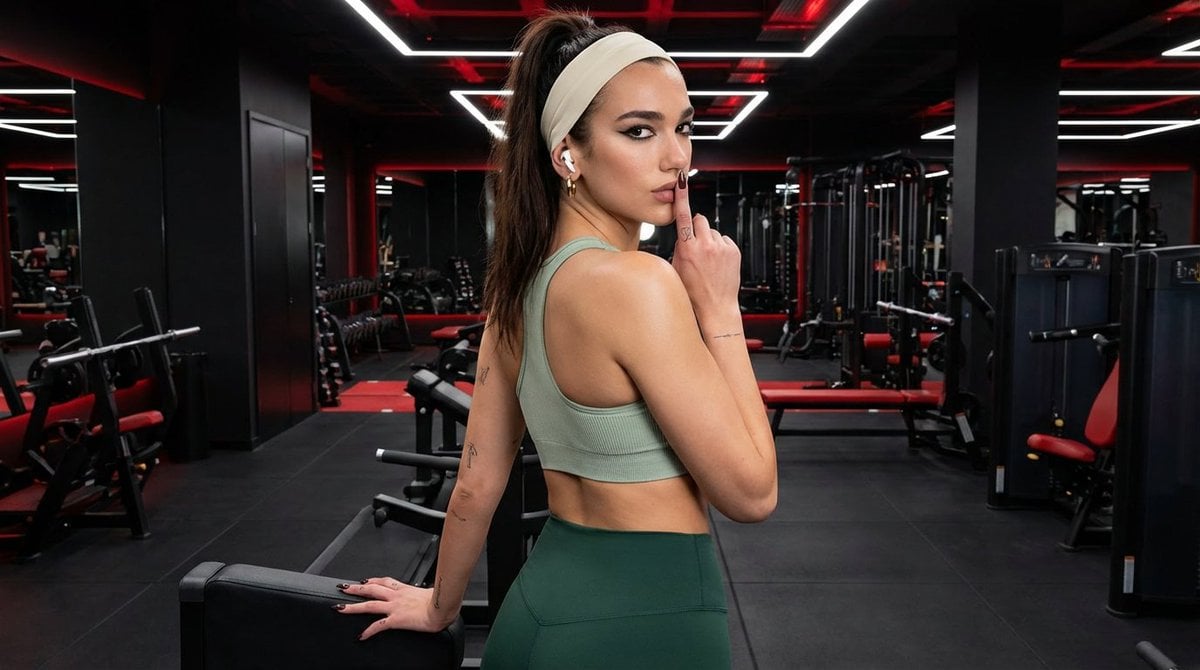
Modern Fitness Editorial Portrait
Browse template categories
Face-Locked Train Window Lifestyle Portrait questions
How do I use the Face-Locked Train Window Lifestyle Portrait template?
Add your photo if the template asks for one, edit the prompt if you like — the template's model and format are already selected — and press Generate. Your version opens in PicX Studio.
Can I customize the Face-Locked Train Window Lifestyle Portrait template?
Yes. You can change the subject, setting, lighting, mood, format, and available model controls before creating your image.
Is the Face-Locked Train Window Lifestyle Portrait template free?
Opening and editing this template is free. Generating uses credits, shown on the Generate button when you are signed in.
Which AI model should I use?
Start with GPT Image 2 On ChatGPT, which is the model associated with this template. You can compare another compatible model for a different finish.
Looking for something else? Browse all templates.

Your photo, any look
Thousands of ready templates for every top image and video model, from one credit balance.