
Toddler Version of a Person in 3d Pixar
Toddler Version of a Person in 3d Pixar is a ready photo look for Nano Banana.

- Prompt included
- Model and format preset
- Free template
The prompt behind this image
Copy the exact prompt behind Toddler Version of a Person in 3d Pixar, or open it in the studio and make it yours.
Create a super cute, hyper-realistic 3D render of a toddler girl who is a younger version of the person in the provided reference photo. The facial structure must strongly match the reference image. Accurately replicate the exact eye shape, eye color, skin tone, lip shape, nose structure, cheek fullness, eyebrow shape, and overall facial proportions. The toddler version should clearly resemble the same person at a younger age while maintaining realistic childlike softness and rounded features. If any accessory (such as an earring or similar detail) appears in the reference image, replicate it accurately in size, colour, and placement. Expression: Distinctly grumpy and pouty. Chin resting on her left palm. One eye slightly squinted in mild annoyance. Eyebrows gently furrowed. Lips pushed forward in a stubborn pout. Expression must feel natural and emotionally believable, not exaggerated. Hair: Hairstyle should be adapted from the reference image while keeping it toddler-appropriate. Styled in a messy high bun with soft, natural baby hair strands framing the face. Outfit: White short-sleeve t-shirt under classic blue denim overalls with visible stitching and metal clasps. Pose & Background: Sitting cross-legged on a clean white studio background. Feet slightly angled toward the camera. Balanced composition with full body visible. Style & Quality: Ultra-detailed Pixar/Disney-inspired 3D animation aesthetic. Professional CGI rendering. 1:1 aspect ratio. 8K resolution. Sharp focus. Cinematic studio lighting with soft subsurface scattering on the skin. Smooth textures, realistic fabric physics, soft global illumination, and natural shadow falloff.
How to use Toddler Version of a Person in 3d Pixar in 3 steps
- 1Upload ImagePNG, JPG or paste
Add your photo
Upload the photo the template builds on. The prompt, model and format are already set.
- 2…a portrait of your subject in softgolden-hour light, 85mm…
Personalize
Edit the subject and creative details for your destination.
- 3Generate
Generate
Press Generate — your image is created in PicX Studio, so you can compare it with the original and refine one variable at a time.
More like this
Templates with the same subject, style or setup. Open one to see its prompt.

80s Bollywood Star

80s Golden Hour Cinema

Ultra Detailed 3d Plush Cartoon Characte

untitled

Nano Banana 2

Gemini Nano Banana 2 Logo in Wet Sand Be

Nano Banana 2 Gourmet Ice Cream Commerci

Hyper-Realistic Minecraft POV Portrait

Rainy Café Window Moody Portrait
Cinematic Sport Logo Render in Midjourne

Romantic Cinematic Still of a Couple in
Cinematic Portrait Transformation
Make it yours
Toddler Version of a Person in 3d Pixar works as-is. These are the safest ways to change it without losing the look.
Change one field
Copy a single group, rewrite it, and generate again so you can see what that field is doing.
Keep the frame, change the subject
Hold the composition and light of 106-toddler-version-of-a-person-in-3d-pixar-, then swap wardrobe, props or the person for a new take.
| If the result… | Why | Fix |
|---|---|---|
| The result drifts from the preview | Too many fields changed at once. | Reuse 106-toddler-version-of-a-person-in-3d-pixar- as-is first, then change one group — subject, light, or setting. |
| The model over-stylizes the scene | The prose prompt leaves finish and camera underspecified. | Add one camera or lighting sentence and stay on Nano Banana. |
More Nano Banana templates
Other prompts made for Nano Banana.










More image prompts
Fresh picks from across the catalog.

Vintage Chennai Travel Poster
Cinematic Product Showcase Video Prompt (Knit Loungewear)
New Year Celebration Photo in Dubai
Floral Dress Vanity Portrait
Trendy Car Interior Portrait
Cinematic Night Street Photography
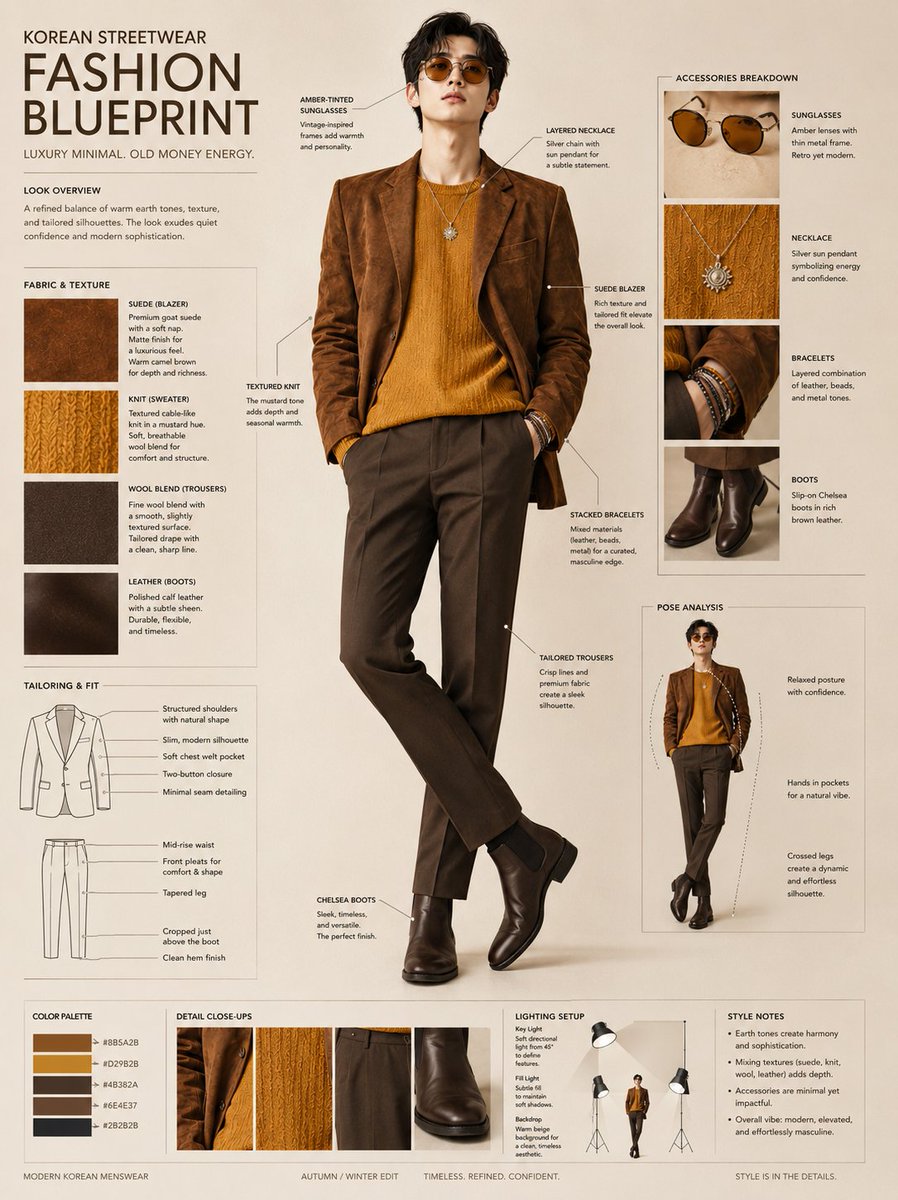
Korean Streetwear Fashion Blueprint
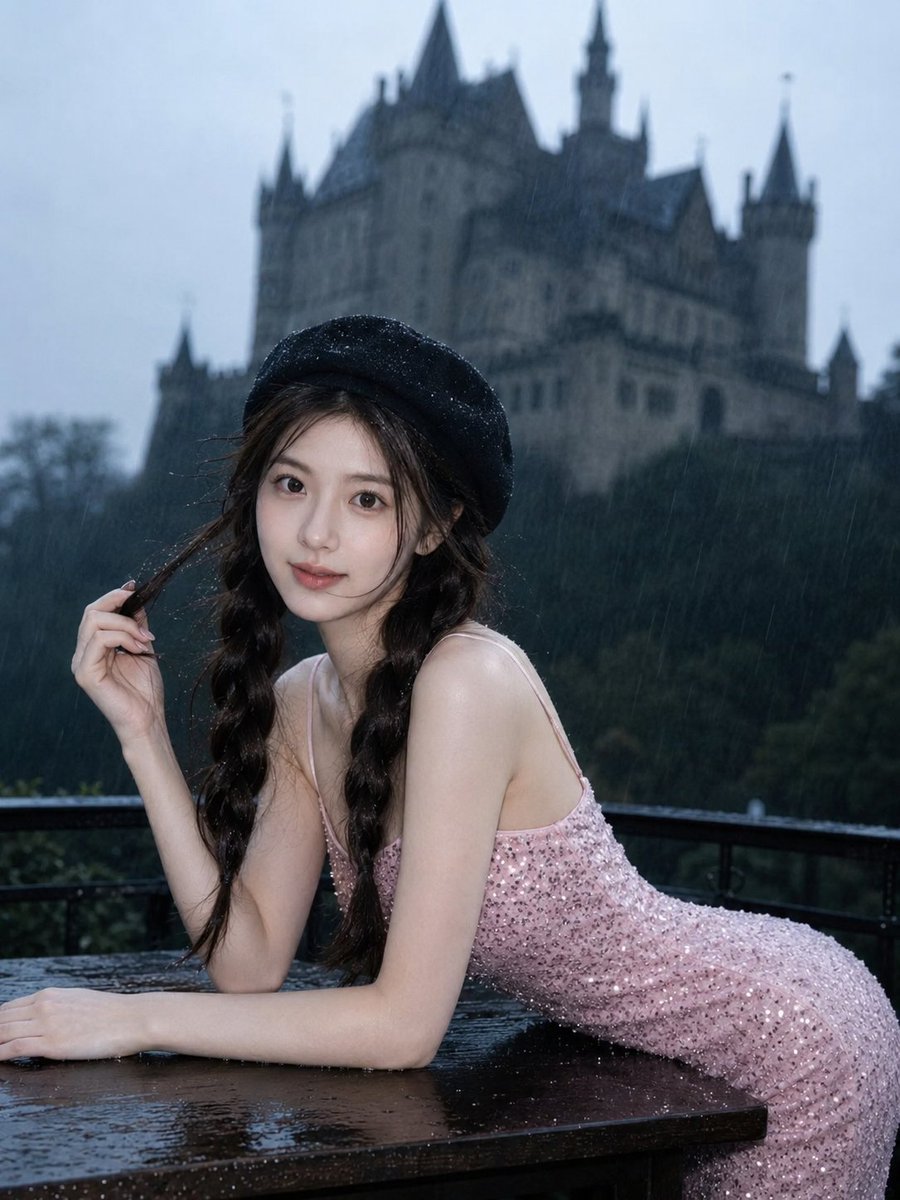
Gothic Rainy Castle Cinematic Portrait
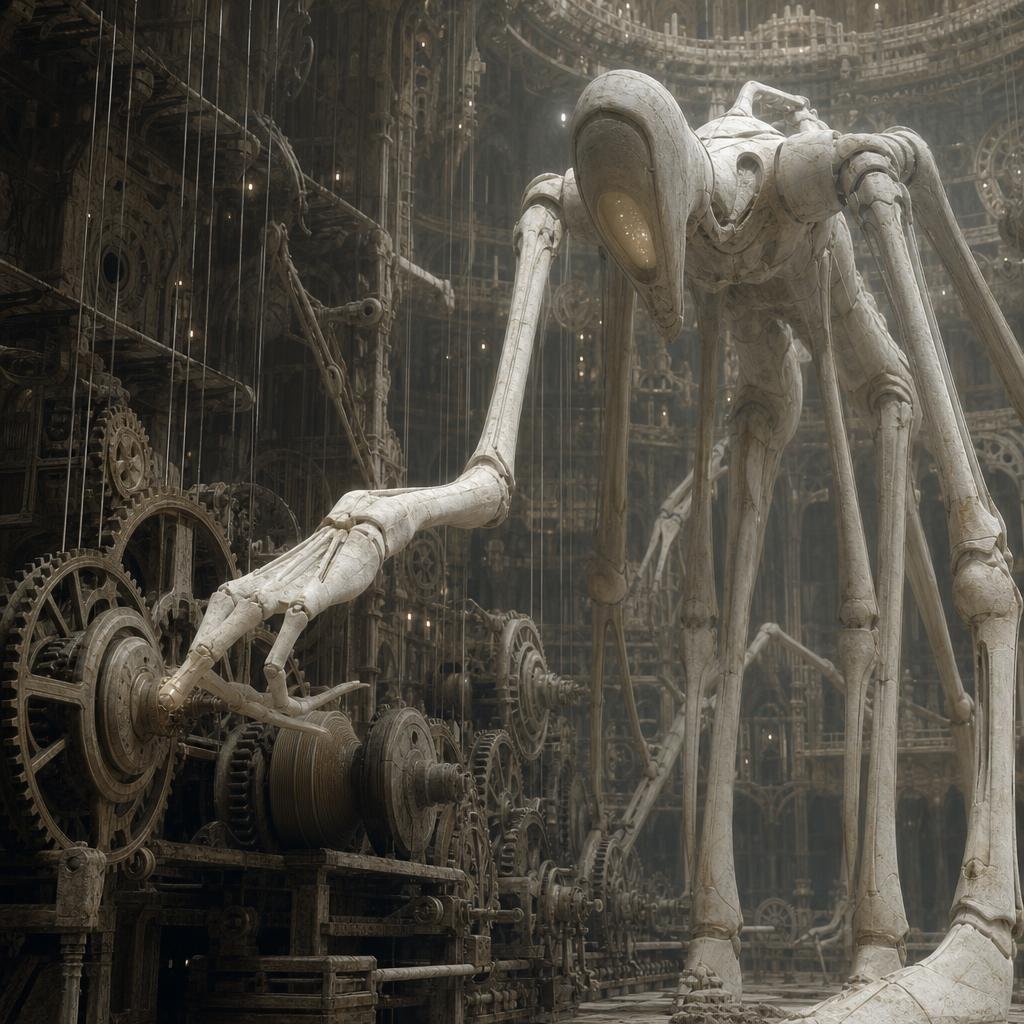
Ivory Automaton in Clockwork Cathedral
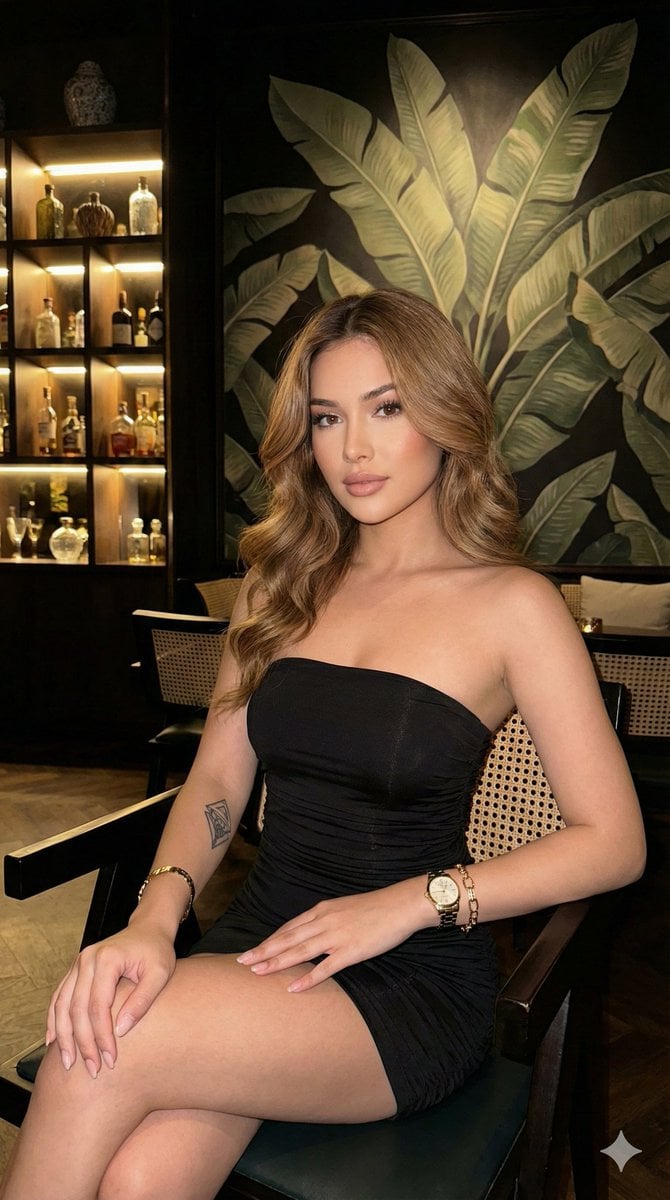
Ultra-realistic portrait in a luxury lounge
Browse template categories
Toddler Version of a Person in 3d Pixar questions
How do I use the 106-toddler-version-of-a-person-in-3d-pixar- template?
Add your photo if the template asks for one, edit the prompt if you like — the template's model and format are already selected — and press Generate. Your version opens in PicX Studio.
Can I customize the 106-toddler-version-of-a-person-in-3d-pixar- template?
Yes. You can change the subject, setting, lighting, mood, format, and available model controls before creating your image.
Is the 106-toddler-version-of-a-person-in-3d-pixar- template free?
Opening and editing this template is free. Generating uses credits, shown on the Generate button when you are signed in.
Which AI model should I use?
Start with Nano Banana, which is the model associated with this template. You can compare another compatible model for a different finish.
Looking for something else? Browse all templates.

Your photo, any look
Thousands of ready templates for every top image and video model, from one credit balance.