
Ivory Automaton in Clockwork Cathedral
A cinematic dark steampunk concept-art prompt for generating a giant pale biomechanical automaton inside a vast gear-filled cathedral machine.
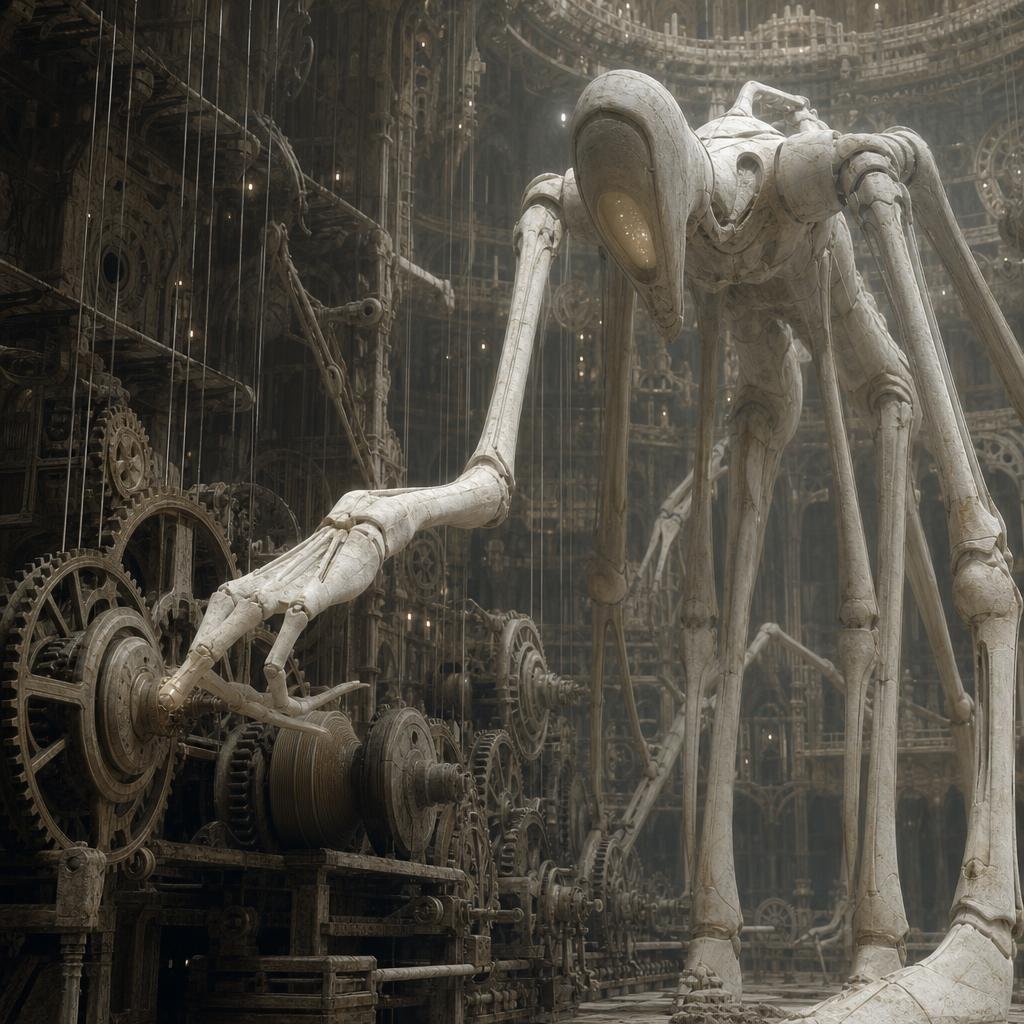
- Prompt included
- Model and format preset
- Free template
The prompt behind this image
Copy the exact prompt behind Ivory Automaton in Clockwork Cathedral, or open it in the studio and make it yours.
Create a dark, monumental biomechanical fantasy scene inside an enormous vertical cathedral-like clockwork chamber. A towering pale ivory humanoid automaton dominates the right half of the square frame, extremely tall and thin with elongated jointed limbs, a smooth oval head or hood with a warm amber glowing visor-like face opening, rounded shoulder armor, exposed seams, cracked ceramic-bone surface, and long skeletal hands. The automaton leans forward, extending its left arm across the foreground toward a dense wall of antique gears and machinery on the left, as if delicately adjusting or reaching for a rotating mechanism. Count exactly one main creature, with two long legs, two long arms, one visible reaching hand, one oval glowing face aperture, and a second distant smaller automaton silhouette in the background near the center-right. Surround it with a vast labyrinth of brass and iron gears, pulleys, cables, hanging wires, ladders, circular mechanical frames, and layered industrial scaffolding; include many interlocking cogwheels of different sizes but keep them integrated into the architecture rather than isolated icons. Use cinematic atmospheric lighting with shafts of dusty light falling from above, tiny warm specks of illumination, deep shadows, mist, and a muted palette of tarnished bronze, charcoal, stone gray, and bone white. The style should feel like ultra-detailed dark sci-fi concept art, gothic steampunk, ancient alien machinery, and biomechanical sculpture, with realistic textures, high depth, vertical scale, intricate background detail, and no text, no watermark, no people. Square composition, slightly low viewpoint, the main automaton cropped close at the top and right edge to emphasize its immense height.
How to use Ivory Automaton in Clockwork Cathedral in 3 steps
- 1Upload ImagePNG, JPG or paste
Add your photo
Upload the photo the template builds on. The prompt, model and format are already set.
- 2…a portrait of your subject in softgolden-hour light, 85mm…
Personalize
Edit the subject and creative details for your destination.
- 3Generate
Generate
Press Generate — your image is created in PicX Studio, so you can compare it with the original and refine one variable at a time.
More like this
Templates with the same subject, style or setup. Open one to see its prompt.
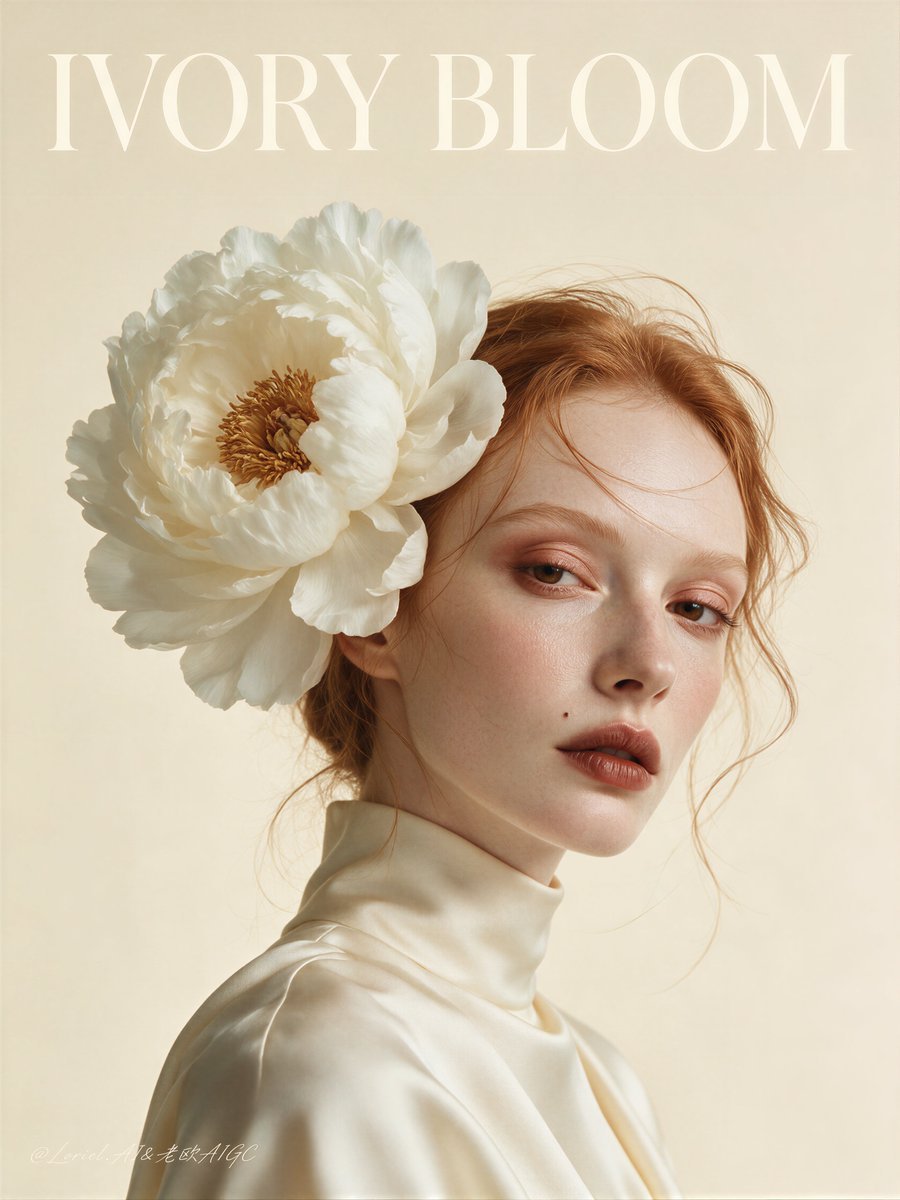
Ivory Bloom Luxury Fashion Poster

Steampunk Clockwork Princess
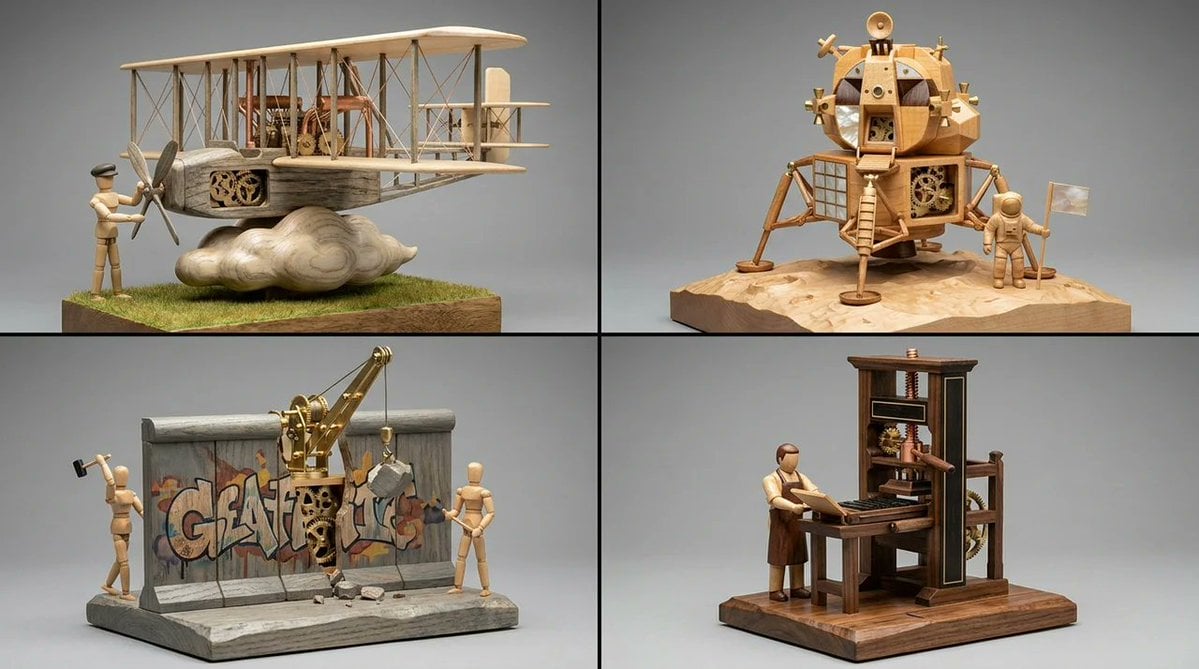
Woodpunk Kinetic Sculpture Automaton
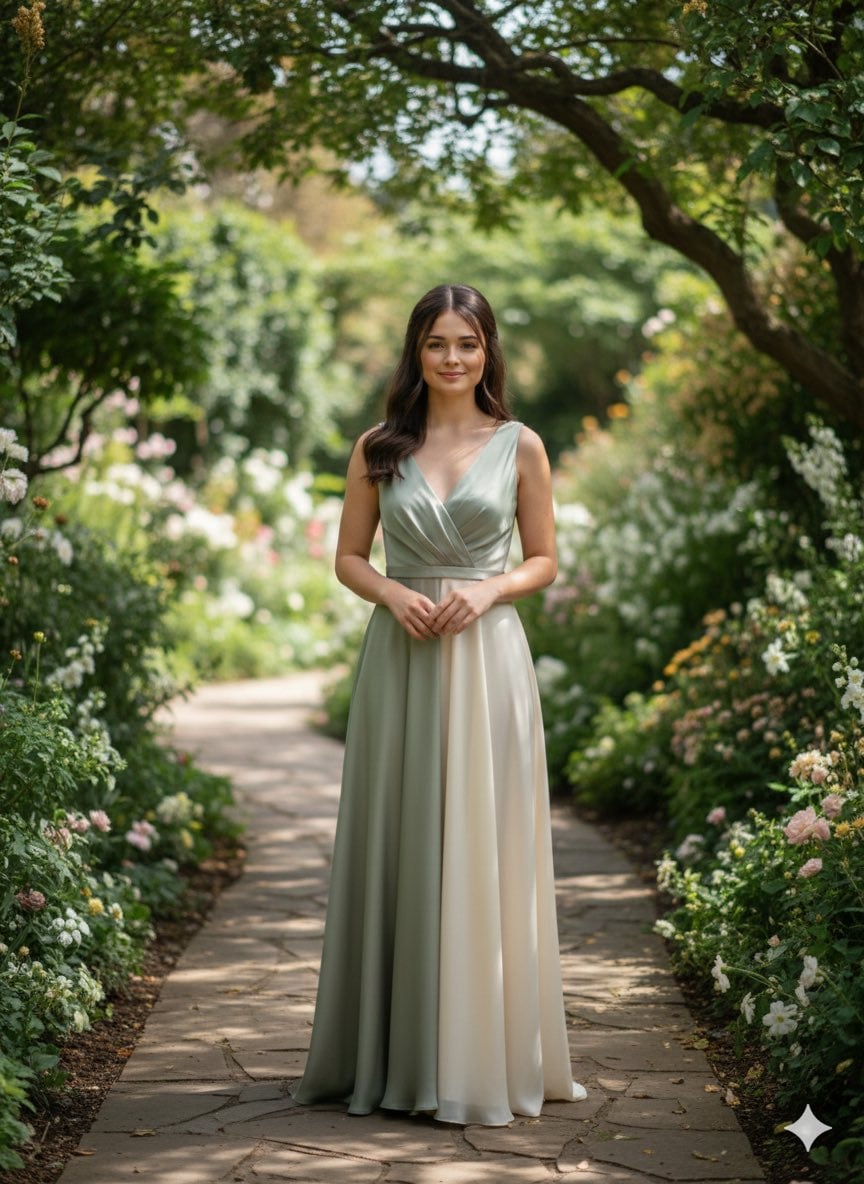
Elegant silk chiffon gown in muted sage or soft ivory, minimal drape

Cyan Clockwork Battle Maid
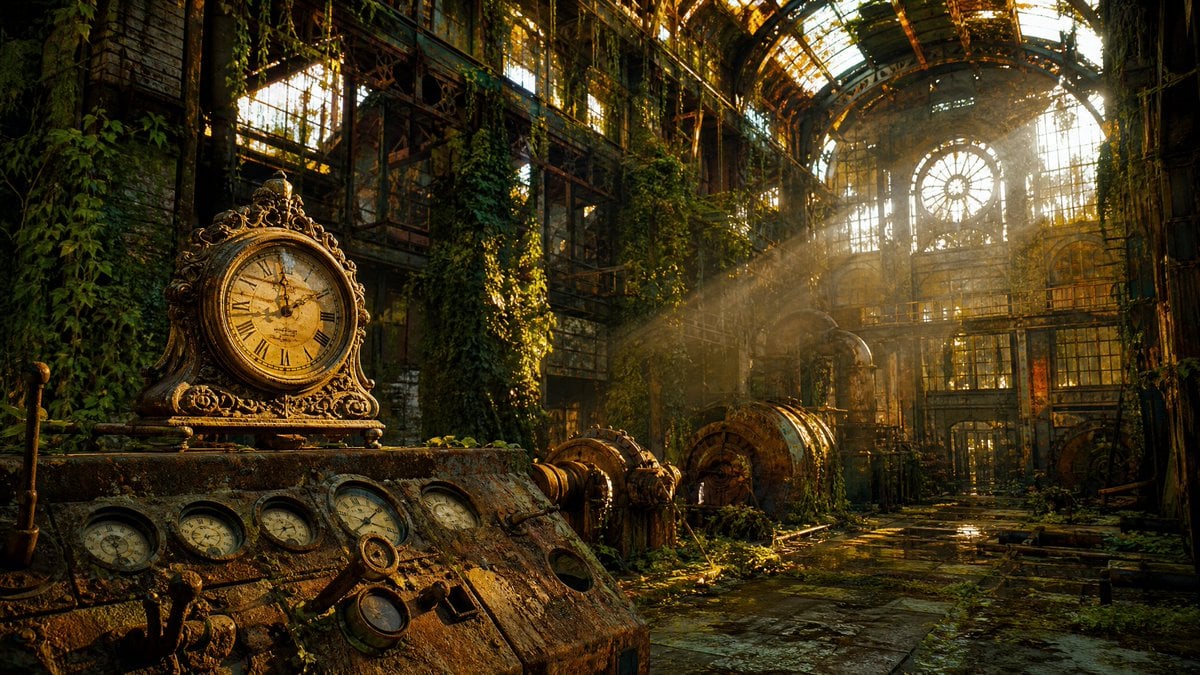
Rusted Decadent Clockwork Ruin
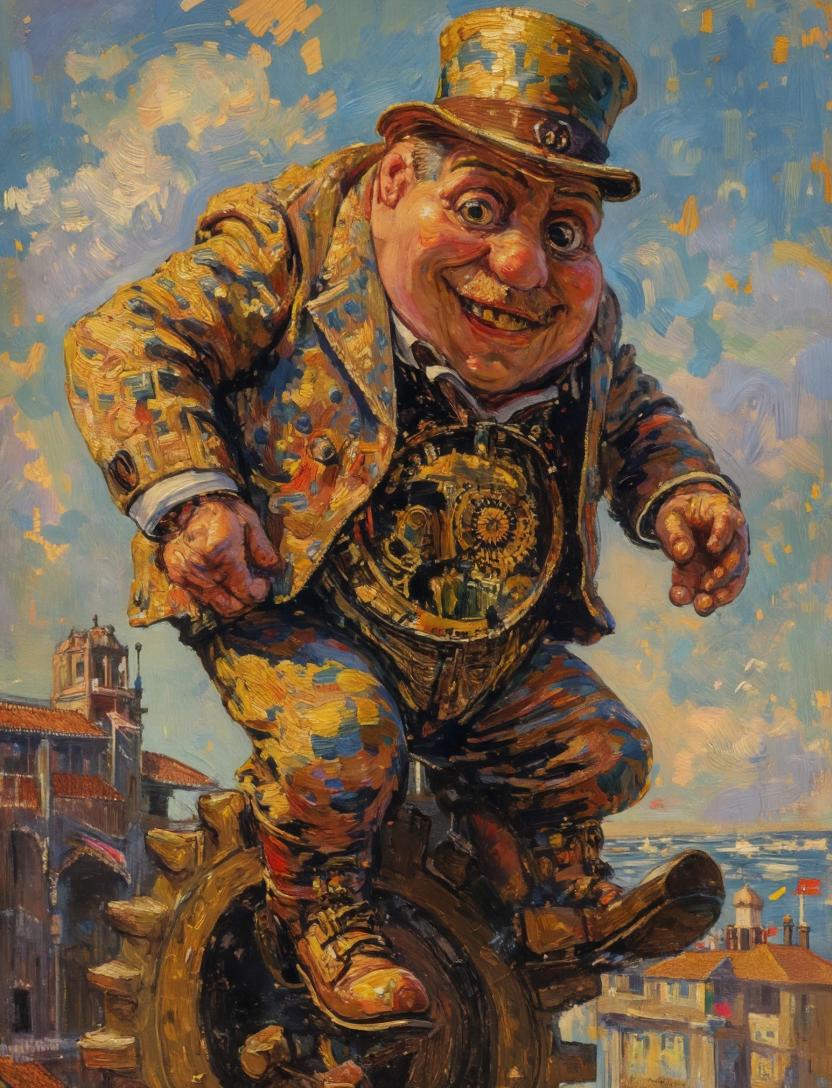
Surreal Clockwork Gentleman on a Gear
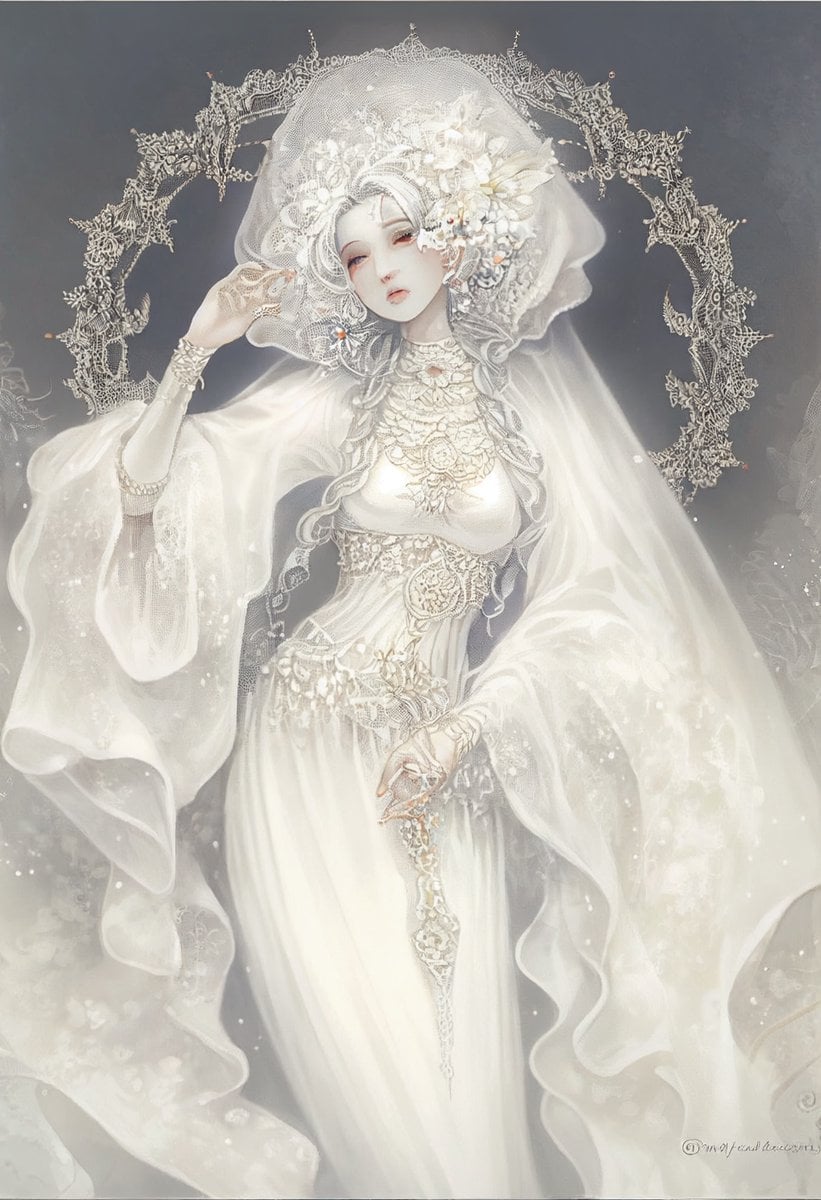
Ivory Garment Goddess
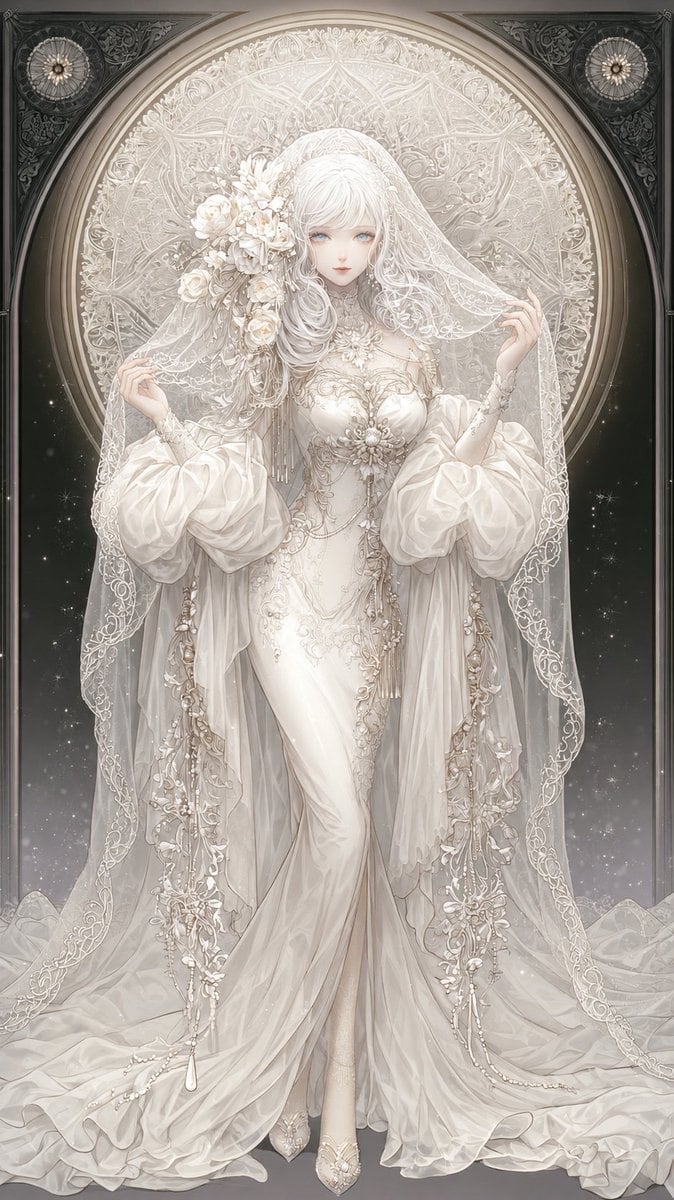
Ivory Garment Goddess
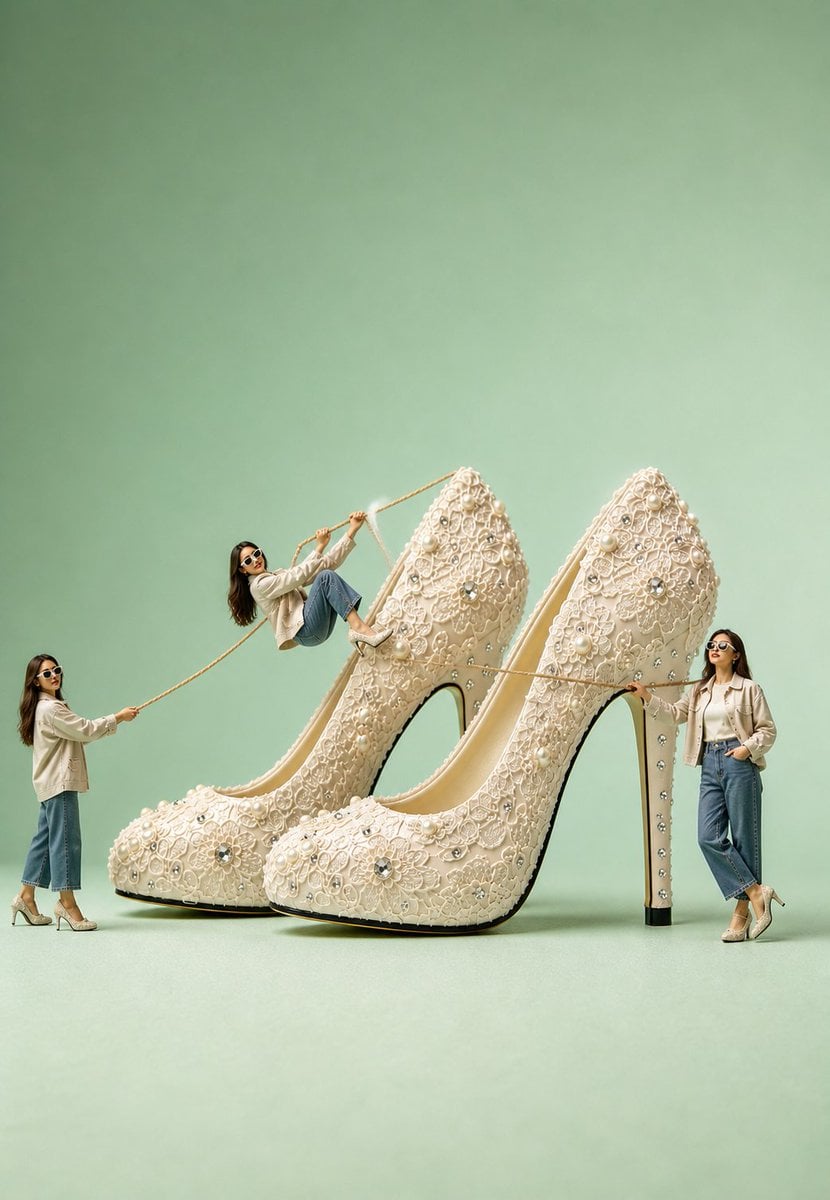
Surreal Ivory Bridal Sandal Photography

Clockwork Titan Baroque Painting
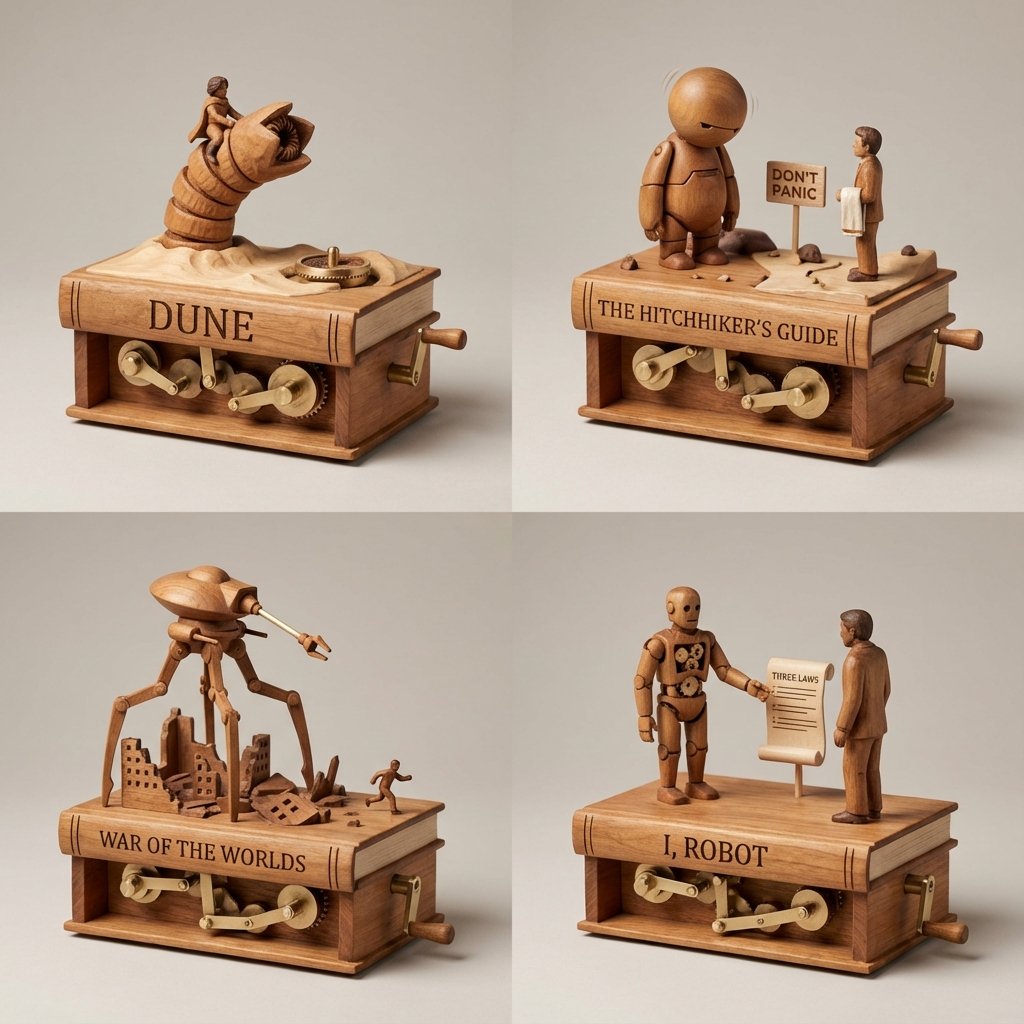
Sci-Fi Book Automaton Macro Product Photography Prompt
Make it yours
Ivory Automaton in Clockwork Cathedral works as-is. These are the safest ways to change it without losing the look.
Change one field
Copy a single group, rewrite it, and generate again so you can see what that field is doing.
Keep the frame, change the subject
Hold the composition and light of Ivory Automaton in Clockwork Cathedral, then swap wardrobe, props or the person for a new take.
| If the result… | Why | Fix |
|---|---|---|
| The result drifts from the preview | Too many fields changed at once. | Reuse Ivory Automaton in Clockwork Cathedral as-is first, then change one group — subject, light, or setting. |
| The model over-stylizes the scene | The prose prompt leaves finish and camera underspecified. | Add one camera or lighting sentence and stay on GPT Image 2. |
More GPT Image 2 templates
Other prompts made for GPT Image 2.

Six VTuber Japanese Logo Sheet

Realistic Portrait of Woman and Deer

The Vista Modular Condo Poster

AI Model Routing Comparison Infographic

2.5D Anime Art Board

Isometric Productivity Desk Scene

New York Double Exposure Poster

Four-Panel AI Landscape Comparison

Japanese Tatami Lifestyle Magazine Cover

NESCAFÉ Coffee Map Poster
More image prompts
Fresh picks from across the catalog.
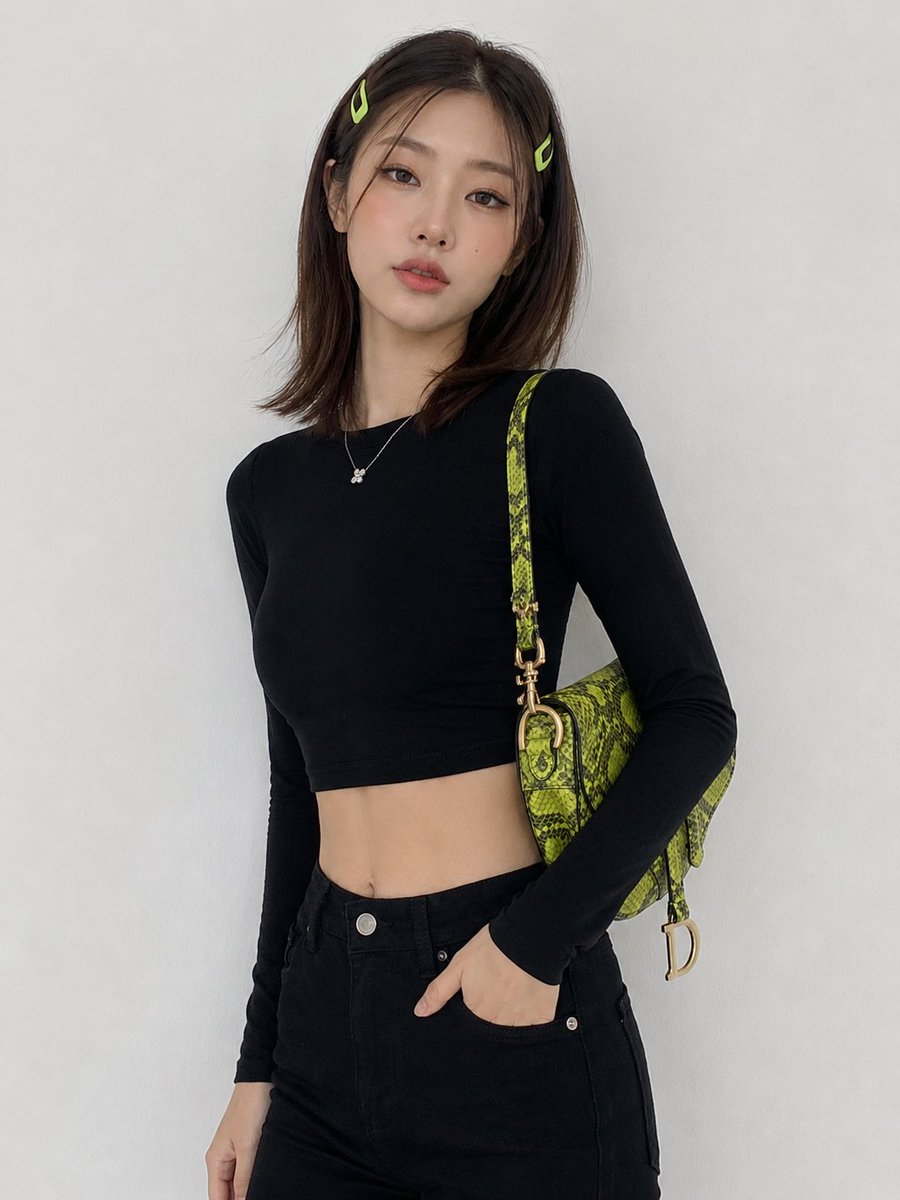
Korean Fashion Model Studio Portrait
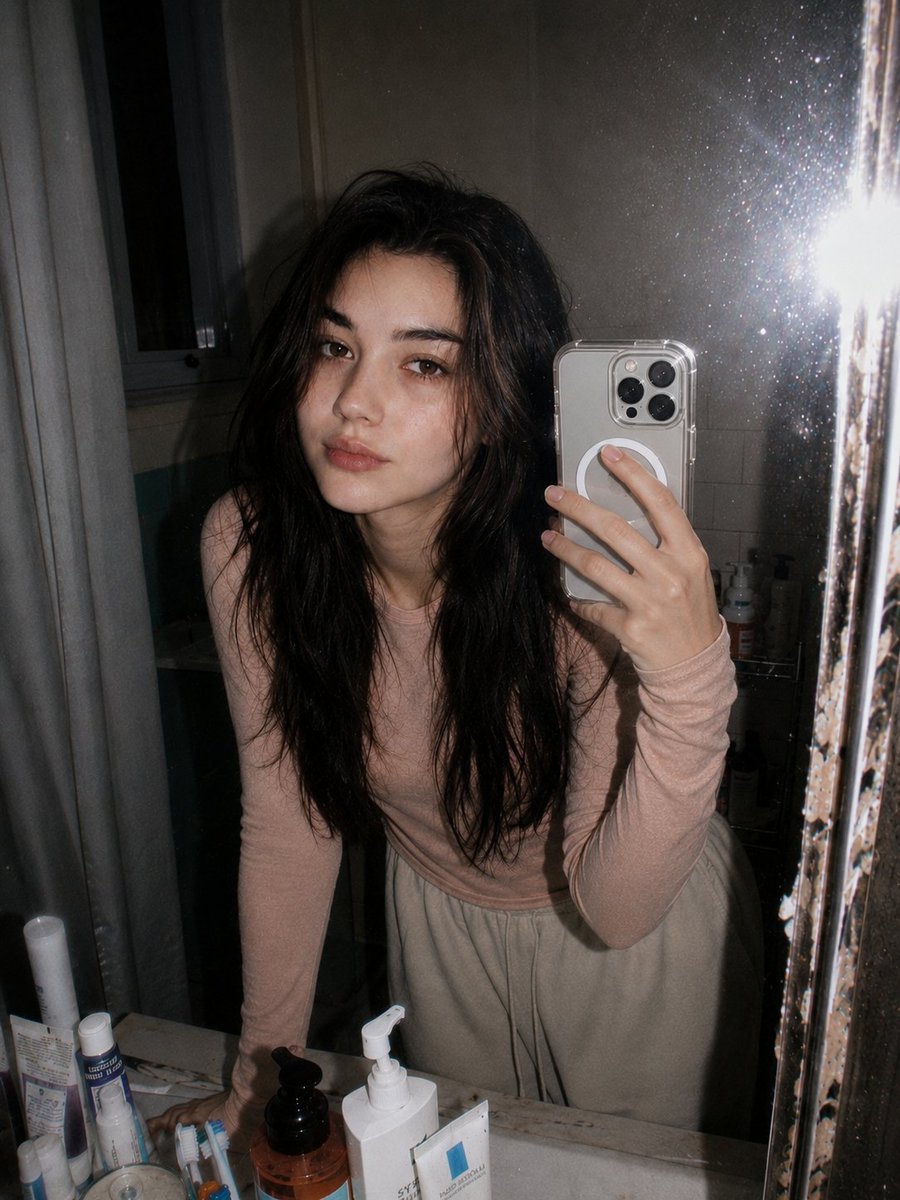
Retro 90s Disposable Camera Flash Portrait
The Coolest Use Case for Ai Animation I
Cinematic Urban Silhouette Portrait

Holi Festival Cinematic Photography Prompt (JSON Format)

Minimalist Equestrian Luxury Wallpaper

Creating LINE Stickers with Nano Banana 2
Cinematic Urban Street Portrait
Dragon in the Office District
Zero-Gravity Space Station Maid Cafe
Browse template categories
Ivory Automaton in Clockwork Cathedral questions
How do I use the Ivory Automaton in Clockwork Cathedral template?
Add your photo if the template asks for one, edit the prompt if you like — the template's model and format are already selected — and press Generate. Your version opens in PicX Studio.
Can I customize the Ivory Automaton in Clockwork Cathedral template?
Yes. You can change the subject, setting, lighting, mood, format, and available model controls before creating your image.
Is the Ivory Automaton in Clockwork Cathedral template free?
Opening and editing this template is free. Generating uses credits, shown on the Generate button when you are signed in.
Which AI model should I use?
Start with GPT Image 2, which is the model associated with this template. You can compare another compatible model for a different finish.
Looking for something else? Browse all templates.

Your photo, any look
Thousands of ready templates for every top image and video model, from one credit balance.