
Clockwork Titan Baroque Painting
Generates a dramatic classical oil-painting-style scene of a golden mechanical deity descending from storm clouds above an awestruck ancient crowd.

- Prompt included
- Model and format preset
- Free template
The prompt behind this image
Copy the exact prompt behind Clockwork Titan Baroque Painting, or open it in the studio and make it yours.
Create a monumental {argument name="painting style" default="Baroque oil painting with Romantic-era grandeur"} depicting a colossal {argument name="mechanical deity" default="golden clockwork titan"} emerging from stormy, radiant clouds above an ancient crowd. The titan is enormous and divine, built from intricate brass and gold gears, engraved armor plates, pistons, rings, clock faces, and celestial machinery; its head is a dense crown of rotating mechanical structures with a single blazing golden light at the center like an eye. Show the figure from a dramatic low angle, with one massive articulated hand reaching down toward the viewer in extreme foreshortening, fingers made of cylindrical metal segments and ornate joints. Behind its head, place a circular halo of glowing mechanical rings and sunburst light, sending warm rays through towering dark clouds. Below, depict a vast crowd of robed ancient people in awe, many raising their arms toward the titan; include ruined classical architecture and columns at the left and right edges for scale. Use a cinematic wide composition, chiaroscuro lighting, deep shadows, glowing amber highlights, smoky atmosphere, turbulent clouds, dense painterly brushwork, intricate detail, mythic apocalyptic mood, and museum-quality classical realism. Keep the palette dominated by {argument name="main color palette" default="antique gold, bronze, umber, charcoal gray, and warm celestial amber"}. No modern text, no sci-fi neon, no cartoon styling; make it feel like a lost grand master painting of a divine machine descending from heaven.
How to use Clockwork Titan Baroque Painting in 3 steps
- 1Upload ImagePNG, JPG or paste
Add your photo
Upload the photo the template builds on. The prompt, model and format are already set.
- 2…a portrait of your subject in softgolden-hour light, 85mm…
Personalize
Edit the subject and creative details for your destination.
- 3Generate
Generate
Press Generate — your image is created in PicX Studio, so you can compare it with the original and refine one variable at a time.
More like this
Templates with the same subject, style or setup. Open one to see its prompt.
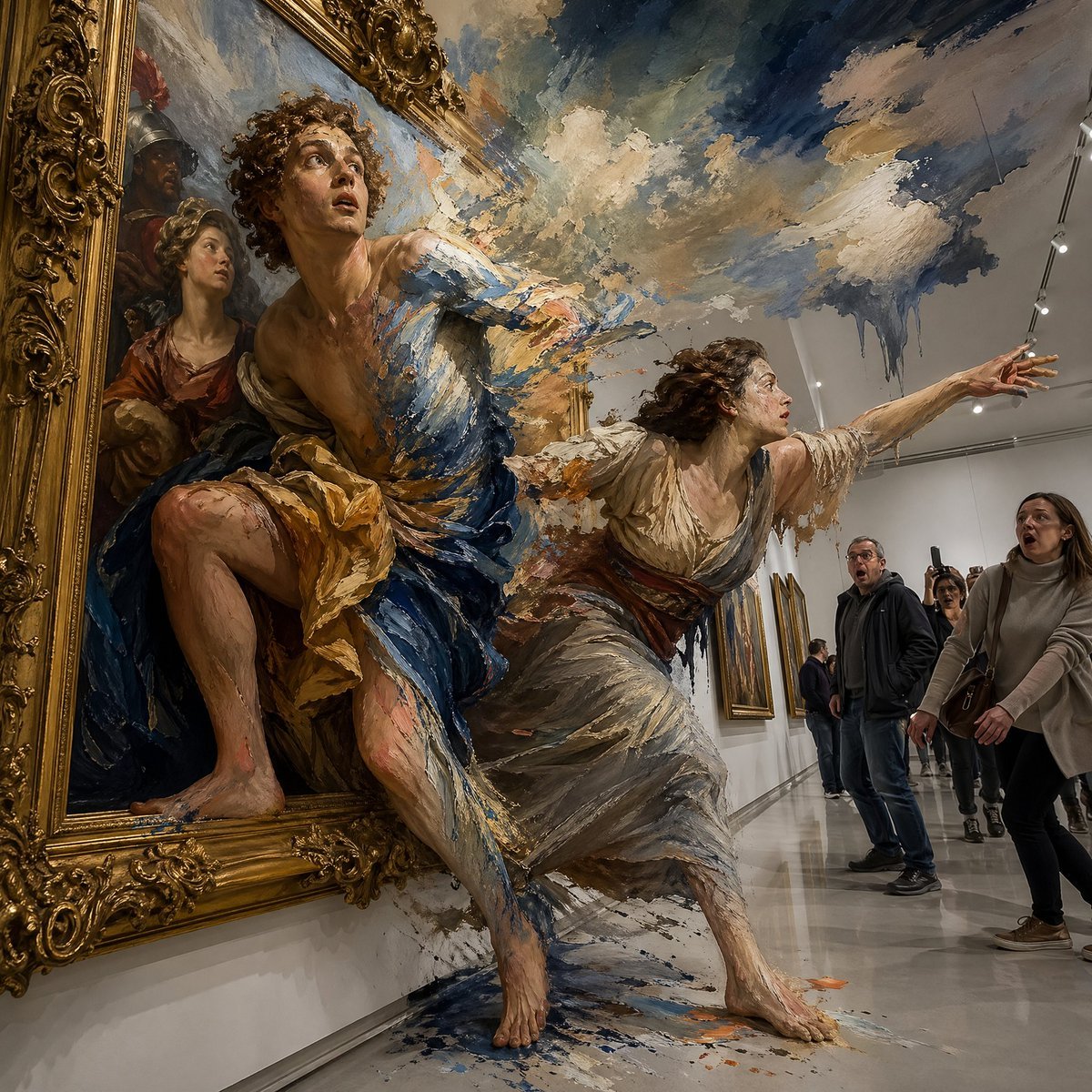
Surreal Baroque Painting Reality Fracture
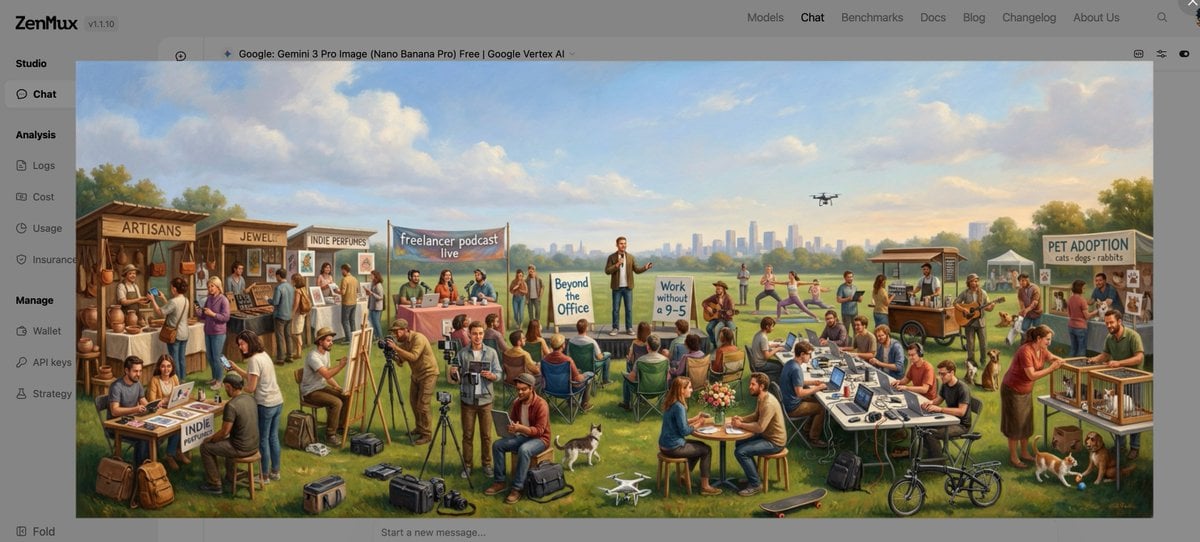
Baroque genre painting of a merry company in a park
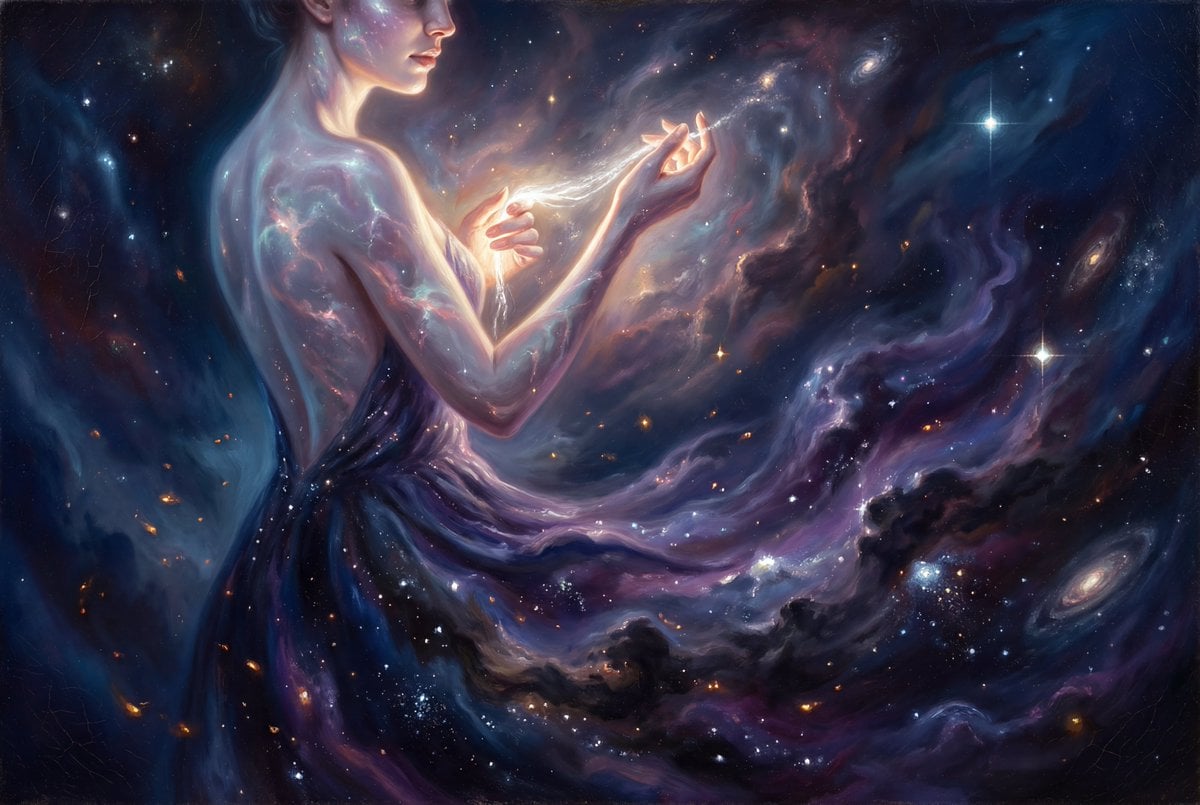
Grand Baroque Celestial Woman Oil Painting
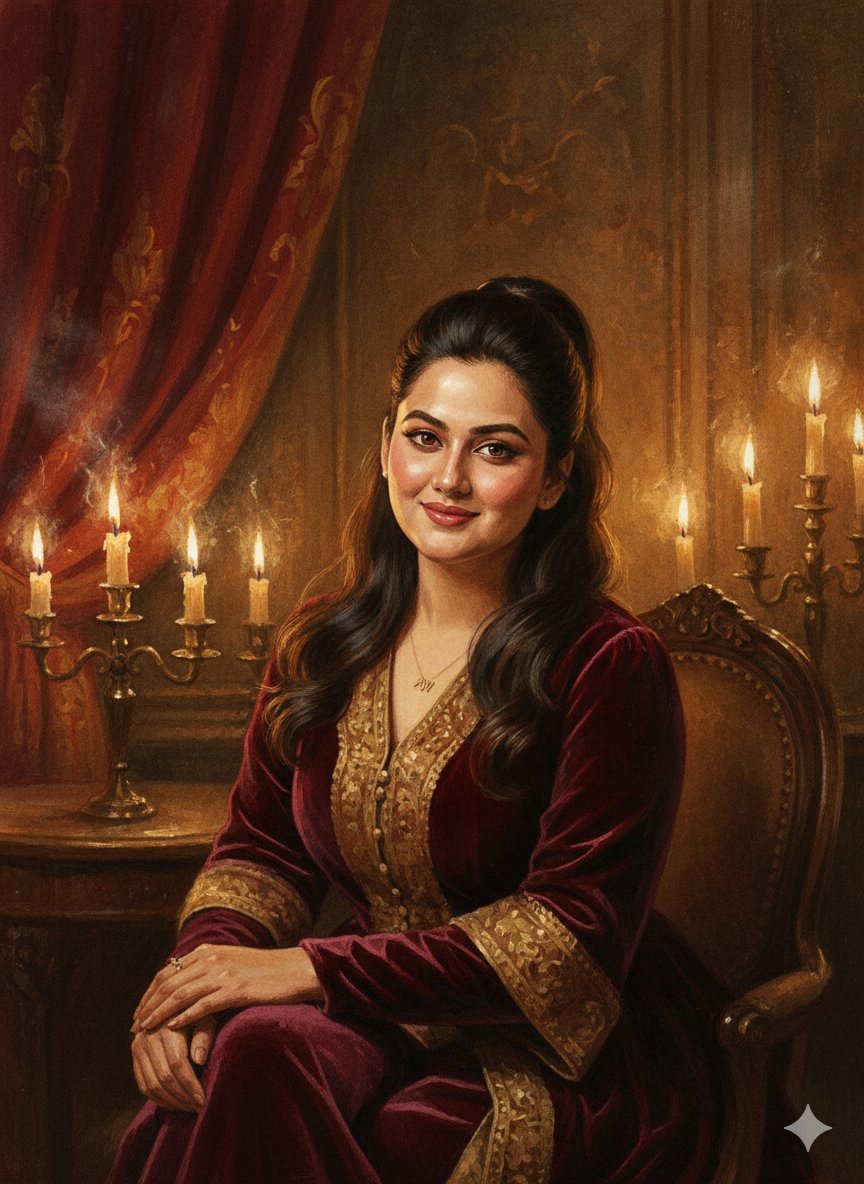
Baroque Candlelight Oil Painting Fusion (Image-to-Image)
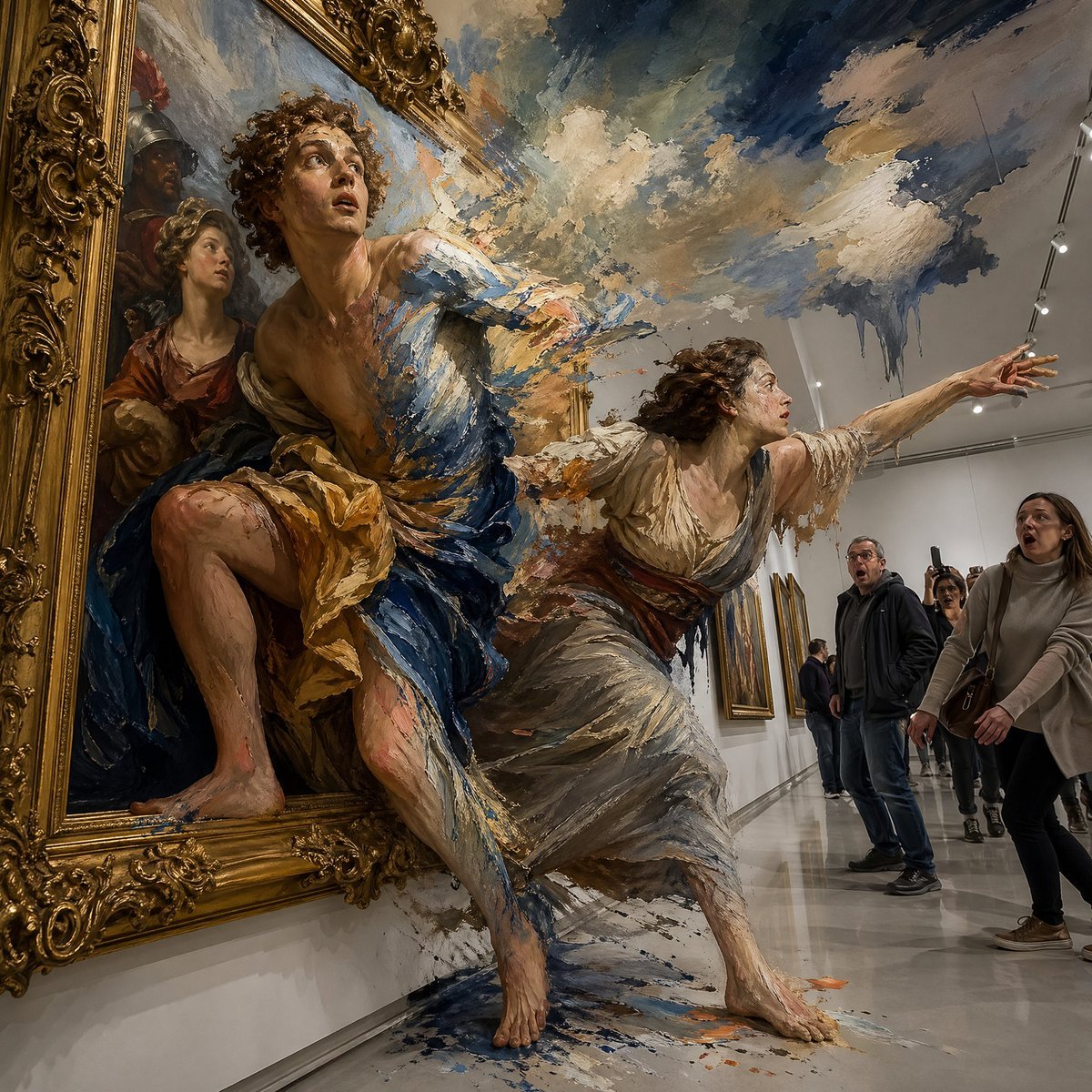
Gpt2 Comic Storyboard Surreal Baroque Painting Reality Fracture
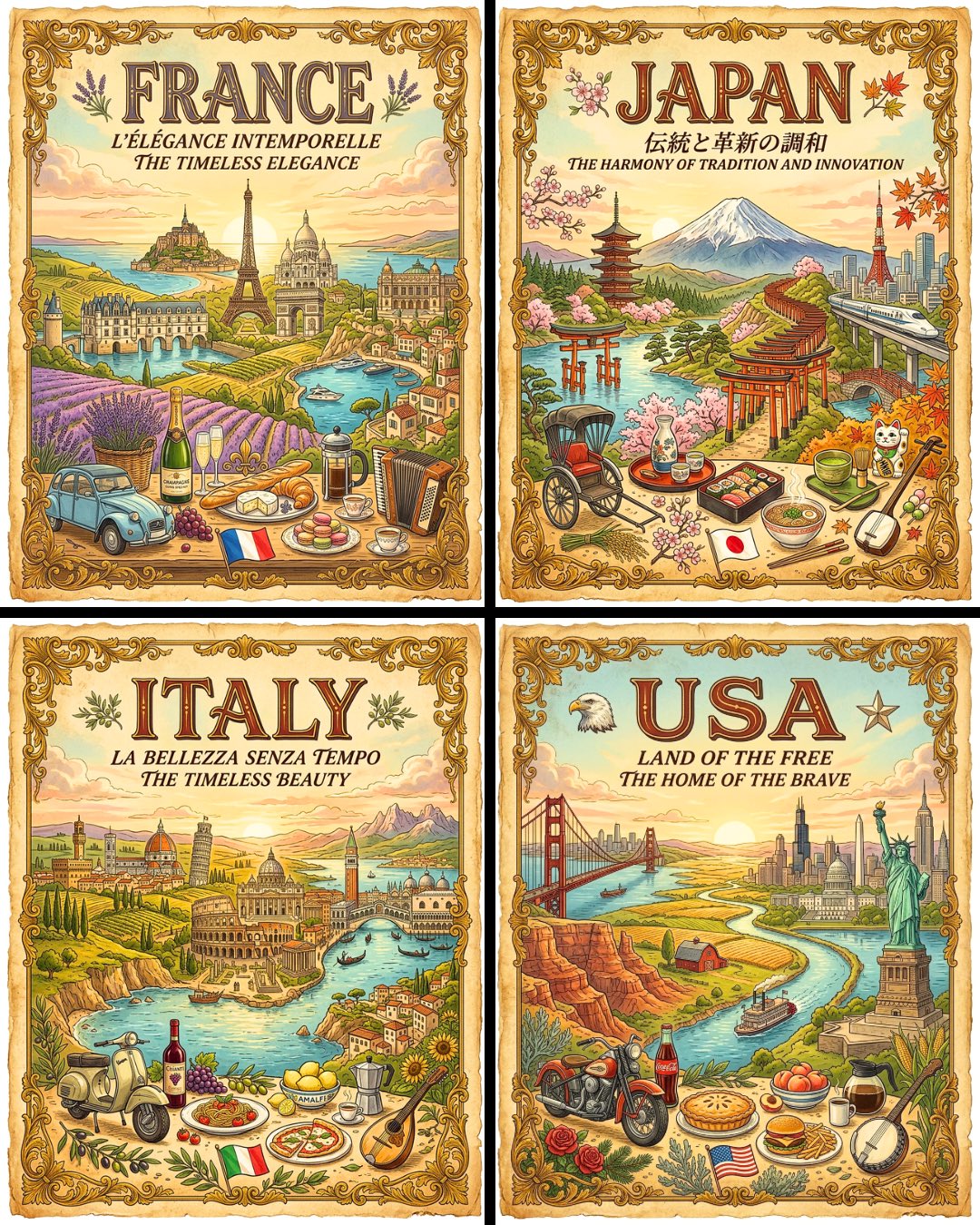
Vintage Travel Posters by Nano Banana 2

Steampunk Clockwork Princess
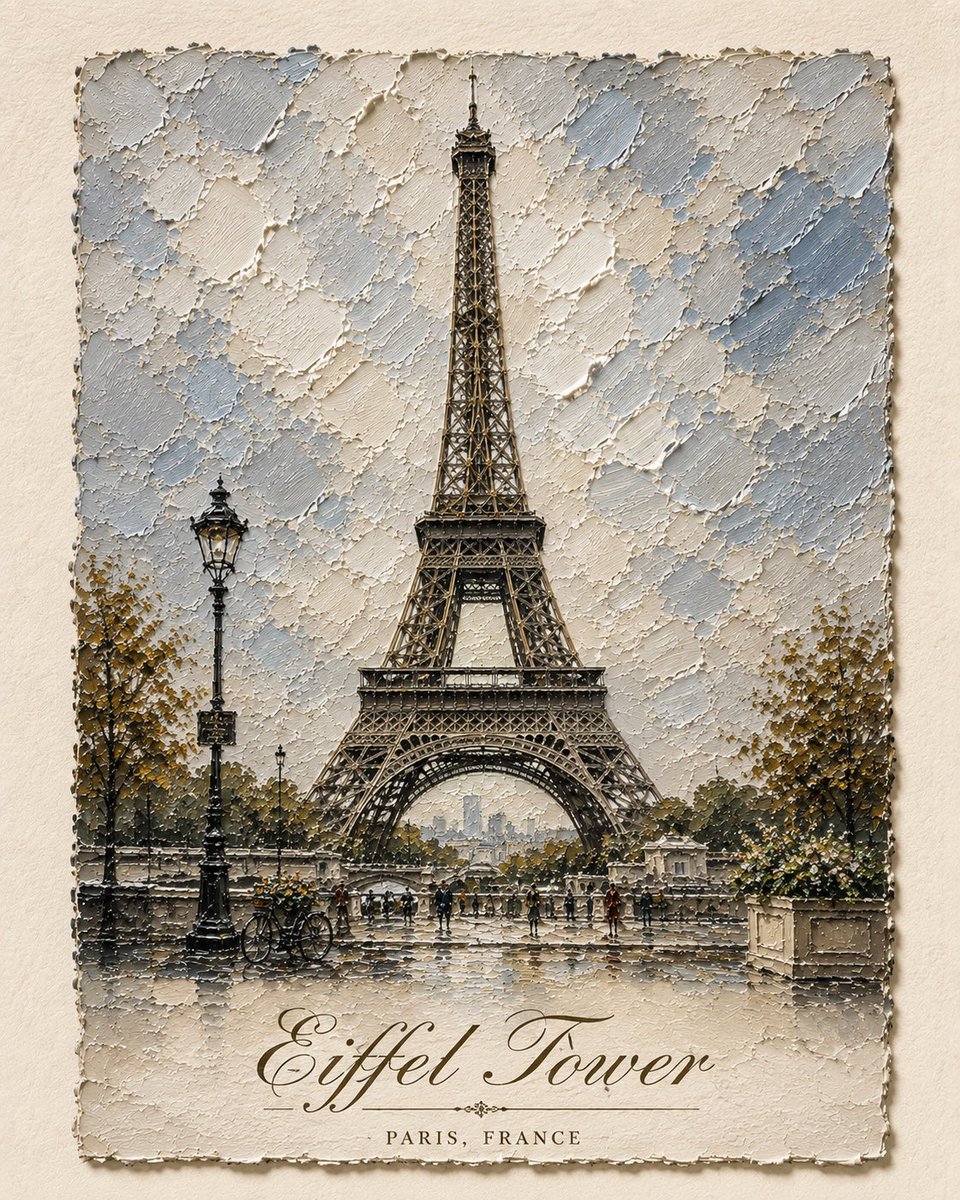
Impasto Oil Architectural Painting
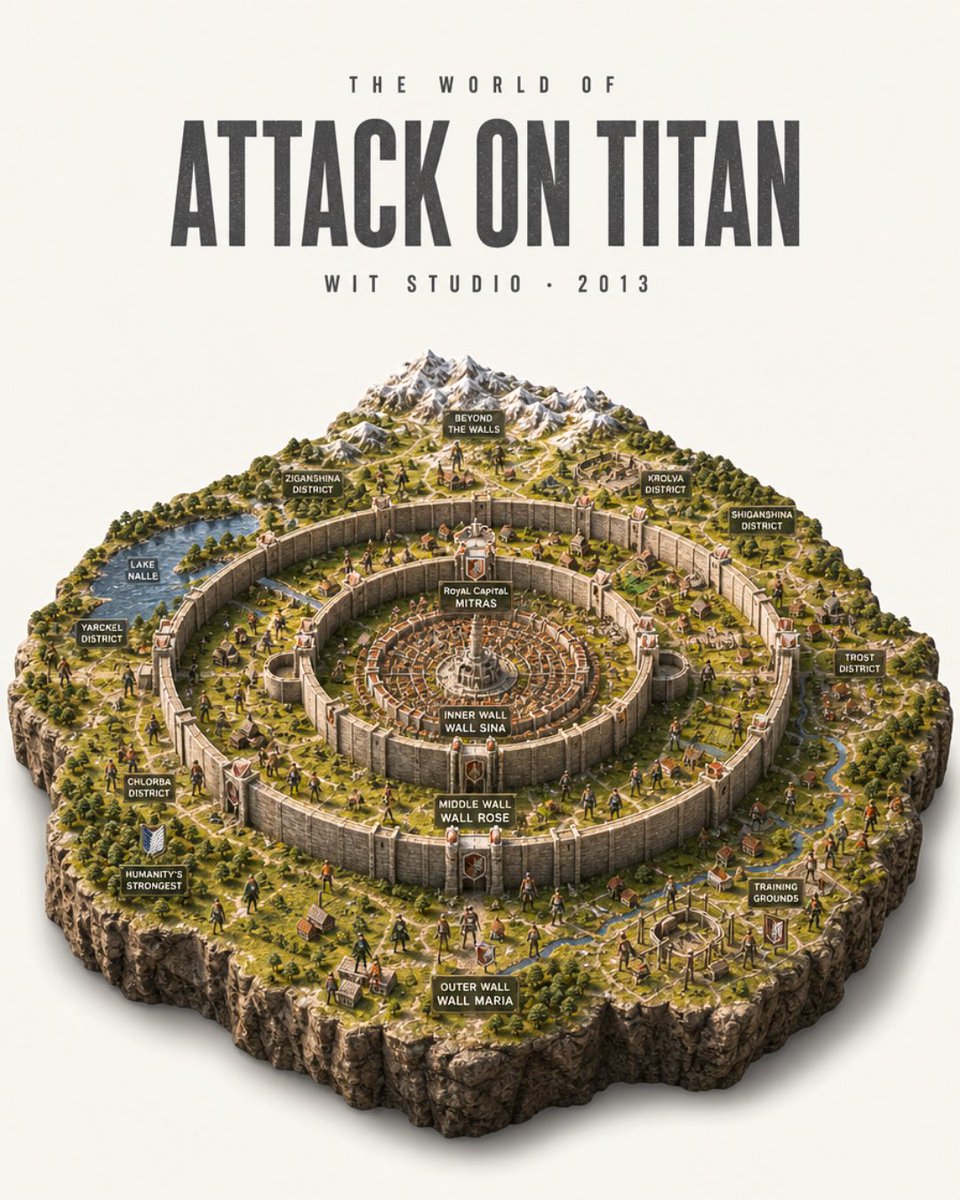
Attack on Titan Isometric Diorama Map
Baroque Gothic Knight Sculpture
Retro-Modern Neon Anime Painting
Colossal Ocean Titan and Messenger
Make it yours
Clockwork Titan Baroque Painting works as-is. These are the safest ways to change it without losing the look.
Change one field
Copy a single group, rewrite it, and generate again so you can see what that field is doing.
Keep the frame, change the subject
Hold the composition and light of Clockwork Titan Baroque Painting, then swap wardrobe, props or the person for a new take.
| If the result… | Why | Fix |
|---|---|---|
| The result drifts from the preview | Too many fields changed at once. | Reuse Clockwork Titan Baroque Painting as-is first, then change one group — subject, light, or setting. |
| The model over-stylizes the scene | The prose prompt leaves finish and camera underspecified. | Add one camera or lighting sentence and stay on GPT Image 2. |
More GPT Image 2 templates
Other prompts made for GPT Image 2.

Six VTuber Japanese Logo Sheet

Realistic Portrait of Woman and Deer

The Vista Modular Condo Poster

AI Model Routing Comparison Infographic

2.5D Anime Art Board

Isometric Productivity Desk Scene

New York Double Exposure Poster

Four-Panel AI Landscape Comparison

Japanese Tatami Lifestyle Magazine Cover

NESCAFÉ Coffee Map Poster
More image prompts
Fresh picks from across the catalog.
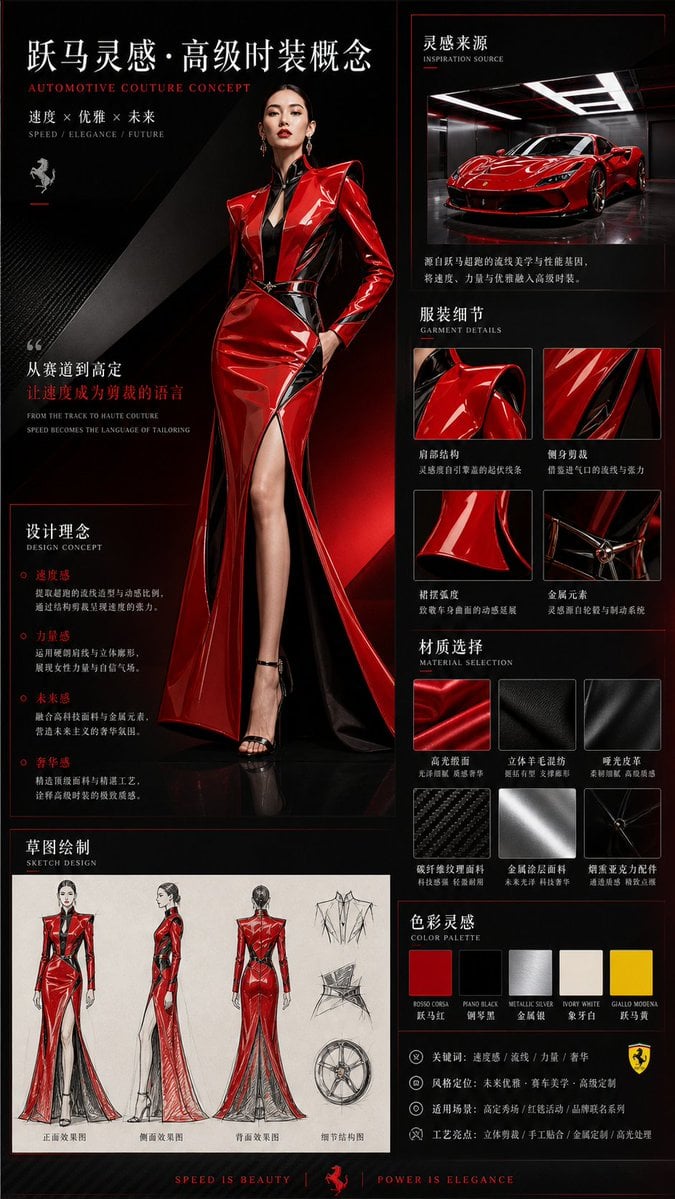
Vehicle-Inspired Fashion Design Infographic
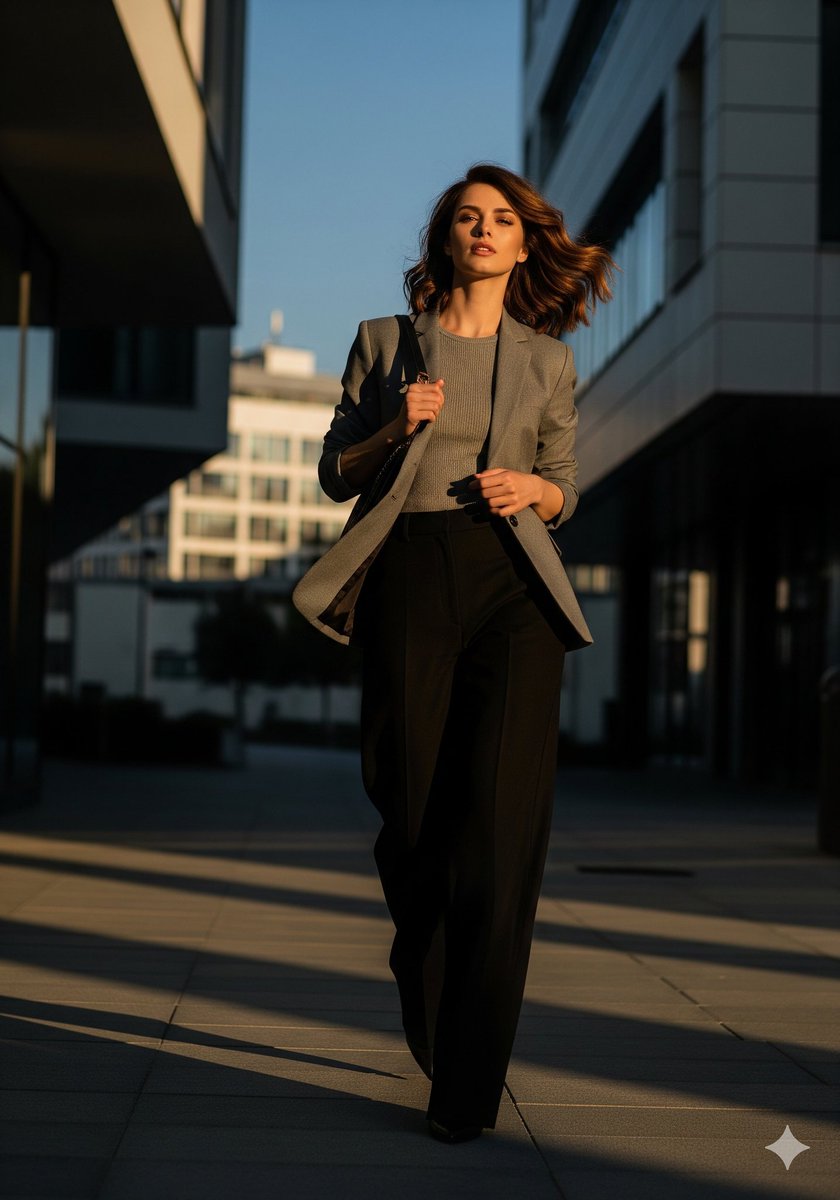
Urban Golden Hour Fashion Editorial

Infinite Decorative Text Generator Prompt for Nano Banana 2
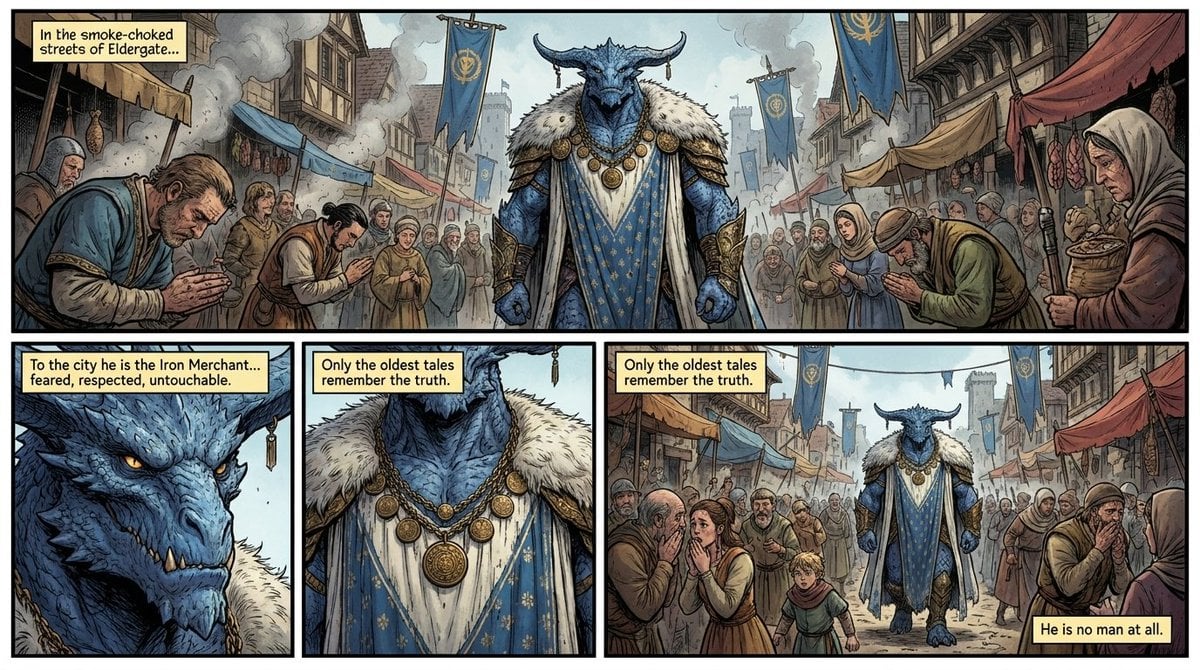
Fantasy Comic Page of Korvax in Eldergate

Nano Banana Prompt for Consistent Character Jumpshots
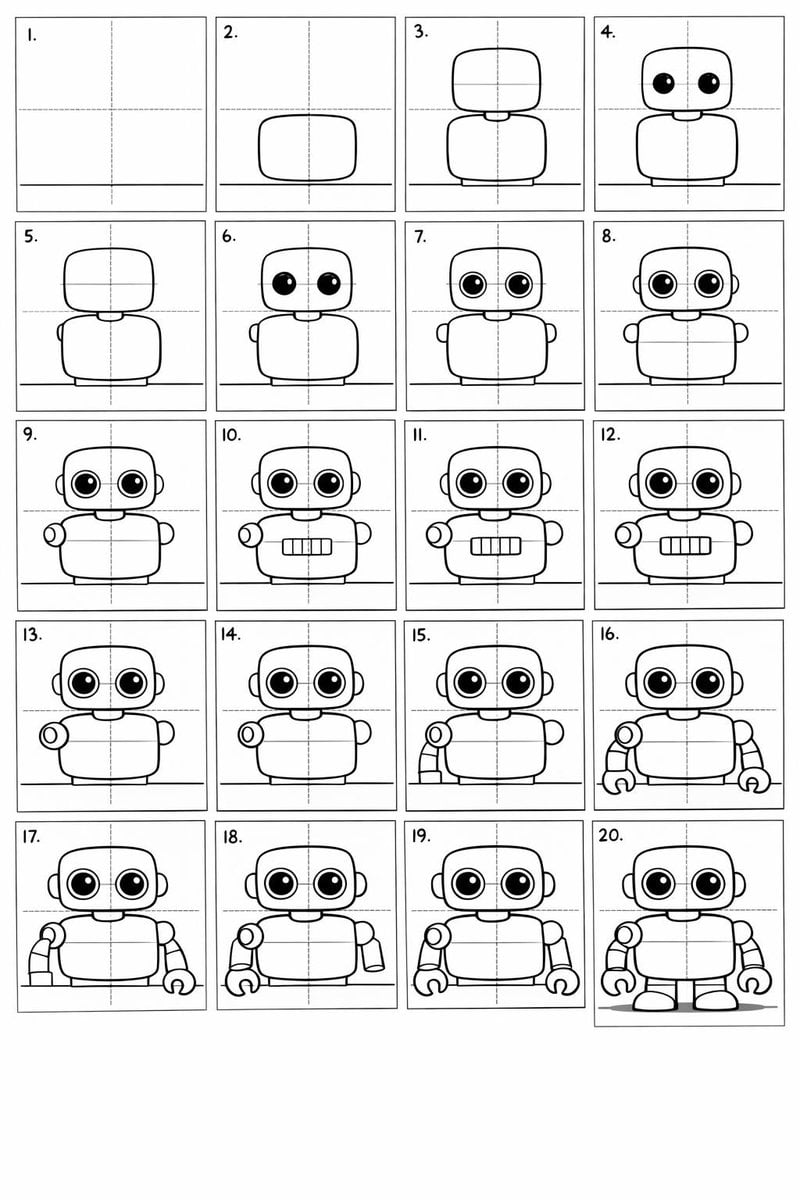
Panel Cartoon Robot Drawing Guide Prompt
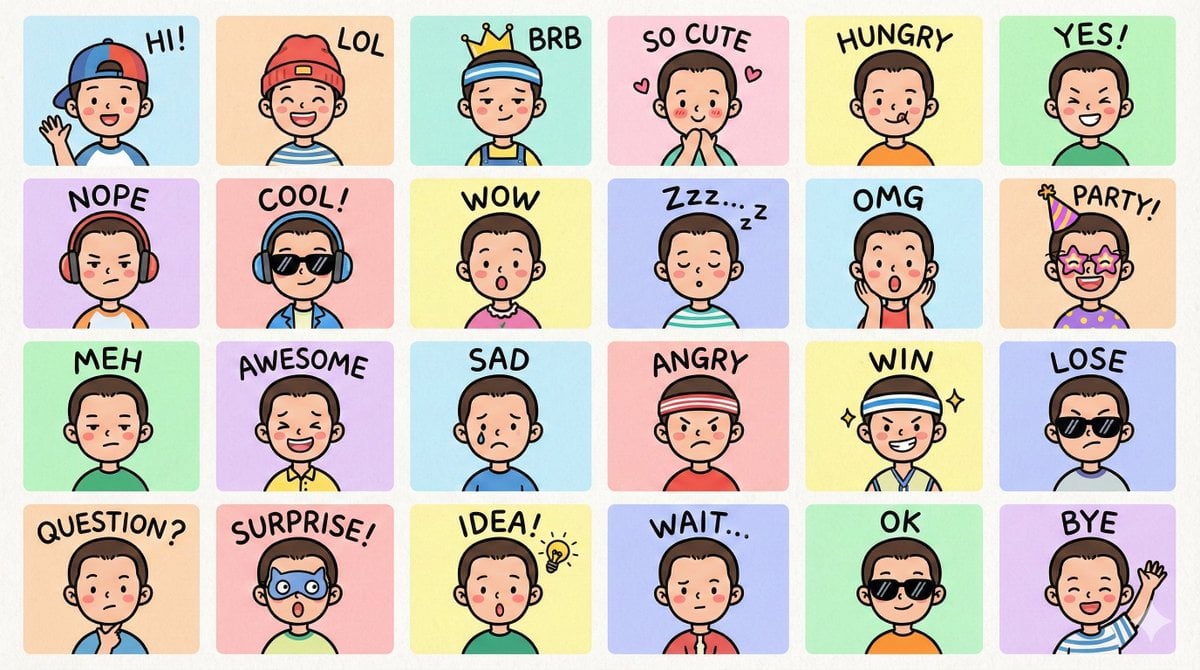
LINE-style Q-version emoji portrait grid
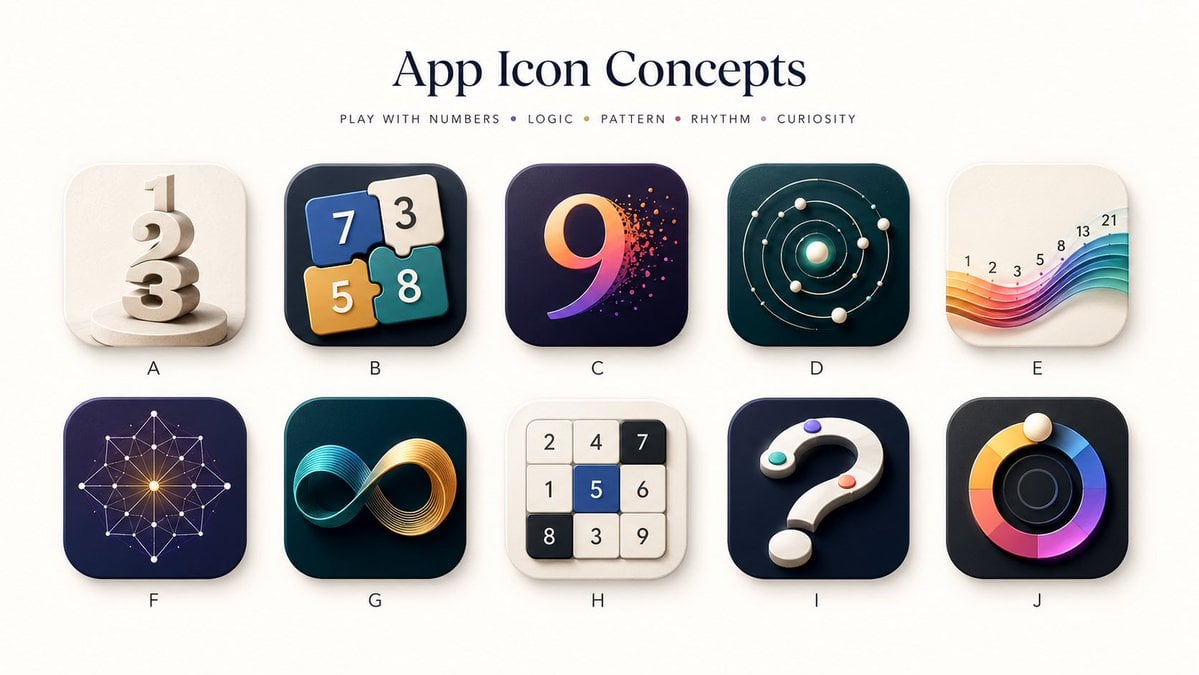
Number Puzzle App Icon Concepts

Rainbow Bunny DJ Anime Portrait
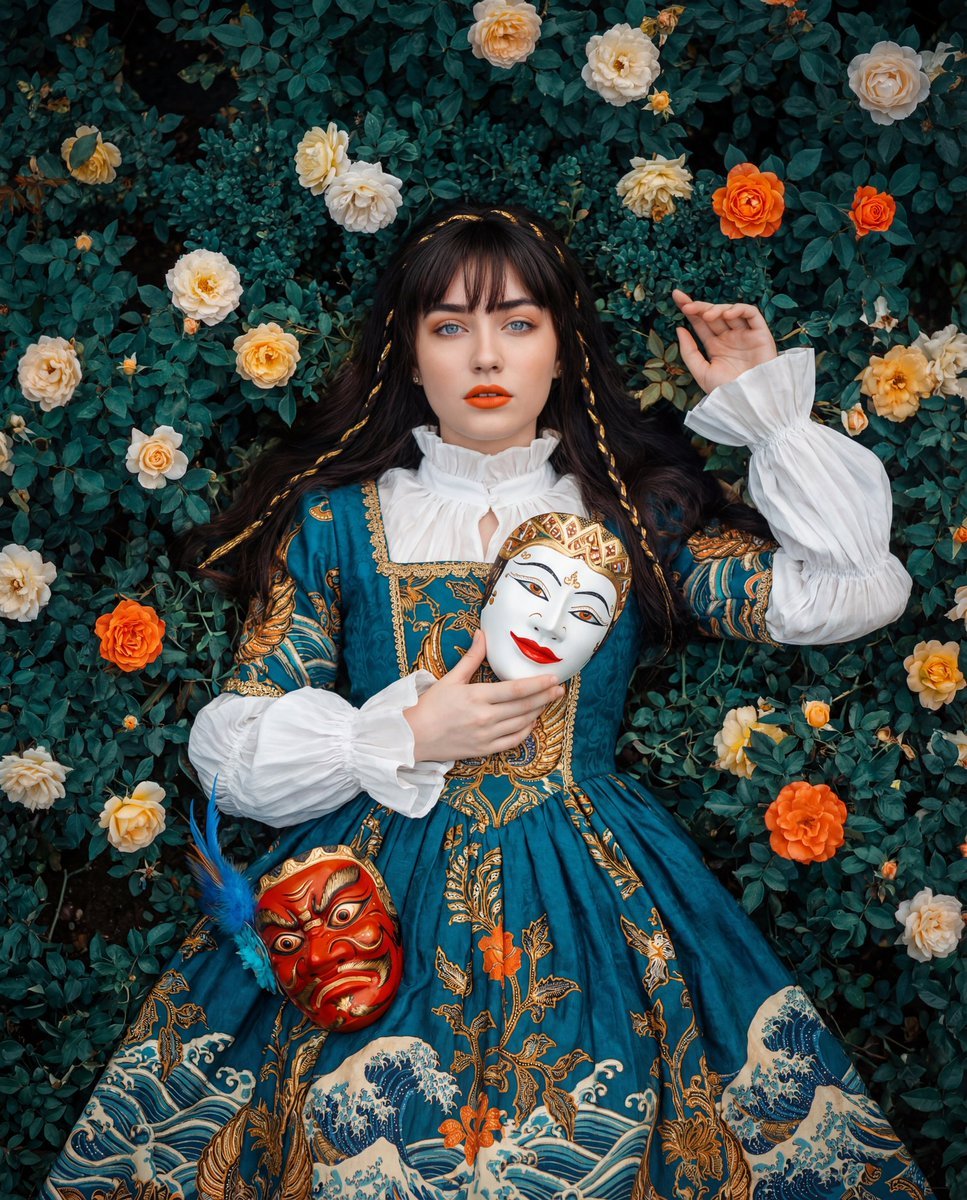
Cultural Fusion Overhead Portrait with Masks
Browse template categories
Clockwork Titan Baroque Painting questions
How do I use the Clockwork Titan Baroque Painting template?
Add your photo if the template asks for one, edit the prompt if you like — the template's model and format are already selected — and press Generate. Your version opens in PicX Studio.
Can I customize the Clockwork Titan Baroque Painting template?
Yes. You can change the subject, setting, lighting, mood, format, and available model controls before creating your image.
Is the Clockwork Titan Baroque Painting template free?
Opening and editing this template is free. Generating uses credits, shown on the Generate button when you are signed in.
Which AI model should I use?
Start with GPT Image 2, which is the model associated with this template. You can compare another compatible model for a different finish.
Looking for something else? Browse all templates.

Your photo, any look
Thousands of ready templates for every top image and video model, from one credit balance.